 (208) 991-3502
 Meridian, ID



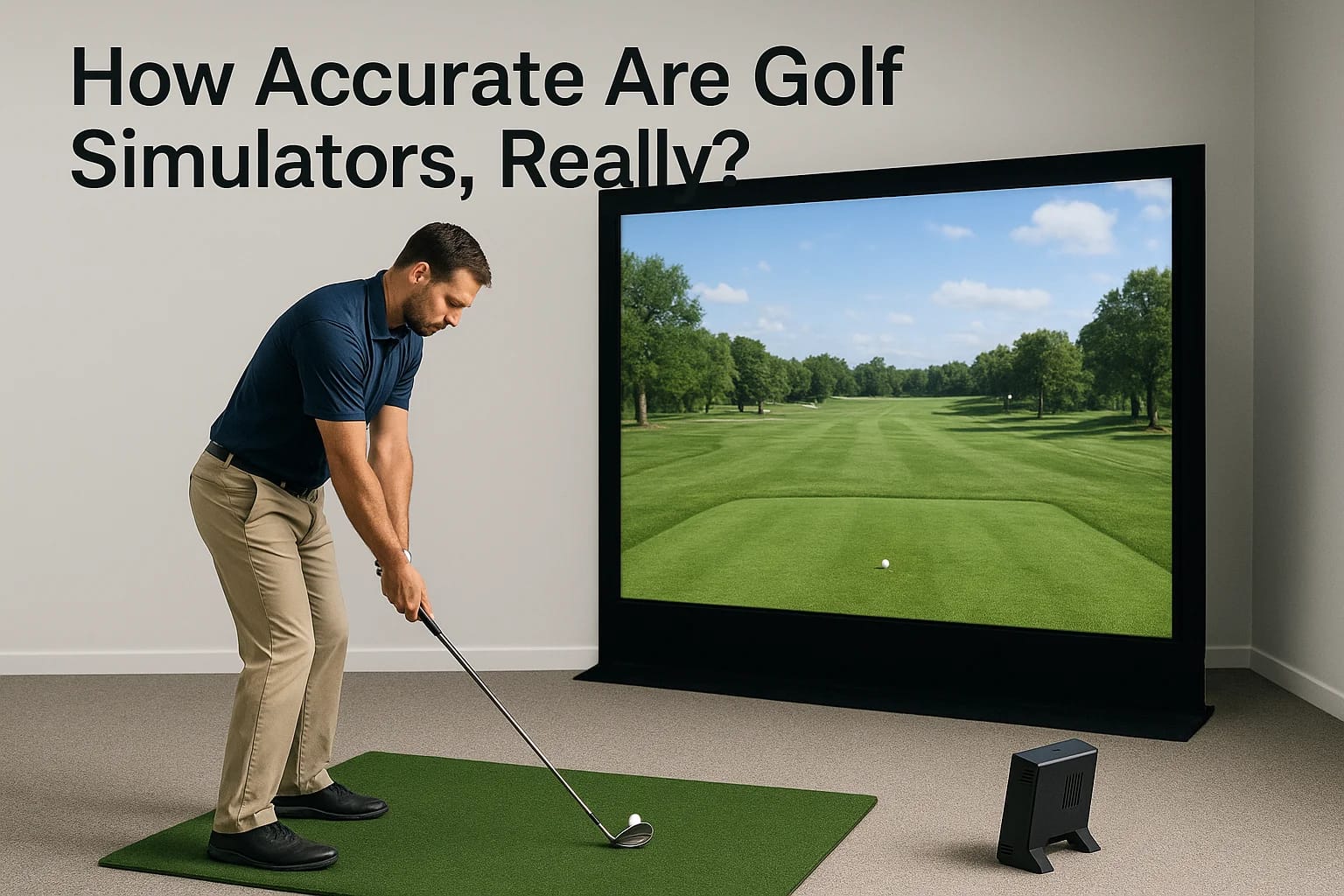

If you're weighing a home golf simulator purchase, you've probably asked how accurate are golf simulators compared to actually hitting balls on a real course. It's a fair question. You're spending tho...
If you're weighing a home golf simulator purchase, you've probably asked how accurate are golf simulators compared to actually hitting balls on a real course. It's a fair question. You're spending thousands of dollars on a setup, and if the numbers on screen don't match what your ball actually does, that's a problem for your swing work and your wallet.
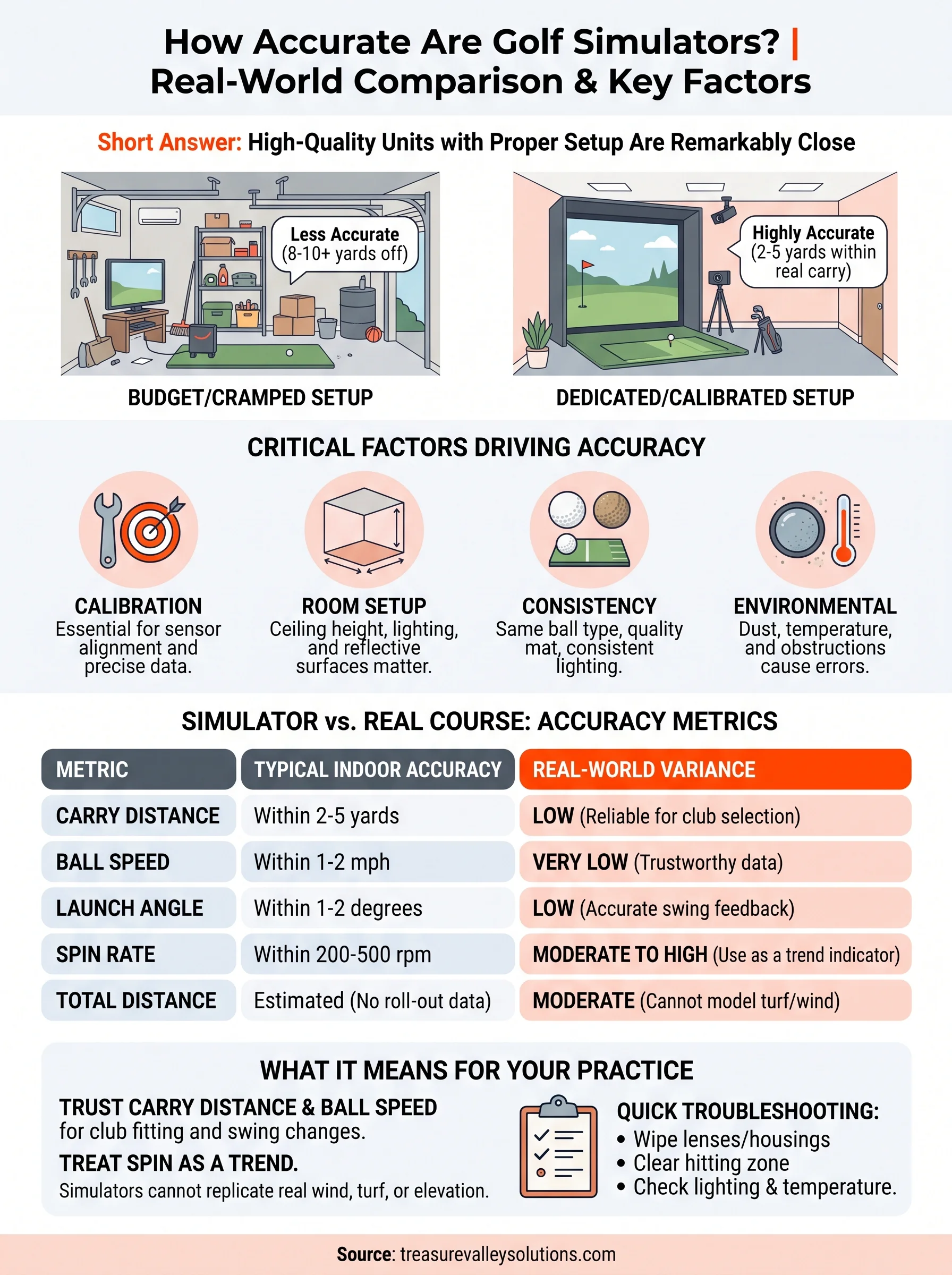
The short answer: high-quality simulators using radar or camera-based tracking get remarkably close to real-world ball flight, often within a few yards on carry distance and a degree or two on launch angle. But accuracy swings widely based on sensor type, calibration, room setup, and even the golf balls you use. A budget unit in a cramped garage won't perform like a properly calibrated system in a dedicated space.
In this article, we'll break down exactly what drives simulator precision, from sensor technology differences between launch monitors to lighting, hitting mat surface, and setup distance. We'll also cover which data points (distance, spin rate, launch angle) tend to be most reliable, and where you should expect some variance. As a technology integration company that installs and calibrates home simulator setups across the Treasure Valley, we've seen firsthand what separates an accurate system from a frustrating one.
Why simulator accuracy actually matters for your game
Golfers don't buy simulators to play a video game. They buy them to get better, and that only works if the feedback loop is trustworthy. When you hit a slice on screen and the launch monitor tells you your clubface was open at impact, you need to believe that number enough to actually change something in your swing. If the data is off, you end up practicing the wrong fix, and you can spend months grooving a correction for a problem you never actually had.
A simulator is only as useful as the trust you can put in its numbers.
Trusting the data enough to change your swing
Money matters here too. A quality simulator setup from a company like ours typically runs anywhere from $8,000 to $25,000 depending on the launch monitor, screen, and enclosure you choose. That's a serious investment, and it should perform like one. Simulator accuracy questions aren't just academic curiosity, they're a real factor in whether that spending makes sense for your game. Golfers comparing options often ask about golf simulator accuracy vs real course play specifically because they want assurance the numbers they see at home will translate to actual improvement on the course, not just a false sense of confidence in the garage.
The real cost of bad numbers
Beyond swing changes, accuracy affects how you use the simulator day to day. If carry distances run consistently long or short, your club selection practice becomes useless, and you'll misjudge yardages when you're back on a real fairway. If spin numbers are unreliable, you can't dial in wedge shots or troubleshoot a hook. Poorly calibrated systems also erode motivation. Golfers who don't trust their numbers stop taking the sessions seriously, and an expensive setup turns into an expensive TV stand. Getting the accuracy question right upfront, before you buy and during installation, protects both your investment and your improvement curve.
How to get the most accurate readings from your setup
Getting reliable numbers isn't just about buying a good launch monitor. It's about setting it up correctly and maintaining that setup over time. Proper calibration at installation matters more than most golfers realize, and it's why we walk every client through a full calibration process before handing over the keys to their new room.
Calibration and room setup come first
Dialing in your unit means measuring exact sensor height, distance from the ball, and alignment relative to your target line. Even a few degrees of misalignment on a camera-based unit can skew face angle and swing path readings enough to send you chasing a problem that doesn't exist. Ceiling height matters too. Rooms under 9 feet often clip shots hit with a driver, which throws off both launch angle and spin data, so it's worth confirming what ceiling height a simulator really needs.
Calibration isn't a one-time chore, it's the foundation every accurate reading depends on.
Consistency in balls, mats, and lighting
Use the same ball type every session. Range balls, wound balls, and premium urethane balls all compress differently, and that changes spin rate readings significantly. Your simulator mat matters just as much, since foam that's worn out changes how the club interacts through impact.
- Recalibrate after moving any equipment, even slightly
- Stick with one ball brand for consistent spin data
- Replace hitting mats once turf compresses or wears thin
- Keep lighting consistent for camera-based systems, avoiding glare or shadows across the hitting zone, and follow proven lighting placement for a simulator room
Get these fundamentals right and your simulator setup will reward you with numbers you can actually trust week to week.
Common factors that throw off simulator accuracy
Even a well-calibrated setup can produce bad numbers if you overlook the everyday variables that creep into a hitting bay. Sensor type is the biggest one. Camera-based systems read clubface and ball data from multiple angles, so anything blocking that view, like a stray golf bag or an oddly placed net pole, throws off the read instantly. Radar units track the ball's early flight path and extrapolate the rest, which means a mis-hit or a low ceiling can cut that tracking window short and produce skewed carry distance and spin numbers.
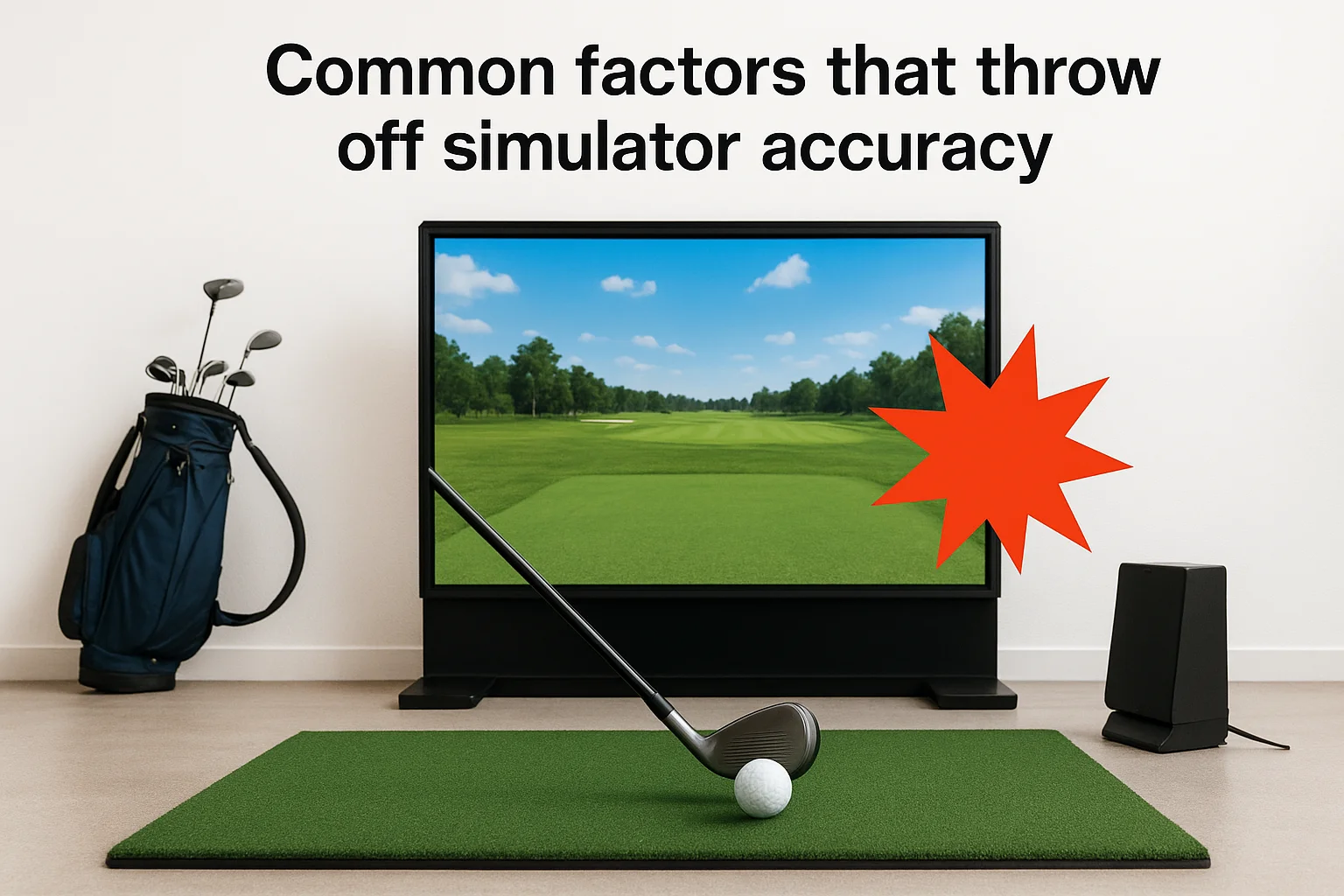
Small obstructions cause big data errors, because tracking systems need a clean, unobstructed view to work correctly.
Environmental interference you might be missing
Temperature and humidity affect ball compression more than most golfers expect, especially in garages that swing from cold mornings to warm afternoons. Dust on camera lenses or radar units degrades readings gradually, so performance can drift for weeks before anyone notices. Reflective surfaces near the hitting area, like glass doors or shiny flooring, sometimes bounce enough light or signal to confuse camera-based systems specifically.
A quick troubleshooting checklist
- Wipe down lenses and radar housings monthly
- Keep the hitting zone clear of bags, clubs, and furniture
- Check for reflective surfaces within a few feet of impact
- Monitor room temperature swings in unconditioned garages
Addressing these factors keeps your numbers steady, and it's usually why two identical simulator models in different rooms produce noticeably different results.
How simulator numbers stack up against a real course
So how do the numbers actually compare once you take your game outside? Independent testing of distance, spin, and ball flight from launch monitor manufacturers and third-party reviewers consistently shows carry distance landing within 2-5 yards of real-world shots on quality units, while cheaper cameras or radar-only systems can drift 8-10 yards off, especially with longer clubs. Spin rate tends to show the widest gap, since backspin on wedges is notoriously hard to measure indoors without a full-flight tracking radar like those used at PGA Tour venues.
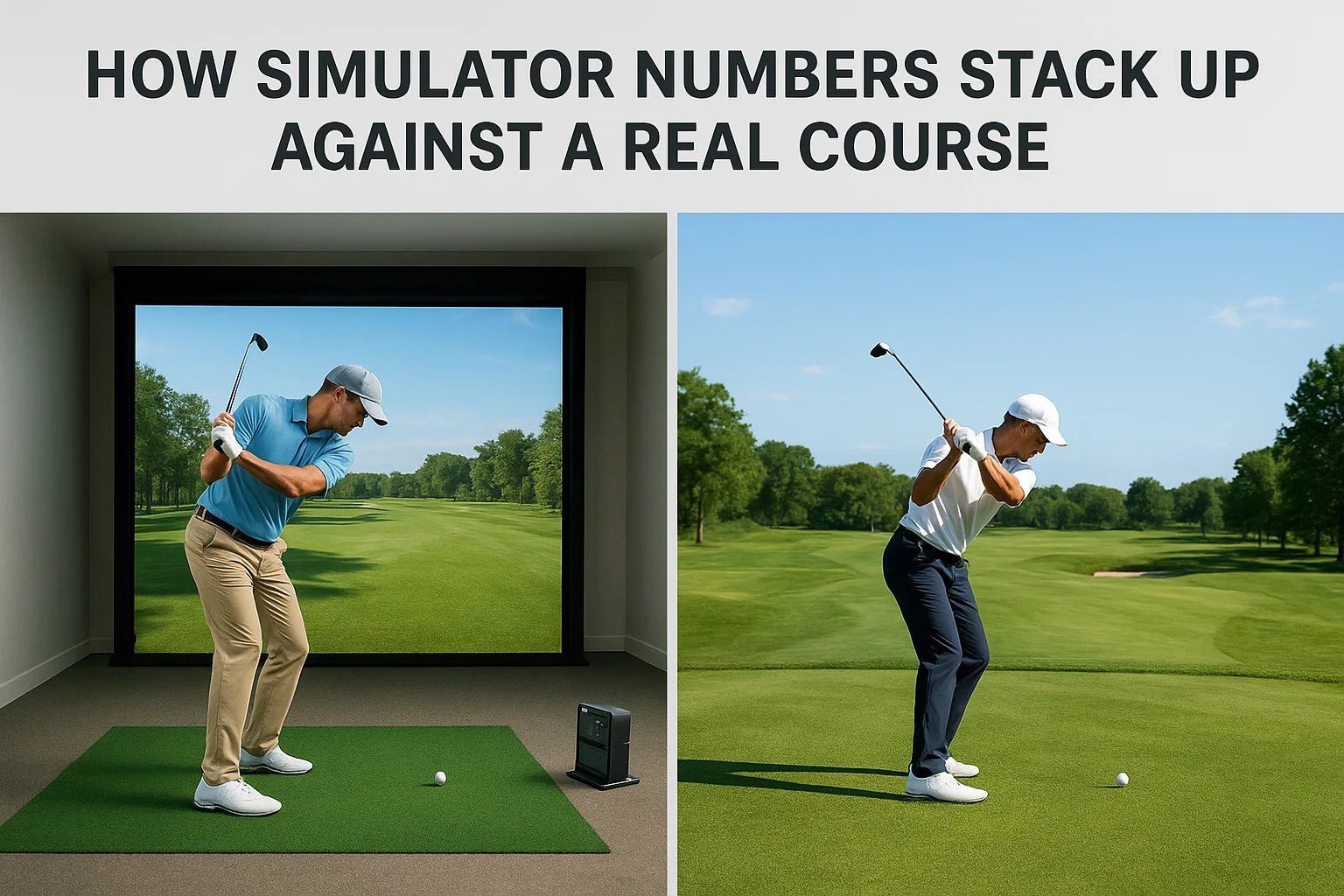
Distance numbers are usually trustworthy indoors, but spin rate is where simulators struggle most.
Total distance also runs differently than what you'll see on a course, because simulators can't model real turf firmness, wind, or elevation change. That's not a flaw in the technology, it's just a limit of hitting into a screen a few feet away.
| Metric | Typical Indoor Accuracy | Real-World Variance |
|---|---|---|
| Carry Distance | Within 2-5 yards | Low |
| Ball Speed | Within 1-2 mph | Very Low |
| Launch Angle | Within 1-2 degrees | Low |
| Spin Rate | Within 200-500 rpm | Moderate to High |
| Total Distance | Estimated, no roll-out data | Moderate |
Because of these gaps, treat simulator carry distance and ball speed as reliable club-fitting data, while using spin numbers more as a trend indicator than an exact figure. That distinction alone answers most of what golfers really want to know when they ask how accurate golf simulators are compared to a real course.
What this means for your next practice session
So, how accurate are golf simulators when it really counts? Accurate enough to trust your carry distance and club selection, and accurate enough to spot real swing flaws, as long as the setup behind them is dialed in. Calibration, room conditions, and sensor quality matter more than the brand name on the box. Treat distance and ball speed numbers as gospel, treat spin as a trend, and account for the fact that no screen can replicate wind, turf, or elevation.
Next time you step into your bay, run through your setup checklist before you swing. Wipe the lenses, check your lighting, confirm nothing's blocking the tracking zone. That five-minute habit is the difference between a session that sharpens your game and one that just wastes your time.
If you're ready to install a system that gets calibration right from day one, get in touch with our Treasure Valley installers and we'll build a setup you can actually trust.
Need Expert Help?
Ready to implement these solutions in your own home or business?
Our Services
View All Services
Serving the Treasure Valley
Local installation in your city