 (208) 991-3502
 Meridian, ID




Explore golf simulator equipment
Compare launch monitors, enclosures and simulation software before you decide what fits your room. Product guides are for equipment exploration; installation planning starts on our golf simulator installation service.
Why Choose a Golf Simulator?
Start with room fit, the way you plan to use it, and clear limits for equipment, licensing and installation.
Practice on your schedule
An indoor simulator can make practice and play available at home when weather or daylight limits outdoor time.
Improve Your Game
Choose equipment and software based on the data, practice tools and license features you actually need.
Entertainment for Everyone
Plan how the room will be used, who will play and which features are included in the selected subscription.
A considered room
Account for swing clearance, circulation, lighting, projection, noise and multi-use needs before selecting equipment.
Compare launch monitors
Review current model specifications and match supported measurements to your goals and setup.
Instant Feedback
Shot visualization and practice tools vary by the selected monitor, computer, software edition and subscription tier.
Simulator Systems We Install
Explore current product guides. Confirm availability, dimensions, specifications, price, compatibility and license terms with TruGolf before purchase.
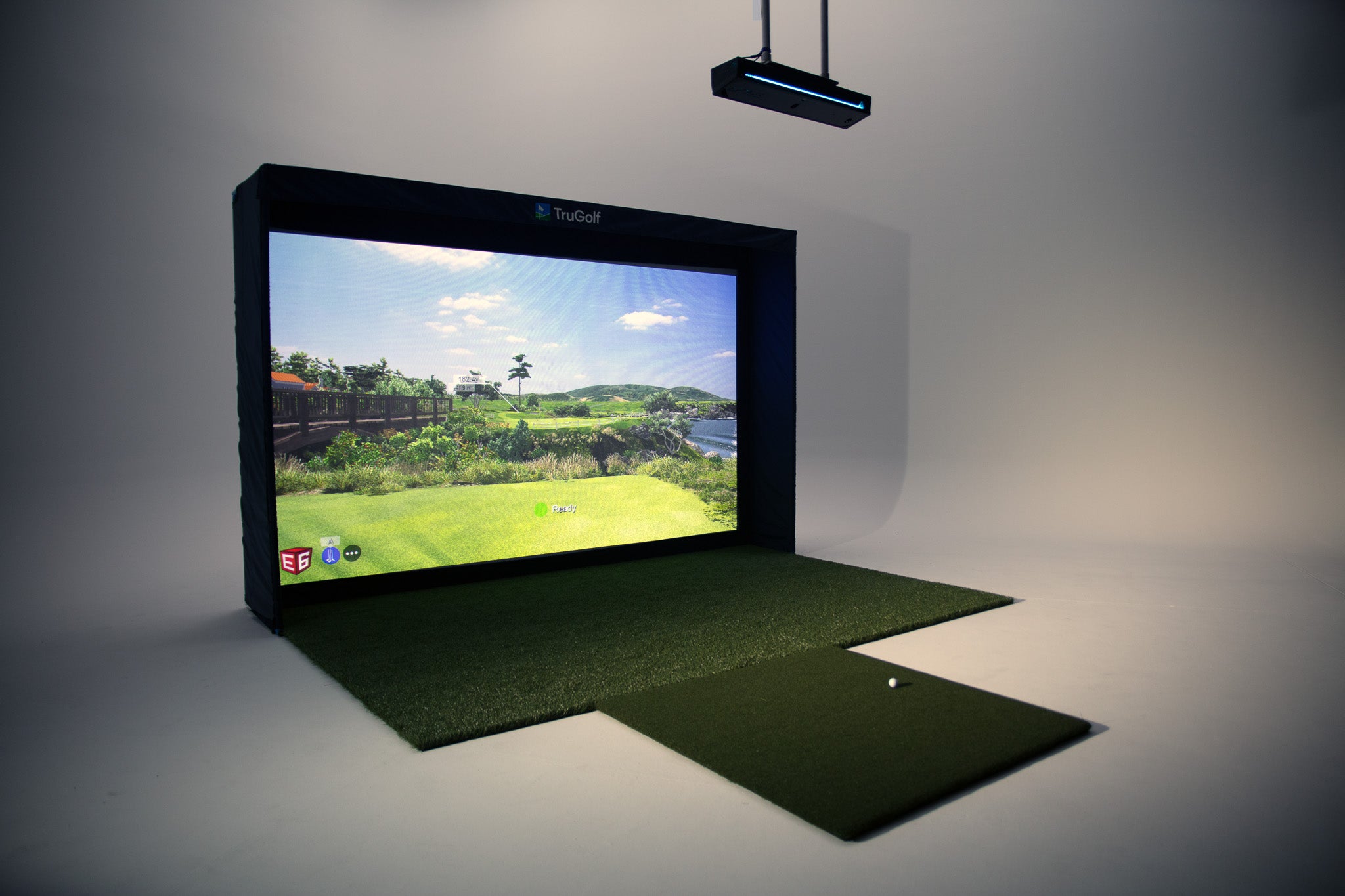
TruGolf MAX
Explore the current package configuration and confirm included components, availability, license terms and room requirements with the supplier.
Learn More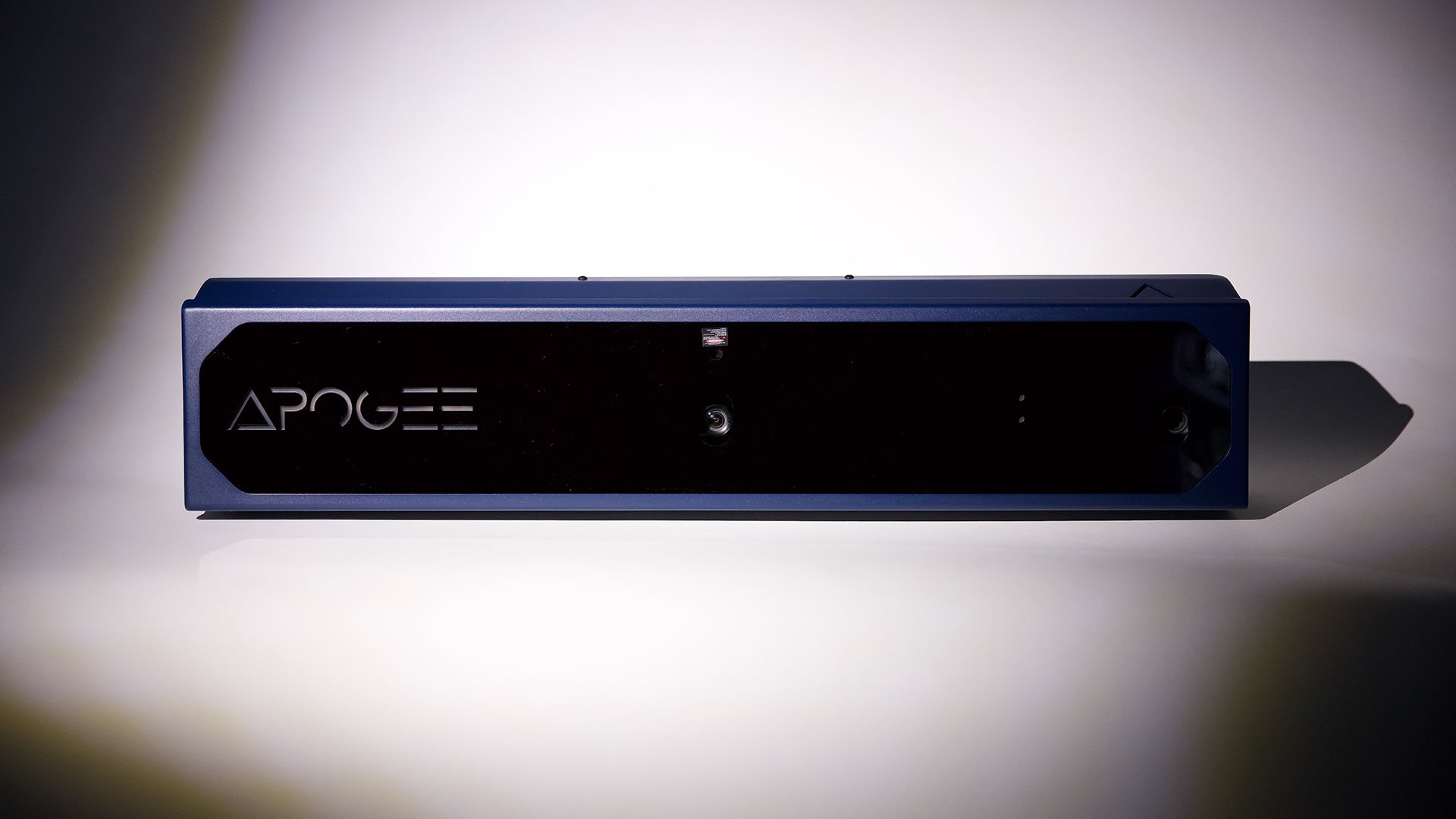
TruGolf APOGEE
Review the current launch-monitor product information and verify placement, compatible software and intended use for your configuration.
Learn More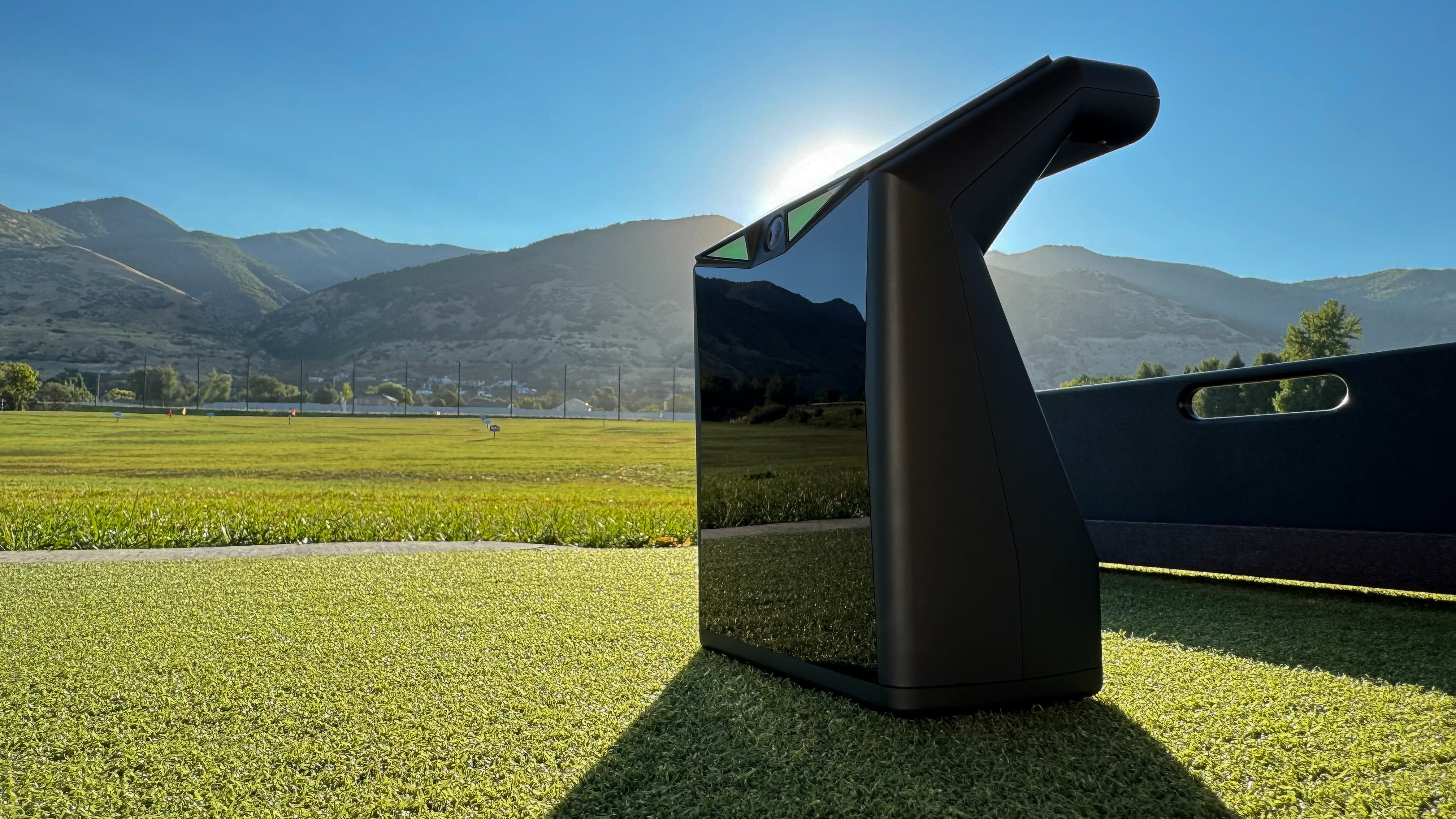
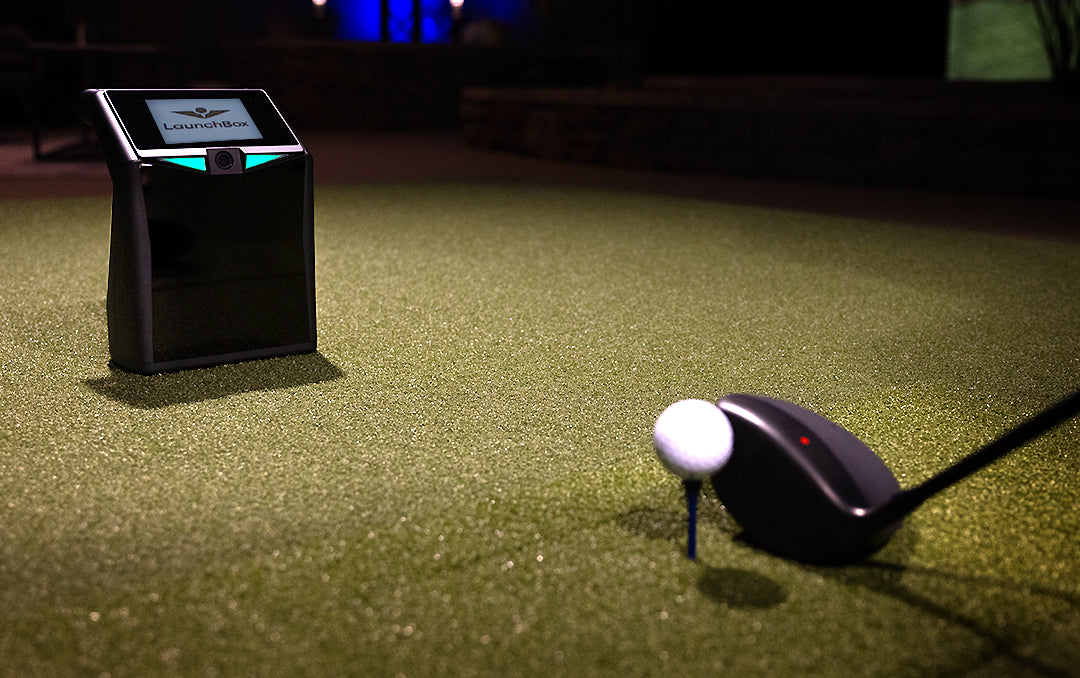
LaunchBox
Check current supported use cases and compatibility with the intended enclosure, software and room.
Learn More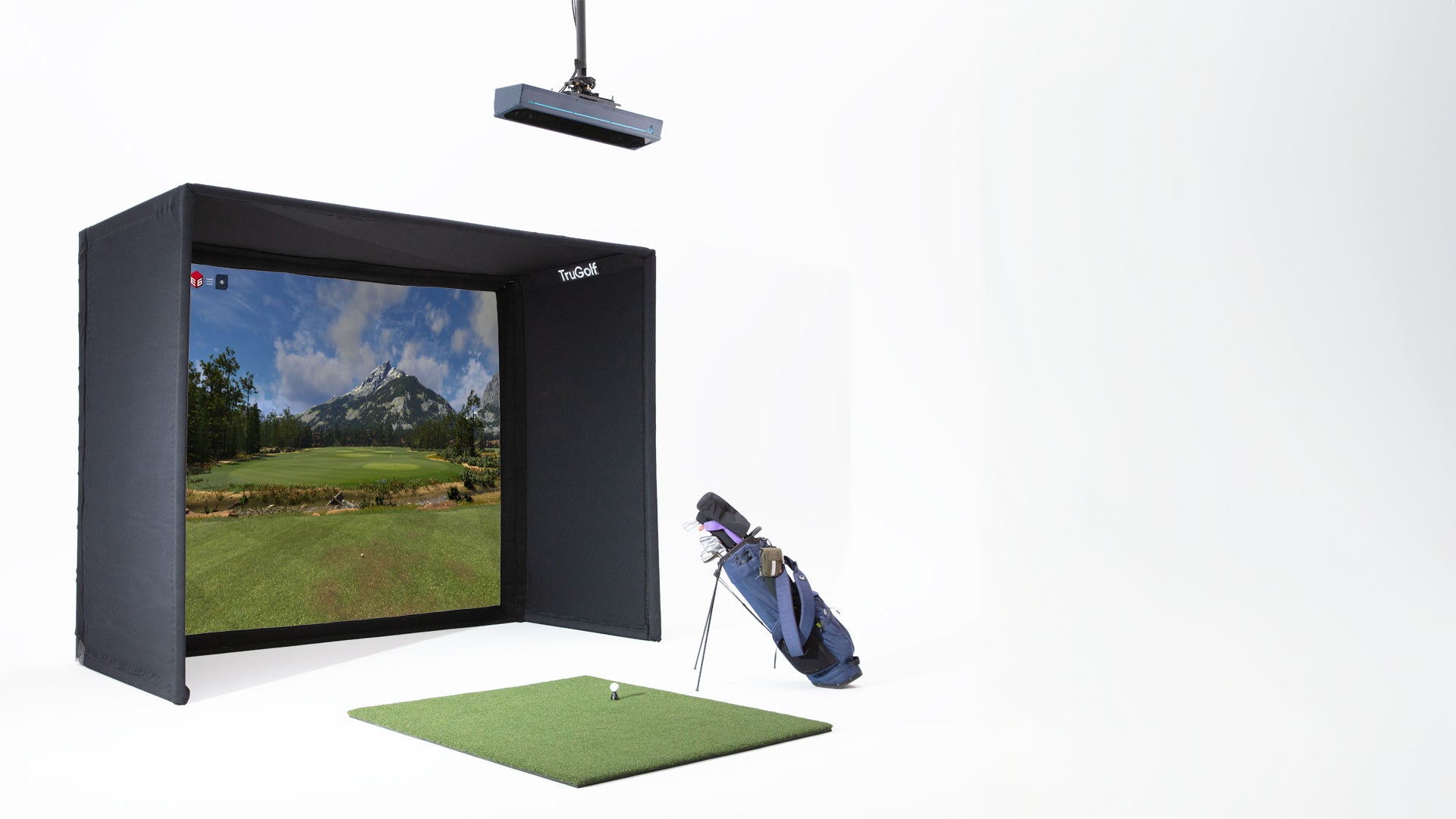
Starter 10 Enclosure
An enclosure option to compare against the room, compatible equipment, mounting requirements and current supplier package contents.
Learn More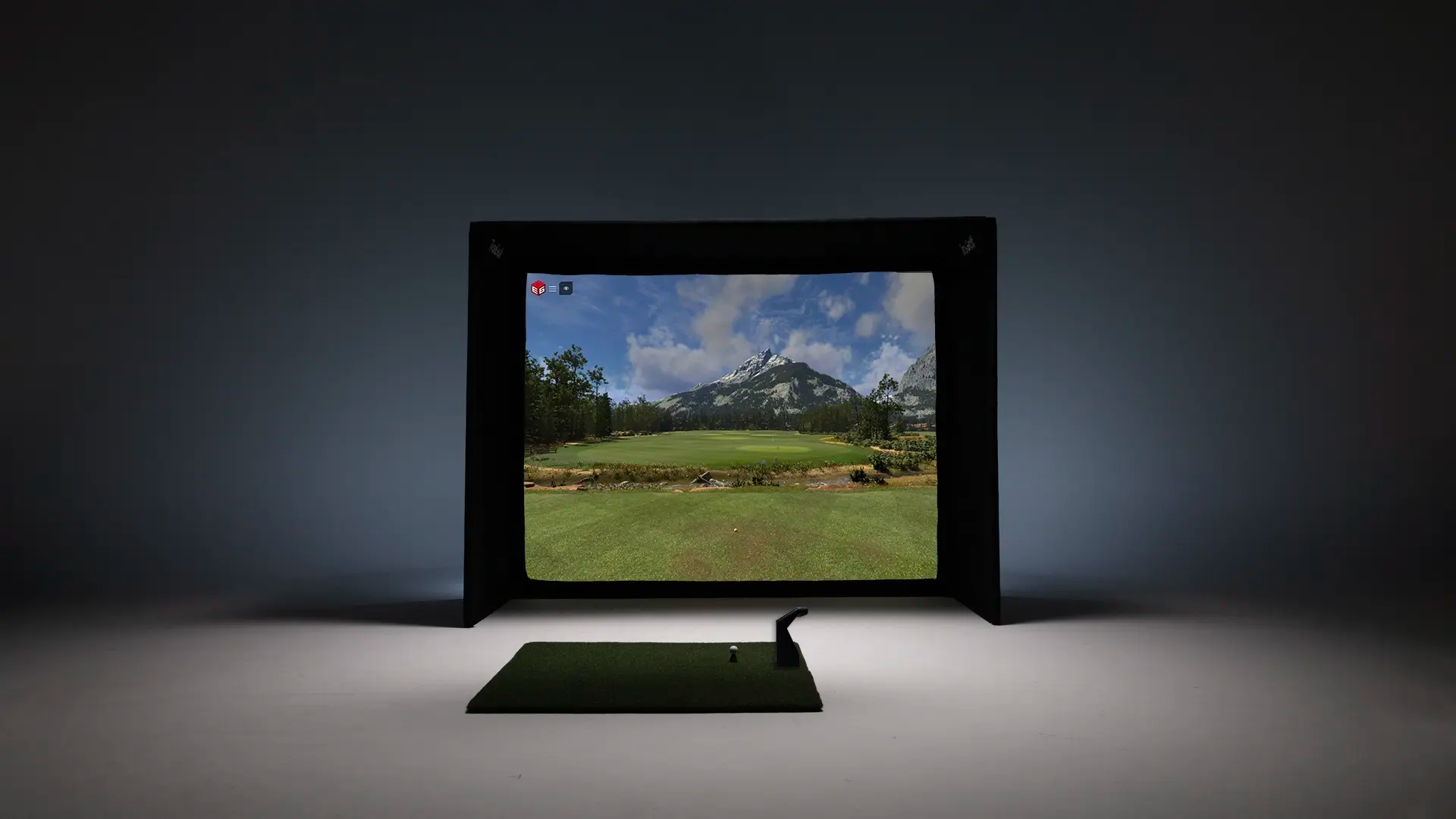
LaunchBox + Enclosure
Consider a launch monitor and enclosure configuration only after confirming fit, package inclusions, current compatibility and licensing.
Learn MoreCompare simulation software
Features, course access and recurring charges depend on the current software edition and license tier. Confirm the terms for your intended system before purchase.

E6 CONNECT & E6 2026
E6 CONNECT and E6 2026 have different options and terms. Review official current software information and verify features, course access and license tier for your intended setup.
- Compare available course access by current edition and license
- Confirm computer and hardware requirements
- Review online features and account dependencies
- Check practice and analysis tools for the selected tier
- Ask how terms differ for home and commercial use
MultiSport ARCADE
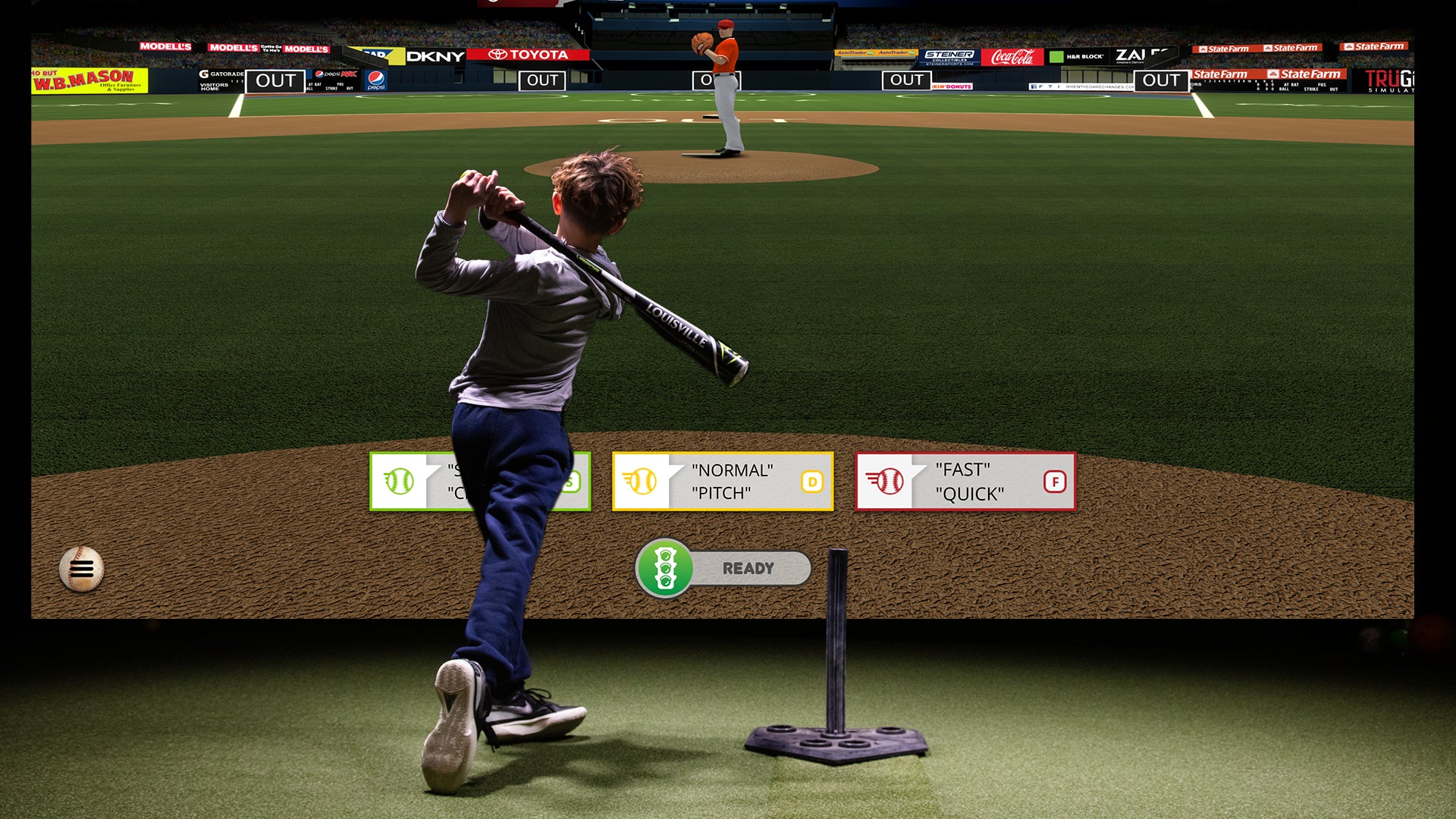
Your simulator isn't just for golf. MultiSport ARCADE turns your setup into a multi-sport entertainment center with baseball, football, soccer, dodgeball, and more — perfect for the whole family.
- Baseball batting practice and pitching
- Football, soccer, and hockey games
- Dodgeball, zombie games, and carnival games
- Perfect for kids and family game nights

Software Subscriptions
E6 2026 is Windows PC software with features that vary by subscription tier. Confirm current pricing, course access, account limits, renewals, hardware requirements and commercial-use terms directly with TruGolf before purchase.
Our Installation Services
Room review, product procurement, mounting, low-voltage work, calibration and handoff are defined separately in the written proposal. Electrical and construction work are not assumed included.
Room Design & Planning
Review measured dimensions, swing clearance, handedness, obstructions, screen location and equipment constraints.
Screen & Projector Mounting
Screen and projector requirements, mounting position and image geometry depend on the selected products and room.
Wiring & Infrastructure
Agreed low-voltage connections and cable routes are scoped in writing. Electrical outlets, circuits and building work are coordinated with the responsible qualified trade and are not assumed included.
Calibration & Setup
Software setup, configuration, calibration and validation are limited to the agreed scope and currently licensed products.
Display Integration
A secondary display can be considered after verifying outputs, signal paths, control and mounting needs.
Ongoing Support
Handoff, documentation, updates and future support are defined by the agreement and manufacturer terms.
Brands That Fit This Installation
Catalog-backed options selected for this type of project.
Related Articles
Learn more from our blog
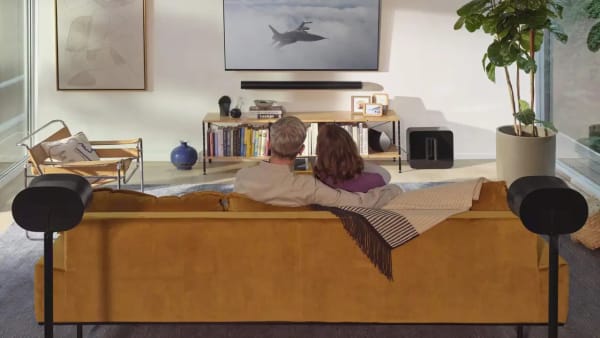
The Complete Guide to Designing Your Dream Media Room
Learn everything you need to know about designing the perfect media room, from layout planning and equipment selection to lighting and acoustics considerations.
Read Article
Integrating Smart Technology into Your Custom Home Theater for the Ultimate Experience
Learn how to integrate smart technology into your custom home theater for enhanced convenience, immersive audio-visual experiences, and seamless control.
Read ArticleNeed installation planning?
Request a project-specific conversation about your room, equipment questions and installation scope. A contact request is not an appointment booking.
Why Treasure Valley Trusts Us
Licensed, insured, and locally owned — we're the Treasure Valley's smart home and AV experts.
Licensed & Insured
RCE-51320
Local Company
Based in Meridian, ID
5-Star Rated
Google Reviews
Expert Installation
Done Right, Every Time
Plan the room before choosing equipment
The main installation service covers room assessment, project scope, installation coordination and handoff across residential and commercial projects.