(208) 991-3502
 Meridian, ID



 Serving Boise, Ada County
Golf Simulator Installation in Boise, Idaho
Room-first simulator planning and AV installation for homes, builders and venues in Boise; project scope and availability are confirmed individually.
Product imagery is illustrative and does not represent a completed Treasure Valley Solutions project.
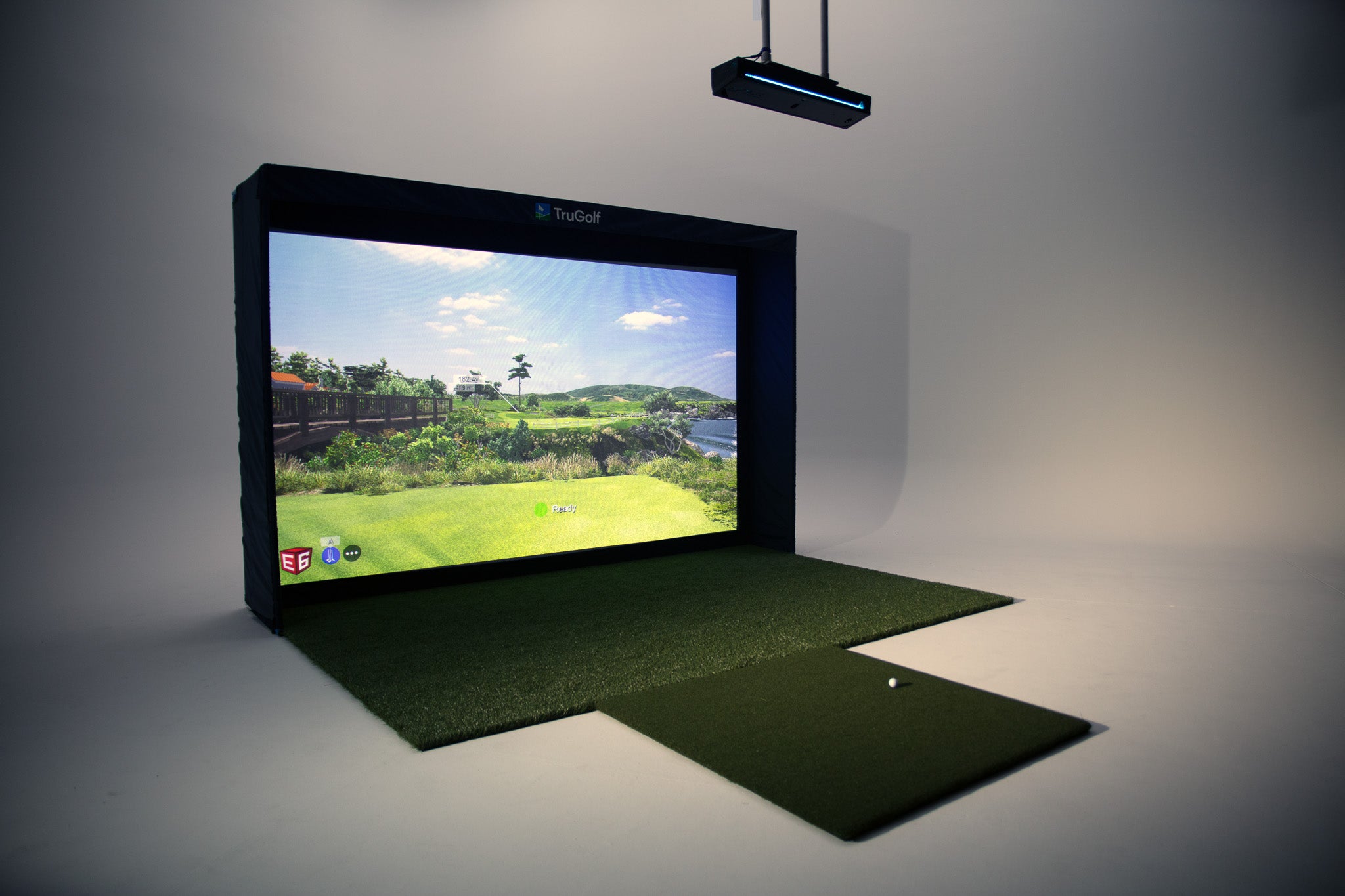
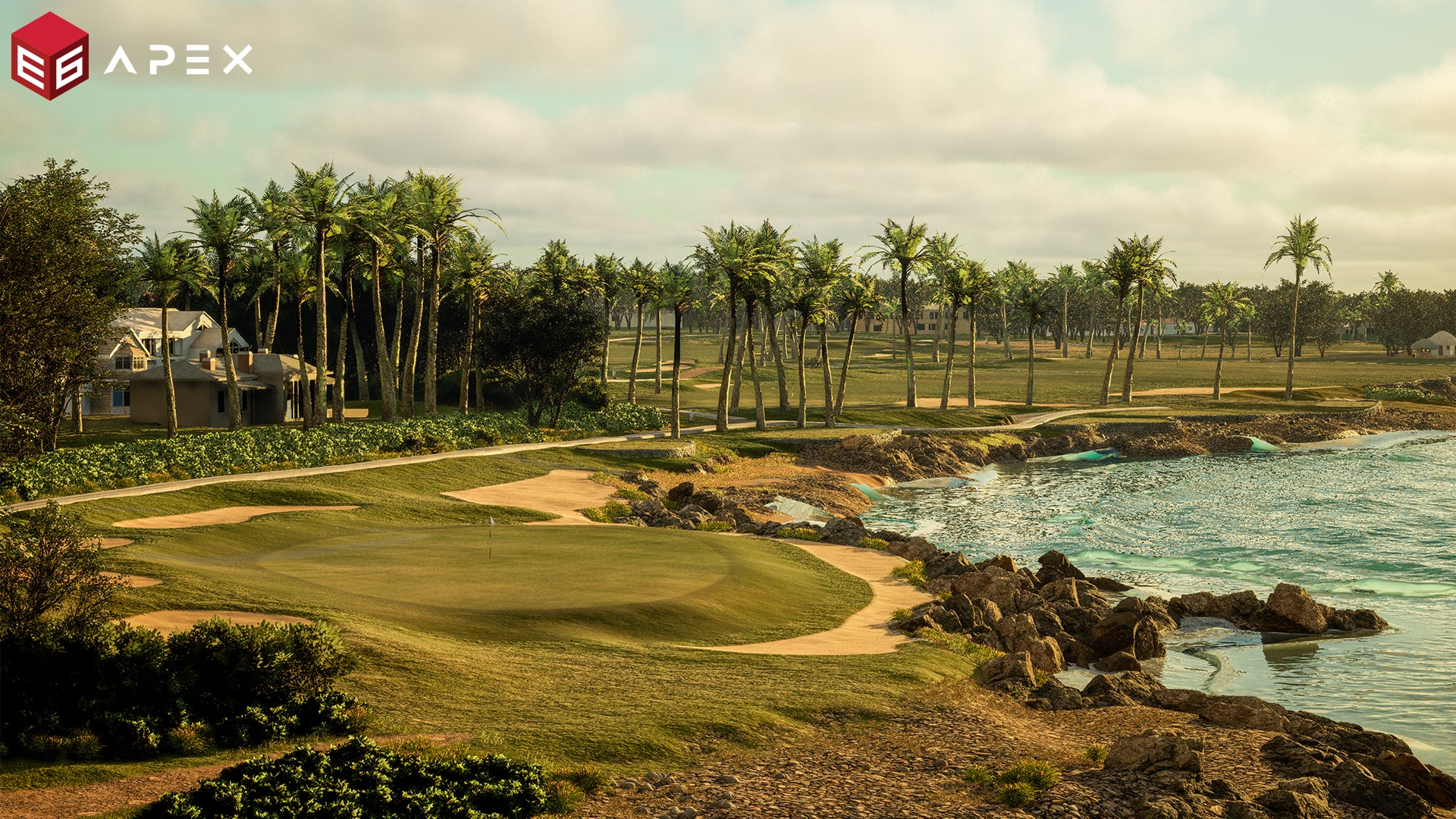
Treasure Valley Solutions can review golf simulator projects in Boise, Idaho. Planning begins with the usable room, golfer swing, intended use, equipment configuration and installation responsibilities—not a universal package or room-size promise.
We can coordinate agreed low-voltage and AV installation tasks such as screen, enclosure, projector and launch-monitor positions, software setup and listed test steps. Final equipment fit, current licensing, availability and compatibility must be confirmed for the chosen configuration. Electrical, structural, HVAC and room-construction work are not assumed and remain with the responsible qualified trades unless separately agreed in writing.
Why Choose Us for Golf Simulator Installation in Boise?
 Room-first assessment of swing clearance, dimensions, obstructions and intended use
- Equipment choices reviewed against the selected room and current product documentation
- Screen, projector, launch monitor and low-voltage positions coordinated as one layout
- Optional display, audio, lighting and home-control work identified separately in scope
- Software setup and testing limited to the licensed configuration and agreed deliverables
- Training, documentation and post-install support defined by written agreement
Room-first golf simulator planning
For projects in this area, we assess the usable room, swing envelope, equipment configuration and responsibilities before confirming a proposal. Scheduling and availability are confirmed individually.
Room and swing assessment
Check usable width, depth and height, player swing, handedness, ceiling obstacles, doors, circulation and the actual selected equipment requirements.
Screen, projector and monitor layout
Plan the screen/enclosure, projector throw and impact protection, launch-monitor position, hitting surface, accessible equipment and agreed low-voltage routes together.
System and software configuration
Confirm current hardware compatibility, computer requirements, licensed software edition, course and feature access, subscription terms and intended home or commercial use.
Defined installation and handoff
The approved scope lists included assembly, setup, configuration, calibration, test steps, training and any separately agreed support. Trade work is not assumed.
Golf simulator projects we can help assess
Confirm usable dimensions, swing clearance, overhead obstructions, access, and any shared storage or parking needs.
Coordinate enclosure, screen, projector, launch monitor, computer, network access and optional AV.
Set room positions, low-voltage needs, network and trade handoffs before rough-in and wall closure.
Review bay layout, guest circulation, shared infrastructure, licensing and agreed commissioning scope.
What shapes an installed project?
Equipment package cost is not the same as installed-project cost. Scope depends on room readiness, selected hardware, screen and enclosure, projection, launch-monitor placement, software license, low-voltage cabling, installation access and any optional integration. Commercial projects may also involve shared infrastructure and different software-use terms. Electrical, structural and construction work are separate trade scopes unless specifically assigned in writing.
Practical decisions for a local installation
Product guides to explore before discussing installation
TruGolf MAX
Review current package details and confirm its included configuration.
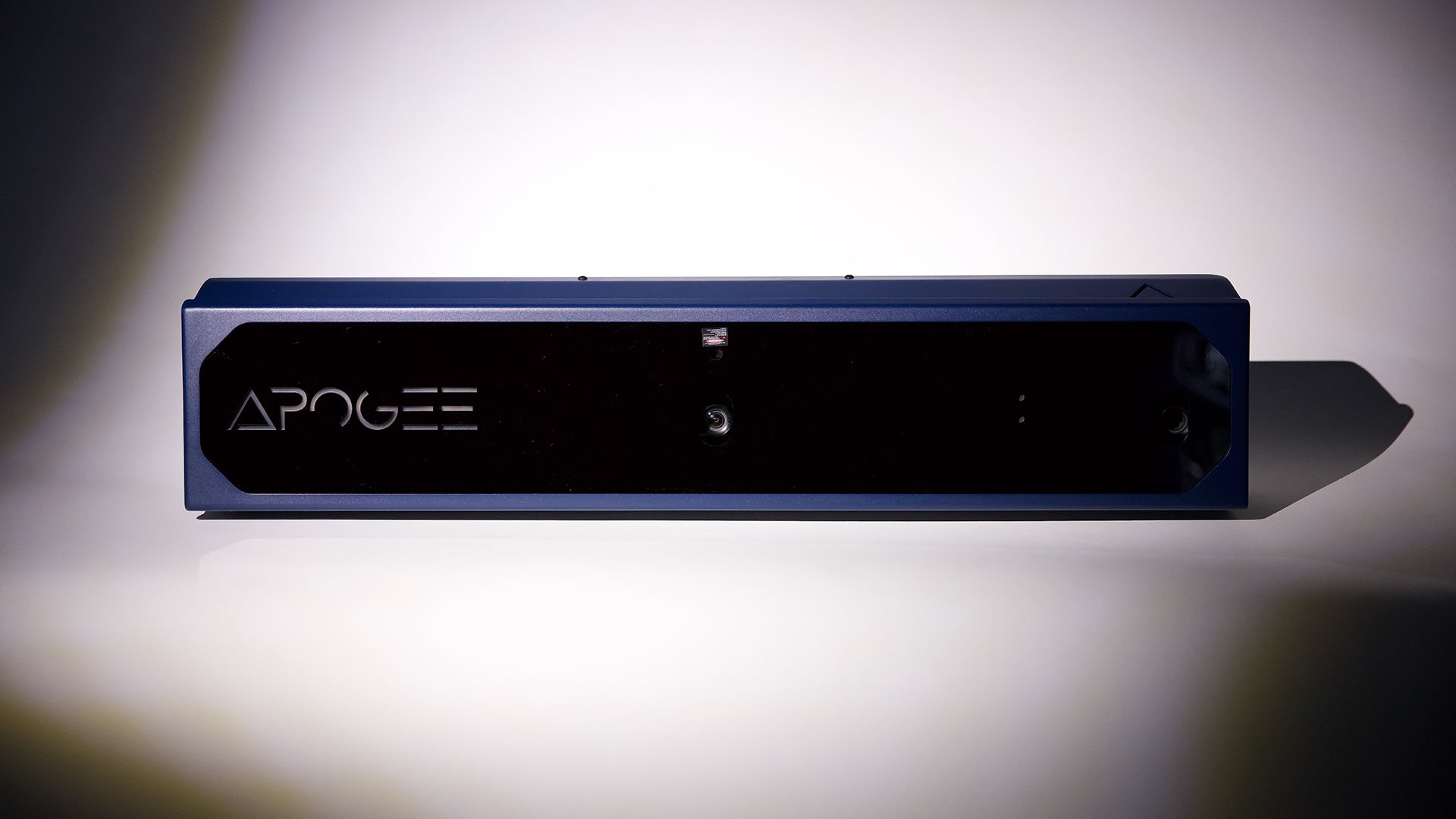
APOGEE Launch Monitor
Confirm current specifications and placement requirements.
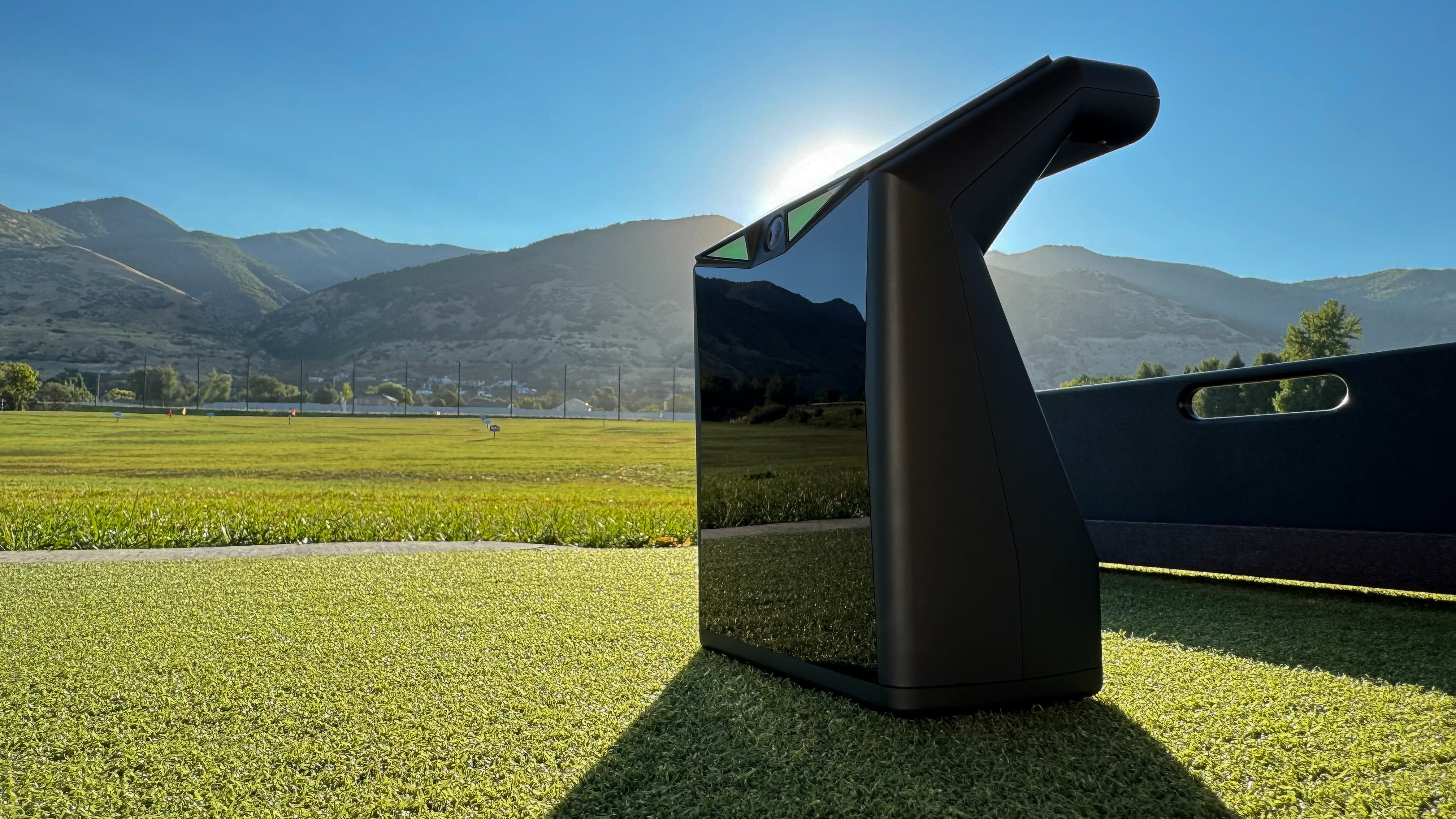
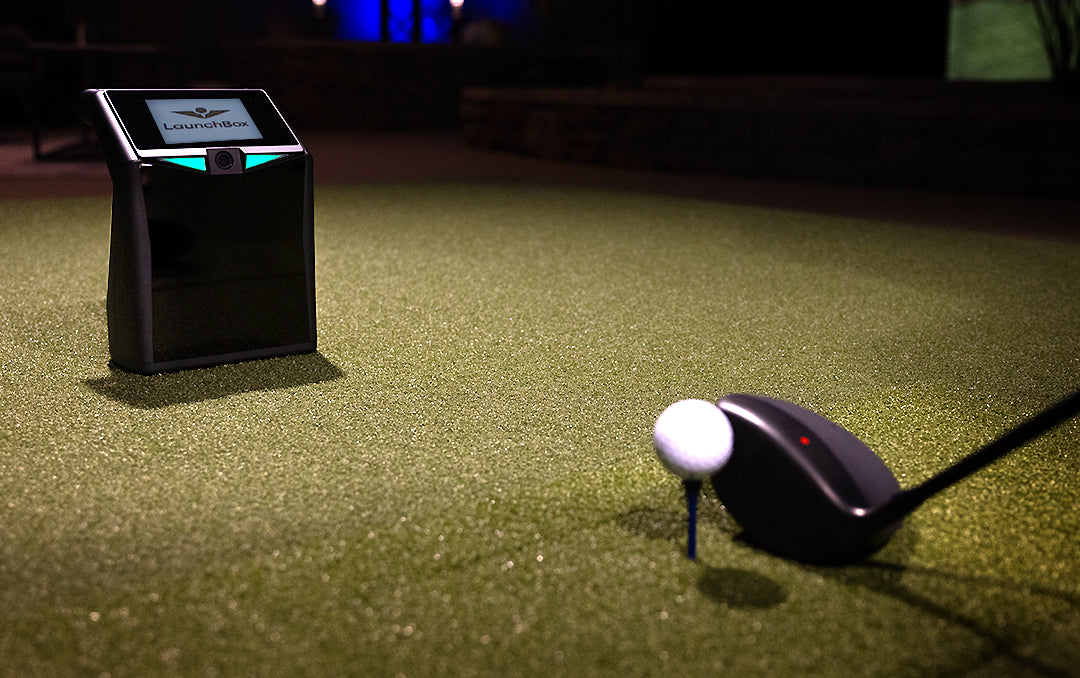
LaunchBox
Review the portable launch-monitor product guide.
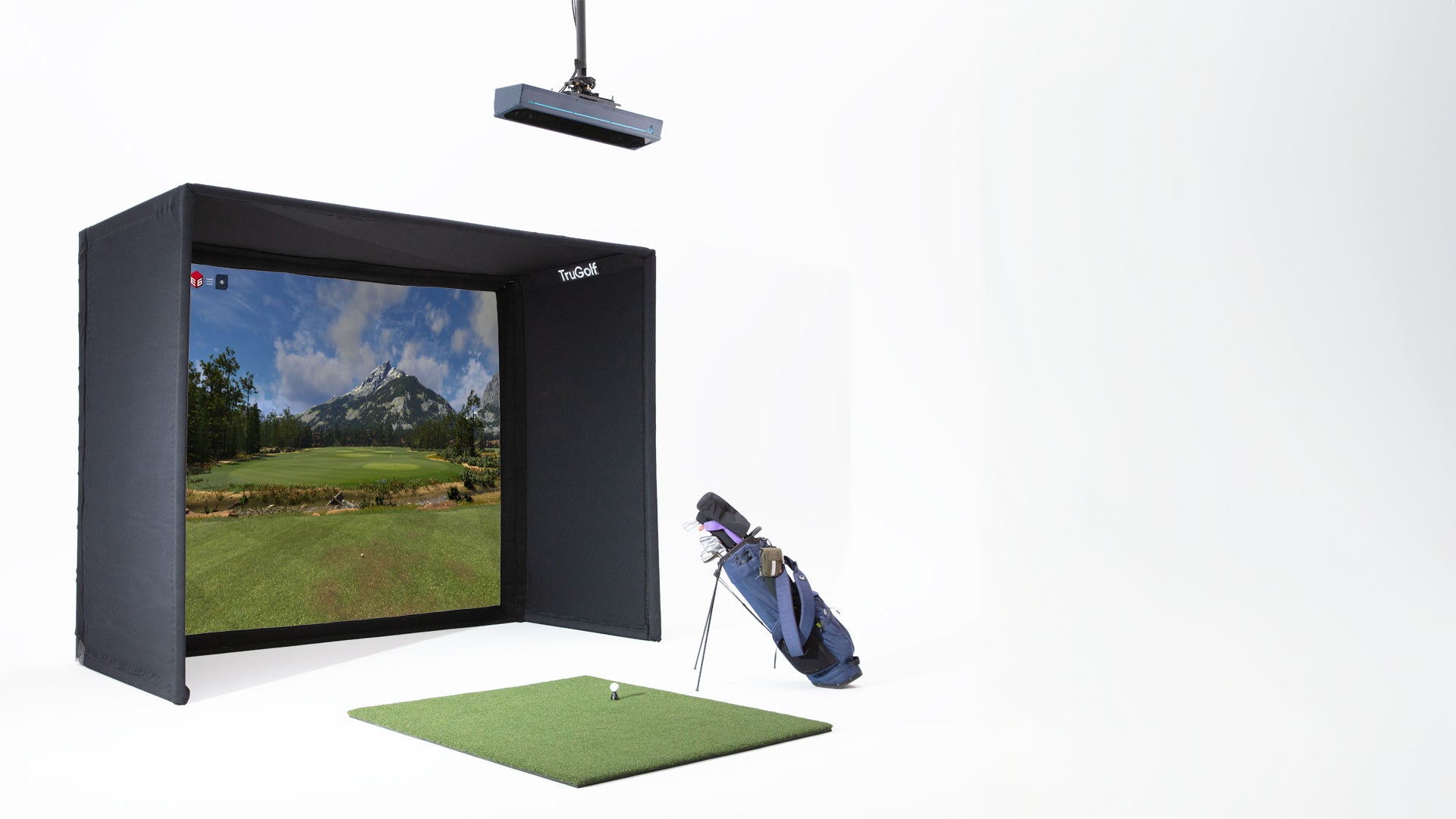
Starter 10
Confirm current enclosure dimensions and hardware compatibility.
E6 CONNECT & E6 2026
Feature access and course availability depend on the current license tier.
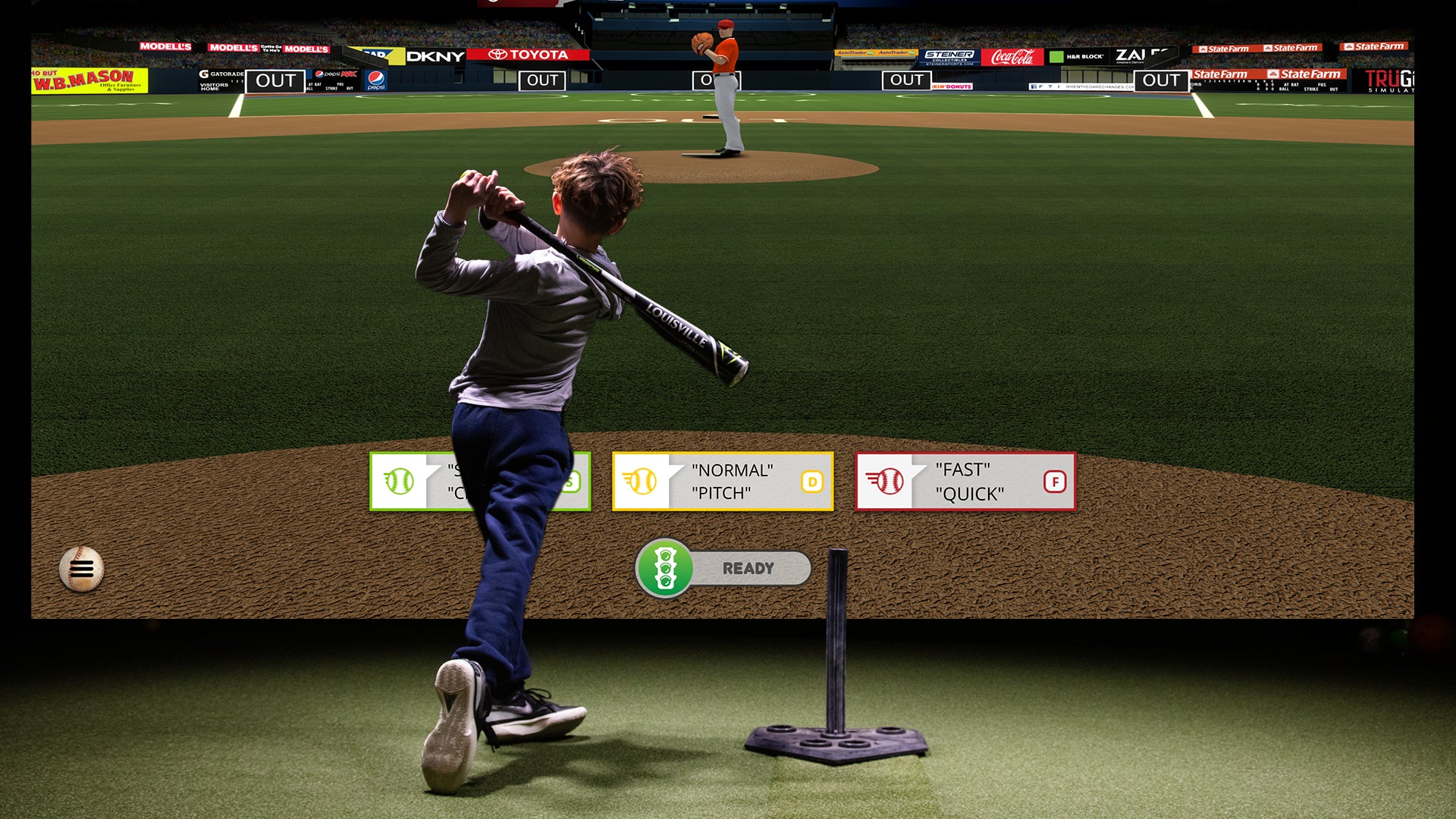
MultiSport ARCADE
Review currently supported modes and requirements.
Frequently Asked Questions About Golf Simulator Installation in Boise
How Golf Simulator Installation Works in Boise
Consultation
We learn about your space and your goals for a golf simulator in your Boise home or business. We'll discuss room options, system choices, and answer all your questions.
Design
We plan the ideal golf simulator setup for your room — including screen placement, projector positioning, lighting, sound, and cable management.
Installation
Our team installs and configures everything — screens, enclosures, projectors, launch monitors, hitting mats, audio, and smart home integration. Clean, professional, and tested.
Walkthrough
We show you how everything works so your golf simulator system is ready to play. By the end, you'll be hitting shots in your own Boise home.
Also Serving Nearby Areas
In addition to Boise, we provide golf simulator installation services throughout the Treasure Valley:
Plan a golf simulator project
No golf simulator project records are currently published for this area. Review the installation service and the scope details for your room.
Explore golf simulator installationPlan a golf simulator installation in Boise
Tell us about the location, room dimensions if known, intended use and project stage. We will review the requirements and confirm scope and availability.