 (208) 991-3502
 Meridian, ID



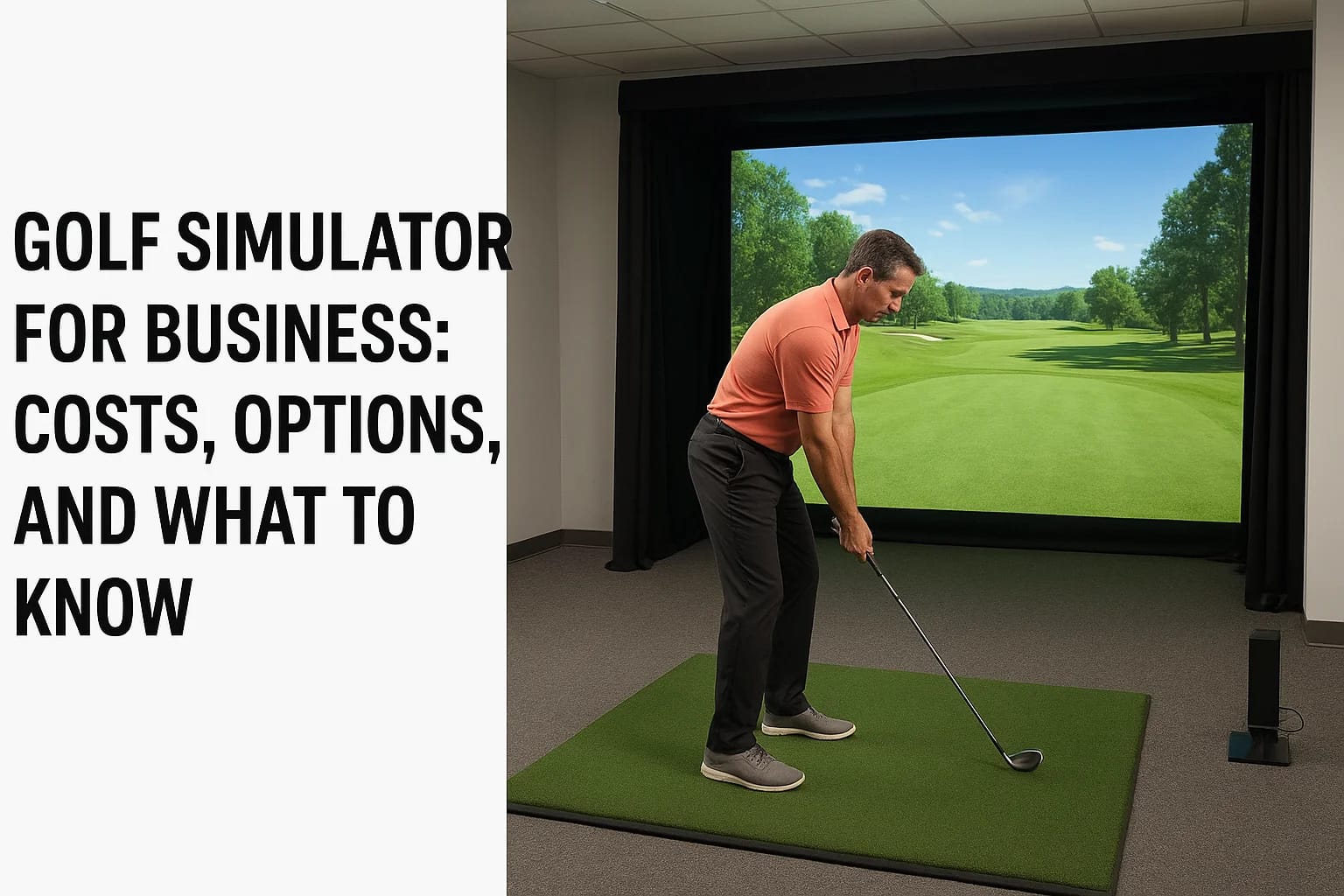

Opening a golf simulator for business venture in Idaho sounds simple until you start pricing out projectors, hitting bays, and software licenses. Then the real questions hit: how much does a commercia...
Opening a golf simulator for business venture in Idaho sounds simple until you start pricing out projectors, hitting bays, and software licenses. Then the real questions hit: how much does a commercial-grade setup actually cost, which brands hold up under heavy daily use, and what separates a bar-and-golf concept from a dedicated practice facility. Those details make or break your budget and your timeline before you sign a lease.
This article breaks down what you need to know before you invest, from hardware and software pricing to space requirements, licensing considerations, and the difference between entry-level and tournament-grade simulator packages. We'll walk through the real cost ranges owners in the Treasure Valley and beyond are seeing right now, plus the revenue models that make these businesses profitable, whether that's hourly bay rentals, memberships, or league nights.
We install and support commercial AV and entertainment systems throughout Meridian, Boise, and the surrounding area, so we've seen firsthand what separates a simulator setup that runs smoothly for years from one that causes headaches within months. Consider this your practical starting point for planning a golf simulator business that actually performs, both on the screen and on your balance sheet.
Why businesses are adding golf simulators
Golf participation in the US has climbed for nine straight years, and indoor simulator play is a big reason why. According to the National Golf Foundation, off-course golf now reaches more players annually than traditional on-course rounds, and a huge share of that growth happens inside bars, entertainment venues, and dedicated practice studios. Owners in the Treasure Valley are watching that trend and asking the same question: can a golf simulator for business turn a slow winter into steady revenue?
A golf simulator turns weather, daylight, and course fees into non-issues, which is exactly why owners are betting on indoor play.
Filling revenue gaps other businesses can't
Boise winters shut down outdoor courses for months, and even in peak season, tee times fill up fast at the handful of public courses in the area. A simulator bay doesn't care about frost delays or a 6-month waitlist for weekend slots. Restaurant and bar owners add bays to keep tables full during slow weeknights, while standalone studios sell hourly bay time as their entire business model. Either way, the pitch to customers is the same: real swing data, real courses, zero weather risk.
Diversifying an existing venue
Many of our commercial clients aren't building golf-first businesses at all. They're adding one or two bays to an existing restaurant, brewery, or event space to give customers a reason to stay longer and spend more. A single simulator bay can turn a two-drink visit into a two-hour outing with food, drinks, and a private room rental on top. That's a meaningfully different math than relying on kitchen margins alone, and it's why hospitality groups across Meridian and Eagle have started treating simulators as a line item in new build-outs rather than an afterthought.
New revenue streams beyond bay rentals
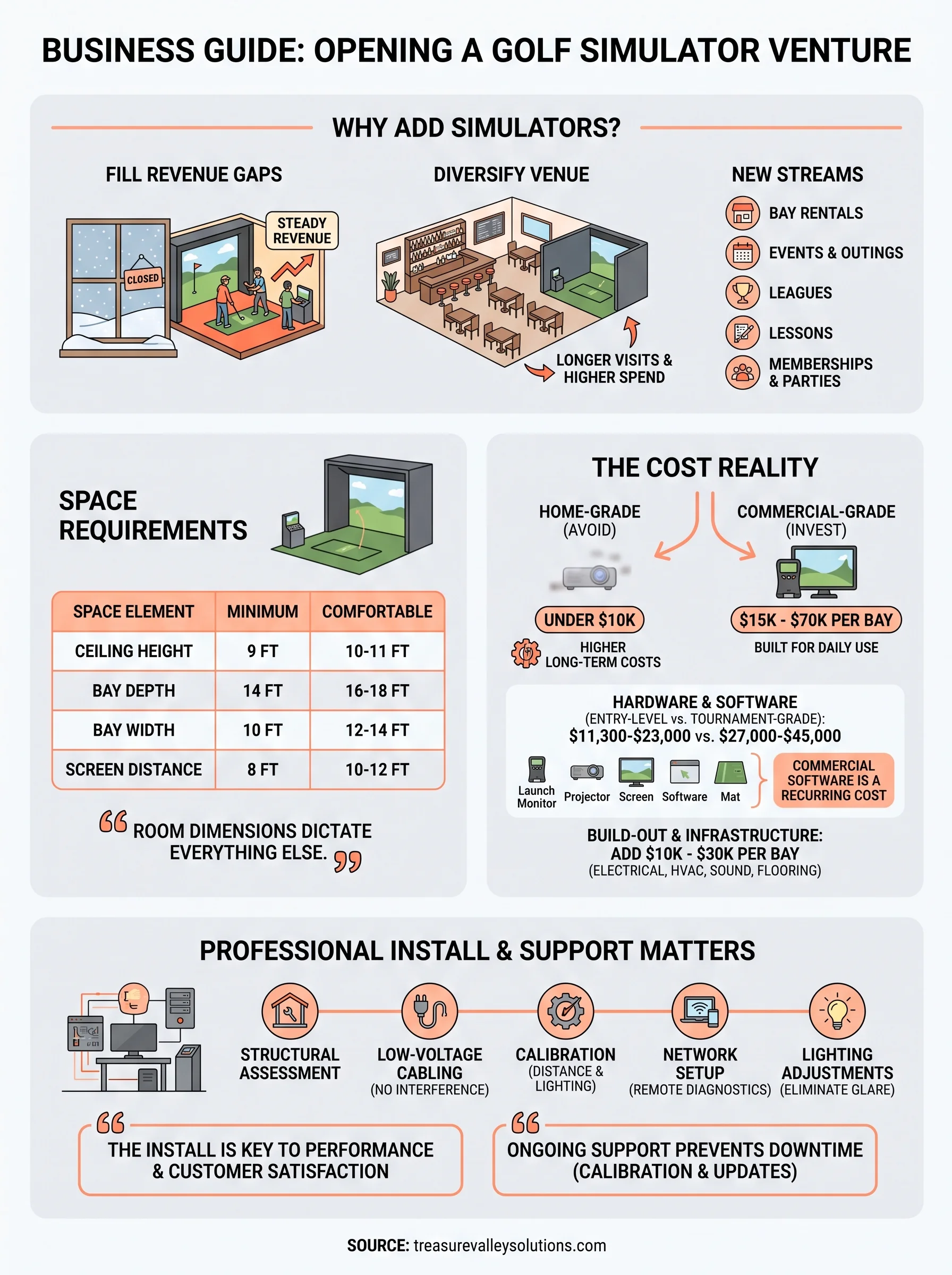
Once the hardware is in place, most successful operators stack multiple revenue lines on top of the base bay-rental rate:
- Hourly bay rentals for walk-ins and casual play
- Corporate events and team outings, often booked well in advance
- League nights with weekly recurring fees
- Lesson packages paired with local instructors
- Membership tiers offering discounted or unlimited hours
- Private party bookings for birthdays and celebrations
That mix matters because bay rental alone rarely covers rent, staffing, and equipment financing in a market this size. Businesses that stack two or three of these streams see far steadier cash flow than those relying on hourly rentals alone.
Appealing to a broader customer base than golf alone
A well-run simulator space pulls in people who've never swung a club outside a mini-golf outing. Corporate teams book bays for happy hours because it beats another round of trivia. Families rent a bay for a birthday party because kids can play arcade-style golf games instead of chasing a real ball across a fairway. Date-night couples show up because it's a novel experience, not because either person owns clubs. That broader appeal is exactly why a simulator investment tends to outperform a single-purpose amenity, since it's drawing revenue from multiple customer segments rather than golfers alone.
The common thread across all these use cases is that the simulator has to work reliably every single time a customer walks in. A blurry projector image or a laggy launch monitor kills the experience fast, and word travels quicker than most owners expect in a market this size. That reliability question is exactly what determines which hardware and setup make sense for your space, which is where the real planning starts.
How to choose the right simulator for your space
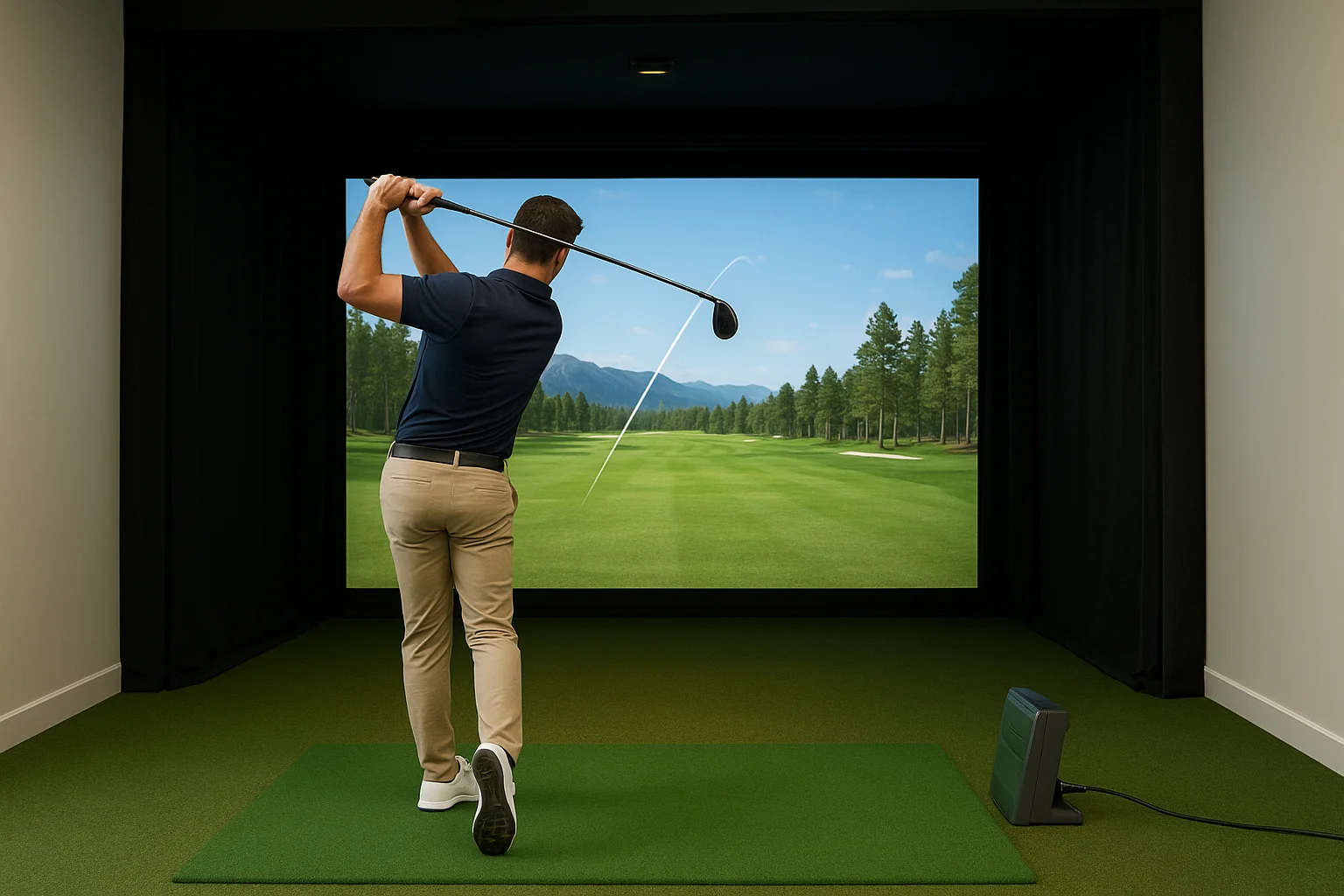
Space comes before software or brand names. Every simulator bay needs enough depth for a full swing, enough height to clear a driver on the backswing, and enough width that two side-by-side bays don't feel like a hallway. Skip this step and you'll end up shortening swings, capping club selection, or rebuilding a wall six months after opening. Room dimensions dictate almost every other decision that follows, including which launch monitor and screen size actually fit.
Minimum space requirements
Most commercial installers, including our crew, work from a baseline set of measurements before quoting equipment:
| Space element | Minimum | Comfortable |
|---|---|---|
| Ceiling height | 9 ft | 10-11 ft |
| Bay depth | 14 ft | 16-18 ft |
| Bay width | 10 ft | 12-14 ft |
| Screen distance | 8 ft | 10-12 ft |
Tight ceilings rule out taller players and long clubs, and shallow bays force golfers to stand closer to the screen than accuracy allows.
Launch monitor technology
Once the room works, the launch monitor decides how the whole system feels day to day. Camera-based systems track clubface and ball data with high precision but need consistent lighting and more frequent calibration in high-traffic settings. Radar-based units, similar to the technology used in Doppler weather tracking, hold up better under constant use and varying light, which matters more in a commercial setting than a home installation.
The launch monitor, not the projector or screen size, is what determines whether customers come back.
Budget systems cut corners here first, and customers notice within a single round.
Software licensing for commercial use
Questions about a commercial simulator setup almost always come back to licensing. Consumer-grade software licenses are built for single-household use, and running them in a paying business violates the terms and voids support. Commercial licenses cost more upfront but include multi-user access, course libraries built for group play, and support tiers that match business hours instead of home-user response times. Skipping this step to save money upfront is one of the most common mistakes we see new operators make, and it usually surfaces during an audit or a warranty claim, not before.
What a commercial golf simulator really costs
Price questions dominate almost every consultation we run, and the honest answer is that a single bay ranges from $15,000 to $70,000 depending on launch monitor technology, screen quality, and enclosure build. That spread confuses a lot of first-time owners because they see a $10,000 home package advertised online and assume commercial pricing works the same way. It doesn't. Commercial-grade hardware has to survive dozens of swings a day from strangers, not a handful of swings a week from one household.
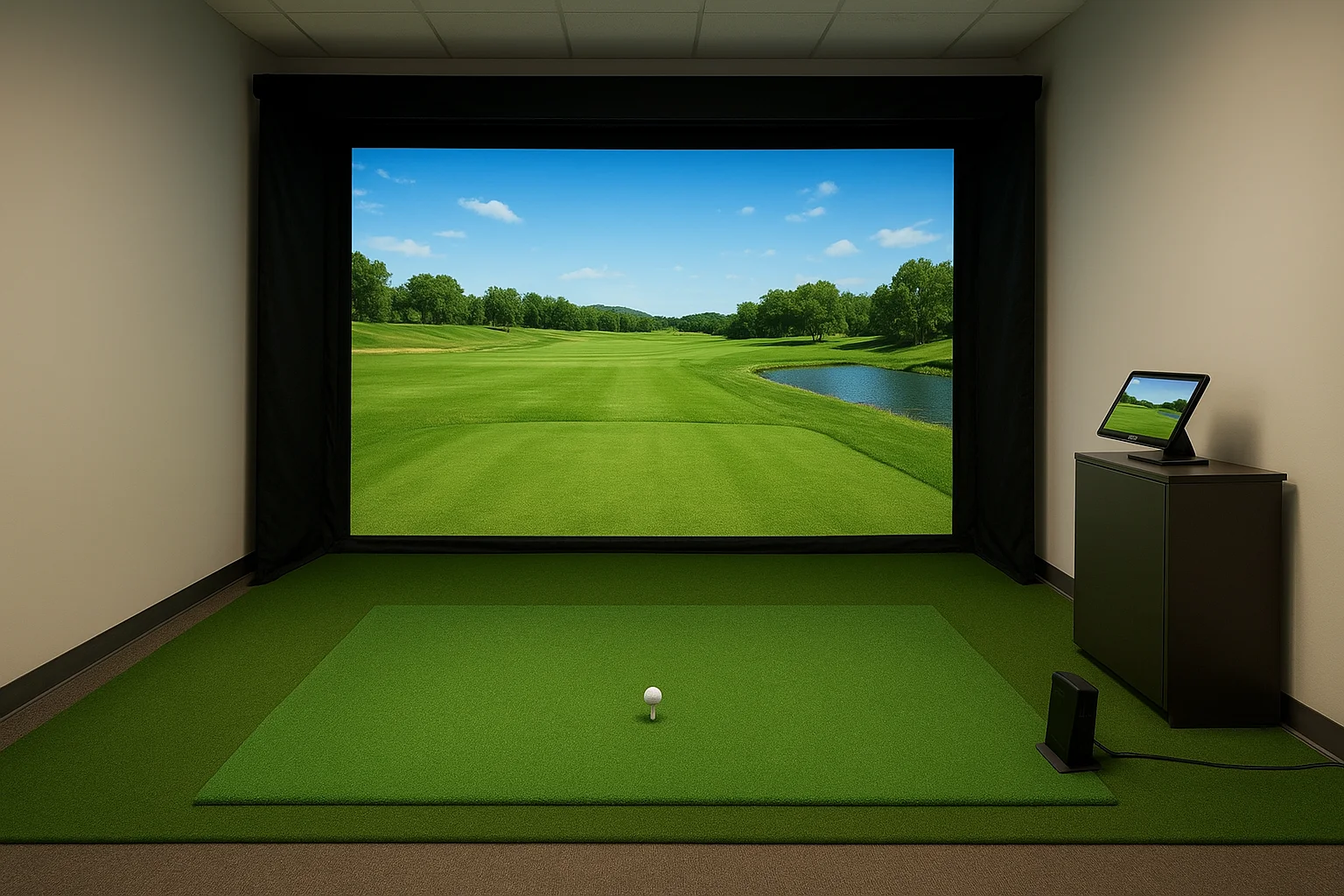
A home-grade simulator bought to save money almost always costs more in repairs than a commercial unit would have upfront.
Hardware and software breakdown
Breaking the budget into categories makes the real spend easier to plan around:
| Component | Entry-level | Tournament-grade |
|---|---|---|
| Launch monitor | $6,000-$12,000 | $15,000-$25,000 |
| Projector | $1,500-$3,000 | $4,000-$8,000 |
| Impact screen and enclosure | $2,500-$5,000 | $6,000-$10,000 |
| Simulator software (commercial license) | $2,000-$4,000/year | $4,000-$6,000/year |
| Hitting mat and turf | $800-$2,000 | $2,000-$4,000 |
Software alone can surprise new owners since it's a recurring cost, not a one-time purchase, and most commercial licenses renew annually at rates well above the consumer tier.
Build-out and infrastructure costs
Equipment is only part of the invoice. Electrical work, low-voltage cabling, HVAC adjustments for a closed room, and sound treatment for multi-bay venues typically add $10,000 to $30,000 per bay once you're past the first one, since shared infrastructure like networking and climate control gets more efficient at scale. Flooring, lighting, and seating for a lounge area around the bays push costs higher still, especially in a hospitality build where the simulator has to match the rest of the space visually.
Multi-bay math and return timelines
Owners often plan for two to six bays right out of the gate rather than one, since a single bay limits how many revenue streams you can run at once. A four-bay build in the Treasure Valley area, including infrastructure, commonly lands between $180,000 and $350,000 all-in. Return timelines vary widely based on location and pricing model, but operators running the multi-revenue approach described earlier tend to reach breakeven faster than those depending on hourly rentals alone. Getting a realistic number for your specific space means walking a professional installer through your floor plan before you sign a lease, not after.
Professional installation and ongoing support
Equipment specs matter less than most owners assume once you realize how much of a commercial simulator's performance comes from the install itself. A launch monitor mounted at the wrong angle, a projector fighting ambient light from a nearby window, or cabling run without commercial-grade shielding will all produce the same result: inconsistent shot data and frustrated customers. Professional installation isn't an upsell on top of the equipment budget. It's what makes the equipment budget worth spending in the first place.
The gap between a simulator that impresses customers and one that gets refund requests is almost always the install, not the hardware.
What a proper commercial install includes
Getting a bay ready for paying customers involves more coordination than most first-time owners expect, and skipping steps here is where DIY attempts usually fall apart:
- Structural assessment of ceiling height, floor leveling, and wall anchoring for enclosure tension
- Low-voltage cabling run separately from power lines to prevent interference with launch monitor sensors
- Calibration of camera or radar tracking against the specific screen distance and lighting in that room
- Network setup for software licensing, remote diagnostics, and point-of-sale integration where applicable
- Lighting adjustments to eliminate glare and shadow zones that throw off tracking accuracy
Skip any one of these and you're troubleshooting blind once the doors open to paying customers.
Why ongoing support matters more in commercial settings
Ownership doesn't end at the ribbon cutting. Commercial bays see dozens of swings a day from people who don't know the equipment's quirks, which means calibration drifts faster than it would in a home setup. Support contracts that include quarterly calibration checks, firmware updates, and a same-week response time for hardware failures keep a bay generating revenue instead of sitting dark with an "out of order" sign taped to the screen. Businesses that skip a support plan tend to absorb longer downtime and higher repair bills when something finally breaks, since there's no relationship in place for fast diagnosis.
Treasure Valley Solutions handles both sides of this for operators across Meridian, Boise, Eagle, and Nampa: full installation from initial site walkthrough through calibration, plus ongoing programming and support once the bays are open. If you're weighing a build-out and want a realistic look at what your specific space requires, our team can walk through it with you before you commit to a lease or a hardware order.
Planning your next move
A golf simulator for business isn't a plug-and-play purchase. The right room dimensions, launch monitor technology, and commercial licensing determine whether customers come back for a second visit, and the install quality determines whether that experience holds up after month three. Realistic budgeting, whether you're planning one bay or four, starts with an honest look at your space and your revenue model, not a sticker price you saw online.
Getting those numbers right before you sign a lease saves you from expensive changes later. Local expertise matters here, since a setup that works in Phoenix or Chicago doesn't automatically translate to a Meridian strip mall or a Boise brewery build-out. If you're weighing a golf simulator investment anywhere in the Treasure Valley, talk to our team about walking through your floor plan before you commit to equipment or a location.
Need Expert Help?
Ready to implement these solutions in your own home or business?
Our Services
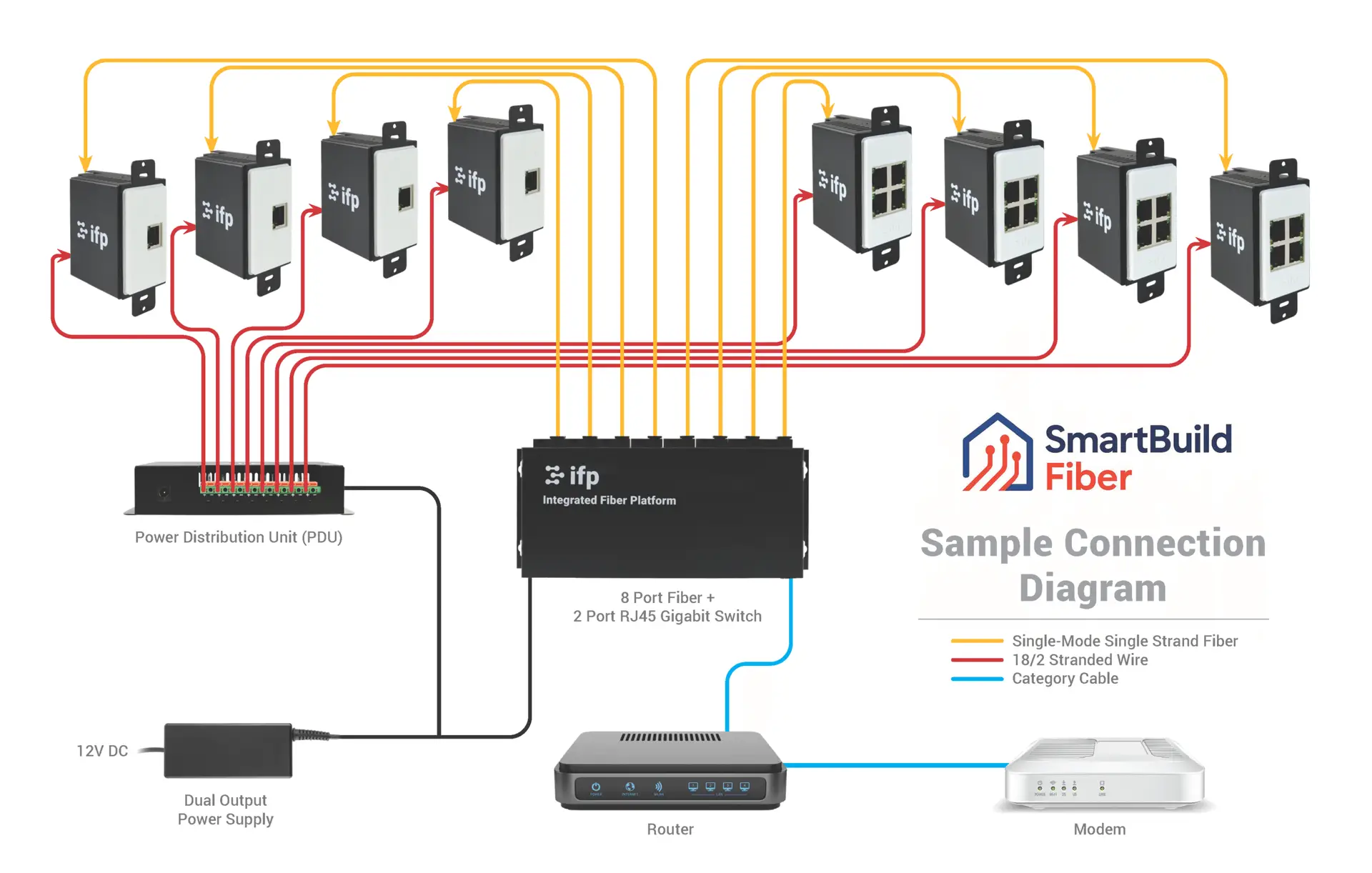
Future-proof fiber optic infrastructure.
High-definition surveillance for peace of mind.
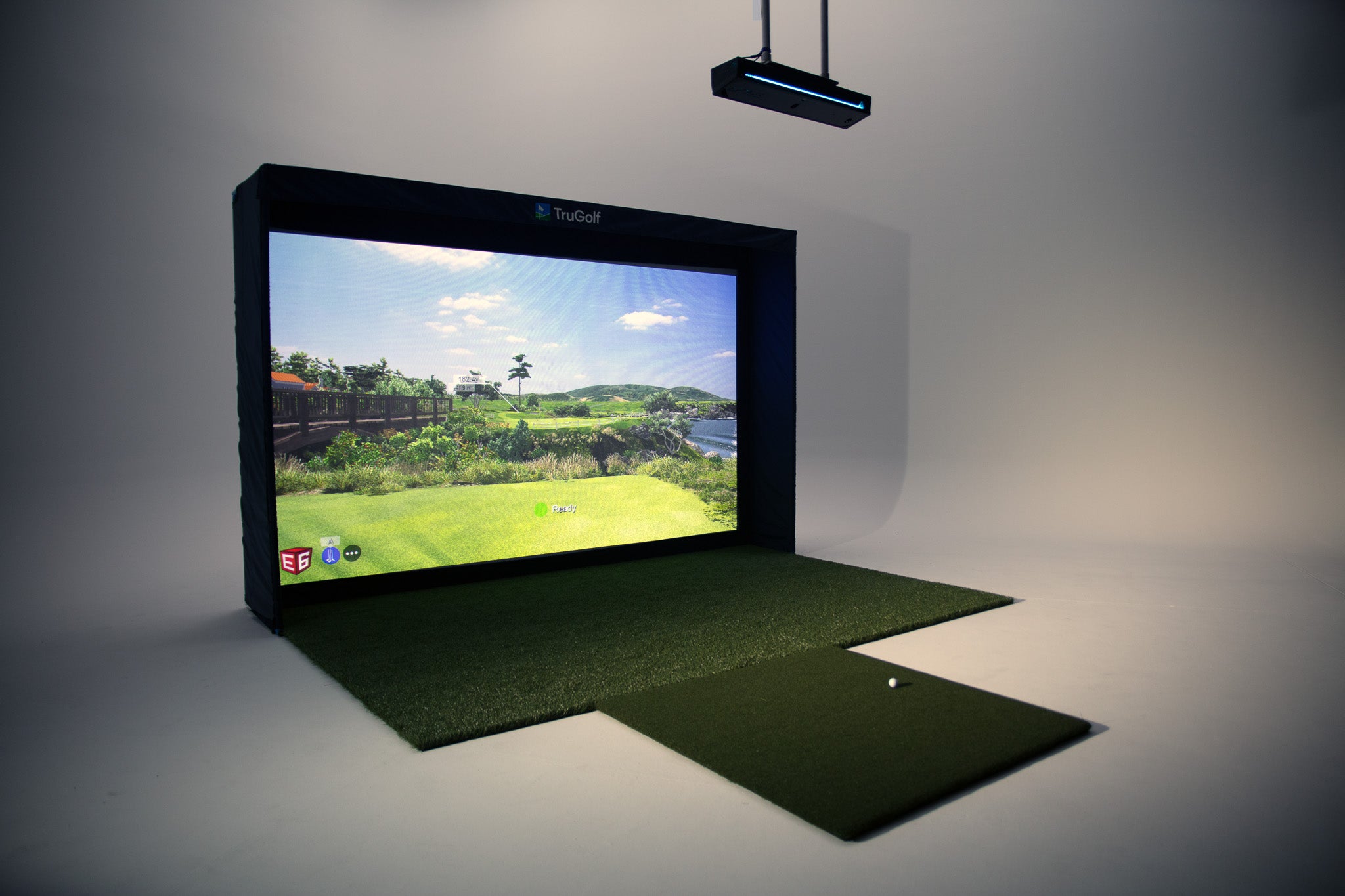
Room-first golf simulator planning, equipment coordination and AV installation for Treasure Valley homes, builders and venues.
Serving the Treasure Valley
Local installation in your city