 (208) 991-3502
 Meridian, ID



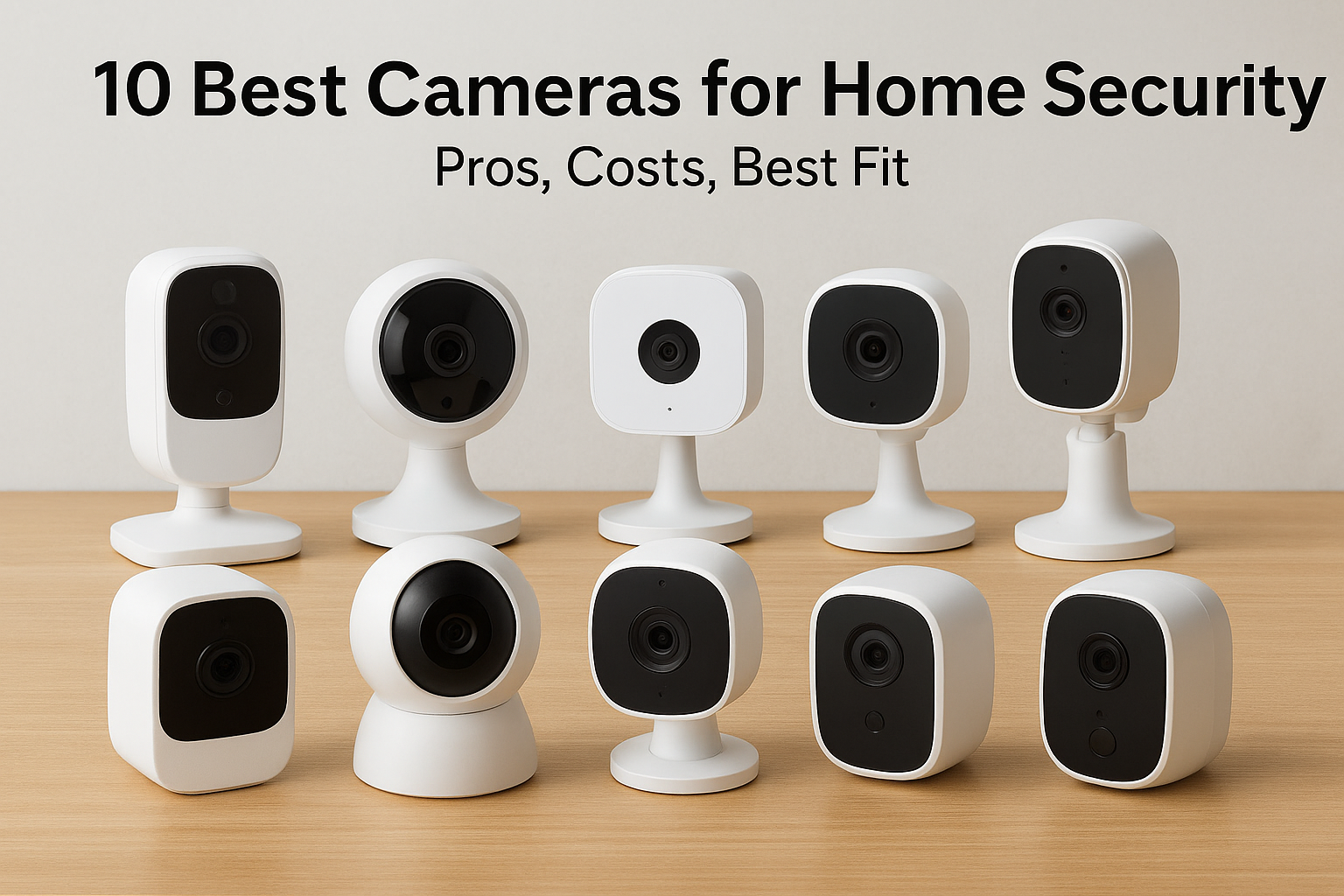

The best cameras for home security depend on how you want to be protected, not on one winning model. SimpliSafe is the best pick if you want live agents to speak to intruders, and Ring suits most DIY...
The best cameras for home security depend on how you want to be protected, not on one winning model. SimpliSafe is the best pick if you want live agents to speak to intruders, and Ring suits most DIY homeowners. Lorex and eufy are the strongest choices when you want to avoid monthly fees, and Google Nest suits you if smart alerts matter most. Wyze and Blink cover tight budgets, Arlo covers high resolution, and a professionally designed system fits when you would rather not wire anything yourself.
Every brand promises clear video, smart alerts, and easy setup. The real differences show up later: where your footage is stored, what the subscription costs after the first year, how the camera is powered, and whether it keeps working when Wi-Fi drops. A $30 camera and a $350 camera can both record your porch, but they handle night footage, false alerts, and weak signal very differently.
This article ranks ten options and gives you the specs, starting prices, and trade-offs for each. We are Treasure Valley Solutions, a Meridian, Idaho company that has planned and installed camera systems across the Treasure Valley since 2014, so we also point out where a camera that looks great on paper causes trouble on a real house. Prices are starting prices and shift with sales, so confirm current pricing before you buy.
1. Treasure Valley Solutions custom camera systems
Treasure Valley Solutions is the pick if you want a camera system designed around your property and installed by licensed, insured technicians instead of a kit you mount yourself.
What it is and how it works
We plan camera systems for homes across the Treasure Valley, starting from your coverage goals, your lighting, and how you want footage recorded. Then we choose the equipment, run the low voltage cabling, mount the cameras, and set up viewing on your phone or computer. You deal with one team from layout to programming.
Placement is where most home camera setups go wrong. A lens aimed into a low evening sun, a camera mounted too high to catch faces, or a unit at the far edge of your Wi-Fi range all produce footage you cannot use. Walking the property with you first, and checking entry points and lighting, lets us fix those problems before anything gets drilled.
A good camera in the wrong spot is worse than an average camera in the right one.
Specs, storage, and pricing
Our camera installs offer night vision, wide-angle lenses, and motion detection, with live and recorded viewing from your phone or computer. Cost depends on how many cameras you need, how long the cable runs are, and which recorder you choose, so we quote after a site visit.
| Detail | What you get |
|---|---|
| Core features | Night vision, wide angles, motion detection |
| Remote viewing | Phone or computer |
| Storage | Cloud and local options |
| Cabling | Cat6 and Cat6A low voltage wiring available |
| Contracts | None required for our security systems |
| Warranty | One year on all work |
| Estimate | Free on-site consultation, no obligation |
Who it suits and what to watch for
This option suits homeowners who would rather not climb ladders or fish cable through attics. It also suits people building a new home, where cameras can be prewired, and owners of an older system who want us to assess the cameras, recorder, cabling, and network before a staged replacement. We also install Ring and Nest video doorbells if you want those on the same setup.
It is not the cheapest route, and it needs a site visit. We reply to inquiries within one business day, and installation appointments can run evenings and weekends based on availability.
- Pros: custom layout, proper cabling, upgrades of existing cameras in stages, one team for design and support.
- Cons: higher upfront cost than a self-installed $30 camera, and an on-site visit is required.
2. SimpliSafe for active intruder deterrence
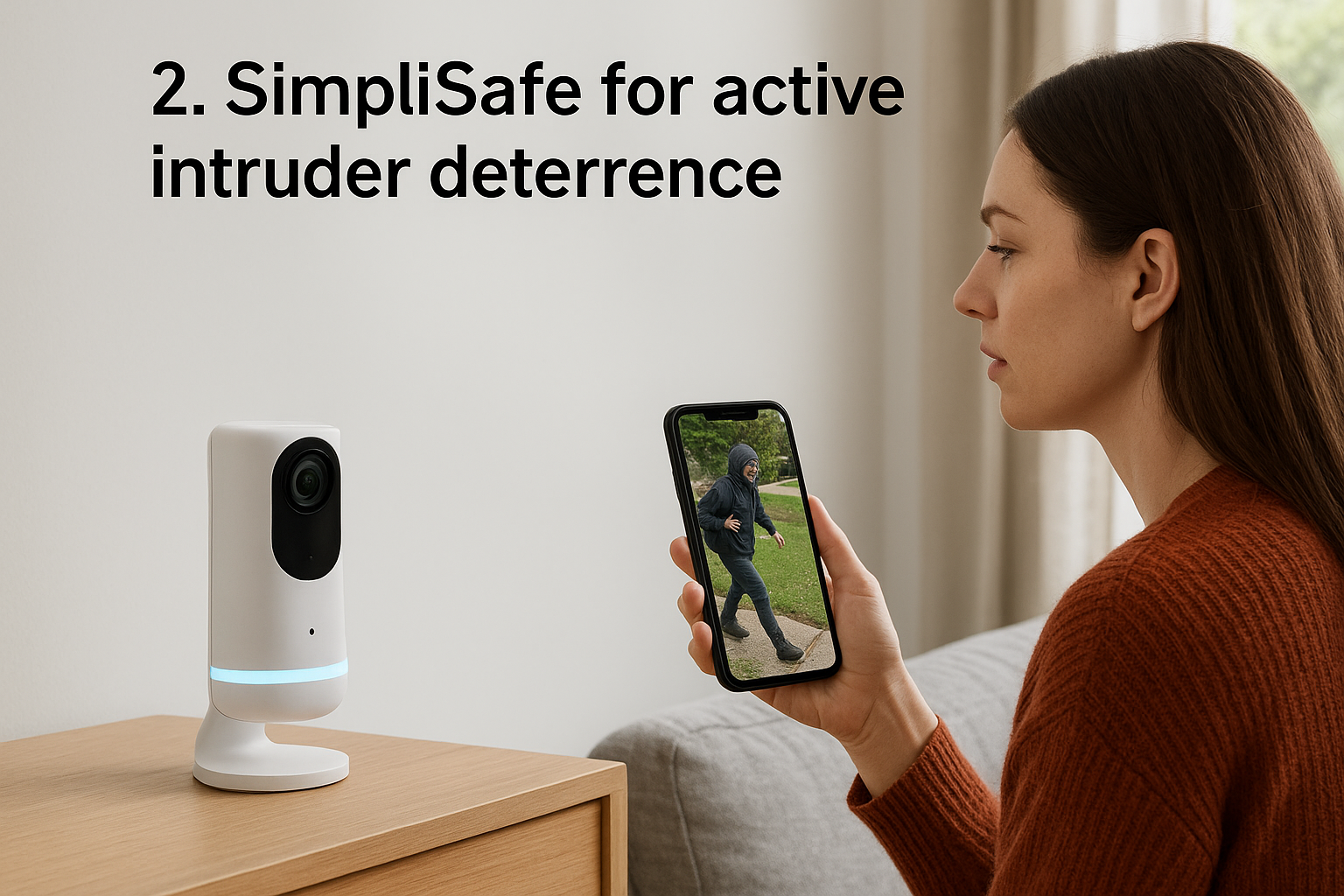
SimpliSafe is the best choice if you want trained agents watching your cameras and the ability to speak to an intruder before police arrive.
What it is and how it works
SimpliSafe builds its cameras as part of an alarm system. With the Core monitoring plan, agents can view the Wireless Indoor Camera after a sensor trips and talk through its two-way audio. With the Pro or Pro Plus plan, Active Guard extends that to the Outdoor Camera, where agents step in when its AI spots a person approaching.
The indoor camera keeps a privacy shutter closed by default and sends video to agents only when it detects movement, which suits bedrooms and living rooms. The lineup is small: an indoor camera, an outdoor camera, and a Video Doorbell Pro. The doorbell alone cannot use the active monitoring features, so you need at least one standard camera.
SimpliSafe turns a camera from a recorder into a deterrent, but only if you pay for the monitoring plan.
Specs, storage, and pricing
Footage is cloud only, and there is no 4K option. The cameras work with Alexa and Google Home. Monitoring plans require a SimpliSafe system, and packages start around $250.
| Detail | Specs |
|---|---|
| Wireless Indoor Camera | $149.99, 1536p, 125° view, battery |
| Outdoor Camera | $199.99, 1080p, 120° view, battery or plug-in, spotlight |
| Cloud recording plan | About $9.99 per month |
| Core plan | $32.99 per month, indoor camera intervention |
| Pro plan | $49.99 per month, Active Guard at night |
| Pro Plus plan | $79.99 per month, Active Guard 24/7 |
Who it suits and what to watch for
SimpliSafe fits homeowners who want an alarm and cameras together on month-to-month terms. If you only want cameras, the plans can feel like overkill, since recording alone needs a subscription and the best features sit in the higher tiers.
- Pros: live agent intervention, privacy shutter, easy DIY setup, no long contract.
- Cons: small camera range, no 4K, recording requires a monthly fee, and Active Guard needs a $49.99 or higher plan.
3. ADT with Google Nest cameras
ADT is the best fit when you want professionally installed Nest cameras backed by 24/7 professional monitoring.
What it is and how it works
ADT's cameras are all Google Nest models. You get Nest's detection of people, animals, and vehicles, activity zones, and Familiar Faces recognition, all inside an ADT system.
ADT's real value is video verification. Agents can look at your camera footage when an alarm goes off, which can speed up police response. Trusted Neighbor uses facial recognition on a Nest camera or doorbell to let approved people in at set times, such as a dog walker at 2 p.m. ADT also runs a network of monitoring centers across North America, so if one goes offline another can take over.
Video verification does not stop a burglar, but it helps police treat your alarm as real.
Specs, storage, and pricing
Resolution reaches 2K, footage goes to the cloud, and there is no local storage. Camera prices match Google's own store, though professional installation costs extra.
| Detail | Specs |
|---|---|
| Nest Cam Indoor, wired | $99.99 |
| Nest Cam Outdoor, wired | $149.99 |
| Nest Cam, battery | $179.99 |
| Nest Cam with floodlight | $279.99 |
| Nest Doorbell | $179.99 |
| Monitoring with cameras | From $39.99 per month |
Who it suits and what to watch for
ADT suits homeowners who want a hands-off setup with a large monitoring operation behind it. Contract terms vary by plan, so ask whether you are signing monthly or for several years before you agree to anything.
- Pros: advanced AI features, video verification, complete system, professional installation.
- Cons: higher prices, no 4K, no local storage, and advanced features need a subscription. ADT's DIY line uses its own non-Nest cameras instead.
4. Ring for DIY coverage
Ring is the best all-around pick for DIY installation and the widest mix of camera types from one brand.
What it is and how it works
Ring lets you build coverage room by room. Its lineup includes the Indoor Cam, Outdoor Cam, Spotlight Cam, and Floodlight Cam, and most models can run on battery, solar, or plug-in power. Setup for most takes minutes.
That flexibility solves placement problems. You can put a wired Outdoor Cam over the garage, a battery Spotlight Cam at the front door, and a solar-powered unit in a back corner with no outlet. The exception is the Floodlight Cam, which is hardwired, and wiring is where many DIY projects stall.
Ring's strength is that the power source never dictates where a camera can go.
Specs, storage, and pricing
Resolution runs from 1080p HD on older models to 2K on newer ones, and footage goes to the cloud with 180 days of video history on paid plans. Ring works with Alexa and Google Home.
| Detail | Specs |
|---|---|
| Indoor Cam | Roughly $50 to $60 |
| Outdoor Cam | Roughly $80 to $100 |
| Spotlight Cam | Roughly $150 to $170 |
| Floodlight Cam | Roughly $180 to $200 |
| Ring Solo plan | $4.99 per month, one camera |
| Ring Multi plan | $9.99 per month, unlimited cameras |
| Ring AI Pro plan | $19.99 per month, professional monitoring, up to 5 cameras |
Who it suits and what to watch for
Ring suits renters, first-time buyers, and Alexa households that want to start with one or two cameras and expand later. Without a plan you get live view only, so budget for a subscription if you want recordings.
- Pros: huge range of models, flexible power, quick installation, affordable plans.
- Cons: some models are bulky, premium cameras cost $200 or more, false alerts happen, and recording needs a subscription.
5. Lorex for no monthly fees
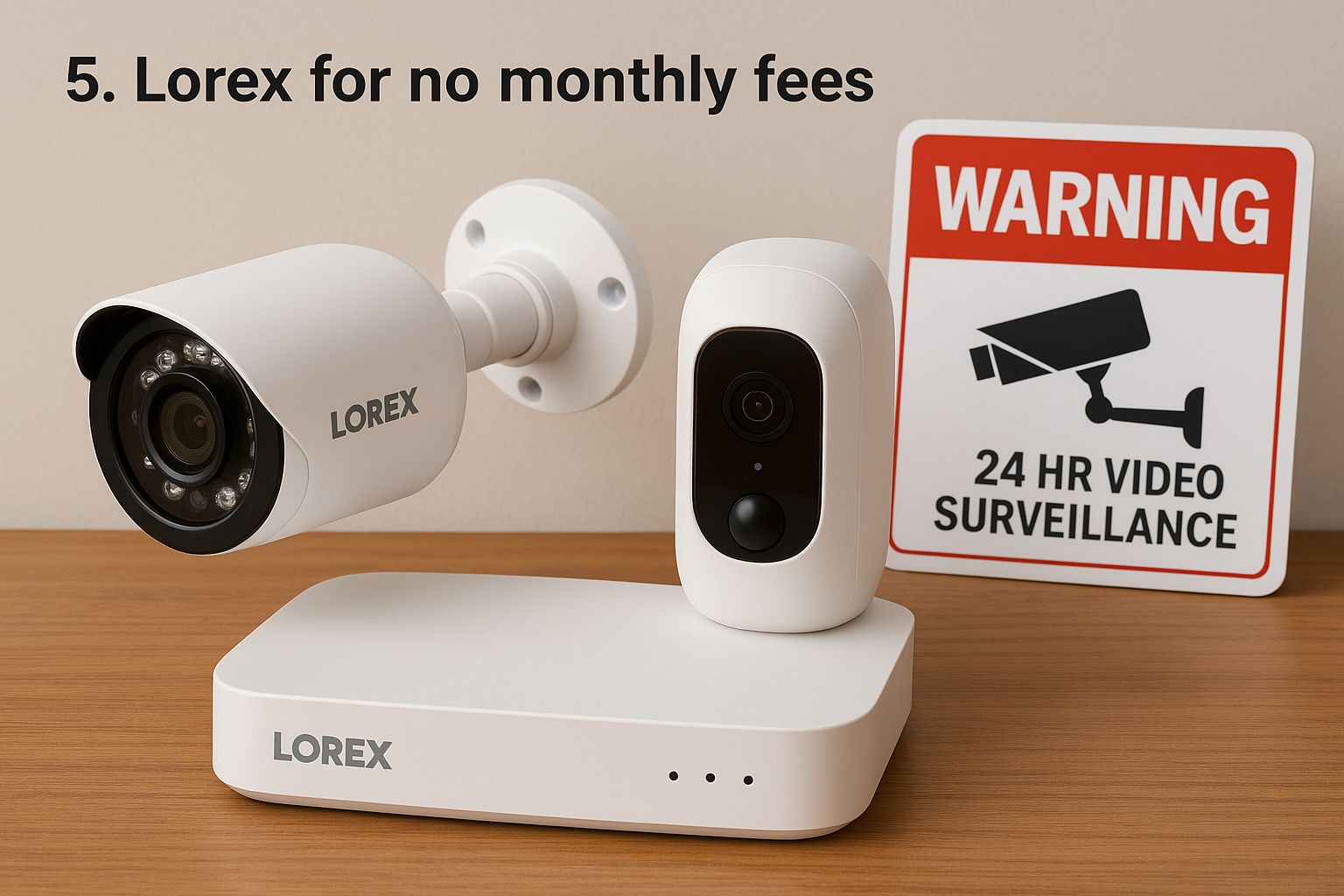
Lorex is the best pick if you want no monthly fees and 4K recording stored on a box in your own home.
What it is and how it works
Lorex builds cameras around local recording. Most connect to a DVR or NVR, a recorder with a hard drive in your house, so you never pay for cloud storage. The lineup includes bullet cameras, domes, wireless models, and PoE cameras that carry power and data over one Ethernet cable.
Its Smart Deterrence feature combines person detection with a spotlight and an alert to your phone, and you can sound a siren from the app. That automates part of the response, but it does not replace professional monitoring. No agent speaks to the intruder or calls police for you.
With Lorex you pay once for the hardware and keep your footage without a subscription.
Specs, storage, and pricing
Resolution reaches 4K, with a field of view up to 180°. Storage is free and local, with optional cloud plans from $2.99 per month. Most Lorex cameras cost $80 to $150, and an NVR with two cameras starts around $300.
| Detail | Specs |
|---|---|
| Smart Wi-Fi Indoor Camera | $39.99 |
| Wireless Fusion package | $469.99, 4 indoor 4K cameras, 16-channel NVR with 2 TB |
| Fusion 4K package | $649.99, 2 outdoor 4K pan-tilt cameras, 16-channel NVR |
| Power | Wired, battery, or PoE |
| Storage | Free local, optional cloud |
Who it suits and what to watch for
Lorex suits owners who are comfortable running cable or hiring someone to do it. A four-camera wired system can take around five hours to install, and PoE cameras need an Ethernet run to every location. That is where many homeowners call a professional.
- Pros: free local storage, up to 4K, rugged build, long-range night vision.
- Cons: overwhelming number of options, wired installs take effort, no professional monitoring, and occasional false alerts.
6. eufy for wireless without subscriptions
eufy is the best pick for wireless cameras with no required subscription and strong picture quality.
What it is and how it works
eufy sells battery and solar cameras that can store footage on the device, which keeps video off cloud servers and reduces exposure to remote hacking. The outdoor SoloCam S220 is solar-powered, and the maker advertises that about three hours of sunlight recharges it. That means no ladder trips to swap batteries.
In a test of ten wireless systems, eufy's indoor camera had the clearest picture of the group. The Indoor Cam C120 also supports Apple HomeKit Secure Video, which is rare among security cameras and useful if your household runs on iPhones.
eufy keeps your footage in your house, so skipping the monthly plan does not mean skipping recording.
Specs, storage, and pricing
Single indoor cameras start around $35. The C120 costs under $45 and records 2K, while the Indoor Cam E220 costs $54.99 and records to a microSD card. A starter system with a hub starts at $159.99, and optional plans, including professional monitoring, begin at $4.99 per month.
| Detail | Specs |
|---|---|
| Indoor Cam C120 | Under $45, 2K, wired, 125° view |
| Smart platforms | Alexa, Google Home, Apple HomeKit |
| Storage | Cloud and local, depending on model |
| Monthly cost | $0, optional plans from $4.99 |
| Warranty | One year |
Who it suits and what to watch for
eufy suits renters and privacy-minded owners who want wireless cameras without a mandatory plan. Check Wi-Fi band support before buying, since the C120 is listed as incompatible with 5G networks.
- Pros: strong clarity, solar and battery options, local storage, low-cost plans.
- Cons: about two seconds of lag in live view in one test, and default notifications that are far too frequent until you adjust them in the app.
7. Google Nest for smart alerts
Google Nest is the best fit for Google Home households that want smart alerts and facial recognition.
What it is and how it works
Nest Cams detect people, animals, and vehicles, support activity zones, and recognize faces through Familiar Face Alerts. Facial recognition needs a Google Home Premium subscription, currently $10 per month.
You teach the camera faces by naming pictures. One reviewer found it took about two months to learn people who visited weekly. Afterward, alerts told them whether a visitor was familiar or a stranger, and often exactly who it was. Nest Cams need an internet connection and have no local storage option.
Nest's best feature, facial recognition, is also the one that costs extra every month.
Specs, storage, and pricing
Resolution reaches 2K with HDR and the field of view reaches 152°. Cameras run on wired or battery power and store footage in the cloud. They work with Google Home and Alexa, and prices start at $99.99 for the wired indoor model.
| Detail | Specs |
|---|---|
| Resolution | Up to 2K with HDR |
| Field of view | Up to 152° |
| Power | Wired or battery |
| Storage | Cloud only |
| Facial recognition | Google Home Premium, $10 per month |
Who it suits and what to watch for
Buying Nest directly suits DIY owners already using Google Home. If you want professional monitoring on top, ADT offers the same cameras at the same prices.
- Pros: accurate smart alerts, clean video, deep Google Home integration.
- Cons: expensive across several cameras, no local storage, and the best features sit behind a subscription.
8. Arlo for high resolution
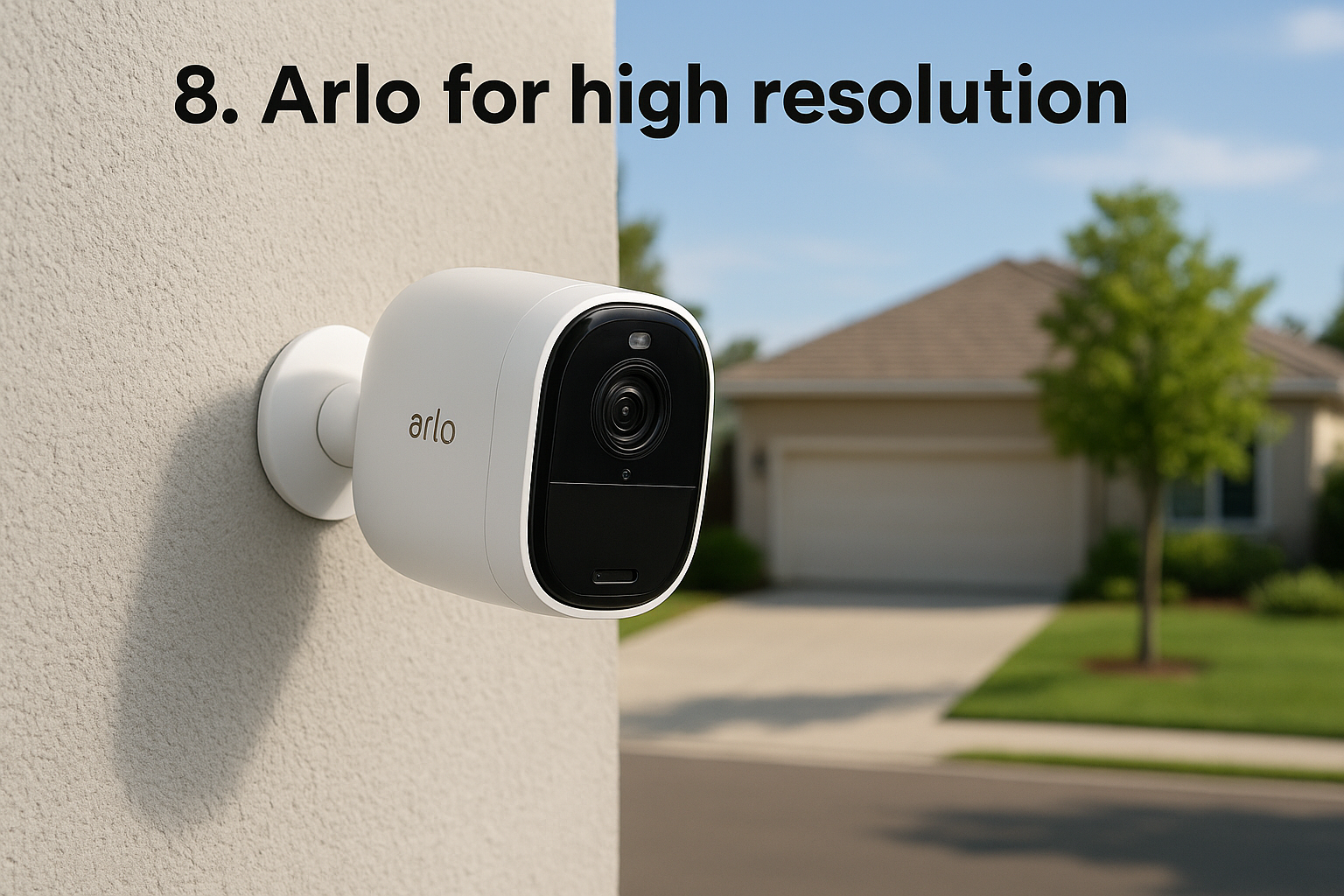
Arlo is the best choice when video resolution matters most and you want wire-free cameras that mount almost anywhere.
What it is and how it works
Arlo records in 2K and 4K, and the Ultra 2 adjusts its resolution to your connection quality, which helps if your internet is spotty. The Pro 5S runs on a plug or a built-in battery and uses magnetic mounts. The newer Pro 6 records 2K with a 160° view, dual-band Wi-Fi, color night vision, and a built-in spotlight.
Higher resolution matters for faces and license plates. For general room coverage, 1080p is enough. Spend on 4K for the one camera that watches your driveway or street.
Buy 4K for the camera that has to read a license plate, not for every room.
Specs, storage, and pricing
Arlo cameras run on wired, battery, solar, or PoE power, and footage goes to the cloud. Recording requires a subscription, so check the plan cost for your camera count before you buy.
| Detail | Specs |
|---|---|
| Ultra 3rd Gen | $349.99, 4K, 180° view |
| Pro 6 | $124.99, 2K, 160° view |
| Essential Indoor Camera 3rd Gen | $39.99 |
| Contract | None required |
Who it suits and what to watch for
Arlo suits owners of larger lots who want clear detail and wireless flexibility. It is not a complete security system on its own, since it lacks entry sensors and has limited home automation.
- Pros: top resolution, flexible mounting, no contracts, many models.
- Cons: steep upfront cost, cloud subscription for recording, no entry sensors.
9. Wyze for tight budgets
Wyze is the best budget pick, with capable cameras starting around $30 and free short-term cloud storage.
What it is and how it works
The Wyze Cam v4 costs under $40 and records up to 2.5K. It works indoors or outdoors and offers motion detection zones and sound detection. Motion-triggered clips are stored in the cloud for 14 days at no charge, and you can also record to a microSD card with no monthly fee.
The battery-powered outdoor Battery Cam Pro costs $89.98, and the Floodlight Pro costs $149.98 with 2.5K resolution and a 180° view. Be realistic about quality, though. Independent testing found Wyze's video softer at night and at a distance, with minor lag in live view.
Wyze gives you real recording for the price of a pizza dinner, with softer night video as the trade.
Specs, storage, and pricing
Wyze cameras work with Alexa and Google Home. Monitoring plans start at $2.99 per month, but most owners will not need one.
| Detail | Specs |
|---|---|
| Wyze Cam v4 | Under $40, up to 2.5K, up to 134° view |
| Power | Plug-in or battery |
| Storage | Free 14-day cloud clips plus microSD |
| Battery Cam Pro | $89.98 |
| Floodlight Pro | $149.98 |
Who it suits and what to watch for
Wyze suits renters, first-time buyers, and anyone covering secondary rooms like a garage or nursery. For a main entrance or a street-facing driveway, step up to a camera with stronger night performance.
- Pros: lowest prices, free short-term storage, microSD support, beginner-friendly setup.
- Cons: limited outdoor options, no professional monitoring, most models must be plugged in.
10. Blink for simple battery cameras
Blink is the best pick for cheap, simple cameras that run up to two years on batteries between changes.
What it is and how it works
Blink is an Amazon-owned sister brand to Ring. Outdoor cameras pair with a Sync Module that handles the Wi-Fi connection, which is how they reach battery life of up to two years. Passive infrared motion sensors use very little power, and heat-signature detection helps tell pets from a swaying curtain.
When motion triggers a recording, footage can go to cloud storage or to a USB drive plugged into the Sync Module. Blink skips advanced features like facial recognition in favor of battery life and simplicity.
Blink trades smart features for the longest battery life and lowest entry price on this list.
Specs, storage, and pricing
Entry-level cameras start at $29.99 and recordings reach 2K with a view up to 143°. Blink works with Alexa, and plans cost $3.99 per month for one camera or $11.99 per month for unlimited cameras.
| Detail | Specs |
|---|---|
| Starting price | $29.99 |
| Resolution | Up to 2K |
| Power | Battery or plug-in |
| Storage | Cloud or USB via Sync Module |
| Plans | $3.99 per month single, $11.99 unlimited |
Who it suits and what to watch for
Blink suits first-time buyers, renters, and pet owners who want simple coverage without maintenance. Costs rise as you add devices, and only one person can stream a camera at a time.
- Pros: low price, long battery life, easy DIY setup, no-contract self-monitoring.
- Cons: few smart features, limited storage choices, one live viewer at a time.
How to choose the right home security camera
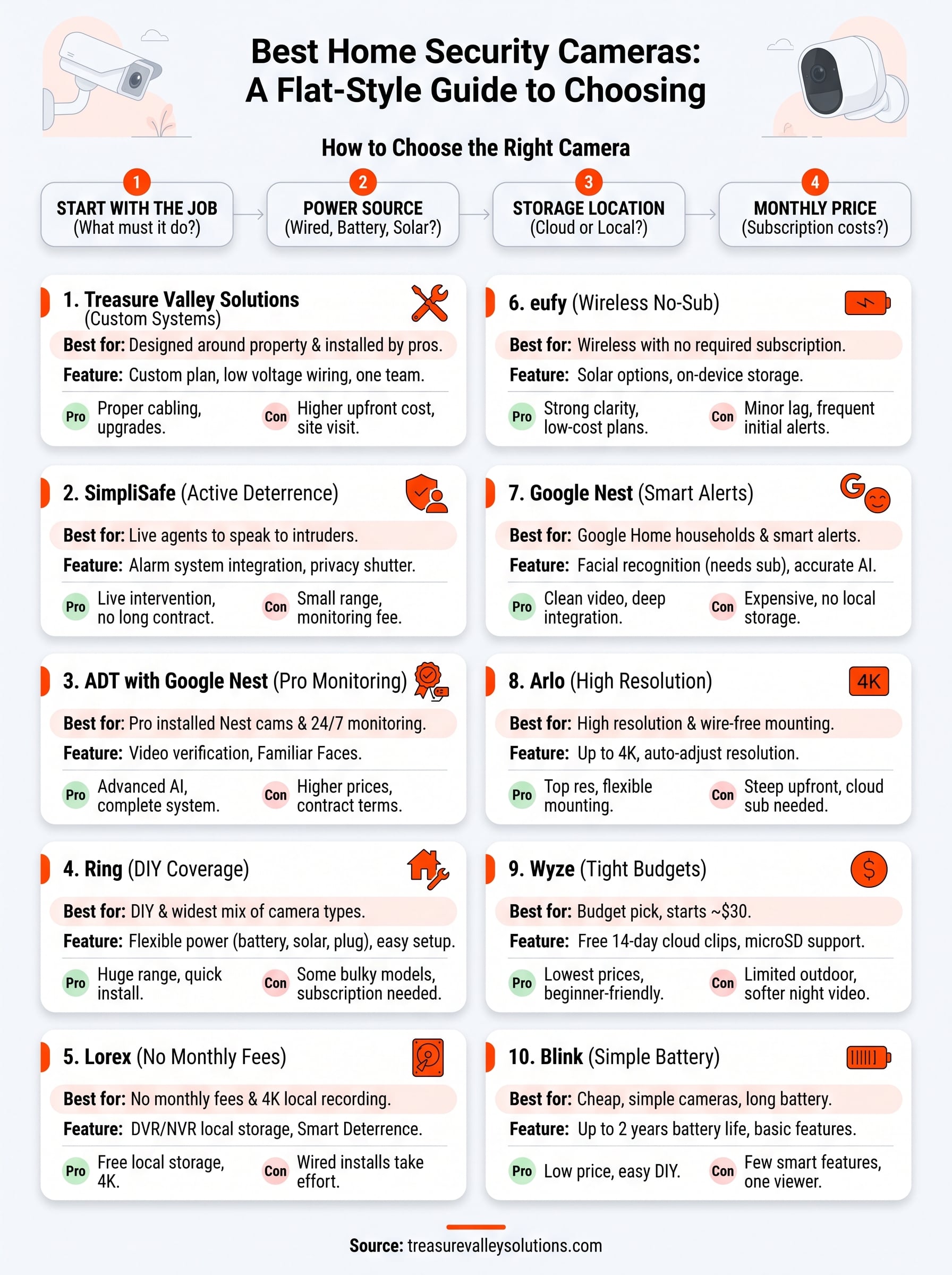
Choose in this order: what the camera must do, how it is powered, where footage is stored, and what you will pay each month. Start with the job, not the brand, and price the subscription before the hardware.
Match the camera to the job
The table below sets each situation against the best fit from this list.
| Your situation | Best fit |
|---|---|
| Agents who speak to intruders | SimpliSafe |
| Pro monitoring with smart cameras | ADT with Nest |
| DIY, built room by room | Ring |
| No fees and 4K recording | Lorex |
| No fees and wireless | eufy |
| Google Home household | Google Nest |
| Highest resolution, wire-free | Arlo |
| Tight budget | Wyze or Blink |
| Planned and installed locally | Treasure Valley Solutions |
Most homes end up mixing two or three of these. A good plan covers every ground-floor entry point, the driveway, and the main living area before you spend on extras.
Cover doors and driveways first, then add rooms.
Five outdoor cameras worth shortlisting
If you are asking which outdoor cameras are the best, start with these five, since each solves a different outdoor problem.
- Ring Spotlight Cam: battery, solar, or plug-in power with a built-in light.
- SimpliSafe Outdoor Camera: 1080p with a spotlight and live agent intervention on higher plans.
- Lorex 4K outdoor camera: color night vision, Smart Deterrence, free local storage.
- eufy SoloCam S220: solar-powered with on-device storage.
- Arlo Pro 6: 2K, 160° view, color night vision, and a spotlight.
Wired or wireless, and what local weather does
Wired cameras are steadier and need no battery changes, but they cost more to install. Wireless cameras install fast and keep working through a power outage, but you must keep batteries charged and Wi-Fi strong at the edge of your property.
Weather matters here. Treasure Valley winters regularly dip below freezing and summers run hot and dry, and both stress battery cameras. Cold shortens runtime, and a sun-baked south wall is hard on any electronics. Check each camera's rated operating temperature range, and use wired or PoE power for the spots you cannot easily reach.
What monthly costs add up to
Subscriptions decide the real price. This table puts the plans from this list side by side.
| Brand | Monthly cost to record |
|---|---|
| Lorex | $0 with local storage, cloud from $2.99 |
| eufy | $0 with local storage, optional plans from $4.99 |
| Wyze | Free 14-day cloud clips, microSD with no fee |
| Blink | $3.99 for one camera, $11.99 unlimited |
| Ring | $4.99 to $19.99 |
| Nest | $10 Google Home Premium for facial recognition |
| SimpliSafe | $9.99 recording, $32.99 and up with monitoring |
| ADT | From $39.99 with cameras |
Here is a worked example over three years with four indoor cameras. Four Ring Indoor Cams at about $59.99 each cost $239.96, and the Ring Multi plan at $9.99 per month adds $359.64, for $599.60 in total. Lorex's Wireless Fusion package with four 4K indoor cameras and a 2 TB recorder costs $469.99 with no monthly fee. That is roughly $130 less, and the gap widens every year after.
Blink or Ring
Ring is the better choice if you want more camera types, solar and floodlight models, or professional monitoring. Blink is better if you want the lowest price and the longest battery life. Ring plans run $4.99 to $19.99 per month, against Blink's $3.99 or $11.99, so the monthly cost is similar.
Standalone cameras or a full system
Cameras record and alert. A full camera home security system adds door and window sensors, a siren, and monitoring, which is why SimpliSafe and ADT lead for complete protection. If you rent or only want to watch one area, standalone cameras are enough. If you own a house and want an alarm response when you are away, build a system around the cameras.
Which camera to pick
The right camera is the one that fits your property, your tolerance for monthly fees, and how much installation you want to do yourself. Choose SimpliSafe or ADT for monitoring, Ring or Blink for easy DIY, Lorex or eufy for no subscription, Nest for smart alerts, Arlo for resolution, and Wyze for budget coverage.
If you would rather skip the guesswork, we can plan the layout and handle the wiring. Book a free on-site consultation and we will walk your property with you and quote a system with no obligation.