 (208) 991-3502
 Meridian, ID



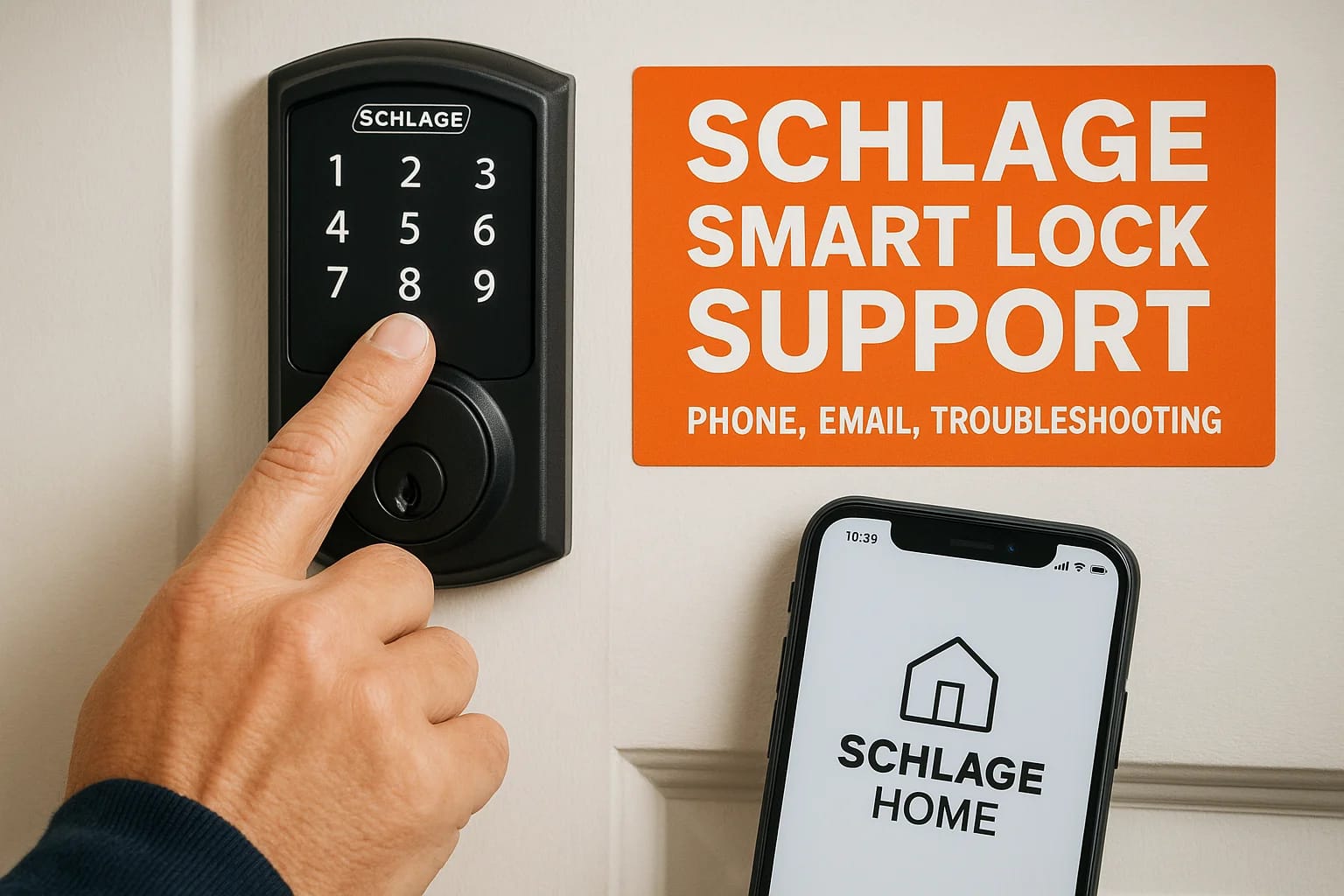

When your Schlage smart lock stops responding, won't connect to your app, or refuses to accept a new code, you need answers fast, not a runaround. Whether you're a homeowner locked out of your own pro...
When your Schlage smart lock stops responding, won't connect to your app, or refuses to accept a new code, you need answers fast, not a runaround. Whether you're a homeowner locked out of your own programming menu or a property manager dealing with a malfunctioning unit across multiple doors, knowing exactly where to get help matters.
At Treasure Valley Solutions, we install and program smart locks for homes and commercial properties throughout the Boise and Meridian area. We work with Schlage products regularly and know the common issues inside and out. That hands-on experience is exactly why we put this guide together, to give you direct access to Schlage's support channels and walk you through the troubleshooting steps that actually resolve problems.
Below, you'll find Schlage's phone number, email options, online resources, and step-by-step fixes for the most frequent smart lock issues, plus guidance on warranty claims if your lock needs more than a reset.
Before you contact support: info to gather
When you contact Schlage smart lock support, the conversation moves faster when you have the right details on hand. Support agents will ask for specific information about your lock, and tracking down that information mid-call wastes time for both sides. Spend two minutes gathering everything first.
Find your model number and serial number
Your model number is printed on a label on the interior side of the lock, near the battery compartment. The serial number appears on that same label or on the original box. Write both down before you call or start a chat session.
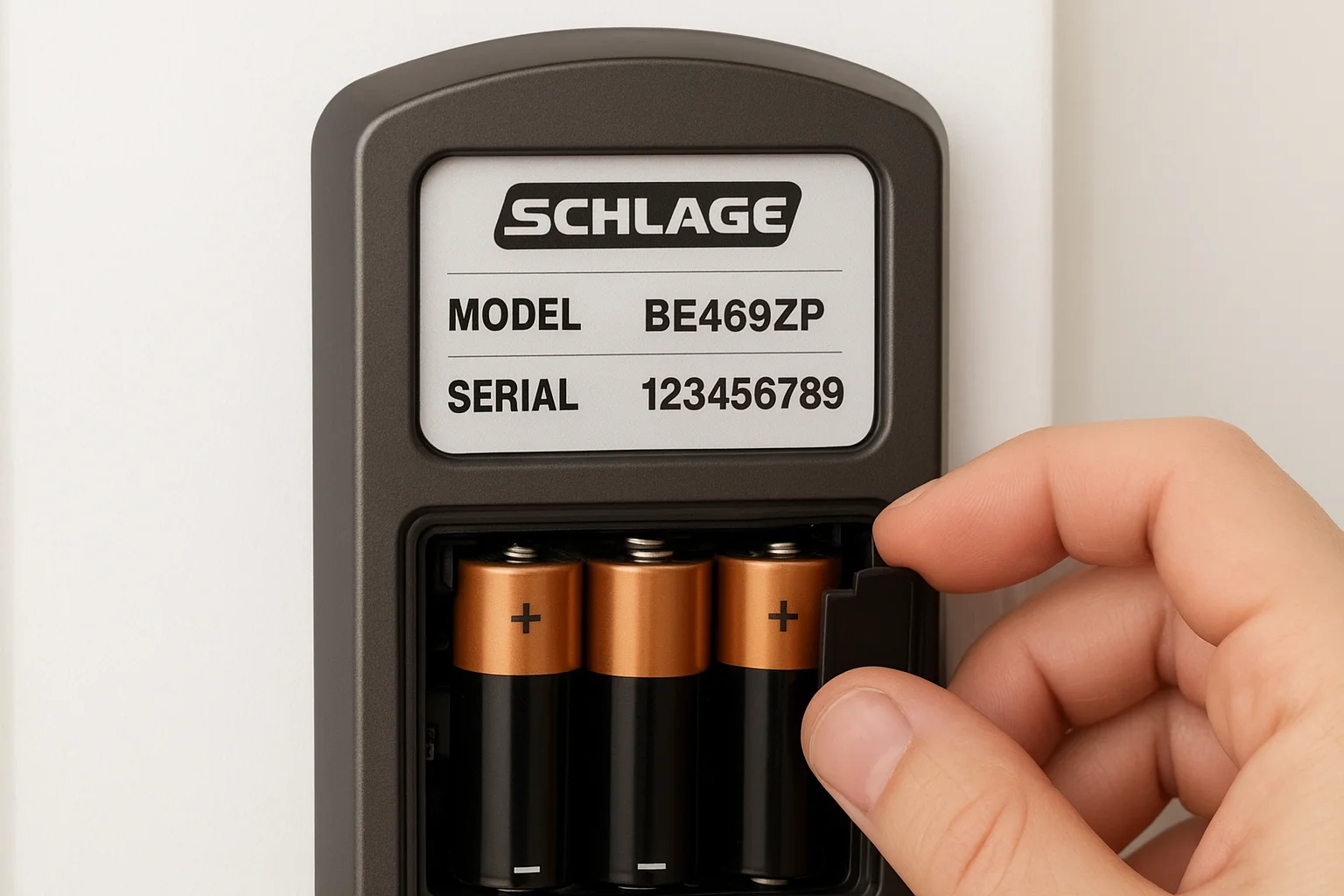
Having both numbers ready upfront helps agents pull the correct firmware details and compatibility information for your exact lock, which speeds up the diagnosis considerably.
Know your setup and symptoms
Before you reach out, document what your lock is connected to (the Schlage Home app, a Z-Wave hub, or a third-party platform) and exactly what it is doing wrong. Is it rejecting access codes? Dropping its connection? Showing a specific error light pattern?
Here is a quick checklist to prep before you contact support:
- Lock model and serial number
- Firmware version (check the Schlage Home app under device settings)
- Connection type: Wi-Fi, Z-Wave, or Bluetooth
- App version installed on your phone
- Steps you already tried (battery swap, restart, factory reset)
- Date the problem started
Check your batteries first
Weak or dead batteries cause most of the erratic behavior reported in Schlage smart locks, including unresponsive keypads and dropped connections. Replace them with fresh alkaline batteries before you call, and confirm which battery type your model requires (most keypad models take AA batteries, while some deadbolt models use a 9V backup battery).
Ruling out low batteries first saves you from going through a full troubleshooting call only to discover the fix was a two-minute battery swap.
Contact Schlage smart lock support
Once you have your lock details ready, reaching Schlage smart lock support directly is straightforward. Schlage offers several contact options depending on how urgently you need help and what type of issue you are dealing with.
Call Schlage by phone
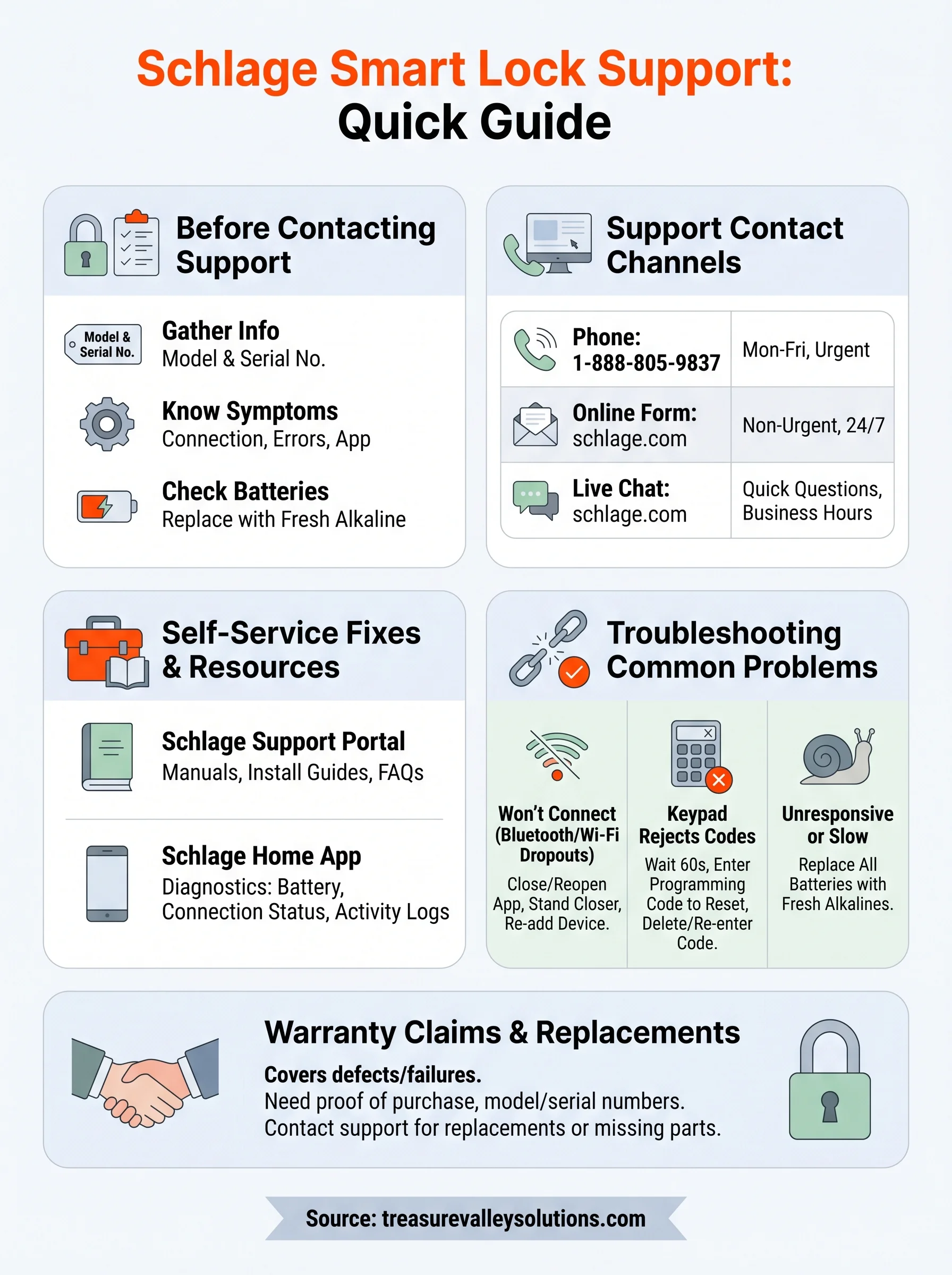
Phone support is the fastest route when you need a live person to walk you through a fix. Call 1-888-805-9837 to reach Schlage's customer service team. Representatives are available Monday through Friday, 8 a.m. to 6 p.m. CT. Have your model number, serial number, and a clear description of the problem ready before you dial.
Phone support works best for active lockouts, installation questions, or warranty claims that require account verification.
Use Schlage's online contact options
If your issue is not time-sensitive, Schlage also provides contact options through their official website at schlage.com. You can submit a support request form, and a representative will follow up by email within one to two business days. Live chat is available on the site during business hours and handles quick questions about compatibility or app connectivity without a wait on hold.
Here is a quick summary of your contact options:
| Method | Best for | Availability |
|---|---|---|
| Phone: 1-888-805-9837 | Urgent issues, lockouts | Mon-Fri, 8 a.m.-6 p.m. CT |
| Online form | Non-urgent requests | 24/7 submission |
| Live chat | Quick questions | Business hours |
Use Schlage self-service troubleshooting
Before calling Schlage smart lock support, check the official resources Schlage has built for exactly this purpose. Their online support portal at schlage.com/support contains product manuals, installation guides, and FAQs organized by lock model. These resources resolve many common issues without any wait time.
If you can pinpoint your exact model in the support portal, you will find guides specific to your lock's firmware and hardware version, which makes troubleshooting far more accurate.
Schlage's video library and product manuals
Schlage publishes step-by-step video tutorials covering programming, re-keying, and connectivity setup for most of their current smart lock lineup. Navigate to the support portal, search your model number, and filter by topic. Common topics covered include:
- Programming and deleting access codes
- App pairing and connectivity setup
- Battery replacement by model type
PDF manuals on the same page cover wiring diagrams and DIP switch settings for more technical setups.
Use the Schlage Home app for diagnostics
Open the Schlage Home app on your phone and navigate to your device's settings page. The app surfaces key diagnostic data including:
- Battery level
- Connection status
- Recent activity logs
Reviewing that data before escalating gives you concrete details to share with a support agent, cutting down back-and-forth considerably.
Fix common Schlage smart lock problems
Most issues that prompt people to contact Schlage smart lock support fall into a handful of repeatable categories. Working through the fixes below in order saves you time before you pick up the phone.
Lock won't connect to the app
Bluetooth or Wi-Fi dropouts are the most common connectivity complaint. Start by closing the Schlage Home app completely, then reopen it and stand within 10 feet of the lock during the pairing attempt. If the lock still won't connect, delete the device from the app and re-add it from scratch using the lock's programming code, which is printed on a card included in the original box.
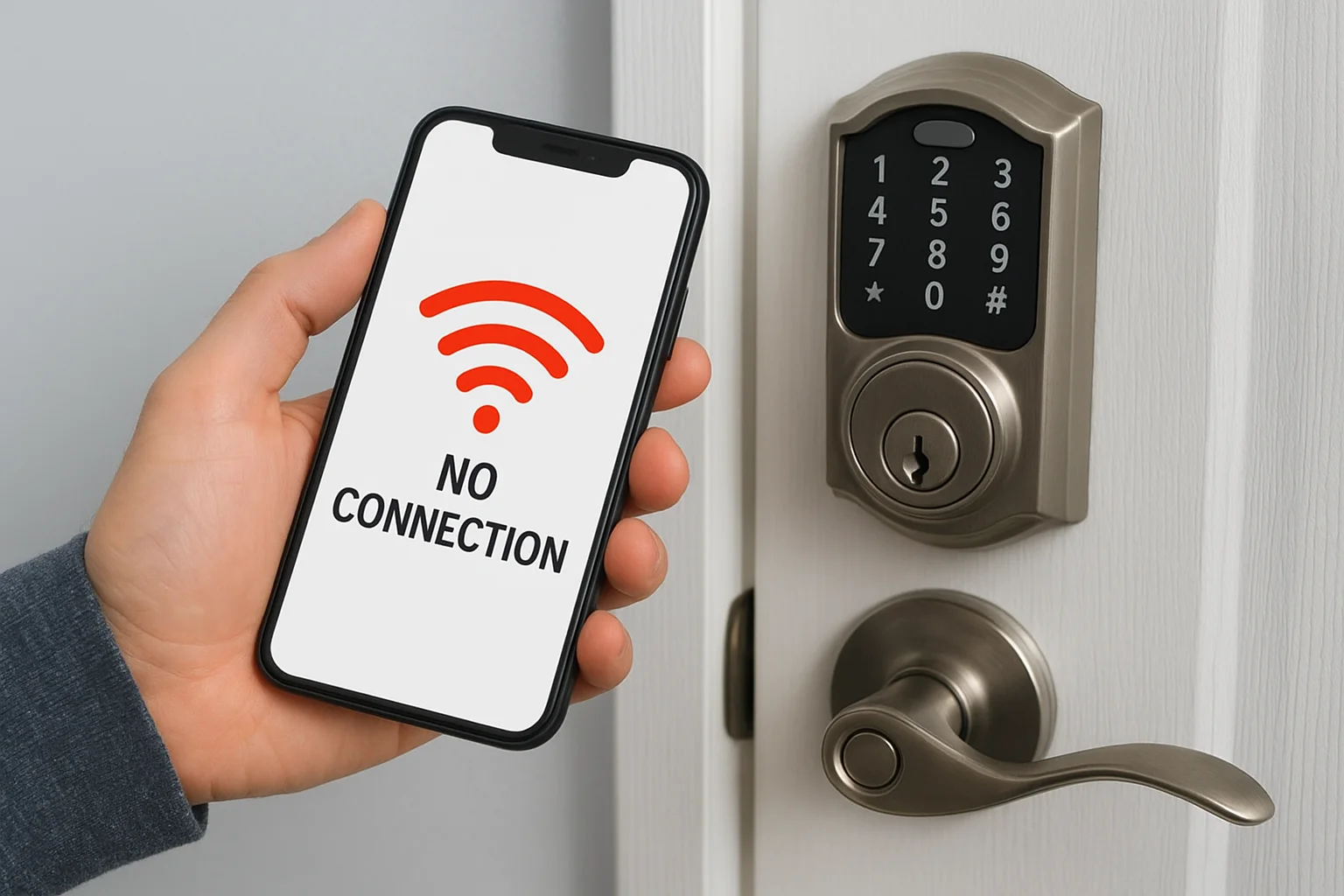
Keeping your phone's Bluetooth and location permissions enabled for the Schlage Home app is required for a stable connection on both iOS and Android.
Keypad not accepting codes
If your keypad rejects valid codes, the lock may have entered a lockout mode after too many failed attempts. Wait 60 seconds, then enter the programming code (not an access code) to reset the attempt counter. After that, delete the affected user code and re-enter it fresh through the app or manually through the keypad programming sequence outlined in your model's manual.
Lock is unresponsive or slow
Sluggish response times almost always point to low batteries. Replace all batteries with fresh alkalines, then press any keypad button to wake the lock and confirm normal operation.
Warranty claims, replacements, and missing parts
Schlage smart lock support covers more than troubleshooting. If your lock has a manufacturing defect or a hardware failure within the warranty period, you can file a claim directly through Schlage to get a replacement unit or the specific part you need.
Schlage offers a limited lifetime mechanical and finish warranty on most residential locks, plus a one-year electronics warranty covering the smart components. Check your model's documentation to confirm what applies to your lock.
Check your warranty coverage
Your warranty start date is the original purchase date, so keep your receipt or order confirmation somewhere accessible. Coverage varies by product line, and commercial-grade locks may carry different terms than residential models. Pull up your product manual on schlage.com/support and look under the warranty section for the exact terms tied to your model number.
Request a replacement or missing part
To start a warranty claim or request a missing part from your installation kit, call Schlage at 1-888-805-9837 or submit a request through their online contact form. You will need your model number, serial number, proof of purchase, and a clear description of the defect or missing component.
Replacement parts like strike plates, mounting hardware, and backup key cylinders can also be requested through the same support channels if your original kit arrived incomplete.
Next steps if you still need help
If you have worked through this guide and still have an unresolved issue, Schlage smart lock support at 1-888-805-9837 is your direct line to a resolution. Warranty claims, defective hardware, and advanced connectivity problems all require their team to step in with account-level access.
That said, some smart lock issues stem from how the lock was installed or integrated with your broader system rather than the lock itself. A misconfigured Z-Wave hub, an incompatible app setting, or wiring done outside manufacturer specs can all cause persistent problems that Schlage's phone team cannot fix remotely.
If you are in the Treasure Valley area and want a professional to assess your setup, Treasure Valley Solutions installs, programs, and supports smart lock systems for homes and commercial properties throughout Boise, Meridian, and surrounding communities. Contact our team to schedule a consultation and get your system working the way it should.
Need Expert Help?
Ready to implement these solutions in your own home or business?
Our Services

Complete home automation and control.

Intelligent lighting control and automation.
Serving the Treasure Valley
Local installation in your city