 (208) 991-3502
 Meridian, ID



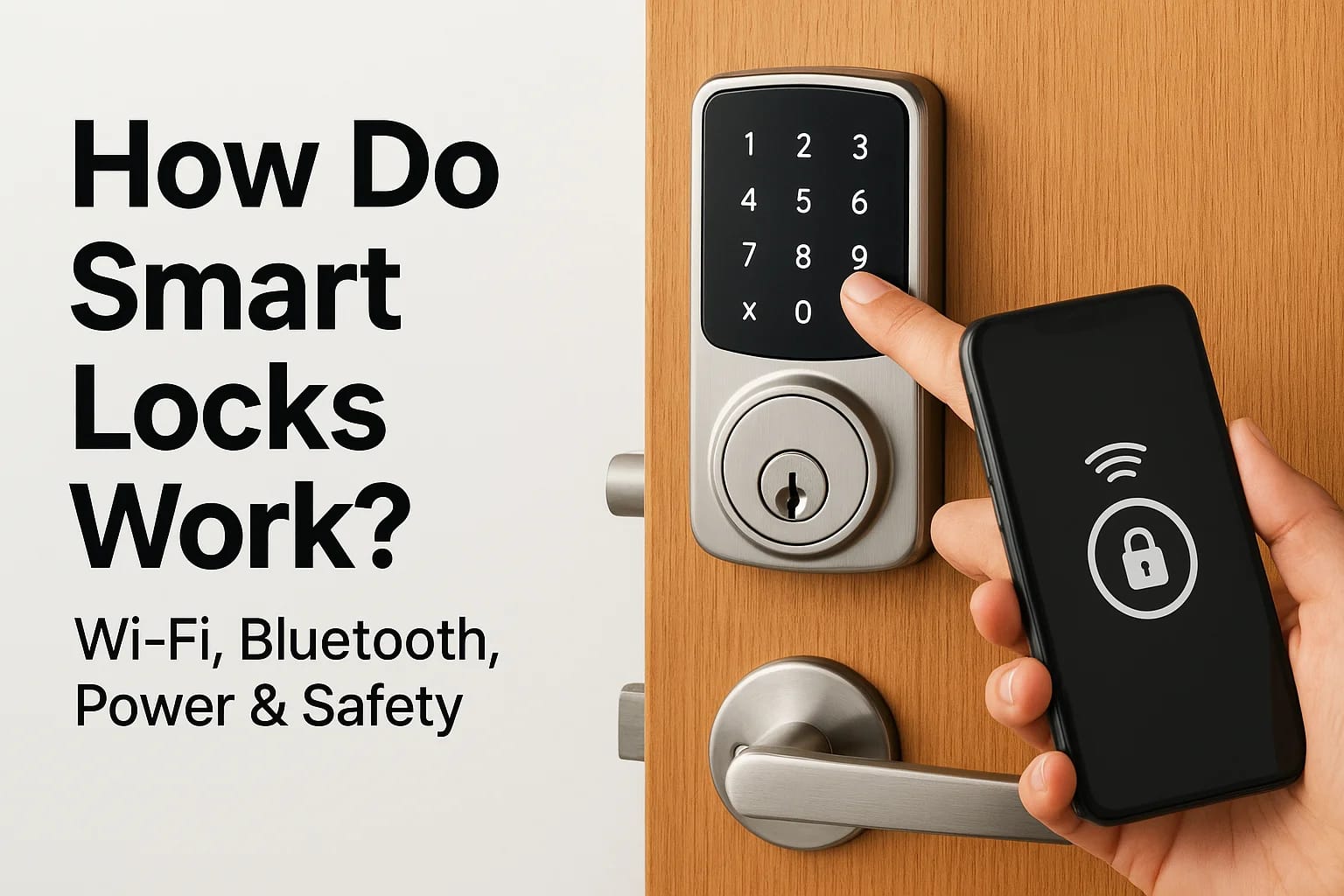

You tap your phone, and the door unlocks. No fumbling for keys, no spare hidden under the doormat. But how do smart locks work exactly, and can you actually trust them to protect your home or business...
How Do Smart Locks Work? Wi-Fi, Bluetooth, Power & Safety
You tap your phone, and the door unlocks. No fumbling for keys, no spare hidden under the doormat. But how do smart locks work exactly, and can you actually trust them to protect your home or business?
Smart locks replace or upgrade traditional deadbolts with electronic mechanisms that respond to digital credentials, whether that's a PIN code, a fingerprint, or a signal from your smartphone. They connect through technologies like Wi-Fi and Bluetooth to give you remote access and real-time control over who enters your space and when.
At Treasure Valley Solutions, we've been installing smart locks and access control systems for homeowners, property managers, and businesses across Idaho since 2014. We've seen firsthand what works, what fails, and what actually keeps people safe. This guide breaks down the technology behind smart locks, how they stay powered, and whether they're genuinely more secure than the deadbolt you've relied on for years, so you can decide if they're right for your door.
Why smart locks matter for homes and businesses
Smart locks solve problems that traditional locks can't address. You gain real-time visibility into who enters your property, when they arrive, and whether doors get locked behind them. For property managers juggling multiple units, business owners coordinating employee access, or homeowners managing contractors and deliveries, this visibility eliminates the guesswork and phone calls that come with physical keys.
Control who has access, and when
Traditional keys create an all-or-nothing scenario. Once you hand someone a key, they can use it any time, indefinitely, until you physically collect it back or rekey the entire lock. Smart locks flip this model by letting you grant access for specific time windows and revoke it instantly from your phone.
Property managers use this to allow maintenance workers into vacant units during business hours only. Parents set up codes for their kids that work after school but not during school hours. Business owners create temporary credentials for contractors that expire automatically when the project ends, without tracking down physical keys or wondering if copies were made.
"The ability to grant and revoke access remotely eliminates the security gap that exists between when someone no longer needs entry and when you can physically retrieve their key."
Reduce security risks from physical keys
Physical keys get lost, stolen, or copied without your knowledge. When an employee quits or a tenant moves out, you face a choice: trust that they returned all copies, or pay a locksmith to rekey every affected lock. Neither option gives you certainty.
Smart locks eliminate these risks by using digital credentials instead of physical objects. You delete a user from the system, and their access disappears immediately. No one can copy your fingerprint or duplicate an encrypted smartphone credential the way they can take your house key to the hardware store. You also receive instant alerts when someone unlocks the door, so you know exactly who entered and when, rather than discovering a break-in hours later.
Save time and improve convenience
Understanding how do smart locks work reveals why they save you so much time. You stop making trips to hand off keys, waiting around for service providers, or hiding spare keys in obvious places that compromise your security.
Homeowners let housekeepers in while they're at work, then lock the door remotely once the job finishes. Small business owners grant early-morning access to opening staff without duplicating keys or arriving before dawn themselves. Property managers stop driving across town to unlock doors for tenants who forgot their keys, because they can unlock remotely from anywhere with cell service.
These aren't just convenience upgrades. They represent fundamental shifts in how you manage access, reducing the administrative overhead, security vulnerabilities, and lost time that physical key systems create. Smart locks turn access control into something you manage proactively through software rather than reactively through hardware.
How the locking mechanism works
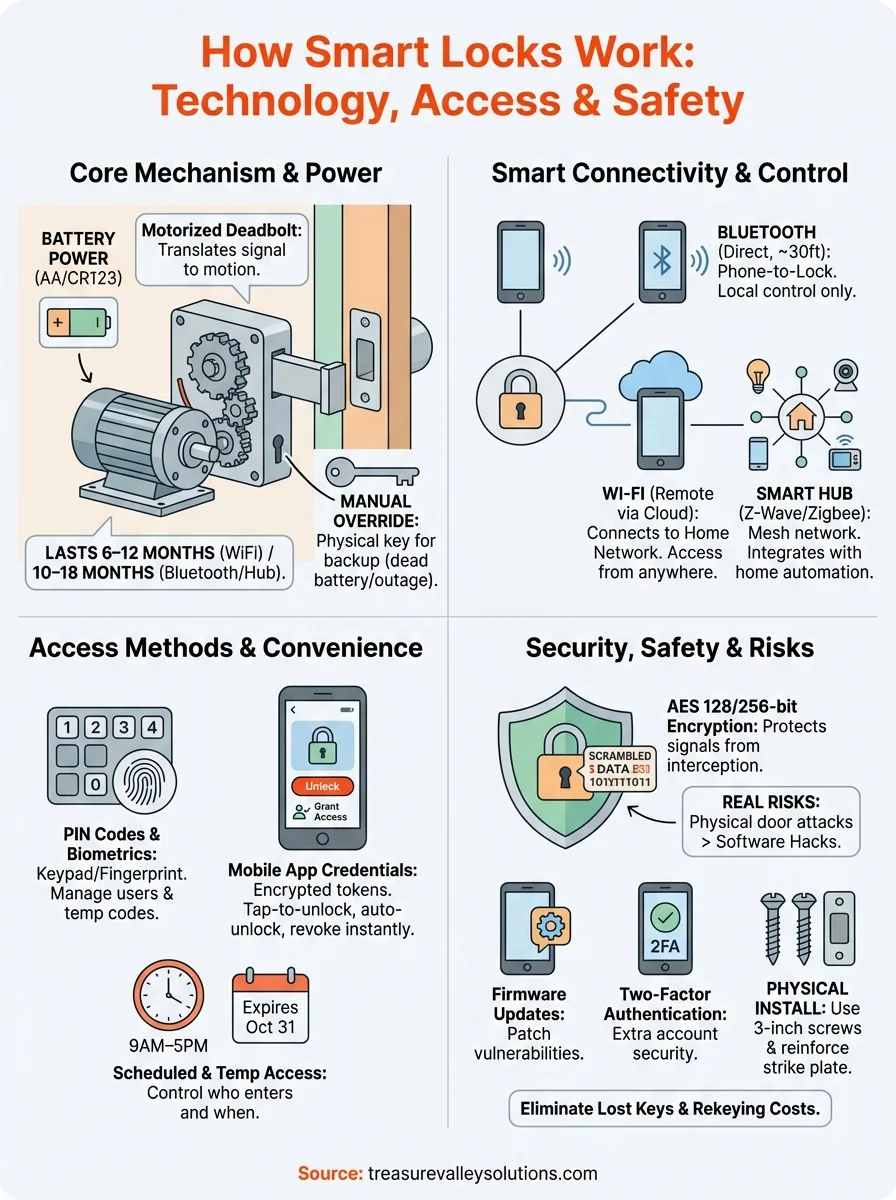
Understanding how do smart locks work starts with the physical mechanism that actually secures your door. Smart locks replace the traditional thumb turn or key cylinder with an electric motor that rotates the deadbolt in and out of the door frame. When you send an unlock command from your phone or enter a valid code, the motor activates and retracts the bolt. When you lock it, the motor extends the bolt back into the strike plate, just like turning a key would.
The motorized deadbolt system
Most smart locks use a small electric motor connected directly to the deadbolt mechanism through a series of gears. These gears translate the motor's rotational force into the linear motion needed to slide the bolt in and out of the door frame. The motor draws power from batteries housed inside the lock body, typically lasting six months to a year depending on usage frequency and the specific model you install.
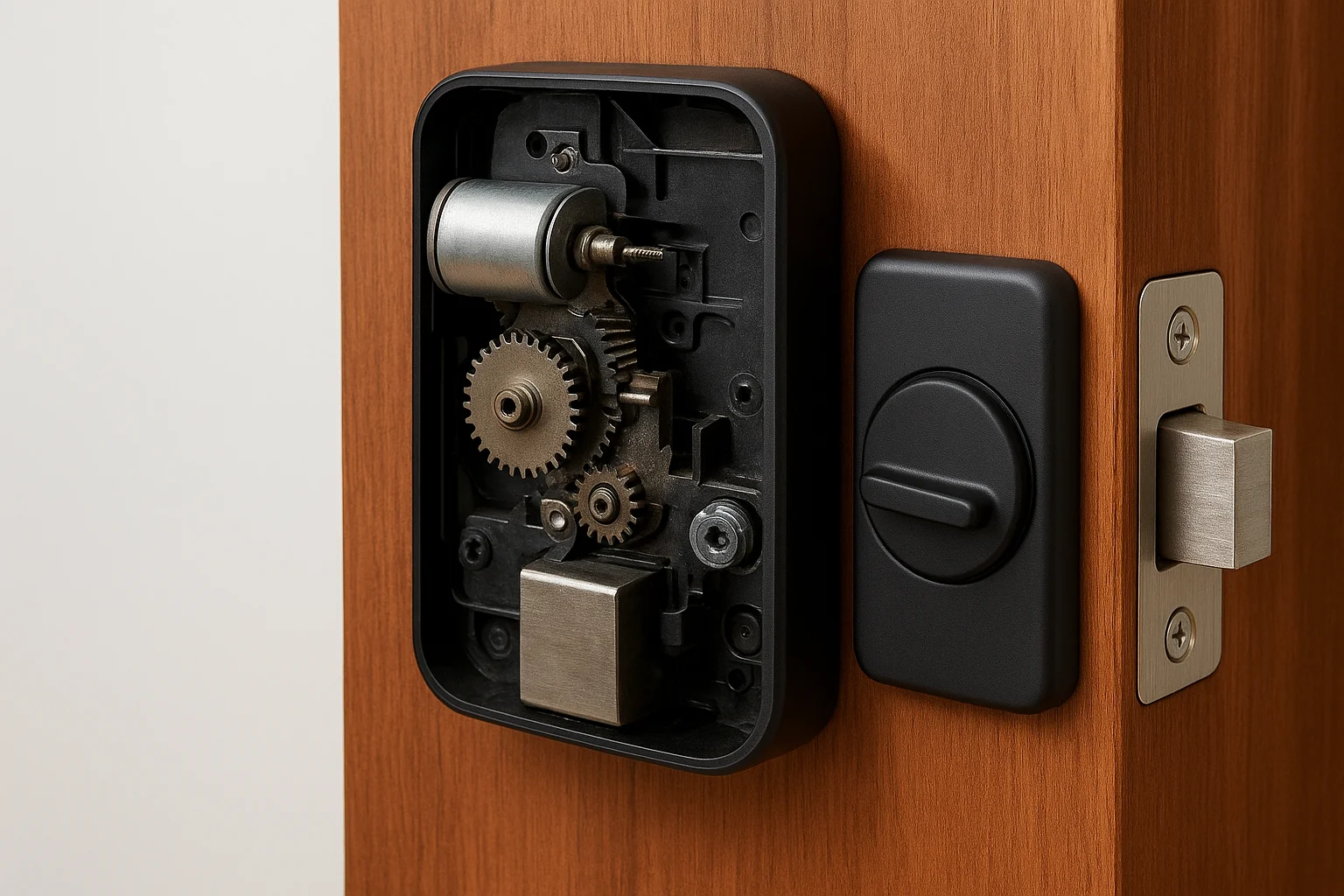
The lock's internal circuit board receives signals from your access method (phone app, keypad, fingerprint scanner) and verifies the credential before activating the motor. This verification happens in milliseconds, so the unlock process feels nearly instantaneous once you provide valid authentication. You hear a mechanical whir or click as the motor engages, then the deadbolt moves into the unlocked position.
"The motorized mechanism replicates the exact function of a traditional deadbolt, but replaces your physical key turn with an electronic signal that triggers the motor."
Manual override and mechanical backup
Smart locks retain a physical keyhole on the exterior or include a manual thumb turn on the interior that lets you operate the deadbolt mechanically if the electronics fail. You turn the lock by hand exactly as you would with a traditional deadbolt, bypassing the motor and circuit board entirely. This mechanical override ensures you never get locked out due to dead batteries, software glitches, or connectivity issues.
Some models position the manual keyhole beneath a removable cover or use it as a secondary backup option. Others integrate the motorized and mechanical systems so smoothly that you can manually turn the deadbolt at any time without damaging the motor, even when the electronics are active and functional.
How smart locks connect to your phone and home
Smart locks use wireless communication protocols to connect with your phone, home network, or smart home hub. The specific technology determines whether you can only unlock the door when standing nearby or control it remotely from across town. Most modern smart locks support multiple connection methods to give you flexibility in how you access and integrate them with your existing systems.
Bluetooth for direct phone-to-lock connection
Bluetooth creates a direct wireless link between your smartphone and the lock without requiring internet access or a home network. You simply open the manufacturer's app as you approach the door, and the lock detects your phone within 30 to 40 feet, automatically unlocking when you're close enough. This proximity-based unlocking eliminates the need to pull out your phone and manually tap the unlock button.
The trade-off is that Bluetooth limits you to local control only. You cannot check lock status, grant access to visitors, or unlock the door remotely when you're away from home. Bluetooth works well if you primarily want hands-free entry for yourself and household members who regularly come and go, but it doesn't provide the remote management capabilities that property managers or business owners typically need.
Wi-Fi for remote access from anywhere
Wi-Fi-enabled smart locks connect directly to your home or business network and communicate through cloud servers that let you control the lock from anywhere with cell service or internet access. You check whether you locked the door from your office, unlock it remotely for a delivery driver, or receive instant notifications when someone enters, regardless of your physical location.
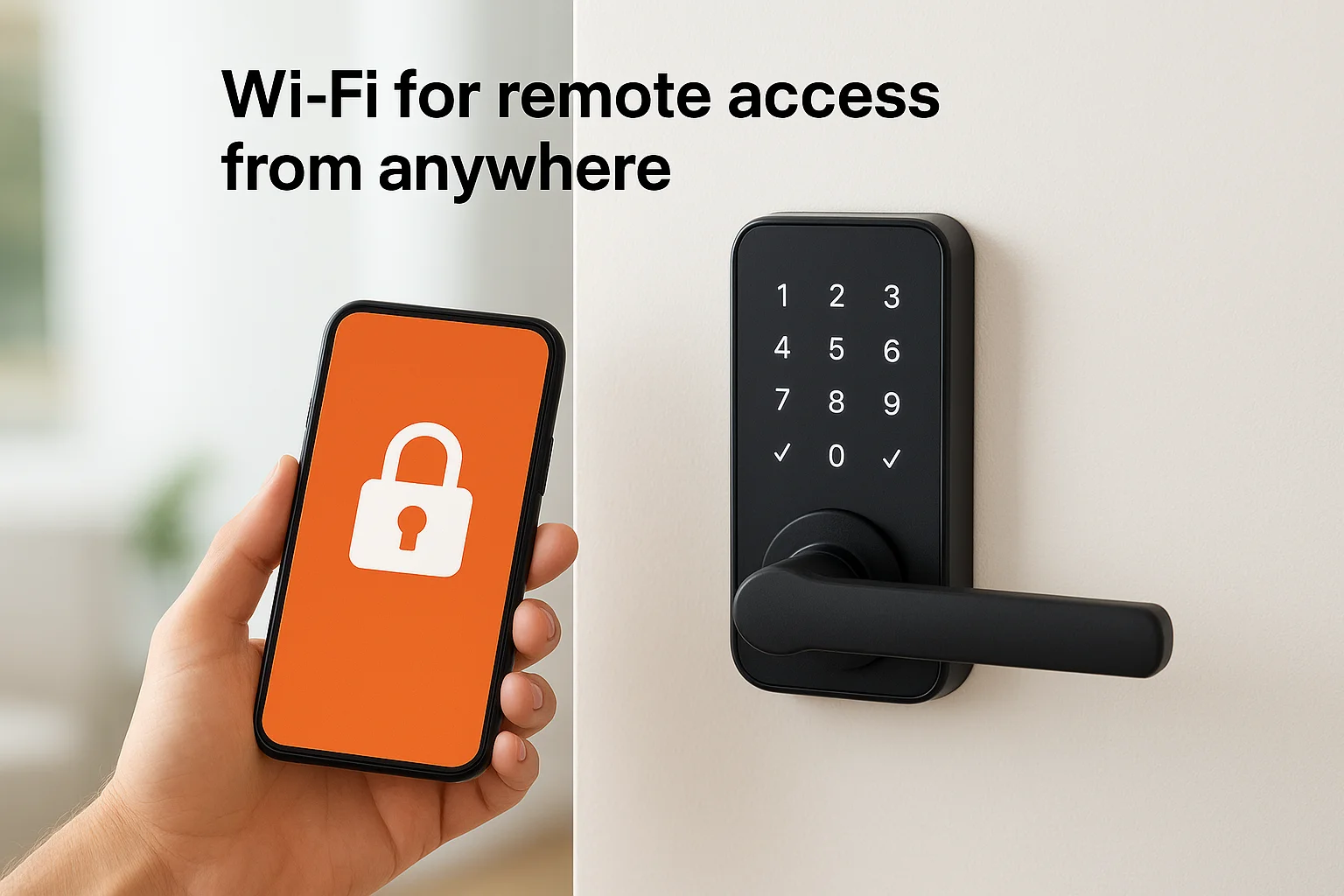
"Wi-Fi connectivity transforms your smart lock from a local convenience into a remote access control system that works from any location."
Understanding how do smart locks work through Wi-Fi reveals why they consume more battery power than Bluetooth models. The lock maintains a constant connection to your network, checking for commands and sending status updates continuously. Battery life typically drops to three to six months instead of the year-plus that Bluetooth-only locks achieve.
Smart home integration through hubs
Some smart locks use Z-Wave or Zigbee protocols that require a compatible smart home hub to function. The lock connects to your hub (like Samsung SmartThings or a dedicated security system), which then bridges the connection to your phone and enables integration with other smart devices. You create automation rules that lock the door automatically when your security system arms, or unlock it when your smart garage door opens.
Hub-based systems offer stronger mesh networking where devices relay signals to each other, extending range and reliability throughout larger properties. They also keep your lock's communication local to your network rather than routing through manufacturer cloud servers, which some users prefer for privacy and reliability during internet outages.
How keyless access works: codes, apps, biometrics
Smart locks authenticate your identity through digital credentials rather than physical keys, giving you multiple ways to prove you have permission to unlock the door. Understanding how do smart locks work means knowing the different authentication methods and when each one makes the most sense for your situation.
PIN codes and keypads
You enter a numeric code on a keypad mounted on the lock's exterior, and the lock verifies that code against its stored list of authorized numbers before unlocking. Most smart locks let you create multiple PIN codes for different users, so each family member, employee, or tenant gets their own unique combination. You set codes as short as four digits or as long as eight, balancing convenience against security.
The lock stores these codes in its internal memory and checks them locally without requiring internet connectivity. You manage codes through the manufacturer's app, where you can add new ones, delete old ones, or set them to expire after a specific date. Property managers use temporary codes for contractors that automatically stop working once the job finishes, while business owners create codes for employees that deactivate immediately when someone leaves the company.
Mobile app credentials
Your smartphone becomes your key when you install the manufacturer's app and pair it with the lock through Bluetooth or Wi-Fi. The app generates encrypted authentication tokens that prove your phone is authorized to control the lock, similar to how your bank's app verifies your identity before showing account information.
You tap the unlock button in the app, and the lock receives the encrypted credential, verifies it against its stored authorizations, and activates the motor. Some apps support auto-unlock features that detect when you approach the door with your phone in your pocket and unlock automatically without requiring you to open the app or tap anything.
"App-based credentials give you the same remote management capabilities as PIN codes, but without requiring users to memorize or type numbers at the door."
Biometric authentication
Fingerprint scanners built into the lock let you unlock with a touch, reading the unique patterns in your fingerprint and comparing them against stored templates. You enroll your fingerprints during setup by pressing your finger against the scanner multiple times from different angles, allowing the lock to build a complete map of your fingerprint's ridges and valleys. The lock stores these templates as encrypted mathematical representations rather than actual images, so even if someone hacked the lock, they couldn't reconstruct your fingerprint from the stored data.
Power, batteries, and what happens in an outage
Smart locks run on battery power housed inside the lock body, typically on the interior side of your door. Most models use standard AA or CR123 lithium batteries that you replace every six months to a year, depending on how frequently the lock gets used and which connectivity features stay active. Understanding how do smart locks work includes knowing their power requirements, because battery life directly affects reliability and the maintenance schedule you need to follow.
Battery types and expected lifespan
Standard AA alkaline batteries power most residential smart locks and typically last eight to twelve months with normal use, which manufacturers define as around ten lock cycles per day. You extend battery life by disabling features like auto-lock delays or reducing how often the lock checks for app commands. Wi-Fi models drain batteries faster than Bluetooth-only locks because they maintain constant network connectivity, sometimes cutting battery life in half.
CR123 lithium batteries appear in commercial-grade models and last longer than alkaline options, often reaching twelve to eighteen months before replacement. These batteries handle temperature extremes better, making them the better choice if you install smart locks on exterior doors in Idaho winters where temperatures regularly drop below freezing.
Low battery warnings and emergency access
Your lock sends low battery alerts to your phone when power drops below 20 percent, giving you weeks of advance notice before the batteries die completely. Most locks continue functioning normally during this warning period, so you have plenty of time to swap in fresh batteries without any access interruption.
"Smart locks maintain mechanical override options that work even when batteries die completely, ensuring you never get locked out due to power loss."
When batteries finally die, you use the physical key or manual thumb turn to unlock your door mechanically. Some models include external battery terminals beneath the keypad where you hold a 9-volt battery against contacts to provide temporary power for one unlock cycle, letting you get inside to replace the internal batteries.
Power outages and internet connectivity
Home power outages do not affect your smart lock because it runs on internal batteries, not household electricity. The lock continues operating normally, and you still unlock it using PIN codes, fingerprint scanners, or manual keys. You lose remote app access if your internet goes down, but local Bluetooth connections and keypad entry keep working without interruption.
Safety and hacking: realistic risks and protections
Smart locks face the same question traditional locks do: can someone break in? The difference is that digital locks add software vulnerabilities alongside physical ones, which creates new attack vectors but also enables security features impossible with mechanical keys. You need to separate realistic threats from overblown fears pushed by security theater and clickbait headlines.
Real vulnerabilities vs. manufactured fears
Most reported smart lock hacks require physical access to your lock or proximity close enough to touch your door, which means an attacker already bypassed your primary security perimeter. Bluetooth hacking requires the attacker to stand within 30 feet of your lock with specialized equipment, making it less practical than simply picking the deadbolt or kicking in the door. Wi-Fi attacks typically target weak passwords or outdated firmware rather than breaking the encryption protocols themselves.
Physical vulnerabilities still matter more than digital ones for most break-ins. Criminals kick in doors, break windows, or pick traditional locks far more often than they exploit smart lock software. Understanding how do smart locks work reveals that the motorized deadbolt uses the same strike plate and door frame reinforcement as a traditional deadbolt, so physical security depends on proper installation rather than which type of lock you choose.
Encryption and how it protects you
Modern smart locks use AES 128-bit or 256-bit encryption to protect communication between your phone and the lock, the same standard that banks use for online transactions. Your unlock command gets scrambled into an unreadable format before transmission, then decoded by the lock using a unique key that only your authenticated devices possess. An attacker intercepting the signal sees encrypted gibberish rather than a usable unlock code.
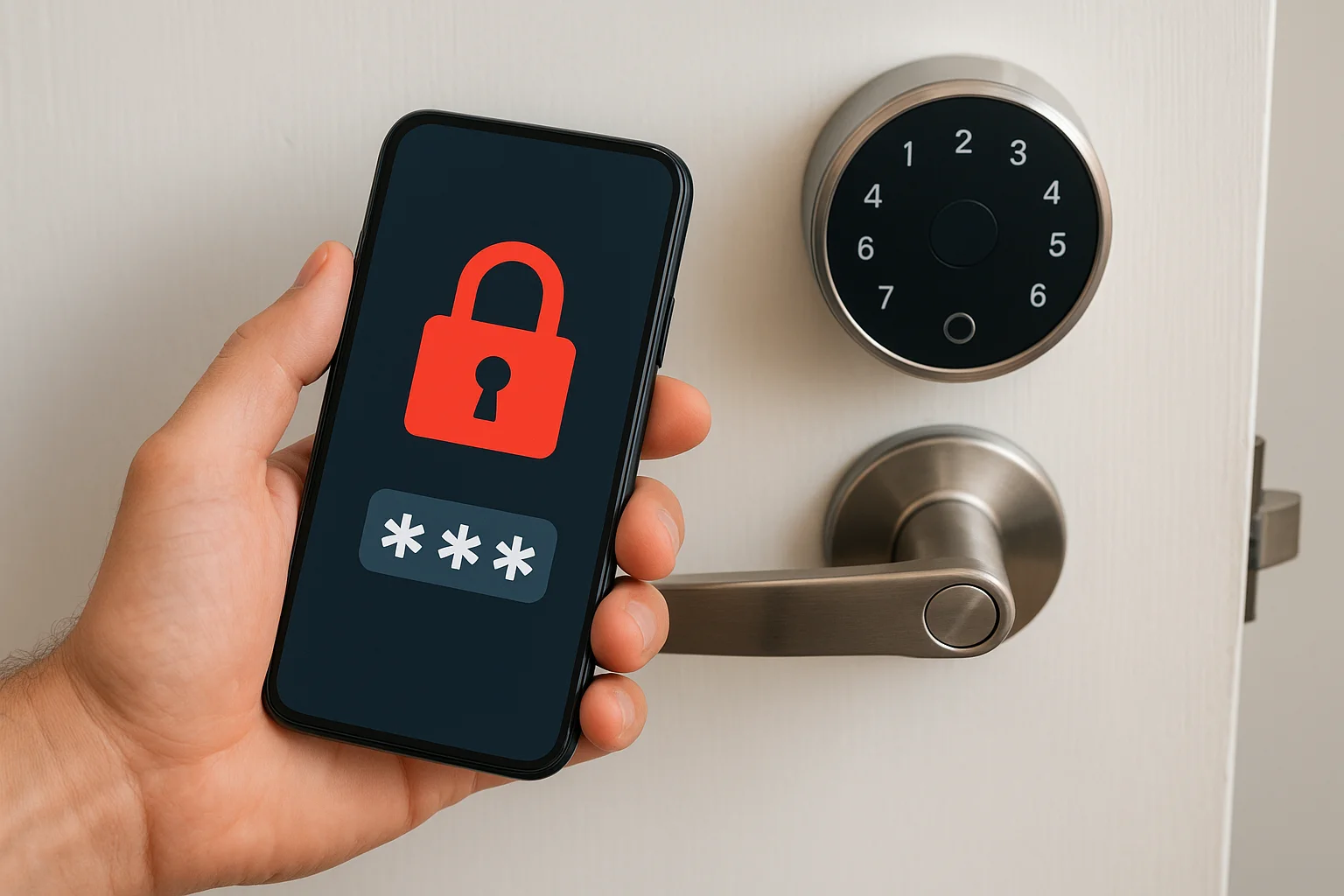
"Encryption transforms your unlock command into meaningless data that only your specific lock can decode, making intercepted signals worthless to attackers."
Practical steps to secure your smart lock
You protect your smart lock by keeping firmware updated through the manufacturer's app, which patches discovered vulnerabilities and improves encryption protocols. Enable two-factor authentication on your account to prevent unauthorized users from controlling your lock even if they steal your password. Create strong, unique PINs that avoid obvious patterns like 1234 or repeating digits, and change codes immediately when employees leave or relationships end.
Physical security still requires attention. Install your smart lock with 3-inch screws that penetrate into the door frame's structural studs rather than just the trim, and reinforce the strike plate with a metal security plate that distributes kick-in force across a wider area.
How to pick and install the right smart lock
You narrow down smart lock options by matching connectivity features to how you actually need to control access, not by chasing the newest model with the most features. Understanding how do smart locks work helps you avoid buying capabilities you won't use or missing the ones that matter for your specific situation. Start by identifying whether you need remote access from anywhere or just keyless entry when you're home, then filter models based on that requirement before considering secondary features like biometrics or voice control.
Check door compatibility first
Your door's thickness and existing hardware determine which smart locks physically fit without modification. Most smart locks work with standard 1.75-inch thick doors and replace deadbolts with a 2.125-inch backset (the distance from the door's edge to the center of the hole). You measure both dimensions before shopping, because non-standard doors require specific lock models designed for their measurements.
Existing smart home systems also affect compatibility. If you already use a Z-Wave or Zigbee hub for other devices, choosing a lock that integrates with your existing ecosystem gives you automation capabilities without adding another app or control system to manage.
Choose connectivity based on your needs
Bluetooth locks work for household members who unlock with their phones and don't need remote access. Wi-Fi models suit property managers, business owners, or anyone who needs to check lock status and grant access remotely throughout the day. Hub-based systems make sense when you want deeper integration with existing smart home routines and security systems.
"Your connectivity choice determines whether you control access from across town or only when you're physically at the door."
Battery life varies significantly between connection types. Bluetooth models run ten to twelve months on batteries, while Wi-Fi locks need replacement every four to six months due to constant network connectivity.
Professional vs DIY installation
You install most smart locks yourself in 15 to 30 minutes using just a screwdriver, following instructions that walk through removing your existing deadbolt and mounting the new hardware. The process requires no special skills if your door already has a deadbolt hole in the correct position.
Professional installation makes sense when you need to drill new holes, reinforce door frames, or integrate the lock with existing security systems. At Treasure Valley Solutions, we also handle the setup, testing, and user training that ensures your system works correctly from day one.
Key takeaways and next steps
Smart locks replace traditional keys with digital credentials that you control through your phone, keypad, or biometrics. Understanding how do smart locks work reveals they use motorized deadbolts, wireless connectivity through Bluetooth or Wi-Fi, and battery power that lasts months with proper maintenance. They give you remote access control, eliminate physical key vulnerabilities, and create audit trails that show exactly who entered your property and when.
Your next step depends on your needs. Homeowners benefit most from Wi-Fi models that enable remote unlocking for service providers and family members. Property managers should prioritize systems that support temporary access codes and integration with existing security infrastructure. Business owners need commercial-grade locks with longer battery life and hub integration for automation.
Contact Treasure Valley Solutions to discuss which smart lock system matches your property, budget, and access control requirements.
Need Expert Help?
Ready to implement these solutions in your own home or business?
Our Services

Complete home automation and control.

Intelligent lighting control and automation.

Comprehensive security solutions for home and business.

High-definition surveillance for peace of mind.
Serving the Treasure Valley
Local installation in your city