 (208) 991-3502
 Meridian, ID



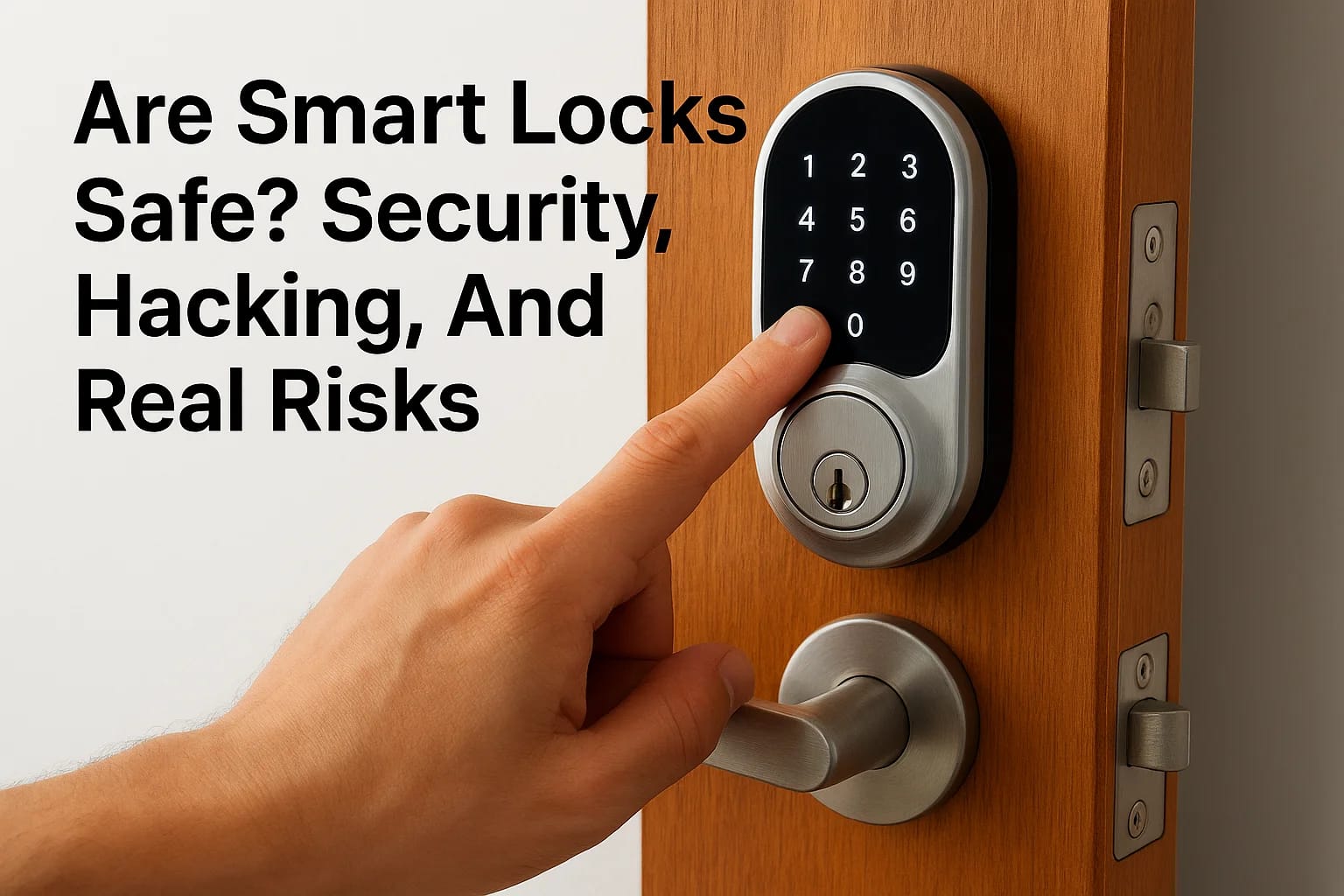

You've probably heard the horror stories, hackers breaking into smart homes, thieves bypassing digital locks with gadgets. So when you're considering upgrading your front door, asking "are smart...
You've probably heard the horror stories, hackers breaking into smart homes, thieves bypassing digital locks with gadgets. So when you're considering upgrading your front door, asking "are smart locks safe" isn't paranoid. It's smart. The truth is, every lock has vulnerabilities. The real question is whether smart locks create more risk than the traditional deadbolt you've trusted for years.
At Treasure Valley Solutions, we've installed smart locks in homes and commercial properties across Idaho since 2014. We've seen the technology evolve, and we've learned which concerns are legitimate and which are overblown. This article breaks down the actual security risks, hacking, physical tampering, power failures, and compares them honestly against traditional locks.
By the end, you'll have a clear picture of what smart locks can and can't protect against, so you can make an informed decision for your home or business.
Why smart lock safety matters
Your front door is the single entry point that most burglars target first. According to FBI data, burglars use forceful entry in about 56% of residential break-ins, and the majority of those involve doors, not windows. When you add smart technology to that critical barrier, you're introducing new attack surfaces alongside the old ones. Understanding whether are smart locks safe isn't about being anti-technology. It's about knowing what you're trading and whether the convenience justifies the risk profile.
What you're actually protecting
Most homeowners think about locks purely in terms of keeping burglars out. But smart locks control access to everything inside your walls, your family's physical safety, your expensive belongings, your personal data, and your sense of security. When you install a connected lock, you're also creating a network entry point that could potentially expose other devices in your home.
A compromised smart lock doesn't just unlock your door. It can reveal when you're home, when you're away, and potentially grant access to your entire smart home network.
The stakes get higher if you use smart locks for property management or business access. A vulnerability that lets unauthorized people into rental units or commercial spaces creates liability issues that go beyond simple property loss. You're responsible for tenant safety and business assets, which means the security standards need to be higher than what you might accept for your personal home.
The cost of getting it wrong
Break-ins aren't just about stolen TVs and laptops. The average burglary costs homeowners $2,661 in property loss alone, according to FBI statistics, but that number doesn't include emotional trauma, lost irreplaceable items, or increased insurance premiums. When a smart lock fails due to hacking, dead batteries, or software glitches, you face the same financial impact plus the added frustration of a technology you trusted betraying you.
Reputation damage matters too if you're a property manager or builder. One security incident involving smart locks you installed can destroy years of trust with tenants or buyers. The question isn't whether smart locks can fail. Every security system can. The question is whether you understand the failure modes well enough to prevent them.
How smart locks work and where risks come from
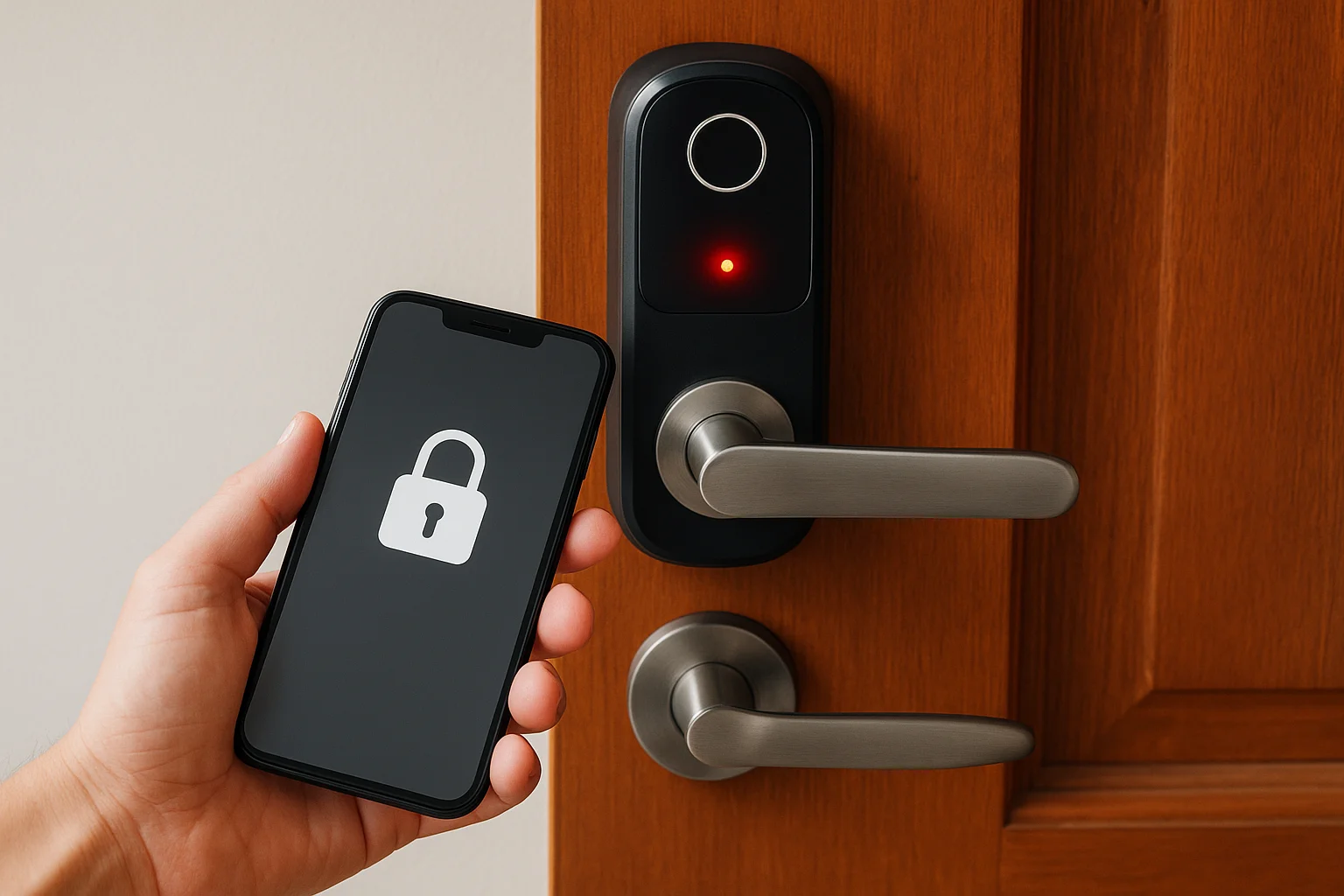
Smart locks replace mechanical tumblers with electronic authentication. Instead of a physical key cutting through metal pins, you use a smartphone app, PIN code, fingerprint, or key fob to trigger a motorized bolt. The lock connects to your home network via Bluetooth, Wi-Fi, or Z-Wave, and many models integrate with platforms like Amazon Alexa or Google Home. This connectivity creates convenience, but it also creates potential entry points that traditional locks don't have.
The basic technology
Most smart locks use encryption protocols to verify your identity before unlocking. When you tap your phone or enter a code, the lock checks your credentials against stored data. The motor then retracts the deadbolt the same way you'd turn a key. Battery power runs everything, typically lasting six months to a year depending on usage. The lock stores access logs, tracks who entered when, and can send alerts to your phone when someone unlocks the door.
Attack vectors you should know
Digital vulnerabilities are what most people worry about when asking are smart locks safe. Hackers could potentially intercept Bluetooth signals, exploit weak encryption, or breach the manufacturer's cloud servers to gain access. Physical attacks still work too, lock picking, bumping, and kicking in doors remain effective against smart locks just like traditional ones. Battery failure creates a different risk entirely. If your batteries die and you don't have a backup key or power source, you could get locked out of your own home. Cheap smart locks often use outdated encryption or lack two-factor authentication, making them easier targets than established brands with regular security updates.
The weakest link in any smart lock system is usually poor password hygiene or failure to enable available security features, not the technology itself.
How to choose a smart lock that is actually secure
Not all smart locks are created equal when it comes to security. The cheapest option on Amazon might save you $100 upfront but leave you vulnerable to attacks that better locks prevent. When evaluating whether are smart locks safe for your home, start by looking at the manufacturer's reputation and security certifications like ANSI/BHMA ratings, which measure both physical and electronic durability.
Look for established brands with security track records
Major manufacturers like Yale, Schlage, and August have invested millions in security research and regularly patch vulnerabilities through firmware updates. They employ dedicated security teams that respond to discovered flaws rather than ignoring them. Check whether the lock has experienced documented breaches or recalls in the past three years. A clean security history matters more than flashy features.
Companies that transparently report and fix security issues are more trustworthy than those claiming their locks are unhackable.
Essential security features that matter
Encryption strength should meet AES 128-bit standards at minimum, which is the same level banks use for online transactions. Look for two-factor authentication options that require both your phone and a PIN code for administrative access. Auto-lock features prevent you from accidentally leaving doors unlocked, while tamper alerts notify you if someone tries to force the lock physically. Battery backup systems or emergency key override mechanisms ensure you won't get locked out during power failures. Local processing beats cloud-only systems because your lock continues working even if the manufacturer's servers go down.
How to use smart locks safely day to day
Buying a secure smart lock is only half the battle. Your daily habits determine whether are smart locks safe in actual practice more than the hardware itself. Most security breaches happen because users skip basic precautions or ignore warning signs that something's wrong. The good news is that a few simple routines can eliminate most risks without requiring technical expertise.
Keep firmware and apps current
Manufacturers release security patches regularly to fix newly discovered vulnerabilities, and running outdated software leaves you exposed. Enable automatic updates for both your smart lock's firmware and the companion app whenever possible. Check your lock's settings monthly if auto-updates aren't available. Delete old access codes immediately when contractors, house sitters, or former tenants no longer need entry. Sharing your admin password with family members creates unnecessary risk. Instead, give them their own user accounts with appropriate permission levels.
Updating firmware takes five minutes and prevents attacks that could cost you thousands in losses or liability.
Monitor activity logs and set up alerts
Review your lock's access history weekly to spot unfamiliar entries or unusual patterns. Configure push notifications for specific events like failed access attempts, manual lock overrides, or entries during times you're normally away. Replace batteries before they hit 20% capacity rather than waiting until you're locked out. Keep physical backup keys in secure locations outside your home, like a trusted neighbor's house, not under the doormat. Test your backup access method quarterly to confirm it works when needed.
Smart locks vs traditional locks: what is safer
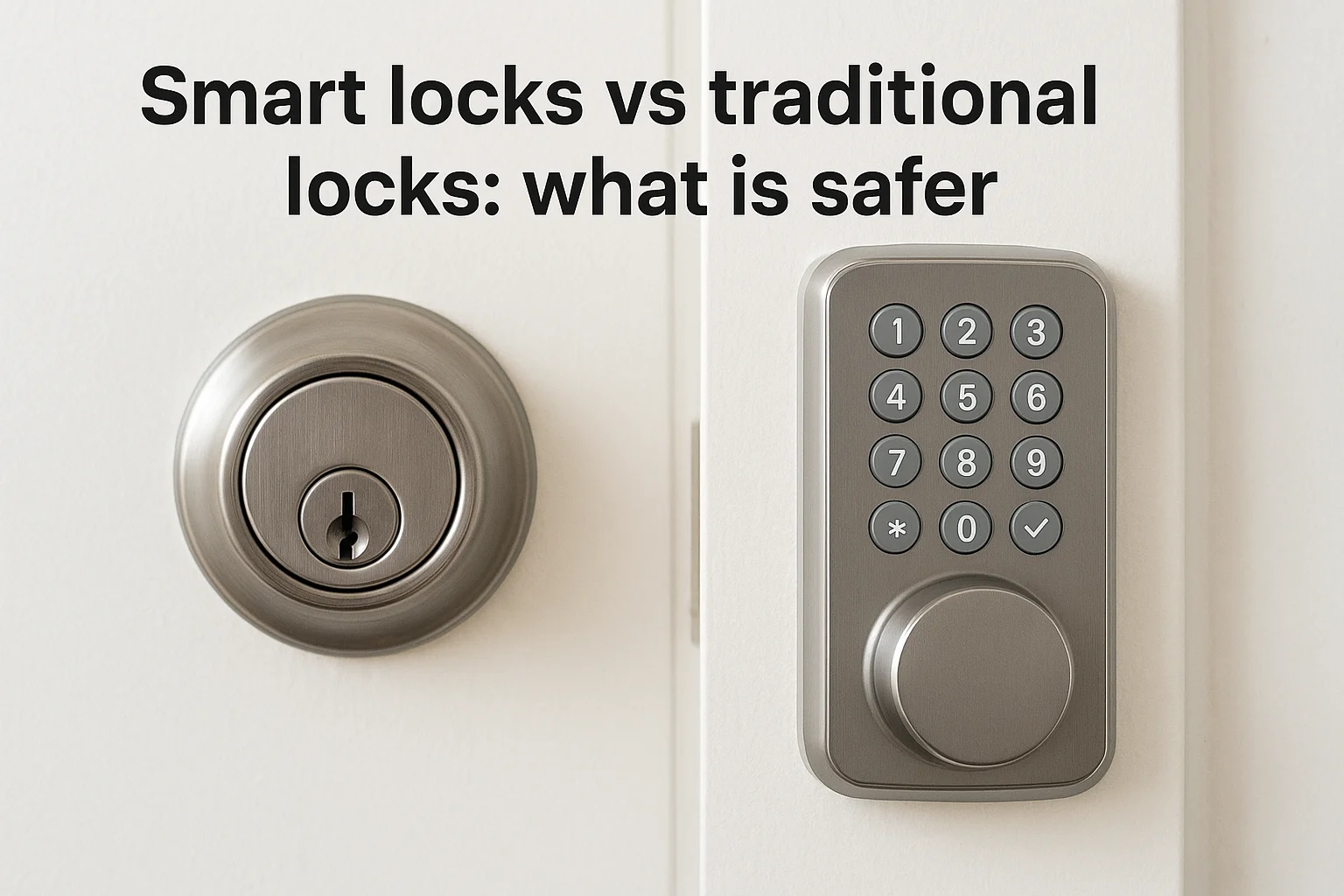
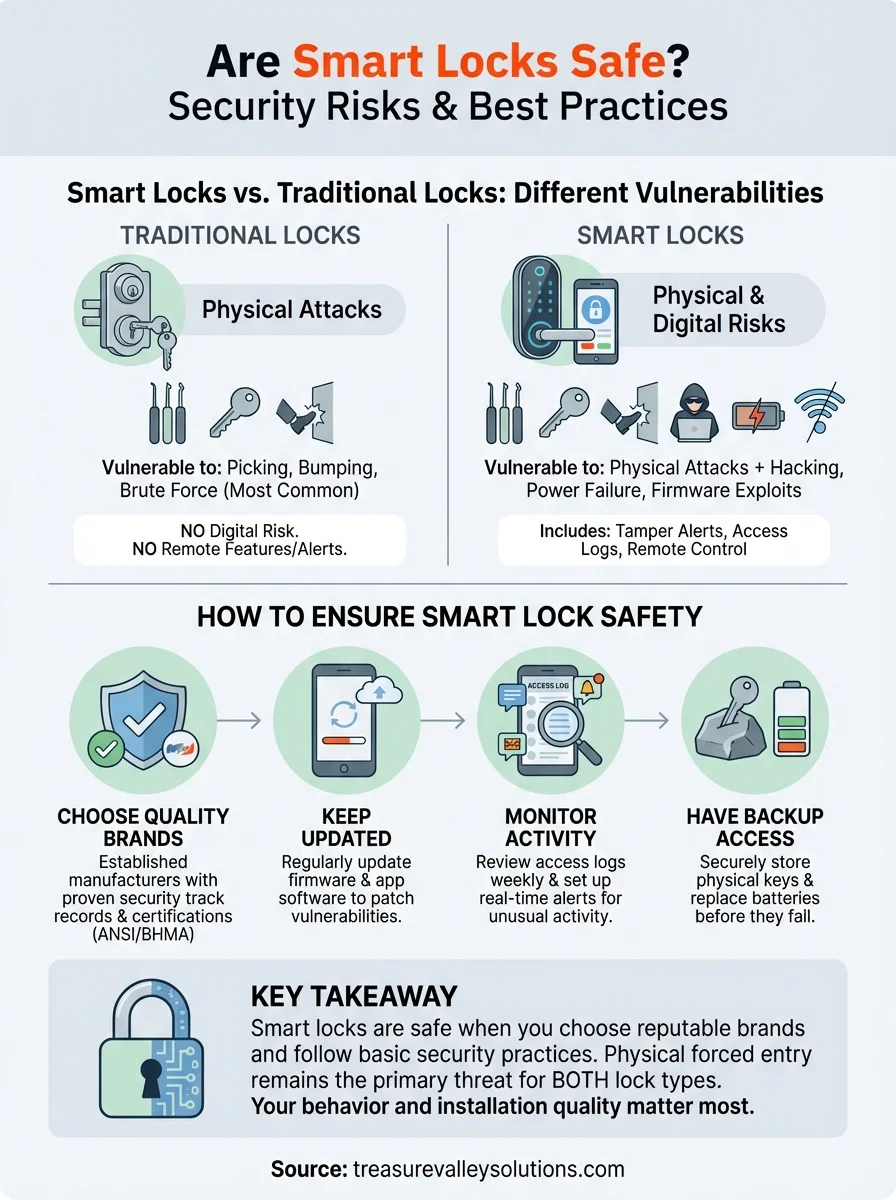
The debate over whether are smart locks safe compared to traditional deadbolts misses a critical point: both systems have distinct vulnerabilities that skilled attackers can exploit. Traditional locks fail through picking, bumping, and brute force, while smart locks face those same physical attacks plus digital threats. The safer choice depends on which attack vector worries you most and whether you'll actually use the security features available.
Physical security comparison
Traditional deadbolts have decades of refinement in physical security, but that doesn't make them impenetrable. Lock picking takes under 30 seconds for experienced burglars, and bump keys can defeat most standard locks in similar timeframes. Smart locks typically use the same physical deadbolt mechanisms as traditional locks, meaning they're equally vulnerable to physical attacks. The difference is that quality smart locks add tamper alerts that notify you immediately when someone attempts forced entry, something traditional locks can't do.
Digital vulnerability differences
Digital attacks require technical skill and proximity that most opportunistic burglars lack. FBI data shows most break-ins happen through forceful entry, not sophisticated hacking. Traditional locks eliminate digital risk entirely, but they also eliminate remote monitoring, access logs, and the ability to lock your door from anywhere. Smart locks from reputable manufacturers with regular security updates and strong encryption present minimal digital risk compared to the physical vulnerabilities both lock types share.
The average burglar will kick in your door or smash a window rather than attempt to hack your smart lock or pick your deadbolt.
Final take on smart lock safety
Smart locks are safe when you choose quality brands and follow basic security practices. The question of are smart locks safe has a nuanced answer: they're not inherently more or less secure than traditional locks, just differently vulnerable. Physical attacks remain the primary threat for both lock types, while digital risks require specific technical skills most burglars don't possess. Your actual security depends more on installation quality, regular maintenance, and user behavior than the technology itself.
What matters most is getting professional installation and configuration from experienced technicians who understand both physical security and network protection. At Treasure Valley Solutions, we've installed hundreds of smart lock systems across Idaho since 2014, and we configure each one with security-first settings that manufacturers often leave disabled by default. Contact our team to discuss which smart lock system fits your security needs and get installation that prioritizes protection over convenience alone.
Need Expert Help?
Ready to implement these solutions in your own home or business?
Our Services

Complete home automation and control.

Intelligent lighting control and automation.

Comprehensive security solutions for home and business.

High-definition surveillance for peace of mind.
Serving the Treasure Valley
Local installation in your city