 (208) 991-3502
 Meridian, ID



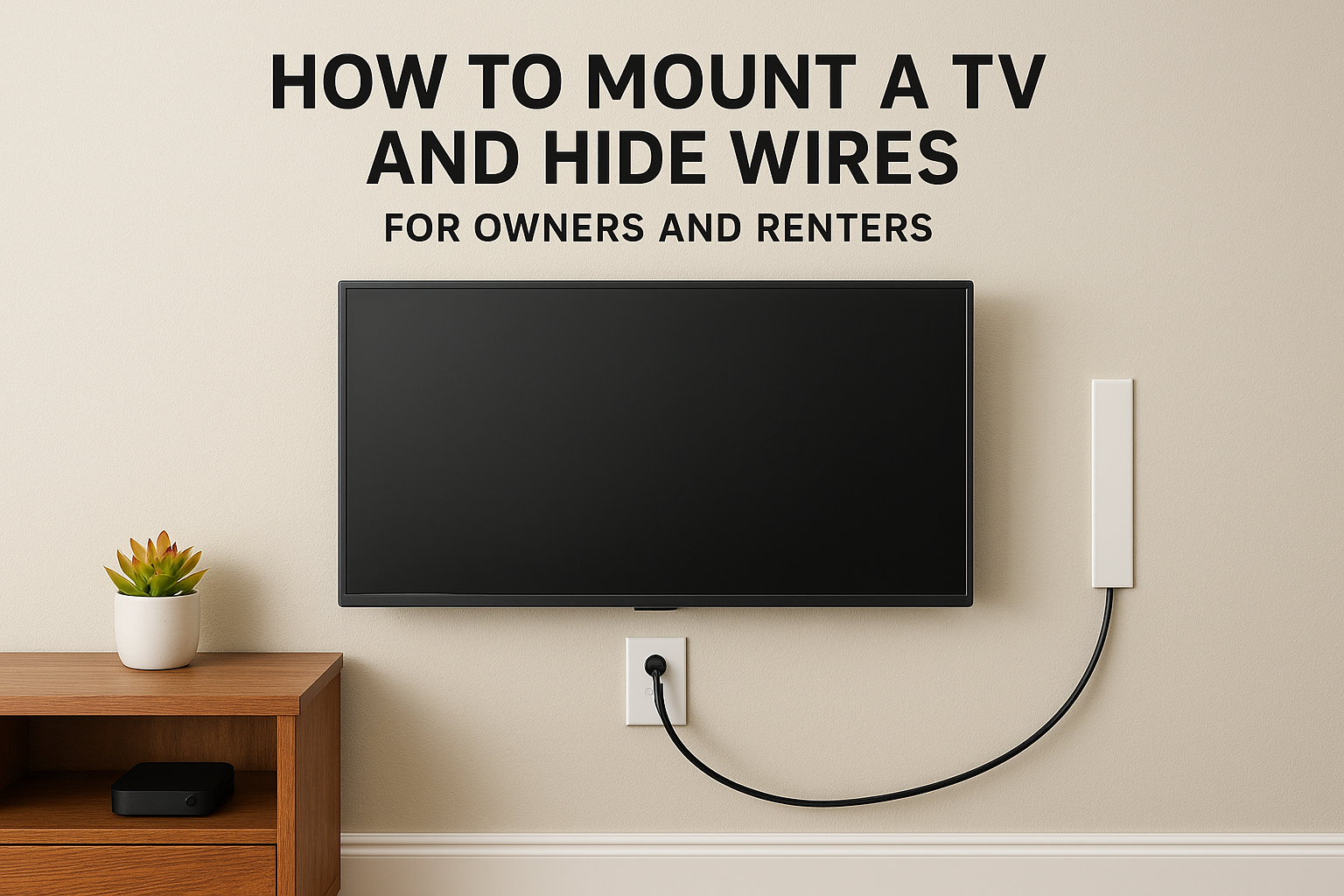

To mount a TV and hide wires, fasten the bracket into wall studs. Then either route the cables through the wall between two small openings, or cover them with a paintable raceway if you can't cut into...
To mount a TV and hide wires, fasten the bracket into wall studs. Then either route the cables through the wall between two small openings, or cover them with a paintable raceway if you can't cut into the wall. In-wall routing gives the cleanest result. The no-cut route takes about an hour and leaves no repair work behind. Pick based on whether you own the wall.
Most advice stops at the mount. You hang the TV, and then a power cord and an HDMI cable droop down the wall. Pushing a standard power cord into the wall is not the fix. That cord is not rated for in-wall use, and it creates a fire risk. Renters face another limit, because they usually can't cut drywall at all.
This guide covers the decision and four steps in order: mounting the bracket, hiding cables inside the wall, hiding them without cutting, and connecting everything. Treasure Valley Solutions has served the Treasure Valley since 2014, so you also get notes on where DIY ends and a pro makes sense.
What to decide before you start
Choose your cable route first, because it decides where the bracket goes and which parts you buy. In-wall routing gives a spotless wall, while no-cut covers protect rental walls and masonry.
Pick a route and handle power safely
Go in-wall if you own the wall, it is drywall, and you can reach the stud bay below the TV. You need two small openings, in-wall rated cable, and a safe power plan. Go no-cut if you rent, if the wall is brick, stone, or tile, or if you may move the TV later.
Power is the part people get wrong. Never push a standard power cord into the wall. Use an in-wall power kit that puts a recessed inlet behind the TV and an outlet near the floor, installed per the maker's instructions. You can also have a licensed electrician add a recessed outlet behind the TV. Check your local code before you start.
Low-voltage cables can live inside the wall, but a standard power cord cannot.
Gather your tools and parts
Match the mount to the TV before anything else. Check the weight rating and the VESA hole pattern on the back of the TV against the mount's specs. Then collect the rest:
- Every install: stud finder with AC detection, drill, level, pencil, painter's tape.
- In-wall route: drywall saw, utility knife, fish tape, two old-work low-voltage brackets, a brush plate, CL2 or CL3 rated HDMI cable, an in-wall power kit, pull string.
- No-cut route: paintable raceway kit, hook-and-loop straps, and a small sample of your wall paint.
Step 1. Mount the bracket on studs
Mark your viewing height, find the studs, and drive the wall plate into stud centers. Drywall anchors alone will not hold a TV safely.
Mark the height and find the studs
Set the center of the screen at seated eye level. That is often around 42 inches from the floor for a standard couch. Run the stud finder across the wall and mark both edges of each stud with painter's tape. Studs usually sit 16 inches apart center to center.
Then mark the bottom edge of the TV in pencil. For the in-wall route, the top cable opening will sit a few inches above that line, so the TV hides it.
Fasten the wall plate
Attach the mount's arms to the back of the TV with the supplied screws. Then fasten the wall plate:
- Hold the plate against the wall and level it with the pencil mark.
- Mark the hole positions that land on stud centers.
- Drill pilot holes, then drive the lag bolts until the plate is snug, not crushed.
- Check level once more before you let go.
If you are going in-wall, leave the TV off the wall until the cables are in place. Brick, stone, and concrete need masonry anchors and a hammer drill. Treasure Valley Solutions charges a $49 per TV surcharge for those walls, so expect them to be slower work.
A wall plate lagged into stud centers holds the TV. Drywall anchors do not.
Step 2. Hide the cables inside the wall
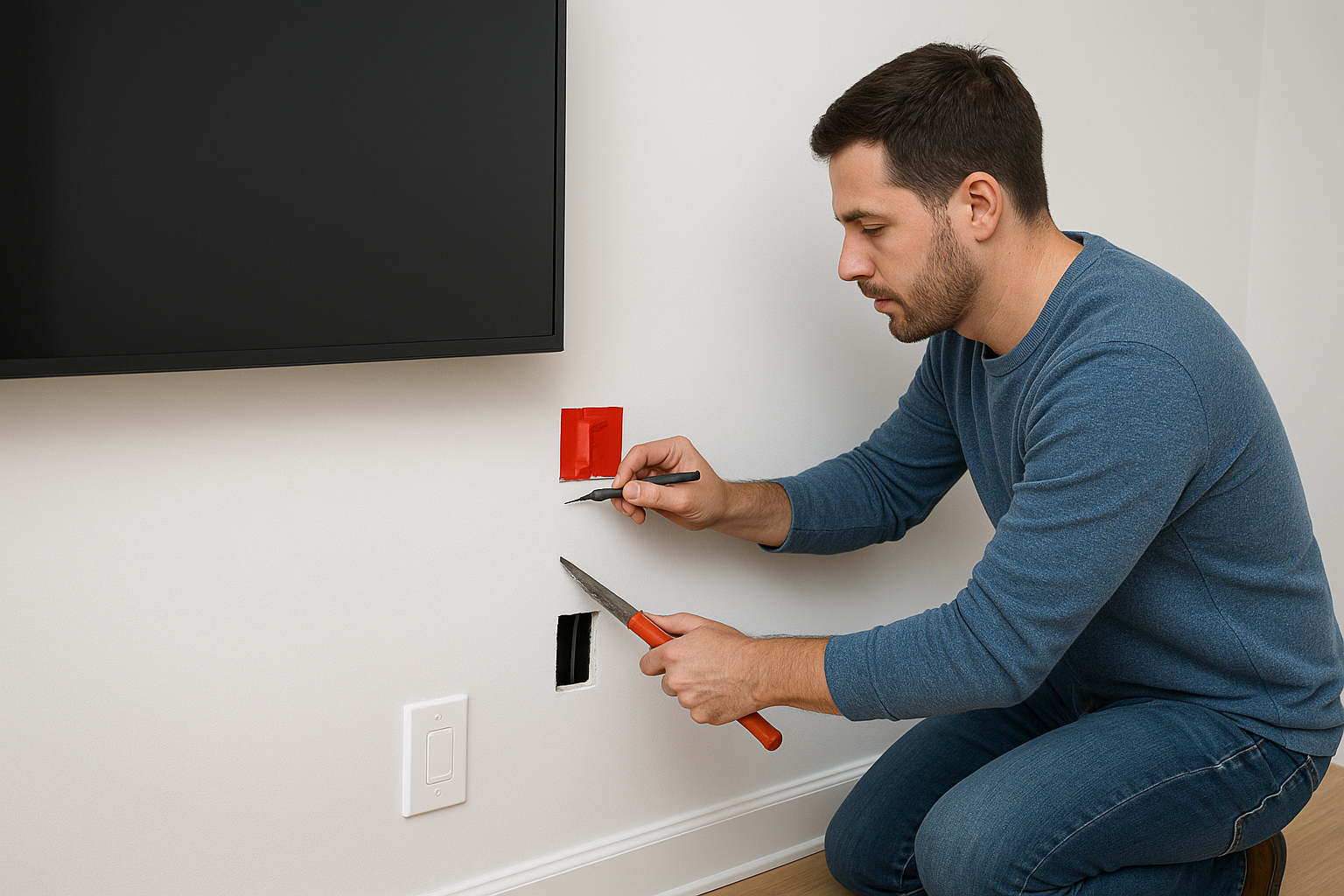
Cut one opening behind the TV and one low near the outlet. Then pull the cables down the stud bay with a fish tape. Plan on two to four hours the first time.
Mark and cut the two openings
Place the top opening a few inches above the TV's bottom edge, inside the same stud bay as the bottom opening. Put the bottom one 12 to 18 inches above the floor, or behind the media console. Scan the area in AC mode first, because pipes and electrical wiring also run through walls. Keep the low-voltage run away from existing power wiring.
Trace an old-work bracket at each spot and score the line with a utility knife. Cut with a drywall saw, only through the board. Drop a weighted string through the top hole to confirm the bay is open. If it stops, you have hit a horizontal block, and a long bit will drill through it.
Pull the cables and add power
Push the fish tape from the top opening down to the bottom one. Tape the cable ends to it, staggered so the bundle does not form one fat knob, and pull down. Leave a pull string in the wall for future cables.
Use CL2 or CL3 rated HDMI. For a run beyond about 15 feet, choose an active or fiber optic HDMI cable, because passive cable gets unreliable at high bandwidth. Install the in-wall power kit separately, following its instructions. Finish with a brush plate on each opening.
Two openings in one stud bay and a fish tape are all an in-wall run needs.
Step 3. Hide the cables without cutting the wall
If you can't cut the wall, run the cables down a paintable raceway, tuck them behind furniture, and shorten whatever is left. This route suits renters, masonry walls, and fireplace walls.
Install a raceway and match the paint
Measure from the TV's bottom edge to the outlet and cut the raceway to length. Unplug everything, clean the wall, and mount the base. Lay the cables in, snap the cover on, and paint it to match the wall. A raceway that matches the paint disappears far better than white plastic.
Screws or adhesive is a real tradeoff. A raceway fastened with small screws holds better, and the holes patch easily. Adhesive strips can pull paint when removed. Renters should test one in a hidden spot and read the lease before drilling anything.
Compare your no-cut options
| Method | Cuts the wall | Best for |
|---|---|---|
| In-wall boxes and power kit | Yes | Owners who want no visible cable |
| Screw-mounted raceway | Small screw holes | Brick, stone, or tile walls |
| Adhesive raceway | No | Rentals, after a paint test |
| Cables behind a console | No | Short drops to a low media console |
| Streaming stick behind the TV | No | Removing the HDMI run to a box |
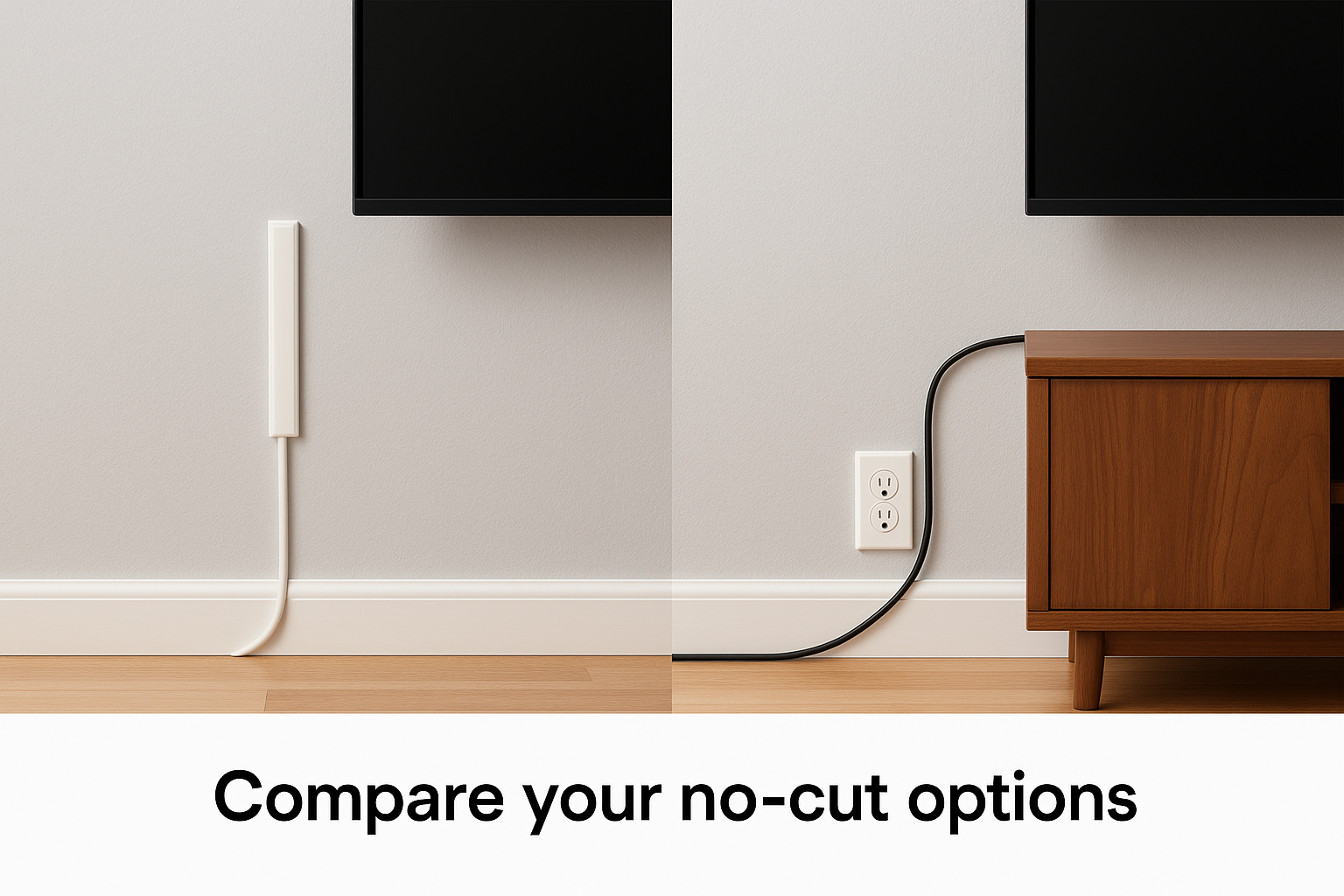
A console with a rear cable opening hides the bottom run. A streaming stick plugged into the TV removes the HDMI cable entirely. If you can't drill at all, a floor stand or freestanding TV stand avoids the wall completely.
No-cut hiding works best when you cut down the number of cables before you cover them.
Step 4. Hang, connect, and test the TV
Connect the cables to the TV, hang it on the plate, and test every input before you call the job done.
Connect and hang
Plug the cables into the TV first when the ports face down or sideways, because the gap behind a mounted TV is tight. Right-angle HDMI connectors help. Lift the TV onto the wall plate and engage the locking lever or safety screw. On a tilting or full-motion mount, leave a small loop of slack so the cables don't strain when the TV moves.
Test, tidy, and know when to call a pro
Power on and test every input, plus ARC or eARC if you use a soundbar. Bundle loose cables with hook-and-loop straps rather than zip ties, and label each end so changes later are easy. Plug the power cord into the recessed outlet or the raceway's outlet.
If the wall has fireplace heat, masonry, or unknown wiring, call a pro. Treasure Valley Solutions mounts a TV 55 inches or smaller from $139 base labor, usually in 1 to 2 hours, with basic external cable management. Wall repair is not implied in that base price, so ask for in-wall routing in the quote.
Test every input before you walk away, because rewiring behind a mounted TV is the part you never want to repeat.
A clean wall is within reach
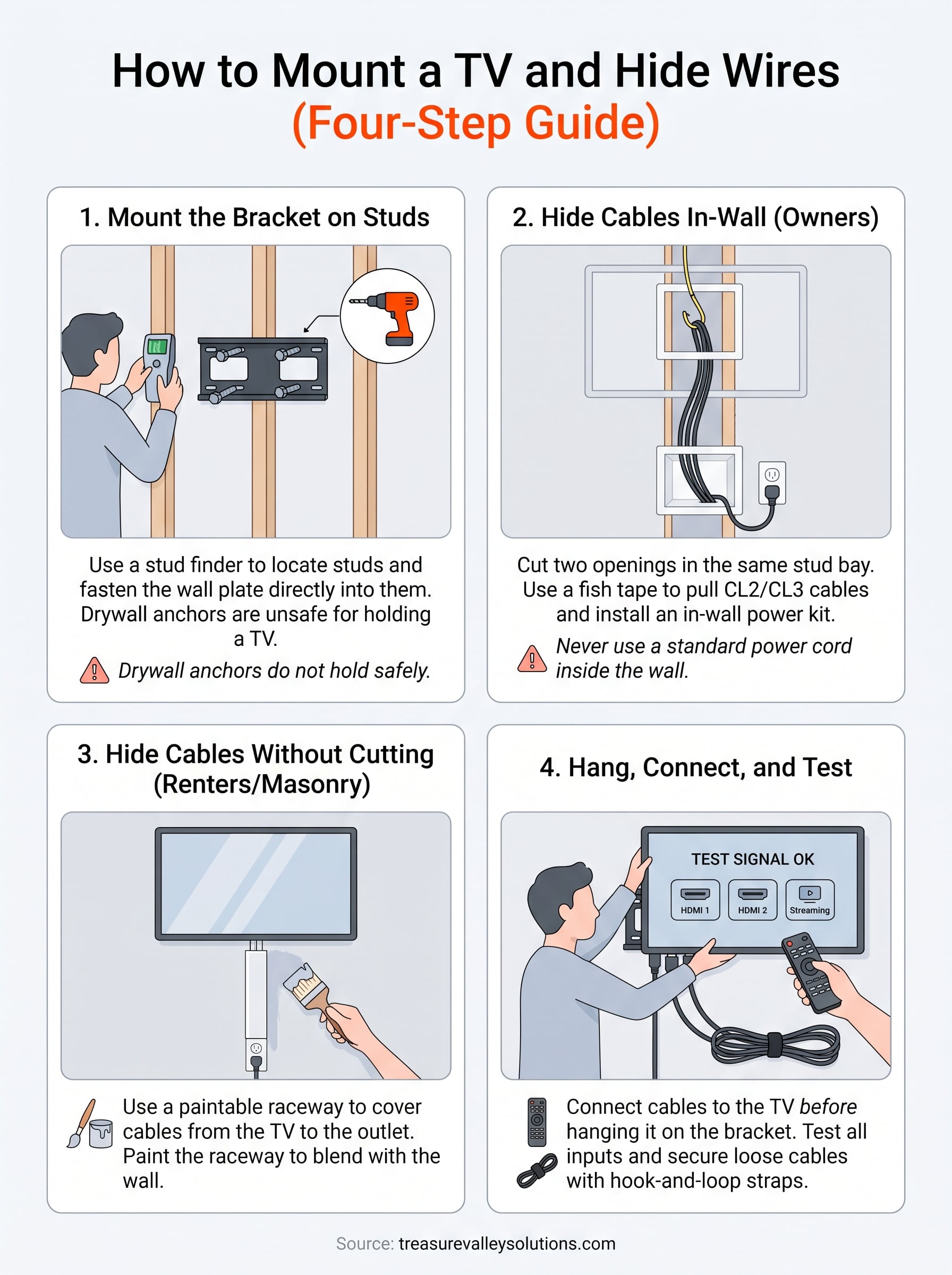
Mount the bracket into studs, pick the route that suits your wall, and keep power cords out of the wall unless a proper kit is installed. Owners can go in-wall with two openings and a fish tape. Renters and masonry walls do well with a painted raceway and a few shortcuts.
If you would rather have it done once and done right, request a free on-site consultation with Treasure Valley Solutions. We are a locally owned team in Meridian, we back all our work with a one-year warranty, and we can quote the mount and the cable plan together.