 (208) 991-3502
 Meridian, ID



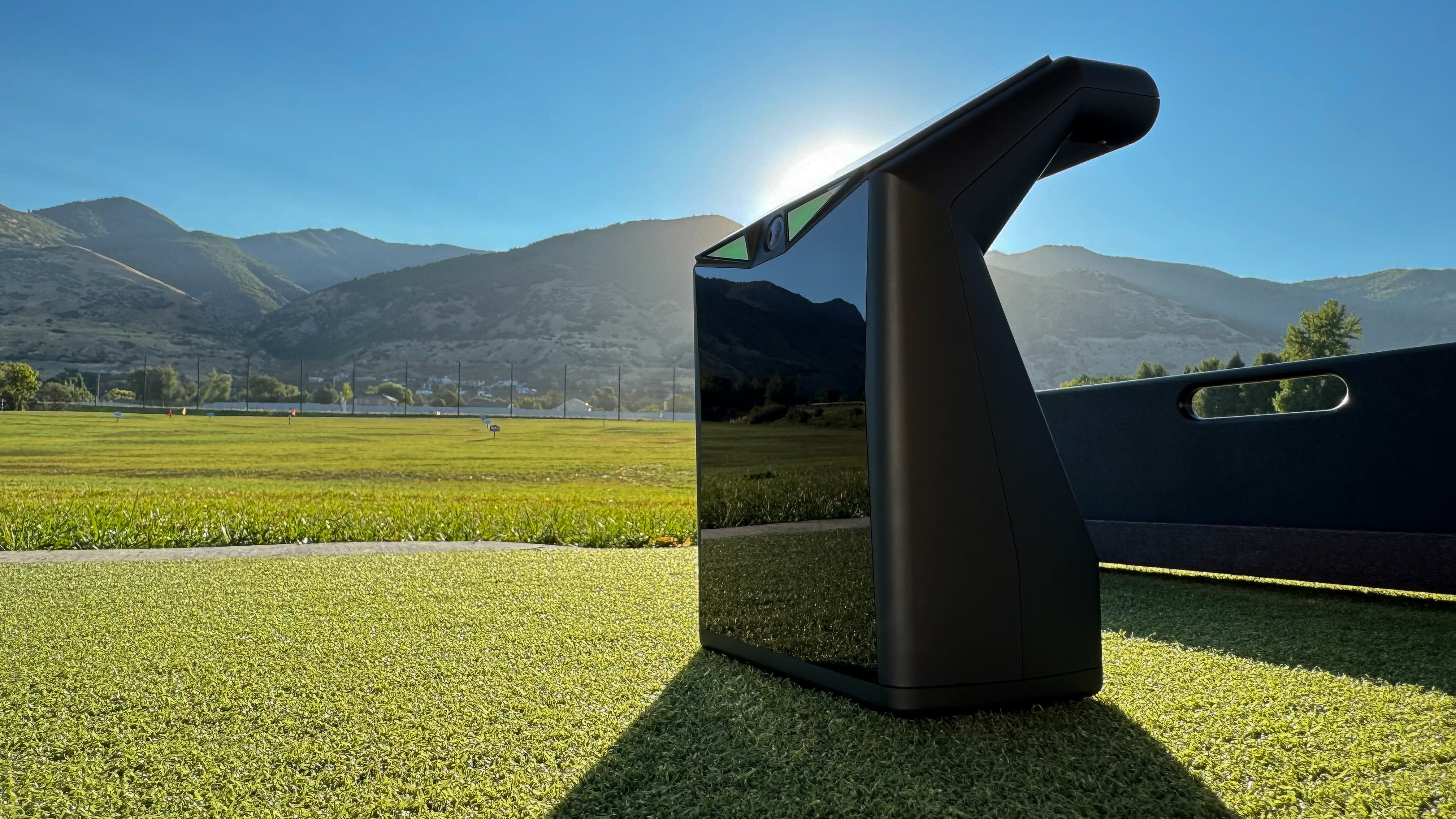

TruGolf LaunchBox
This product guide is for exploration. Confirm current LaunchBox specifications, intended uses, availability, compatible software and license directly with TruGolf. Supplier package pricing is not an installed-project quote.
More Than Just Golf
See the LaunchBox in action — from the driving range to a full home simulator setup.
LaunchBox Features
Compact, powerful, and ready to go anywhere your game takes you.
Launch-monitor configuration
Confirm current sensing method, supported metrics and setup for the exact model.
Connectivity
Verify current connectivity, device and network requirements with the manufacturer.
Software and account
Confirm compatible apps, software editions, accounts and license terms before purchase.
Simulator integration
Check hardware, software, computer and projector compatibility for the proposed setup.
Intended environment
Confirm the current model's supported use cases, placement and environmental requirements.
Accessories
Check current supplier guidance for mats, accessories and setup items.
Shot Data You Can Trust
The LaunchBox captures the data points that matter most, giving you the feedback you need to improve every aspect of your game.
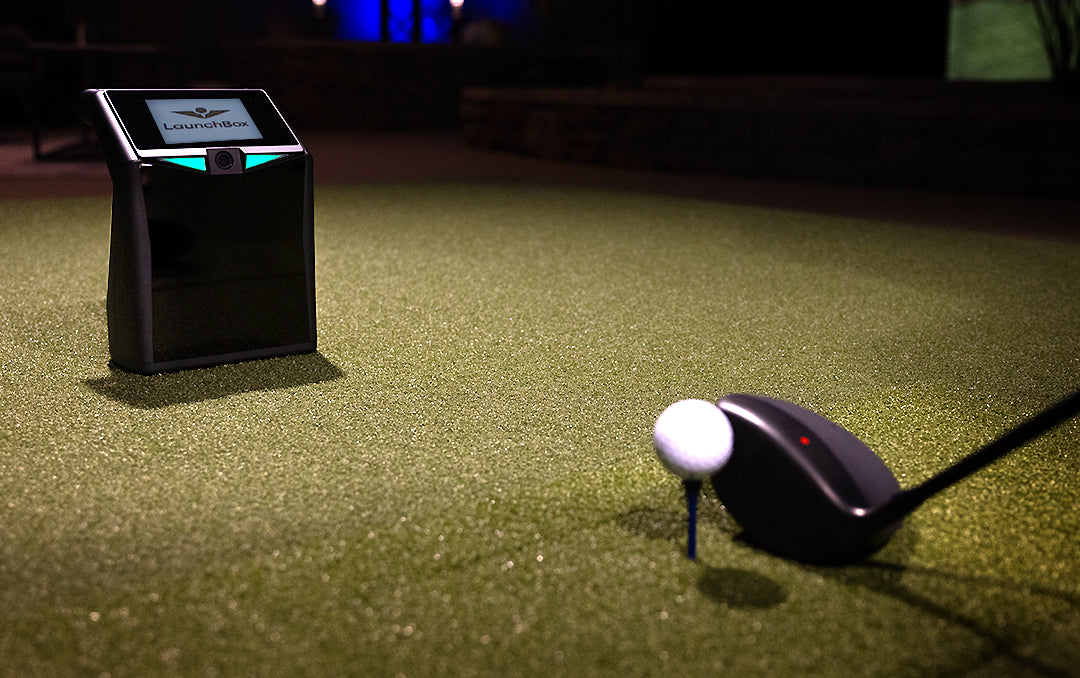
Configuration questions
Product bundles, licensing and compatibility are not assumed. Verify current offers and requirements with the supplier before purchase.
Standalone product
Confirm current intended use, supported environments and all required accessories.
- Verify current model and sensing specifications
- Confirm connectivity and device requirements
- Check supported metrics and software tier
- Review account and license terms
- Confirm any required mat or accessories
- Check placement and environment guidance
LaunchBox with simulation software
Confirm that the chosen device, E6 edition, computer, display and license work together for your intended use.
- Verify software inclusion and license
- Confirm course access by edition and license
- Check current account, online and network requirements
- Confirm practice features by current tier
- Verify enclosure compatibility and room fit
Professional Installation
Want to build a full simulator setup around your LaunchBox? We handle every detail.
Room Assessment
We evaluate your space for optimal simulator placement, ceiling height, and screen distance.
Enclosure Setup
Professional assembly and mounting of your enclosure, impact screen, and projector.
Wiring & Power
Clean cable runs, power management, and network connectivity — all concealed.
Calibration & Testing
Full system calibration, software setup, and shot testing to ensure accuracy from day one.
Explore the TruGolf Lineup
Looking for a complete system or a different setup? Check out the full TruGolf product line.
Why Treasure Valley Trusts Us
Licensed & Insured
RCE-51320
Local Company
Based in Meridian, ID
5-Star Rated
Google Reviews
Expert Installation
Done Right, Every Time
Service Area
Ready to Get Your LaunchBox?
Whether you want a portable practice tool or a full home simulator, we'll help you find the right setup and handle every detail of installation.