 (208) 991-3502
 Meridian, ID



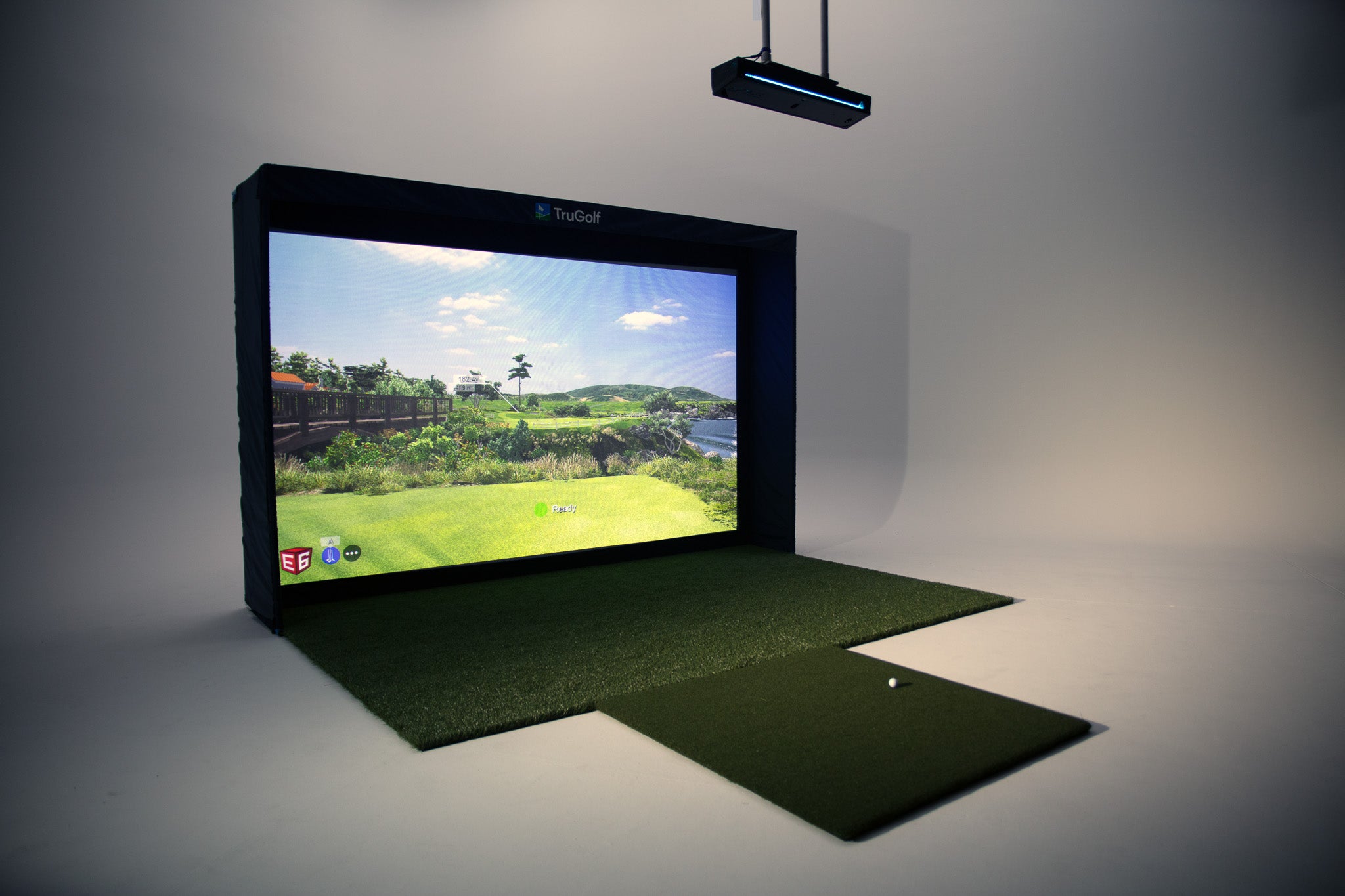

TruGolf MAX
Review the current product configuration and compare it against the measured room, intended use and software license. Confirm all package contents and terms directly with the supplier.
System components to confirm
Package inclusions and compatibility can change. Confirm the exact components and license with the supplier before purchase.
APOGEE Launch Monitor
Confirm the current launch-monitor model, mounting method, supported metrics and compatibility for the proposed configuration.
Screen and enclosure
Verify current screen dimensions, enclosure configuration, impact protection and room fit with TruGolf.
Real-Time Shot Data
Supported measurements and software features depend on current hardware and license configuration.
Complete Enclosure
Confirm the current enclosure components and installation requirements before purchase.
E6 Software Included
Check current software edition, subscription tier, course access and feature availability with TruGolf.
Professional Installation
The written scope defines room review, agreed low-voltage work, setup, calibration and testing. Electrical and construction work are separate trade scopes.
See the TruGolf MAX in Action
Manufacturer product imagery and demonstrations illustrate the equipment; they are not presented as TVS project proof.
Technical Specifications
TruGolf MAX Packages
These are planning comparisons, not supplier package tiers or fixed prices. TVS installation, product procurement, software and room work are itemized separately.
Room-fit base configuration
- Confirm current MAX product configuration
- Check screen and enclosure fit against measured room
- Verify launch monitor and projector requirements
- Confirm software and license inclusions
Enhanced room configuration
- Select projection based on room and image needs
- Confirm software edition, account and license terms
- Consider optional audio or secondary display
- Verify any add-on compatibility with the chosen setup
Integrated room option
- Identify optional lighting, audio and control work
- Confirm current product and supplier support terms
- Separate equipment from installation and room work
- List handoff, training and support in the project scope
Supplier package prices and availability vary. A product price is not an installed-project quote; the proposal defines equipment, installation, software, room readiness and separately assigned trade work.
Professional Installation by TVS
We review the room and define agreed AV and simulator installation tasks. Product procurement and other trades are scoped separately.
Room assessment
Review usable dimensions, golfer swing, handedness, obstructions and current equipment requirements.
Low-voltage & power coordination
Agreed low-voltage connections are scoped separately. Electrical circuits and outlets are coordinated with the responsible qualified electrical trade and are not assumed included.
Projection alignment
Mounting and alignment are defined by the selected projector, screen and room access.
Setup and testing
Calibration and validation are limited to the equipment and test steps in the approved scope.
Screen and enclosure
Confirm included components and agree assembly and installation tasks in writing.
Handoff and support
Training, documentation and future support are included only when specified in the agreement.
Explore Other TruGolf Products
Ready to Build Your Golf Room?
Share your room details and desired use. We will discuss scope, current product information and installation dependencies; a request is not an appointment booking.