 (208) 991-3502
 Meridian, ID



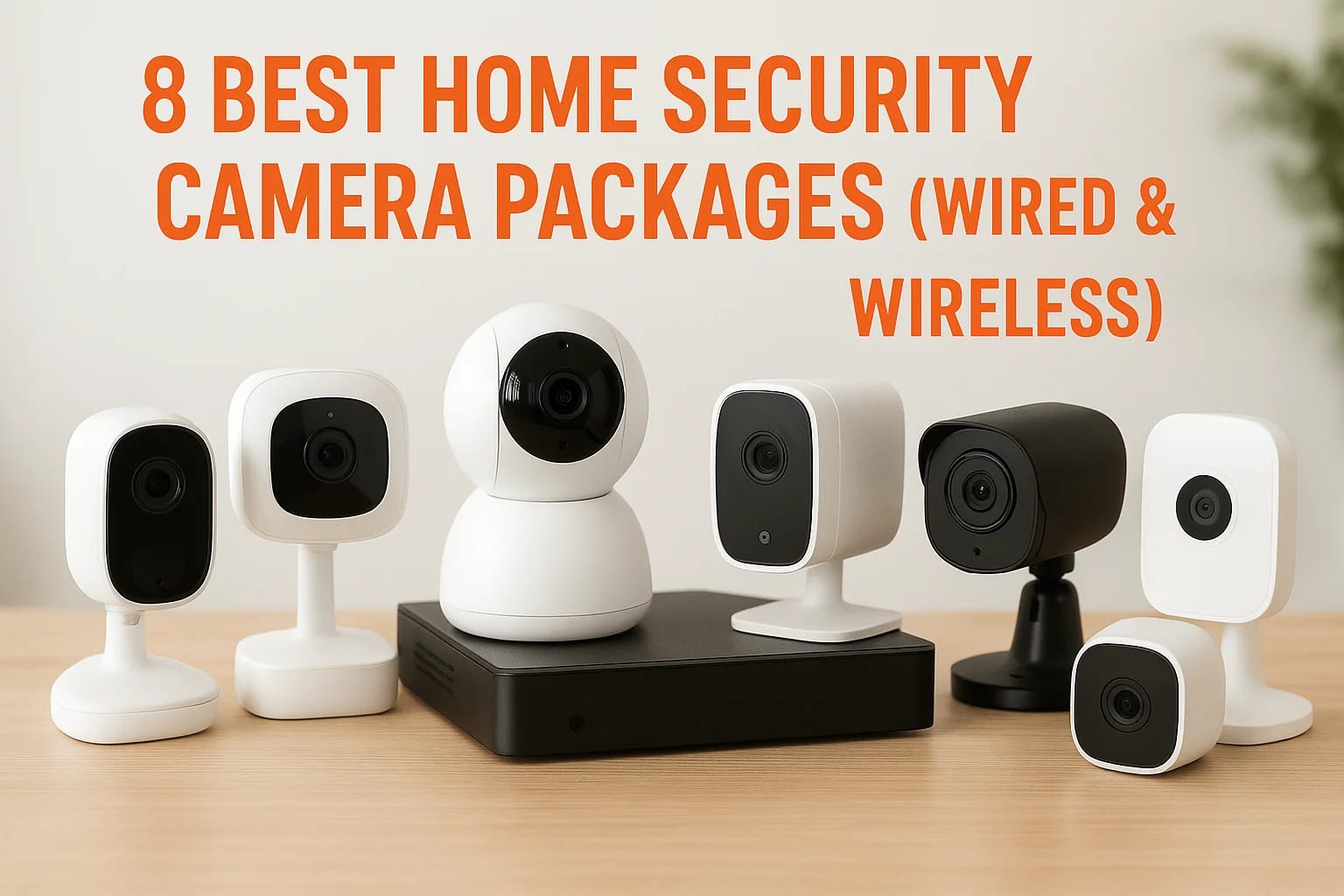

Choosing the right home security camera packages can feel overwhelming when you're staring at dozens of options with different specs, camera counts, and storage plans. Some packages give you everythin...
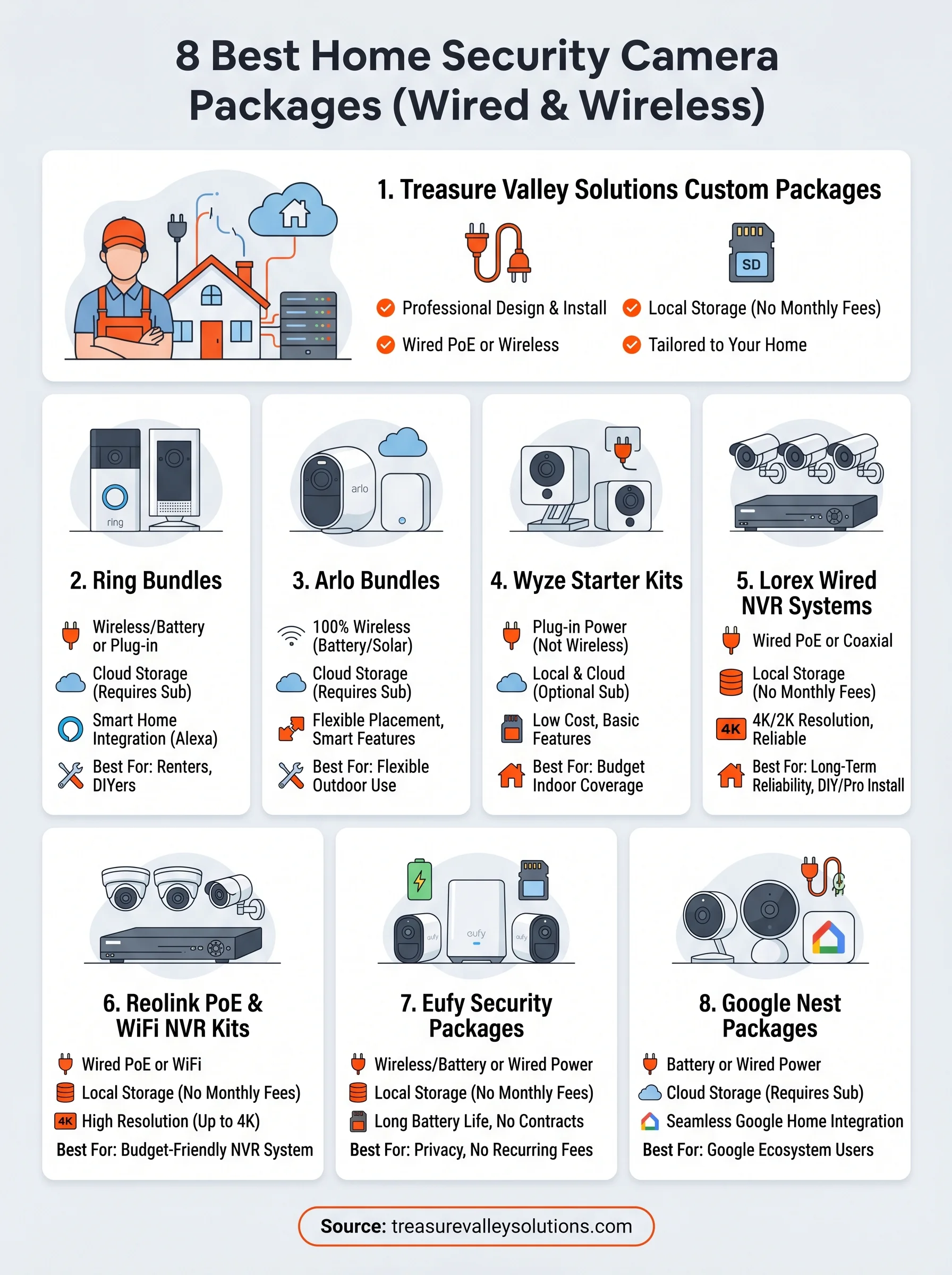
8 Best Home Security Camera Packages (Wired & Wireless)
Choosing the right home security camera packages can feel overwhelming when you're staring at dozens of options with different specs, camera counts, and storage plans. Some packages give you everything you need out of the box, while others leave you buying extras just to get basic coverage. Knowing what separates a solid package from a mediocre one saves you money and headaches down the road.
We design and install security camera systems for homes across the Treasure Valley at Treasure Valley Solutions. That hands-on experience, running cables through attics, configuring NVRs, and troubleshooting wireless connections in real Idaho homes, gives us a practical perspective on what actually works once the cameras are mounted and recording. Not every package that looks great on paper performs well in the field, and we've seen the difference firsthand.
This guide breaks down eight of the best wired and wireless home security camera packages available right now. For each one, we cover what's included, where it shines, and where it falls short, so you can pick the right system for your property without second-guessing the decision. We also include tips on when a pre-built package makes sense versus when a custom-designed system is the better call.
1. Treasure Valley Solutions custom camera packages
Unlike pre-boxed kits, Treasure Valley Solutions builds each system around your specific property. You work directly with a local technician who walks your home, identifies blind spots and entry points, and designs a system that covers what actually matters to you, not just what ships in a standard retail box.
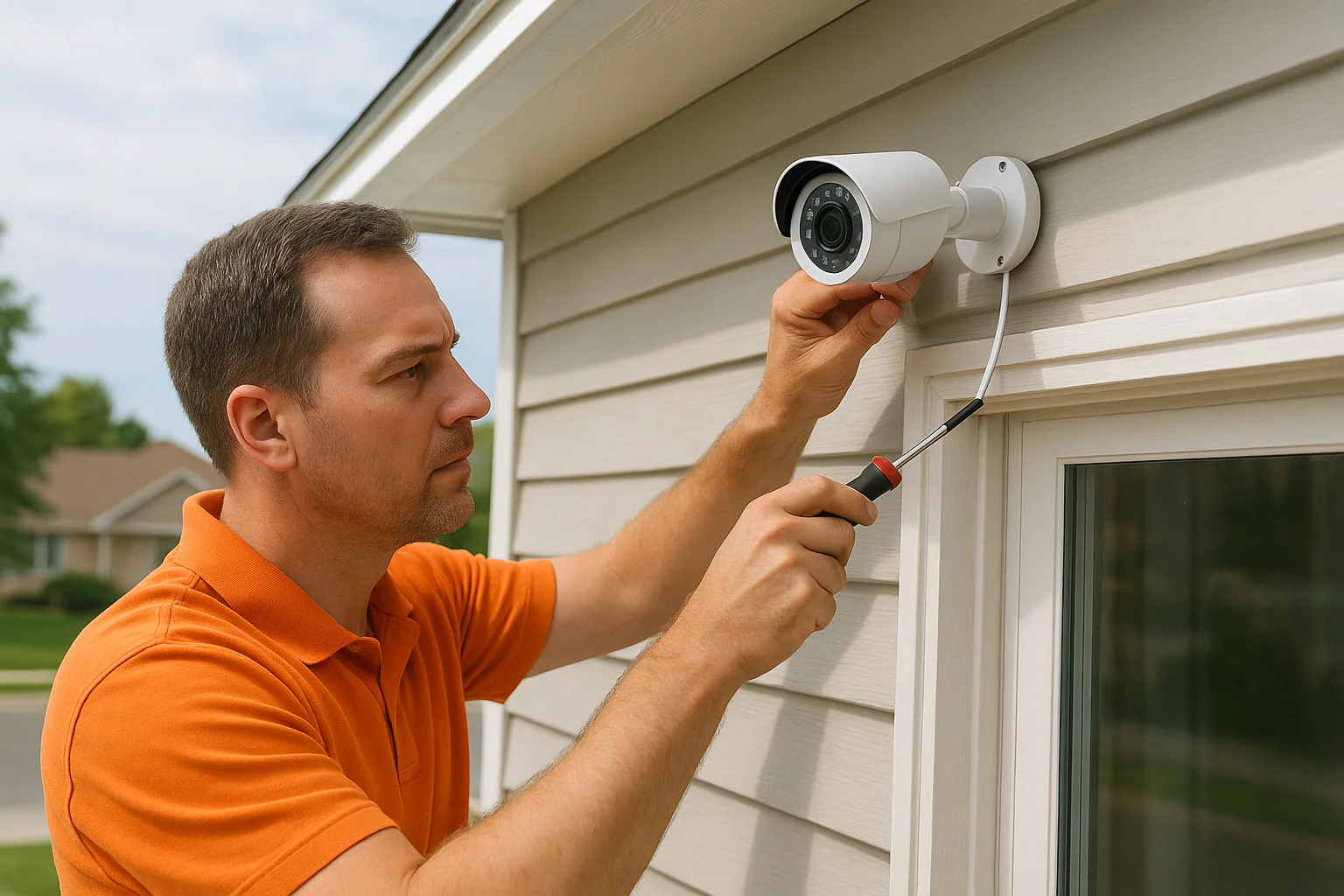
What you get in the package
Treasure Valley Solutions puts together home security camera packages based on your home's layout, coverage goals, and budget. A typical system includes 4 to 16 cameras, an NVR or DVR recorder, all mounting hardware, and the cabling or wireless components required for a complete install. You're not paying for cameras you'll never use.
- Camera types matched to each location (dome, bullet, varifocal, wide-angle)
- Assessment of compatible smart home, alarm or access-control options when requested
- Clean cable management and tested connections before the technician leaves
Wired vs wireless and installation
Your technician helps you choose between wired PoE systems and wireless options based on your home's construction and your long-term reliability goals. Wired systems get installed with cables run through walls and attics, keeping the exterior tidy. Wireless cameras are available for spots where running cable isn't practical.
A wired system avoids Wi-Fi signal and battery limitations, but usable footage still depends on placement, optics, lighting, network capacity and configuration.
Storage and subscriptions
Storage and subscription terms depend on the exact model, recorder or hub, region and current manufacturer plan. Confirm local recording, playback, exports, remote access and paid features before purchase. A local recording option does not mean every feature is free.
Who it fits best
This option suits homeowners who want a fully installed, professionally configured system without touching a single app or setting themselves. It also fits anyone building a new home, running a larger property, or wanting cameras tied into existing smart home controls.
Typical cost range
Residential planning examples: a basic four-camera installed system is approximately $1,500–$2,500; a premium eight-camera installed system is approximately $3,000–$6,000+. These are nonbinding planning ranges, not hardware-only kit prices or commercial quotes. Final equipment, recording capacity, cable routes, labor, network work, programming, taxes and exclusions must be confirmed in a site-specific written estimate.
2. Ring camera bundles
Ring is one of the most recognizable names in home security camera packages, and their bundles make it easy to get started without calling a professional. Most Ring bundles pair 2 to 5 cameras with a base station or doorbell, and you can purchase them directly through Amazon or Ring's own website.
What you get in the package
Ring bundles typically include a mix of Stick Up Cams, Video Doorbells, or Floodlight Cams depending on the tier you choose. You get the cameras, mounting hardware, and a base station in higher-tier kits, giving you a reasonable starting point for front and back coverage.
Wired vs wireless and installation
Most Ring cameras run on battery power or plug-in connections, making them genuinely DIY-friendly. You mount them yourself using the Ring app for guidance. Wired installation options exist but require a nearby power source and some comfort with basic electrical work.
Battery-powered cameras trade convenience for maintenance, since you will need to recharge or swap batteries every few months depending on activity volume.
Storage and subscriptions
Storage and subscription terms depend on the exact model, recorder or hub, region and current manufacturer plan. Confirm local recording, playback, exports, remote access and paid features before purchase. A local recording option does not mean every feature is free.
Who it fits best
Ring suits renters or budget-focused homeowners who want a familiar brand and a straightforward self-install experience with no technician required.
Typical cost range
Retail bundle prices are hardware-only comparisons, not professionally installed totals. Obtain a current model-specific equipment price and separately allow for storage, accessories, installation and optional subscriptions.
3. Arlo build-your-own bundles
Arlo stands out from most pre-boxed home security camera packages because it lets you mix and match cameras to build a system that fits your coverage needs. You can purchase kits directly through Amazon or Arlo's own site, choosing between 2-camera starter sets or larger multi-camera bundles.
What you get in the package
Arlo bundles typically include 2 to 5 wire-free cameras, a SmartHub base station, and mounting hardware. Their Pro and Ultra camera lines offer solid 2K and 4K resolution options, color night vision, and built-in spotlights depending on which tier you select.
Wired vs wireless and installation
The battery-based Arlo kits discussed here use rechargeable batteries or solar charging accessories, making them fully wireless and self-installable. You mount them with the included hardware and connect everything through the Arlo app.
Battery life varies significantly based on motion activity, so high-traffic areas like driveways will drain cameras faster than quieter entry points.
Storage and subscriptions
Storage and subscription terms depend on the exact model, recorder or hub, region and current manufacturer plan. Confirm local recording, playback, exports, remote access and paid features before purchase. A local recording option does not mean every feature is free.
Who it fits best
Arlo works well for homeowners who want flexible placement without running any cable and are comfortable managing cameras through a smartphone app.
Typical cost range
Retail bundle prices are hardware-only comparisons, not professionally installed totals. Obtain a current model-specific equipment price and separately allow for storage, accessories, installation and optional subscriptions.
4. Wyze starter kits and bundles
Wyze targets budget-conscious buyers who want functional home security camera packages without spending hundreds of dollars. Their starter kits are available through Amazon and Wyze's own website, offering 2 to 4 cameras at some of the lowest price points in the consumer security market.
What you get in the package
Most Wyze kits include 2 to 4 Wyze Cam v3 or Wyze Cam Pan v3 cameras, mounting hardware, and power adapters. The cameras deliver 1080p resolution with color night vision and two-way audio, which is competitive for the price point.
Wired vs wireless and installation
Each camera plugs into a standard power outlet via a USB cable, so you still need an outlet nearby despite the simple setup. You mount them yourself through the Wyze app, which walks you through placement and configuration. No professional installation is needed or typically recommended.
If you don't have an outlet near your ideal camera location, Wyze's plug-in design becomes a real limitation that forces you to rethink placement.
Storage and subscriptions
Storage and subscription terms depend on the exact model, recorder or hub, region and current manufacturer plan. Confirm local recording, playback, exports, remote access and paid features before purchase. A local recording option does not mean every feature is free.
Who it fits best
This option works best for renters or first-time buyers who want indoor or sheltered outdoor coverage on a tight budget without any installation complexity.
Typical cost range
Retail bundle prices are hardware-only comparisons, not professionally installed totals. Obtain a current model-specific equipment price and separately allow for storage, accessories, installation and optional subscriptions.
5. Lorex wired NVR camera systems
Lorex focuses almost entirely on wired surveillance, making them a strong choice among home security camera packages for homeowners who prioritize reliability over convenience. You can purchase their systems through Amazon or Lorex's own website in kits ranging from 4 to 16 cameras.
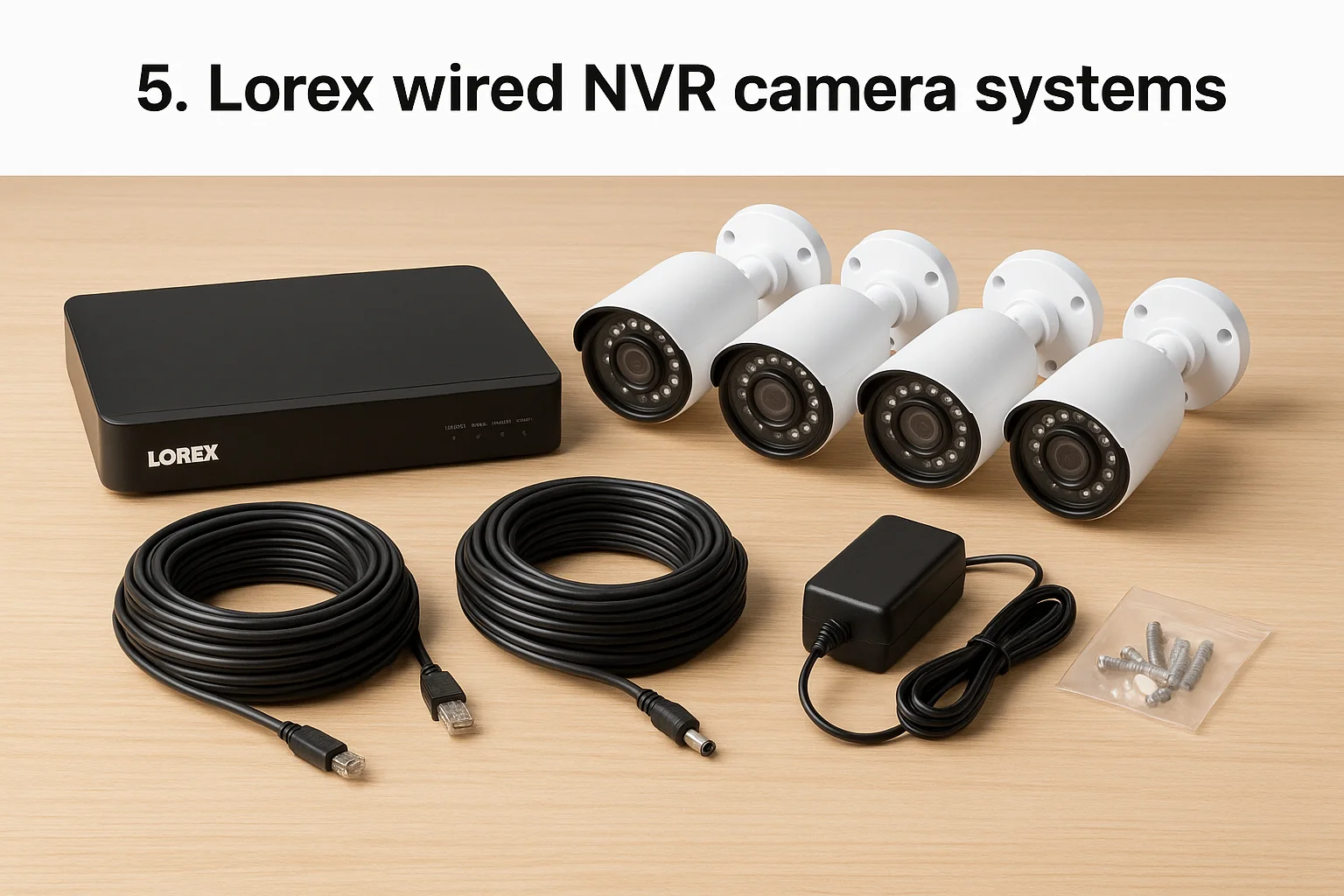
What you get in the package
Lorex kits include 4 to 16 PoE or coaxial cameras, a standalone NVR or DVR recorder with a built-in hard drive, all necessary cables, and mounting hardware. Cameras typically offer 4K or 2K resolution with color night vision and wide-angle lenses, giving you solid coverage right out of the box.
Wired vs wireless and installation
The wired Lorex kits discussed here use physical wiring, either PoE ethernet or coaxial depending on the kit. Running cables through walls and attics requires real effort, and most buyers without prior installation experience will want professional help to do it cleanly.
Wired installations require cable planning; compare recording mode, power, image quality and maintenance for the exact models.
Storage and subscriptions
Storage and subscription terms depend on the exact model, recorder or hub, region and current manufacturer plan. Confirm local recording, playback, exports, remote access and paid features before purchase. A local recording option does not mean every feature is free.
Who it fits best
Lorex suits homeowners who want long-term reliability and local storage, and who are either comfortable with a self-install or willing to hire someone to run the cables properly.
Typical cost range
Retail bundle prices are hardware-only comparisons, not professionally installed totals. Obtain a current model-specific equipment price and separately allow for storage, accessories, installation and optional subscriptions.
6. Reolink PoE and WiFi NVR kits
Reolink offers some of the most competitively priced home security camera packages that include a real NVR recorder, which separates them from brands that push you toward cloud subscriptions instead. You can buy their kits directly through Amazon, with options ranging from 4-camera starter sets up to 16-camera systems.
What you get in the package
Reolink kits include 4 to 16 cameras, a standalone NVR with a pre-installed hard drive, ethernet cables for PoE setups, and all mounting hardware. Many kits feature 4K or 5MP resolution cameras with color night vision and built-in spotlights, which is a strong spec-to-price ratio compared to most competitors in the same range.
Wired vs wireless and installation
Reolink sells both PoE wired kits and WiFi NVR bundles, giving you flexibility based on your property and comfort level with cable runs. The PoE kits require running ethernet cables to each camera, while the WiFi versions keep installation simpler at the cost of some long-term reliability.
If your home has accessible attic space, the PoE version is worth the extra installation effort for significantly more stable performance.
Storage and subscriptions
Storage and subscription terms depend on the exact model, recorder or hub, region and current manufacturer plan. Confirm local recording, playback, exports, remote access and paid features before purchase. A local recording option does not mean every feature is free.
Who it fits best
Reolink fits budget-focused homeowners who want local storage and real NVR functionality without paying professional-tier prices.
Typical cost range
Retail bundle prices are hardware-only comparisons, not professionally installed totals. Obtain a current model-specific equipment price and separately allow for storage, accessories, installation and optional subscriptions.
7. Eufy Security camera packages
Eufy Security has built a strong reputation among home security camera packages for one specific reason: local storage with no subscription required. You can purchase their bundles through Amazon or Eufy's own website in kits ranging from 2 to 5 cameras.
What you get in the package
Eufy kits typically include 2 to 5 cameras, a HomeBase hub for local storage, mounting hardware, and power adapters. Their SoloCam and EufyCam lines offer 2K and 4K resolution options with color night vision and two-way audio built in.
Wired vs wireless and installation
Most Eufy systems run on rechargeable batteries, making them wireless and fully self-installable through the Eufy Security app. Some models support wired power connections for continuous operation if you want to skip the recharging cycle.
Battery runtime depends on model, settings, activity, temperature and charging conditions; verify the selected model rather than assuming a fixed interval.
Storage and subscriptions
Storage and subscription terms depend on the exact model, recorder or hub, region and current manufacturer plan. Confirm local recording, playback, exports, remote access and paid features before purchase. A local recording option does not mean every feature is free.
Who it fits best
Eufy works well for homeowners who want solid video quality and local storage without committing to recurring monthly fees.
Typical cost range
Retail bundle prices are hardware-only comparisons, not professionally installed totals. Obtain a current model-specific equipment price and separately allow for storage, accessories, installation and optional subscriptions.
8. Google Nest camera packages
Google Nest rounds out this list of home security camera packages with a tightly integrated ecosystem built around Google Home. You can pick up their bundles through Amazon or the Google Store, with options ranging from single-camera setups to multi-camera kits.
What you get in the package
Nest bundles typically include 2 to 4 cameras, mounting hardware, and power cables depending on the configuration you choose. Their Nest Cam and Nest Cam with Floodlight lines cover both indoor and outdoor use, with 1080p or HDR video quality, two-way audio, and built-in intelligence for recognizing people, animals, and vehicles.
Wired vs wireless and installation
Google Nest cameras run on battery power or wired connections, and you set them up through the Google Home app without any professional help required. Battery models give you flexible placement, while wired versions keep cameras powered continuously.
If you already use Google Home or a Nest thermostat, adding Nest cameras makes your entire smart home ecosystem significantly more useful through shared automation routines.
Storage and subscriptions
Storage and subscription terms depend on the exact model, recorder or hub, region and current manufacturer plan. Confirm local recording, playback, exports, remote access and paid features before purchase. A local recording option does not mean every feature is free.
Who it fits best
Nest works best for Google Home users who want cameras that connect naturally with their existing devices and smart home setup.
Typical cost range
Retail bundle prices are hardware-only comparisons, not professionally installed totals. Obtain a current model-specific equipment price and separately allow for storage, accessories, installation and optional subscriptions.
Next steps
Every option on this list of home security camera packages has a legitimate use case, but the right choice depends entirely on your property, your coverage goals, and how much ongoing maintenance you're willing to handle. Pre-built retail kits work well for renters, small budgets, and straightforward setups. If you own your home and want a system that runs reliably for years without swapping batteries or managing subscriptions, a professionally installed wired system will serve you far better.
For homeowners in the Treasure Valley area, the simplest next step is talking to someone who can assess your property and explain installation options. Treasure Valley Solutions designs each camera package around your specific property, installs everything cleanly, and makes sure it works before leaving. You get coverage that actually fits your home, not a box picked off a shelf. Contact us today to get a custom quote and find out what your home actually needs.
Local recording, cloud storage and monthly fees
A compatible network video recorder (NVR) stores video on-site. Local recording and local playback can be available without a recurring storage subscription, but confirm the exact camera, recorder, firmware and app combination. A memory card in an individual camera is not the same as centralized NVR recording. Cloud recording stores footage off-site and depends on internet upload capacity and the provider's plan.
Ask for a written feature list: live view, continuous or event recording, playback, clip exports, shared users, notifications, analytics and off-site backup. Some features, licenses, support plans or cloud services may carry recurring charges even when basic recording is local. Manufacturer plans change by model and region; this guide does not quote current third-party subscription prices.
Remote viewing normally needs a working internet connection at the property and on the viewing device, plus supported app/account access. Local playback at the recorder may still work during an internet outage. Check whether the chosen app requires a cloud login even for local access. Local storage can be lost if the recorder is stolen or damaged; assess optional off-site backup rather than assuming local video is redundant.
How much recording will fit?
Retention depends on usable storage capacity, camera count, bitrate, resolution, frame rate, compression and continuous versus motion/event recording. Busy scenes and recording settings change actual consumption. Ask for a calculation using your selected cameras and verify the actual oldest available footage after installation. No drive size guarantees a universal number of days.
Comparing a retail box with an installed system
A hardware-only kit price excludes site planning, cable routing, mounting labor, network changes, programming and user handover unless explicitly included. Compare the same camera locations, image goals, storage settings and installation scope. A four-camera kit is not automatically a four-camera installed quote. Existing cabling or equipment can only be credited after testing compatibility and condition.
NVR storage and retention: a practical buying worksheet
Start with the incidents you need to review and the desired review window, not a disk size. List every camera and its measured or proposed average bitrate, resolution, frame rate, codec/compression settings and recording schedule. Resolution and frame rate influence bitrate, but do not determine it alone. Variable bitrate rises with movement, lighting changes and scene complexity; changing compression can also affect compatibility and playback. Motion/event recording saves space only to the extent that the configured scene and trigger rules actually reduce recording time.
For continuous recording, decimal storage in GB per day is approximately the sum of camera bitrates in Mbps multiplied by 10.8. As an arithmetic example only, eight cameras averaging 4 Mbps each produce about 345.6 GB per day (8 × 4 × 10.8). If a recorder has 4,000 GB genuinely usable for video, this simplified calculation gives about 11.6 days before overwrite. This assumes constant average bitrate, continuous recording and that all 4,000 GB is available; it excludes operating reserves, audio, metadata and other overhead. It is not a drive recommendation or retention guarantee.
Advertised disk capacity is not always usable video capacity. Check formatting, reserves, supported disks, recorder capacity/channel and incoming-bandwidth limits, any redundancy configuration and expansion restrictions. A fault-tolerant disk arrangement is not an off-site backup. Additional cameras, higher image settings or busier scenes can shorten retention. Request a documented calculation for the actual design, then measure the oldest playable footage after a representative operating period and again after settings change.
Playback, exports, permissions and outages
Confirm who can view live video, search playback, export clips, change settings and administer other users. Individual accounts and role permissions depend on the selected product. Test an export on a separate device, including time zone/timestamps, file format, any required player, available export storage and the process for preserving an important clip before overwrite. Agree the owner's retention and disclosure responsibilities; a recorder setting alone is not legal compliance.
Locate and protect the recorder, arrange suitable power/cooling and consider what theft, disk failure or loss of the local network would mean. During an internet outage, local recording requires powered and connected compatible cameras, recorder and LAN; remote viewing/cloud/online alerts may fail. During a power outage, all required equipment needs separately sized backup power. If off-site copies are requested, assess supported products, upload bandwidth, account security, recurring costs and behavior when connectivity returns.
Businesses should take this worksheet to a commercial camera assessment. Existing systems with missing recordings or uncertain storage belong in a camera upgrade and troubleshooting assessment. Neither a camera count nor a sample calculation establishes a commercial price or guaranteed review window.
Plan your Treasure Valley installation
For home entrances, driveways, side gates and backyard coverage, start with our home security camera installation service. Businesses can discuss coverage, recording and permissions through commercial camera installation. For unreliable recordings or older hardware, request a camera upgrade and wiring assessment.
Compare Boise and Treasure Valley installed-system costs. Choose the matching service page to request a site-specific estimate. Camera counts are planning inputs, not a promise that every property needs the same layout.
Compare your options
Your next step
Compare Site-Designed Camera InstallationReady for professional help? Request an estimateOur Services
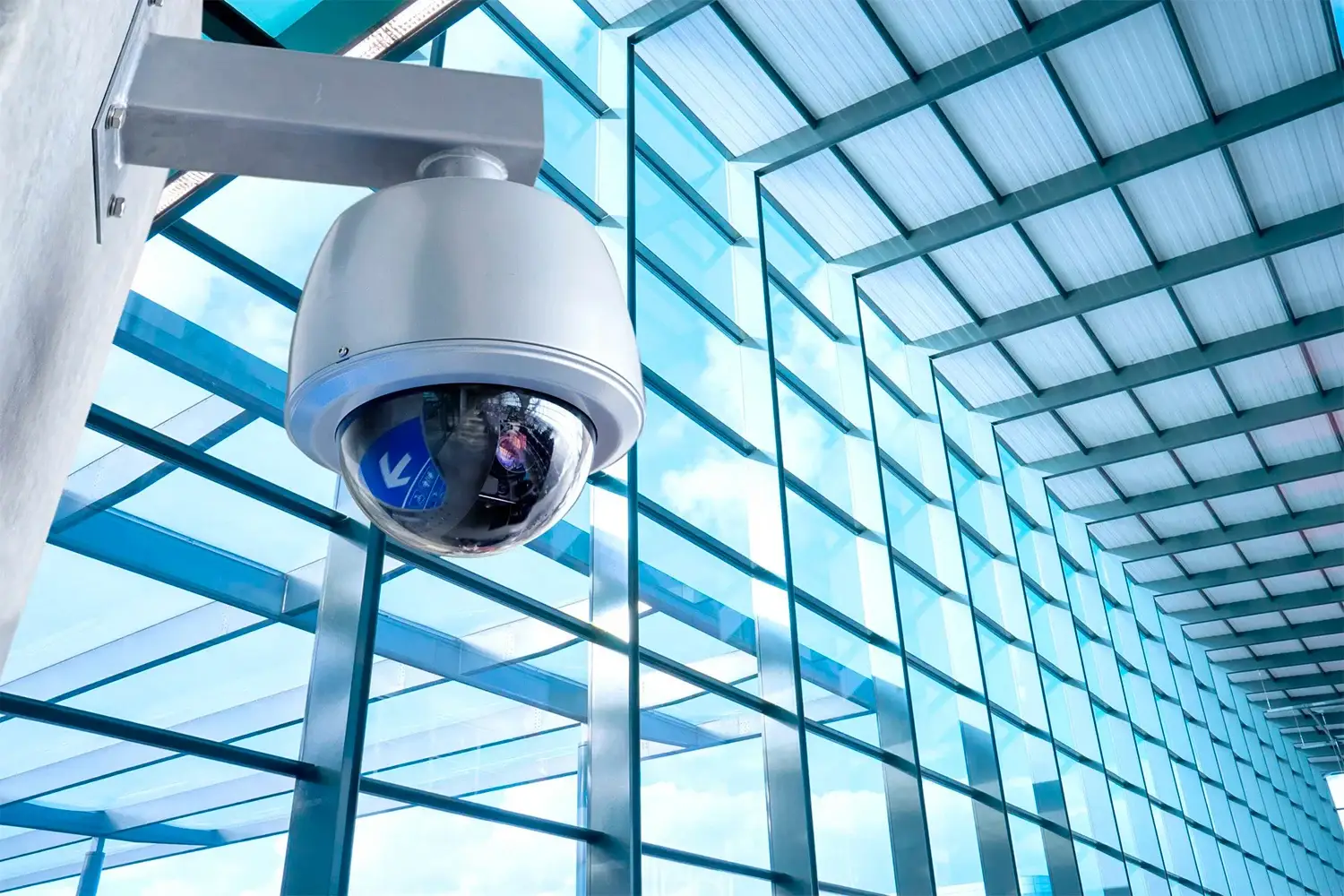
High-definition surveillance for peace of mind.
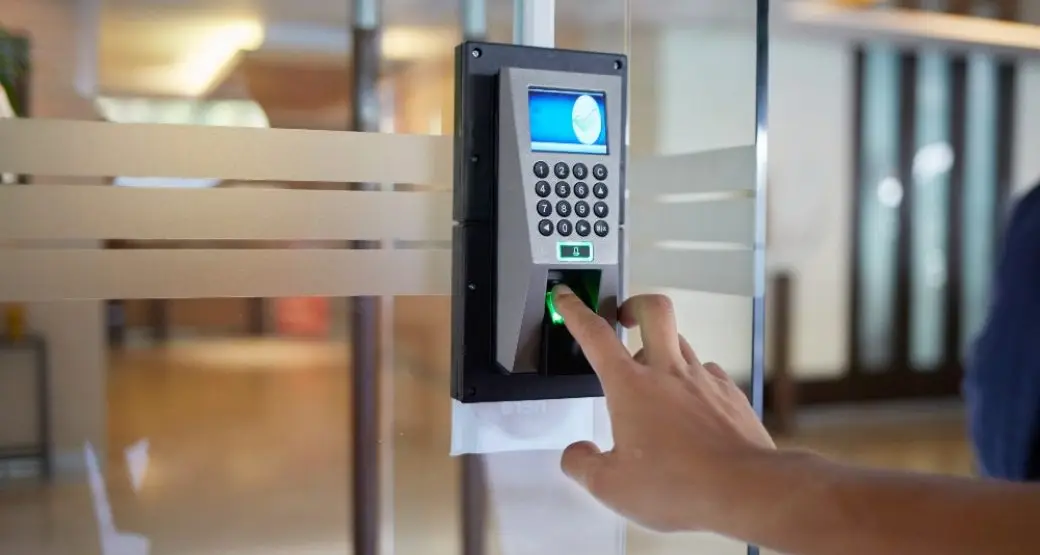
Comprehensive security solutions for home and business.
Serving the Treasure Valley
Local installation in your city