 (208) 991-3502
 Meridian, ID



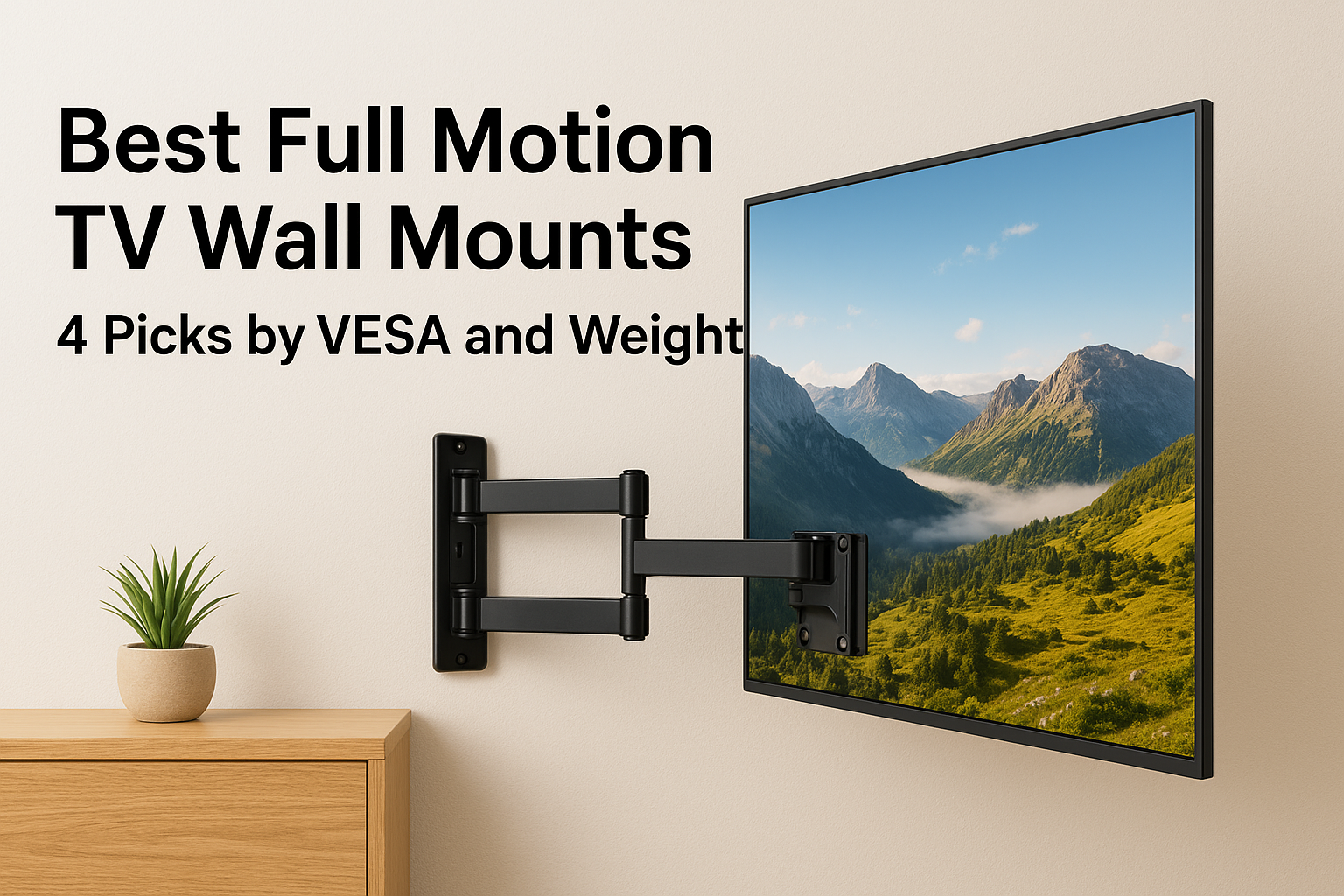

The best full-motion mount for a TV on the wall is one whose weight rating clears your TV by a wide margin, whose size and VESA range include your screen, and whose arm bolts into studs. For a 55-inch...
The best full-motion mount for a TV on the wall is one whose weight rating clears your TV by a wide margin, whose size and VESA range include your screen, and whose arm bolts into studs. For a 55-inch TV or smaller, the Amazon Basics mount is the budget pick. For 32 to 70 inch screens, USX MOUNT covers the middle of the market. For 65 inches and up, or a heavy set, the Mount-It! Heavy Duty mount has the capacity. If you would rather have the mount supplied and installed, Treasure Valley Solutions handles it.
Shopping for these mounts is harder than it should be. Listings look nearly identical, and one brand can sell several variants with different size limits and weight ratings. A mismatch matters more with a full-motion arm than with a fixed mount, because an extended arm puts extra leverage on the wall screws. You need to check three numbers: your TV's size, its weight, and its VESA hole pattern.
We install TVs across the Treasure Valley from our base in Meridian, and we have since 2014. That is why our own service is item one. The other three are products you buy and install yourself. Specs come from manufacturer listings, so confirm them on the current listing before you order, because sellers revise models.
1. Treasure Valley Solutions supplied and installed mount
Fit and specs
Treasure Valley Solutions can supply a full-motion mount for $199 and install it for a base labor price set by screen size. This is the one pick where someone checks your TV, wall, and viewing spot before anything goes up. We match the mount to your TV's weight and VESA pattern during the consultation, so you do not have to compare spec sheets.
- Base labor, 55 inches or smaller: $139
- Base labor, 56 to 97 inches: $169
- Base labor, 98 inches or larger: $199
- Supplied mount: $199 full-motion ($99 fixed, $119 tilting)
- Brick, concrete, stone or tile, and other wall types: $49 per TV
- Included: secure mounting, leveling, and basic external cable management
Here is a worked example. A 65-inch TV on a stud wall costs $169 in labor plus $199 for the full-motion mount, which is $368. Idaho's 6% sales tax applies to the physical mount but not to labor, which adds $11.94, so the total is $379.94. If that TV goes on a brick fireplace wall, add the $49 surcharge for $428.94.
A mount is only as safe as its install, so price the mount and the labor together.
Strengths, limits, and who it suits
The strengths are speed and accountability. One mount typically takes 1 to 2 hours to install, the work carries a one-year warranty, and the team is licensed and insured. Evening and weekend appointments are available depending on the schedule. We also install Sanus and Chief mounts if you have already bought your own.
The limits are clear. Soundbar installation, specialty mounts, and wall repair are not in the base price. The supplied mount's exact limits are not listed here, so ask for its size, weight, and VESA range at the free on-site consultation. This option suits homeowners in Boise, Meridian, Eagle, Nampa, and nearby who want the job done once and done right.
2. Amazon Basics full-motion mount for 26 to 55 inch TVs
Fit and specs
The Amazon Basics full-motion mount is the budget pick for TVs from 26 to 55 inches. It is rated for 80 pounds, which is more than most 55-inch sets weigh by a wide margin. It also accepts a broad range of VESA patterns.
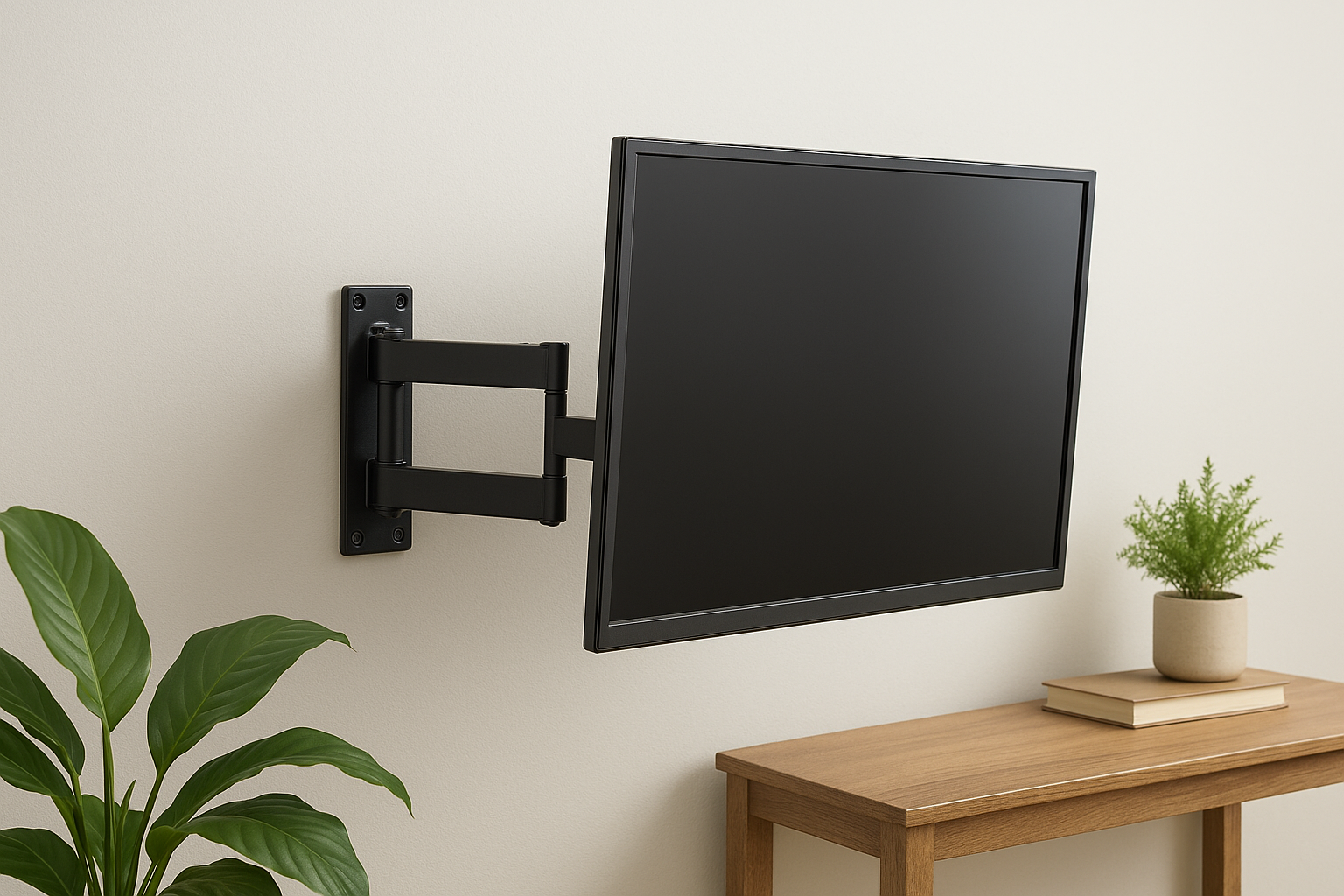
- TV size: 26 to 55 inches
- Weight capacity: 80 lbs
- VESA: 100x100 to 400x400 mm (3.9 to 15.7 inches)
- Tilt: 10° up, 5° down
- Swivel: up to 180°
- Extension: 2.6 to 16.3 inches
- Walls: single wood stud, concrete, brick
- In the box: hardware, bubble level, mounting template
If your TV is 55 inches or smaller, this mount covers it without paying for capacity you will never use.
Strengths, limits, and who it suits
Its strengths are price, the 180-degree swivel, and single-stud mounting. That helps when studs land in awkward spots, such as beside a window. The included level and template make a first-time install easier.
The limits come from the same design. A single-stud mount leaves little margin, so find the stud center precisely and use every supplied bolt. The 80-pound rating also rules out most large TVs. This mount suits bedrooms, offices, and 55-inch living room sets where the viewer sits off to one side.
3. USX MOUNT full-motion mount for 32 to 70 inch TVs
Fit and specs
USX MOUNT is the mainstream pick for 32 to 70 inch TVs. It is rated for 99 pounds and spans a wide VESA range. The variant matters, because the brand also sells a larger model. One retailer lists a USX mount for 47 to 92 inch TVs rated for 132 pounds with a 600x400 mm maximum. Check the exact model before you buy.
- TV size: 32 to 70 inches
- Weight capacity: 99 lbs
- VESA: 75x75 to 400x400 mm
- Tilt: 5° up, 12° down
- Extension: 2.59 to 13.89 inches
- Walls: 12 or 16 inch wood studs, concrete, brick
- Build: cold-rolled steel, dual articulating arms
Buy the USX model that matches your TV's size and weight, not just the brand name.
Strengths, limits, and who it suits
This mount fits the largest share of living room TVs. The VESA range starts at 75x75 mm, so it also works for smaller screens, and the 12 or 16 inch stud options give you flexibility. The three-step install is straightforward for anyone comfortable with a drill and a stud finder.
The tradeoff is reach. A maximum extension of 13.89 inches is shorter than the other picks here, which limits how far you can angle the screen toward a seating area from a corner. This mount suits 55 to 65 inch TVs centered on a wall or set slightly off to one side.
4. Mount-It! Heavy Duty mount for 65 to 110 inch TVs
Fit and specs
Mount-It! Heavy Duty is the pick for large and heavy TVs from 65 to 110 inches. It is rated for 275 pounds and extends 39 inches from the wall. Expect to pay roughly $200 and up at major retailers, several times what standard mounts cost.
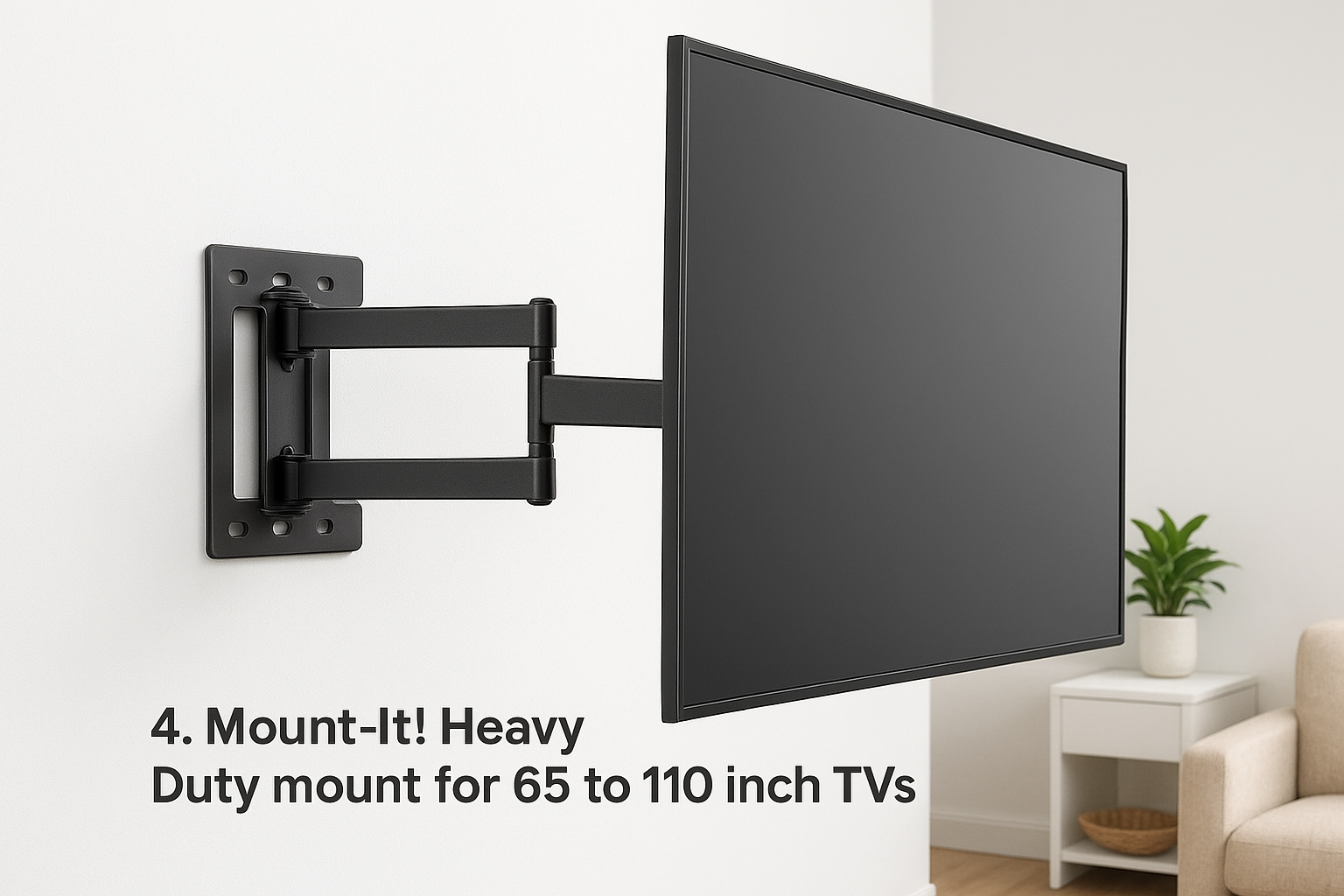
- TV size: 65 to 110 inches
- Weight capacity: 275 lbs
- Extension: up to 39 inches
- VESA: read the exact range on the listing before ordering
Large TVs often use 400x400 or 600x400 mm hole patterns, so the VESA line on the listing matters more here than anywhere else. Heavy mounts also need solid structure behind them, so confirm your stud spacing first.
The bigger the screen, the more the wall behind it matters, so plan for studs before you order.
Strengths, limits, and who it suits
The strengths are capacity and range. A 39-inch arm lets you pull a big screen into the room and swing it toward a seating area. The 275-pound rating leaves a safety margin even for a heavy 85-inch set.
The limits are cost, weight, and installation difficulty. The hardware is heavy, a TV this size takes two people to lift, and the long arm puts serious leverage on the studs. This mount suits 75-inch and larger TVs in big rooms, bonus rooms, and commercial spaces. It is also where hiring a professional makes the most sense.
How to match a mount to your TV
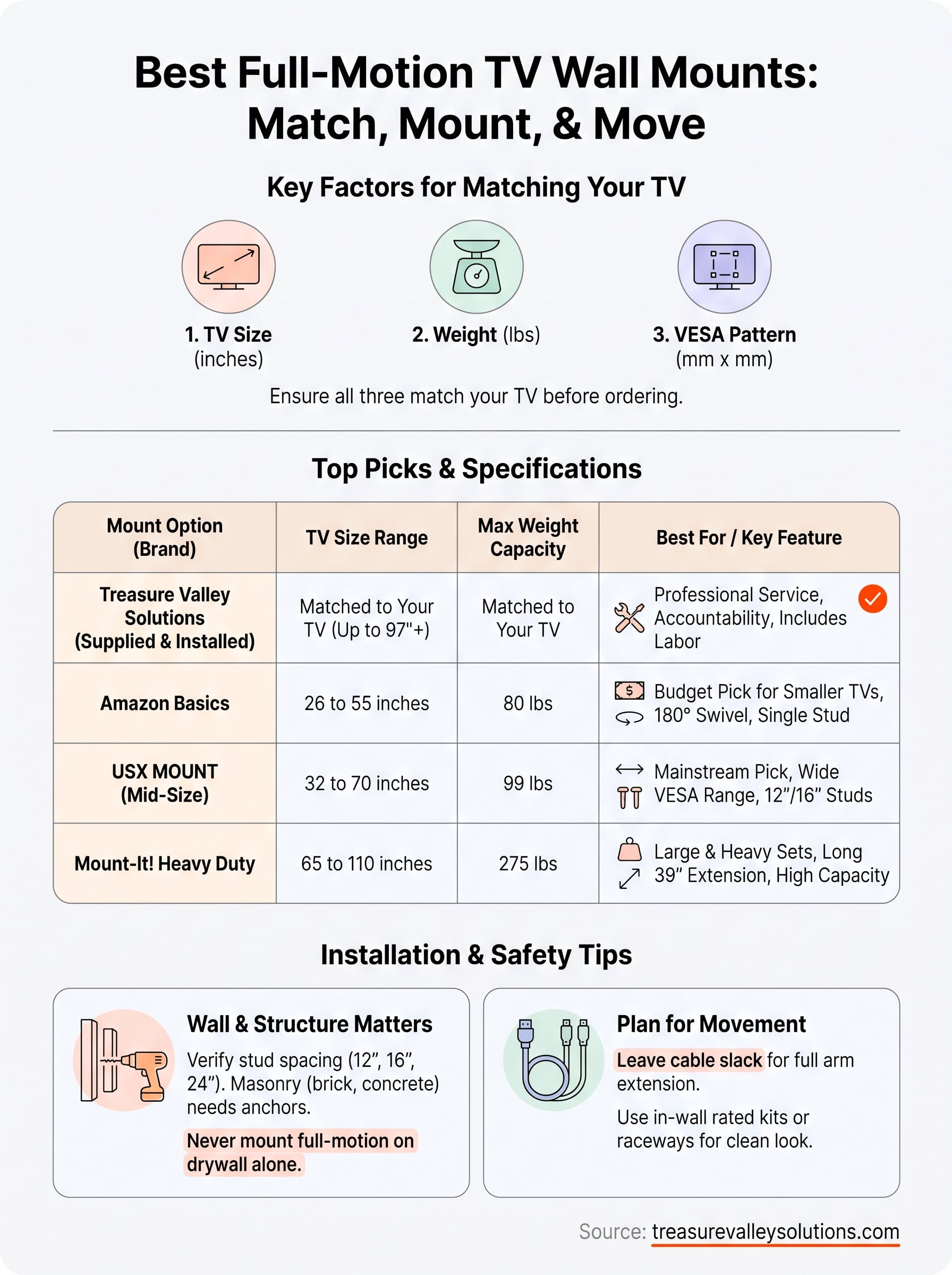
Check size, weight, and VESA
Start by writing down your TV's screen size, weight, and VESA pattern. VESA is the hole spacing on the back, measured horizontally by vertically in millimeters, and it appears in your manual or spec sheet. Weigh the TV without its stand, then add anything that will hang from the mount. A good habit is to choose a mount rated for at least 1.5 times your TV's weight.
| Mount | TV size | Max weight | VESA range | Extension |
|---|---|---|---|---|
| Treasure Valley Solutions supplied mount | Matched to your TV | Confirmed at consultation | Confirmed at consultation | Confirmed at consultation |
| Amazon Basics | 26-55 in | 80 lbs | 100x100 to 400x400 mm | 2.6-16.3 in |
| USX MOUNT (32-70 in model) | 32-70 in | 99 lbs | 75x75 to 400x400 mm | 2.59-13.89 in |
| Mount-It! Heavy Duty | 65-110 in | 275 lbs | Check listing | Up to 39 in |
All three numbers must fit: a mount that covers your screen size but not your VESA pattern will not work.
Check your wall and studs
Standard wood studs sit 16 inches apart on center, though some walls use 12 or 24. Find them with a stud finder before you buy so you know whether the mount's plate spans them. Never hang a full-motion arm from drywall alone. With the arm extended, the TV pulls outward on the fasteners, not just down.
Brick, concrete, and stone need masonry anchors and different drilling. If your wall is one of those, check that the mount includes anchors or buy them separately.
Choose a height and plan the cables
For where to mount the TV, put the center of the screen near seated eye level, often around 40 to 45 inches from the floor. Full-motion arms let you tilt down, so you can go a little higher than with a fixed mount. Avoid spots directly across from a window, and for corner placement favor a longer extension.
Cables need slack because the arm moves. Leave enough length for full extension. For a clean look, use a surface raceway or an in-wall rated power and cable kit. Do not run an ordinary power cord inside the wall.
Picking the right mount
Match three numbers and the rest follows. Use Amazon Basics for TVs up to 55 inches and USX MOUNT for the 32 to 70 inch middle. Reach for Mount-It! Heavy Duty when the screen is 65 inches or more and heavy. Then confirm your studs, because the wall decides whether the rating means anything.
If you would rather skip the measuring and drilling, we will check your TV, wall, and viewing position and handle the install. Book a free on-site consultation and we will give you an estimate with no obligation.
Recent Google reviews
Read all reviews →“Great job!!”
“Amazing customer experience. They went above and beyond installing my 2 TVs on the wall and setting up my ring doorbell. Thier price was very very reasonable. Great experience, have used their service twice now.”
“Professional, on time and the team did an outstanding job! 100% would recommend and will use again.”