 (208) 991-3502
 Meridian, ID



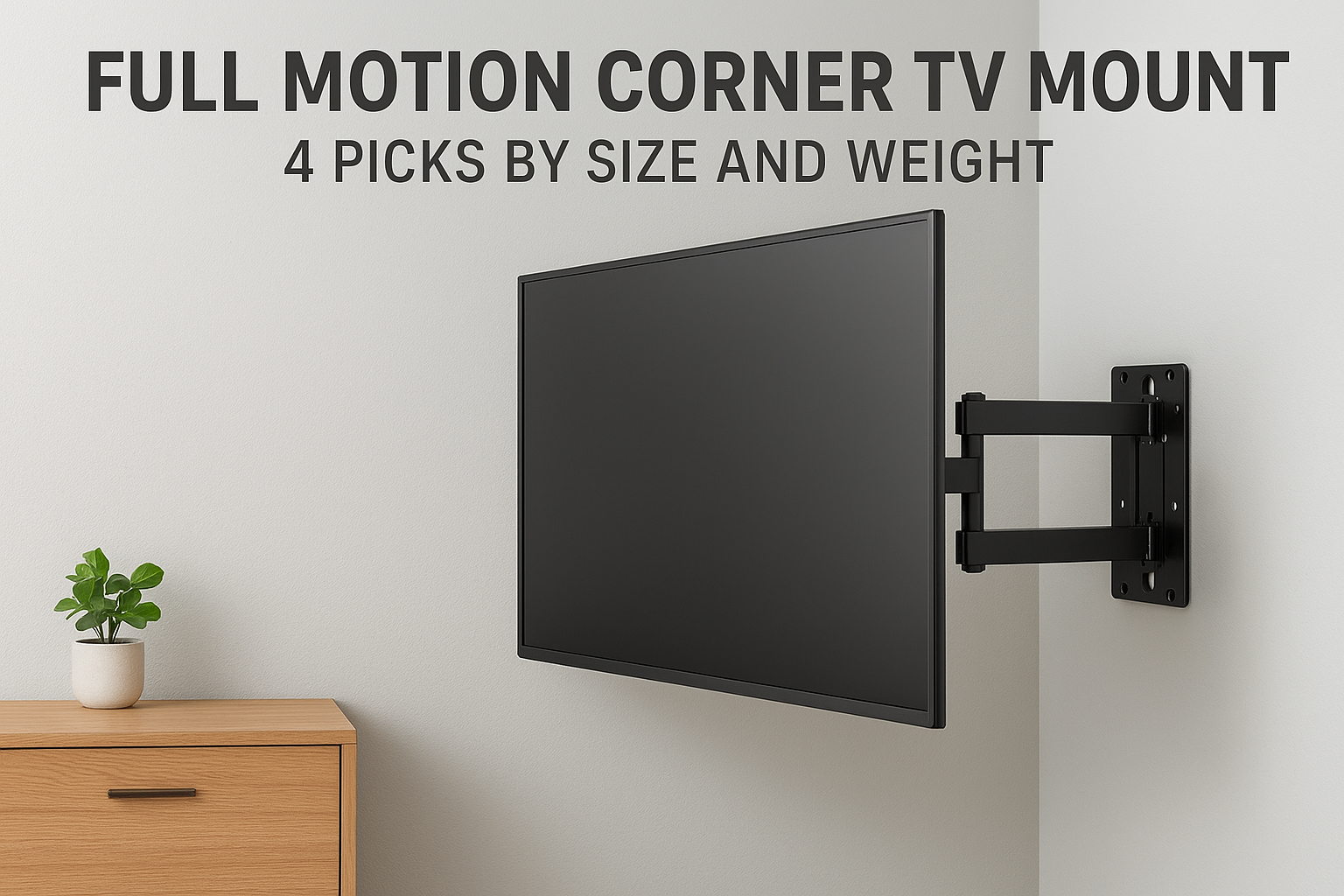

The right full motion corner TV mount depends on three numbers: your TV's diagonal size, its weight, and the arm's reach. For TVs up to 55 inches in a bedroom or office, the MountUp MP0020 is the budg...
The right full motion corner TV mount depends on three numbers: your TV's diagonal size, its weight, and the arm's reach. For TVs up to 55 inches in a bedroom or office, the MountUp MP0020 is the budget pick. For 32 to 75 inch TVs, the Echogear EGCM2 is the best all-rounder because it mounts to a single stud. For heavy or very large screens, the two Mount-It models below carry more weight and cover bigger TVs.
Corner TV mounting changes the rules of normal TV mounting. The studs are in odd places, the TV has to swing out and angle toward your seats, and a mount with a short arm can leave the screen pinned against a wall. Check the weight rating and the VESA pattern as well, or the mount will not hold your TV safely.
Below you get four mounts, each with its real specs and the checks to run before you buy. A final section covers how a full motion mount behaves in a corner and how to compare them. We install TV mounts across the Treasure Valley.
1. MountUp MP0020 for TVs up to 55 inches
The MountUp MP0020 is the lowest-cost option here and handles 26 to 55 inch TVs. It is a single-arm mount that anchors to one wood stud or to concrete.
Key specs
These figures come from the maker's product page.
- TV size: 26 to 55 inches, flat or curved
- Max weight: 88 lbs
- VESA range: 100x100 to 400x400 mm
- Extension: 2.5 to 18.9 inches
- Swivel and tilt: 90° left or right, 5° up and 15° down, plus ±3° leveling
Who it suits and what to check
This mount suits a bedroom, kitchen or office TV where you want to angle the screen toward a bed or desk without spending much. The sale price has been around $21, against a regular price of $36.99, so it is the cheapest mount in this list by a wide margin.
Check the reach first. At 18.9 inches the arm is the shortest of the four, so a wide TV in a tight corner may not angle as far as you want. The maker also says not to mount it on plain drywall without a wood stud. Confirm the stud before you order.
A cheap mount is a good deal only when the stud behind it is solid and the arm reaches far enough for your TV's width.
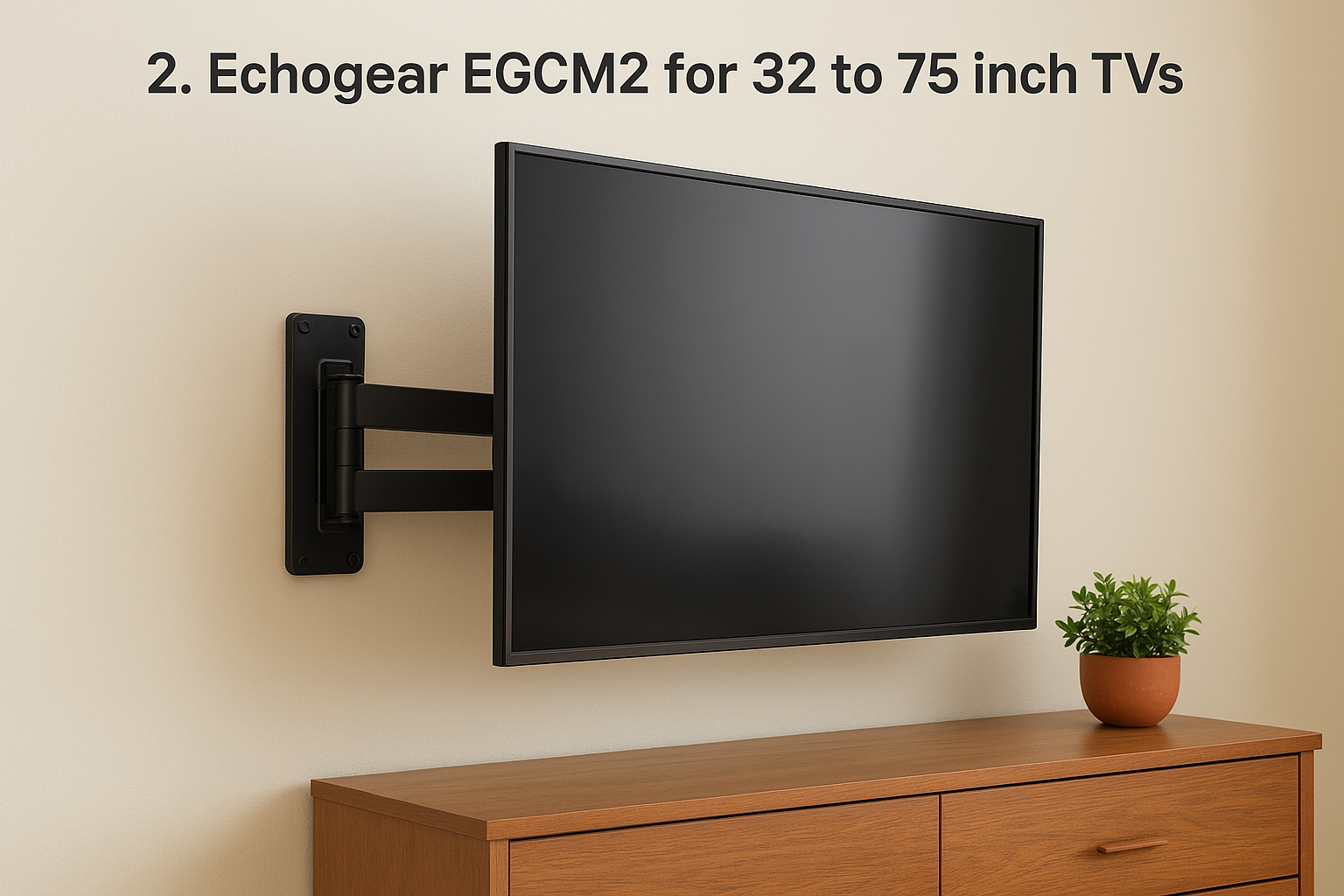
2. Echogear EGCM2 for 32 to 75 inch TVs
The Echogear EGCM2 is the best all-rounder for living rooms. It is a single-stud design with a 24 inch arm, aimed at mid-size and large TVs.
Key specs
Echogear lists these on its product page.
- TV size: 32 to 75 inches
- Max weight: 90 lbs
- VESA range: 200x200 up to 600x400 mm
- Extension: up to 24 inches, 1.9 inches from the wall when retracted
- Swivel and tilt: ±90°, 5° up and 15° down
Who it suits and what to check
It suits a living room with a 55 to 75 inch TV and an awkward stud layout, because one stud is enough. The 24 inch arm gives you about 5 more inches of reach than the MountUp. The listed price is about $65, marked down from a $74.99 MSRP, and the box includes a drill template. The maker claims installation takes under 30 minutes.
Look up your TV's weight in its spec sheet. Some 75 inch panels sit close to the 90 lb limit once you add the stand-free weight and a soundbar bracket. If your TV's VESA pattern is below 200x200, this is not your mount.
The Echogear is the safest default if your TV is between 55 and 75 inches and you only have one reliable stud.
3. Mount-It MI-319L for heavy TVs up to 70 inches
The Mount-It MI-319L is the heavy-duty pick. It is rated for 220 lbs and sold as a full motion mount with extra extension for 43 to 70 inch TVs.
Key specs
Mount-It's collection page lists these figures.
- TV size: 43 to 70 inches
- Max weight: 220 lbs
- Motion: full motion, with an extra-long arm
- Listed price: about $129
- VESA and extension length: confirm both on the product page before ordering
Who it suits and what to check
Choose it when you want a large safety margin or a bigger, heavier display. A 220 lb rating is far above what most 70 inch TVs weigh. The extra extension also helps in a deep corner, where the TV has to travel a long way from the wall before it can turn.
The trade-off is cost and bulk. It runs about twice the price of the Echogear, and a heavy-duty arm is more mount than a 43 inch bedroom TV needs. Read the product page for the exact extension length and VESA pattern, then compare them with your TV's rear holes.
Buy extra weight capacity when your TV is large or heavy, not because a bigger number feels safer on a small screen.
4. Mount-It split wall plate mount for 43 to 90 inch TVs
The Mount-It Full-Motion Corner TV Mount with Split Wall Plate covers the widest size range here, 43 to 90 inches, and carries up to 176 lbs.
Key specs
Mount-It lists these on its collection page.
- TV size: 43 to 90 inches
- Max weight: 176 lbs
- Motion: full motion
- Listed price: about $120
- VESA and extension length: confirm both on the product page
Who it suits and what to check
This is the pick for a 75 to 90 inch TV. An 85 inch screen is roughly 74 inches wide, so the mount's studs matter more than the arm. A split wall plate means the plate comes in two sections, which lets you place them on separate studs in a corner where one stud is not enough.
Read the installation manual to see how far apart the two sections can sit, then locate your studs with a stud finder before you buy. Also confirm the arm reach, because a screen this wide needs room to swing without touching the side wall.
For the biggest screens, the number of studs you can reach matters as much as the weight rating.
How to choose and install a corner mount
Choose the mount whose TV size, weight and VESA range all contain your TV's numbers, then check that the arm reaches far enough to angle the screen in your corner.
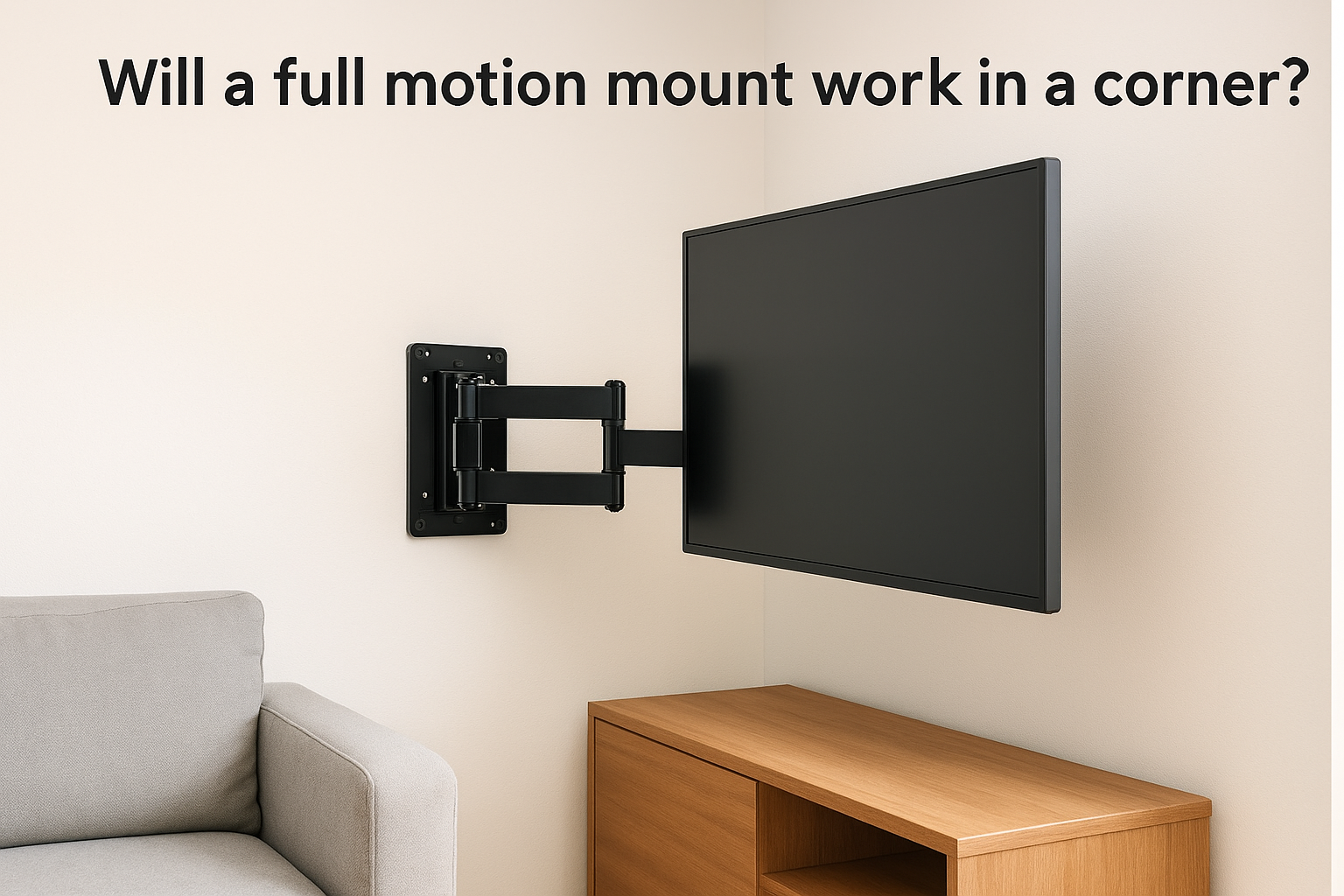
Will a full motion mount work in a corner?
Yes. A full motion mount is the right type for a corner, because the arm lets the TV pull out and swivel toward the seats. A fixed or tilting mount would leave the screen facing the wall. The wider your TV, the more reach you need, because the side of the screen swings toward the wall as you angle it.
These widths are for standard 16:9 TVs:
| TV size | Approximate width |
|---|---|
| 55" | 48" |
| 65" | 57" |
| 75" | 65" |
| 85" | 74" |
Comparing size, weight, VESA and extension
Match each spec against your TV's rear label and manual. Your TV's weight must sit under the rated capacity, and its VESA pattern must fall inside the range.
| Mount | TV size | Max weight | VESA | Extension |
|---|---|---|---|---|
| MountUp MP0020 | 26" to 55" | 88 lbs | 100x100 to 400x400 | Up to 18.9" |
| Echogear EGCM2 | 32" to 75" | 90 lbs | 200x200 to 600x400 | Up to 24" |
| Mount-It MI-319L | 43" to 70" | 220 lbs | Confirm on page | Confirm on page |
| Mount-It split plate | 43" to 90" | 176 lbs | Confirm on page | Confirm on page |
Is it worth it, and who should install it?
Full motion is worth the extra cost when your seating is spread across the room or the TV sits in a corner. If everyone sits in front of the screen, a fixed mount costs less. The mount only has to hold, so use a stud finder and anchor into solid wood.
Our install pricing makes the cost easy to plan. Base labor in the Treasure Valley is $139 for TVs 55 inches or smaller and $169 for 56 to 97 inches, with a $49 surcharge for brick, concrete or stone walls. A 65 inch TV on an Echogear (about $65) comes to roughly $234 on a drywall corner. We can also supply a full-motion mount for $199.
Match your TV's weight, VESA pattern and width to the mount first, then worry about price.
Choose by TV size, then confirm the wall
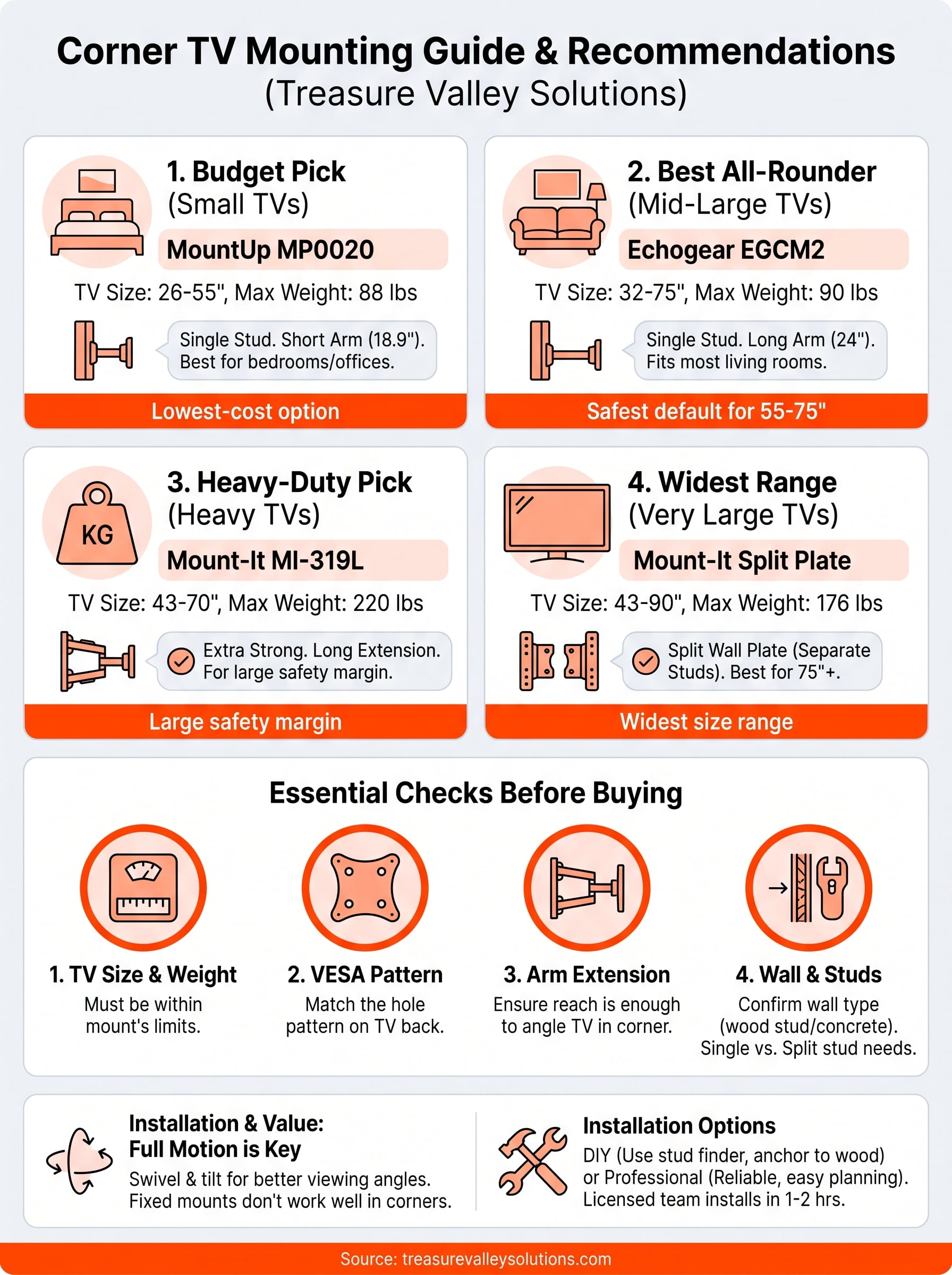
Pick the mount by your TV's size and weight, then confirm that its VESA range matches your TV and its arm reaches far enough for your corner. The MountUp suits small TVs, the Echogear suits most living rooms, and the Mount-It models suit heavy or very large screens. Before you order, find your studs and check the product page for any spec marked above.
If you would rather have the mount installed, request a free on-site estimate. Our licensed, insured team mounts TVs in the Treasure Valley, and installs typically take one to two hours.