 (208) 991-3502
 Meridian, ID



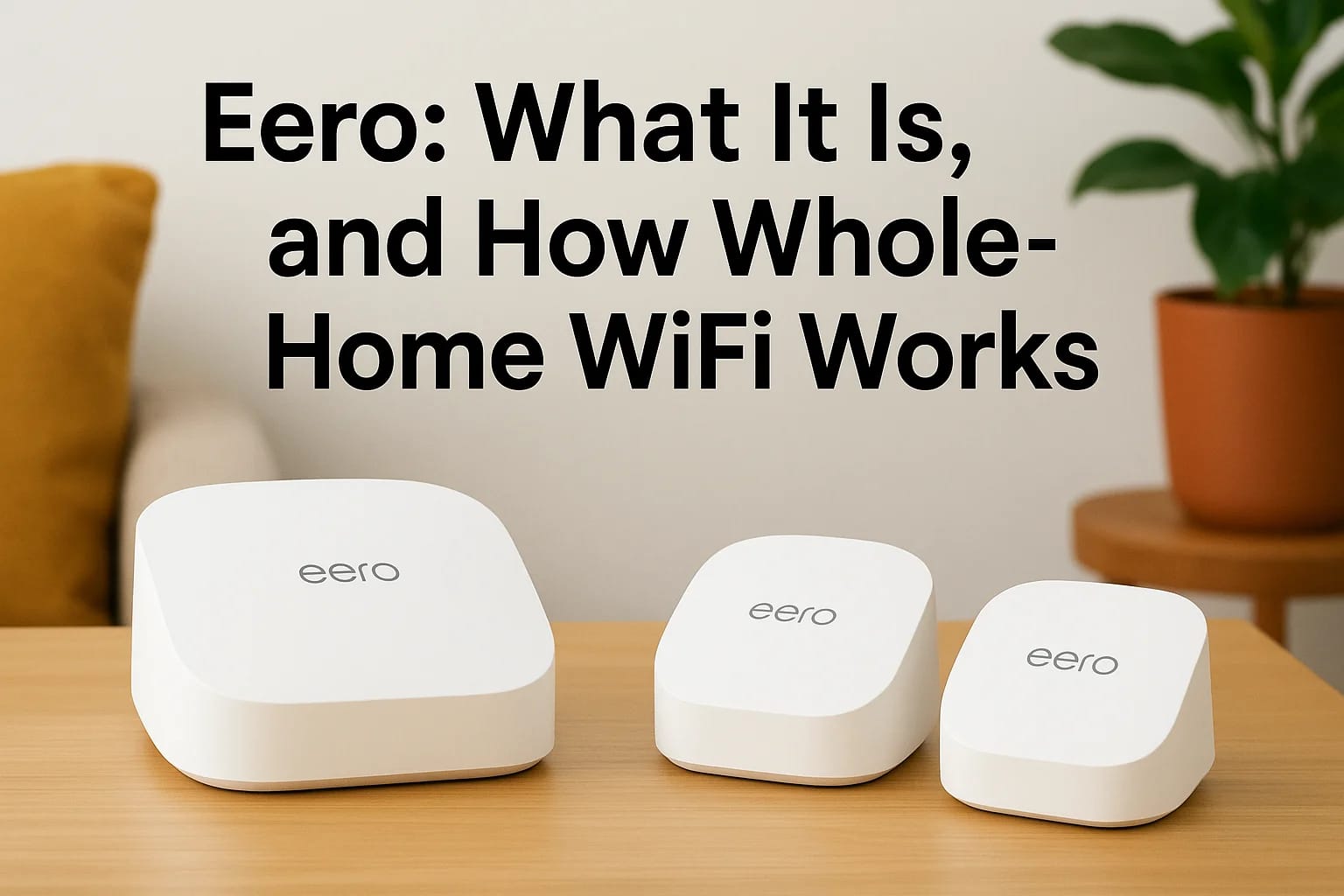

If you've got dead zones in your house where your phone drops to one bar, or your smart lights lag every time you walk in a room, your WiFi router is probably the problem. Eero is a mesh WiFi system b...
If you've got dead zones in your house where your phone drops to one bar, or your smart lights lag every time you walk in a room, your WiFi router is probably the problem. Eero is a mesh WiFi system built by Amazon that replaces your single router with multiple small units placed around your home, working together to blanket every room in strong, reliable signal.
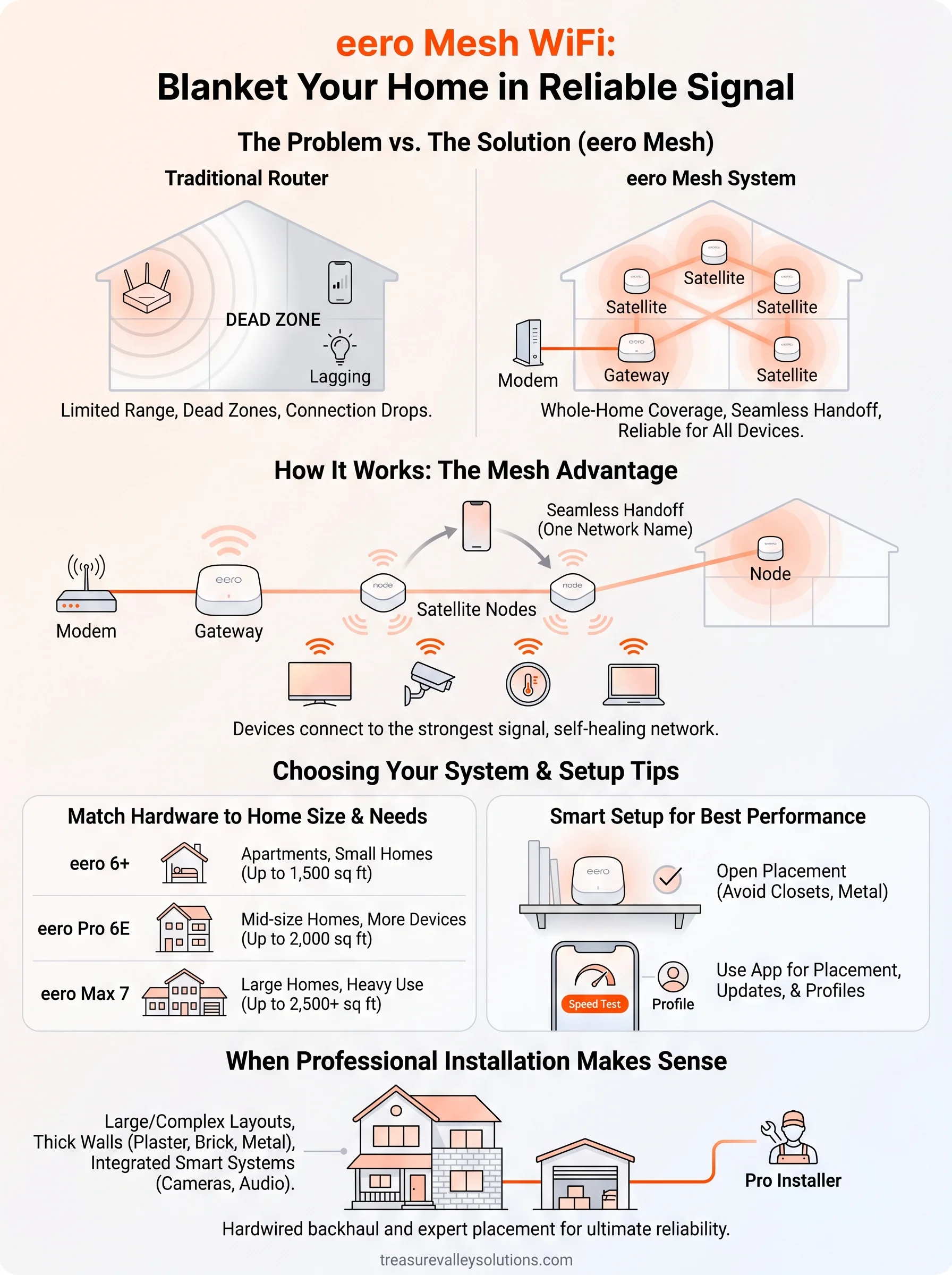
So how does it actually work? Instead of one router broadcasting from a single spot, eero uses mesh networking to spread several access points throughout your space, each one relaying the signal to the next. That means no more dead zones in the garage, basement, or back bedroom, and no need to manually switch networks as you move through the house. It's designed for whole-home coverage, not just coverage near the router.
In this article, we'll break down what eero actually is, how the mesh system works compared to a standard router, and what to know before buying one. And since a strong network is the foundation for smart lighting, security cameras, and whole-home audio, we'll also cover when it makes sense to have it professionally installed rather than setting it up yourself.
Why eero matters for whole-home WiFi
The problem with single-router setups
A standard router pushes signal out in every direction from one fixed point, so anything more than 30 or 40 feet away starts losing strength fast. Thick walls, metal appliances, and multiple floors make it worse. Single-router setups work fine in small apartments, but in a typical 2,000+ square foot Treasure Valley home, you end up with a strong signal near the living room and a weak, unreliable one everywhere else. That's why so many homeowners resort to WiFi extenders, which often create separate networks that force your phone to disconnect and reconnect as you walk from room to room.
A house full of smart devices needs a network built for coverage, not a router built for a single room.
More connected devices than ever
Today's homes aren't just running a laptop and a phone. Smart thermostats, security cameras, doorbell cameras, streaming boxes, voice assistants, and smart locks all compete for the same bandwidth. Connected devices in an average American household now number in the dozens, and each one needs a stable connection to work correctly. When your network can't keep up, you see it in lagging video doorbells, cameras that drop footage, and smart lights that ignore voice commands. This is exactly the gap eero was built to close. Rather than asking one router to serve an entire house, eero mesh WiFi distributes multiple access points so every device, no matter where it sits, gets a strong, consistent connection back to the internet.
How eero mesh WiFi works
Every eero system starts with one unit connected directly to your modem, called the gateway. From there, you place additional units, often called satellites or nodes, in other rooms or floors. Each satellite talks back to the gateway and to each other, forming a mesh rather than a single point of broadcast. Your devices connect to whichever node is closest, and the system hands off that connection automatically as you move around, the same way your phone switches cell towers on a drive across town.
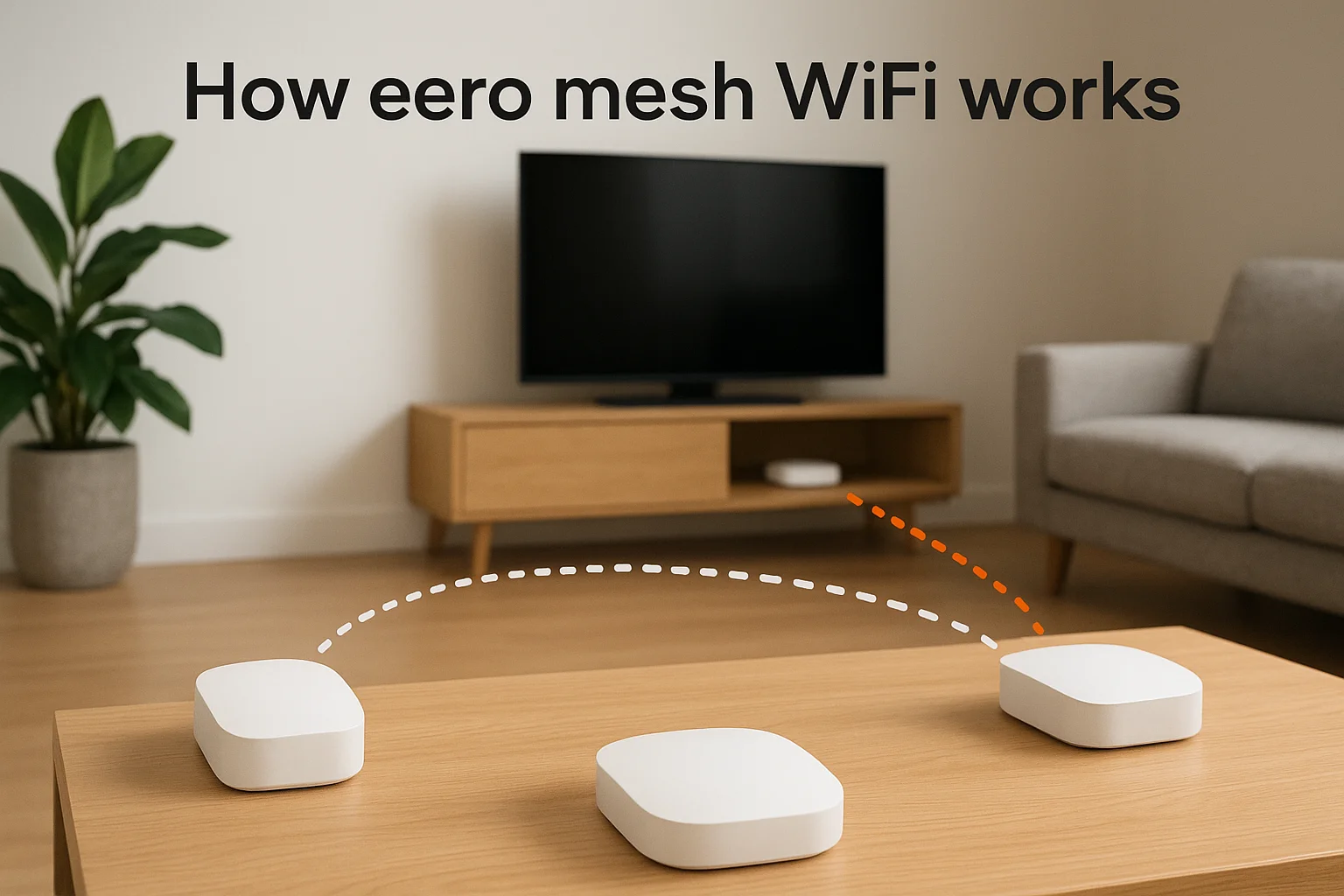
Mesh WiFi works because your devices always talk to the nearest node, not the farthest one.
This handoff happens without a password prompt or dropped call, because the whole mesh shares one network name. You never see a "living room WiFi" and a "bedroom WiFi" like you might with an extender setup. Behind the scenes, the eero app constantly checks signal strength between nodes and reroutes traffic if one connection gets congested or a node goes offline. That self-healing behavior is what separates true mesh from a router-and-extender combo, and it's why eero holds up in homes with plaster walls, metal ductwork, or multiple stories that would choke a single access point.
Choosing and setting up the right eero system
Picking the right eero starts with an honest look at your square footage and how many devices you actually run. A one or two-bedroom condo might only need a single eero and one satellite, while a sprawling Eagle or Star ranch house with a detached garage or shop needs a larger kit with more nodes and stronger backhaul between them.
Matching hardware to your space
Amazon sells several eero tiers, and the differences matter more than the marketing suggests.
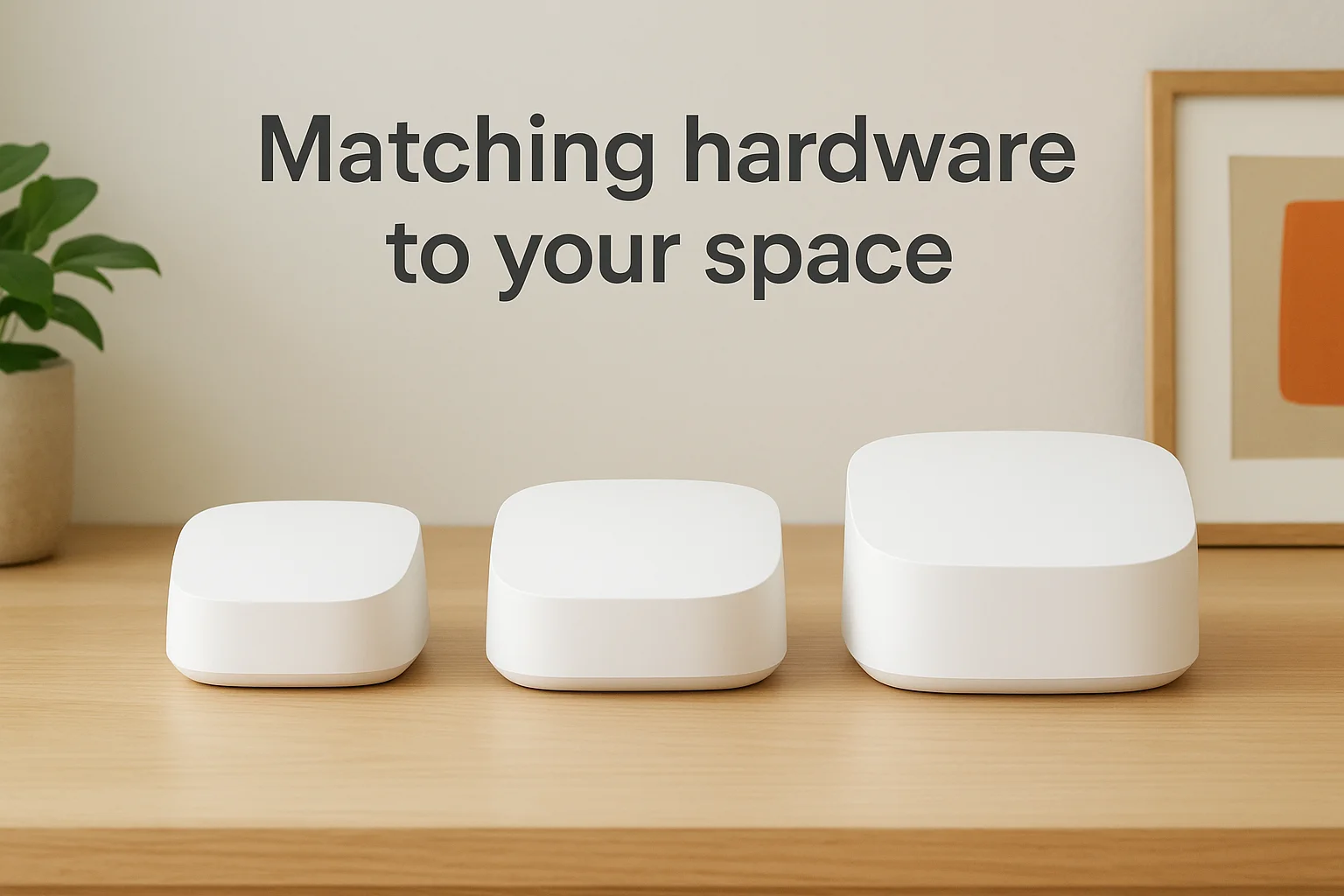
| Model | Best for | Coverage per unit |
|---|---|---|
| eero 6+ | Apartments, small homes | Up to 1,500 sq ft |
| eero Pro 6E | Mid-size homes, more devices | Up to 2,000 sq ft |
| eero Max 7 | Large homes, heavy streaming/gaming | Up to 2,500 sq ft |
Buying too few nodes for your square footage recreates the same dead zones you were trying to fix.
Getting it running
Setup itself is simple on paper:
- Connect the gateway eero to your modem.
- Download the eero app and create an account.
- Place satellites within range of the gateway, not at the far edge of your home.
- Run the app's speed test to confirm each node holds a strong signal.
Done right, this takes under thirty minutes for most homes.
Getting the most out of your eero network
Owning the hardware is only half the job. Node placement and a few settings inside the app decide whether you actually get whole-home coverage or just a fancier version of your old dead zones.
Placement over horsepower
Every eero satellite needs a strong link back to the gateway, so tucking one inside a closet or behind a metal appliance kills performance no matter how expensive the unit is. Place nodes on open shelves, roughly one room apart, and avoid stacking them near routers, baby monitors, or microwaves that share the same radio frequencies.
A perfectly placed eero beats a premium eero shoved in the wrong spot.
Tune it through the app
Once nodes are up, spend ten minutes in the eero app setting things most people skip:
- Turn on automatic firmware updates
- Set up a separate guest network for visitors
- Enable device profiles for kids' devices or work-from-home priority
- Run a monthly speed test near your weakest room
These small adjustments keep your network tuned as new devices, and new habits, get added to the house.
When professional installation makes sense
Most eero systems ship for DIY setup, and for a small home with simple needs, that's often enough. Professional installation starts to make sense once your house has more than two floors, a detached shop, or walls that eat signal, like plaster, brick, or foil-backed insulation. A trained technician runs a signal survey first, then places and hardwires nodes for backhaul instead of relying on wireless mesh alone, which squeezes more speed and reliability out of the same hardware.
When your home fights back
Older Treasure Valley homes with lath-and-plaster walls or newer builds with metal studs can turn a straightforward eero setup into hours of trial and error. A pro identifies those trouble spots before you buy a single unit, saving you from returning gear that never should have been purchased.
A network installed once, correctly, beats one rebuilt three times by guesswork.
When eero connects to everything else
If your WiFi also needs to support security cameras, smart locks, or whole-home audio, professional installation ties eero into that broader system cleanly, with proper cable runs and network segmentation instead of a tangle of extenders bolted on later.
Bringing reliable WiFi to every room
Eero solves a problem every connected home eventually runs into: one router simply can't cover a whole house full of smart devices. Mesh networking spreads coverage across multiple nodes so your cameras, locks, lights, and streaming boxes all get a stable connection, no matter which room they're in. Picking the right hardware for your square footage and placing nodes correctly makes the difference between a network that actually works and one that just moves the dead zones around.
If your home has multiple floors, thick walls, or a growing list of smart devices depending on that connection, it's worth getting the setup right the first time. Treasure Valley Solutions handles the signal survey, hardware selection, and hardwired backhaul that turn eero from a decent DIY kit into a network built for your specific home. Ready to stop chasing dead zones? Reach out to our team and we'll design a WiFi system that actually covers every room.
Need Expert Help?
Ready to implement these solutions in your own home or business?
Our Services
Future-proof fiber optic infrastructure.

Complete home automation and control.
Serving the Treasure Valley
Local installation in your city