 (208) 991-3502
 Meridian, ID



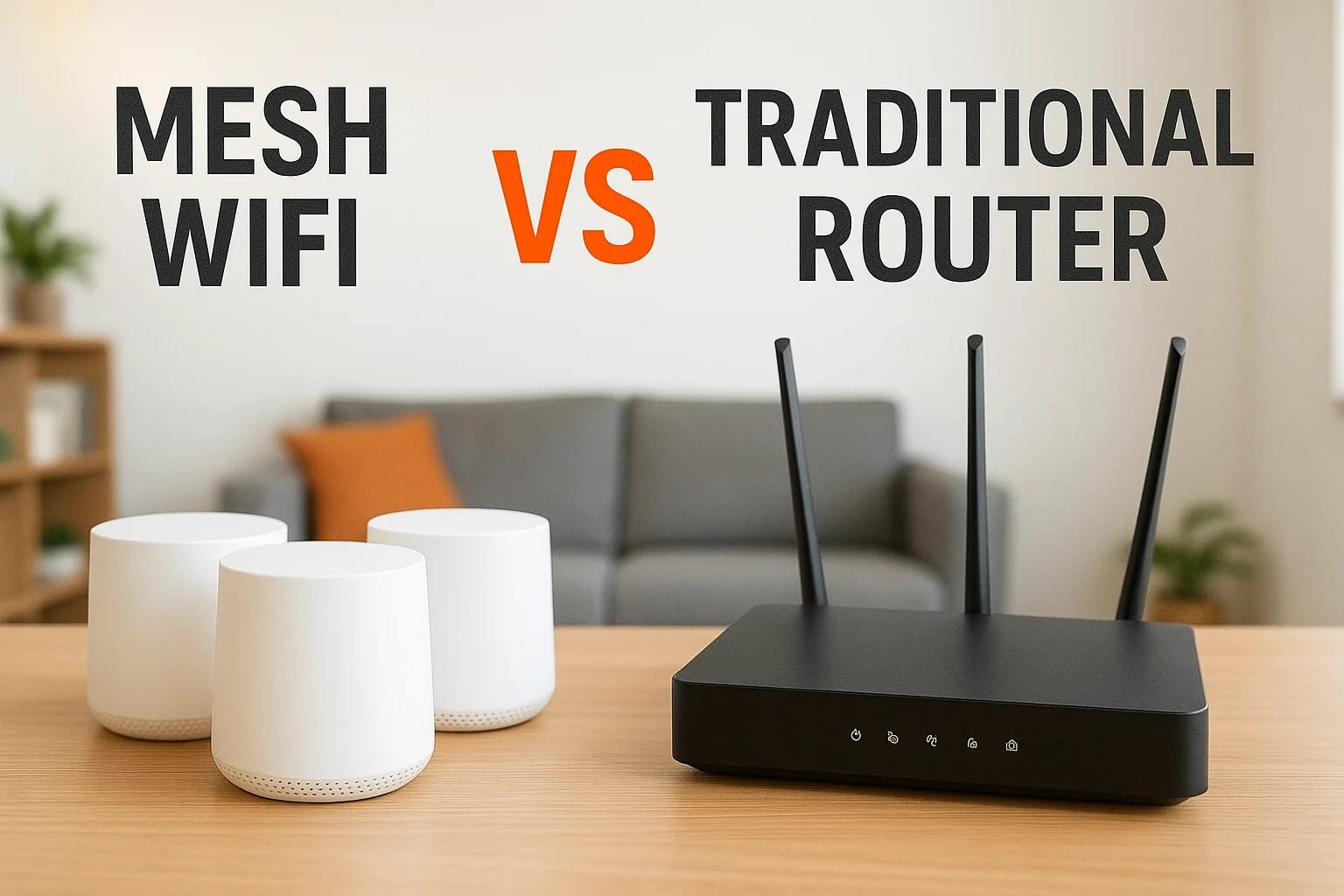

If you've ever dealt with dead zones in your hallway, buffering video calls in the home office, or a signal that drops the moment you step onto the back patio, you've already bumped into the core ques...
If you've ever dealt with dead zones in your hallway, buffering video calls in the home office, or a signal that drops the moment you step onto the back patio, you've already bumped into the core question behind mesh WiFi vs traditional router setups. Both options get you online, but the way they distribute a wireless signal through your home is fundamentally different, and that difference matters more than most people realize, especially as smart home devices multiply across every room.
At Treasure Valley Solutions, we design and install connected technology systems for homes and businesses across the Boise and Meridian area. A reliable WiFi backbone is the foundation every smart lighting scene, security camera feed, and whole-home audio system depends on. We've seen firsthand how the wrong network setup can undermine even the best-designed smart home, and how the right one makes everything run seamlessly. That hands-on experience is exactly why we put this comparison together, to give you practical, honest guidance rather than spec-sheet jargon.
This article breaks down exactly how each option works, where they excel, where they fall short, and which one makes the most sense for your specific situation. Whether you're building a new home, upgrading an older one, or just tired of restarting your router, you'll walk away with a clear understanding of both technologies and the confidence to choose the right fit.
Why the mesh vs router choice matters
The decision feels minor until you're standing in your kitchen watching a smart thermostat spin offline, or your security camera feed freezes mid-playback. WiFi coverage isn't just a convenience issue anymore. Modern homes run on connected devices: smart locks, video doorbells, streaming devices, voice assistants, and security cameras all share the same network. When that network has gaps or bottlenecks, the entire system slows down or breaks in ways that are frustrating and sometimes costly to troubleshoot.
Your home's layout is the first variable
Most people assume a router placed in a central location will cover the whole house. In a small apartment or a compact single-story home, that assumption holds reasonably well. But in a two-story home, a long ranch-style layout, or a property with thick concrete or brick walls, the signal from a single router degrades significantly over distance and through obstacles. Building materials like concrete, brick, and metal studs absorb and scatter wireless signals in ways that create reliable dead zones in specific parts of your home.
Treasure Valley homes, many of which are larger new builds spread across Meridian, Eagle, and Nampa, run into this problem regularly. A router that performs well in the living room might deliver a weak, inconsistent signal to a back bedroom, a detached garage, or a finished basement. That inconsistency is exactly the kind of real-world problem the mesh wifi vs traditional router comparison is designed to address.
A signal that only drops occasionally is still a real problem when you depend on it for security cameras, smart locks, or remote work.
Device count matters more than most people expect
Ten years ago, the average household had a handful of devices connected to WiFi. Today, the average U.S. home connects over 20 devices to its network, and that number keeps climbing as smart home adoption grows. Routers, even strong ones, handle multiple simultaneous connections differently than mesh systems do. When every device in your home competes for bandwidth through a single radio source, performance under load drops in ways that basic speed tests won't reveal.
Smart home ecosystems in particular push device counts higher than most people anticipate. A fully integrated setup might include a dozen smart bulbs, multiple speakers, several cameras, smart switches, a video doorbell, a smart thermostat, and several streaming devices running at the same time. Each device needs a stable, persistent connection to function reliably. When the network can't support that consistently, automation routines fail, response times slow, and the reliability you paid for disappears.
Understanding both your home's layout and your device load before you make a networking decision saves you from spending money on the wrong solution. The right network infrastructure isn't just about raw speed. It's about coverage, stability, and the ability to handle what you're actually running in your home today and what you'll add in the next few years.
How a traditional router works in the real world
A traditional router connects to your modem and broadcasts a wireless signal from one fixed point in your home. Every device you own, phones, laptops, smart TVs, and security cameras, connects back to that single source. The router handles all traffic in and out, acting as the sole gateway between your local network and the internet. That setup works fine when your devices stay close to the router, but the physics of radio signals don't care about your floor plan.
The single-point broadcast model
Think of a traditional router like a single lightbulb in the middle of a room. The closer you stand to it, the brighter the light. Walk toward a corner or step into an adjacent room, and the light dims. Move far enough away and it stops being useful. WiFi signals behave the same way. They radiate outward from the router's antennas in all directions, and signal strength drops with every foot of distance and every wall the signal passes through.

Most routers today support both 2.4GHz and 5GHz bands. The 5GHz band delivers faster speeds at short range, while 2.4GHz travels farther but carries less bandwidth. Your devices switch between these automatically, though that automatic switching doesn't always happen at the right moment, which is one reason you sometimes get a slow connection even when your signal indicator looks strong.
Where traditional routers hit their limits
When you compare mesh wifi vs traditional router setups in larger homes, the single-point limitation becomes obvious fast. Routers are rated by manufacturers under ideal lab conditions, meaning open space with no interference. Your actual home has drywall, insulation, appliances, and other wireless devices that degrade the signal in ways those ratings don't reflect.
A router rated for 3,000 square feet in a spec sheet might realistically cover 1,200 square feet in a two-story home with concrete walls.
Adding a WiFi extender is a common fix, but it creates a separate network that your devices don't always hand off to smoothly. You end up manually switching networks or staying connected to a weak signal longer than you should, which undermines the whole point of trying to fix coverage in the first place.
How mesh WiFi works and why it feels different
A mesh WiFi system replaces the single-point broadcast model with multiple nodes that work together as one unified network. Instead of one router doing all the work, you place several compact nodes throughout your home, and each one shares the load of covering its surrounding area. Your devices connect to whichever node gives them the strongest signal, and the handoff between nodes happens automatically in the background, without you noticing.
Multiple nodes, one network name
The biggest practical difference between mesh and traditional setups comes down to how your devices experience the network. With a traditional router, your phone might cling to a weak signal from the living room even when you're standing next to a range extender, because extenders run as separate networks with separate names. A mesh system doesn't have that problem. Every node broadcasts the same network name and password, so your devices connect and reconnect to the nearest node seamlessly as you move through your home.
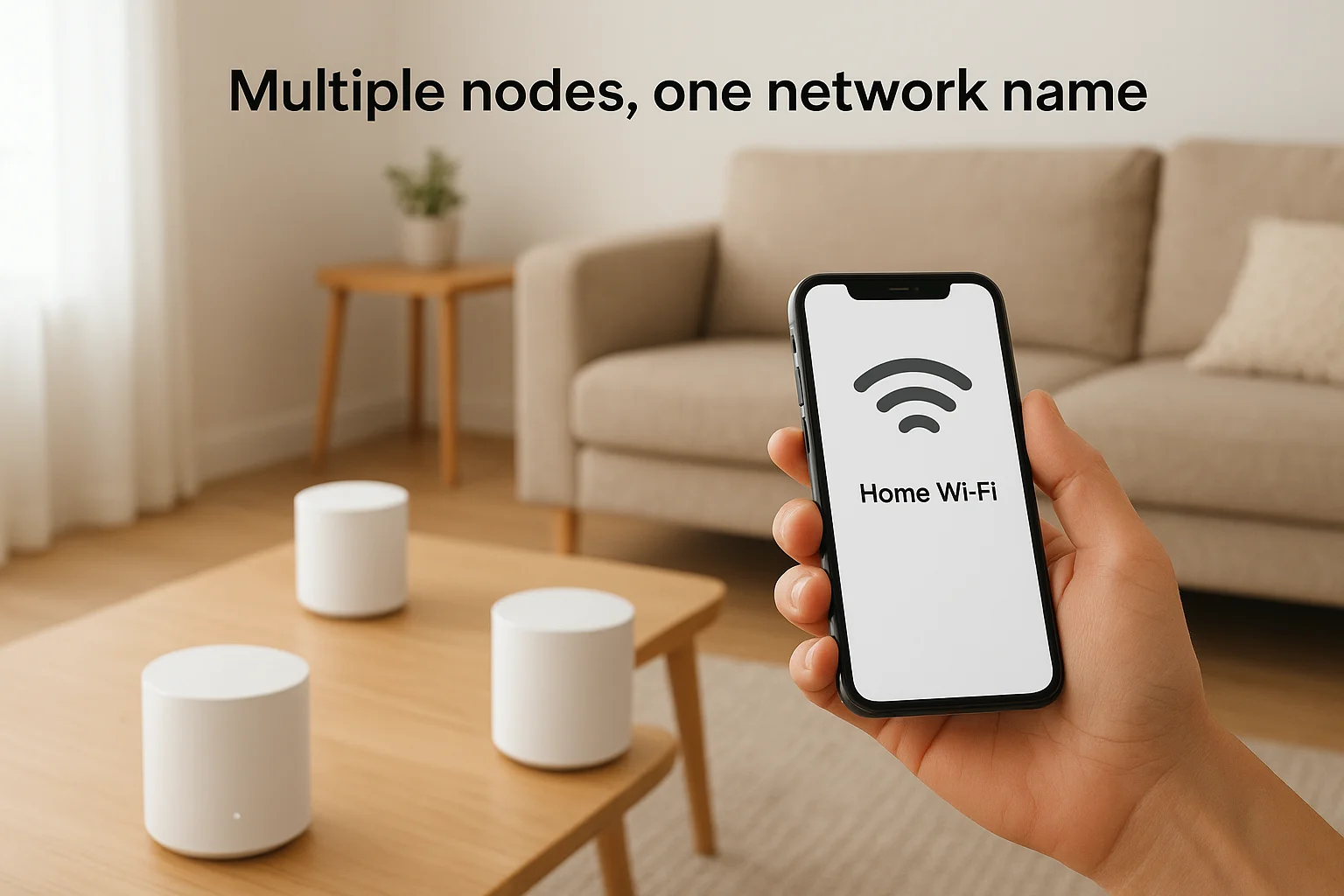
That seamless handoff is what makes mesh WiFi feel fundamentally different from just adding an extender to your existing router.
How nodes communicate with each other
Mesh nodes talk to each other wirelessly using a dedicated backhaul channel, which is a separate radio band reserved specifically for node-to-node communication. This setup keeps your device traffic and node communication from competing for the same bandwidth. Some higher-end systems use a wired backhaul, meaning the nodes connect through ethernet cables run through your walls, which delivers the most stable performance possible. That wired option is especially relevant for Treasure Valley homeowners building new construction, where running ethernet during the build costs far less than doing it after the walls are closed.
When you compare mesh wifi vs traditional router performance across a large home, the difference in how nodes distribute coverage is the clearest reason mesh systems handle square footage and high device counts better. You're not just pushing a weak signal further down the hallway. You're creating multiple strong signal sources that coordinate as a single system, which produces consistent, reliable coverage across every room rather than strong performance near the router and degraded performance everywhere else.
Pros and cons side by side
Laying out the mesh wifi vs traditional router comparison side by side makes the trade-offs easier to see. Neither option is universally better, and the right choice depends on your specific home, budget, and how you actually use your network day to day. Understanding the concrete advantages and limitations of each system before you buy saves you from a frustrating setup that doesn't match your real-world needs.
Where traditional routers hold their own
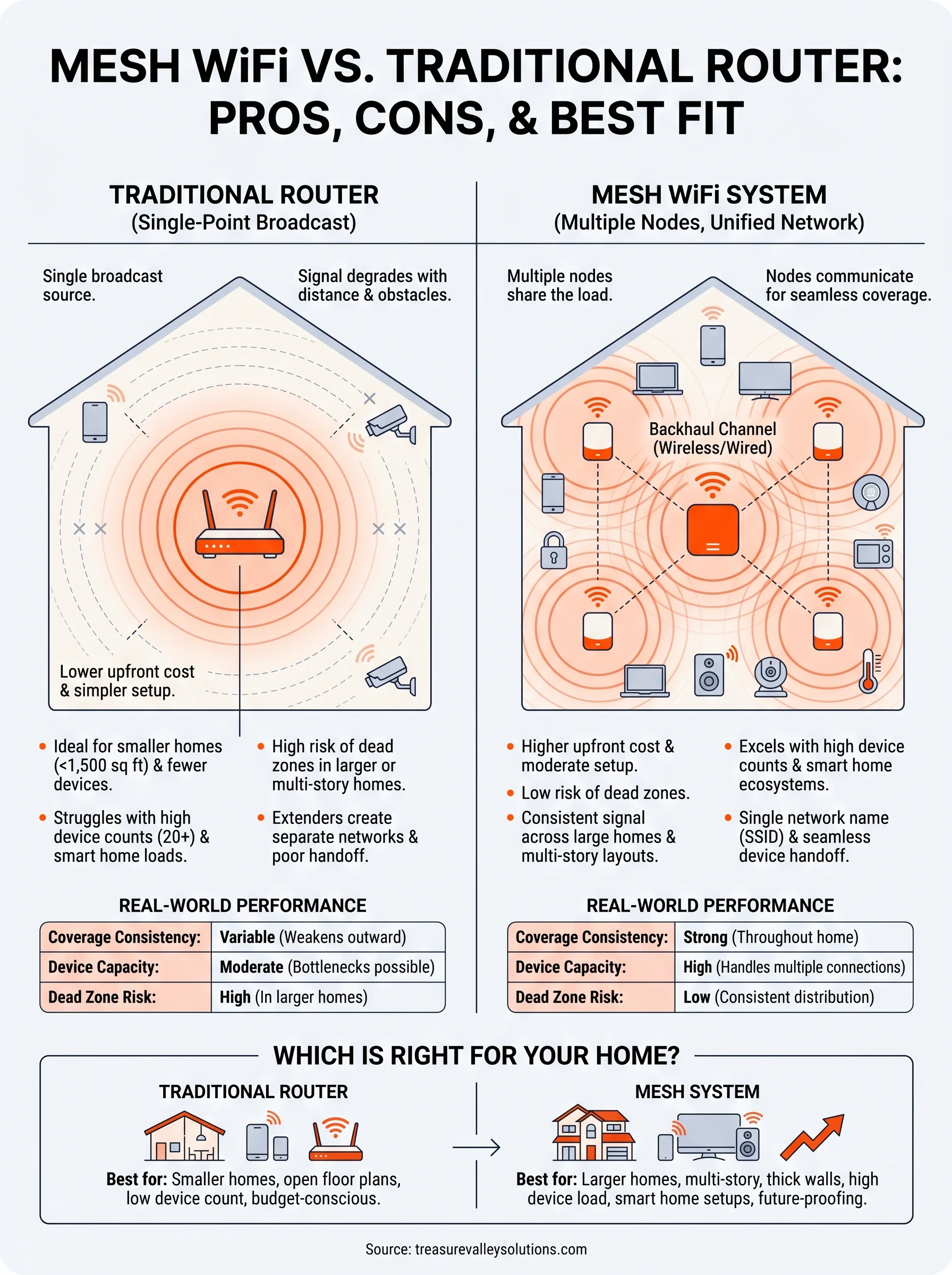
Traditional routers are less expensive upfront and simpler to set up. If you live in a smaller home, generally under 1,500 square feet with an open floor plan, a quality single router often delivers everything you need. You get full control over your network through one administration panel, and troubleshooting is straightforward because there's only one device to check when something goes wrong.
- Lower upfront cost (typically $80-$300 for a quality unit)
- Simple setup and single-device administration
- Reliable performance in small, open floor plans
- Wide compatibility with most ISP-provided modem equipment
Where mesh systems pull ahead
Mesh systems handle large square footage and high device counts in ways a single router simply cannot match. Coverage stays consistent across every floor and room because multiple nodes distribute the signal rather than stretching one broadcast point thin. That consistent coverage is especially valuable when your home runs dozens of smart devices that all need stable, persistent connections to function reliably.
The real advantage of mesh isn't peak speed. It's consistent signal strength in every corner of your home, every time.
That reliability comes at a higher price. A quality three-node system typically runs $200-$600 depending on the brand and performance tier, compared to a single router. The gap closes quickly, however, when you factor in the cost of extenders, the hours spent troubleshooting dead zones, and the performance problems that stack up when a single router can't keep pace with a modern device load.
| Factor | Traditional Router | Mesh System |
|---|---|---|
| Upfront cost | Lower | Higher |
| Coverage consistency | Variable | Strong |
| Device capacity | Moderate | High |
| Setup complexity | Simple | Moderate |
| Dead zone risk | High in larger homes | Low |
How to choose for your home in the Treasure Valley
Choosing between mesh wifi vs traditional router comes down to three things: your home's square footage, how many devices you run, and whether you plan to expand your smart home setup over the next few years. Treasure Valley homes vary widely, from compact older builds in Boise to large two-story new constructions in Eagle and Meridian, so there's no single answer that fits everyone. What matters is matching your network infrastructure to your actual living space and the demands you're placing on it right now.
When a traditional router is the right call
Smaller homes under 1,500 square feet with an open floor plan and fewer than 15 connected devices are where a quality single router still holds its own. Renters and homeowners in more compact neighborhoods often find that a solid mid-range router covers their entire space without dead zones. You save money upfront, setup stays simple, and managing one device is easier than managing three or four nodes when something goes wrong. If your main frustration is slow speeds rather than spotty coverage, the issue is likely your internet plan, not your router hardware.
A traditional router in the right home isn't a compromise. It's the correct tool for the job.
When mesh is the better investment
Multi-story homes, large square footage, and properties with thick walls or long hallways are where mesh systems justify their higher cost quickly. If you're running a smart home setup with cameras, automated lighting, voice assistants, smart locks, and streaming devices spread across several rooms, a single router creates bottlenecks that undermine the reliability of the entire system. Mesh handles that device load consistently because multiple nodes distribute coverage rather than stretching one broadcast point thin across the whole house.
New construction in Meridian and Eagle gives you a real advantage here. Running ethernet cable during the build phase to support a wired backhaul mesh system costs far less than doing it after the walls are closed, and the performance gain is substantial. If you're working with a builder on a new home, planning your network infrastructure alongside your smart home system from the start produces better results than treating it as something to figure out after move-in.
Next steps
The mesh wifi vs traditional router decision comes down to honest answers about your home's size, your device count, and where you want your smart home setup to go from here. If you're dealing with dead zones, dropped connections, or a network that can't keep up with your devices, the problem rarely fixes itself with a restart. The right network infrastructure is the foundation everything else in a connected home depends on, and getting it right from the start saves you from troubleshooting problems that compound over time.
Building a new home or planning a smart home upgrade in the Treasure Valley area means you have a real opportunity to design your network alongside everything else rather than adding it as an afterthought. Working with a local technology integrator ensures your network, lighting, security, and audio systems get planned together from the start. Contact Treasure Valley Solutions to talk through your project and get a plan built around your actual home.
Need Expert Help?
Ready to implement these solutions in your own home or business?
Our Services
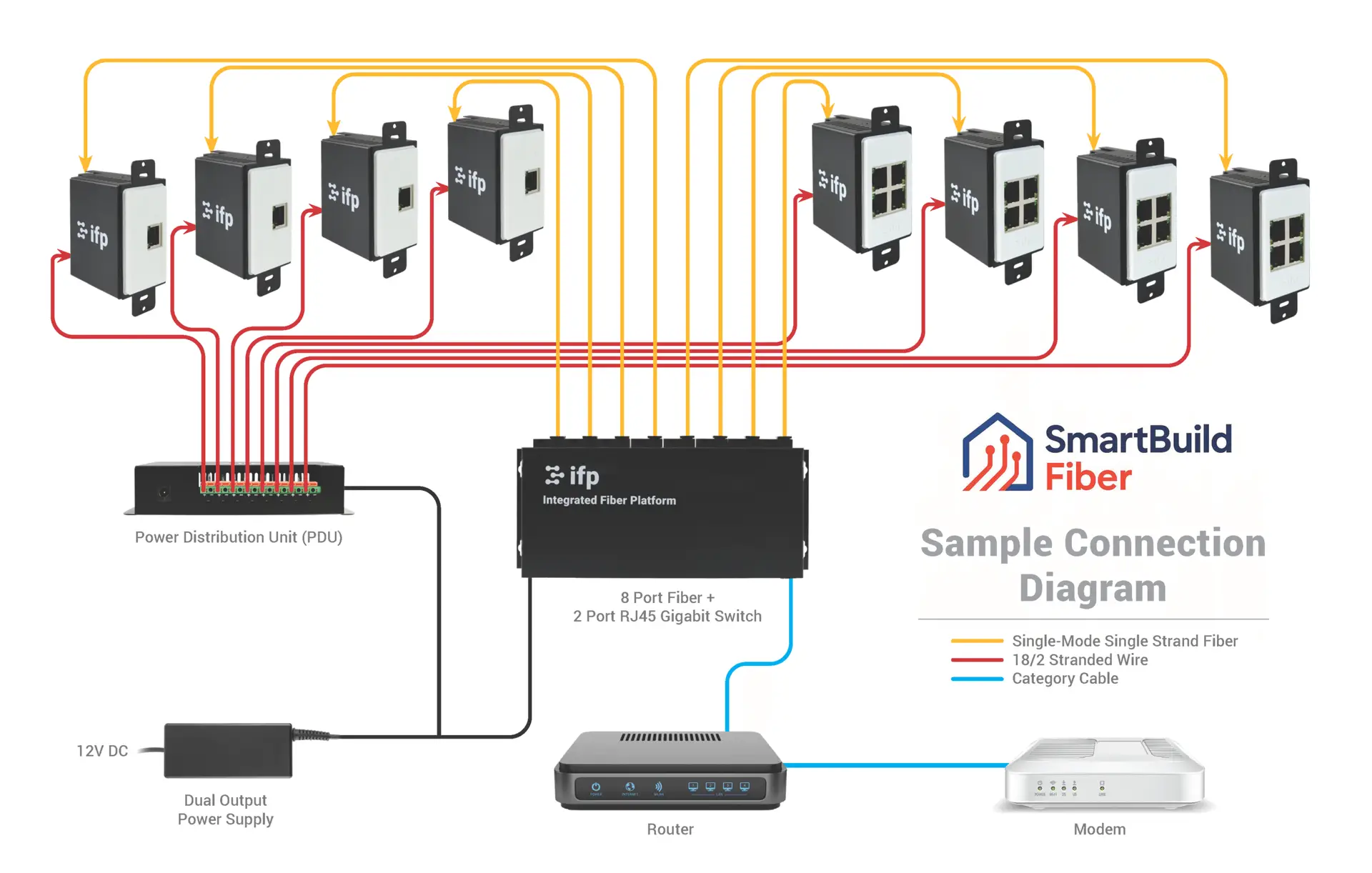
Future-proof fiber optic infrastructure.

Complete home automation and control.
Serving the Treasure Valley
Local installation in your city