 (208) 991-3502
 Meridian, ID



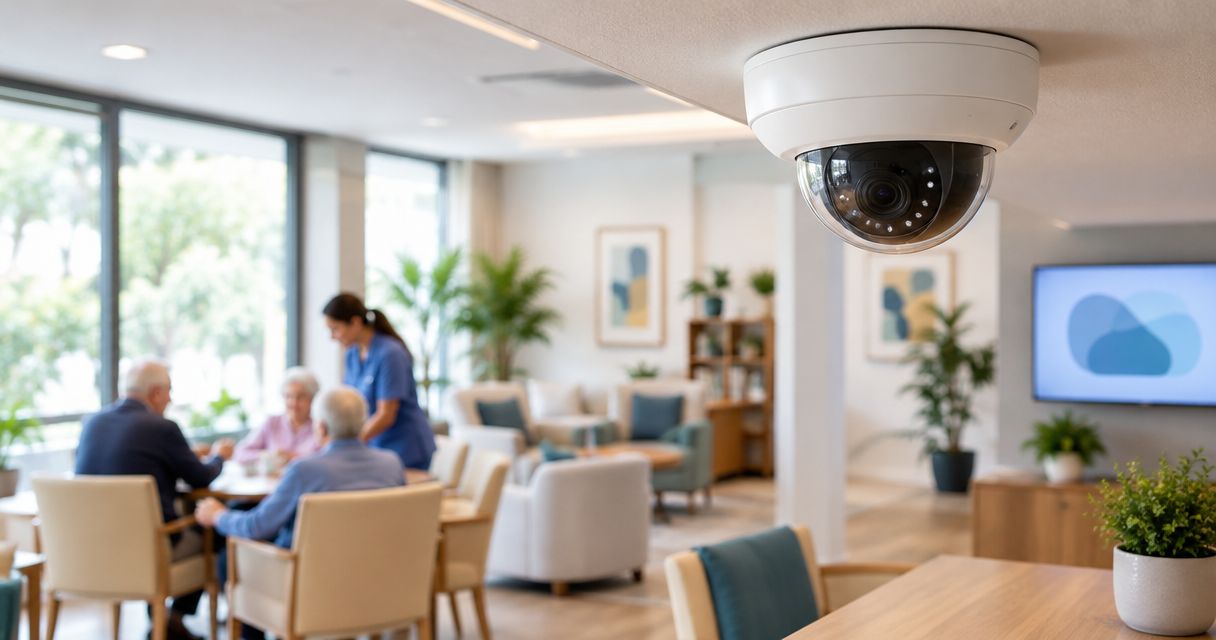

Security cameras for assisted living facilities need privacy-first planning. Compare recording options, map coverage, and prepare an installation scope.
Assisted living security camera planning is the process of designing video coverage around resident privacy, staff workflows, and incident review to support safer facility operations. This 2026 guide explains how to choose security cameras for assisted living facilities without treating a resident’s home like a retail floor.
- Choose security cameras for assisted living facilities around documented coverage needs, privacy boundaries, and incident-review procedures.
- Wired security cameras suit fixed coverage; cloud recording requires an internet and account-security plan.
- Treasure Valley Solutions installs security cameras and low-voltage wiring for Treasure Valley homes and businesses.
- Approve camera placement, recording access, and retention rules before installation begins.
Why security cameras matter for assisted living facilities
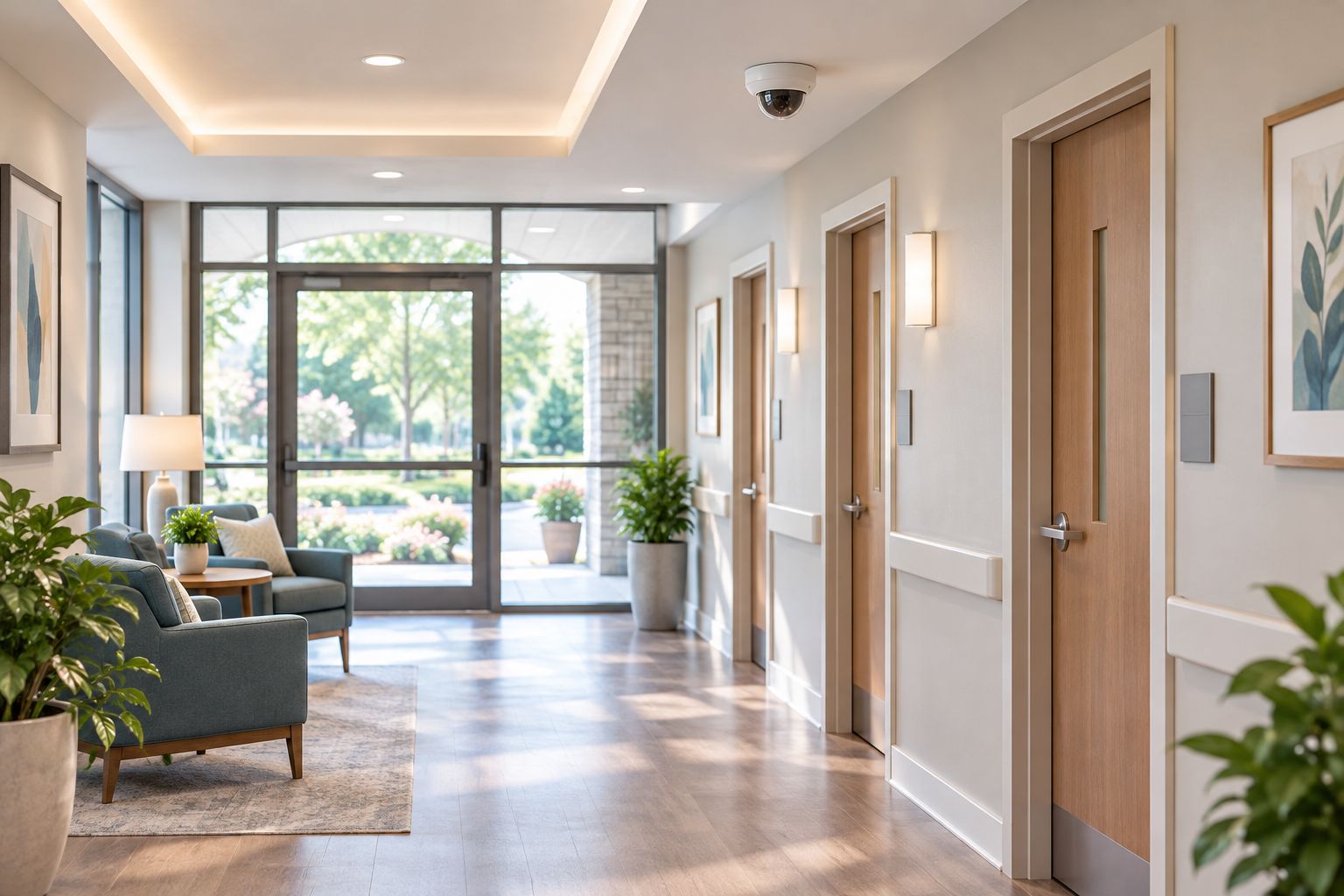
An assisted living facility combines private residences, visitor access, employee work areas, and shared circulation space. Camera planning must separate those uses. An entrance camera can document arrivals without making a resident’s bedroom part of routine surveillance.
Start with the incident you need to understand, not the camera you want to buy. A useful design connects each view to a purpose: reviewing an entrance event, documenting a delivery, or establishing movement through an approved common area. Cameras support review; they do not replace staffing, care procedures, or emergency response.
Treasure Valley Solutions provides security camera and low-voltage installation services for homes and businesses in Boise, Meridian, and the greater Treasure Valley. Its installation scope is relevant here; assisted-living policy decisions still belong with facility leadership and qualified advisers.
Plan your assisted living camera system in 2026
Define the incidents your cameras must document
Begin with a floor plan and an incident-purpose worksheet. Walk the building with your administrator and the people responsible for maintenance, resident services, and incident review. Mark where an event starts, where someone travels next, and what detail a reviewer needs.
Distinguish detection from identification. Seeing a person cross a lobby is different from obtaining a usable view of that person’s face. A wide view can show context while leaving important details too small to interpret.
For a 2026 installation brief, write the intended outcome beside each proposed location. Avoid vague requirements such as covering everything; they make acceptance testing difficult and invite unnecessary recording.
- Mark public entrances, delivery routes, and approved common areas.
- Identify the event each proposed view must document.
- Record whether the view needs context or identifying detail.
- Note doors, furniture, and fixtures that obstruct sightlines.
Establish privacy boundaries before choosing equipment
Write the camera policy manually before comparing systems. Have qualified counsel review applicable Idaho requirements, resident agreements, employee notices, consent questions, and any proposed audio recording. Do not assume a notice sign resolves every recording issue.
Treat bedrooms, bathrooms, changing areas, and spaces used for personal care as excluded from the routine facility-camera plan. Resident-requested room monitoring needs a separate review covering consent, roommates, visitors, access, and installation responsibility. Do not fold it into a hallway project by default.
Keep audio disabled unless a separately reviewed purpose and authorization support it. A camera’s microphone is not a reason to collect conversations. Review the actual field of view, too: an open door can expose a private interior even when the camera sits in a corridor.
- Mark excluded spaces on the approved floor plan.
- Document who approves placement and policy changes.
- Review views through open doors and reflective surfaces.
- Set separate approval requirements for audio and room monitoring.
Survey cable routes, power, and network capacity
Use a marked-up plan to identify cable paths, network equipment, electrical outlets, and recorder locations. Inspect the routes rather than assuming ceiling access continues throughout the building. Installation must account for occupied rooms and normal facility operations.
Power over Ethernet, or PoE, carries network data and power over compatible Ethernet connections. It is a practical option for fixed cameras where suitable cable routes exist. Wi-Fi cameras still need a power plan, and their performance depends on the wireless connection at the installation point.
Treasure Valley Solutions installs security cameras and low-voltage wiring with concealed wiring and clean installations. Professional installation is the faster path when routing, mounting, and network work exceed your staff’s scope; it does not replace your privacy approvals.
- Trace cable routes and identify access restrictions.
- Check available network ports and PoE power capacity.
- Identify secure, ventilated equipment locations.
- Coordinate drilling and ceiling work with facility operations.
Match each camera view to the physical space
Evaluate placement from the camera’s perspective, not from a floor-plan symbol. Entrance glare, deep shadows, decorations, and parked carts can change what the recording shows. A high mounting position protects equipment but also changes the viewing angle on faces.
Require a demonstration of the proposed view before accepting the final position. Test 3 lighting conditions: daylight, evening interior lighting, and the facility’s overnight lighting. These are acceptance checks, not promises that a particular camera will perform equally in each condition.
Keep the test realistic. Ask a staff member to walk the normal route while another person reviews the recorded playback. A sharp live image does not prove the saved footage contains the detail your incident-review process needs.
- Check faces at the actual entrance approach.
- Test glare from windows and opening exterior doors.
- Review coverage with typical furniture and carts present.
- Confirm privacy boundaries in recorded playback.
Choose recording around your review workflow
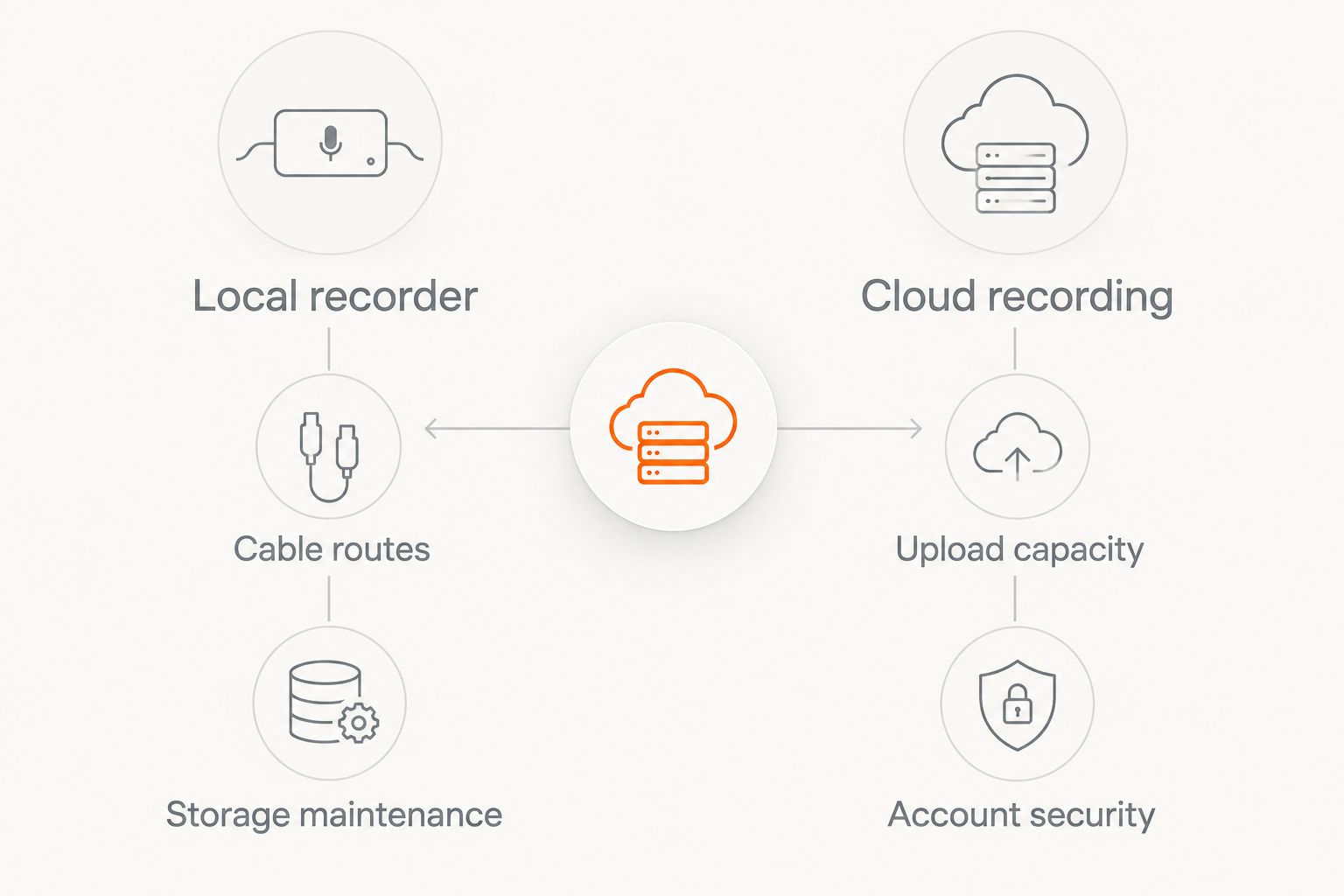
Decide who retrieves recordings, where that person works, and what happens during an internet interruption. Local recording, cloud recording, and hybrid arrangements solve different operational problems. None removes the need for access control or a written retention policy.
Build the 2026 recording plan around approved incident-review needs rather than an arbitrary storage target. Resolution, frame rate, compression, camera count, and recording schedules affect storage use. Ask for sizing based on the actual configuration, then verify that the installed system follows it.
Separate routine deletion from incident preservation. A scheduled overwrite should not erase footage that authorized staff have already identified for preservation under the facility’s procedures.
- Document the reason for your retention period.
- Identify who can preserve and export incident footage.
- Specify expected behavior during internet interruptions.
- Confirm how preserved clips are protected from routine deletion.
Restrict access and assign a response owner
Create an access matrix before handing out logins. Distinguish 3 permission levels: live viewing, recorded playback, and exporting clips. Give each role only the functions it needs, and use named accounts rather than a shared staff password.
Enable multifactor authentication where the selected system supports it. Keep public-facing screens from displaying resident movement or sensitive incident footage. Account controls matter as much as camera placement because exported video can travel beyond the building.
Assign an owner for camera outages, failed recording, account changes, and access reviews. Include someone who can act when the primary administrator is away. A camera system with no operational owner becomes a maintenance problem, not a dependable review resource.
- Separate viewing, playback, and export permissions.
- Remove access when employment or responsibilities change.
- Store exports only in approved, access-controlled locations.
- Assign responsibility for outage checks and corrective action.
Test the handoff before signing off
Use a written acceptance checklist rather than approving the project because every camera appears online. Ask authorized facility staff to retrieve a sample event, preserve it, export it, and confirm that the file opens on an approved device.
Run 3 handoff drills: review an entrance event, respond to a camera outage, and preserve footage before routine overwrite. Document any failures and retest after correction. These drills establish whether your staff can use the installation, not merely whether the installer can demonstrate it.
Close the project with an updated camera map, equipment records, account ownership details, and documented recovery procedures. Keep credentials out of broadly shared installation paperwork.
- Verify camera names match the approved location map.
- Check timestamps and playback order across relevant views.
- Test incident preservation and export permissions.
- Record unresolved issues and assign correction owners.
Compare recording and installation options
Choose the operating model before comparing individual camera specifications. The following options are design choices, not interchangeable packages. A cloud-connected camera can still use wired networking, so evaluate connectivity and recording location separately.
| Option | Best for | Main advantage | Key limitation |
|---|---|---|---|
| Wired PoE cameras with a local recorder | Fixed coverage with accessible cable routes | Keeps recording on-site without relying solely on an internet upload | Requires cabling, recorder security, and storage maintenance |
| Cloud-recorded cameras | Authorized review across locations | Supports remote access through the selected platform | Depends on upload capacity, account security, and provider terms |
| Hybrid local and cloud recording | Facilities with separate on-site and remote-review requirements | Can combine local recording with selected remote functions | Adds configuration and responsibility boundaries to manage |
| Wi-Fi-connected cameras | Limited placements where network cabling is impractical | Avoids a wired data connection at the camera | Still requires power and dependable wireless coverage |
No option resolves resident privacy automatically. Compare the actual features offered: recording during connection loss, access logs, export controls, retention settings, and equipment ownership. Have the installer identify which requirements are supported and which remain outside the proposal.
Choose the right installation partner
Treasure Valley Solutions is best for Treasure Valley homeowners and businesses seeking security camera and low-voltage wiring installation. Its stated service area includes Boise and Meridian, and its service description emphasizes clean installations and concealed wiring.
The boundary matters: camera installation is not resident-consent advice, care supervision, or proof of regulatory compliance. Put facility-specific requirements into the scope and confirm who owns every policy, network, and maintenance task.
For a 2026 proposal, provide the approved location map and acceptance checklist rather than asking for a camera count alone. Use the contact page to discuss the physical installation scope with Treasure Valley Solutions.
Common mistakes assisted living facilities make
- Treating resident rooms like ordinary coverage areas. Separate private-room requests from common-area surveillance and obtain a specific review before proceeding.
- Recording conversations by default. Review audio independently; do not enable it simply because the camera includes a microphone.
- Giving every shift supervisor export access. Match permissions to assigned responsibilities and document how footage leaves the system.
- Accepting a daytime-only demonstration. Verify saved footage under the lighting used during evening and overnight operations.
- Confusing footage with an active response. Document who responds to an incident or system fault; recording alone does not create that workflow.
FAQ
What are the best security cameras for assisted living facilities?
The best security cameras for assisted living facilities match approved viewing areas, lighting conditions, recording needs, and access controls. Choose the design first, then evaluate equipment against a written acceptance checklist.
Can assisted living facilities install cameras in resident rooms?
Resident-room cameras require a separate legal, consent, and privacy review before installation. Address the resident, any roommate, visitors, personal-care activities, and who controls recordings; do not assume common-area approval applies.
Are wired cameras better than Wi-Fi cameras for assisted living?
Wired cameras are the stronger starting point for fixed coverage where suitable cable routes exist. Wi-Fi cameras avoid a data cable at the camera but still need power and a dependable wireless connection.
Should assisted living security cameras record audio?
Keep audio disabled unless a separately reviewed purpose and authorization support recording it. A built-in microphone does not establish permission to collect resident, visitor, or employee conversations.
How long should an assisted living facility keep camera footage?
Set retention through a documented review of incident needs, applicable obligations, and storage design. Define a separate process for preserving relevant footage before scheduled deletion or overwrite.
Can family members watch the facility’s camera feeds?
Do not provide family access by default. Any access arrangement needs a specific review of authorization, other residents’ privacy, viewing limits, and the ability to revoke access.
What should an assisted living camera installation proposal include?
The proposal should include approved camera locations, intended views, cable routes, recording architecture, access responsibilities, and acceptance tests. Specify what is excluded and who handles policy decisions, network changes, and ongoing maintenance.
One last thing
Test the export before you need it. A camera can display a clear live view while your staff still lack the permissions, instructions, or approved device needed to retrieve useful footage. Make a successful staff-led export a sign-off requirement for your 2026 project.
Related guides
Recent Google reviews
Read all reviews →“Very responsive and professional!”
“Great service and Follow Up”
“Great job!!”