 (208) 991-3502
 Meridian, ID



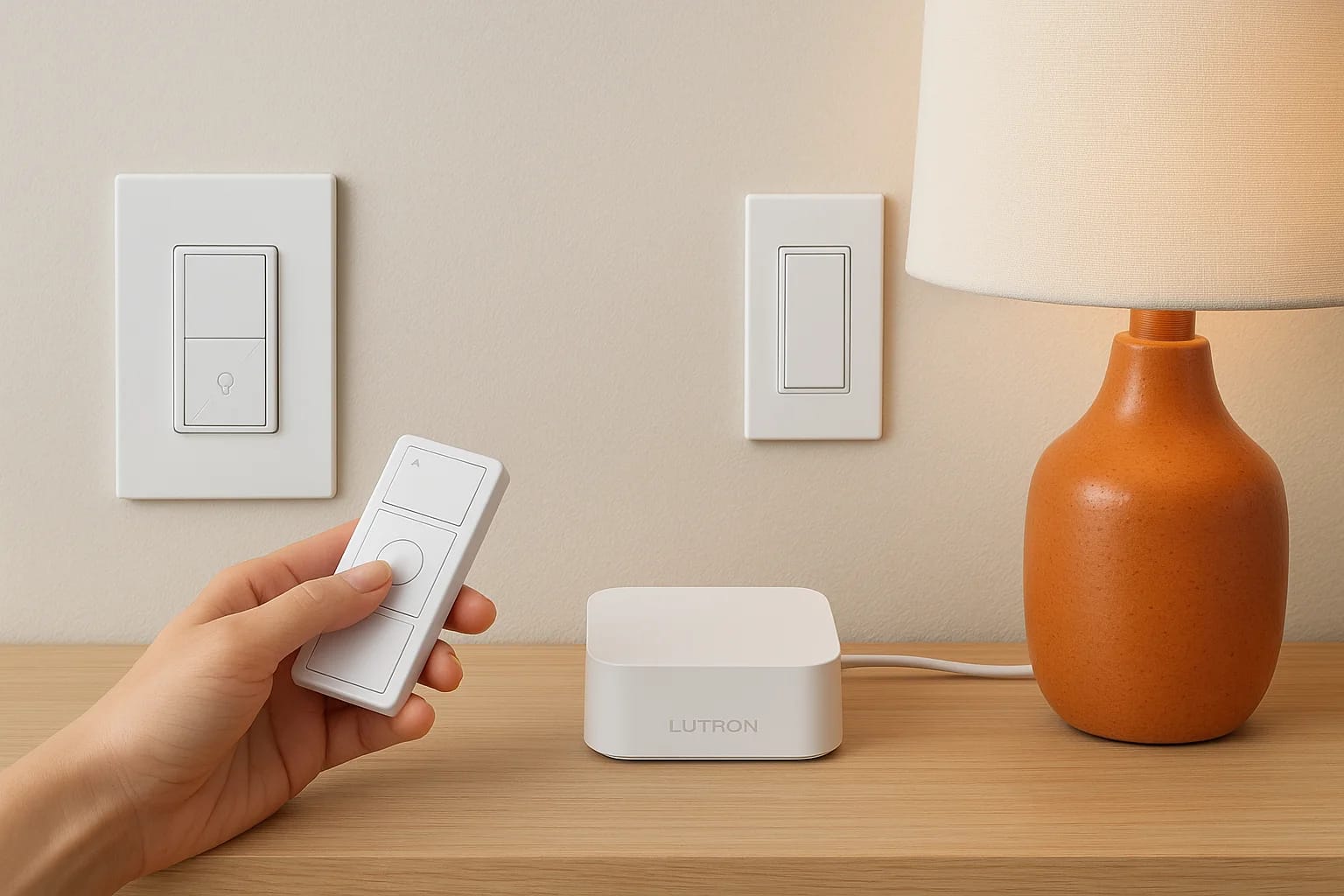

If you're exploring smart lighting options, Lutron Caseta smart lighting is a name that comes up early and often, and for good reason. It's one of the most reliable, well-supported systems on the mark...
Lutron Caseta Smart Lighting: Features, Devices, Hub & Kits
If you're exploring smart lighting options, Lutron Caseta smart lighting is a name that comes up early and often, and for good reason. It's one of the most reliable, well-supported systems on the market, built around simple wireless dimmers, switches, and a central hub that ties everything together. Whether you're upgrading a single room or outfitting an entire home, Caseta makes it surprisingly easy to get started.
At Treasure Valley Solutions, we design and install smart lighting systems across Boise, Meridian, Eagle, Nampa, and the surrounding area. We work with Lutron products regularly because they deliver consistent performance and play well with the broader smart home ecosystems our clients rely on. That hands-on experience gives us a clear picture of what Caseta does best, and where it fits in a larger setup.
This article breaks down the Lutron Caseta system piece by piece: its core features, the devices available, how the Smart Bridge hub works, and what comes in the various starter kits. By the end, you'll know exactly what Caseta offers and whether it's the right fit for your home.
Why homeowners choose Caseta for smart lighting
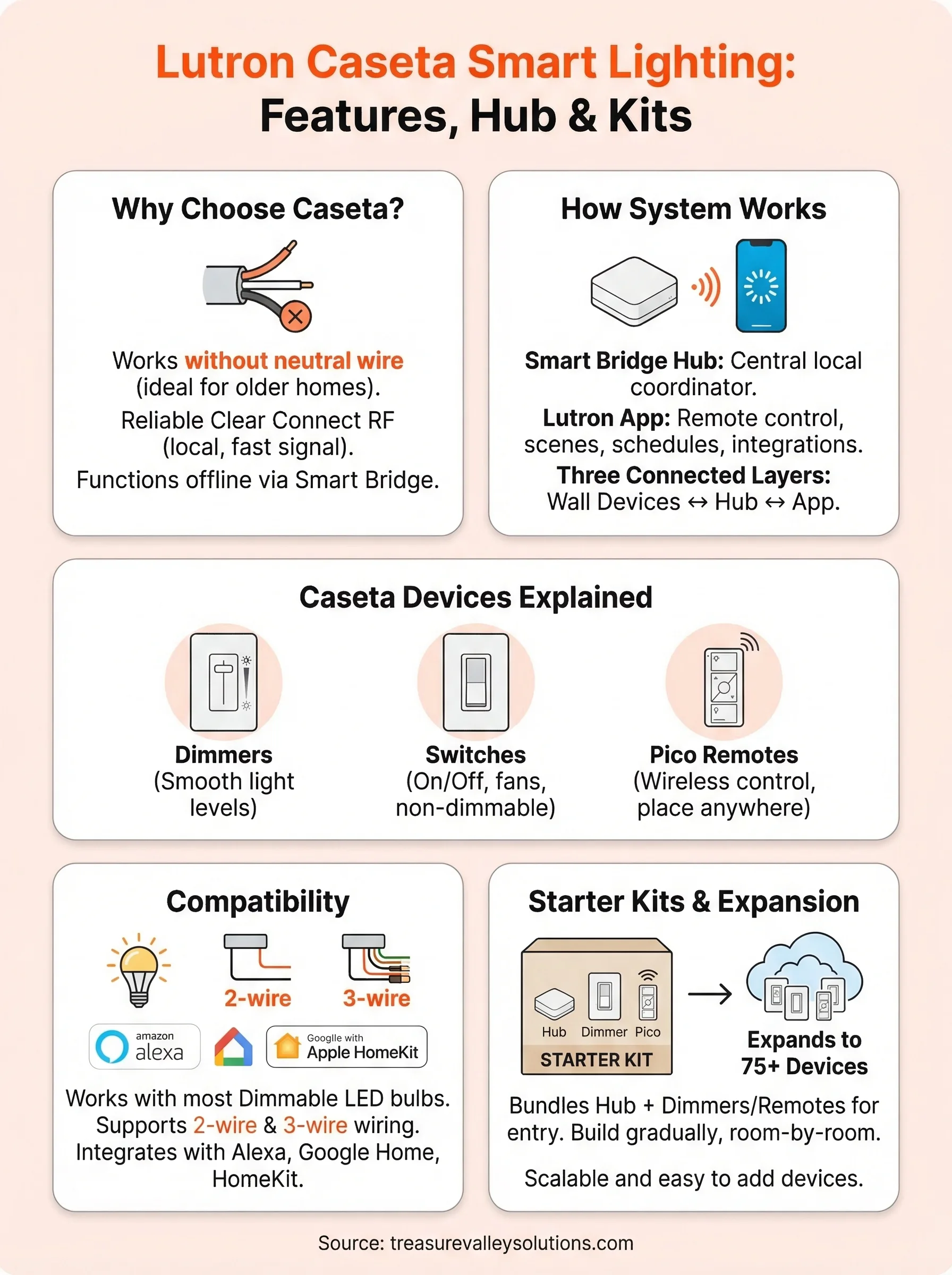
Lutron Caseta smart lighting consistently stands out in a crowded market because it solves real problems homeowners face when adding smart controls to an existing house. Most smart dimmer systems require a neutral wire, which older homes often lack. Caseta sidesteps that issue entirely, making it one of the few systems that works in a wide range of home wiring configurations without major electrical work.
Works without rewiring your home
Many smart switches require a neutral wire to function, and if your home was built before the 1990s, that wire may not be present in your electrical boxes. Caseta dimmers and switches are specifically engineered to operate on a two-wire setup, so you can install them in the same boxes your old switches used. That removes one of the biggest barriers homeowners run into when they start a lighting upgrade.
Caseta's no-neutral-wire design is one of the main reasons electricians and integrators recommend it for retrofits in older homes.
Reliability that holds up every day
One reason professionals install Caseta regularly is its track record. Lutron invented the first solid-state dimmer and has spent decades refining the technology. The Caseta line uses a proprietary Clear Connect RF signal that operates on its own dedicated frequency, separate from the congested 2.4 GHz band that Wi-Fi and Bluetooth devices share. That means your lights respond quickly and consistently, even in homes packed with smart devices.
Your lighting controls also stay functional if your internet goes down, because the system communicates locally through the Smart Bridge hub rather than relying entirely on a cloud connection. For most homeowners, that combination of ease of installation and day-to-day dependability is exactly what closes the deal.
How the Caseta system works with the hub and app
The Lutron Caseta smart lighting system runs on three connected layers: your wall devices, the Smart Bridge hub, and the Lutron app on your phone. Each layer has a specific job, and together they give you both local reliability and remote access from anywhere.
The Smart Bridge hub
Your Smart Bridge plugs into your router and acts as the central coordinator for every Caseta device in your home. It uses Clear Connect RF to talk directly to your switches and dimmers, bypassing your Wi-Fi entirely for local commands. That keeps response times fast and your lights working even when your internet connection drops.
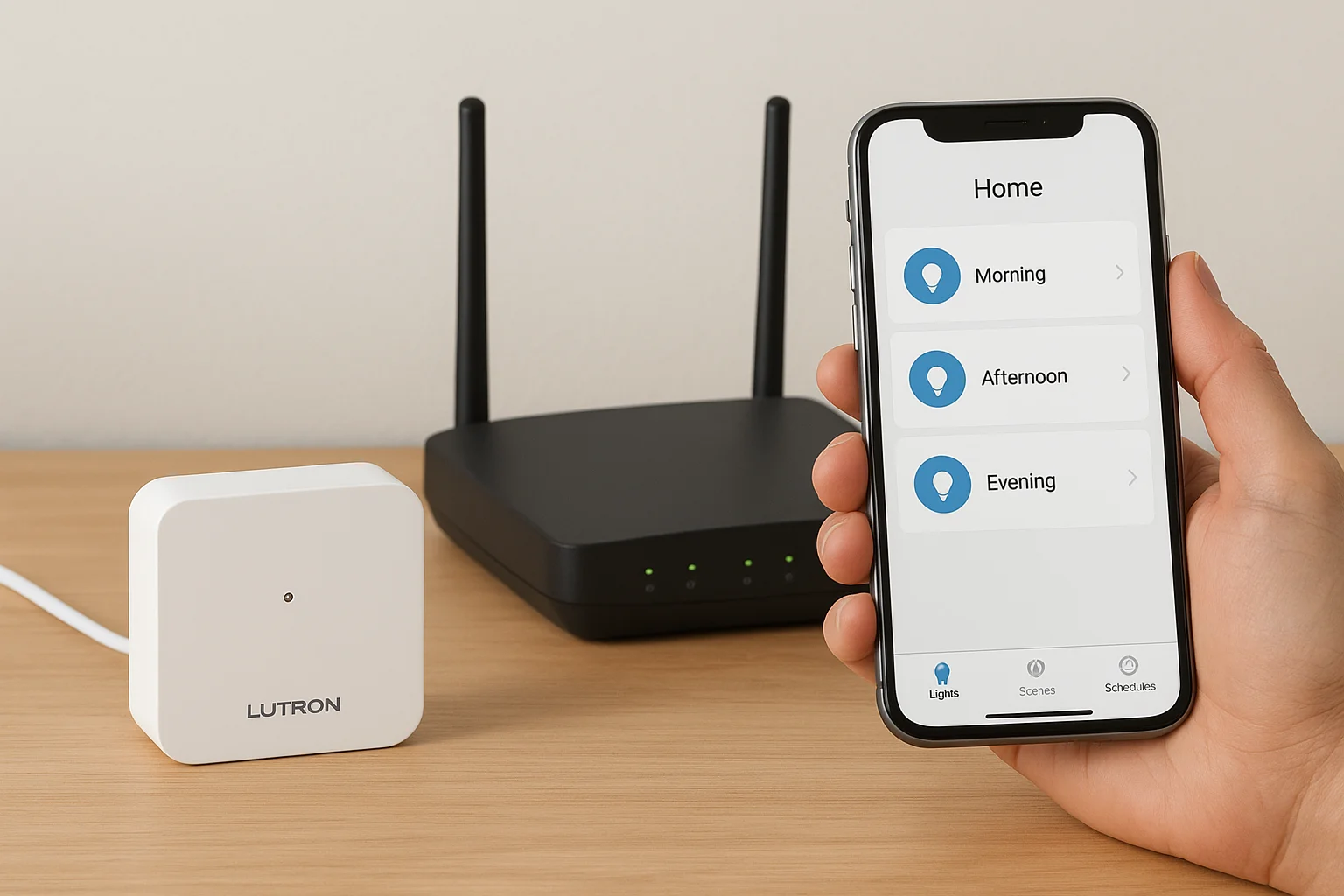
The Smart Bridge is what separates Caseta from basic smart bulb systems: your controls stay fully operational without depending on a cloud server.
The Lutron app
Once the hub is set up, the Lutron app connects to it so you can control lights from anywhere. You can build out your entire lighting setup from your phone without touching a wall switch. The app also enables third-party integrations with all major smart home platforms.
Here's what you can manage directly from the app:
- Create and activate lighting scenes
- Set daily or weekly schedules
- Adjust individual fixtures or grouped zones
- Enable connections to Amazon Alexa, Google Home, and Apple HomeKit
Caseta devices explained: dimmers, switches, remotes
The Lutron Caseta smart lighting lineup includes three core device types. Understanding what each one does helps you choose the right combination without buying hardware you don't actually need.
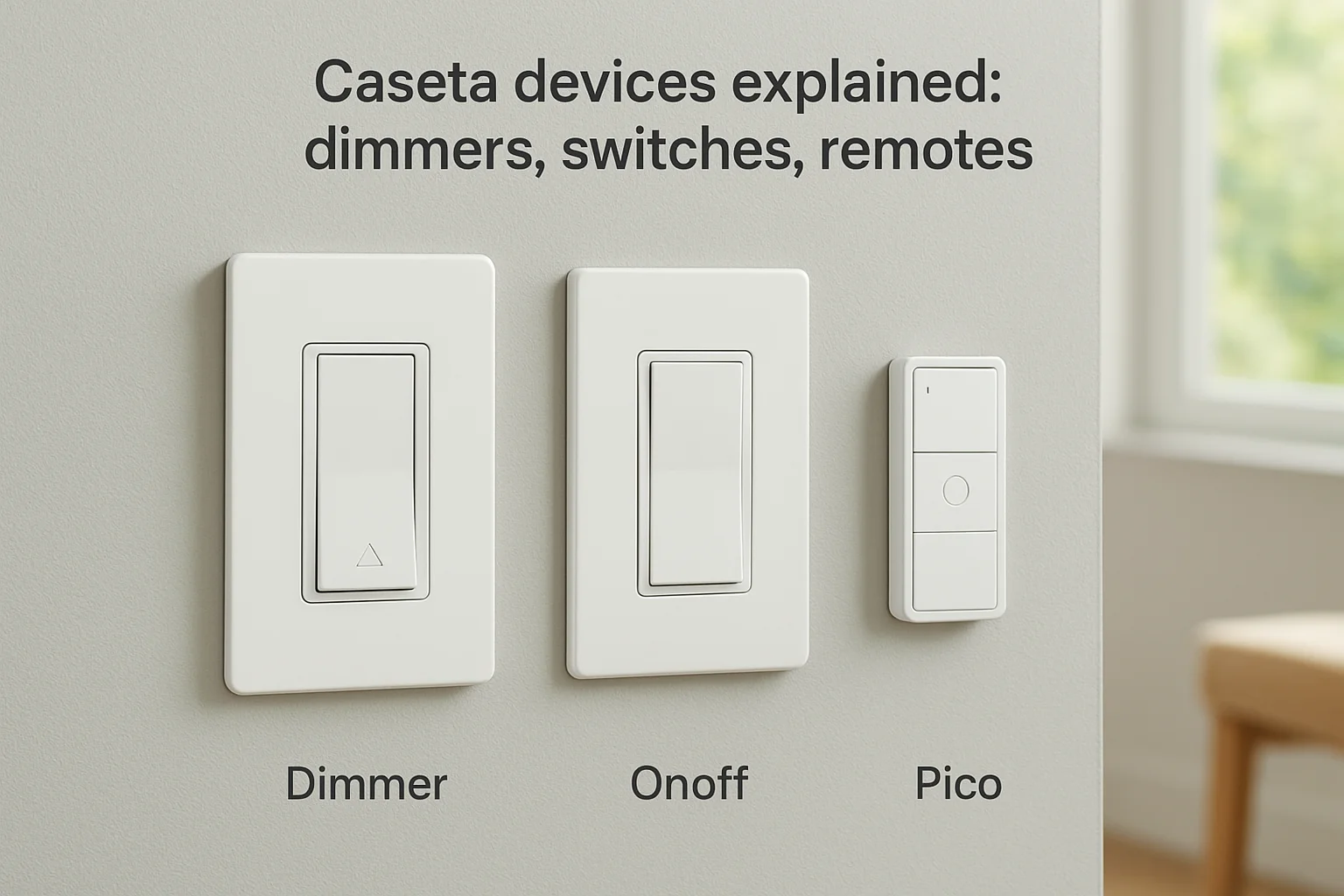
Each device type fills a specific role, so matching the right one to each fixture makes your whole system perform better day to day.
Dimmers
Caseta dimmers let you set any light level between fully off and fully on. You get smooth, flicker-free control that works with most standard LED bulbs.
They're the right fit for living rooms, bedrooms, and dining areas where adjusting brightness throughout the day changes how the space feels and functions.
Switches
Where dimmers won't work, such as with ceiling fans or non-dimmable fixtures, Caseta on/off switches take over. They look like a standard toggle but add full app control and scheduling.
Use them wherever you need smart on/off capability without paying for a full dimmer.
Pico Remotes
Pico remotes are small, battery-powered controllers that mount anywhere without new wiring. They pair directly with your Caseta devices to give you a physical button wherever you need one.
Place one on a nightstand, at a second entry point, or anywhere a hard-wired switch isn't an option.
Compatibility with bulbs, wiring, and smart assistants
Lutron Caseta smart lighting is designed to work with what you already have at home. Before you buy, it helps to confirm your bulbs, wiring setup, and preferred voice assistant all line up with what Caseta supports. Getting this right upfront saves you from swapping hardware after installation.
Bulbs and wiring
Caseta dimmers work with most standard dimmable LED bulbs, and Lutron maintains a compatibility list to help you confirm specific brands and models. For wiring, the system handles both two-wire and three-wire setups, so you can install it in older homes without pulling new wire. That flexibility is a real advantage when you're retrofitting room by room rather than doing a full renovation.
Checking your bulb brand against Lutron's compatibility list before buying saves you from flickering or buzzing issues after installation.
Smart assistants
With the Smart Bridge hub, Caseta connects directly to Amazon Alexa, Google Home, and Apple HomeKit. You set up each integration inside the Lutron app, and within a few minutes your lights appear in whichever platform you use. That means you can control your lights by voice or fold them into existing automations without abandoning your preferred ecosystem.
How to pick a starter kit and build a whole-home plan
Lutron Caseta smart lighting starter kits give you a practical entry point without purchasing every piece separately. Lutron bundles the Smart Bridge hub with a few dimmers and Pico remotes so you can test the system in one room before committing to a full rollout. Starting with a kit keeps your upfront cost lower and confirms everything works in your specific wiring setup.
Choosing the right starter kit
Caseta starter kits typically come in a few sizes, ranging from a two-dimmer bundle up to larger packages with additional Pico remotes and a plug-in lamp dimmer. Pick the size that matches the room you want to tackle first. The plug-in option is worth adding if you have table lamps or floor lamps you also want on the system.
Once the hub is installed, adding more devices is as simple as pairing each one through the Lutron app.
Expanding room by room
After your first room is running, you can add individual switches and dimmers one at a time without buying another hub. Your existing Smart Bridge supports up to 75 devices, so a whole-home plan is entirely achievable by building gradually at whatever pace fits your budget and timeline.
Next steps for your lighting upgrade
Lutron Caseta smart lighting gives you a clear, well-supported path from a single room upgrade to a whole-home system. You now know how the hub works, which devices fit which situation, and how to start with a kit and expand gradually over time. The system handles older wiring without any rewiring, integrates with every major voice assistant, and scales at whatever pace fits your budget.
At Treasure Valley Solutions, we design and install Caseta systems for homeowners across the Treasure Valley, from simple room upgrades to full multi-zone whole-home projects. We handle every part of the process, from initial design and installation to programming and post-install support, so you walk away with a system that works exactly the way you want it to. See examples of our smart lighting work or reach out to start planning your upgrade today.
Need Expert Help?
Ready to implement these solutions in your own home or business?
Our Services

Intelligent lighting control and automation.

Complete home automation and control.
Serving the Treasure Valley
Local installation in your city