 (208) 991-3502
 Meridian, ID



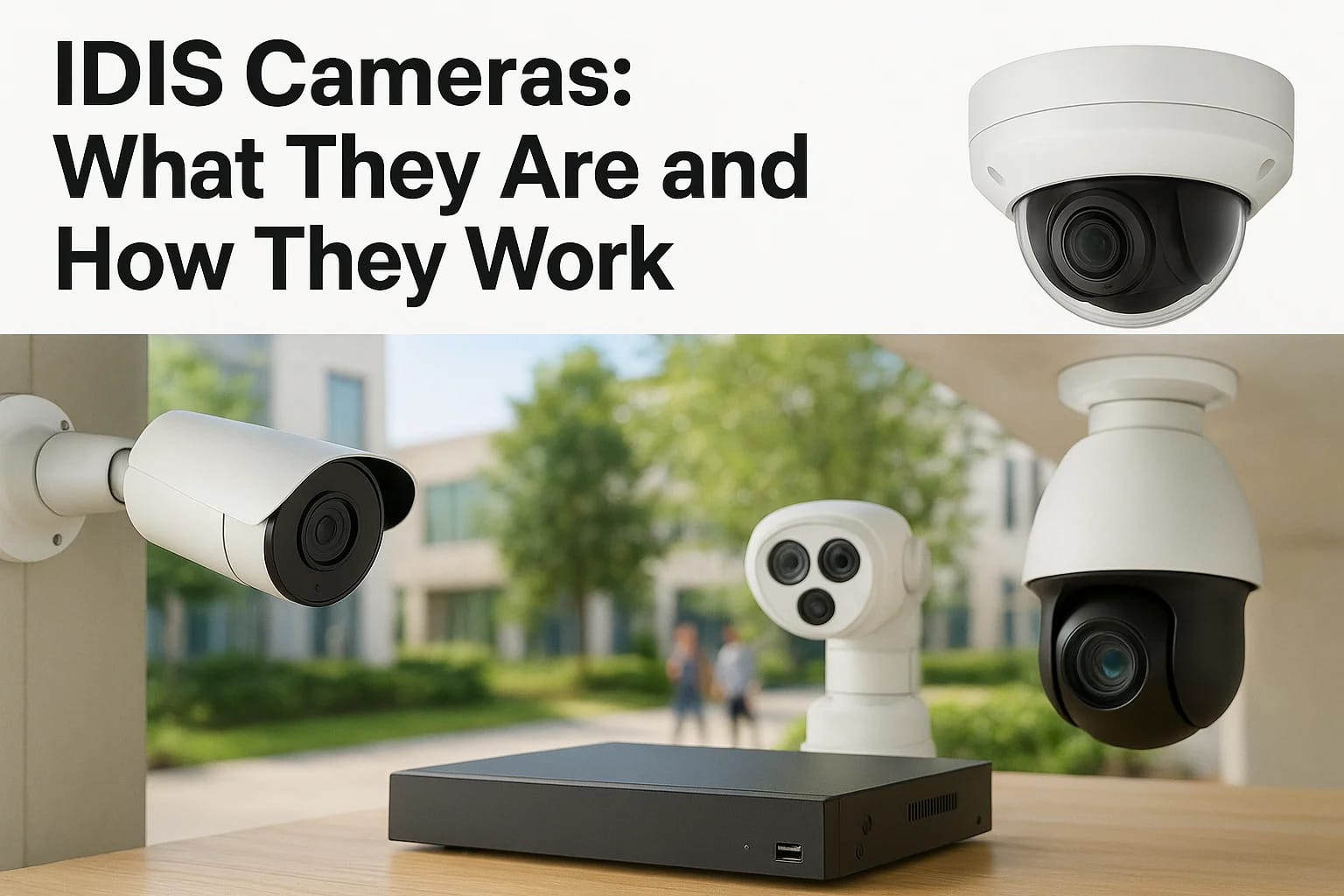

If you've been researching security camera brands, you've probably run into IDIS cameras and wondered who actually makes them and whether they're worth considering for your home or business. IDIS isn'...
If you've been researching security camera brands, you've probably run into IDIS cameras and wondered who actually makes them and whether they're worth considering for your home or business. IDIS isn't a rebadged product line or a marketplace brand you find only on Amazon. It's a South Korean manufacturer that's been building surveillance hardware for over two decades, and the name shows up more often in commercial installs than most homeowners realize.
This article breaks down exactly what IDIS makes, how their cameras and recording systems actually work together, and where the lineup fits compared to other surveillance brands. You'll get a clear picture of their camera and NVR ecosystem, plus the practical details that matter when you're comparing options for real coverage, not just a spec sheet.
We install and support surveillance systems across the Treasure Valley every week, so we've handled our share of IDIS installations alongside other major brands. That hands-on experience shapes how we'll walk you through the product lineup, image quality, and what
Why IDIS cameras matter for security-minded buyers
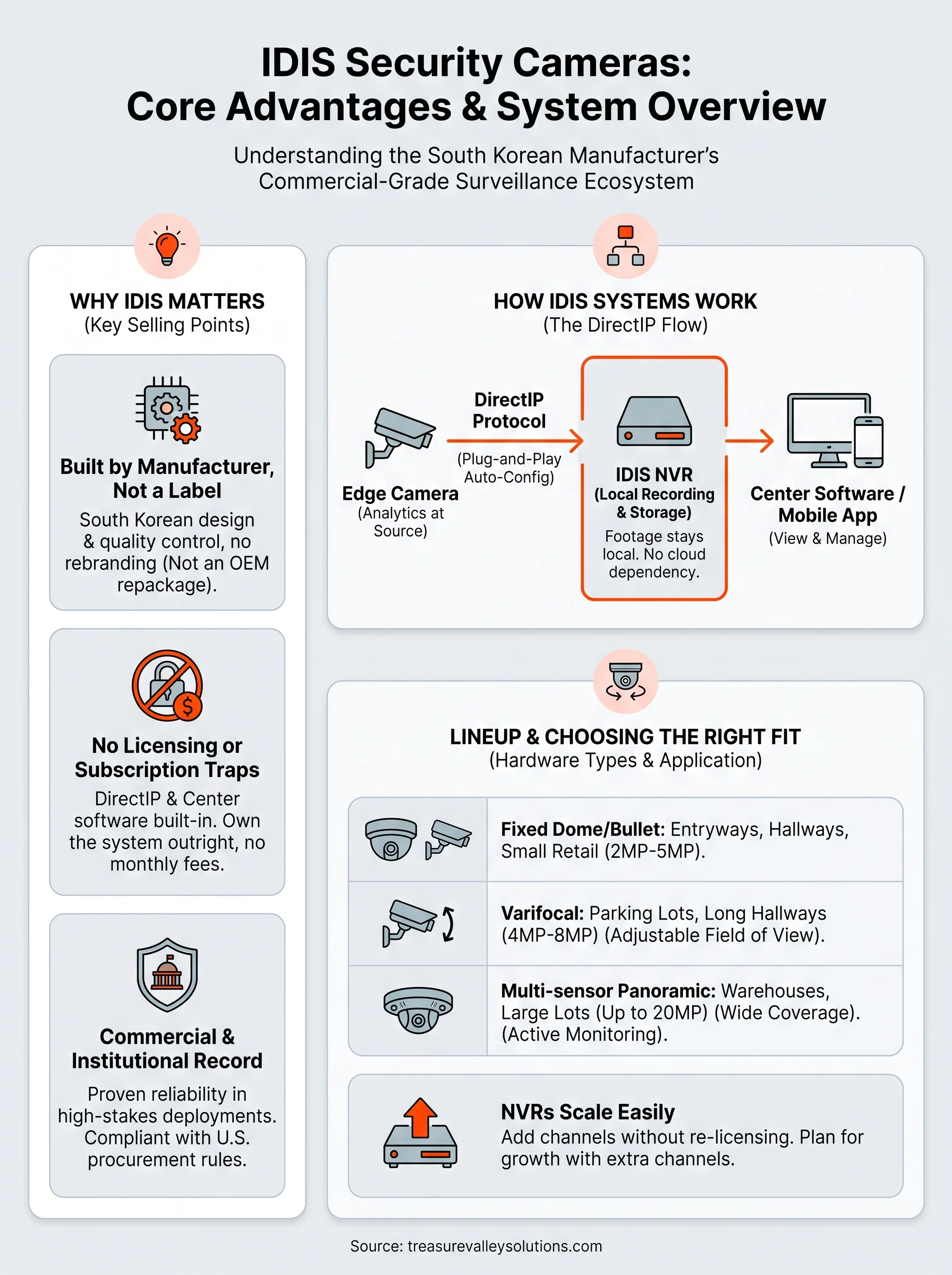
Security-minded buyers usually get burned by two things: cheap cameras that fail within a couple years, and "free" systems that turn into a monthly bill once you actually want remote access or cloud storage. IDIS cameras solve both problems in a way that's rare in this industry, and that's why the brand keeps showing up in bids for banks, school districts, and warehouses where downtime isn't an option.
Built by a manufacturer, not a marketing label
Most security camera brands you see online are actually the same hardware from a handful of Chinese OEM factories, repackaged under different logos with different firmware skins. IDIS is different. The company designs and manufactures its own image sensors, chipsets, and recording hardware in South Korea, which means they control quality from the sensor up rather than assembling parts sourced from whoever's cheapest that quarter. That vertical control shows up in how consistent the image quality stays across their product line, from entry-level bullet cameras to multi-sensor panoramic units.
No licensing fees or subscription traps
Here's the detail that surprises most people once they learn it: IDIS built its entire recorder platform around a no-license, no-royalty model. Their NVRs come with the DirectIP protocol and Center software built in, no per-channel license keys, no annual renewal fees, no surprise charges when you add a camera two years down the road. Compare that to some competing systems where every additional camera or every software feature unlock requires buying another license key from a reseller.
The real value in IDIS isn't just the hardware, it's that you own your system outright instead of renting access to it.
This matters more than people expect once they've lived with a subscription-based camera system for a year. Property managers and business owners who've been burned by rising cloud fees are often the ones who end up switching to IDIS surveillance systems specifically because the total cost of ownership stays predictable.
A track record in commercial and institutional settings
Owners often assume IDIS is a niche or regional brand because it doesn't advertise the way Ring or Arlo does. In practice, IDIS has a long history in higher-stakes commercial deployments, retail chains, transit systems, and government buildings, where buyers care more about reliability and lifecycle support than brand recognition. That track record is part of why the U.S. government's restrictions on certain foreign-made surveillance equipment, detailed in guidance from the Federal Communications Commission, don't apply to IDIS. For buyers who need to avoid banned equipment on covered federal lists, that's not a small detail.
Treasure Valley Solutions ends up recommending IDIS most often for clients who fall into one of three groups: commercial property owners who want a system that scales without new licensing costs every time they expand, buyers who've had bad experiences with cloud-dependent brands and want local recording they actually own, and anyone installing in a facility where compliance with U.S. procurement rules matters. If none of that applies to your situation, a simpler consumer brand might do the job. If it does apply, IDIS earns its reputation the boring way: by working reliably for years without nickel-and-diming you along the way.
How IDIS camera systems work
Understanding how the pieces fit together matters more than memorizing model numbers. An IDIS camera system has three core parts: the camera itself, the recorder (NVR), and the software that ties them together for live viewing, playback, and alerts. Once you see how these three talk to each other, the rest of the lineup makes a lot more sense.
DirectIP: the protocol that removes guesswork
DirectIP is the backbone of the whole system. It's IDIS's proprietary plug-and-play protocol that automatically configures a camera the moment you connect it to a compatible NVR, no manual IP addressing, no port forwarding headaches, no third-party ONVIF compatibility gambling. You plug a DirectIP camera into a DirectIP recorder over PoE (Power over Ethernet), and the system handles resolution settings, compression, and stream configuration on its own. That auto-provisioning is a big reason installers move faster on IDIS jobs than on generic ONVIF setups, where every camera brand handles the standard slightly differently.
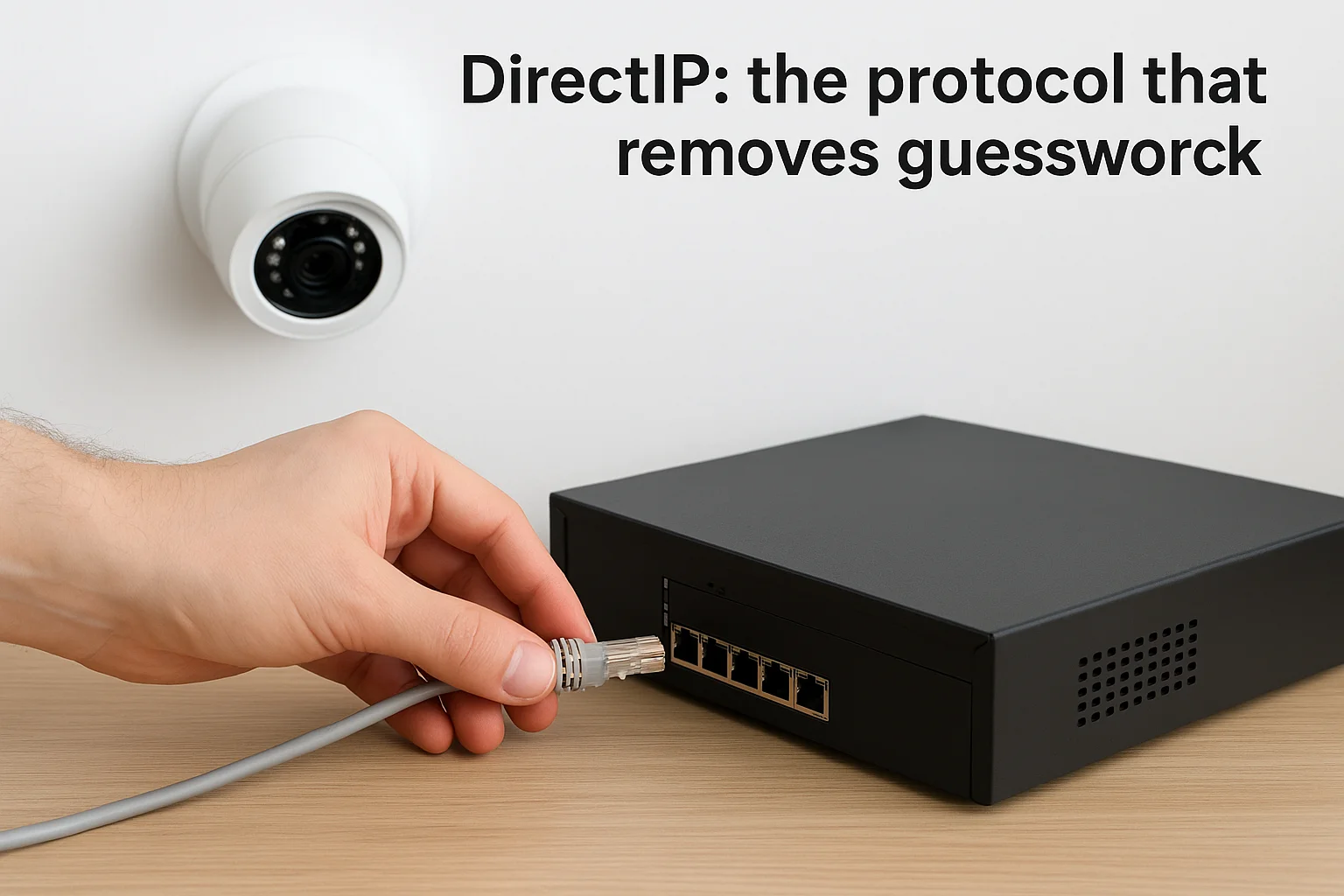
Plug it in, and it configures itself, that's the whole point of DirectIP.
Local recording keeps you in control
Every IDIS NVR records to local storage, either internal hard drives or network-attached storage, rather than defaulting to a cloud subscription. Footage stays on your property, accessible through the recorder even if your internet connection drops. Remote viewing through the IDIS Mobile app or Center software still works over the internet, but the recording itself never depends on a third party's servers staying online. For a warehouse or retail location where continuous coverage matters, that distinction between local recording and cloud-optional access is not a minor feature.
Video analytics run at the edge
Many IDIS cameras also handle intelligent video analytics directly on the camera's chipset rather than pushing that processing load to the recorder or the cloud. Motion detection, line-crossing alerts, object classification, and license plate recognition on certain models all happen at the edge. That keeps bandwidth use lower and alerts faster, since the camera doesn't have to send raw footage somewhere else to figure out whether something worth flagging just happened. It's the same principle NIST outlines in its guidance on edge computing security considerations, where processing data closer to the source reduces both latency and exposure.
Put together, this is a closed, self-contained ecosystem: cameras that configure themselves, recorders that store footage locally, and analytics that run without leaning on outside servers. That combination is exactly what makes IDIS systems predictable to install and maintain over a long lifecycle.
Exploring the IDIS camera and recorder lineup
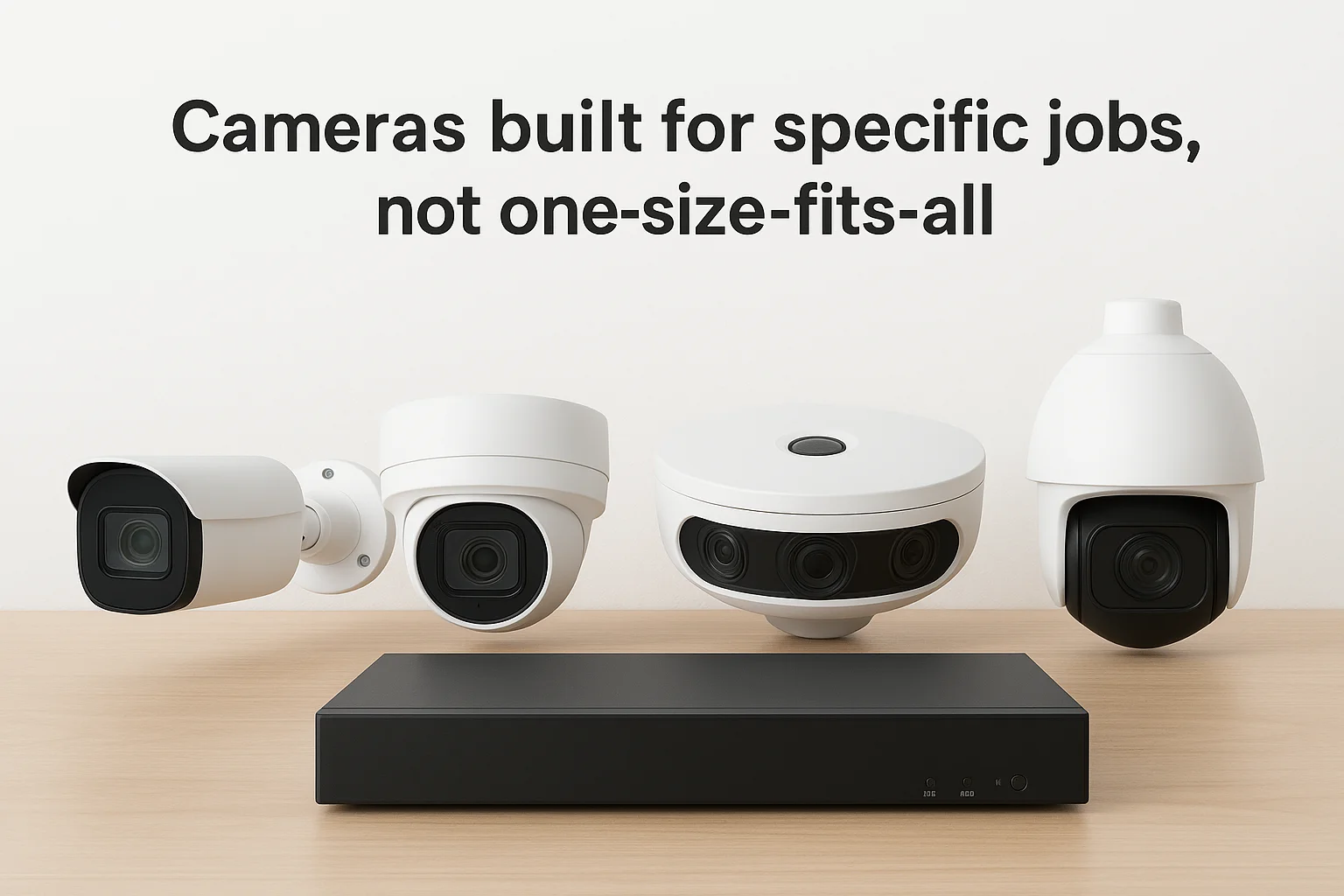
IDIS makes far more than a single camera style, and knowing the categories helps you match hardware to the job instead of guessing from a spec sheet. Their catalog splits into a few clear families: fixed lens bullet and dome cameras for standard coverage, varifocal models for spaces needing a wider or tighter field of view, and multi-sensor panoramic units for parking lots or warehouse floors where one camera needs to replace three. Every one of them pairs with the DirectIP recorder lineup we covered earlier, so the hardware choice mostly comes down to the space, not the protocol.
Cameras built for specific jobs, not one-size-fits-all
Resolution options run from 2MP up through 8MP (4K), and IDIS builds in features like true WDR (wide dynamic range) and IR illumination that actually match the stated range, which isn't always true of budget brands. Here's a quick breakdown of where each camera type typically fits:
| Camera Type | Best For | Typical Resolution |
|---|---|---|
| Fixed dome/bullet | Entryways, hallways, small retail | 2MP-5MP |
| Varifocal | Parking lots, long hallways | 4MP-8MP |
| Multi-sensor panoramic | Warehouses, large lots | Up to 20MP combined |
| PTZ | Perimeter monitoring, large campuses | 2MP-4MP |
Match the camera to the space first, resolution second, and you'll rarely regret the purchase.
NVRs scale with the property, not the other way around
Recorders range from compact 4-channel units for a small office up to enterprise NVRs handling 64 or more channels for a campus or multi-building property. Since DirectIP handles the provisioning automatically, adding channels later doesn't require re-licensing or a software unlock, you just plug in more cameras up to the recorder's channel limit. Larger deployments often pair multiple NVRs with IDIS Center software, which lets you monitor every location from one interface instead of juggling separate logins per site.
Buyers comparing model numbers for the first time often get stuck trying to decode IDIS's naming conventions, but the pattern is simpler than it looks: the prefix tells you the series, the number tells you the resolution tier, and a suffix like "WH" or "RX" usually flags a specific housing or lens variant. Once you know that pattern, reading a spec sheet takes seconds instead of a phone call to a distributor.
Choosing and installing IDIS cameras for your property
Picking the right IDIS camera system starts with an honest walk-through of your property, not a catalog. Every entryway, loading dock, and parking lot has different lighting, distance, and traffic patterns, and the wrong lens choice on any one of those spots leaves you with unusable footage exactly when you need it most. A homeowner covering a front porch has completely different needs than a warehouse manager watching a 200-foot dock, even though both might land on the same IDIS product family.
Matching coverage to how the space actually gets used
Before you settle on models, map out what each camera actually needs to capture. That means thinking through distance to the subject, expected lighting changes between day and night, and whether you need facial detail or just general activity awareness.
- Entry points: fixed dome cameras with strong low-light performance
- Long hallways or perimeters: varifocal lenses you can adjust after mounting
- Parking lots and warehouse floors: multi-sensor panoramic units to cut camera count
- High-traffic public areas: models with built-in analytics for faster alerting
Buy for the specific spot, not the whole property at once, and your coverage actually holds up.
Why professional installation still matters
DirectIP removes a lot of the configuration headache, but the physical install is where most DIY setups fall apart. Mounting height, cable runs, PoE budget calculations, and NVR placement all affect image quality and system reliability in ways a spec sheet won't warn you about. Getting the field of view wrong by even a few degrees can leave a blind spot right where you needed coverage most.
Licensed technicians also know how to run and terminate cable so it survives Idaho's temperature swings, ground the system properly, and configure storage retention settings that match how long you actually need footage on hand. Since IDIS surveillance systems carry no per-camera licensing cost, the labor and design work is really where the value gets decided, not the hardware price tag.
Planning for growth before you need it
Smart installs leave headroom. Choosing an NVR with a few extra open channels, running conduit to spots you might expand into later, and picking a recorder tier above your current camera count all save you from a second install fee down the road. Treasure Valley Solutions designs every IDIS installation with that next phase in mind, so adding a camera later means plugging it in, not tearing into walls again.
Finding the right fit for your space
IDIS earns its reputation through engineering, not marketing budgets. IDIS cameras pair self-configuring DirectIP hardware with local recording and no licensing traps, which is exactly why the brand shows up in banks, warehouses, and school districts instead of just influencer unboxing videos. Whether you're covering a single storefront or a multi-building property, the lineup scales without forcing you to relearn the system every time you add a camera.
Getting real value out of that hardware still comes down to design and installation. Correct camera placement and a properly sized recorder decide whether your footage is usable or just decorative. That's the part a spec sheet can't do for you, and it's where a local installer earns their fee.
If you're weighing an IDIS system for your home or business in the Treasure Valley, reach out to our team and we'll walk your property with you before you spend a dollar on hardware.
Compare your options
Your next step
Compare Commercial Camera System OptionsReady for professional help? Request an estimateOur Services
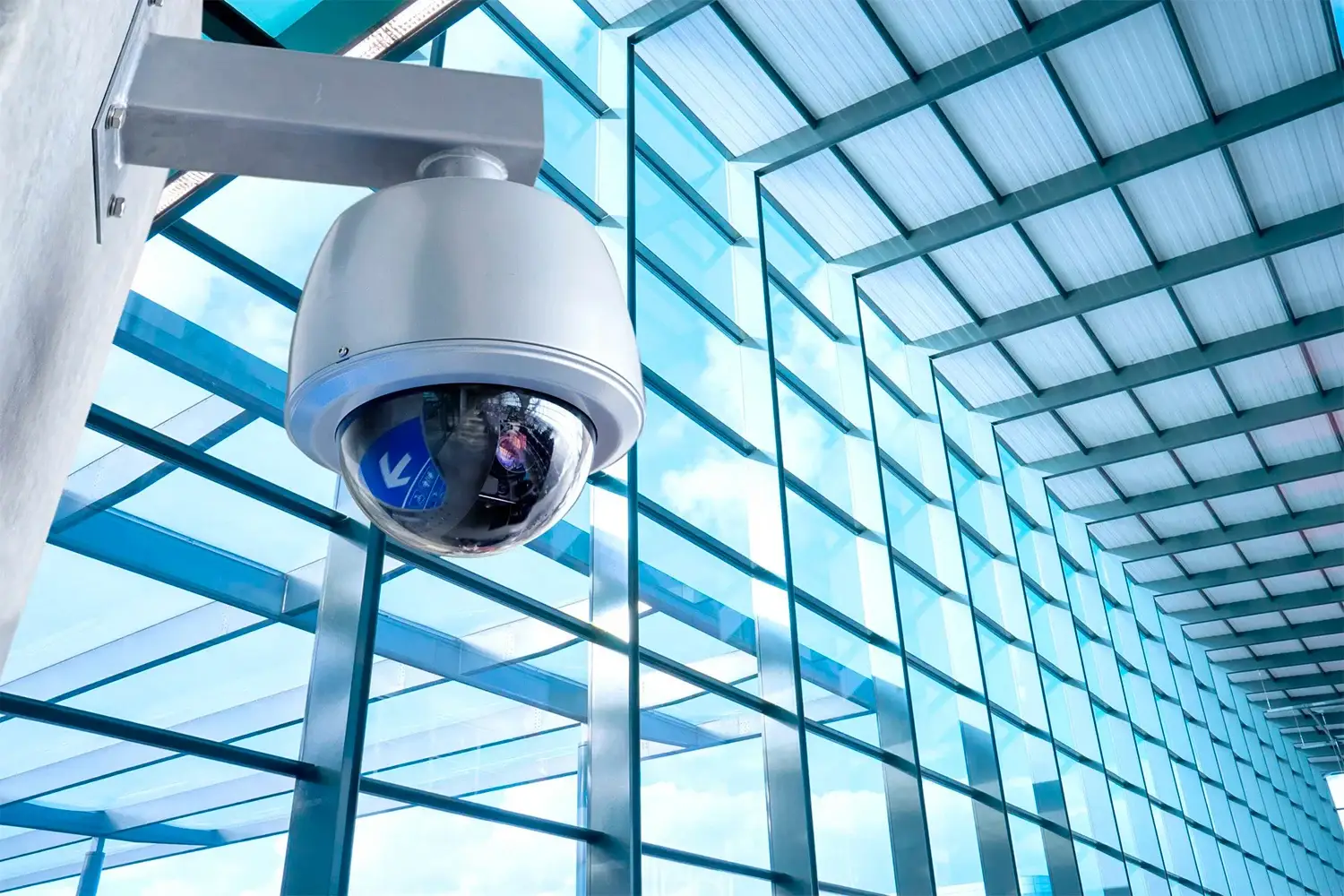
High-definition surveillance for peace of mind.
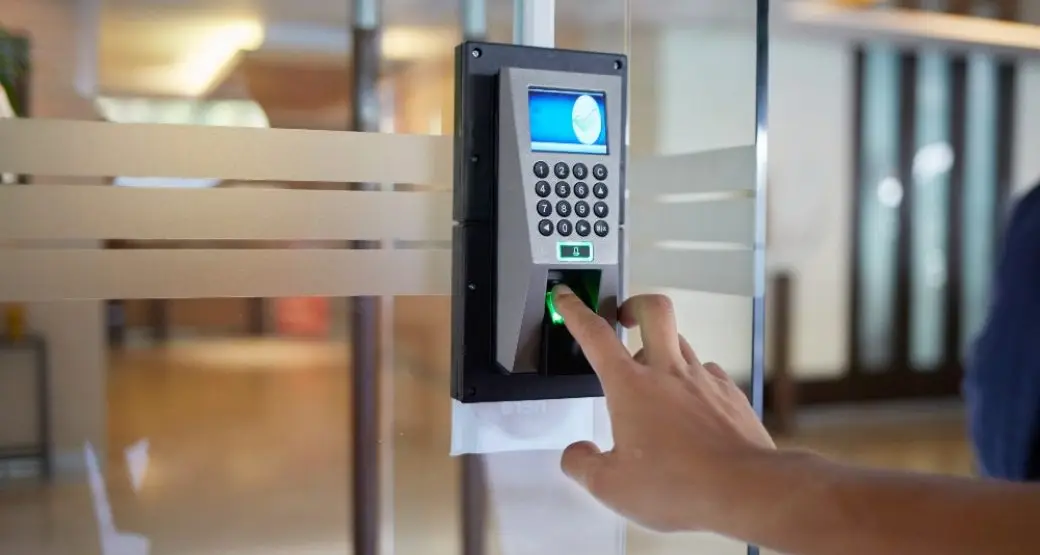
Comprehensive security solutions for home and business.
Serving the Treasure Valley
Local installation in your city