 (208) 991-3502
 Meridian, ID





Treasure Valley Solutions vs Geeks on Site: choose local system installation or computer support. Compare scope, wiring, remote help, and handoff.
Choose Treasure Valley Solutions if you need permanent smart-home, theater, security, or low-voltage installation in the Boise area; choose Geeks on Site if your main problem is computer troubleshooting or remote technical help. This 2026 comparison separates installation work from technical support so you can hire for the actual job.
- Treasure Valley Solutions vs Geeks on Site comes down to installed home technology versus computer-focused technical support.
- Choose the local installation specialist for concealed wiring, home theater, security cameras, and connected-room projects.
- Choose Geeks on Site for computer troubleshooting and remote help rather than planning a permanent installation.
- Compare written scope, equipment compatibility, support responsibilities, and billing terms before hiring either provider.
Why this matters
A malfunctioning laptop and a poorly wired media room are different jobs. The laptop needs diagnosis; the room needs decisions about equipment placement, cable routes, power, mounting, and operation.
Hiring against the wrong brief creates confusion before work starts. You need to distinguish restoring an existing device from designing and installing a system that becomes part of your building.
For a 2026 project, start with the installation services that match your intended result, then write down what must work when the technician leaves. A service name alone does not define the finished job.
At a glance
| Dimension | Treasure Valley Solutions | Geeks on Site |
|---|---|---|
| Best for | Boise-area homeowners and businesses installing connected systems | Users seeking computer troubleshooting and technical support |
| Computer troubleshooting | Installation services are the stated focus | Better fit for a computer-first support request |
| Permanent installation | Smart-home, theater, audio/video, cameras, and low-voltage wiring | Confirm the exact physical installation scope before hiring |
| Remote help | Do not assume remote support is included with installation | Remote technical support is part of its service offering |
| Standout feature | Clean installations and neatly concealed wiring | Computer-focused help with a remote support option |
| System integration | Relevant installation services; specify the desired interactions | Confirm support for the exact devices and interactions |
| Handoff | Define testing, account ownership, and documentation in writing | Define resolution, account access, and follow-up in writing |
| Pricing model | Request written project scope and billing terms | Request written support scope and billing terms |
Computer problems favor Geeks on Site
Best for: someone whose main problem lives on a computer, not inside a wall. Geeks on Site is the better match when your request starts with a computer that needs technical support. Keep the request specific: describe the symptom, what changed, and what you have already tried.
A computer-support conversation should begin with the affected device and the failure. It should not begin with speaker placement or where to conceal a cable. That distinction keeps the appointment focused and helps establish what a successful resolution means.
The advantage is a service category aligned with the immediate problem. The limitation is that solving a computer problem does not settle the design of a theater, camera layout, or whole-home control system.
Before authorizing work, establish:
- Which computer and operating system need help.
- Whether the problem affects one device or several.
- Whether diagnosis and corrective work are separate billable activities.
- Whether you need to back up files before work begins.
Do not expand a troubleshooting visit into unrelated installation work without a revised scope. A working laptop and a finished equipment installation require different acceptance tests.
Permanent installations favor the local specialist
Treasure Valley Solutions is best for Boise-area homeowners and businesses that need installed smart-home, audio/video, security, or low-voltage systems. Its stated services match projects where equipment placement, wiring, and the finished room matter together.
Think about the result you are buying. A television needs more than an image on its screen: mounting, cable routing, connected sources, and everyday controls all belong in the discussion. A security-camera project needs an agreed view of the areas you want to monitor, not simply a camera attached to a wall.
For a 2026 installation, describe the physical conditions before choosing equipment. Existing wiring, finished walls, furniture, equipment locations, and access to power affect the work that needs to be included.
The advantage is direct alignment with permanent building technology. The limitation is that an installation-focused service is not automatically the right purchase for an unrelated computer fault.
Ask for a written division between supplied equipment, installation labor, configuration, and work performed by another trade. Also identify any equipment you already own. Compatibility should be checked before an installer builds the project around it.
Remote troubleshooting favors Geeks on Site
Best for: a user who wants help with a computer issue without starting a physical installation project. Geeks on Site offers remote technical support, making it relevant when the task can be handled through an authorized connection to the computer.
Remote access has a clear boundary. It can support software troubleshooting, but it cannot physically pull cable, secure a bracket, reposition a speaker, or inspect a concealed route through a wall.
That boundary matters when a symptom has several possible causes. A streaming problem might involve the application, the computer, the network connection, or physical equipment. Describe what fails and where it fails rather than deciding in advance that every problem needs a remote session.
Before granting access, ask how the session begins and ends. Keep control of your credentials, understand what the technician is changing, and confirm that the remote connection has closed when the work is complete.
The tradeoff is convenience versus physical access. Choose remote support for a suitable computer task; choose an on-site installation assessment when the work requires hands, tools, or inspection of the building.
Concealed wiring favors an installation-led brief
Best for: someone who cares how the room looks after the equipment works. Clean installations and neatly concealed wiring are explicit parts of the local installer's offering. Make those outcomes part of the brief rather than an assumption attached to the word installation.
Start with the visible result. Identify which cables must disappear, where equipment can sit, and whether any surface-mounted routing is acceptable. Then ask what access the proposed route requires and who handles any associated wall repair or finishing.
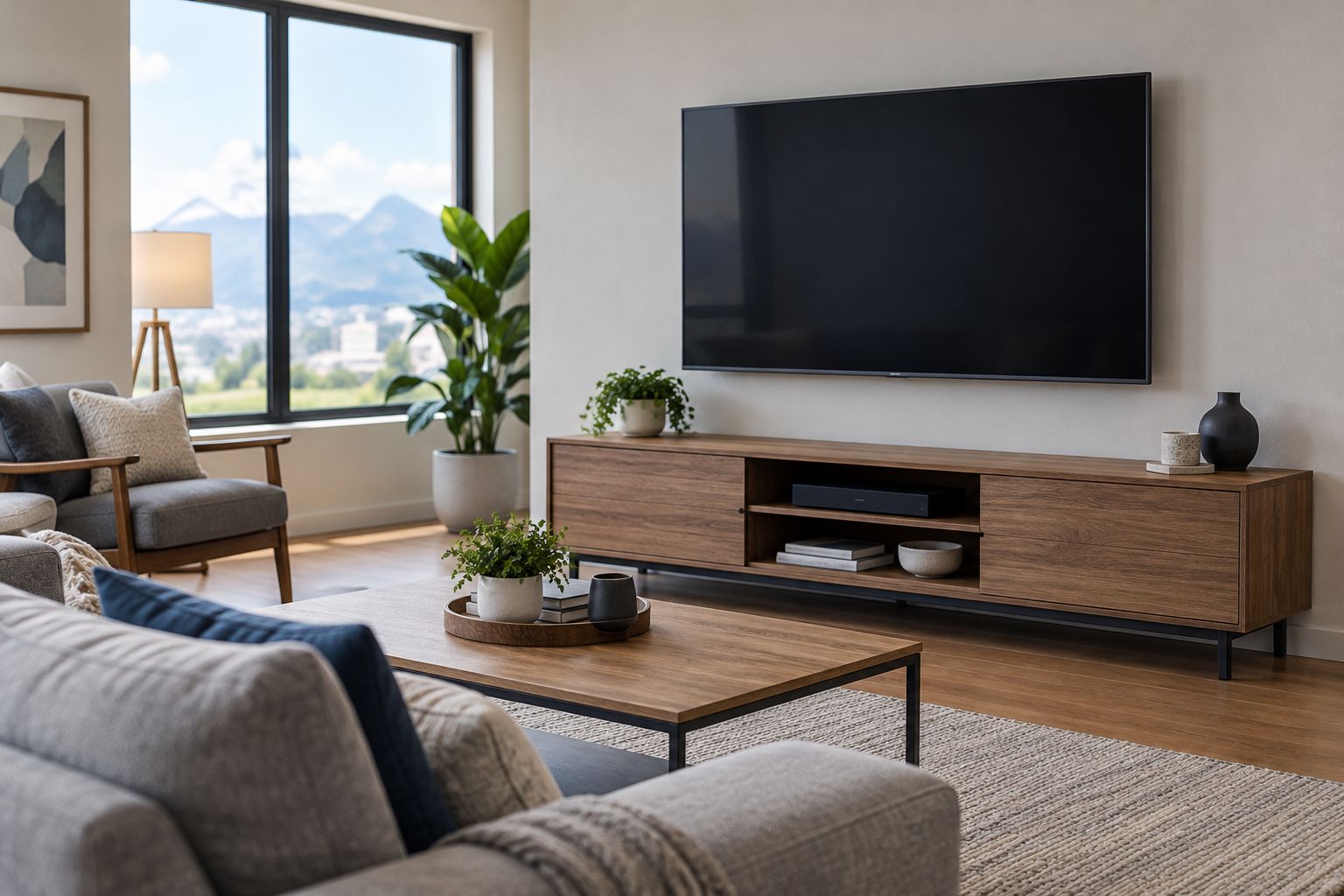
A neat result should still allow maintenance. Ask how you will reach connections, remove equipment, and identify cables later. Concealment that makes a routine equipment change unnecessarily difficult is not a complete design brief.
The benefit is a defined standard for the finished space. The constraint is that a proposed concealed route needs assessment; photographs and a preferred equipment location do not establish what is inside the wall.
Integration is a scope question, not an automatic win
Neither company name proves that your existing devices will work together. Treat compatibility as a tie until the proposed system and supported functions are documented. Buying installation or support is not the same as buying every interaction you can imagine.
Use this three-part brief:
- Device list: Record the exact equipment you own and what you plan to add.
- Control goals: Describe the action you want, such as starting a movie or closing shades.
- Failure behavior: Explain what still needs to work when an app, connection, or controller is unavailable.
For example, integrating motorized shades with a larger control system requires attention to the shade equipment, its control method, and the intended commands. When integrating motorized shades with Control4, the scope should identify the compatible shade interface and the actions you expect from the control system. Do not assume that either provider supports your particular combination without confirmation.
Write desired behavior as a testable instruction, not a broad wish for a smart home. “Close the living-room shades from the selected control” is clearer than “make everything connected.” The installer or support provider can then confirm the hardware and configuration required.
The advantage of this approach is a shared definition of success. Its limitation is that it takes preparation before a meaningful comparison is possible.
Handoff is a tie until responsibilities are written down
Both providers should be judged against a defined completion test. Neither a familiar name nor a long equipment list tells you who owns the accounts, what was changed, or what happens after the appointment.
For installed systems, ask for a demonstration of the agreed functions. Operate the controls yourself, check the intended camera views, and confirm that the people using the system can complete everyday tasks.
For computer support, reproduce the original problem where practical and confirm the agreed resolution. Ask what changed, whether any follow-up action remains, and how to remove access that is no longer needed.
Account ownership deserves its own question. Establish which email address receives account notices, who controls recovery options, and where equipment and configuration information will be recorded. Do not leave these decisions implicit.
A documented handoff is a strength; an undefined promise of support is a weakness. Ask each provider to state the boundary between completing the current job and purchasing later assistance.
Pricing: compare the billing structure, not an assumed rate
For a 2026 decision, request written billing terms from both providers. Compare the same deliverable before comparing the charge. A computer diagnosis and a finished room installation are not interchangeable purchases.
Ask whether the proposed work uses a fixed project scope, time-based billing, an ongoing support arrangement, or another structure. Do not infer the model from the company's service category.
A fixed scope gives you a defined deliverable, but changes need a clear approval process. Time-based work accommodates diagnosis, but you need to understand when billing starts and when further authorization is required. An ongoing arrangement needs explicit service boundaries and cancellation terms.
Check these items in each proposal:
- Equipment supplied by the provider versus equipment you supply.
- Labor and configuration included in the quoted scope.
- Authorization required before additional work begins.
- Responsibilities for finishing work and follow-up support.
The right comparison is the full obligation on each side. A proposal that leaves out a necessary task is not equivalent to one that includes it.
Final verdict: choose the job before the provider
Choose Treasure Valley Solutions for a permanent local installation
Named profile: the Boise-area homeowner or business owner planning connected building technology. Choose this provider when the job combines smart-home automation, theater, audio/video, security cameras, or low-voltage wiring with a clean physical installation.
Bring the room layout, existing equipment list, and desired controls to the conversation. Ask for scope that covers both operation and appearance.
Choose Geeks on Site for computer-first technical help
Named profile: the computer user seeking troubleshooting, including remote assistance. Choose Geeks on Site when the main deliverable is resolving a computer problem rather than planning permanent wiring or room systems.
Describe the failure clearly and establish the support method, billing authorization, and completion test before work starts.
| Dimension | Winner |
|---|---|
| Computer troubleshooting | Geeks on Site |
| Permanent local installation | Local installation specialist |
| Remote computer help | Geeks on Site |
| Concealed-wiring brief | Local installation specialist |
| Compatibility | Tie until the exact system is confirmed |
| Handoff | Tie until responsibilities are documented |
| Pricing structure | Compare written terms for the same scope |
FAQ
Which is better: Treasure Valley Solutions vs Geeks on Site?
Treasure Valley Solutions is the better fit for permanent smart-home, audio/video, security, and low-voltage installation in the Boise area. Geeks on Site is the better fit for computer-first troubleshooting and remote technical support.
Who should I choose for a home theater installation?
Choose the installation specialist for a project involving theater equipment, wiring, placement, and controls. Ask for a scope that defines the finished room and demonstrates the agreed functions.
Is Geeks on Site a better choice for computer troubleshooting?
Geeks on Site is the better match when computer troubleshooting is the main task. Describe the affected device and symptoms, then confirm the support method and billing terms.
Can remote support hide cables or mount equipment?
No, remote support cannot perform physical installation work. Concealed cable routing, mounting, and equipment placement require on-site work.
How should I compare installation and support costs?
Compare written scopes and billing structures for the same deliverable. Identify included equipment, labor, configuration, authorization for extra work, and follow-up responsibilities.
Will my existing smart-home devices work together?
Compatibility must be confirmed for the exact devices and control functions you want. Supply model information and ask for each intended interaction to be included in the scope.
What should I ask before hiring either provider in 2026?
Ask what constitutes completion, who controls your accounts, and what support follows the appointment. Also confirm the physical work, configuration, and equipment included in the agreement.
One last thing
The local installer's Google review snapshot records 4.8 out of 5 from 414 reviews, including 380 five-star reviews, verified October 27, 2026. Use that as reputation evidence, not as proof that a particular device combination or cable route will work.
Your strongest final check is practical: ask the provider to describe how you will verify the finished job. A clear acceptance test connects the promise to the result you actually need.
Related guides
Recent Google reviews
Read all reviews →“Joe was great! Got the job done efficiently. Highly recommend Treasure Valley Solutions.”
“Prompt and professional! Happy with service and will call again.”
“Very responsive and professional!”