 (208) 991-3502
 Meridian, ID



NETGEAR Network Installation in Boise
NETGEAR offers home routers and mesh systems as well as business switching and wireless products. A dependable design begins with floor plan, construction, internet handoff, wired devices, client count, and coverage goals.
 (208) 991-3502
About NETGEAR and TVS
A faster product does not overcome poor placement or an obstructed radio path. TVS designs the cabling and access-point topology before configuring names, security, updates, and management.
NETGEAR products and solutions
Product choices should follow the room, application, infrastructure, and the way you plan to use the system.
Routers, mesh, and wireless access
Home router and mesh products address different layouts than managed business access points.
- Place nodes around measured coverage, not visual symmetry.
- Use wired backhaul where the product and building allow it.
- Measure throughput, roaming, latency, and signal at the agreed critical locations.
Ethernet and PoE switching
Managed and unmanaged switches connect fixed devices; PoE models can power compatible endpoints.
- Budget port count, speed, PoE load, and uplink capacity.
- Label ports and preserve ventilation.
- Back up managed configuration and record VLAN, trunk, and power assignments.
NETGEAR applications
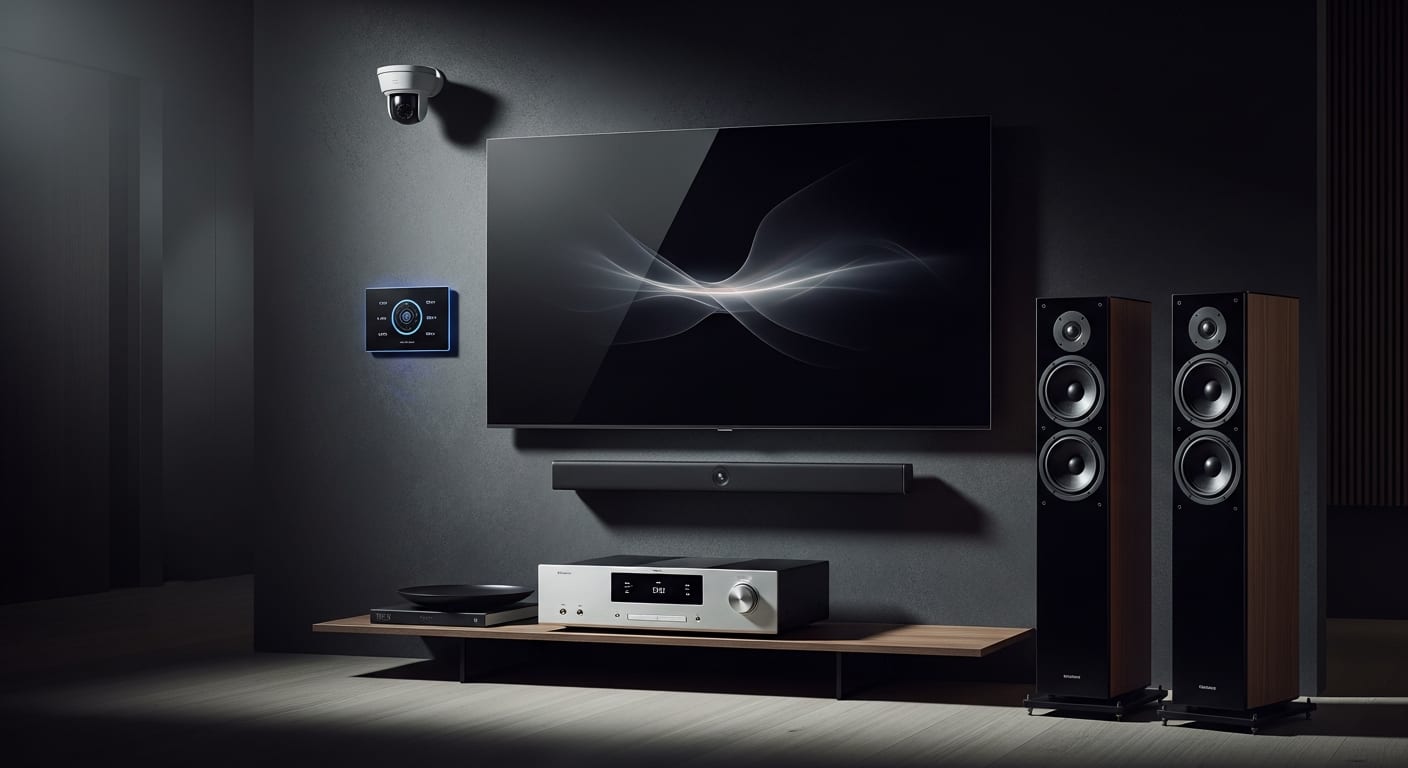
NETGEAR can support homes, offices, AV systems, cameras, remote work, and connected-building devices.
- Wire stationary high-demand equipment.
- Separate guest access.
- Design for outdoor or detached areas explicitly.
Choosing NETGEAR networking
Management needs, scale, WiFi generation, switch features, subscriptions, and support expectations determine the line.
- Count clients and ports.
- Map interference.
- Confirm management ownership.
Network setup
TVS mounts, patches, updates, configures, secures, documents, and coverage-tests the selected system.
- Use unique owner-controlled credentials.
- Test roaming and wired throughput.
- Record switch ports and access-point locations.
Cabling and equipment space
Structured Ethernet, central patching, ventilation, UPS planning, and good access-point positions create the network foundation.
- Certify permanent links.
- Avoid placing WiFi nodes in metal cabinets.
- Reserve switch ports and PoE headroom.
NETGEAR Installation Areas
TVS installs NETGEAR networks throughout the Treasure Valley with structured cabling, equipment organization, secure configuration, and measured coverage checks. Select your city to see available services.

Boise, Idaho
NETGEAR installation
Caldwell, Idaho
NETGEAR installation
Cascade, Idaho
NETGEAR installation
Eagle, Idaho
NETGEAR installation
Emmett, Idaho
NETGEAR installation
Garden City, Idaho
NETGEAR installation
Greenleaf, Idaho
NETGEAR installation
Hidden Springs, Idaho
NETGEAR installation
Kuna, Idaho
NETGEAR installation
McCall, Idaho
NETGEAR installation
Melba, Idaho
NETGEAR installation
Meridian, Idaho
NETGEAR installation
Middleton, Idaho
NETGEAR installation
Mountain Home, Idaho
NETGEAR installation
Nampa, Idaho
NETGEAR installation
Notus, Idaho
NETGEAR installation
Parma, Idaho
NETGEAR installation
Star, Idaho
NETGEAR installation
Weiser, Idaho
NETGEAR installation
Wilder, Idaho
NETGEAR installation
Frequently Asked Questions
Is NETGEAR mesh WiFi the same as access points?
Both extend coverage, but topology, backhaul, management, roaming, client behavior, and product goals differ.
Should NETGEAR mesh nodes use Ethernet?
Wired backhaul is generally preferred where supported and practical because it preserves wireless capacity and reduces path uncertainty.
Can a NETGEAR switch power cameras?
A PoE model can power compatible devices when per-port standards and the total power budget are sufficient.
Will a new NETGEAR router fix every dead zone?
No. Building materials, placement, interference, and distance often require additional well-positioned access points or nodes.
Can TVS keep my existing NETGEAR network name?
Usually, but devices may still need attention and the security mode and old configuration should be reviewed rather than copied blindly.
NETGEAR services from TVS
Explore related TVS services for your NETGEAR project.
Ready for Professional NETGEAR Installation?
Schedule your free estimate today. Our experienced technicians will design a custom NETGEAR solution for your home or business.