 (208) 991-3502
 Meridian, ID



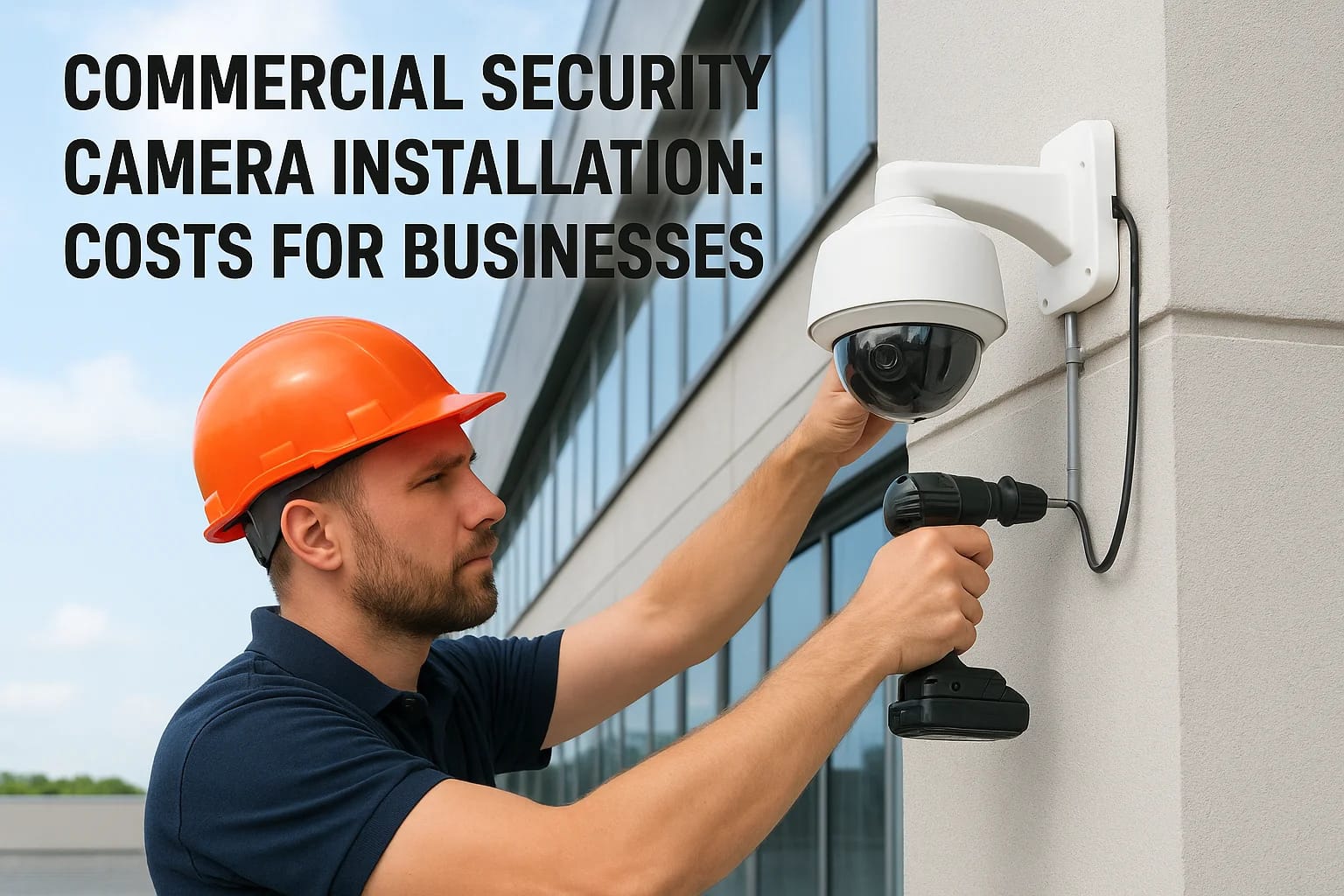

Your business assets, employees, and customers deserve protection that actually works. Whether you're running a retail store, managing a warehouse, or overseeing an office building, commercial securit...
Your business assets, employees, and customers deserve protection that actually works. Whether you're running a retail store, managing a warehouse, or overseeing an office building, commercial security camera installation is one of the most practical investments you can make, but understanding what it costs and how to get it right takes some homework.
The price of a surveillance system varies widely based on camera quality, number of units, storage solutions, and installation complexity. A small office might spend a few thousand dollars, while a multi-location retail operation could invest significantly more. Beyond the dollar signs, choosing the right hardware and installation partner determines whether your system becomes a reliable security asset or an expensive headache.
At Treasure Valley Solutions, we've designed and installed commercial surveillance systems across the Boise area for local businesses. This guide breaks down real-world costs, key equipment decisions, and what to look for in a professional installation, so you can protect your business without overpaying or cutting corners.
What commercial camera installation includes
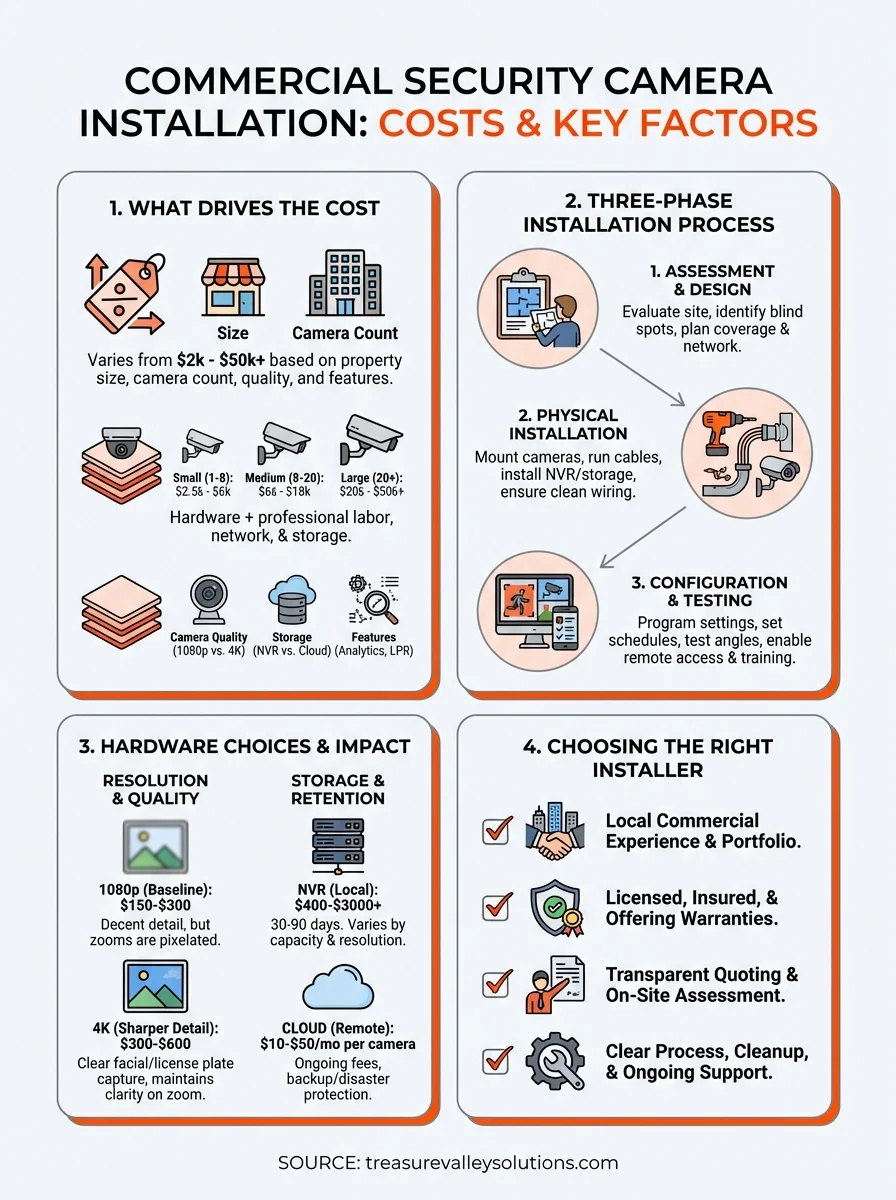
Professional commercial security camera installation goes far beyond mounting hardware on walls. You're paying for site-specific planning, skilled labor, system programming, and the expertise to create a surveillance network that actually protects your property. A complete installation involves three distinct phases: pre-installation assessment, physical installation work, and system configuration. Each step requires technical knowledge and experience with commercial environments.
Site assessment and design
Your installer should visit your property before quoting a final price to evaluate camera placement, network infrastructure, and power requirements. This walkthrough identifies blind spots, lighting challenges, and areas that need extra coverage like cash registers, loading docks, or entry points. The assessment also determines whether your existing network can handle video traffic or if you need dedicated cabling.
During this phase, you'll discuss recording duration, storage options, and whether you need features like license plate recognition or facial identification. Your installer should map out camera locations, cable runs, and where the recorder will live. This blueprint prevents costly surprises during installation and ensures every corner of your property gets proper coverage.
A proper site assessment prevents the frustration of discovering after installation that you can't see critical areas or that your network can't handle the video load.
Physical installation and wiring
The actual installation work includes mounting cameras, running cables, and installing network equipment throughout your building. For commercial properties, this often means working with conduit, drilling through concrete or metal studs, and routing cables through ceilings or exterior walls. Professional installers use weatherproof housings, secure mounting brackets, and tamper-resistant hardware to protect your investment from weather and vandalism.
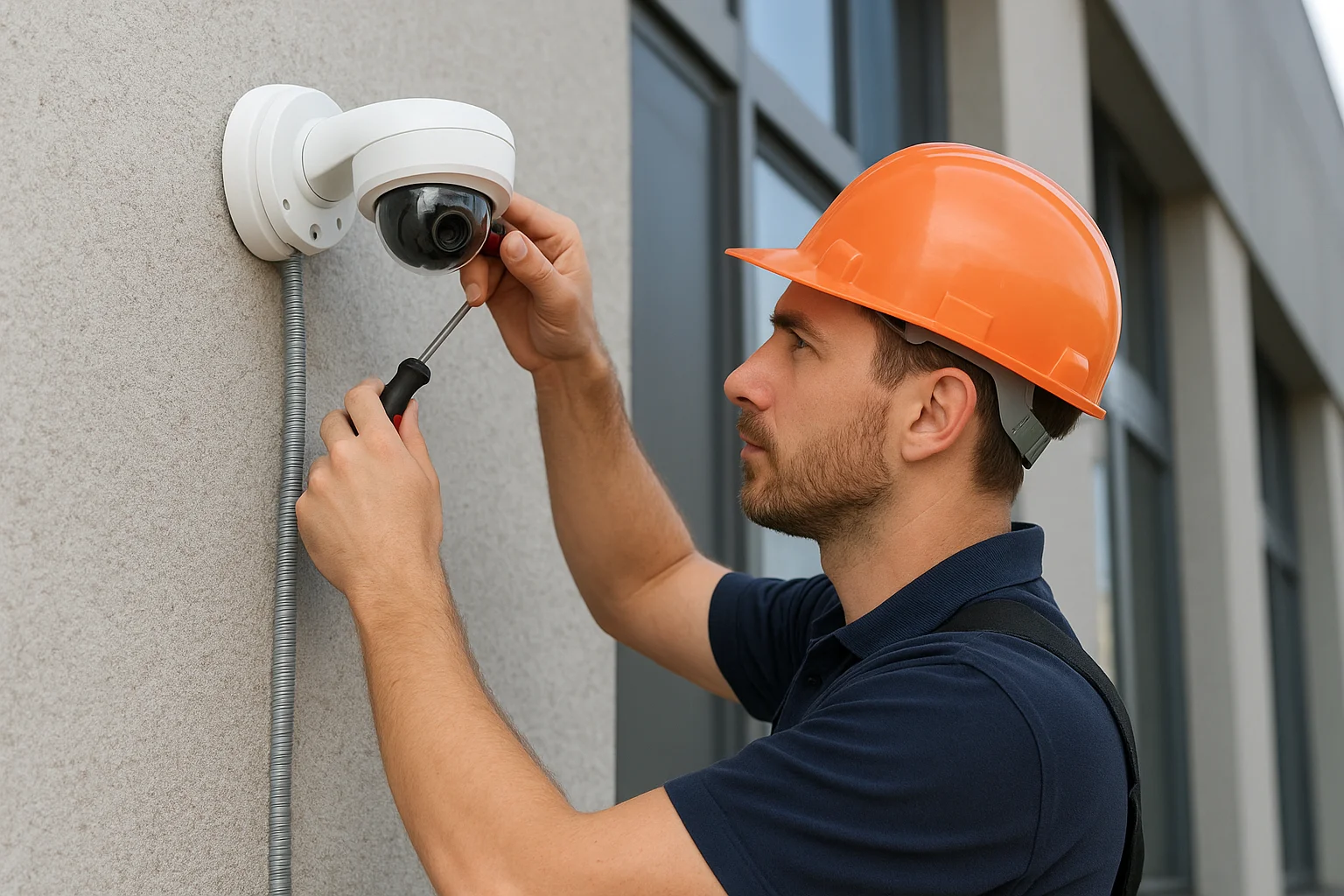
Cable management makes the difference between a clean installation and a messy eyesore. Your installer should label every cable, secure runs properly, and ensure connections meet commercial building codes. Power over Ethernet (PoE) cameras simplify installation by carrying both data and power through a single cable, but some systems require dedicated power supplies at each camera location. The installer also sets up your network video recorder (NVR) or connects cloud-based storage, ensuring your system has enough capacity for your retention requirements.
System configuration and testing
After the hardware is in place, your installer programs the system to match your security needs and operational schedule. This includes configuring motion detection zones, recording schedules, and alert notifications for after-hours activity. You'll get training on how to review footage, export clips, and manage user access so your team can operate the system confidently.
Testing verifies that every camera captures usable footage day and night, motion detection triggers properly, and remote access works from your phone or computer. Your installer should demonstrate the system, answer questions, and provide documentation of your setup including login credentials and camera locations. Quality installers also explain your warranty coverage and what ongoing support looks like if cameras fail or you need system adjustments down the road.
Commercial camera costs: define the project before the price
Commercial projects need a site-specific estimate. Residential four- or eight-camera examples are not business price tiers: an office, retail store and warehouse with the same camera count may need very different lenses, mounting access, cable routes, network capacity and recording configuration. Earlier numerical commercial ranges are not approved TVS offers and have been removed from this guide.
Small office or retail scenario
Define entrances, customer-facing areas, staff-only spaces and any cash or stock areas requiring useful detail. The estimate should identify camera models and quantities, recorder capacity, storage settings, cable routes, labor, network/PoE equipment, programming and user training. Discuss who can view live video, export clips or administer users. Avoid sensitive/private areas and agree the business's privacy and retention requirements.
Warehouse or multi-area scenario
Loading docks, aisles, high ceilings, exterior approaches and detached spaces can require different optics, access equipment, conduit and network links. Coordinate installation windows with facility operations or the general contractor. Evaluate switch bandwidth and PoE budget, recorder channel and throughput limits, recording mode and desired retention. Do not assume a drive size or camera count establishes a fixed retention period.
Compare complete scopes, not per-camera averages
Request separate allowances for equipment, recording/storage, cabling, installation labor, networking, programming and optional cloud services or licenses. Confirm whether taxes, lifts, trenching, electrical work, building repairs, permits, internet service, ongoing maintenance and off-site backup are included, excluded or separately quoted. Existing cable reuse and access-control integration require assessment; neither is guaranteed. Written scope and change approval determine the final price.
For verified local project context, see the Caldwell commercial installation with sixteen Uniview IP cameras, a 16-channel recorder, plenum-rated CAT6 and a 10TB surveillance drive. This is a Caldwell project, not a Boise case study, a price benchmark or a retention guarantee.
How to plan coverage that fits your building
Effective commercial security camera installation starts with strategic planning that matches your property's layout and security priorities. You need to identify vulnerable areas, anticipate criminal behavior patterns, and design a system that captures useful evidence rather than just recording random footage. Most businesses make the mistake of either under-covering critical areas or wasting money on cameras pointed at low-value zones. Your coverage plan should prioritize entry and exit points, cash handling areas, and anywhere valuable inventory or equipment sits unattended.
Map your entry points and high-risk areas
Start by walking your property and identifying every door, loading dock, and window where someone could enter. These locations need camera coverage that captures clear facial features and identifying details, not just distant figures. Place cameras to record people as they approach entrances, giving you footage of their face before they reach the door, and position backup cameras to cover the same area from different angles when possible.
High-risk zones deserve concentrated coverage with overlapping fields of view. Cash registers, safes, inventory storage, and equipment yards need cameras that eliminate blind spots where theft or vandalism could occur undetected. Consider camera height carefully because mounting too high produces overhead shots that miss facial features, while mounting too low makes cameras vulnerable to tampering or spray paint.
Criminals often case properties before attempting theft, so cameras capturing parking lots and building perimeters help you spot suspicious behavior before actual crimes occur.
Account for lighting and weather conditions
Your cameras need to work 24/7 in varying light conditions, which means planning for darkness, glare, and backlit doorways. Areas with no ambient lighting require cameras with strong infrared capabilities or supplemental lighting to capture usable footage at night. Avoid pointing cameras directly at bright lights or windows where exposure settings struggle to balance extreme contrasts, leaving important details washed out or too dark.
Outdoor cameras face additional challenges from rain, snow, direct sunlight, and temperature swings. Your installer should specify cameras with proper weatherproof ratings and wide operating temperature ranges. Plan camera placement that minimizes direct sunlight hitting the lens during peak hours, and ensure mounting locations keep cameras away from sprinklers or roof runoff that could obscure the view.
Plan for future expansion
Your security needs will likely grow as your business expands, so design systems with upgrade capacity built in. Choose network recorders with extra camera inputs and storage that accommodates additional units without replacing the entire system. Running extra cable drops during initial installation costs far less than retrofitting later when you need cameras in new locations or want to upgrade resolution.
Hardware choices that drive price and results
Camera resolution and image quality
Choose optics, viewing angle and lighting for the detail needed at each location. Resolution alone does not guarantee identification of a face or license plate. Compare recorded examples for the actual scene, viewing distance and lighting. Equipment pricing belongs in a current model-specific quote, not an unverified per-camera allowance.
Storage capacity and retention
Set the business's retention target, then calculate usable capacity from camera count, bitrate, resolution, frame rate, compression and recording mode. Continuous recording uses storage differently from event recording. Verify actual playback and overwrite behavior after installation; no drive size guarantees a universal number of days. Local recording and optional off-site backup solve different risks. Cloud backup, licenses and internet upload requirements are model- and plan-specific and should be quoted separately.
Advanced features worth assessing
Motion analytics, people counting, specialized license-plate capture and access-control integration depend on the specific camera, recorder, software and site design. Confirm support, image requirements, privacy implications and any recurring license charges before relying on a feature. Include only assessed capabilities in the project scope.
How to choose a Treasure Valley installer
Selecting the right commercial security camera installation partner determines whether your surveillance system becomes a reliable asset or an expensive source of frustration. The Treasure Valley has dozens of installers, but not all bring the commercial experience and technical expertise needed for business environments. You want a company that understands local building codes, handles permit requirements, and stays available for support long after installation wraps up. Your installer should demonstrate proven experience with commercial projects similar to yours, transparent pricing without hidden fees, and clear communication from initial consultation through final handoff.
Local experience and commercial portfolio
Look for installers with documented commercial work in the Treasure Valley rather than residential-focused companies dabbling in business systems. Ask to see examples of retail stores, offices, or warehouses they've equipped with surveillance systems. Companies experienced with commercial properties understand challenges like three-phase power, structured cabling requirements, and working around business operations without disrupting daily activities.
Your installer should visit your property for a detailed site assessment before quoting a final price. Companies offering quotes over the phone or through photos miss critical details about network infrastructure, mounting challenges, and coverage gaps that drive costs higher mid-project. Request references from businesses they've served and verify they're licensed and insured to work on commercial properties in Idaho.
An installer who rushes through site assessment or provides instant quotes without understanding your property's specifics will likely underestimate complexity and either cut corners or hit you with change orders later.
Licensing, insurance, and warranties
Verify your installer carries general liability insurance and workers compensation coverage that protects your business if accidents occur during installation. Confirm any licensing and permit requirements that apply to your specific scope with the relevant authority before work begins. Ask about equipment warranties and installation guarantees that cover both hardware failures and workmanship issues as specified in your written agreement.
Installation process and support
Quality installers explain their installation timeline, cleanup procedures, and what disruption you should expect to normal operations. They should provide written documentation of camera locations, system specifications, and login credentials after finishing work. Confirm the company offers ongoing support for troubleshooting, firmware updates, and system modifications as your needs evolve. Local companies based in the Treasure Valley respond faster to service calls than regional chains routing support through distant call centers.
Next steps for your business
Protecting your Treasure Valley business with commercial security camera installation requires balancing budget constraints with coverage needs that actually deter crime and document incidents. You've seen how costs vary based on camera count, resolution, storage requirements, and installation complexity, but the right investment depends on your specific property and security priorities. Don't rush into purchasing systems without professional assessment or choose installers based solely on lowest price, because poor planning costs more when you need additional cameras or experience system failures down the road.
Start by identifying your high-priority areas and realistic retention requirements, then request quotes from experienced local installers who understand commercial environments. At Treasure Valley Solutions, we design and install surveillance systems for Boise area businesses that match your coverage needs without overpaying for unnecessary features. Contact our team to schedule a property assessment and get transparent pricing for a security camera system that protects what you've built.
Plan your Treasure Valley installation
For home entrances, driveways, side gates and backyard coverage, start with our home security camera installation service. Businesses can discuss coverage, recording and permissions through commercial camera installation. For unreliable recordings or older hardware, request a camera upgrade and wiring assessment.
Compare Boise and Treasure Valley installed-system costs. Choose the matching service page to request a site-specific estimate. Camera counts are planning inputs, not a promise that every property needs the same layout.
Compare your options
Your next step
Compare Commercial Camera System OptionsRequest a Commercial Camera EstimateOur Services
High-definition surveillance for peace of mind.
Comprehensive security solutions for home and business.
Serving the Treasure Valley
Local installation in your city