 (208) 991-3502
 Meridian, ID



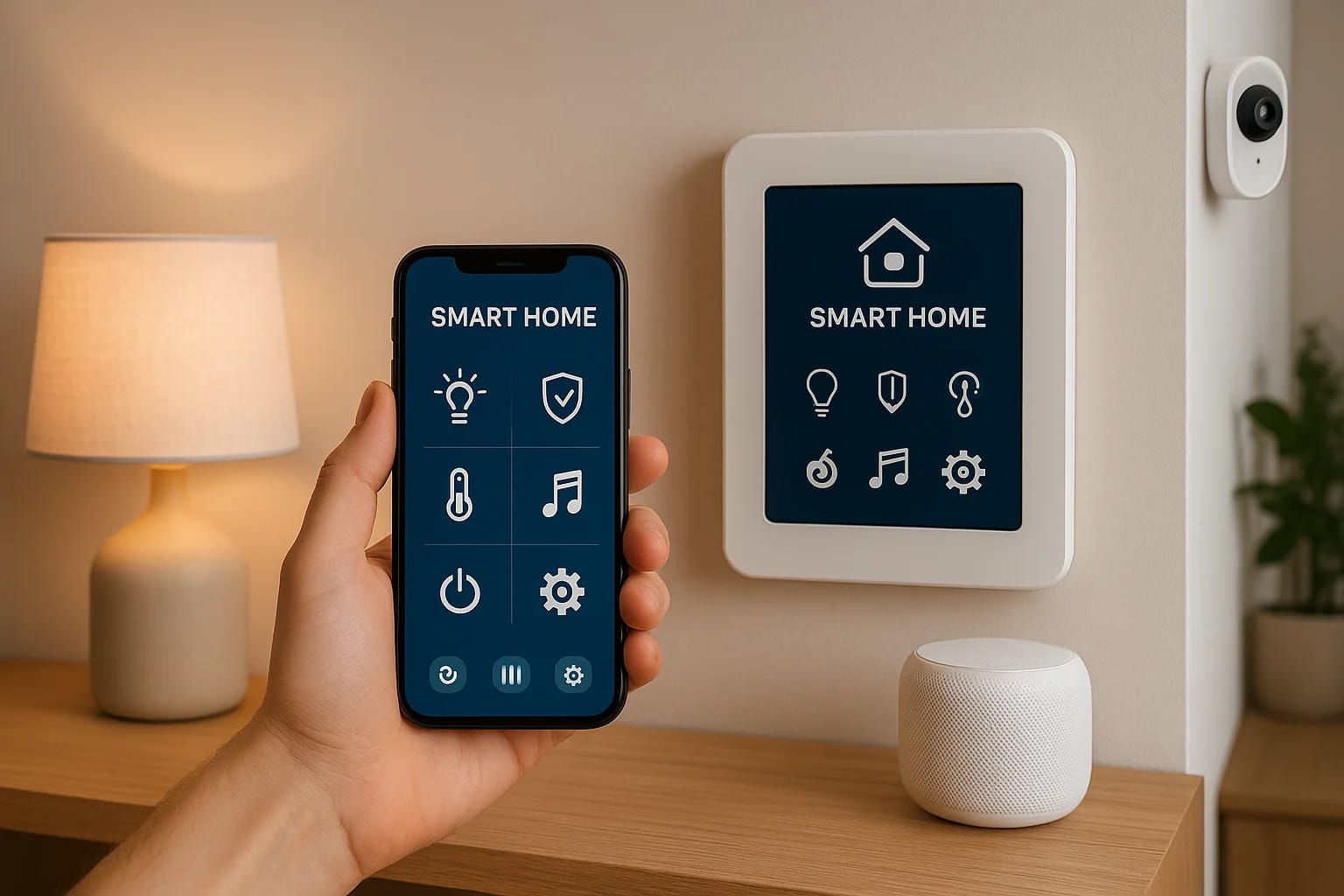

If you've ever adjusted your thermostat from your phone, turned off lights with a voice command, or watched your front door camera from across town, you've already touched the edges of what is smart h...
What Is Smart Home Automation? How It Works, Pros & Cons
If you've ever adjusted your thermostat from your phone, turned off lights with a voice command, or watched your front door camera from across town, you've already touched the edges of what is smart home automation. But those small conveniences are just the starting point. A fully automated home connects your lighting, security, climate, audio, and more into one unified system that responds to your habits, your schedule, and your preferences, often without you lifting a finger.
The concept sounds futuristic, but the technology is here right now, and it's more accessible than most people realize. The real question isn't whether smart home automation works, it's whether it makes sense for your home, your lifestyle, and your budget. That answer depends on understanding how these systems function, what devices are involved, and where the genuine trade-offs lie.
At Treasure Valley Solutions, we've been designing and installing custom smart home systems across the Boise and Meridian area since 2014. We've seen firsthand how automation transforms daily routines, and we've also seen where poorly planned setups create frustration instead of convenience. This guide breaks down everything you need to know: what smart home automation actually is, the technology behind it, real examples of smart devices in action, and an honest look at both the pros and cons. Whether you're exploring a full-home system or just curious about what's possible, this is the right place to start.
What smart home automation is
At its core, smart home automation is the use of connected technology to control and coordinate the systems inside your home, including lighting, climate, security, entertainment, and appliances, through a central interface or programmed logic. When people ask what is smart home automation, the simplest answer is this: it's your home responding to conditions, schedules, and commands without requiring manual input every single time. You define the rules once, and the system does the work.
The key word in that definition is connected. Every smart device in your home, whether a thermostat, a light switch, a door lock, or a security camera, communicates with the others through a shared network. That communication is what separates a smart home from a home that simply has a few gadgets. A gadget sits in one corner and does one thing. An automated system ties everything together so that your front door unlocking at 6 PM can also signal your lights to turn on, your thermostat to adjust, and your security system to disarm, all at once.
A smart home is not a collection of individual devices; it's a network of systems that work together based on your preferences and habits.
The core components that make it work
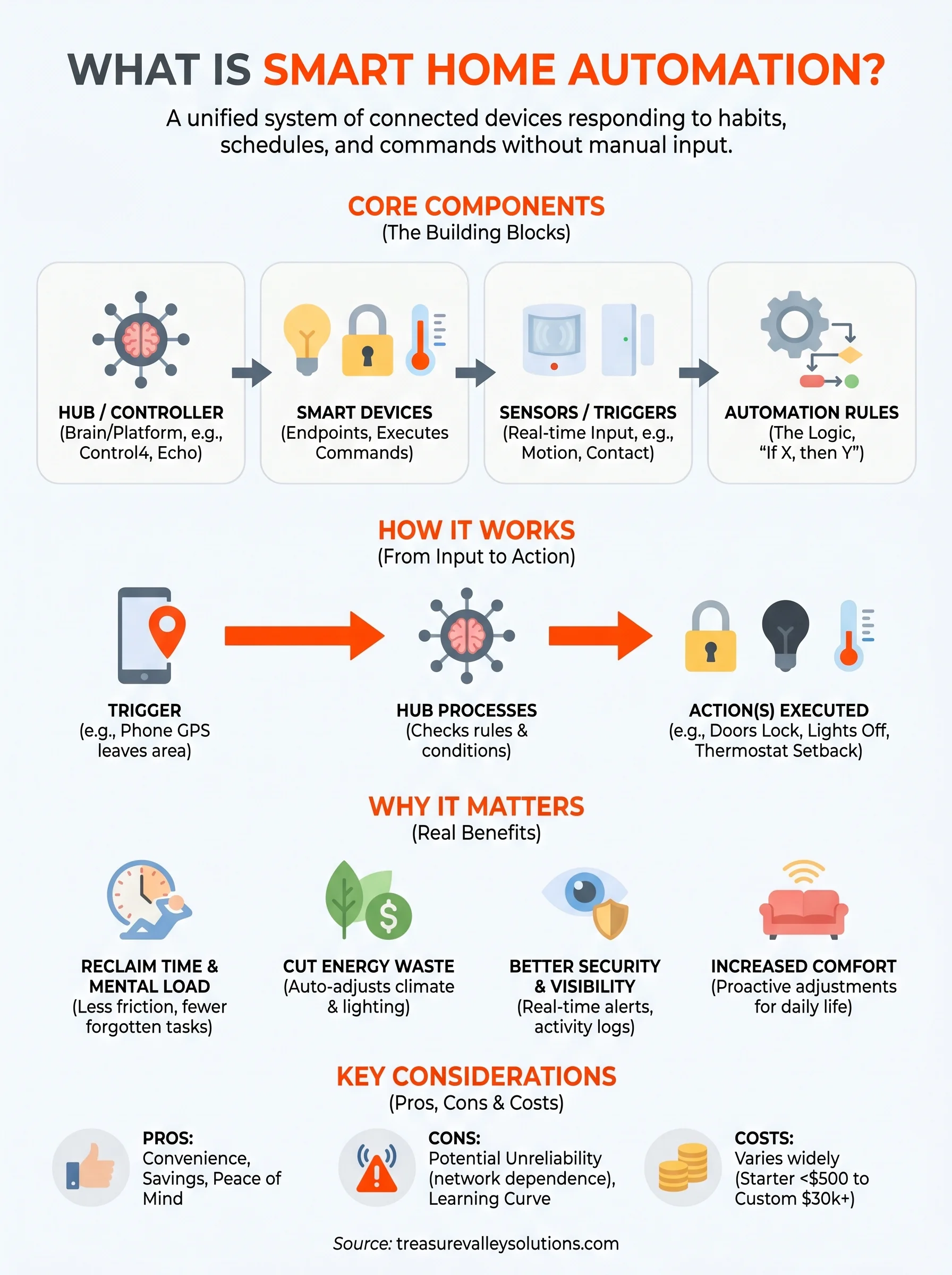
Smart home automation relies on three building blocks working in sequence: devices, a hub or controller, and the logic that connects them. The devices are the physical endpoints, things like smart bulbs, motorized shades, video doorbells, or multi-room speakers. The hub is the brain, a central platform that receives inputs and sends commands. The logic is the set of rules or scenes you define, such as "when I leave home, lock the doors, lower the shades, and set the thermostat to 68 degrees."
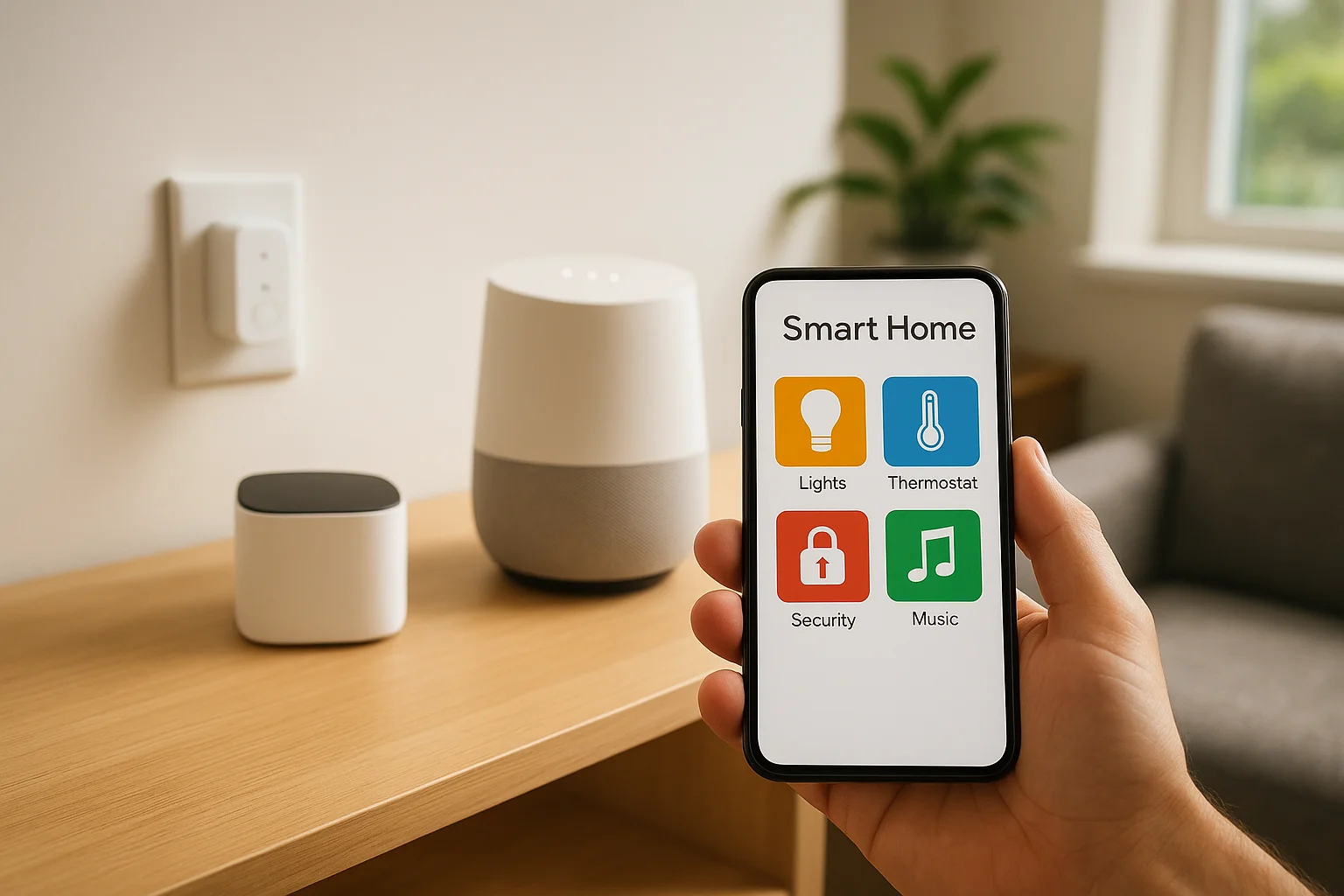
Most modern systems also use sensors and triggers to make automation feel invisible. A motion sensor in a hallway can activate stairway lighting when it detects movement after dark. A door or window sensor can alert you and log an entry event simultaneously. These inputs feed into your central controller in real time, which means the system reacts to what's actually happening in your home, not just what you told it to expect.
| Component | Role | Example |
|---|---|---|
| Smart device | Executes commands | Smart thermostat, smart lock |
| Hub or controller | Manages communication | Control4, Amazon Echo, Apple Home |
| Sensor or trigger | Provides real-time input | Motion sensor, door contact sensor |
| Automation rule | Defines the logic | "If time is 10 PM, lock all doors" |
The difference between "smart" and "automated"
People often use "smart" and "automated" interchangeably, but there's a meaningful difference worth understanding. A smart device is one you can control remotely, typically through an app on your phone. You open the app, tap a button, and the light turns on. That's convenient, but it still requires you to act. Automation removes the need for that action entirely. Your system follows a schedule, responds to a sensor, or reacts to your location, and the task gets done without any input from you.
Consider this distinction when you're deciding how far you want to take your setup. Basic app control gives you remote access and convenience. Full automation gives you a system that already knows what you need based on time of day, occupancy, or a triggered event, and it acts on that knowledge without waiting for you to open your phone. Most homeowners land somewhere in between, and a well-designed system can handle both approaches at once.
Why smart home automation matters
Understanding what is smart home automation is one thing; understanding why it matters to your daily life is another. The difference between a comfortable home and a well-automated one shows up in small moments: the lights that adjust before you notice the sun has set, the thermostat that lowers after you leave, the door that locks itself so you don't lie awake wondering. These small moments compound over time into real savings, real security, and a home that works for you rather than waiting on you.
It changes how you use your time
Routine tasks consume more of your day than you probably realize. Adjusting thermostats, checking that doors are locked, turning lights off in empty rooms, these actions seem minor individually, but they add up across a week, a month, a year. A well-configured automation system handles all of it based on your schedule and habits, and you reclaim that time without thinking about it.
Beyond individual tasks, automation reduces the mental load of managing a home. You set the rules once, and the system handles execution from that point forward. Fewer interruptions and fewer forgotten tasks mean less friction from the moment you wake up to the moment you go to sleep.
It cuts energy waste without cutting comfort
Energy costs in a typical home are driven largely by heating, cooling, and lighting, and all three respond well to automation. A smart thermostat that adjusts based on occupancy or time of day can meaningfully reduce your utility bills. Lights that turn off automatically in empty rooms stop the slow electricity drain that adds up every month.
The U.S. Department of Energy notes that smart thermostats can help homeowners save up to 10% per year on heating and cooling costs when used correctly.
The key point is that automation delivers these savings without sacrificing comfort. Your home stays at the right temperature when you're there and conserves energy when you're not, with no manual adjustments required.
It gives you better visibility into your home
Security and awareness are two of the strongest reasons homeowners invest in smart home systems. When your cameras, door sensors, and locks connect to a single platform, you always know what's happening at your property, whether you're upstairs or across the country. Real-time alerts let you respond to events as they happen rather than discovering problems hours later.
A connected system also creates a log of activity that a standalone device cannot. Entry events, motion detections, and system changes are all recorded and accessible, which gives you both peace of mind and a clear reference point if something does go wrong.
How smart home automation works in practice
When you start digging into what is smart home automation beyond the definition, the practical mechanics become much clearer. Every automated action in your home follows the same basic sequence: something triggers an input, the hub or controller receives and processes that input, and then one or more devices respond with a specific action. This input-output loop is the engine behind every automation, no matter how simple or complex the setup. Understanding that sequence helps you design a system that fits your life rather than forcing you to adapt to its limitations.
From input to action
Every automation starts with a trigger. That trigger can be a motion sensor detecting movement, a schedule reaching a specific time, your phone's GPS signaling that you've left a certain area, or you pressing a button on a control panel. The hub receives that signal and checks it against your programmed rules. If the conditions match, the hub sends a command to the relevant devices, and those devices respond within seconds.
Consider a practical example: you leave for work in the morning. Your phone's location crosses a boundary you've set around your neighborhood. The system registers your departure, locks the front door, drops the thermostat to an energy-saving temperature, and turns off every light in the house, all without you touching anything. That entire chain happens because one trigger fired and the hub followed the rules you defined ahead of time.
The more precisely you define your triggers and conditions, the more accurately your system reflects how you actually live in your home.
Scenes and schedules
A "scene" is a saved group of device states that activates with a single command or trigger. You might create a "movie night" scene that dims the living room lights to 20%, closes the motorized shades, and switches your TV to the right input, all at once. Rather than adjusting each device separately, one tap or voice command fires the entire scene simultaneously.
Schedules work on time rather than events. Your kitchen lights might brighten gradually at 6:30 AM to ease you into the morning, and your porch lights might switch on automatically at sunset each evening. Layering scenes on top of schedules gives your home a consistent rhythm that adapts to your routine without requiring you to manage each device individually. That combination is where automation starts to feel genuinely effortless rather than just technically impressive.
Smart home protocols and standards
When you dig into what is smart home automation at a technical level, you quickly run into the question of how devices actually talk to each other. Protocols and standards are the communication languages that smart devices use to send and receive information. Choosing a system built on the right protocol matters because it determines which devices can work together, how reliably they communicate, and whether your setup will remain compatible as technology evolves.
The most common protocols in use today
Four protocols dominate the residential smart home market: Wi-Fi, Zigbee, Z-Wave, and Thread. Each one moves data differently, operates on a different radio frequency, and carries distinct trade-offs around range, reliability, and device limits. Wi-Fi connects devices directly to your home network, which makes setup simple but can strain your router when you scale up to dozens of devices. Zigbee and Z-Wave both use mesh networking, where each device relays signals to its neighbors, which extends range and improves reliability without depending on a single central access point.
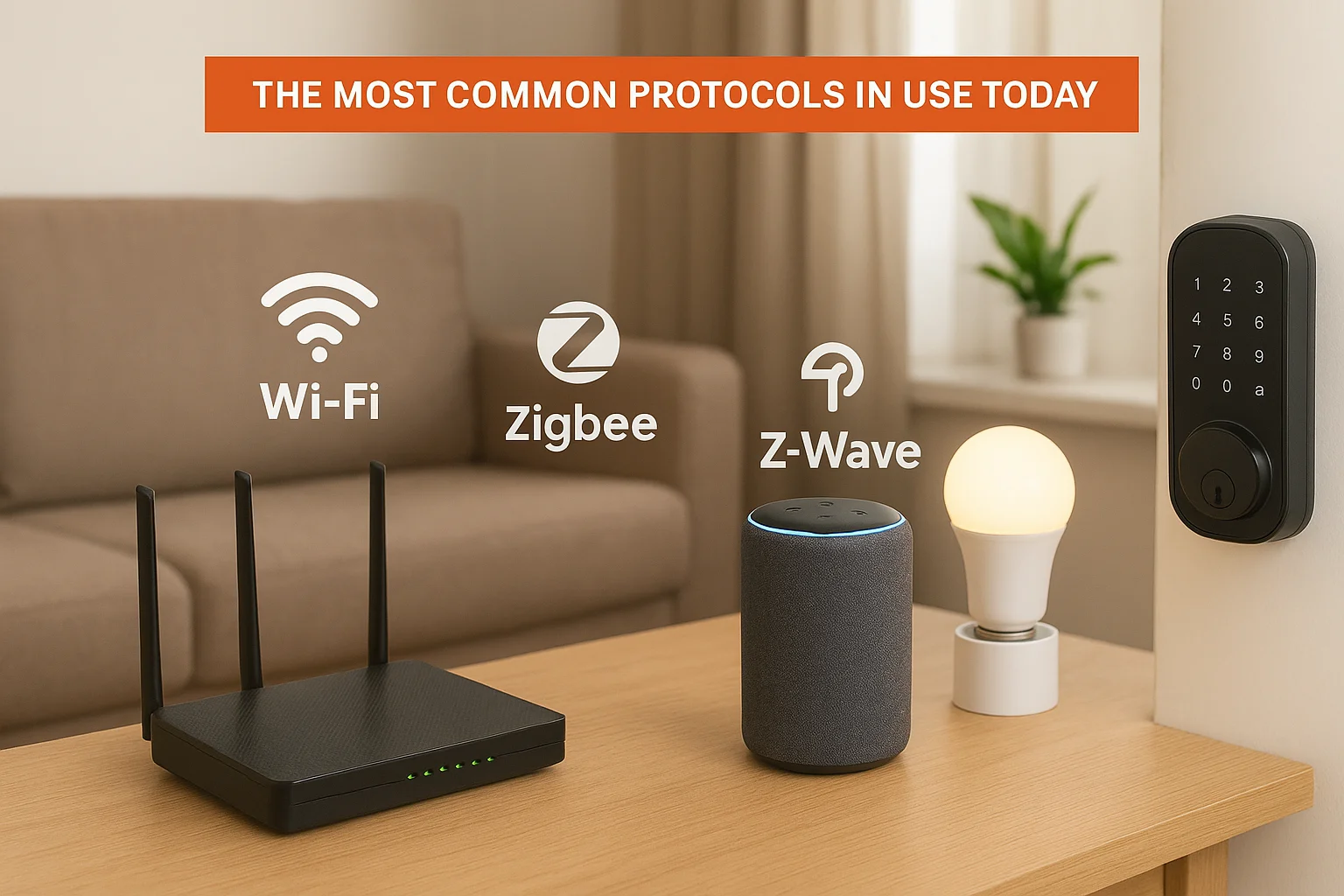
| Protocol | Connection type | Typical range | Best use case |
|---|---|---|---|
| Wi-Fi | Direct to router | High | Cameras, doorbells, smart TVs |
| Zigbee | Mesh network | Medium | Lights, sensors, locks |
| Z-Wave | Mesh network | Medium-high | Locks, thermostats, sensors |
| Thread | Mesh network | Medium | Low-power sensors, modern devices |
Why Matter is changing the industry
Matter is a newer open standard developed by the Connectivity Standards Alliance, with backing from major technology companies including Apple, Google, and Amazon. Its primary goal is to solve the compatibility problem that has frustrated homeowners for years: a device certified for Matter works across different platforms and ecosystems without requiring workarounds or separate hubs for each brand.
Matter does not replace underlying protocols like Thread or Wi-Fi; it sits on top of them as a shared application layer that all certified devices speak.
For you as a homeowner, Matter means more freedom when selecting devices because you are no longer locked into a single brand's ecosystem to keep everything working together. Adoption is still expanding, and not every device category has full Matter support yet, but the direction is clear. Any system you build today should account for Matter compatibility to protect your investment as more products enter the market over the next few years.
Real-world smart home automation examples
One of the clearest ways to understand what is smart home automation is to see it mapped to situations you actually face every day. The technology stops feeling abstract the moment you connect it to specific, recurring tasks in your own home. The examples below cover three areas where automation consistently delivers practical results: daily routines, security, and entertainment.
Morning and evening routines
Scheduled routines are the most common entry point because they align directly with habits you already follow. A morning routine might start at 6:15 AM with bedroom lights rising slowly to full brightness, the thermostat shifting from an overnight setback to your preferred daytime temperature, and the coffee maker starting automatically. An evening routine reverses the process: lights dim gradually after 9 PM, doors lock, and the thermostat drops before you fall asleep.
Once you run these routines for a week, adjusting each device manually starts to feel like an unnecessary extra step.
Departure and arrival automations extend this further using your phone's location. When your device crosses a boundary you set around your property, the system locks the doors, cuts the lights, and drops the thermostat. When you return, the reverse happens before you reach the front door.
Security and access control in action
Smart locks, cameras, and sensors combine to give you a real-time picture of every entry and exit at your property. A visitor at your front door triggers a motion alert, captures a timestamped video clip, and sends a notification to your phone simultaneously, whether you are home or not. Access logs record every entry event, which is especially useful when contractors, housekeepers, or family members come and go at different times throughout the week.
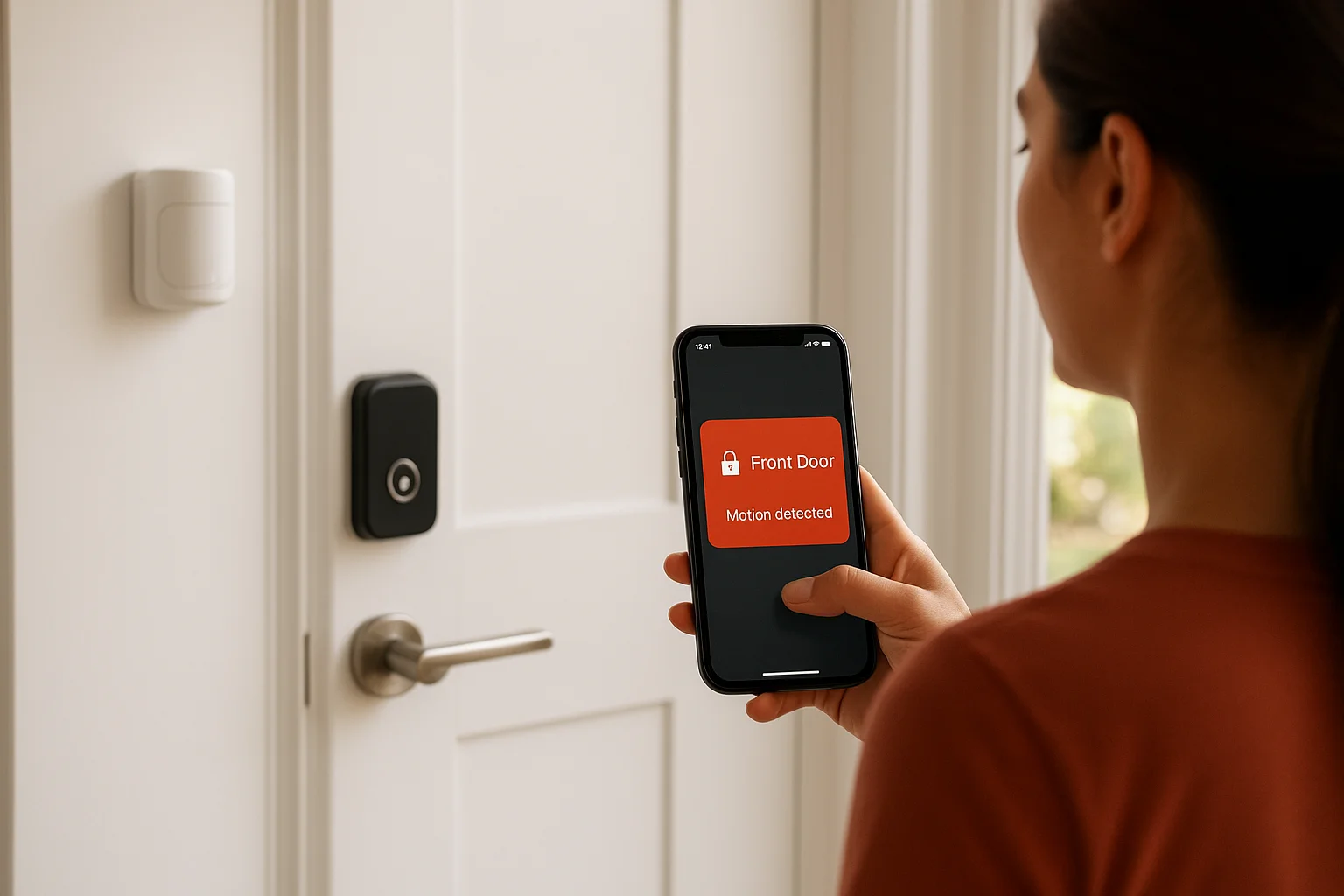
A second layer of security comes from sensor-triggered alerts tied to specific conditions. A window sensor that detects an opening after midnight can simultaneously send an alert, turn on exterior lights, and log the event, all without any manual action on your part.
Whole-home audio and entertainment
Multi-room audio lets you group speakers across different rooms to play the same source or assign each room its own independent stream. A single scene tap or voice command can fill your home with music or silence a specific room without affecting the rest of the house. Paired with smart lighting, audio scenes create a fully coordinated environment that shifts automatically based on what you are doing, whether that is hosting guests, watching a film, or winding down at the end of the day.
Pros, cons, and what it really costs
Before you commit to a smart home system, you need a clear picture of what you gain, what you give up, and what you actually spend. Understanding what is smart home automation at a surface level is useful, but making a sound decision requires looking at the full picture, not just the features that show up in marketing materials.
The genuine advantages
Smart home automation delivers real, measurable benefits when the system is designed to fit how you actually live. Convenience and energy savings are the two most consistent wins: automating your lighting, climate, and security reduces both daily friction and monthly utility costs without sacrificing comfort. Remote access and real-time alerts give you visibility into your property at any hour, which matters whether you travel frequently or just want to know your kids arrived home safely.
The advantage that homeowners most consistently underestimate is the reduction in mental load that comes from letting the system handle routine decisions automatically.
Where smart home automation falls short
The most common frustration with smart home setups is unreliability, and it almost always traces back to poor planning rather than bad technology. Devices from different manufacturers that use incompatible protocols can fail to communicate, leaving you with a collection of apps instead of a unified system. Dependence on your internet connection and home network is a real vulnerability: when your router goes down, parts of your system may stop responding until connectivity is restored.
A second challenge is the learning curve. Programming scenes, schedules, and triggers takes time and patience to get right, especially when your needs change across different seasons or life stages. Systems that a professional designs and installs from the start tend to avoid these problems because the compatibility and logic issues get resolved before anything goes live in your home.
What it actually costs
Smart home costs vary significantly based on the scope of your system, the quality of the devices, and whether you use professional installation or handle setup yourself. Entry-level setups using a single hub and a handful of devices can start under $500, while whole-home systems with integrated audio, security, lighting, and climate control typically range from $5,000 to $30,000 or more depending on the size of your home and the complexity of the design.
| System scope | Estimated cost range |
|---|---|
| Basic starter setup | $300 to $800 |
| Mid-range partial home | $2,000 to $8,000 |
| Full custom whole-home | $10,000 to $30,000+ |
Professional installation adds to the upfront cost but reduces the risk of compatibility problems, failed automations, and the hours you would otherwise spend troubleshooting a system that was never properly configured.
Smart home security and privacy checklist
Security and privacy are two concerns that come up every time someone seriously explores what is smart home automation. Your smart devices collect data, communicate over your home network, and in some cases carry live video feeds of your property. Ignoring the security layer of your setup means that the same connectivity that gives you convenience can also create vulnerabilities if you do not address them from the start.
Locking down your network
Your home network is the foundation that every smart device depends on, which makes it the most important place to start. A router running outdated firmware or a weak password gives anyone with enough motivation a path into your system. Separating your smart devices onto a dedicated guest network keeps them isolated from your computers and phones, which limits the damage if one device gets compromised.
The single most effective step you can take to protect your smart home is keeping your router firmware updated and your network passwords strong and unique.
Here is a focused checklist to work through before or immediately after setting up any smart home system:
- Change default usernames and passwords on every device and your router
- Enable two-factor authentication on every account tied to your smart home platform
- Place smart devices on a separate network segment or guest Wi-Fi
- Keep device firmware and hub software updated automatically or on a regular schedule
- Disable remote access features on any device you do not actively use remotely
- Review app permissions and revoke any that exceed what the device actually needs
Managing your data and camera access
Every camera, microphone-enabled speaker, and connected sensor generates data that gets stored somewhere, either locally on your hub or in the cloud through the manufacturer's servers. You should review the privacy policy of any platform you use, including major ones like Amazon Alexa or Google Home, to understand exactly what data each service retains and how long it keeps it.
Camera access deserves specific attention because live and recorded footage carries the highest sensitivity. Use strong, unique passwords for camera accounts, enable encrypted storage where available, and disable motion recording in rooms where you do not need it. Reviewing your access logs periodically lets you catch any unusual login activity before it becomes a larger problem.
What to do next
By now, you have a solid foundation for understanding what is smart home automation, how the technology works, and what a real system looks like from devices to protocols to daily use. The next step is figuring out what makes sense for your specific home, budget, and lifestyle, and that is a conversation worth having with someone who has actually built these systems.
Treasure Valley Solutions has been designing and installing custom smart home systems across the Boise and Meridian area since 2014. Every project starts with a real conversation about how you use your space and what you want your home to do for you. No template systems, no features you will never touch. Just a setup built around your needs, installed cleanly, and supported locally after the job is done.
Ready to get started? Contact our team today and tell us what you have in mind.
Need Expert Help?
Ready to implement these solutions in your own home or business?
Our Services

Complete home automation and control.

Intelligent lighting control and automation.
Serving the Treasure Valley
Local installation in your city