 (208) 991-3502
 Meridian, ID



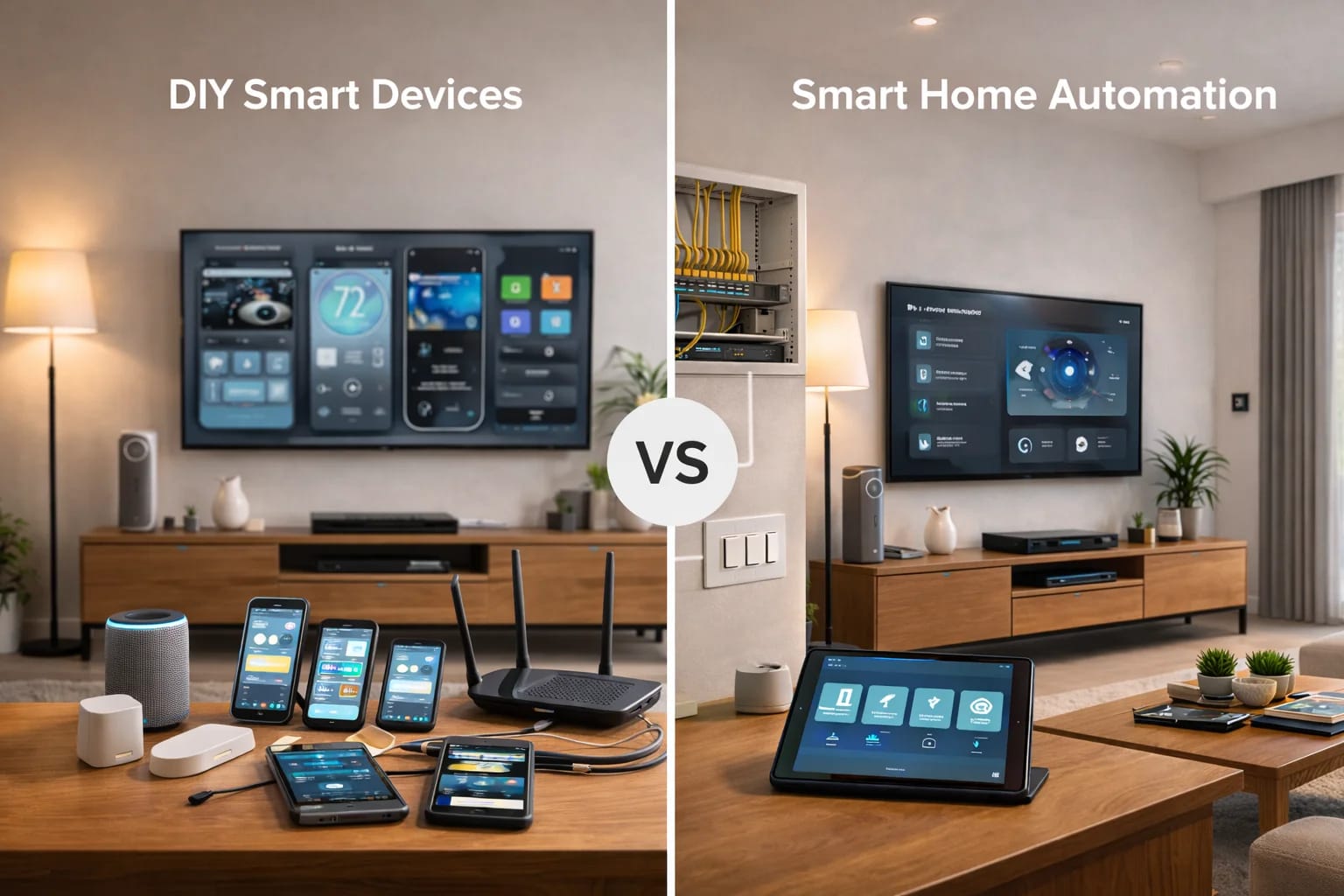

DIY smart devices are easy to buy and install, but professional smart home automation delivers reliability, simplicity, and long-term value. Here’s how to choose the right path for your home.
Introduction: Why This Question Matters More Than Ever
Walk into any hardware store or scroll online, and you’ll see hundreds of smart home gadgets promising convenience, security, and control. Smart bulbs, plugs, cameras, and speakers are everywhere—and they’re affordable.
So it’s natural for homeowners to ask: Do I really need full smart home automation, or are DIY smart devices enough?
The answer depends on what you expect from your home. This guide breaks down the real differences between DIY smart devices and professionally designed smart home automation—without hype, jargon, or sales pressure.
If you’re new to smart homes, start with our foundational guides:
What Is a Smart Home? A Simple Explanation for Homeowners
How Smart Home Systems Actually Work (Without the Tech Jargon)
What Are DIY Smart Devices?
DIY smart devices are individual products designed to be installed and managed by homeowners without professional help.
Common examples include:
Wi-Fi smart bulbs and plugs
Video doorbells
Standalone security cameras
Smart speakers
Entry-level thermostats
These products usually rely on a mobile app and your home Wi-Fi network. They’re popular because they’re accessible and inexpensive upfront.
What Is Smart Home Automation?
Smart home automation is a fully integrated system where devices work together through a central control platform.
Instead of managing individual gadgets, automation focuses on:
Unified control
Reliable performance
Consistent user experience
Automation based on your lifestyle
Smart home automation is typically designed, installed, and supported by professionals who plan the system as a whole—not piece by piece.
Key Difference #1: Integration vs Isolation
DIY Smart Devices
Each device operates mostly on its own
Often requires multiple apps
Limited communication between brands
Smart Home Automation
Devices are designed to work together
One consistent control interface
Systems share information and respond as a group
This difference becomes obvious as soon as you try to create routines or scenes.
Key Difference #2: Reliability and Performance
DIY Smart Devices
Depend heavily on Wi-Fi
More prone to delays and dropouts
Performance varies by device and brand
Smart Home Automation
Uses a mix of wired and wireless connections
Faster response times
Designed for stability, not novelty
Reliability is one of the main reasons homeowners move from DIY to professional systems.
Key Difference #3: Automation Capabilities
DIY Smart Devices
Basic schedules and triggers
Limited customization
Automation often breaks when devices update
Smart Home Automation
Advanced automation based on time, motion, occupancy, and environment
Custom scenes tailored to your routines
Automation runs locally for consistent performance
Automation is where smart homes move from “cool gadgets” to “effortless living.”
Key Difference #4: Ease of Use
DIY Smart Devices
Multiple apps and logins
Inconsistent controls
Confusing for guests or family members
Smart Home Automation
Simple, consistent controls
Wall keypads, apps, and voice all behave the same way
Designed for everyone in the home
If you need instructions taped to the wall, the system isn’t designed well.
Key Difference #5: Scalability and Future-Proofing
DIY Smart Devices
Adding devices increases complexity
Hard to upgrade without starting over
Limited long-term planning
Smart Home Automation
Designed to grow over time
New rooms and features integrate smoothly
Built on solid low-voltage infrastructure
This is especially important for new homes, remodels, and growing families.
Key Difference #6: Security and Privacy
DIY Smart Devices
Vary widely by manufacturer
Often cloud-dependent
Inconsistent security standards
Smart Home Automation
Secure network design
Encrypted communication
Professional configuration and updates
Security should be intentional, not accidental.
Cost: Short-Term Savings vs Long-Term Value
DIY Smart Devices
Lower upfront cost
Hidden costs over time
Frequent replacements and upgrades
Smart Home Automation
Higher upfront investment
Longer lifespan
Better return in usability, reliability, and home value
The true cost isn’t just money—it’s time, frustration, and reliability.
Which Option Is Right for You?
DIY smart devices may be enough if:
You only want one or two features
You enjoy troubleshooting
Reliability isn’t critical
Smart home automation is a better fit if:
You want systems to work together
You value simplicity and reliability
You’re planning long-term or building new
Many homeowners start with DIY devices and later transition to professional systems once limitations become clear.
Final Thoughts
DIY smart devices offer a taste of convenience, but smart home automation delivers a complete experience.
When your home works as a system—not a collection of gadgets—it becomes easier, safer, and more enjoyable to live in.
Understanding the difference helps you invest wisely and build a home that truly supports your lifestyle.
Need Expert Help?
Ready to implement these solutions in your own home or business?
Our Services

Complete home automation and control.

Intelligent lighting control and automation.
Serving the Treasure Valley
Local installation in your city