 (208) 991-3502
 Meridian, ID



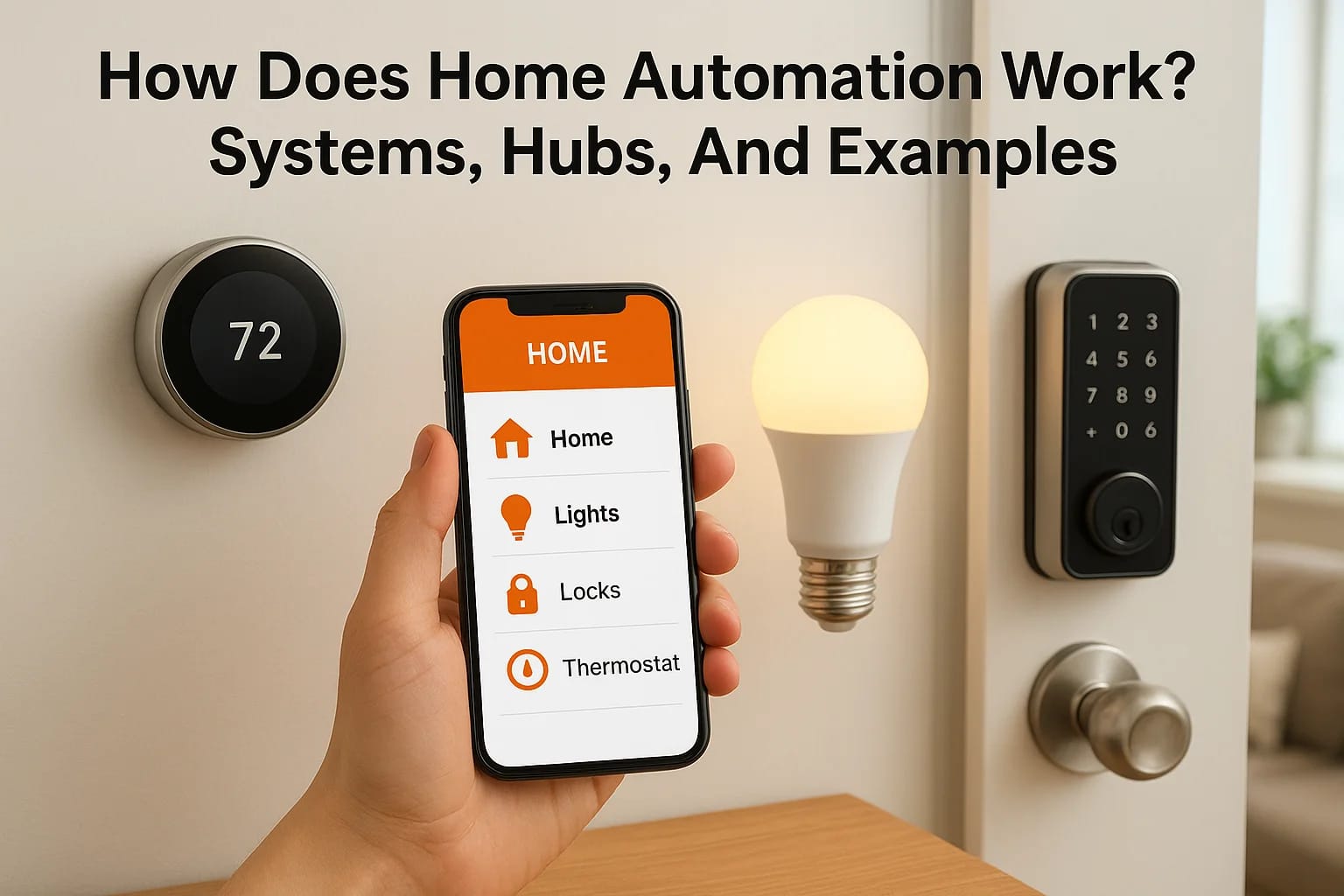

You tell your phone "good night," and the doors lock, the lights dim, the thermostat drops to 68°, and the security cameras switch to armed mode. No walking room to room. No checklist. That'...
You tell your phone "good night," and the doors lock, the lights dim, the thermostat drops to 68°, and the security cameras switch to armed mode. No walking room to room. No checklist. That's home automation in action, and understanding how does home automation work starts with knowing what's actually happening behind that one simple command.
At its core, home automation connects everyday devices, lights, locks, thermostats, speakers, cameras, through a shared network that lets them communicate with each other and with you. Some systems use Wi-Fi, others rely on protocols like Zigbee or Z-Wave, and many use a central hub to coordinate everything from one interface. The technology has matured well past the novelty phase. It's practical, reliable, and increasingly common in homes across the Treasure Valley.
At Treasure Valley Solutions, we've been designing and installing custom smart home systems since 2014 for homeowners, builders, and property managers throughout Boise, Meridian, Eagle, Nampa, and the surrounding area. This article breaks down the components, communication methods, and real-world examples that make home automation work, so you can make informed decisions before investing in a system of your own.
Why home automation matters
Most people discover home automation when a single frustration becomes a habit worth solving. Maybe you leave for work and can't remember if you locked the front door. Maybe your energy bills keep climbing despite your best efforts to be careful. Understanding how does home automation work matters because the answer changes what you expect from your home and what you're willing to invest to get there. The benefits aren't limited to convenience. They show up in your security, your energy use, and your overall awareness of what's happening at home.
Convenience that changes your daily routine
The clearest benefit most homeowners notice first is time saved on small, repetitive tasks. Turning off every light before bed, adjusting the thermostat each morning, checking that the garage door closed after you left. These feel minor on their own, but they add up across hundreds of mornings and evenings. Automating them through scheduled scenes or motion-triggered rules removes the mental load entirely.
You can also build routines that fit your actual schedule. A "leaving home" scene can lock the doors, lower the thermostat, turn off lights in every room, and arm your cameras with a single tap. A "wake up" routine can gradually brighten your bedroom lights, raise the heat to a comfortable temperature, and start a coffee maker, all timed before your alarm goes off. These aren't features reserved for large custom homes. They work in apartments, condos, and standard single-family houses the same way.
Once your home learns your schedule, routine tasks stop requiring your attention entirely.
Security and real-time awareness
Smart security systems give you clear visibility into your home from wherever you are. Motion sensors, door and window contacts, video cameras, and smart locks all feed information to a central app or hub. When something unusual happens, you get an alert immediately. When you need to let someone in remotely, you can unlock a door from your phone and secure it again once they've left, without being there.
Real-time notifications make a practical difference even for ordinary situations. A camera at your front door shows you a delivery before the package gets taken. A sensor on a basement door tells you if it opens while you're away. For families with young kids, elderly parents living alone, or anyone who travels frequently, this level of awareness adds genuine peace of mind backed by actual data, not just a feeling.
Energy savings you can measure
A programmable thermostat alone can reduce heating and cooling costs meaningfully, but smart thermostats go further. They learn your patterns, adjust based on whether anyone is home, and let you control settings remotely so you're not heating an empty house for hours. The U.S. Department of Energy notes that adjusting your thermostat by 7 to 10 degrees for eight hours per day can save up to 10% on your annual energy bill.
Smart lighting adds another measurable layer of savings. Lights that shut off automatically when a room is empty, or dim when natural light is sufficient, cut waste without requiring you to change anything about how you move through your home. Over months and years, those incremental reductions show up in your utility bills. For commercial spaces, the savings scale considerably, which is why more businesses across the Treasure Valley look at automation as an operational investment rather than a simple tech upgrade.
The building blocks of a home automation system
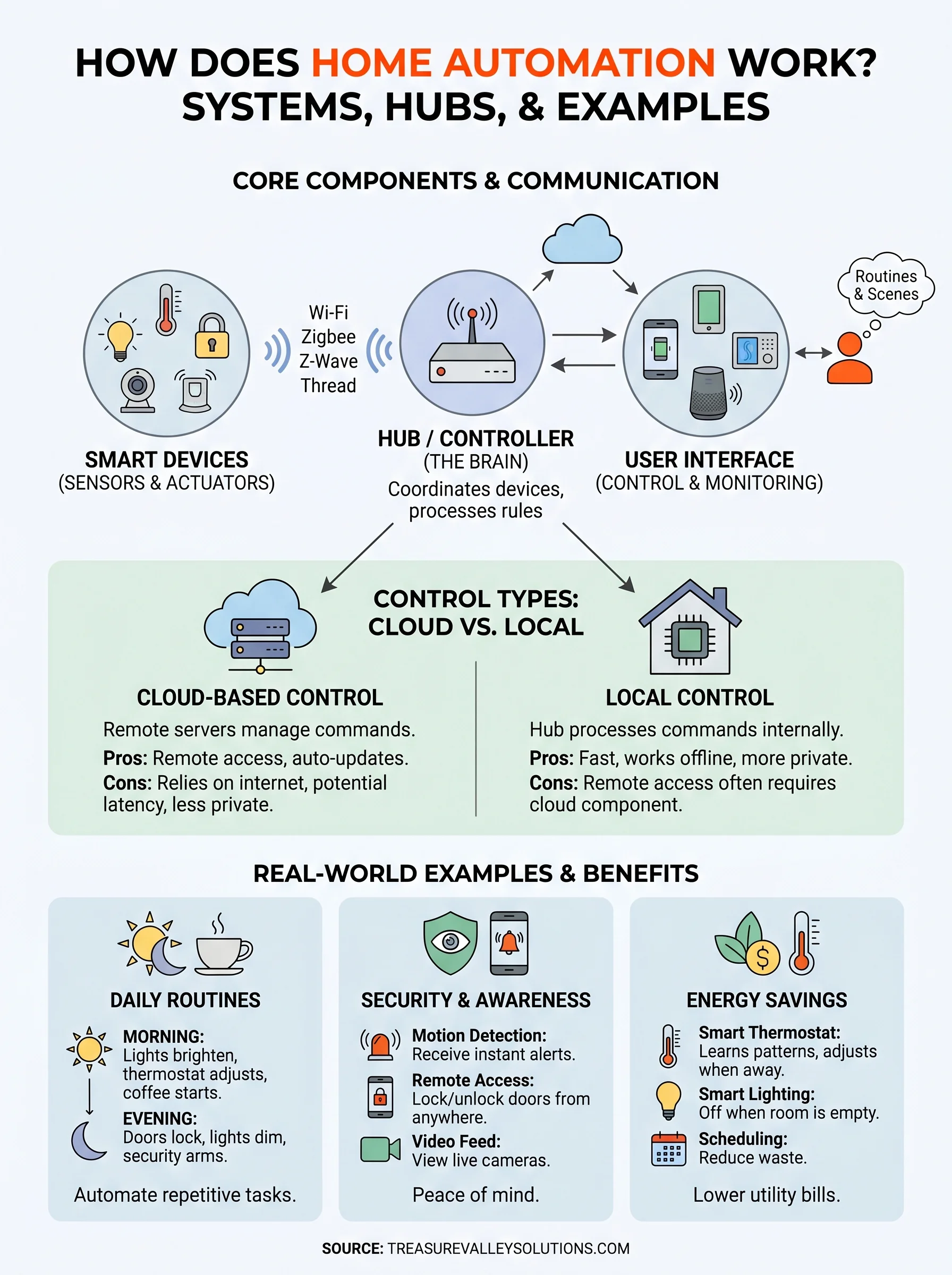
Understanding how does home automation work begins with knowing what a system is actually made of. Every smart home, whether it controls three devices or thirty, relies on the same core set of components working together. Remove any one of them, and the system either stops functioning or becomes far less useful. Those components are smart devices, a hub or controller, and a user interface.
Smart devices
Smart devices are the physical products that make up your system: thermostats, light switches, door locks, cameras, motion sensors, and speakers. What separates them from standard household devices is a built-in processor and a wireless radio. That hardware lets each device send and receive data over a network instead of operating as a standalone unit.
When you install a smart lock, it doesn't just lock and unlock mechanically. It logs access events, responds to remote commands, and can trigger other devices, like turning on a hallway light when the front door opens. That interconnected behavior is what makes a collection of individual products function as a genuine system.
The quality of your smart devices sets the ceiling for everything else your system can do.
The hub or controller
The hub acts as the central command point for your entire system. It receives signals from devices, processes automation rules and schedules, and sends instructions back out. Without a hub, your devices may still work individually through their own separate apps, but they can't coordinate with each other or execute multi-device routines automatically.
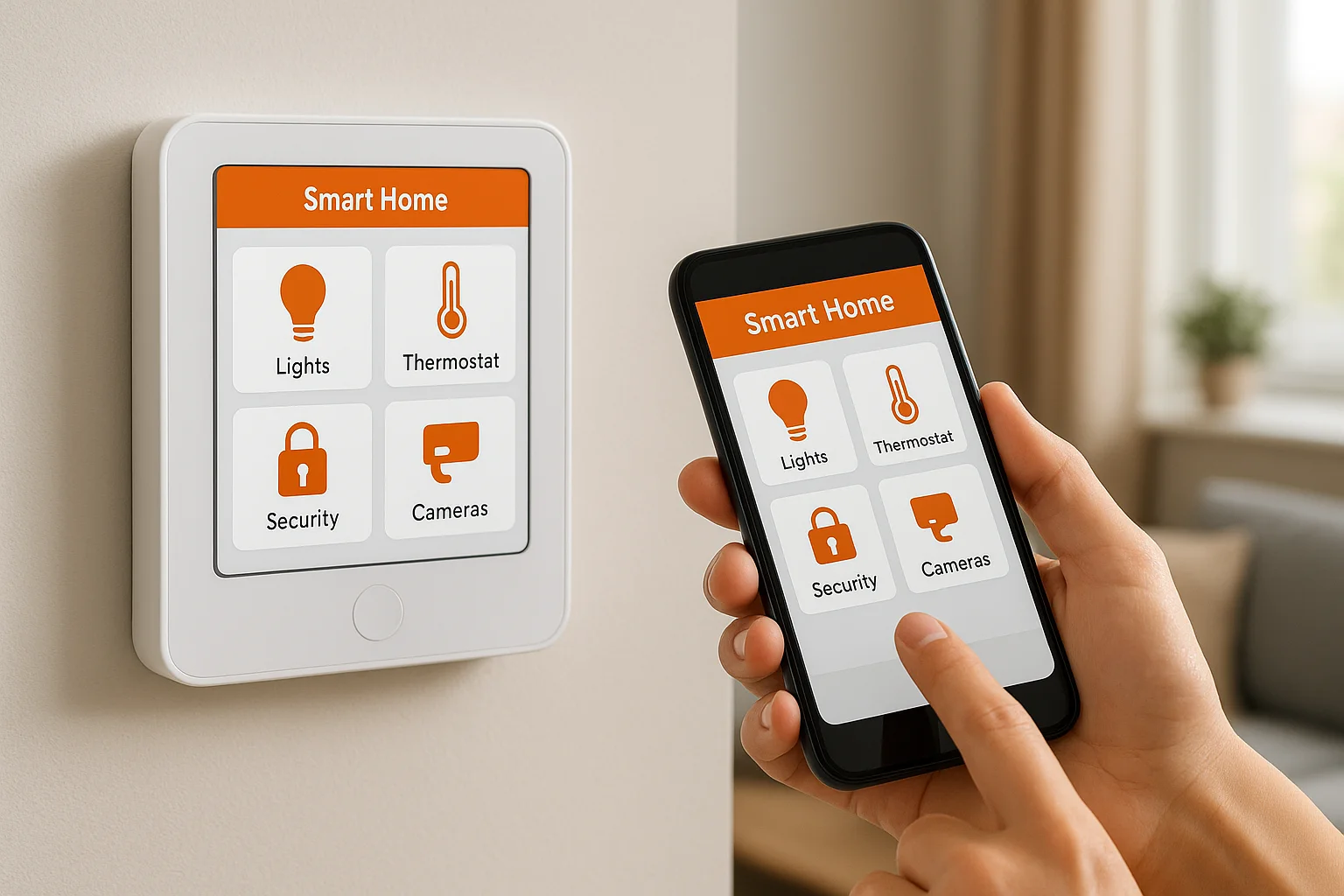
Some systems use a dedicated hardware hub that lives on your local network, while others rely on a cloud-based platform running on remote servers. Choosing between the two affects your system's speed, reliability, and privacy, which is covered in depth later in this article.
The user interface
The user interface is how you actually control and monitor your system: a smartphone app, a wall-mounted touchscreen, a voice assistant, or a combination of all three. Most homeowners settle into a natural pattern where the app handles detailed settings and remote access, voice commands handle quick in-home requests, and a keypad or wall panel gives family members an easy option without navigating a full app.
A well-designed interface makes daily use effortless. A poorly designed one creates friction that slowly pushes you back toward doing things manually, which defeats the purpose of building the system in the first place.
How devices talk: Wi-Fi, Zigbee, Z-Wave, Thread
One of the most practical questions behind how does home automation work is how individual devices actually send and receive information. Every smart device uses a wireless communication protocol, which is essentially a set of rules that determines how data travels between devices. The protocol your devices use affects their range, battery life, reliability, and how well they work with products from other brands. Knowing the differences helps you build a system that holds up long-term rather than one that creates compatibility headaches later.
Wi-Fi: familiar but demanding
Wi-Fi is the protocol most people already know, and many entry-level smart devices use it precisely because it connects directly to your existing router without requiring extra hardware. Smart plugs, video doorbells, and cameras often run on Wi-Fi for that reason. The trade-off is that Wi-Fi is power-hungry and network-intensive. Adding dozens of Wi-Fi devices puts real strain on your router, and battery-powered sensors connected over Wi-Fi drain quickly. For devices that stay plugged in and don't need to run on batteries, Wi-Fi works well. For a large, integrated system, it rarely works well on its own.
Zigbee and Z-Wave: built for smart homes
Zigbee and Z-Wave were designed specifically for home automation, which makes them better suited for systems with many devices. Both use a mesh network structure, meaning each device relays signals to other nearby devices, extending range across your home without requiring every gadget to reach your router directly.
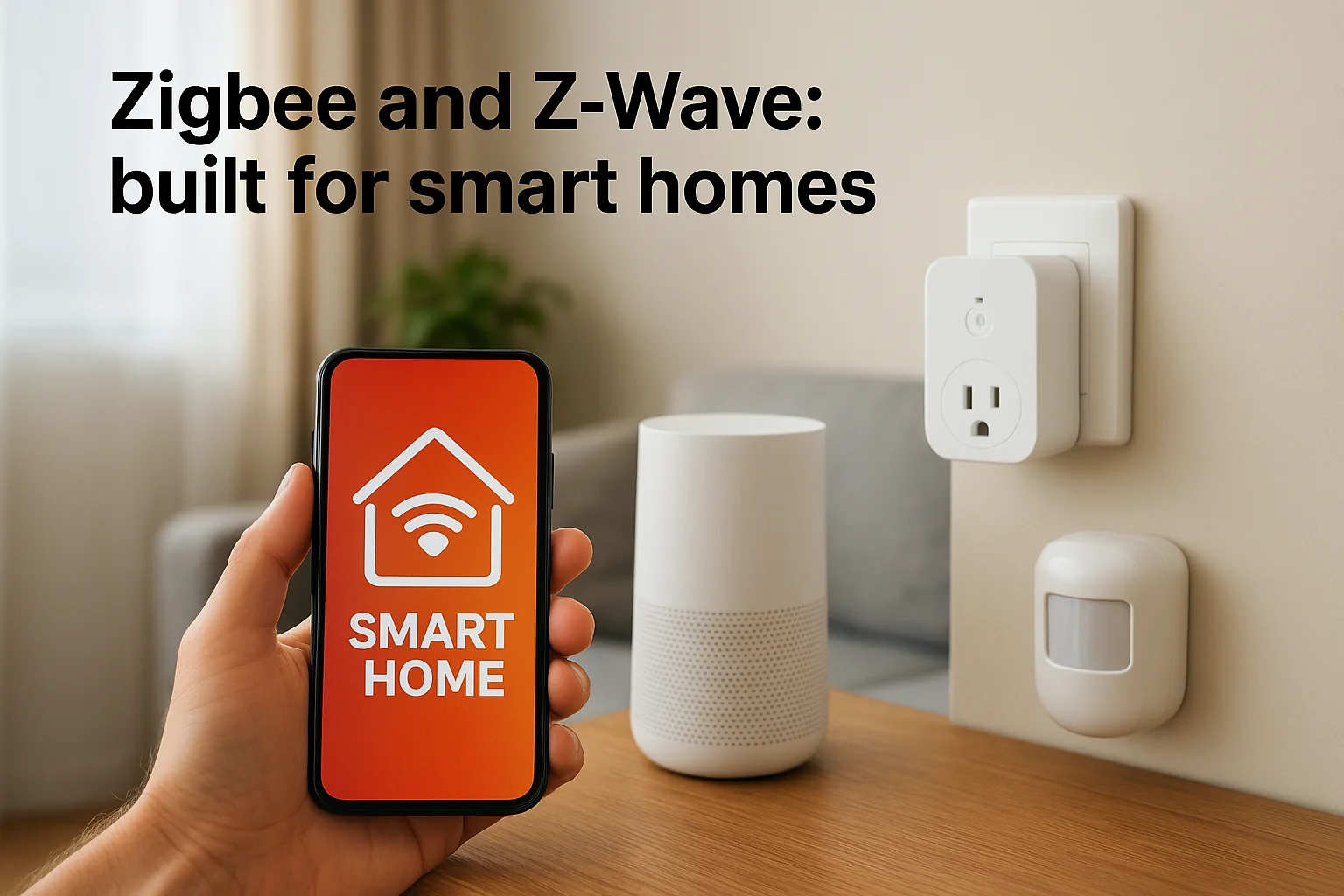
A mesh network means your system gets stronger as you add more devices, rather than weaker.
Zigbee runs on the 2.4 GHz band and supports a large number of devices on a single network, making it common in larger installations. Z-Wave operates on a lower frequency, around 908 MHz in the US, which reduces interference from Wi-Fi and Bluetooth. Both protocols require a compatible hub to function, but the payoff is a more stable and scalable system compared to a network built entirely on Wi-Fi devices.
Thread: the newer standard
Thread is a newer mesh protocol built with modern smart homes in mind. It's IP-based, meaning devices communicate using the same internet addressing system your router uses, which simplifies integration. Thread is a key part of the Matter smart home standard, backed by major companies including Apple, Google, and Amazon. As more manufacturers adopt Matter, Thread-based devices are becoming increasingly common and better supported across platforms.
Cloud vs local control and what it changes
Once you understand how does home automation work at the device level, the next key distinction is where your system's brain actually lives. Every automation system processes commands somewhere, and that location, whether a remote server or a device inside your home, shapes how your system behaves when things go wrong. Cloud control and local control represent two fundamentally different approaches, and choosing between them affects your system's speed, privacy, and reliability.
Cloud-based control
Cloud-based systems route your commands through remote servers managed by a manufacturer or platform provider. When you tap a button in your app to turn off a light, that request travels from your phone to a server, gets processed, and returns a command to the device. Under normal conditions, this round trip happens fast enough that you barely notice. The real advantages of cloud systems are remote access and cross-platform integration. You can control your home from anywhere with an internet connection, and manufacturers can push software updates and new features automatically.
The limitation shows up the moment your internet connection goes down, and cloud-dependent devices stop responding entirely.
That single vulnerability is worth understanding before you commit to a platform. If your router loses power or your ISP has an outage, every device tied exclusively to the cloud becomes unresponsive, even if you're standing in the same room. For a system you rely on daily, that's a meaningful gap to account for during planning.
Local control
Local control keeps all processing on a hub or controller physically inside your home. Commands travel over your local network only, which means your automations run whether or not the internet is working. Response time is faster too, because data never has to leave your building and return. Speed and reliability improve noticeably in systems built around local processing rather than cloud dependency.
Privacy is the other factor worth considering. With local control, your device activity logs and usage patterns stay on hardware you own, rather than sitting on a third-party server. For homeowners who care about who has access to their data, that distinction matters. Many professional smart home installations use a local hub as the core controller and keep cloud connectivity as an optional layer for remote access, rather than a requirement. That hybrid approach gives you reliable daily performance without the single point of failure that a fully cloud-dependent system carries.
Real-world home automation examples and scenes
Knowing how does home automation work in theory is useful, but seeing it applied to actual daily situations makes the concept concrete. Scenes are pre-configured automation sequences that trigger a group of devices simultaneously. Instead of adjusting each device on its own, you activate one scene and every connected device responds according to the rules you set. The examples below show how homeowners and property managers in the Treasure Valley actually use these systems on a regular basis.
Morning and evening routines
A "wake up" scene can gradually raise bedroom lights to 50% brightness over ten minutes, bring the thermostat to your preferred morning temperature, and start the coffee maker before you leave the bedroom. Everything is ready by the time you step into the kitchen. In the evening, a "good night" scene runs the same process in reverse: exterior doors lock, lights fade out room by room, the thermostat shifts to a cooler sleep setting, and security cameras arm automatically.
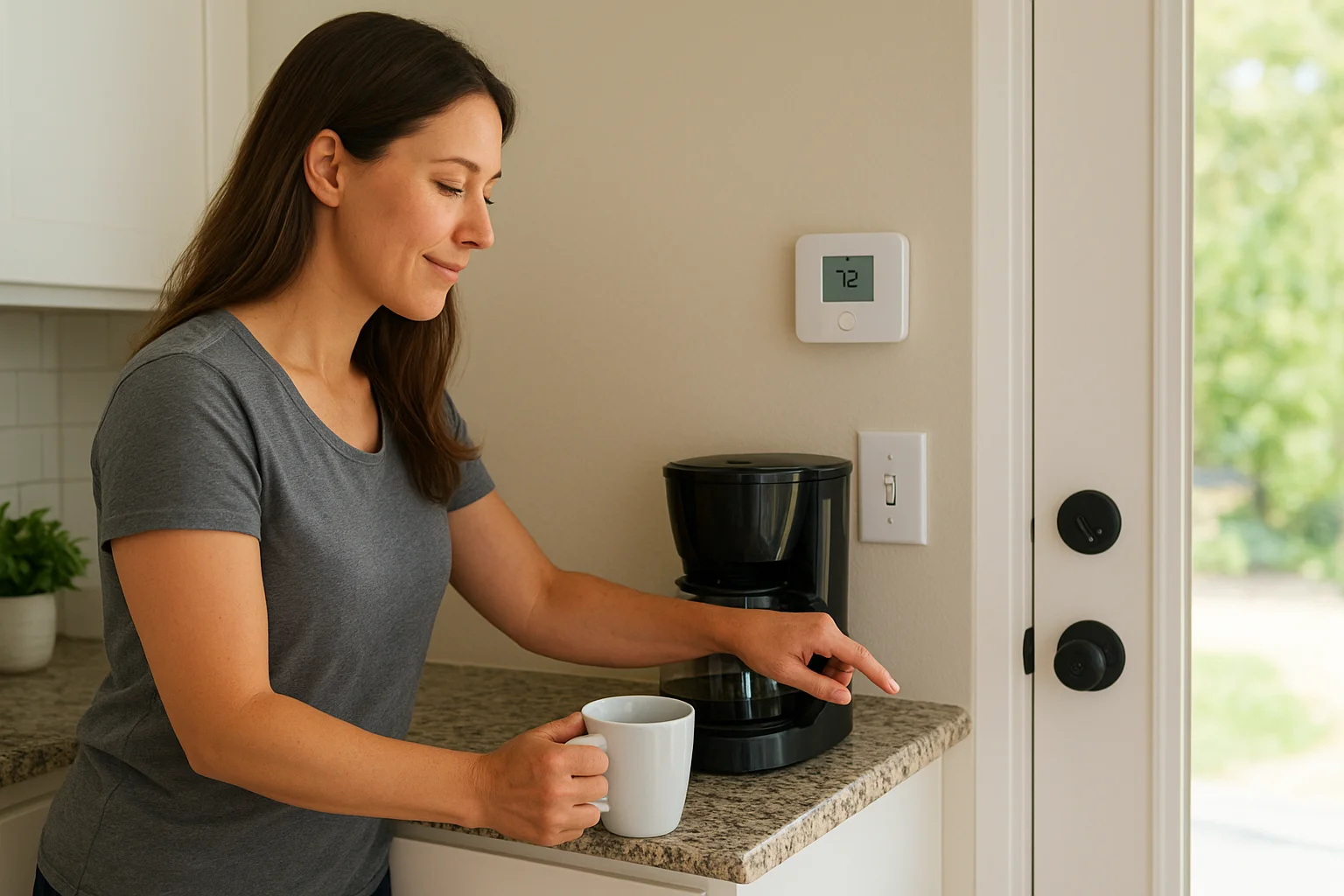
Running the same scene every evening takes one tap instead of a room-by-room walkthrough.
You can also build an "away" version that activates when you leave for work. It shuts off lights in every room, lowers the thermostat so you're not conditioning an empty house, locks every exterior door, and arms your cameras. If a motion sensor detects activity while the system is armed, your phone gets a notification immediately, and you can pull up a live camera feed or unlock the front door remotely for a trusted visitor.
Entertainment and property management
Home theaters benefit directly from scene-based control. A "movie" scene dims the lights to around 20%, closes motorized shades, powers on the projector, and switches the receiver to the correct input with a single tap. When the movie ends, one command brings the whole room back to its normal state without you manually reversing each step. Whole-home audio works the same way, letting you push music to specific rooms or cut it entirely from one interface.
For property managers and short-term rental owners, automation creates a practical operational advantage. You can remotely set access codes for new guests, adjust thermostat schedules between stays, and receive alerts when doors open outside expected windows. These features reduce the manual coordination that normally comes with managing multiple units, and they scale as your property portfolio grows without adding proportional overhead.
How to plan and set up a reliable system
Understanding how does home automation work prepares you to make better decisions when it's time to actually build something. The biggest mistakes homeowners make during setup come from buying devices before defining their goals, or choosing a platform based on price alone without checking whether it supports the protocol and hub architecture they'll need later. Starting with a clear plan saves you from rebuilding the system after you've already spent money on it.
Start with what you actually need
Before purchasing anything, write down the three or four problems you want your system to solve. Security monitoring, energy savings, lighting control, and remote access are the most common starting points. Narrowing your focus prevents you from buying devices that don't serve a real purpose in your home. A system with eight well-integrated devices outperforms a cluttered collection of twenty devices that don't work together reliably.
Once you have your priorities, map the physical spaces those devices will cover. Take note of where your router is located, how many floors your home has, and whether you have thick walls or detached structures that could affect signal range. That layout information determines whether a Wi-Fi-only approach is practical or whether you need a mesh protocol like Zigbee or Z-Wave to maintain reliable coverage throughout the building.
Buying devices before choosing a hub is the fastest way to end up with a system that won't scale.
Choose your protocol and hub first
Your hub is the foundation of the whole system, so select it before any other component. Confirm that it supports the protocol used by the devices you plan to buy, and check whether it offers local processing rather than pure cloud dependency. A hub that runs automations locally keeps your system running during internet outages and responds faster during normal use.
Stick to one primary protocol for the bulk of your devices, typically Zigbee, Z-Wave, or Thread, and treat Wi-Fi devices as exceptions rather than the standard. Mixing too many protocols on a single hub creates complexity that makes troubleshooting harder as the system grows.
Plan for growth from the start
A well-structured system is easier to expand when you're ready to add devices. Leave room in your hub's device capacity, run conduit or extra wiring during any construction or renovation work, and document which devices are on which network. That documentation becomes genuinely useful the first time a device drops offline and you need to diagnose it quickly.
Professional installation takes this planning burden off your plate and ensures your system is wired, configured, and tested correctly from day one.
Next steps
Now that you understand how does home automation work, from the protocols devices use to communicate, to the difference between cloud and local control, you have the foundation to make smart decisions about your own system. The right system starts with clear goals, not with a cart full of devices you picked up because they seemed like a good deal.
Building a reliable smart home takes more than the right products. It takes a plan that accounts for your layout, your daily routines, and the way your household actually operates. Treasure Valley Solutions has been designing and installing custom smart home systems since 2014 for homeowners, builders, and property managers throughout Boise, Meridian, Eagle, Nampa, and the surrounding area. Whether you're starting from scratch or upgrading an existing setup, our team handles everything from design to installation and ongoing support. Browse examples of our completed projects to see what's possible, then reach out when you're ready to move forward.
Need Expert Help?
Ready to implement these solutions in your own home or business?
Our Services

Complete home automation and control.

Intelligent lighting control and automation.
Serving the Treasure Valley
Local installation in your city