 (208) 991-3502
 Meridian, ID



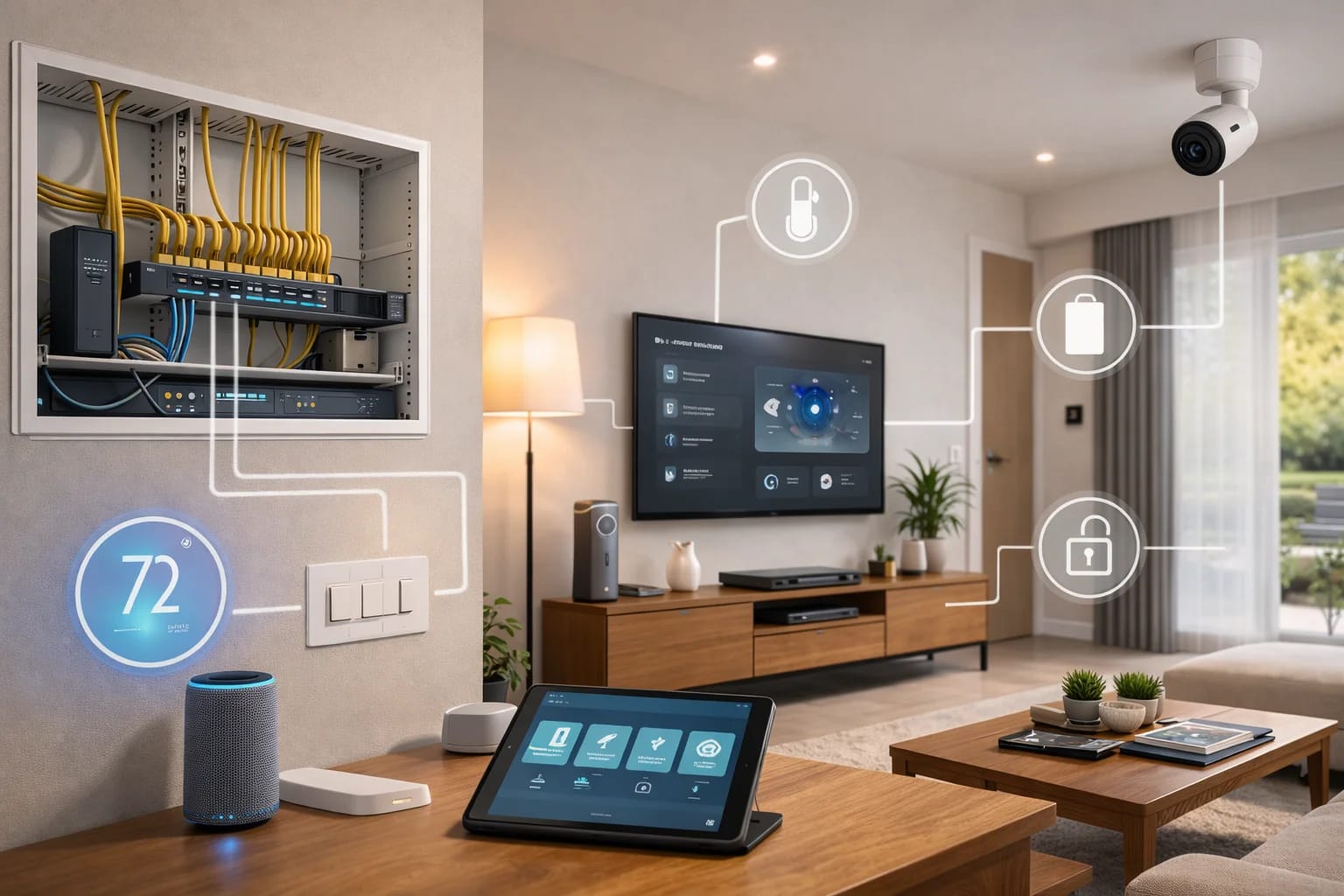

Smart home systems work by connecting devices, control systems, and automation rules into one unified setup that quietly runs in the background—making your home easier, safer, and more efficient to live in.
Introduction: Why Smart Homes Feel Complicated (But Don’t Have to Be)
For many homeowners, smart home technology sounds intimidating. Words like automation, networking, hubs, and integrations can make the whole concept feel overly technical.
The reality is much simpler.
A well-designed smart home system works quietly in the background. You don’t need to understand the technology to enjoy the results—just like you don’t need to know how an engine works to drive a car.
This guide explains how smart home systems actually work, using plain language and real-world examples, so you can make confident decisions without getting buried in tech jargon.
If you’re brand new to the topic, start with our foundational guide first: What Is a Smart Home? A Simple Explanation for Homeowners
The Big Picture: What a Smart Home System Really Is
At its core, a smart home system is a coordinated network of devices and controls designed to work together as one.
Instead of controlling lights, security, audio, and climate separately, a smart home system connects them so they can:
Share information
Respond automatically
Be controlled from a single interface
The goal is not more technology—it’s less effort.
The Three Layers of Every Smart Home System
Nearly every smart home, regardless of brand or size, is built on three layers.
1. The Device Layer (What You See)
This is the most visible part of the system. Devices perform the physical actions in your home.
Common smart home devices include:
Light switches and dimmers
Thermostats
Security cameras and alarms
Smart locks and doorbells
Televisions and speakers
Motorized window shades
Motion, door, and environmental sensors
These devices don’t just turn on and off. They also send information—like motion, temperature, or door status—back to the system.
2. The Control Layer (The Brain)
The control layer is what makes everything work together.
This is often referred to as:
A controller
A hub
A control processor
Its job is to:
Receive information from devices
Decide what should happen next
Send commands back out to the home
For example:
A motion sensor detects movement
The controller processes that information
Lights turn on automatically
In professionally designed systems, this control happens locally, making it faster and more reliable than cloud-only setups.
3. The Interface Layer (How You Interact)
This is how you tell your home what you want.
Interfaces include:
Wall-mounted keypads
Touchscreens
Mobile apps
Voice assistants
Good system design means every interface behaves consistently. A button does the same thing every time, no matter who presses it.
What Is Automation (And Why It Matters)
Automation is what separates a true smart home system from a collection of smart devices.
Automation allows your home to make decisions automatically based on rules you set ahead of time.
These rules can be triggered by:
Time of day
Motion or occupancy
Door or window activity
Light levels
Temperature
Schedules
Instead of reacting, your home anticipates your needs.
Understanding Smart Home “Scenes”
Scenes group multiple actions into a single command.
Instead of pressing five buttons, you press one.
Examples include:
Good Morning: Lights gently brighten, shades open, thermostat adjusts
Away: Doors lock, security arms, lights turn off, energy use drops
Movie Night: Lights dim, shades close, TV and audio turn on
Scenes are why smart homes feel simple—even though a lot is happening behind the scenes.
Wired vs Wireless: Why Infrastructure Matters
Not all smart homes rely on Wi‑Fi alone.
Professionally installed systems often combine:
Wired connections for reliability and speed
Wireless connections for flexibility
Why Wiring Still Matters
Faster response times
Greater reliability
Less interference
Better long-term performance
This is why low-voltage wiring and pre‑wire planning are so important—especially in new construction and remodels.
Local Control vs Cloud Control
Some systems rely entirely on cloud services. Others operate locally within the home.
Cloud-Based Systems
Depend on internet connectivity
Can experience delays
May stop working if services change
Locally Controlled Systems
Operate even if internet goes down
Faster response times
More consistent performance
Most high-quality smart homes use local control with optional cloud access for remote use.
What Happens During a Power or Internet Outage?
This is a common concern for homeowners.
In well-designed systems:
Core functions continue operating locally
Critical systems can be battery-backed
Internet outages limit remote access but not basic operation
Planning for outages is part of professional system design.
How Smart Home Systems Scale Over Time
A smart home should grow with you.
Good systems allow you to:
Start small
Add rooms or features later
Upgrade devices without starting over
This flexibility is one of the biggest differences between professional systems and DIY setups.
Common Misconceptions About Smart Home Systems
“Smart homes are complicated to use”
When designed properly, they are easier to use than traditional homes.
“Automation replaces manual control”
Manual control always remains—automation just reduces the need for it.
“More devices means more problems”
With proper infrastructure and planning, systems remain stable and predictable.
How Professionals Design Smart Home Systems
Professional smart home design focuses on:
Lifestyle and routines
Reliability over novelty
Consistent user experience
Long-term support
Technology choices come after understanding how you live in your home.
Final Thoughts
Smart home systems are not about complexity—they’re about coordination.
When devices, controls, and automation work together, your home becomes easier to live in, safer to manage, and ready for the future.
Understanding how smart home systems work empowers you to plan smarter, avoid common mistakes, and invest in technology that truly improves daily life.
Need Expert Help?
Ready to implement these solutions in your own home or business?
Our Services

Complete home automation and control.

Intelligent lighting control and automation.
Serving the Treasure Valley
Local installation in your city