 (208) 991-3502
 Meridian, ID



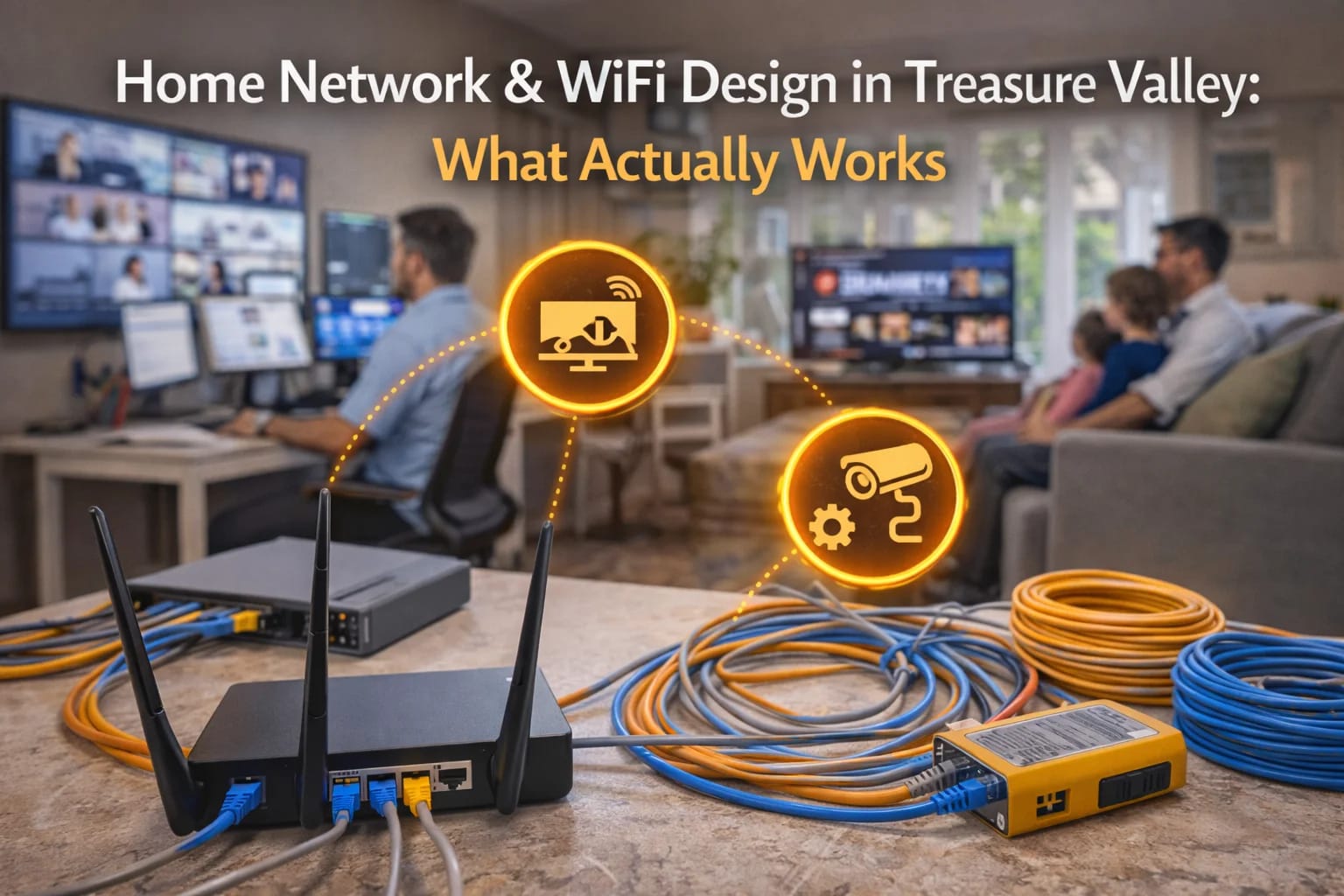

A fast internet plan doesn’t guarantee good Wi-Fi. Learn how proper home network design actually improves speed, reliability, and coverage.
Few things are more frustrating than slow or unreliable Wi-Fi—especially when you’re paying for fast internet. Streaming buffers, video calls drop, smart devices disconnect, and performance seems to get worse as homes add more technology.
For homeowners across the Treasure Valley, the issue usually isn’t the internet service provider. It’s the home network design.
Modern homes rely on Wi-Fi and networking more than ever before, but most residential networks were never designed to handle today’s demands. This guide explains what actually makes a home network work reliably, why common setups fail, and how thoughtful design solves the problem.
Internet Speed Isn’t the Same as Network Performance
One of the biggest misconceptions about Wi-Fi is assuming faster internet automatically means better performance.
Internet speed determines how fast data enters your home. Network design determines how well that data moves inside the home.
A home can have a gigabit internet plan and still experience:
Dead zones
Slow speeds in certain rooms
Dropped video calls
Unreliable smart devices
These issues usually stem from poor internal network design, not the internet connection itself.
Why Modern Homes Are Harder on Wi-Fi
Homes today place far more stress on networks than they did even a few years ago.
Modern households often include:
Multiple streaming TVs
Video conferencing and remote work
Smart home devices and cameras
Gaming consoles
Mobile devices for every family member
At the same time, homes are built with materials that block wireless signals—thick walls, insulation, metal framing, and energy-efficient windows.
Relying on a single router placed wherever the internet enters the home is rarely enough anymore.
What “Good” Home Network Design Really Means
Good home network design isn’t about buying the most expensive router. It’s about placing the right equipment in the right locations and supporting it with proper infrastructure.
Effective network design considers:
Home layout and square footage
Construction materials
Device count and usage patterns
Wired vs wireless needs
Future expansion
Rather than pushing Wi-Fi harder from one location, good design brings connectivity closer to where it’s needed.
This approach mirrors infrastructure planning discussed throughout
👉 https://treasurevalleysolutions.com/services/
The Role of Wired Connections in Wi-Fi Performance
One of the most misunderstood aspects of Wi-Fi is how much it depends on wired infrastructure.
Strong Wi-Fi systems almost always rely on:
Hardwired network connections
Proper low voltage cabling
Strategically placed access points
Wireless signals work best when they don’t have to travel far or fight through multiple walls. Wired connections allow Wi-Fi access points to be placed throughout the home, delivering consistent coverage without overloading a single device.
This is where home networking overlaps directly with low voltage wiring and structured cabling.
Why DIY Router Setups Often Fail
Most homes start with a simple setup: a modem and a router placed wherever the internet line comes in.
This works for small spaces with light usage—but breaks down quickly as homes grow and technology demands increase.
Common DIY limitations include:
Poor router placement
No wired backhaul for expansion
Overloaded single access points
Inconsistent coverage between floors
These issues aren’t caused by bad equipment—they’re caused by designs that don’t scale.
Home Network Design for How People Actually Live
A well-designed home network reflects how the home is used.
For example:
Home offices need stable, low-latency connections
Media rooms need consistent bandwidth
Security cameras need reliable upstream connections
Smart homes need always-on connectivity
Designing around use cases—not just square footage—ensures the network supports daily life instead of constantly fighting it.
Many homeowners begin understanding this while exploring smart home and networking services available through
👉 https://treasurevalleysolutions.com/services/
New Construction vs Existing Homes
Network design looks different depending on when it’s implemented.
In new construction, wiring can be planned cleanly and access points can be placed exactly where they’re needed. This is the most flexible and cost-effective scenario.
In existing homes, upgrades are still possible but must work within existing walls and layouts. Strategic wiring, access point placement, and phased improvements often deliver excellent results without major disruption.
In both cases, planning matters more than hardware.
Future-Proofing the Home Network
Technology doesn’t stand still. Homes that work well today need to support more devices, more bandwidth, and more automation tomorrow.
Future-proof network design focuses on:
Scalable infrastructure
Wired pathways for expansion
Equipment placement that allows upgrades
Avoiding reliance on a single device
This long-term thinking reduces future cost and prevents repeated troubleshooting cycles.
It aligns closely with the infrastructure mindset outlined in
👉 https://treasurevalleysolutions.com/solutions/homeowner-solutions/
Frequently Asked Questions
Why is my Wi-Fi slow even with fast internet?
Because internal network design matters more than internet speed.
Do I need wiring for good Wi-Fi?
Yes. Most reliable Wi-Fi systems depend on wired infrastructure.
Is mesh Wi-Fi enough for most homes?
Sometimes—but not always. Design and placement still matter.
Can existing homes be improved?
Absolutely. Strategic upgrades make a big difference.
Is professional design worth it?
Yes. Most network problems stem from design, not equipment.
What Actually Works in Treasure Valley Homes
Reliable home networking isn’t about chasing the latest gadget—it’s about building a system that matches the home, the people in it, and how it’s used.
For Treasure Valley homeowners, proper home network and Wi-Fi design eliminates frustration, improves performance, and creates a foundation that supports modern living without constant troubleshooting.
When the network is designed correctly, it fades into the background—and that’s exactly how it should work.
Need Expert Help?
Ready to implement these solutions in your own home or business?
Our Services
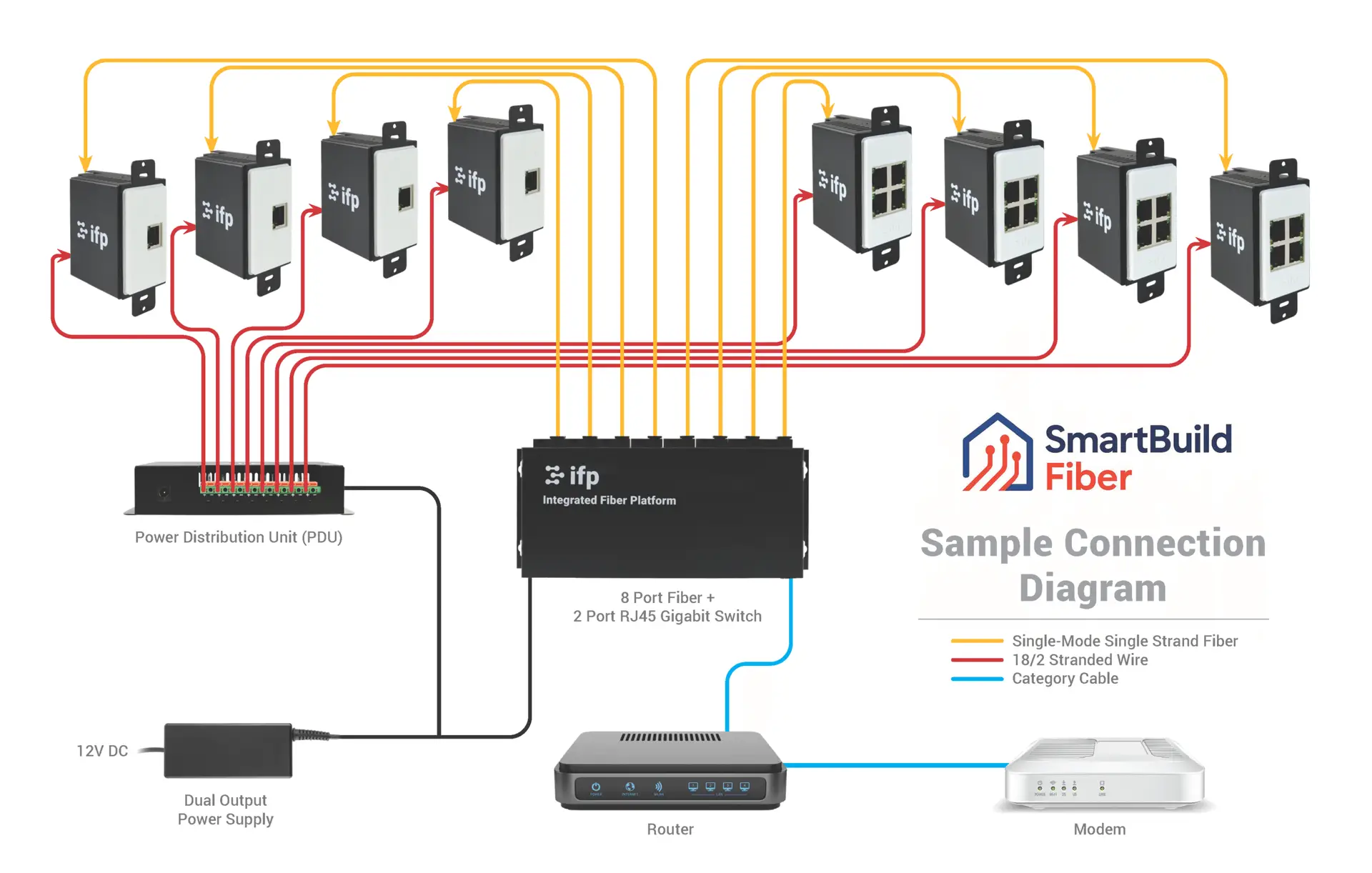
Future-proof fiber optic infrastructure.

Complete home automation and control.

Home theater design and installation planned around your room, viewing goals, and equipment scope.

Comprehensive security solutions for home and business.
Serving the Treasure Valley
Local installation in your city