 (208) 991-3502
 Meridian, ID



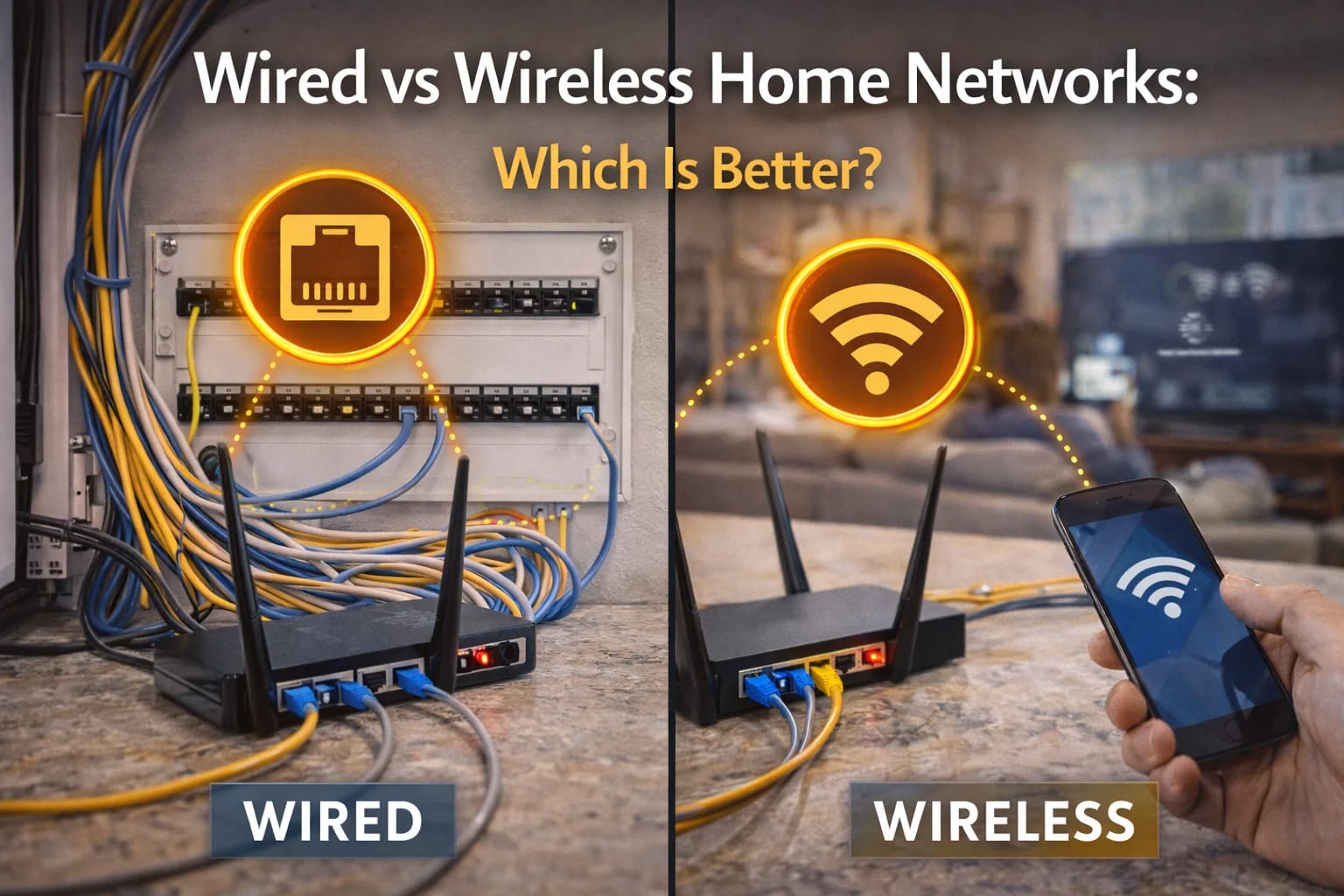

Wired and wireless home networks serve different purposes. Learn how they compare—and why most modern homes need a combination of both.
When homeowners start troubleshooting Wi-Fi problems or planning a technology upgrade, one question almost always comes up:
Should everything be wireless—or should my home be wired?
It’s a fair question. Wireless technology has improved dramatically, and many devices no longer even include Ethernet ports. At the same time, wired networks are still the backbone of reliable internet, streaming, and smart home systems.
For homeowners across the Treasure Valley, the answer isn’t wired or wireless—it’s understanding what each does well and how they work best together.
This guide breaks down the real differences between wired and wireless home networks, when each makes sense, and how modern homes get the best performance from both.
What a Wired Home Network Actually Does Well
A wired home network uses physical cabling—typically Ethernet—to connect devices directly to the network.
Wired connections excel at:
Consistent speed
Low latency
High reliability
Supporting bandwidth-heavy devices
Because data travels through a cable instead of the air, wired connections aren’t affected by interference, distance, or competing devices in the same way Wi-Fi is.
That’s why wired connections are still preferred for:
Home offices
Media rooms
Gaming systems
Network equipment
Wi-Fi access points
In many ways, wired networking is the foundation that wireless systems depend on.
What Wireless Networks Do Best
Wireless networks (Wi-Fi) are about convenience and mobility.
Wi-Fi makes it possible to:
Move freely with phones and tablets
Connect dozens of devices easily
Avoid visible cables
Add devices quickly
For everyday use—browsing, smart devices, casual streaming—Wi-Fi is essential. It’s what makes modern homes flexible and comfortable.
However, wireless performance is influenced by:
Distance from access points
Walls and construction materials
Interference from neighboring networks
Number of connected devices
Wi-Fi is incredibly useful—but it’s not unlimited.
Why Wireless Alone Often Falls Short
Many homes rely almost entirely on Wi-Fi, often powered by a single router.
This works in smaller homes with light usage. In larger homes or homes with modern technology demands, it usually doesn’t.
Wireless-only networks struggle when:
Multiple people work from home
Several TVs stream at once
Security cameras upload video
Smart home devices stay connected 24/7
As demand increases, wireless networks become congested. Performance drops, connections become inconsistent, and frustration sets in.
This is why Wi-Fi problems are so common—even with fast internet plans.
Wired Networks Make Wireless Better
Here’s the part many homeowners don’t realize:
The best Wi-Fi systems rely on wired infrastructure.
When Wi-Fi access points are hardwired:
Each access point has full bandwidth
Coverage areas are smaller and stronger
Devices connect more reliably
Performance stays consistent under load
Instead of one router trying to cover the entire house, multiple access points share the workload. Wired connections allow Wi-Fi to do what it does best—without being overworked.
This is why home networking overlaps so closely with low voltage wiring and structured cabling, as outlined throughout
👉 https://treasurevalleysolutions.com/services/
When Wired Connections Are the Better Choice
Some devices simply perform better when wired.
Wired connections are often best for:
Home offices and workstations
Streaming media devices
Gaming consoles
Network storage
Smart home hubs
These devices benefit from stable, uninterrupted connections that Wi-Fi can’t always guarantee—especially in busy households.
Wiring these key devices frees up Wi-Fi capacity for everything else.
When Wireless Is the Right Tool
Not everything needs a cable.
Wireless makes the most sense for:
Phones and tablets
Laptops used throughout the home
Smart home devices without Ethernet ports
Guest devices
Wi-Fi provides flexibility that wired connections simply can’t. The goal isn’t to eliminate wireless—it’s to support it properly.
New Construction vs Existing Homes
The wired vs wireless conversation changes depending on the home.
In new construction, wiring can be planned cleanly and access points can be placed exactly where needed. This creates the best balance of wired reliability and wireless convenience.
In existing homes, upgrades are still possible, but planning becomes more strategic. Even adding wiring in key areas can dramatically improve overall performance.
In both cases, the most successful networks combine wired infrastructure with well-designed wireless coverage.
This planning mindset aligns closely with
👉 https://treasurevalleysolutions.com/solutions/homeowner-solutions/
Why “Either/Or” Is the Wrong Question
The real question isn’t wired or wireless—it’s how they work together.
Homes that rely only on Wi-Fi often struggle. Homes that rely only on wiring sacrifice flexibility. The best networks use wiring to support wireless, creating a system that’s both reliable and convenient.
This hybrid approach scales with technology, supports future upgrades, and dramatically reduces everyday frustration.
Frequently Asked Questions
Is wired networking outdated?
No. It’s more important than ever as homes add more devices.
Can Wi-Fi replace wired connections completely?
Rarely. Most reliable Wi-Fi systems depend on wiring.
Do I need wiring in every room?
Not always. Strategic placement matters more than quantity.
Is wiring expensive?
It’s most affordable during construction or remodels, but targeted upgrades are often worthwhile.
Does professional design matter?
Yes. Most problems come from poor design, not bad equipment.
Choosing What’s Best for Your Home
Wired and wireless networks each serve an important role. Understanding their strengths—and designing them to work together—creates a home network that performs reliably without constant troubleshooting.
For Treasure Valley homeowners, the best results come from treating wiring as infrastructure and Wi-Fi as the delivery system it supports.
When those two are designed together, the network simply works—and stays out of the way.
Need Expert Help?
Ready to implement these solutions in your own home or business?
Our Services

Complete home automation and control.

Intelligent lighting control and automation.
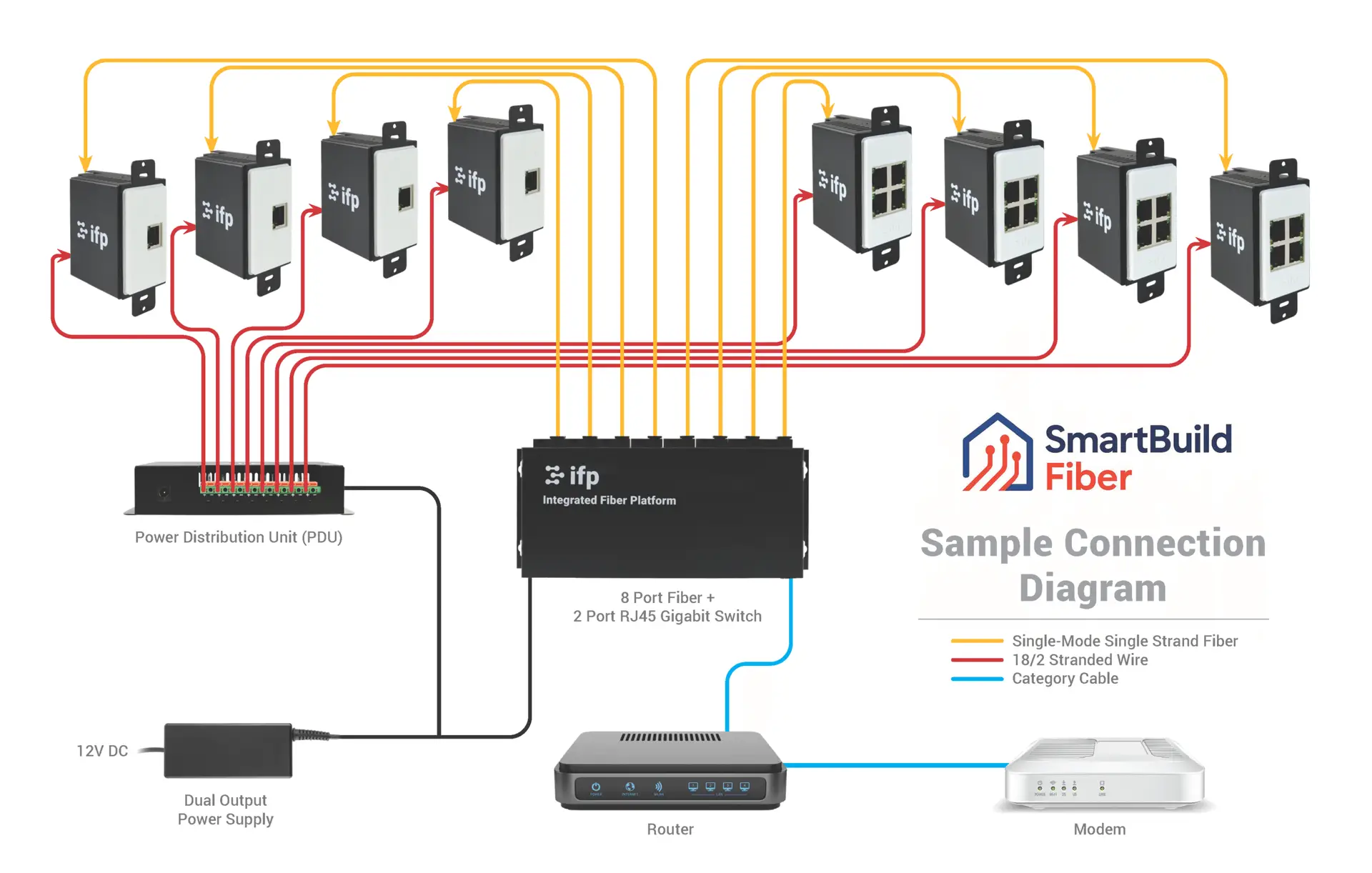
Future-proof fiber optic infrastructure.

Home theater design and installation planned around your room, viewing goals, and equipment scope.
Serving the Treasure Valley
Local installation in your city