 (208) 991-3502
 Meridian, ID



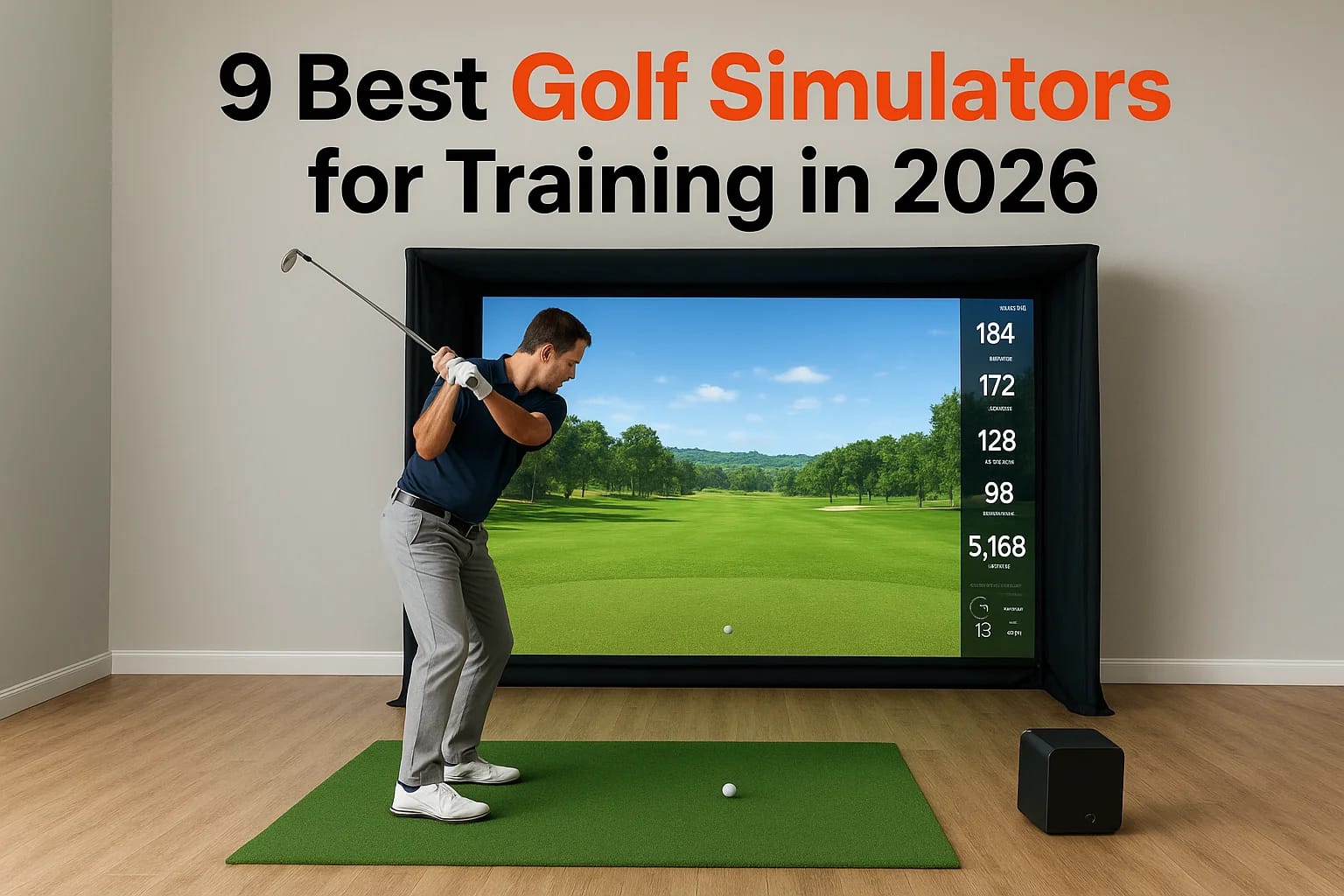

Idaho winters shut down your golf game for months, and that's exactly when your swing needs the most work. A golf simulator for training gives you real feedback on ball speed, spin, and launch angle y...
Idaho winters shut down your golf game for months, and that's exactly when your swing needs the most work. A golf simulator for training gives you real feedback on ball speed, spin, and launch angle year-round, whether it's snowing outside or 95 degrees in July. The right setup turns your garage or bonus room into a practice facility that actually makes you better, not just a novelty you use twice and forget.
If you're comparing options right now, you need real answers about accuracy, price, and space requirements before you spend thousands of dollars. Some simulators nail launch monitor data but skip course play. Others look great but need a room you don't have. We break down nine systems by skill level and budget so you can match the technology to how you actually practice, not just what's trending online.
This list covers entry-level radar units up to full camera-based systems used by serious players. We'll also touch on what installation looks like, since a simulator that's wired poorly or crammed into the wrong space never gets used the way it should. Here in Treasure Valley, we've set up plenty of these rooms and seen what separates a great setup from a wasted investment.
1. Treasure Valley Solutions custom simulator installs
How it works for training
Treasure Valley Solutions designs and installs full golf simulator rooms rather than selling you a box and a screen. We start by measuring your ceiling height, swing path, and mound clearance, then pair a launch monitor of your choice (Uneekor, Foresight, or Trackman) with a custom enclosure, impact screen, and projector tuned to that specific space. Because we build around your room instead of forcing a generic kit into it, the sensors read real ball flight data instead of glitching on off-center strikes or low ceilings. Every install ends with on-site calibration and a walkthrough so you understand exactly what the numbers on screen mean for your swing.
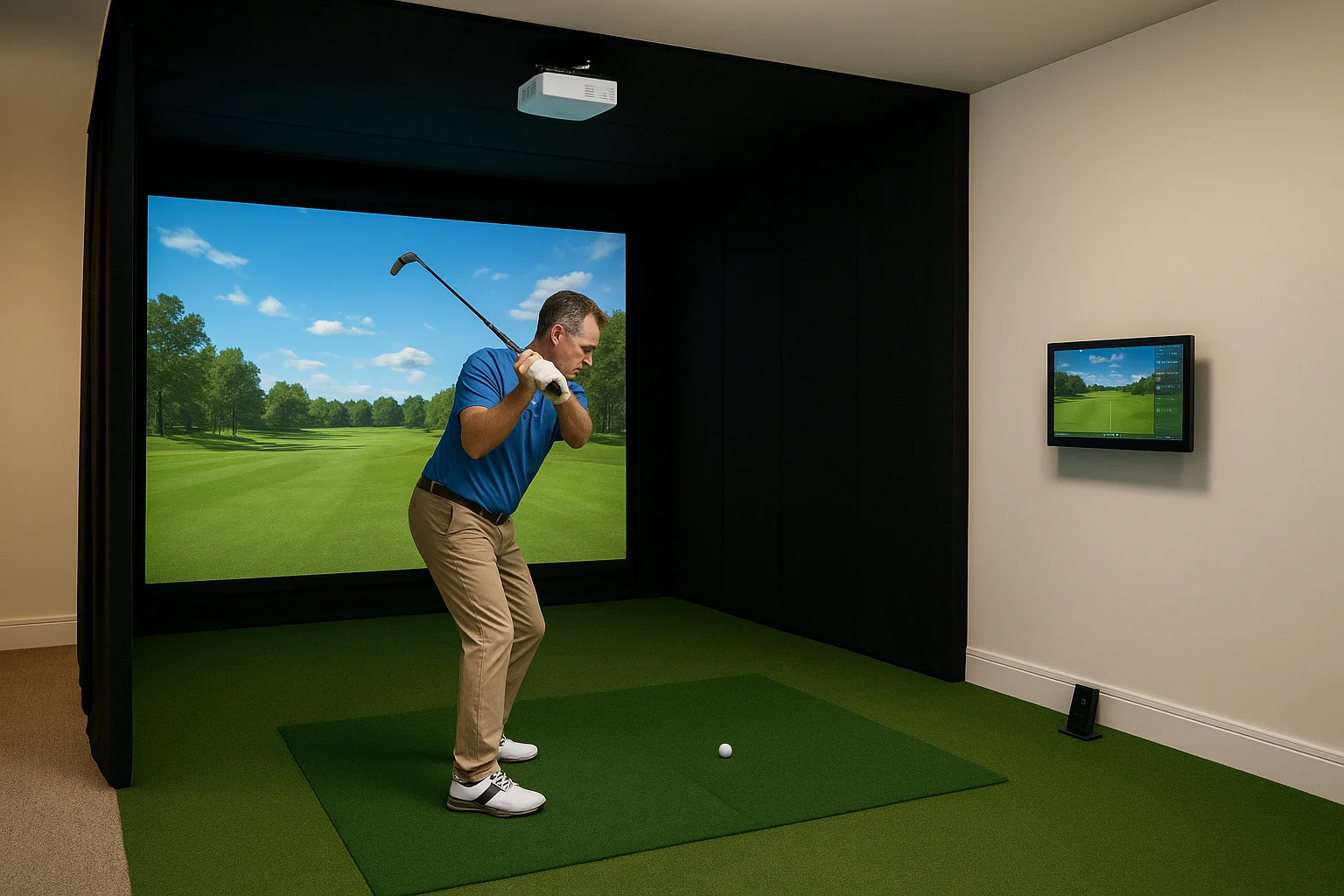
A golf simulator only trains you as well as the room it's built into.
Garages in Meridian and Eagle rarely come ready for a simulator on day one. Insulation, electrical runs, and even flooring affect how consistent your shot data stays over time, so we handle wiring, lighting, and acoustic treatment as part of the install, not as an afterthought you deal with later.
Who it's best for
Homeowners who want one system built specifically for their space, rather than a one-size-fits-all package, are the best fit here. Builders working on new construction also use us for pre-wiring during framing, so the simulator room is ready the day the drywall goes up. Serious amateur and competitive players who train year-round in Treasure Valley's harsh winters lean on custom installs because they need consistent, repeatable conditions every single session, not a setup that shifts or degrades after a few months of use.
Key training features
Our installs are built around real practice, not just entertainment. Every project includes:
- Launch monitor integration with your choice of Uneekor, Foresight, or Trackman hardware
- Swing video capture synced to shot data for side-by-side review
- Custom lighting and acoustic panels that cut glare and echo during swings
- Voice-controlled lighting and audio zones for warm-up and cooldown routines
- Post-install programming so every button, screen, and remote works the way you expect
- Ongoing local support if hardware needs recalibration or software needs updating
Price range
Because every project is custom, pricing depends on the launch monitor you choose and how much room prep your space needs. Most Treasure Valley clients land in one of three tiers:
| Tier | Typical investment | What's included |
|---|---|---|
| Entry | $12,000 to $18,000 | Radar or camera launch monitor, screen, projector, basic enclosure |
| Mid-range | $20,000 to $35,000 | Premium camera-based monitor, acoustic treatment, custom lighting |
| Premium | $40,000+ | Tour-grade launch monitor, full enclosure, integrated home theater and lighting control |
We walk you through transparent pricing before any work starts, so you know exactly what you're paying for and why, instead of guessing at hidden install costs after the fact.
2. Uneekor EYE XO2 launch monitor and software
How it works for training
The Uneekor EYE XO2 uses dual overhead cameras mounted above your hitting area instead of radar, so it captures ball data at impact rather than tracking flight after the ball leaves the clubface. That camera-based approach gives you clean numbers even in a shorter room, since the system doesn't need distance to calculate spin and launch. Uneekor's Refined Swing Path software layers full swing video over your shot data, letting you see exactly what your clubface and path were doing at the moment of impact, not just the result downrange.
Camera-based tracking gives you honest data even when your room can't give you distance.
Most golfers pair the EYE XO2 with a hitting mat and impact screen in a garage or basement bay that's at least 10 feet wide and 9 feet tall. Because the cameras sit above the ball rather than behind it, you get consistent readings on shots with limited ball flight, which matters most when you're working on mechanics rather than shot shape.
Who it's best for
This unit suits golfers who already know their swing has specific flaws and want granular data to fix them, rather than casual players who just want to see a ball fly on screen. Instructors and serious amateurs who need reliable clubface and path numbers in a compact space lean on the EYE XO2 because it doesn't demand a long room to stay accurate.
Key training features
The EYE XO2 focuses on the data instructors actually use during lessons:
- Clubface angle, path, and face-to-path readings at impact
- Full-color swing video synced frame by frame with shot data
- Compatible with Uneekor's REFRAME and Golf+ software for course play and drills
- Works reliably in shorter rooms since it doesn't rely on ball flight distance
Price range
Expect to pay between $5,000 and $6,500 for the EYE XO2 unit alone, before screen, projector, or enclosure costs. Software subscriptions for course play run separately, typically a few hundred dollars a year on top of the hardware.
3. Trackman iO launch monitor
How it works for training
The Trackman iO is Trackman's first radar-based unit built for home and small commercial spaces, shrinking the same dual-radar tracking used on tour into a box you can mount on a tripod behind your hitting mat. It reads both the club and the ball through the entire swing, not just at impact, which gives you full-flight data even in a garage bay where the ball only travels a few feet before hitting the screen. Because it tracks the whole motion, you get accurate carry and total distance numbers projected from real physics rather than estimated from a short-room algorithm.
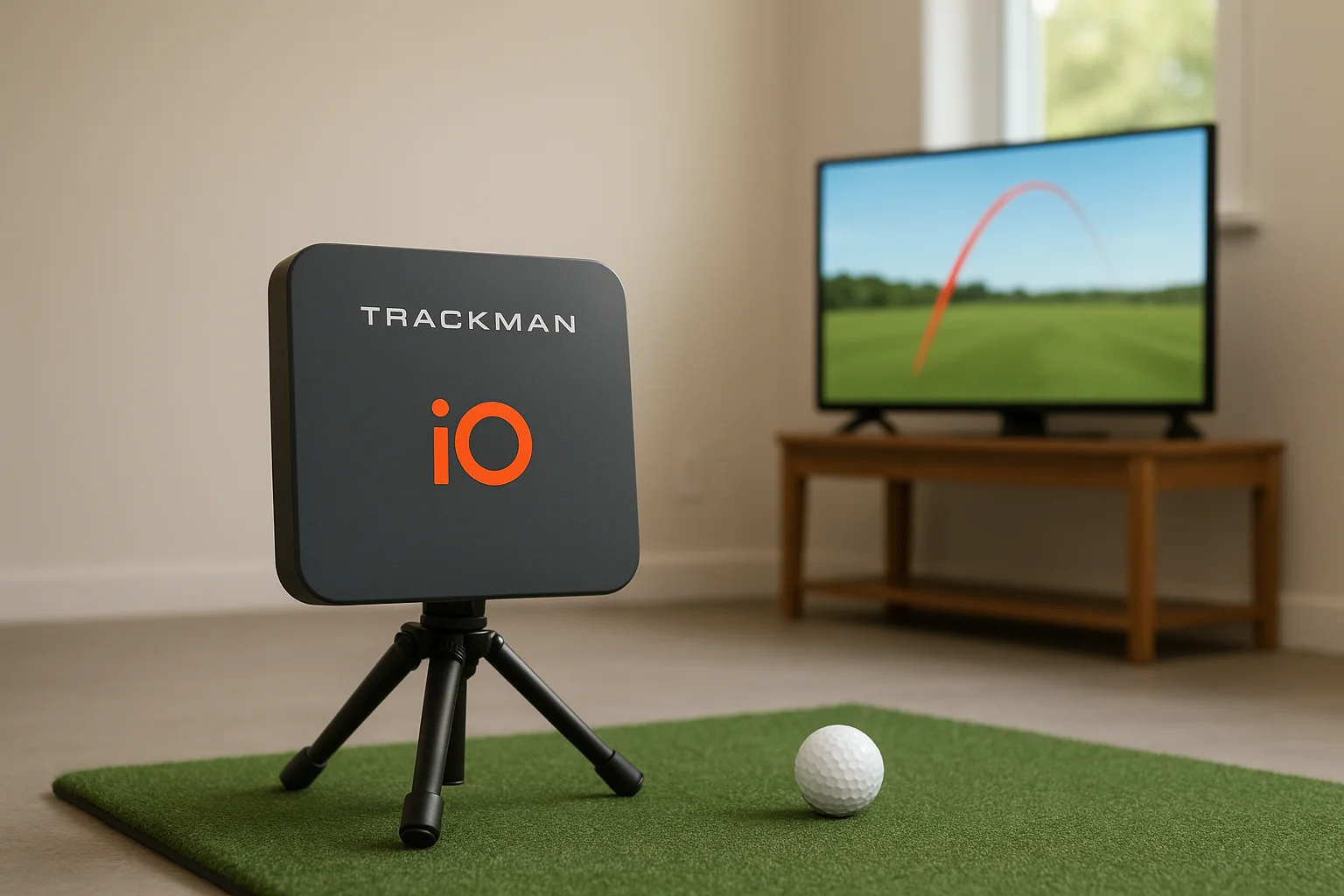
Radar that tracks the whole swing gives you trustworthy numbers even when your room can't give you real distance.
Most golfers run the iO through the Trackman app on a tablet or TV, watching shot dispersion patterns build after every swing. That visual feedback makes it easy to see if your misses cluster left, right, or short without digging through spreadsheets of numbers.
Who it's best for
Golfers who want tour-level ball flight data without paying for a full commercial Trackman setup are the target buyer here. It also suits players who split time between simulator practice and outdoor range sessions, since the iO works just as well tracking real shots outside as it does indoors against a screen.
Key training features
The iO packs serious tracking power into a compact unit:
- Dual-radar tracking of both club and ball throughout the swing
- Full carry and total distance data, even in short indoor rooms
- Shot dispersion and trend tracking across practice sessions
- Compatible with Trackman's course play and combine-style training modes
Price range
The Trackman iO runs around $3,999 to $4,500 for the hardware itself. Course play and advanced practice modes require a separate subscription, which typically adds a few hundred dollars a year depending on which features you want unlocked.
4. ProTee VX launch monitor
How it works for training
The ProTee VX uses photometric camera sensors mounted in a floor tray, capturing club and ball data the instant contact happens rather than tracking flight downrange. You place the tray under your hitting mat, and infrared sensors read clubhead speed, angle of attack, and ball spin as the club passes through the strike zone. Because the tray sits flush with the floor, you get a real setup that mimics hitting off turf, which matters if you're grinding on ball position and stance rather than just watching numbers pop up on a screen.
A floor-mounted sensor gives you strike data that feels like a real lie, not a lab test.
ProTee built the VX for spaces where a projector-and-screen combo already exists or is being added, since the unit itself handles data capture while its software suite runs the simulation, drills, and course play on the display.
Who it's best for
Golfers who want a commercial-grade feel without paying commercial-grade prices land here. The VX shows up often in home builds and small training studios because it holds up to repeated use better than lighter consumer units, and its data output satisfies players who train seriously but don't need tour-level radar precision.
Key training features
The VX bundles a full training suite around its sensor tray:
- Photometric sensors reading club and ball data at the moment of impact
- Built-in drill library covering short game, full swing, and putting
- Multi-sport modes, including baseball and soccer, for family use
- Compatible with most impact screens and projector setups already in place
Price range
The ProTee VX typically runs $8,000 to $12,000 depending on the software package and screen bundle you choose. That price usually includes the sensor tray, base software license, and sometimes a starter enclosure kit, though projector and screen costs often get quoted separately if you're building the room from scratch.
5. Foresight Sports GC3 launch monitor
How it works for training
The Foresight Sports GC3 uses Quadrascopic imaging, four cameras working together to photograph the ball at the exact moment of impact, then calculates spin, launch angle, and clubhead data from those images instead of tracking flight downrange. Foresight built this camera-based approach specifically so the GC3 works in rooms too short for radar accuracy, since it doesn't need distance to read your shot correctly. Golfers set the unit on a small tripod a few feet in front of the ball, and it captures data almost instantly, which keeps practice sessions moving instead of waiting on slow processing between swings.
A camera system that reads the ball at impact never cares how short your room is.
FSX Play, Foresight's simulation software, layers course play and target ranges on top of that raw data, so you're not just staring at numbers after every shot. You get a real target to aim at, which keeps practice sessions from feeling like a physics lecture.
Who it's best for
Golfers who split time between indoor practice and outdoor range sessions get the most out of the GC3, since the unit travels easily and works outside without a screen or mat at all. It also suits players upgrading from an entry-level radar unit who want more accurate spin and clubface data without jumping straight to tour-grade pricing.
Key training features
The GC3 covers the fundamentals instructors care about most:
- Quadrascopic camera imaging for accurate spin and launch data
- Works both indoors against a screen and outdoors on real turf
- FSX Play software for course play, target practice, and skills challenges
- Compact tripod setup that breaks down for storage or travel
Price range
Expect to pay between $6,000 and $7,500 for the GC3 unit alone. FSX Play software runs on a separate subscription, typically a few hundred dollars annually, and screen or enclosure costs come on top if you're building a dedicated room around it.
6. Rapsodo MLM2PRO launch monitor
How it works for training
The Rapsodo MLM2PRO combines dual high-speed cameras with Doppler radar, capturing club and ball data at impact while still tracking a short flight window for extra spin accuracy. You set the unit beside your ball rather than behind or in front of it, which keeps the hitting area open and mimics a real range setup better than tray-based systems do. The companion app runs on your phone or tablet, pairing over Wi-Fi so you can review swing video and shot data without extra screens or cables cluttering your space.
Pairing radar with cameras gives you range-level feedback without a range-sized budget.
Rapsodo built this unit for golfers who want legitimate numbers without committing to a full simulator room. You can use it on real grass outdoors just as easily as indoors against a net, so it doubles as a portable practice tool, not just a fixed home setup.
Who it's best for
Golfers testing whether they want a full simulator commitment often start here, since the MLM2PRO delivers solid data at a fraction of tour-grade pricing. It also suits players who travel to the range regularly and want the same metrics wherever they hit, plus casual golfers who mainly want to track improvement over time without digging into deep swing mechanics.
Key training features
The MLM2PRO focuses on accessible, phone-based feedback:
- Dual-camera and radar tracking for ball speed, spin, and launch angle
- Video capture synced automatically to each shot
- MLM2PRO app with drills, stat tracking, and virtual course play
- Works indoors with a net or outdoors on real turf
Price range
The hardware itself runs around $600 to $700, making it one of the more affordable entries on this list. Rapsodo sells an optional annual subscription, roughly $200 a year, that unlocks virtual golf courses and advanced practice modes. Without the subscription, you still get core ball data and video, just without the course play layered on top.
7. Garmin Approach R10 launch monitor
How it works for training
The Garmin Approach R10 uses Doppler radar in a palm-sized unit that sits on the ground behind your ball, tracking clubhead and ball flight the same way Garmin's bigger radar systems do, just scaled down for home use. You place it about eight feet behind the ball on a tripod or flat surface, and it reads swing data through the Garmin Golf app on your phone, no separate screen or computer required. Because it's radar-based, it needs a bit of room behind the mat to get a clean read, so a short garage bay can sometimes clip the tracking window if you're not careful with placement.
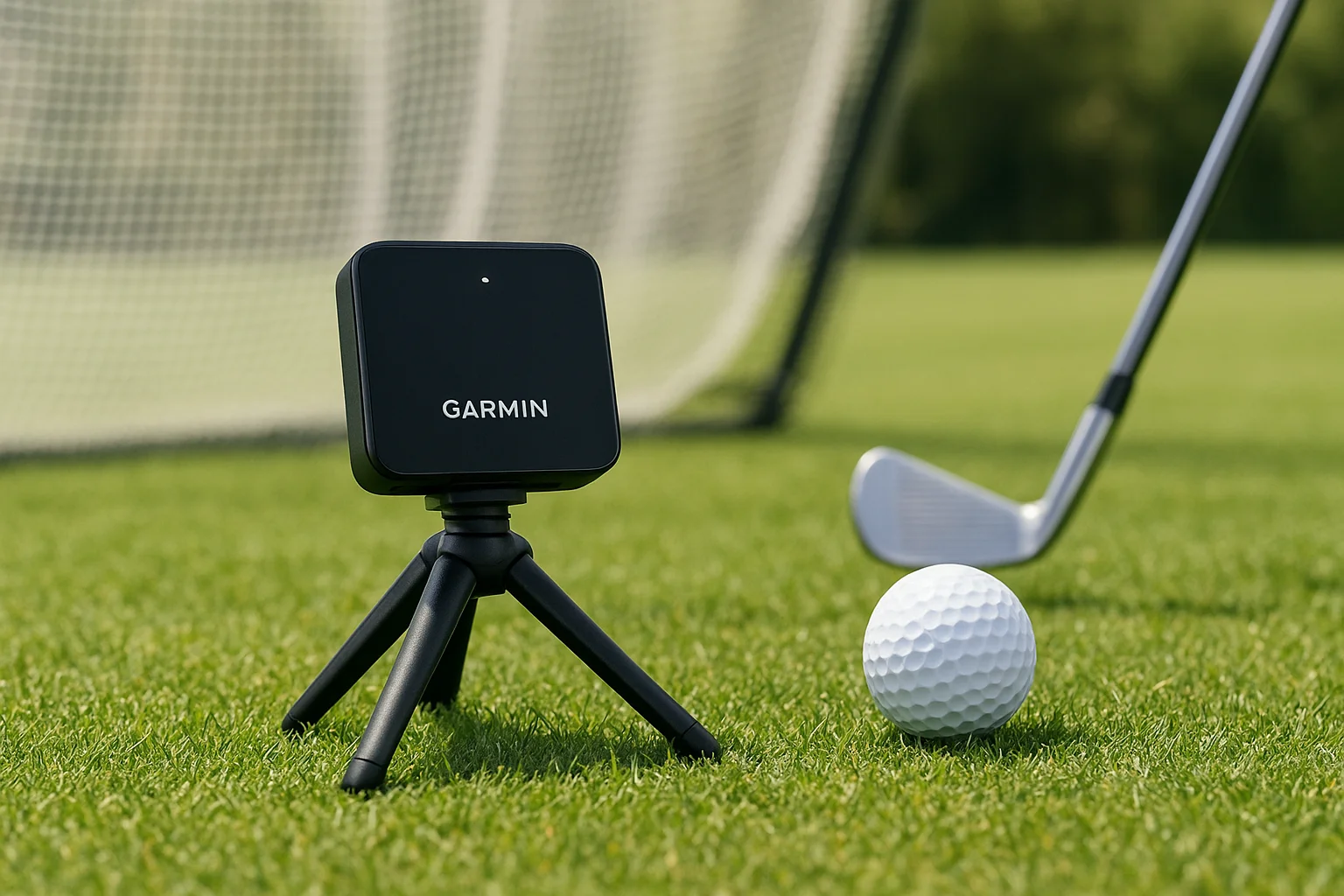
A radar unit the size of a phone still gives you real swing metrics, not just a novelty number.
Most golfers start with the R10 propped on a small table or the included tripod, hitting into a net rather than a full screen setup. That keeps the learning curve low, since you're not troubleshooting projector alignment or enclosure wiring, just swinging and checking numbers on your phone after each shot.
Who it's best for
Beginners and budget-conscious golfers who want legitimate data without committing to a simulator room fit the R10 best. It also suits golfers who travel often, since the unit fits in a backpack and works outdoors on real grass just as well as it does in a garage against a net.
Key training features
The R10 packs a surprising amount of tracking into a small footprint:
- Doppler radar tracking of club and ball data, including swing speed and tempo
- Garmin Golf app pairing for shot history, drills, and virtual course play
- Works indoors with a net or outdoors on real turf
- Rechargeable battery with roughly 10 hours of use per charge
Price range
The Garmin Approach R10 sells for around $600, making it one of the cheapest entries on this list. Garmin's course play library requires an optional membership, priced around $200 a year, though the core swing and ball data works fine without any subscription attached.
8. FlightScope Mevo Gen2 launch monitor
How it works for training
The FlightScope Mevo Gen2 uses radar tracking in a compact unit that sits about eight feet to the side of your ball, reading clubhead and ball flight data through the full swing rather than estimating from impact alone. Golfers pair it with the FlightScope Golf app on a phone or tablet, so you get ball speed, spin, and launch numbers without needing a laptop or dedicated screen in the room. Because the radar tracks actual flight, the Mevo Gen2 wants a bit of clearance behind the hitting area, which makes it a better fit for a longer garage bay than a tight closet setup.
Radar that follows the ball, not just the strike, gives you numbers you can actually trust.
FlightScope built this unit to work equally well outdoors, so plenty of golfers use it on the range during summer and move it indoors against a net once winter hits. That flexibility means you're not buying a second device when the season changes.
Who it's best for
Golfers who want legitimate ball flight data without paying tour-monitor prices land squarely in the Mevo Gen2's target market. It also suits players who split time between the range and a home net, since the unit travels well and doesn't need a fixed enclosure or screen to deliver useful numbers.
Key training features
The Mevo Gen2 covers the core metrics serious practicers care about:
- Radar tracking of club and ball data through the full swing, not just at impact
- FlightScope Golf app for shot history, drills, and stat tracking
- Works indoors with a net or outdoors on real grass
- Optional video capture add-on for swing review alongside shot data
Price range
Expect to pay between $2,000 and $2,500 for the Mevo Gen2 hardware. FlightScope offers tiered software packages, some bundled at purchase and others sold as add-ons, so course play and advanced analytics can push your total cost higher depending on which features you actually want unlocked.
9. Uneekor EYE MINI launch monitor
How it works for training
The Uneekor EYE MINI shrinks Uneekor's overhead camera tracking into a smaller housing built for tighter budgets and tighter rooms. Like its bigger EYE XO2 sibling, it reads ball and club data from directly above the hitting zone rather than tracking flight downrange, so it works fine in a short garage bay or spare bedroom without sacrificing accuracy. You mount it on an overhead frame or ceiling bracket, aim it down at your hitting mat, and the camera captures clubface, path, and spin data the instant you make contact.
A compact camera unit still beats radar in a room too short to give radar anything to read.
Uneekor pairs the EYE MINI with the same REFRAME and Golf+ software ecosystem used across its lineup, so upgrading later to a higher-tier Uneekor unit doesn't mean starting your practice history over from scratch.
Who it's best for
Golfers building a first simulator on a tighter budget, but who still want camera-based accuracy over radar guesswork, fit the EYE MINI well. It also suits players who plan to upgrade their launch monitor down the road but want to lock into the Uneekor software ecosystem now, since your swing data and settings carry forward when you eventually step up to the XO2 or a tour-grade unit.
Key training features
The EYE MINI keeps the feature set focused on what beginners and budget builders actually use:
- Overhead camera tracking for clubface, path, and spin at impact
- Accurate readings even in rooms too short for radar-based units
- Compatible with Uneekor's REFRAME and Golf+ software for drills and course play
- Upgrade path into the broader Uneekor product lineup without losing saved data
Price range
The EYE MINI typically sells for $3,000 to $4,000, making it the most affordable camera-based option from Uneekor's lineup. Software access for course play and advanced drills runs on a separate subscription, usually a few hundred dollars a year, on top of the hardware cost.
Finding the right fit for your game
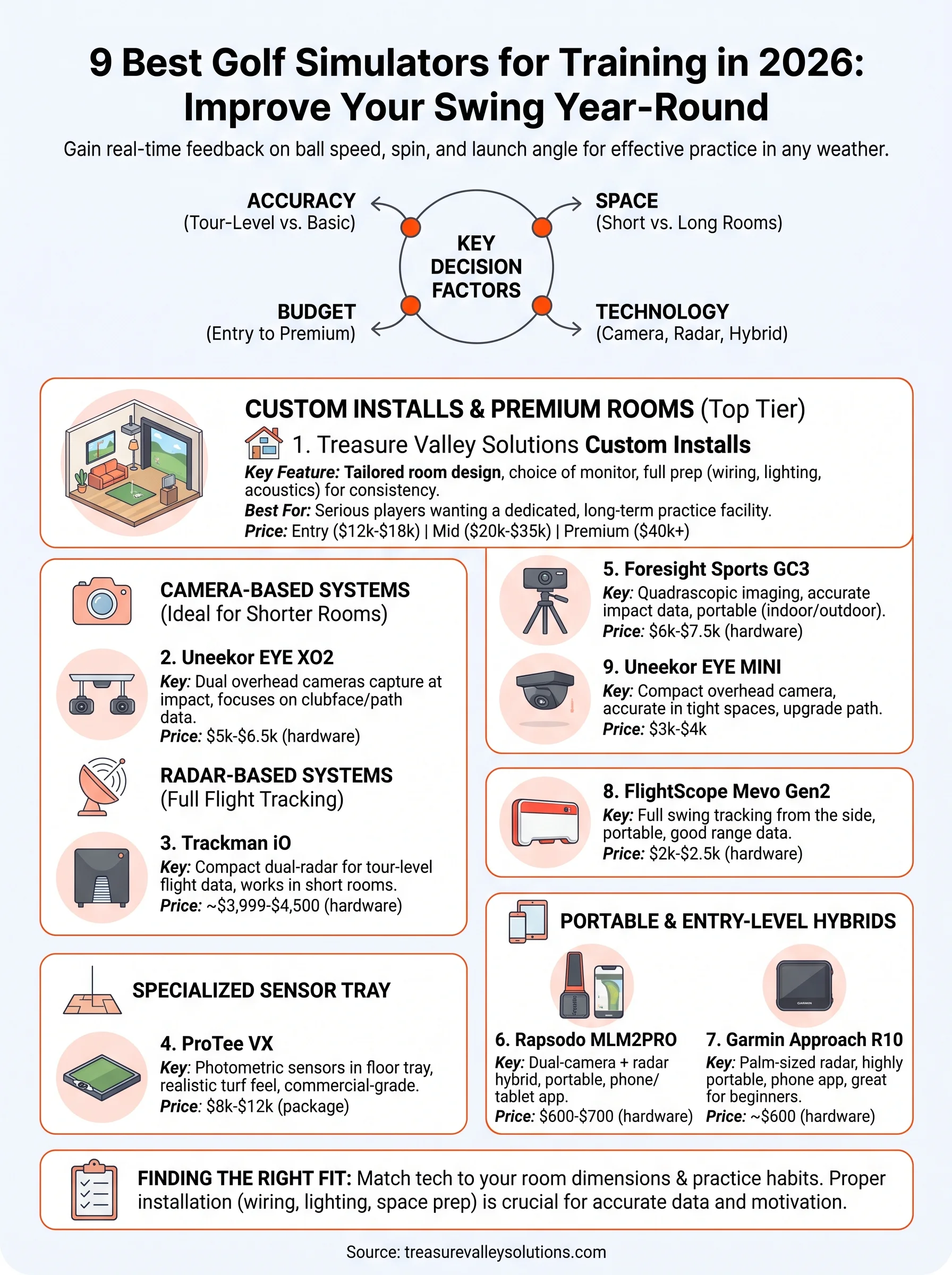
Picking a golf simulator for training comes down to your room, your budget, and how seriously you practice. A portable radar unit like the Garmin R10 gets a beginner real data fast. A camera-based system like the Uneekor EYE XO2 rewards a golfer chasing clubface precision. And a full custom room turns practice into a habit instead of a chore you keep putting off.
Whatever hardware you land on, the room around it matters just as much as the sensor inside it. Poor wiring and mismatched screens ruin good data before you ever swing a club, and a cramped install kills the motivation to use it at all. That's the piece most golfers underestimate until they're already living with it.
If you're in the Treasure Valley and want a space built around real training instead of a generic kit, reach out to our team and we'll design it around your swing, your room, and your budget.
Need Expert Help?
Ready to implement these solutions in your own home or business?
Our Services
View All Services
Serving the Treasure Valley
Local installation in your city