 (208) 991-3502
 Meridian, ID



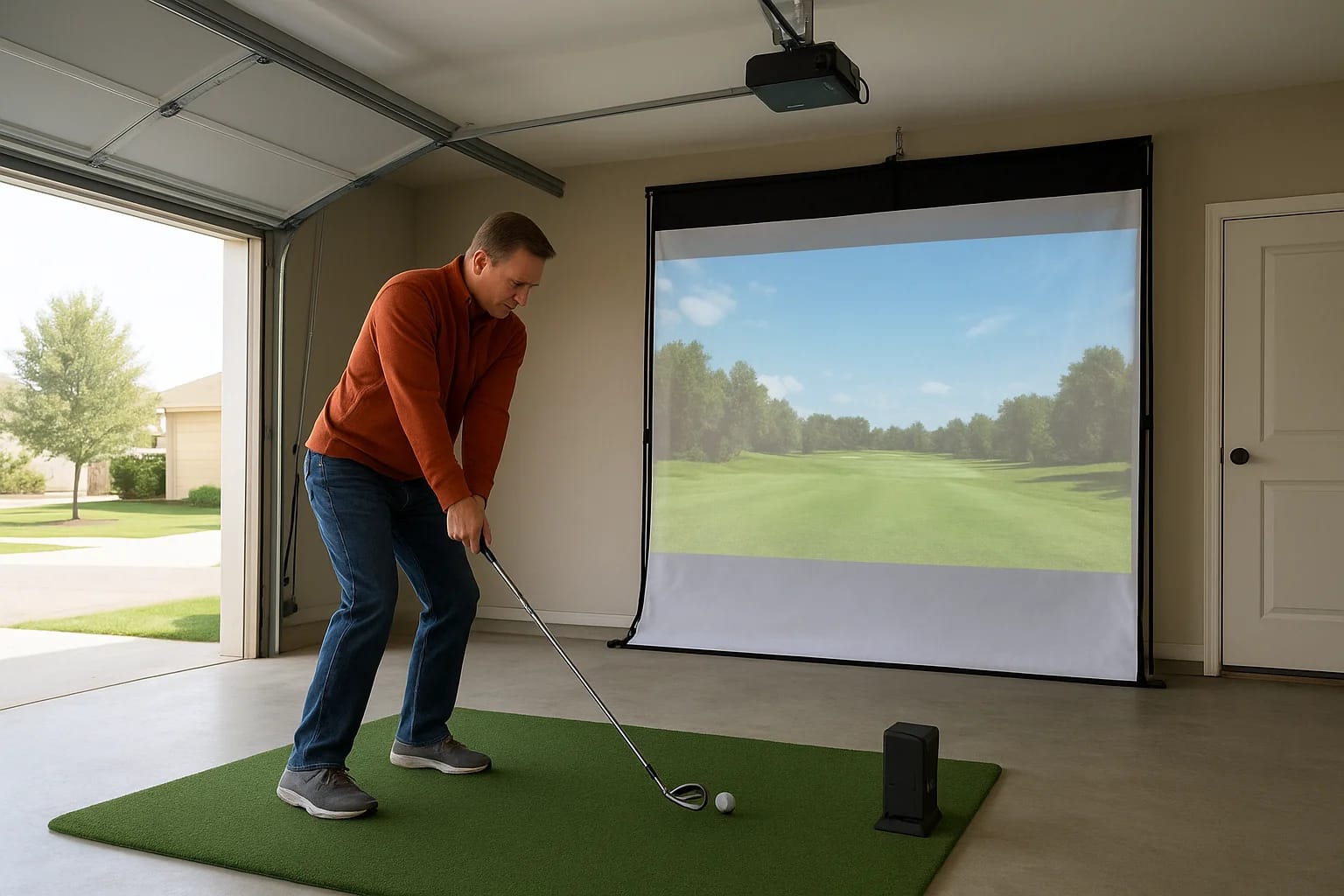

Idaho winters shut down your golf game for months at a time, and even summer evenings get cut short once the sun drops behind the foothills. If you're tired of losing your swing every offseason, year...
Idaho winters shut down your golf game for months at a time, and even summer evenings get cut short once the sun drops behind the foothills. If you're tired of losing your swing every offseason, year round golf at home is the fix golfers across the Treasure Valley are turning to. It means building a dedicated space, usually a garage bay, basement, or bonus room, where you can play full rounds, work on your short game, or just hit balls whenever you want, no tee time or weather forecast required.
This guide answers the real question behind that search: what does a home golf setup actually involve, and how do you build one that works. We cover the golf simulator hardware that makes it possible, the space and ceiling height you actually need, and the screen and projector combo that turns a spare room into a course.
We also get into the technology side that most golfers overlook, like proper lighting, sound, and network setup, since we install and support these systems throughout Meridian, Boise, Eagle, and Nampa every day. By the end, you'll know exactly what a functional setup requires and how to plan yours without guesswork.
Why year-round golf at home is worth it
Golfers in Idaho lose a real chunk of the year to weather. Snow closes most Treasure Valley courses from December through February, and even shoulder-season months bring cold mornings and early sunsets that cut rounds short. A home golf simulator solves that math entirely. You get unlimited access to your swing, 365 days a year, regardless of frost, wind, or daylight savings.
Consistent practice beats occasional rounds
Improvement in golf comes from repetition, not from one round every other weekend. When you have a dedicated practice space at home, you can hit fifty balls after work on a Tuesday instead of waiting for a free Saturday tee time. Simulators track swing speed, launch angle, and ball flight in real time, so you're not just swinging blind, you're correcting flaws the moment they show up.
A golfer who practices twenty minutes a night improves faster than one who plays eighteen holes once a month.
The cost math works out
Compare what you'd spend chasing golf through an Idaho winter against building a setup once and using it for years. Simulator time at local indoor facilities, gas money to reach courses that stay open, and lost practice months all add up.
| Option | Typical Annual Cost | Availability |
|---|---|---|
| Public course green fees (peak season) | $2,000-$4,000 | 7-8 months in Idaho |
| Indoor simulator facility rentals | $1,500-$3,000 | Year-round, but scheduled |
| Home golf simulator setup | One-time $6,000-$15,000+ | Year-round, unlimited, no booking |
Once the home system is installed, there's no per-session fee and no drive time. Most serious golfers recoup the investment within two or three seasons just from skipped facility rentals.
Family time and flexibility
Beyond personal practice, a home setup turns into a gathering spot. Kids can learn the game without pressure, spouses can play a quick nine after dinner, and friends can turn a Friday night into a mini tournament without leaving Meridian. Nobody has to coordinate tee times around six schedules.
Year-round access changes how you play
Golfers who install simulators often notice their handicap drop within the first season simply because they're not starting from scratch every spring. Instead of spending April knocking rust off a swing that sat dormant since October, you walk into peak season already sharp. That continuity is the real value behind year round golf at home, and it's why we see more Treasure Valley homeowners asking about simulator rooms every year.
How to set up a golf simulator in your home
Setting up year round golf at home starts with mapping your space before you buy a single piece of gear. Most Treasure Valley garages and basements can work, but you need to measure ceiling height, wall length, and floor space before committing to any simulator package, since undersized rooms lead to clipped shots and frustrated golfers.
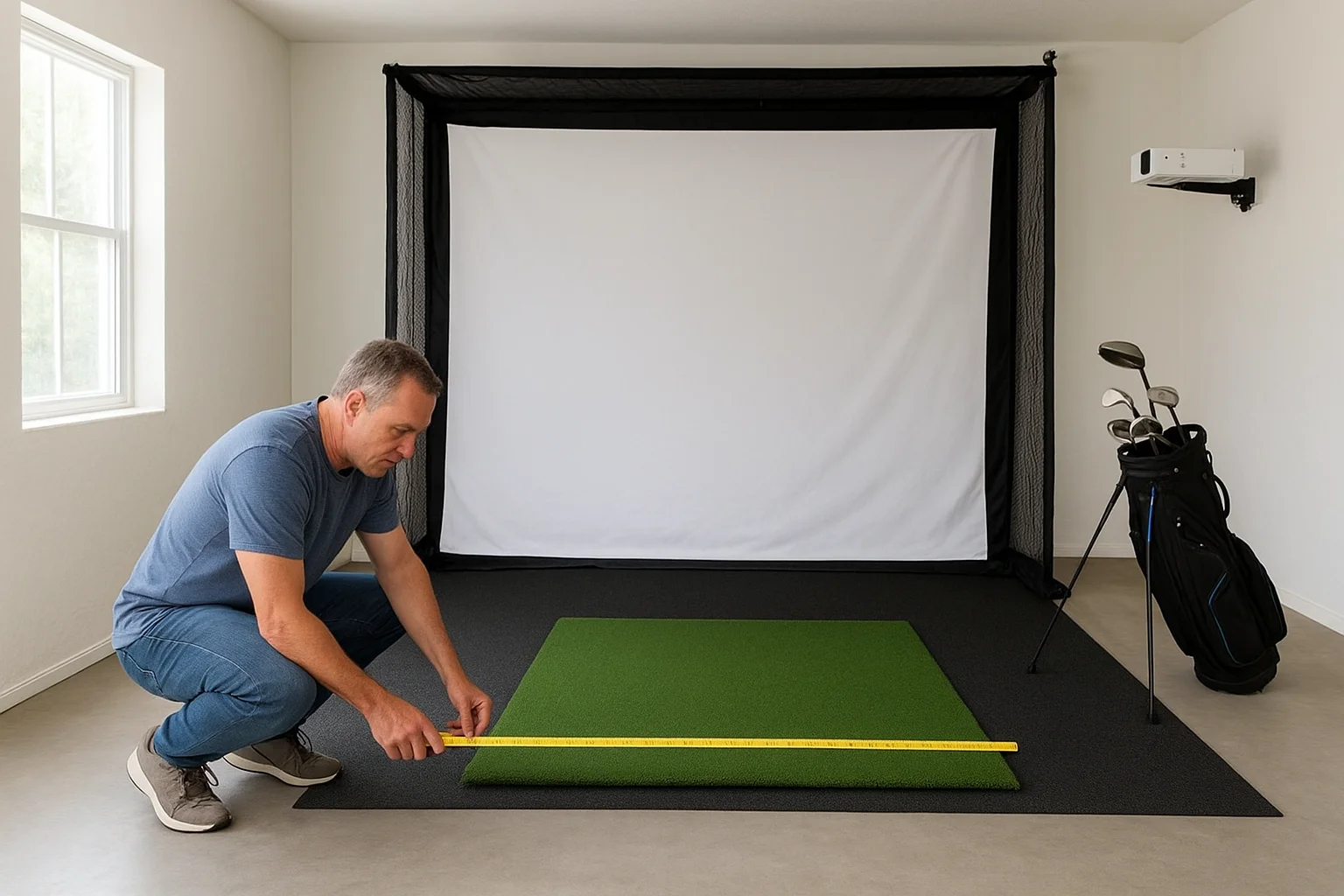
Start with a space assessment
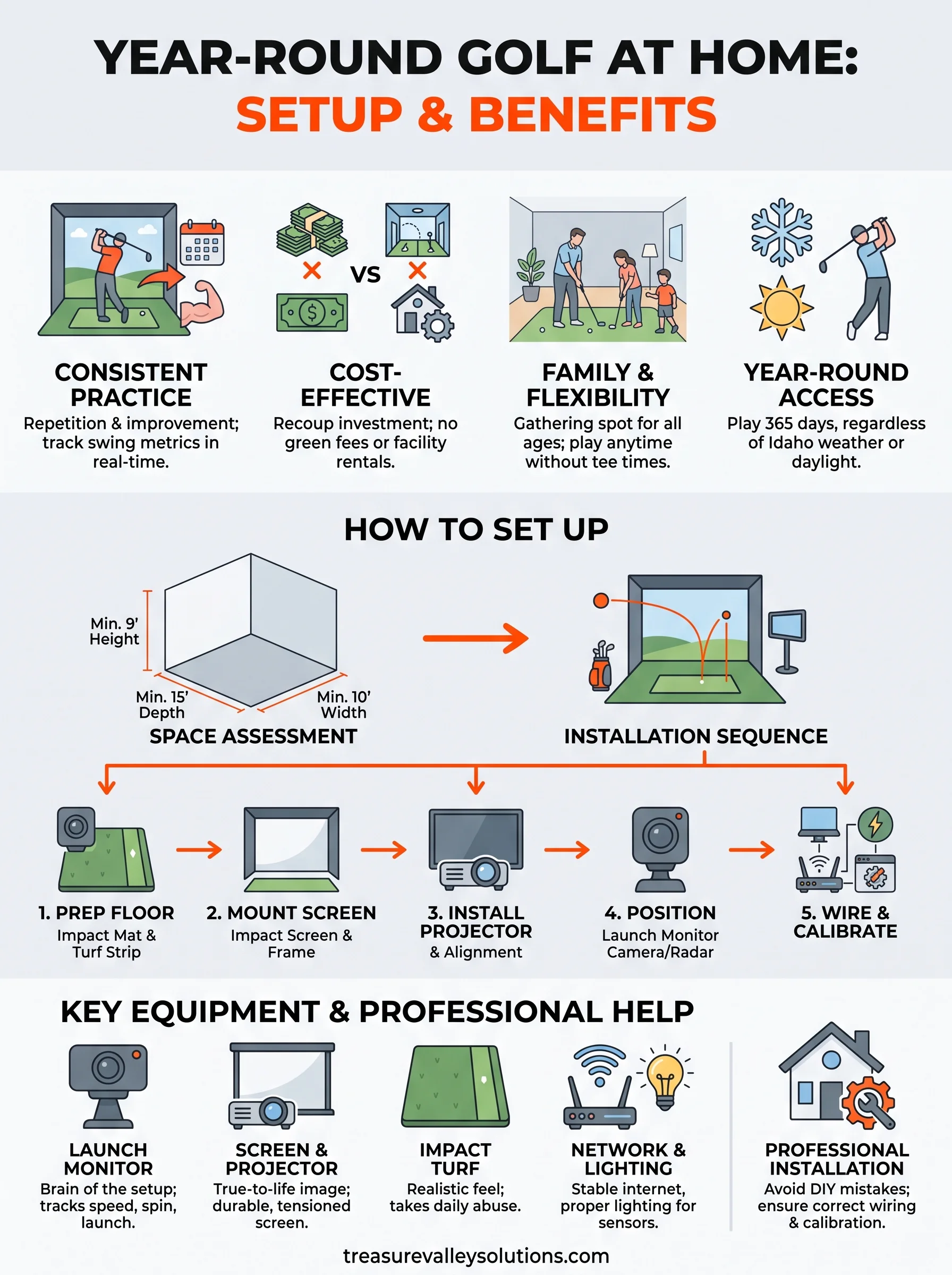
Begin by measuring your room in three directions: height, width, and depth. A right-handed golfer swinging a driver needs roughly 9 feet of ceiling clearance, 15 feet of depth from hitting position to screen, and 10 feet of width to clear the swing path safely. Garages often win here because they already offer that footprint without demolition.
Follow the setup sequence
Once you know your dimensions fit, the actual installation follows a predictable order:
- Prep the floor with an impact-rated golf mat and turf strip.
- Mount the impact screen and frame at the correct distance from the hitting zone.
- Install the projector or TV, aligned to avoid shadow interference from the golfer.
- Position the launch monitor, either overhead or ground-based depending on the model.
- Wire the network and power, since most simulators need stable internet for course updates and software licensing.
- Calibrate the software to your exact screen size and hitting distance.
Skip the calibration step and even the best hardware gives you unreliable yardages.
Why professional installation matters here
Homeowners who try to DIY the wiring often end up with exposed cable runs, flickering projectors, or launch monitors that lose calibration every few sessions. A properly planned installation routes power and data lines inside walls, mounts equipment at the correct angles, and tests the full system before you ever swing a club. That's the difference between a simulator that works for a weekend and one that holds up for a decade of daily use.
Key equipment for a reliable indoor golf setup
Gear quality makes or breaks year round golf at home. A budget launch monitor or a flimsy impact screen will frustrate you within a month, while the right combination of hardware holds up through thousands of swings without losing accuracy. Four categories matter most: the launch monitor, the screen and projector, the flooring, and the network backbone that keeps software running smoothly.
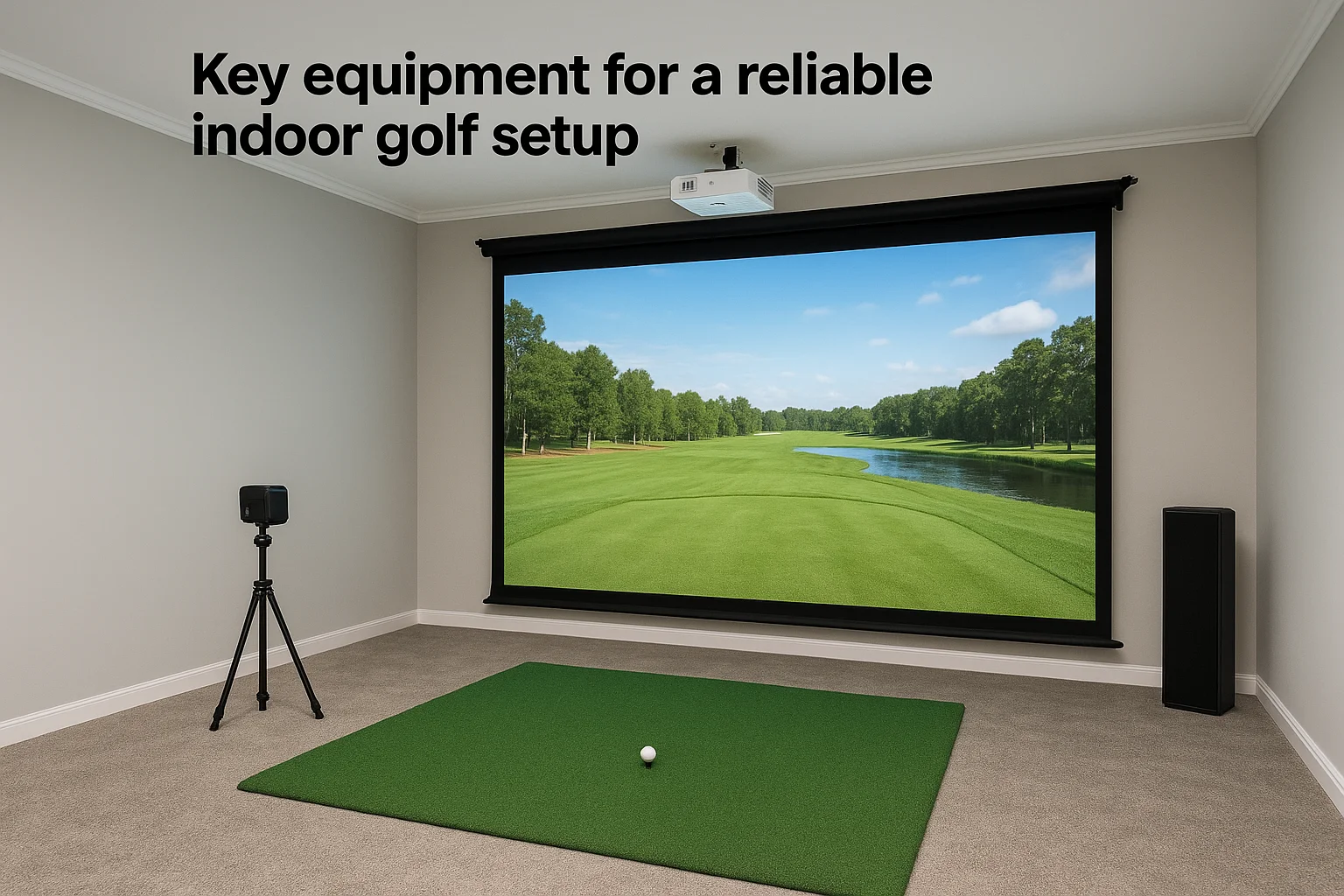
Launch monitors and sensors
Your launch monitor is the brain of the whole setup. Camera-based systems like those using radar or photometric sensors track clubhead speed, spin rate, and launch angle, then feed that data into simulation software to plot ball flight.
| Sensor Type | Placement | Best For |
|---|---|---|
| Overhead camera | Mounted above hitting zone | Full swing accuracy, tight garages |
| Ground-based radar | Behind the ball | Driving range feel, longer rooms |
| Hybrid photometric | Side-mounted | Short game precision, putting greens |
Screens, projectors, and impact turf
A tensioned impact screen paired with a short-throw projector gives you a true-to-life course image without washout or glare. Pair that screen with a durable hitting mat rated for real divot patterns, not a thin gym mat that shifts under a driver swing.
The screen and mat take the daily abuse, so cheaping out here costs you the most in the long run.
Network, lighting, and sound
Behind the visible gear sits the infrastructure most golfers forget. Stable wired internet keeps course downloads and swing analytics from lagging mid-round, while properly placed lighting eliminates shadows that confuse camera sensors. Add ambient sound through in-ceiling speakers and the room feels like a real course, not a garage with a screen bolted to the wall.
Choosing the right space and professional help
Picking the right room matters as much as the gear you put inside it. A converted garage bay often wins for year round golf at home because it already has the ceiling height, hard flooring, and separation from living space that a simulator needs. Basements work too, but low ductwork or support beams can eat into your swing clearance faster than homeowners expect.
Garage, basement, or bonus room
Each space type comes with tradeoffs worth weighing before you commit:
- Garage: Best ceiling height, easy access to power, but needs insulation for temperature swings.
- Basement: Naturally quiet and climate-stable, but check for beams and ductwork first.
- Bonus room: Convenient location in the house, but often the tightest on width and depth.
Measure twice against the 9-foot height and 15-foot depth minimums before you fall in love with a room.
When to bring in a professional
Guessing on projector throw distance or screen tension is where most DIY setups fall apart. A trained installer walks the room with you, checks structural obstacles, and confirms your dimensions against the exact simulator package you're considering before any drilling starts.
The right room with the wrong install still fails; the right install in a workable room almost always succeeds.
Working with a local integration team also means someone answers the phone when a projector bulb dies or a launch monitor drops calibration mid-season. Treasure Valley Solutions handles this exact assessment for homeowners across Meridian, Boise, Eagle, and Nampa, walking the space, testing sightlines, and planning wiring before a single mat gets laid down. That upfront professional review saves you from the most common and most expensive simulator mistakes.
Bringing the course home
Year round golf at home isn't a novelty room, it's a practical fix for a real Idaho problem: five months of closed courses and daylight that disappears by 6pm in November. Get the room dimensions right, invest in a launch monitor and screen that hold up to daily swings, and wire the space properly from the start. Skip any one of those steps and you end up with a garage that looks like a simulator but plays like a headache.
Building it once, correctly, beats rebuilding it twice. If you're weighing a garage bay against a basement, or you just want someone to walk your space before you buy anything, that's exactly what we do every week across Meridian, Boise, Eagle, and Nampa. Reach out to our team and we'll help you turn your spare room into the course you never have to close for the season.