 (208) 991-3502
 Meridian, ID



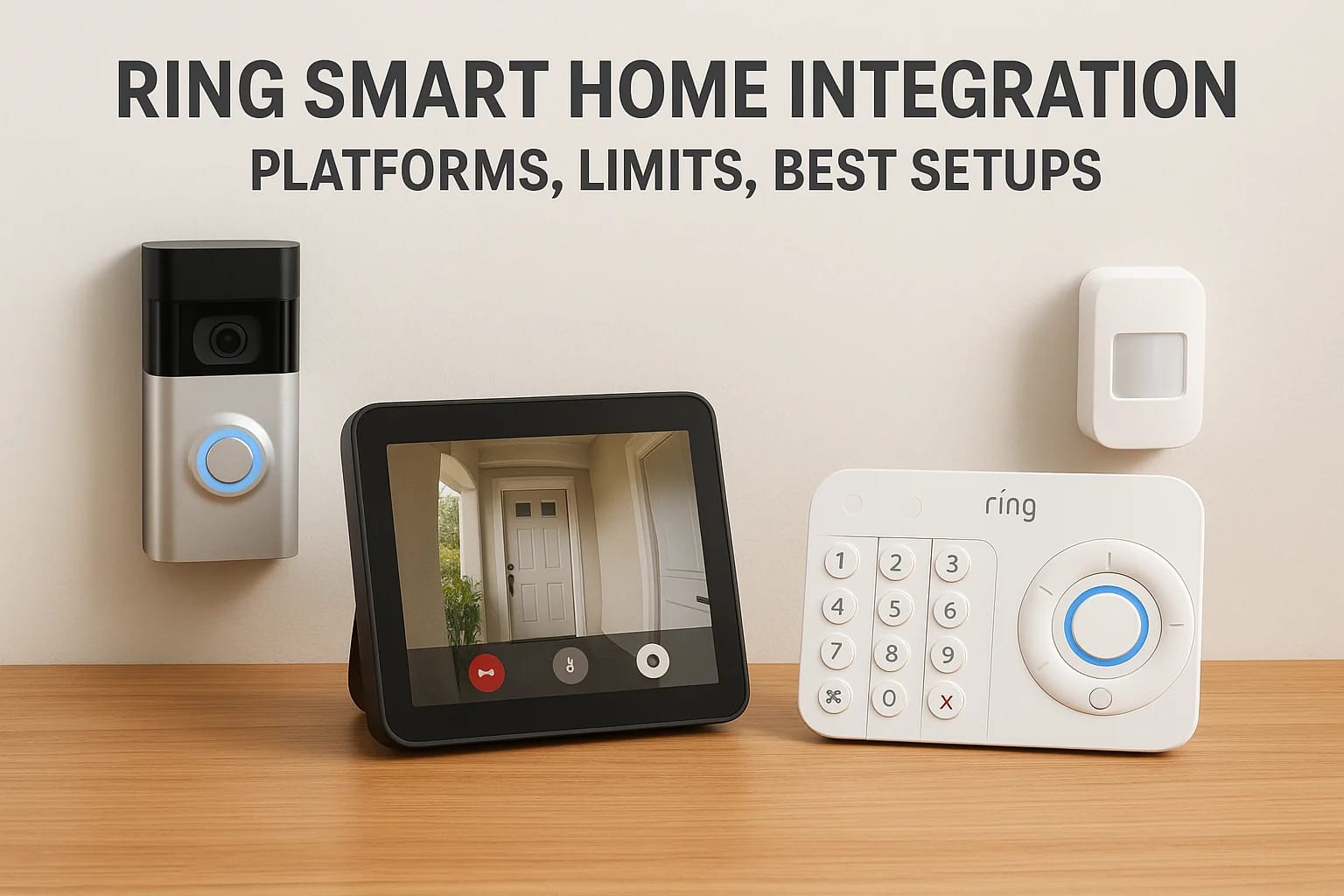

Ring doorbells and cameras are some of the most popular smart home devices on the market, and for good reason. They're affordable, easy to set up, and they work. But once you start adding smart locks,...
Ring doorbells and cameras are some of the most popular smart home devices on the market, and for good reason. They're affordable, easy to set up, and they work. But once you start adding smart locks, lighting, speakers, or a full automation system, the question becomes: how well does Ring actually play with everything else? That's where Ring smart home integration matters, and it's where a lot of homeowners run into unexpected limitations.
Ring works natively with Amazon Alexa, partially with some third-party platforms, and not at all with others. Knowing what connects, what doesn't, and where the workarounds are can save you from buying hardware that won't talk to each other. It can also help you decide whether Ring belongs in your long-term smart home plan or just serves as a starting point.
At Treasure Valley Solutions, we design and install integrated smart home systems across the Boise and Meridian area, and we regularly help clients figure out how Ring fits (or doesn't fit) into a larger setup. This article breaks down the platforms Ring supports, the limitations you should know about, and the best configurations for getting everything to work together cleanly.
Why Ring smart home integration matters
Most people start with a Ring doorbell or camera and then keep adding devices as needs come up. Before long, you're juggling three or four separate apps, and the "smart" part of your home starts feeling anything but. Ring smart home integration is how you connect those separate pieces so they respond together, trigger automations, and show up in one interface instead of several.
Unified control and faster responses to events
When your Ring doorbell, smart locks, and lights all operate independently, you lose the biggest benefit of smart home technology: automated responses that happen without you lifting a finger. Link them correctly, and a motion event at your front door can turn on your porch lights, unlock the door for a recognized face, and push a single notification instead of three separate ones. That's genuinely useful, not just a novelty.
The real value of integration isn't convenience alone. It's the reduction of manual steps during moments that actually matter, like a late-night delivery or an alarm event.
Automations built on Ring triggers also respond faster than anything you'd do manually. An Alexa routine tied to your Ring doorbell can announce a visitor through every Echo in your house within seconds, which is far more reliable than watching your phone.
Reliability and privacy tradeoffs
Fewer integrations generally mean fewer points of failure. Every cloud-to-cloud connection you add introduces a dependency: if Ring's servers, Amazon's servers, or a third-party bridge goes down, that piece of your automation breaks. Keeping your integration plan tight and intentional reduces the number of things that can go wrong on any given day.
Privacy is the other side of that coin. When you link Ring to external platforms, you're granting those platforms access to motion events, camera feeds, and in some cases audio. Ring does give you per-device access controls, and you can revoke linked app permissions at any time through the Ring app. Knowing that access exists and reviewing it periodically is worth building into your routine.
Local factors that affect performance
Your home's physical setup matters more than most guides acknowledge. Wi-Fi dead zones near your front door or garage will cause Ring devices to drop offline or respond slowly regardless of how well your integrations are configured. Wired doorbells need adequate transformer voltage, and battery-powered devices wake from sleep before responding, which creates a small but noticeable delay in time-sensitive automations. Before you build complex routines, confirm your network coverage and power setup are solid at every device location.
What Ring integrates with today
Ring's integration options span several major platforms, but depth varies considerably by platform. Knowing where ring smart home integration is strong versus shallow helps you build a setup that matches your real expectations.
Alexa and Google Home
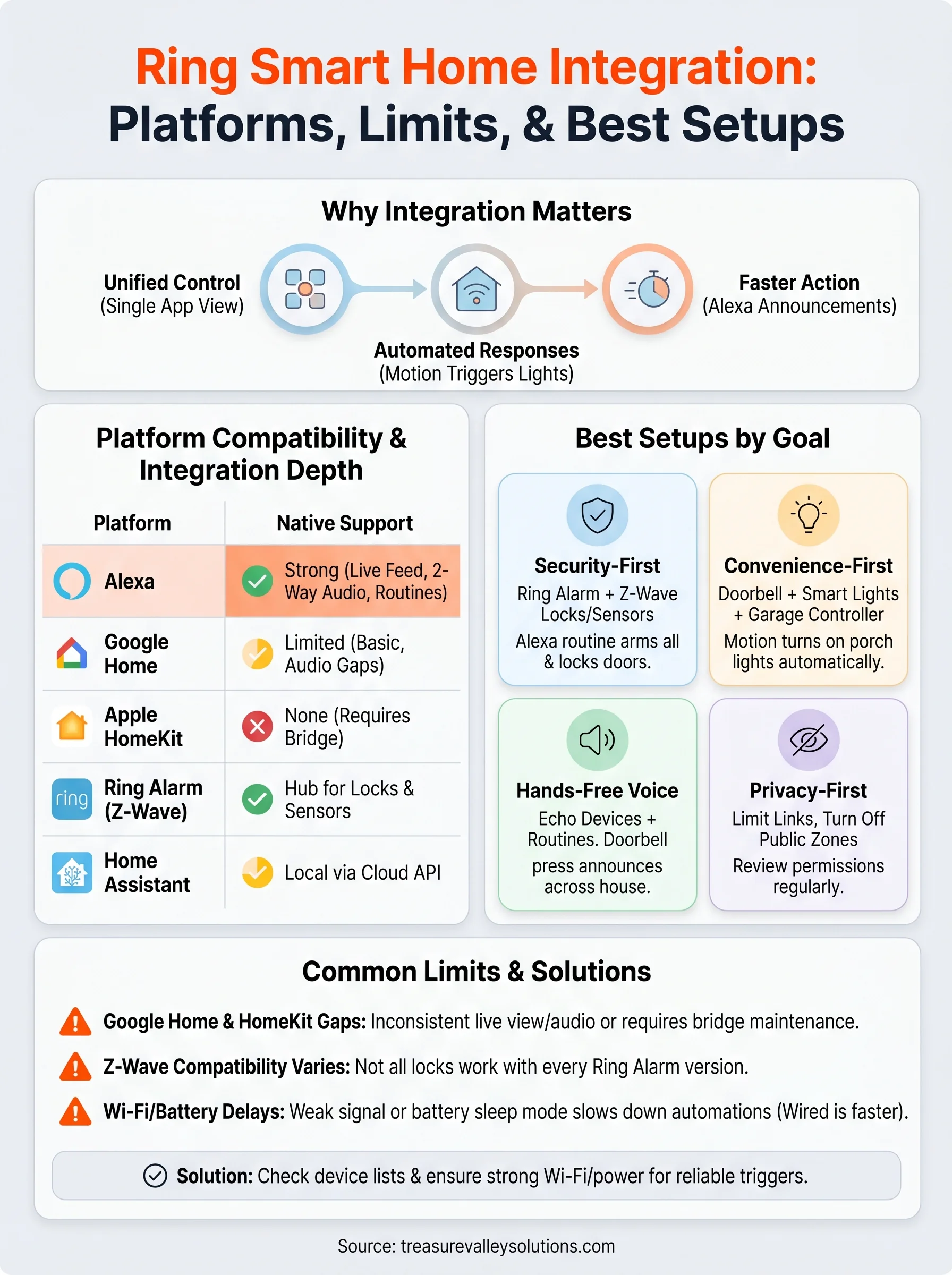
Amazon Alexa is Ring's strongest native integration, covering live camera feeds on Echo Show devices, two-way audio, voice snapshots, and full routine support using Ring motion events, doorbell presses, and alarm state as triggers. Google Home handles live view on Nest Hub displays and basic Ring Alarm arm or disarm commands, but lags on two-way audio and routine flexibility.
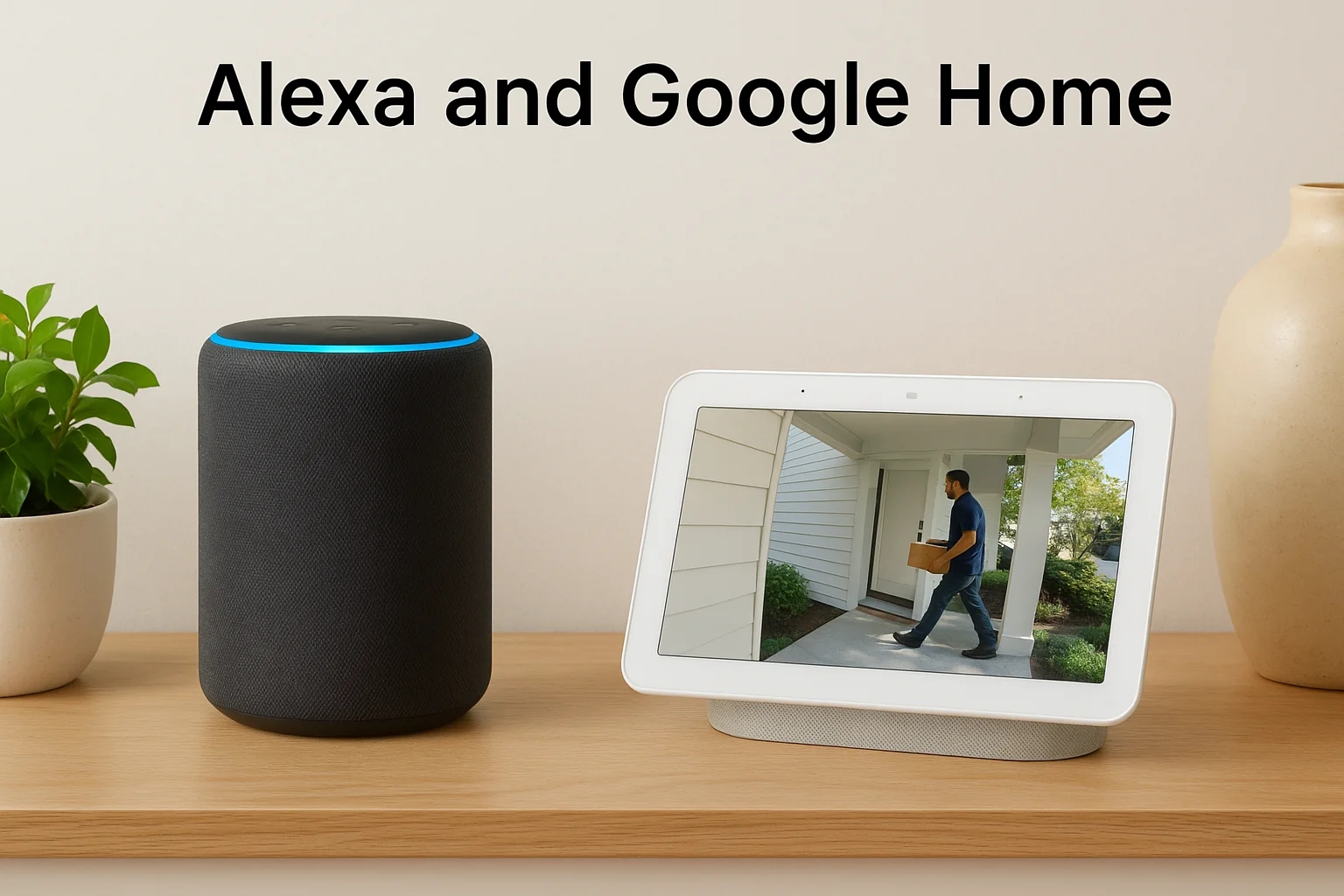
If you're building a voice-first security setup, Alexa and Echo devices give you the most consistent Ring experience available.
| Feature | Alexa | Google Home |
|---|---|---|
| Live camera view | Yes | Yes |
| Two-way audio | Yes | Limited |
| Routine triggers | Full support | Basic only |
Ring Alarm, Z-Wave, and Works with Ring
Ring Alarm acts as a Z-Wave hub, which lets it pair directly with compatible locks, sensors, and smart plugs without additional bridges. The "Works with Ring" program expands supported device categories further:
- Smart locks (Yale, Schlage, Kwikset)
- Thermostats (Honeywell Home)
- Garage controllers (Chamberlain, Craftsman)
- Water shutoff valves and smoke/CO listeners
Home Assistant and Apple HomeKit
Home Assistant connects through an official integration, giving you Ring motion events, sensor states, and camera feeds inside a local dashboard. Camera streams still route through Ring's cloud, so full local processing isn't possible even in a self-hosted setup.
Apple HomeKit has no native Ring support. Third-party bridges like Scrypted can create a working connection, but they add maintenance overhead and often break after Ring or HomeKit firmware updates.
How Ring smart home integration works
Ring connects to other platforms through three distinct methods: voice assistant account linking, cloud-to-cloud API connections, and local Z-Wave pairing through Ring Alarm. Understanding which type you're using tells you a lot about how reliable and fast your automations will be, and where they'll break when something goes wrong.
Triggers, actions, and where automations live
Motion detection, doorbell presses, contact sensor changes, and Ring Alarm mode switches all serve as available triggers in ring smart home integration, along with time-of-day schedules. Where you build the automation determines what tools you have access to: the Ring app handles basic linked device actions, Alexa routines give you the most flexibility with conditions and multi-step sequences, Google Home automations cover simpler workflows, and Home Assistant lets you combine Ring events with almost any local or cloud-connected device.
The trigger you choose shapes the entire automation. Alarm-mode triggers tend to be the most reliable because they're deliberate user actions rather than sensor detections that can misfire.
Subscriptions, permissions, and network requirements
Ring Protect plans unlock video history, snapshot capture, and some Works with Ring features, but core camera live view, Ring Alarm functionality, and most third-party integrations work without a subscription. Shared users access only the devices and permissions the primary account holder assigns, so you can limit a guest's view to one camera or one lock without exposing your full system.
Your network setup directly impacts integration reliability. Wired doorbells respond faster than battery models because battery devices sleep between checks. Confirm your Wi-Fi signal is strong at each device location before building automations that depend on fast response times.
Best Ring integration setups by goal
The right ring smart home integration depends on what you actually need from your system. These six configurations match real use cases and give you a clear starting point for your build.
Security-first setup
Pair Ring Alarm with cameras, Z-Wave smart locks, and door/window contact sensors. Set an Alexa routine to lock all doors and arm Ring Alarm in Away mode with a single command, giving you layered protection without managing each device separately.
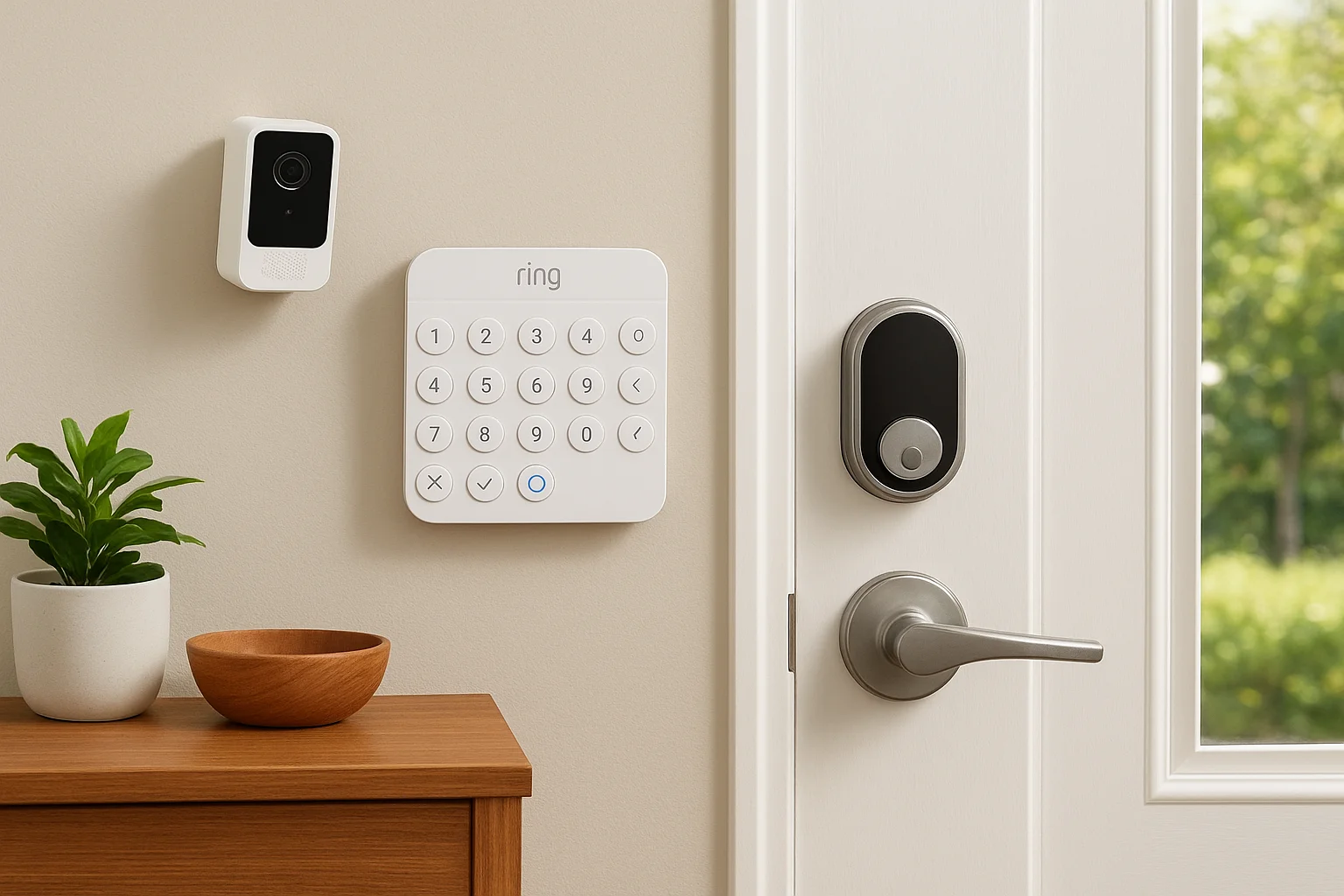
Building your security flow around Ring Alarm modes gives you the most reliable trigger point in the system.
Convenience-first setup
Connect your Ring doorbell to smart lighting so your porch light turns on automatically with any nighttime motion event. Add a garage controller through Works with Ring to open or close the garage from the Ring app when a delivery arrives.
Hands-free voice setup
Place Echo devices in key rooms so every doorbell press announces through the whole house. Build Alexa routines that use Ring motion events to trigger room-specific lighting or audio, keeping your hands free during busy moments.
Privacy-first setup
Limit third-party account links to only what you actively use. Turn off motion zones covering public sidewalks, set custom schedules so cameras record only during relevant hours, and review linked app permissions in Ring's account settings regularly.
Property management setup
Use Z-Wave smart locks with access codes tied to Ring Alarm for each unit. Revoke codes immediately after a tenant leaves, and use shared user controls in Ring to assign device access without exposing your full account.
Home Assistant power-user setup
Combine Ring motion and sensor events with local devices inside Home Assistant automations. Use presence detection to arm Ring Alarm automatically when everyone leaves, and build a single dashboard that surfaces camera feeds, lock states, and sensor status together.
Common limits and how to avoid them
Ring smart home integration works well within its supported ecosystem, but it has real gaps that will catch you off guard if you plan around assumed features. Knowing the limits before you buy hardware saves you time, money, and the frustration of automations that simply don't behave the way you expected.
Platform and device compatibility gaps
Google Home's Ring integration is inconsistent in practice. Live view drops frequently on Nest Hub displays, two-way audio rarely works reliably, and automation triggers are limited compared to Alexa. If you depend on Google Home as your primary interface, expect to work around those gaps rather than through them. Apple HomeKit has no native Ring support, and third-party bridges like Scrypted break after firmware updates on either side, creating ongoing maintenance that most users underestimate.
Device compatibility requires more scrutiny than the packaging suggests, especially with Z-Wave locks and Ring Alarm generations.
Not every Z-Wave lock works with every Ring Alarm version. Check compatibility lists carefully before purchasing, and verify that your specific lock model and Ring Alarm generation pair correctly. myQ garage controllers also require their own app link and have a history of dependency changes that interrupt integrations.
Automation reliability and account issues
Wi-Fi dead zones and battery-powered device sleep cycles are the most common causes of delayed or missed automation triggers. Wired devices respond faster and more consistently. Place your router or a Wi-Fi access point within strong range of every Ring device you plan to use in time-sensitive automations.
Shared user permissions and revoked API tokens cause integrations to silently stop working. If an automation suddenly breaks, check whether the linked account still has active authorization in Ring's app settings, reauthorize the connection, and confirm the device firmware is current before digging deeper.
Ready to plan your system
Ring smart home integration gives you a real foundation for a connected home, but the setup decisions you make early determine how well it holds up over time. Choosing the right platform, pairing only compatible devices, and building automations around reliable triggers will get you a system that works consistently rather than one you're constantly troubleshooting.
Your specific goals matter more than any generic recommendation. A security-focused household needs a different configuration than a property manager or someone optimizing for voice control. Getting the design right from the start saves you from costly rework later.
If you're in the Boise or Meridian area and want a professionally designed system built around your actual needs, our team at Treasure Valley Solutions is ready to help. Contact us to start planning your smart home setup and we'll walk you through the options that make sense for your home.
Need Expert Help?
Ready to implement these solutions in your own home or business?
Our Services

High-definition surveillance for peace of mind.

Comprehensive security solutions for home and business.

Complete home automation and control.

Intelligent lighting control and automation.
Serving the Treasure Valley
Local installation in your city