 (208) 991-3502
 Meridian, ID



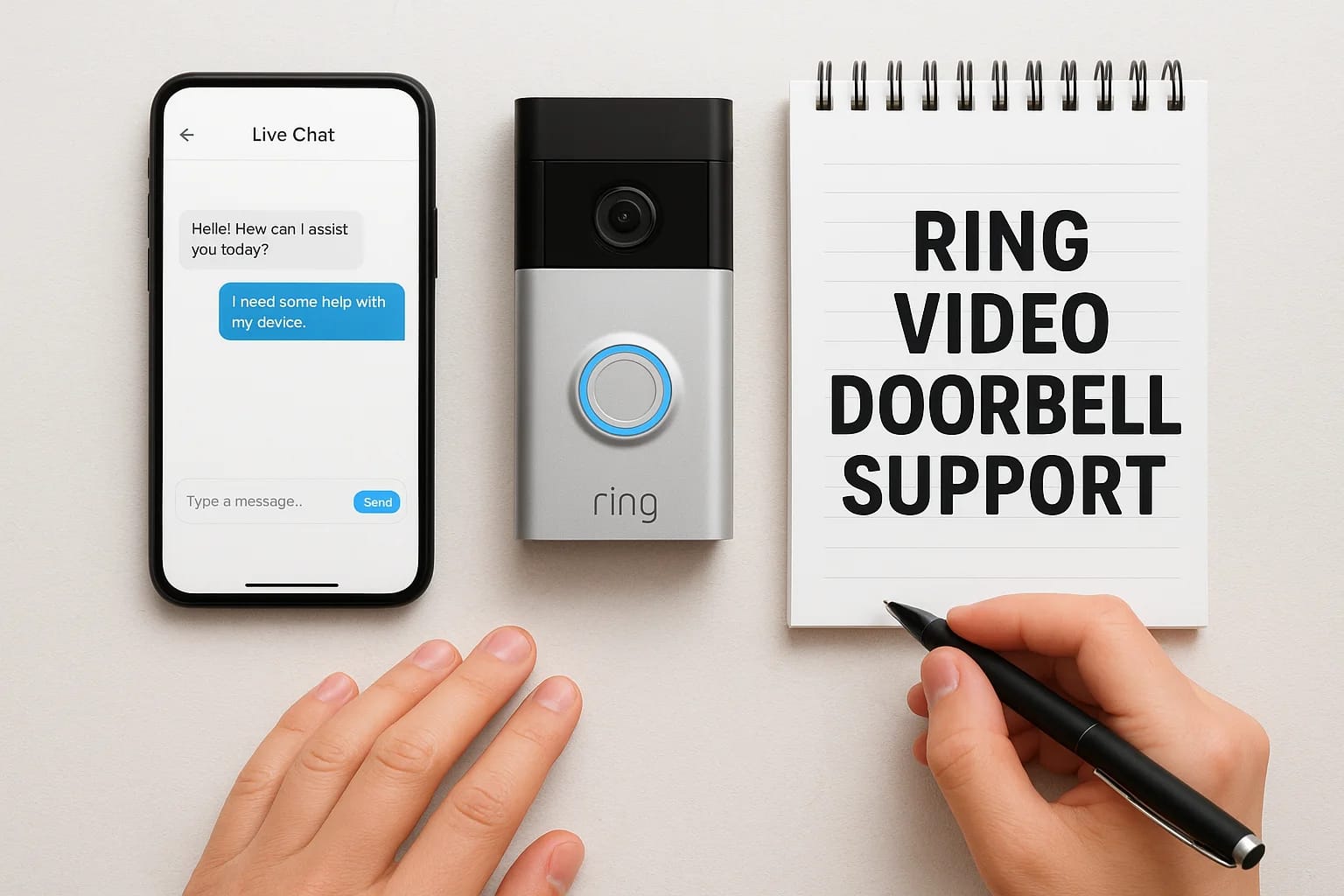

Your Ring doorbell stopped working at the worst possible time. Maybe you missed an important delivery. Or the motion alerts won't stop going off. You need help fast and you're not sure where to start....
Your Ring doorbell stopped working at the worst possible time. Maybe you missed an important delivery. Or the motion alerts won't stop going off. You need help fast and you're not sure where to start.
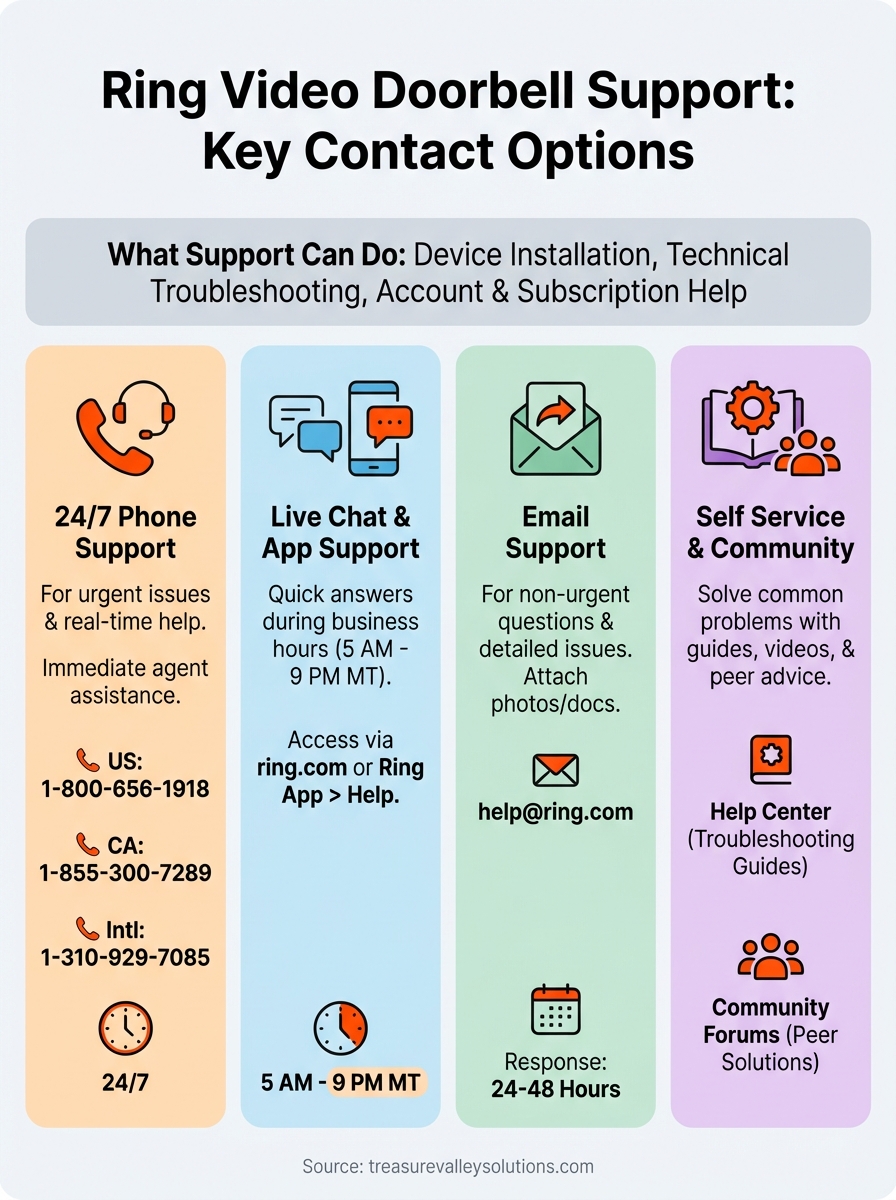
Ring offers several ways to get support. You can call their 24/7 phone line at 1-800-656-1918 for immediate help. Or use live chat during business hours. For less urgent issues, email works too. They also have community forums and self service tools that can solve common problems without waiting.
This guide walks you through every Ring support option available. You'll learn the fastest way to reach a real person by phone or chat. We'll cover when to use email instead. Plus you'll discover Ring's troubleshooting resources that might fix your problem right now. By the end, you'll know exactly how to get the help you need.
What Ring video doorbell support can do
Ring video doorbell support handles everything from basic setup questions to complex technical problems. Their support team assists with device installation, helps you configure settings, and troubleshoots connection issues. You can get help with motion detection problems, video quality concerns, and battery charging questions. They also walk you through software updates and explain how features work.
Technical troubleshooting and device issues
Ring's technical support team fixes problems with your doorbell's hardware and software. They help when your device won't connect to WiFi, when motion alerts stop working, or when video recordings look blurry. The team can diagnose power supply issues that prevent your doorbell from charging properly. They also resolve problems with two-way audio, night vision, and live view features that won't load.
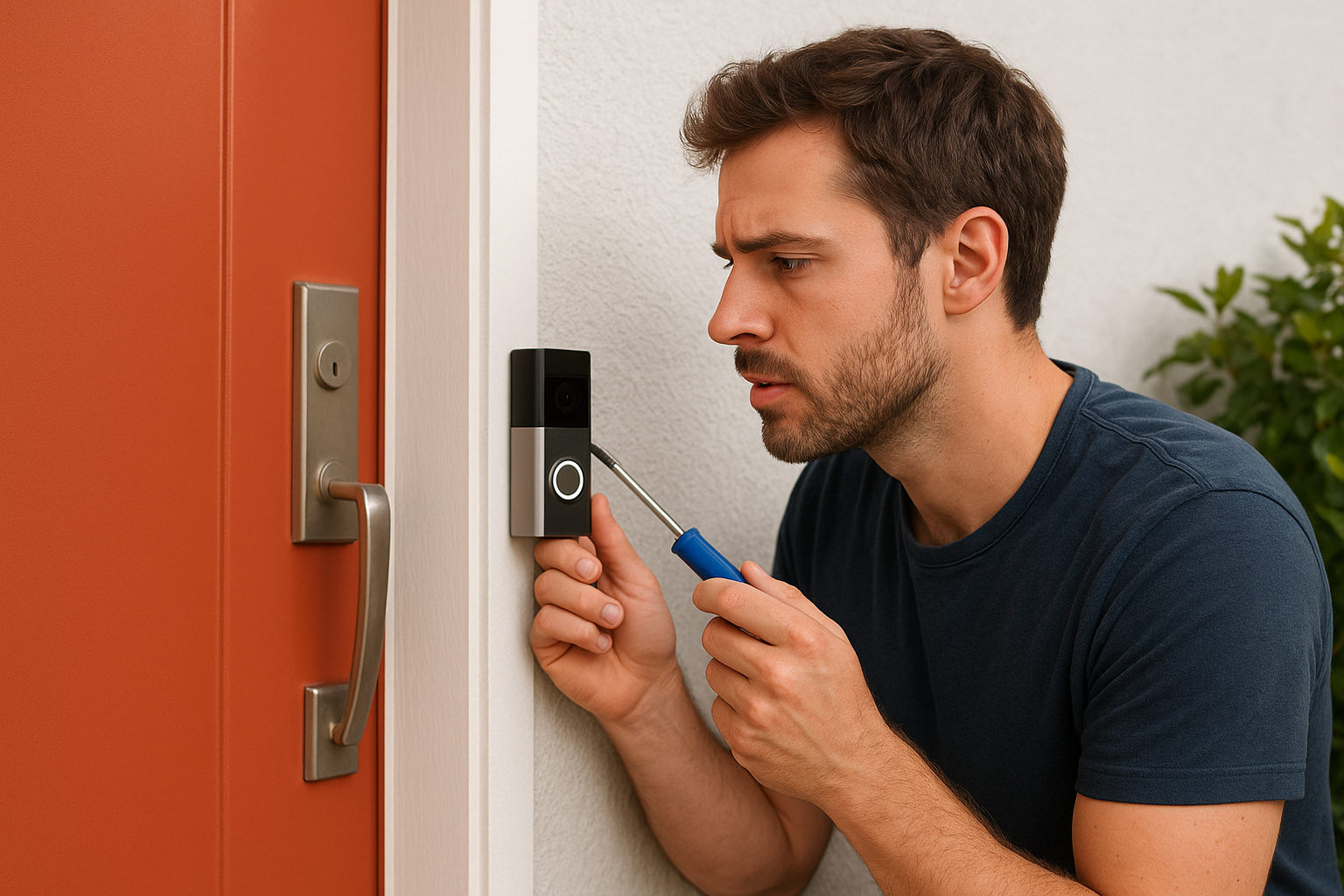
Support agents guide you through specific troubleshooting steps based on your exact problem. For example, if your doorbell keeps going offline, they'll check your router settings, verify signal strength, and test your power source. When notifications aren't arriving on your phone, they'll review your app permissions and notification settings with you.
Ring support can remotely diagnose many issues by reviewing your device's connection data and system logs.
Account and subscription help
The support team manages everything related to your Ring account. They help you update payment methods for your Ring Protect subscription, change billing cycles, and cancel services if needed. You can get assistance with sharing device access to family members or removing previous owners from used devices. They also handle account security issues like resetting passwords, enabling two-factor authentication, and reviewing unusual activity on your account.
Step 1. Call Ring support by phone
Calling Ring support by phone gets you immediate help from a live agent who can troubleshoot your problem in real time. Ring's phone support operates 24 hours a day, 7 days a week, so you can reach them whenever your doorbell issue occurs. This works best for urgent problems like devices that won't power on, security concerns, or installation questions that need step-by-step guidance over the phone.
Ring's phone numbers by region
You'll find the correct ring video doorbell support number based on your location. United States customers dial 1-800-656-1918 for toll-free assistance. Canadian users call 1-855-300-7289 for dedicated support. If you're outside North America, use the worldwide number at 1-310-929-7085 for general support and billing questions.
Ring provides regional numbers for faster service in many countries. European customers have specific toll-free lines like 0808 196 5767 for the UK and 800 909 723 for Italy. Asia Pacific regions can call dedicated lines such as 02 8294 9169 for Australia and 0120-230-609 for Japan. Check Ring's official contact page for the complete list of international numbers.
Ring's 24/7 phone support means you can call immediately when security issues arise, not wait until business hours.
What to prepare before calling
Have your device serial number ready before you dial. You'll find this in the Ring app under Device Settings or on a label inside your doorbell's battery compartment. The support agent needs this to pull up your device information and warranty status quickly.
Open the Ring app on your phone while calling. Agents often ask you to check specific settings or error messages during the conversation. Write down any error codes or symptoms you've noticed, including when the problem started and what you've already tried. This information helps the agent diagnose your issue faster and avoid repeating troubleshooting steps you've already attempted.
Keep your WiFi router nearby if possible. Many doorbell problems relate to network connectivity, and you might need to check router settings or restart equipment during the call.
Step 2. Use Ring live chat and in app support
Ring's live chat connects you with support agents during business hours without tying up your phone line. You can type out your problem while multitasking and refer back to the conversation later. The in-app support features let you access help directly from your Ring doorbell settings, making it easy to get assistance while you're already troubleshooting your device.
How to start a live chat session
Visit Ring's official website at ring.com and click "Contact Us" at the bottom of any page. Look for the blue "Chat with Us" button in the lower right corner of your screen. Click it to open a chat window where you can describe your issue. The system starts with automated suggestions based on keywords you type, but you can request a live agent if the automated responses don't solve your problem.
Live agents handle chats between 5 AM and 9 PM Mountain Time. Outside these hours, the automated system still provides help with common tasks like tracking orders, resetting passwords, and updating payment methods. Type clear, specific details about your problem to get the fastest response. For example, say "my doorbell won't charge" instead of just "it's not working."
Live chat creates a written record of troubleshooting steps you can reference later, unlike phone calls that require note-taking.
Using the Ring app for support
Open your Ring app and tap the three-line menu icon in the upper left corner. Select "Help" from the menu to access ring video doorbell support articles organized by device type and problem category. The app provides device-specific troubleshooting guides that match your exact doorbell model, eliminating irrelevant information.
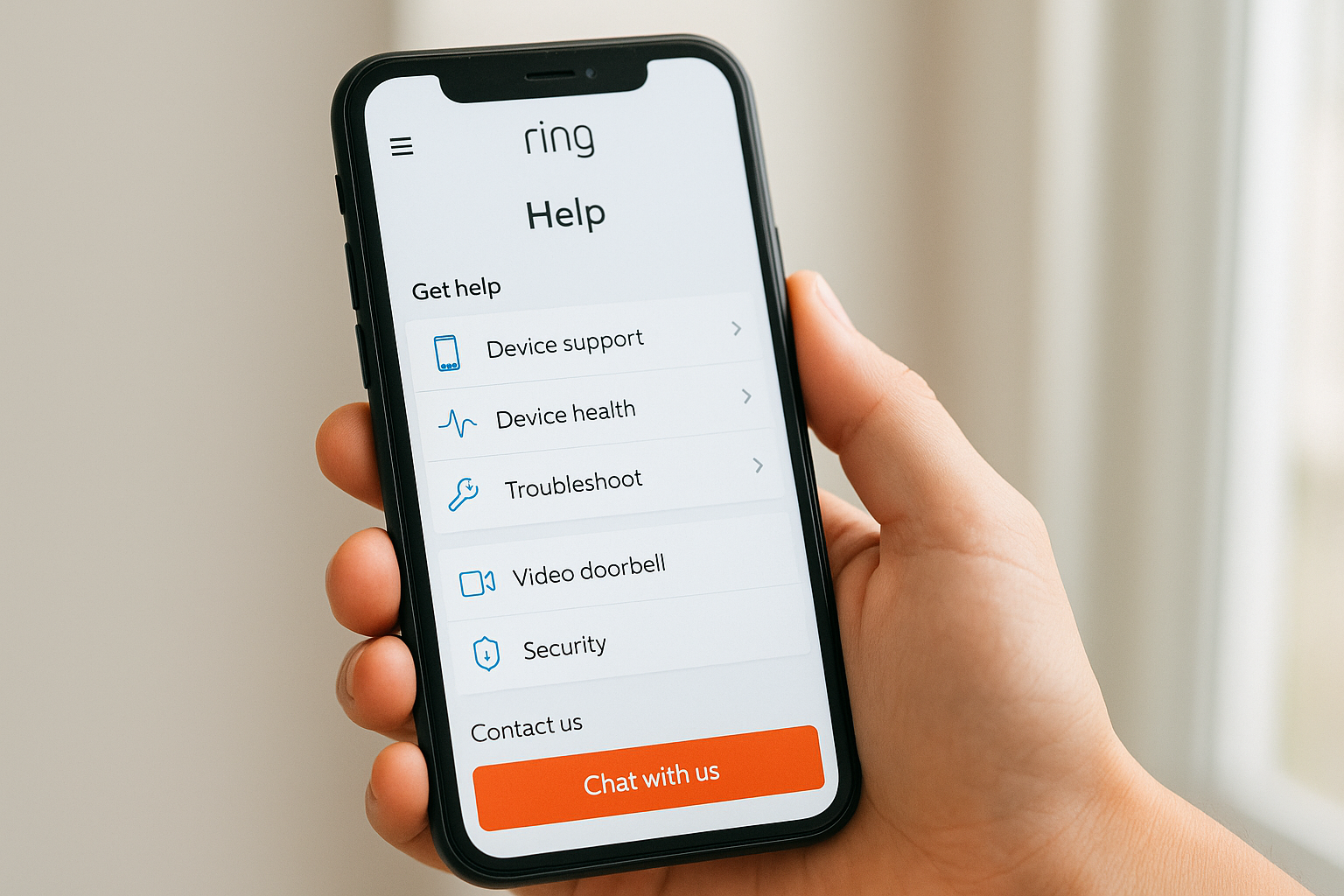
Tap on your specific device in the app's main screen, then select "Device Health" to run diagnostics. This feature checks your WiFi signal strength, power status, and firmware version automatically. You'll see real-time connection data that helps identify network problems before contacting support.
Step 3. Get help by email for non urgent issues
Email works well for non-urgent ring video doorbell support questions that don't need immediate answers. You'll typically receive a response within 24 to 48 hours, making this option suitable for warranty inquiries, feature requests, or detailed technical issues that require screenshots and documentation. Email lets you attach photos of your doorbell setup, error messages, or installation diagrams that help support agents understand your situation better.
Ring's email addresses for different issues
Send general support questions to help@ring.com for device troubleshooting, account issues, and billing questions. This primary support address handles most customer service needs including setup problems, warranty claims, and subscription changes. Ring also maintains specialized email addresses for specific inquiries that route your message to the right department faster.
Contact media@ring.com for press inquiries or partners@ring.com for business partnership opportunities. Property managers and bulk buyers reach communityprograms@ring.com for program information. Professional installers use prochannel@ring.com for technical resources and training materials.
Writing an effective support email
Include your device serial number in the subject line along with a brief description of your problem. Start your email with your account email address, the specific Ring device model, and when the issue started. Describe what troubleshooting steps you've already tried so agents don't suggest solutions you've tested.
Attach clear photos or screenshots that show error messages, device lights, or installation issues. Number your photos if you're sending multiple images so the support agent can reference them easily in their response.
Email support creates a documented history of your issue that you can reference if problems persist or escalate to warranty claims.
Step 4. Try self service and community resources
Ring's self service tools solve many common doorbell problems without waiting for support agents. You can access troubleshooting guides, video tutorials, and community advice that often provide faster solutions than contacting support directly. These resources work particularly well for setup questions, feature explanations, and known issues that other users have already solved.
Ring Help Center and troubleshooting articles
Visit ring.com/support to access Ring's comprehensive help database organized by product type and problem category. You'll find step-by-step troubleshooting guides for issues like poor WiFi signal, battery drain, and motion detection sensitivity. Each article includes screenshots and clear instructions that walk you through fixes systematically.
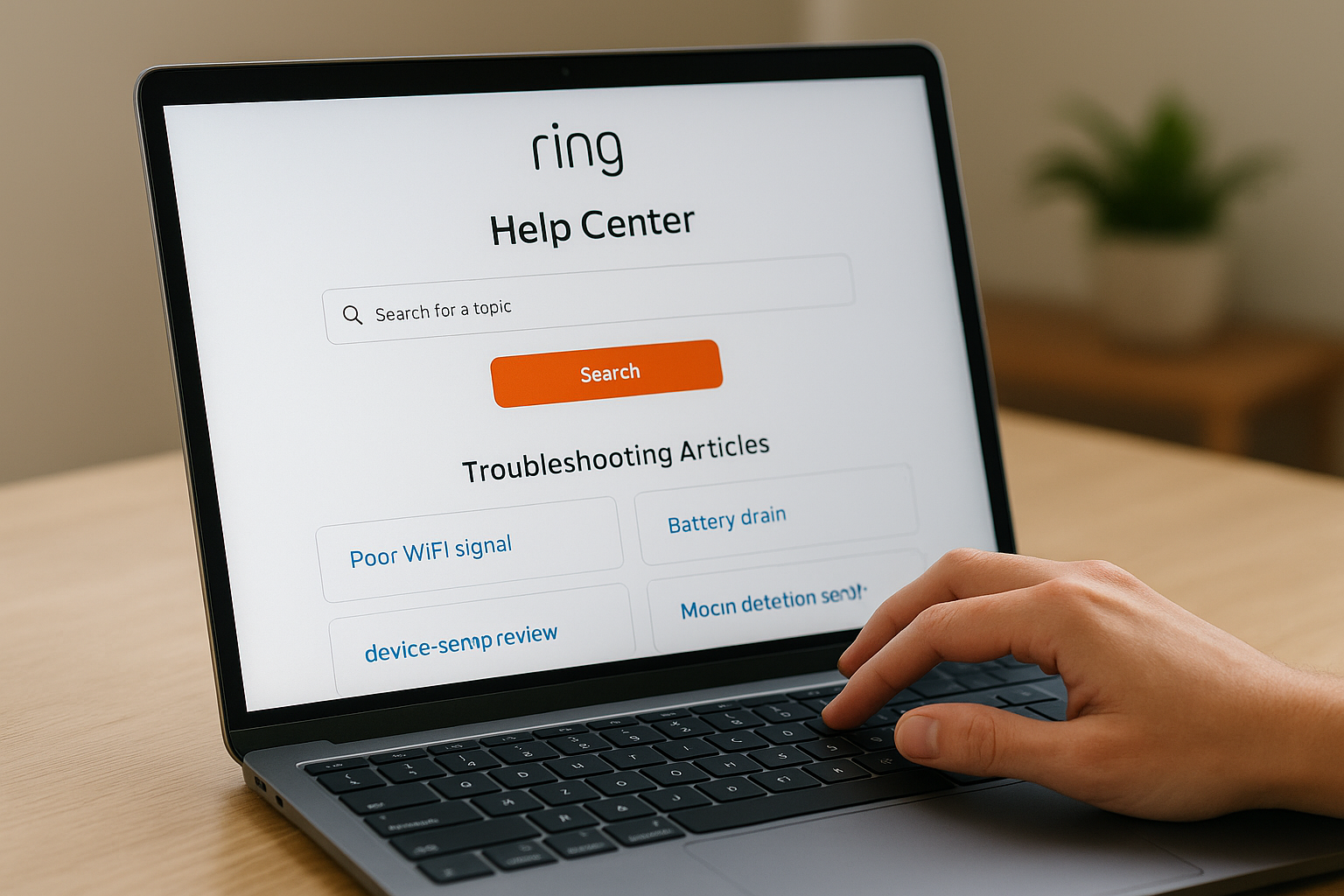
Search for your specific problem using keywords like "doorbell won't charge" or "motion alerts not working." The help center provides device-specific articles that match your exact Ring model, eliminating confusion from irrelevant information. You can also watch video tutorials on Ring's YouTube channel at youtube.com/@ring for visual installation and setup guides.
Ring's help articles resolve about 70% of common technical issues without requiring direct ring video doorbell support contact.
Ring Community forums
Join Ring's community forums at community.ring.com to connect with other users who've faced similar problems. You can search existing threads for solutions or post your own question to get advice from experienced Ring owners. Many active community members respond within hours with practical fixes they've tested themselves.
Browse the forums by product category to find relevant discussions about your specific doorbell model. Users share real-world workarounds for common frustrations and undocumented features that official support might not mention.
Get help and keep your system running smoothly
You now have multiple ways to access ring video doorbell support when problems arise. Call 1-800-656-1918 for urgent issues that need immediate attention, or use live chat during business hours for quick answers without tying up your phone. Email works well for detailed questions that can wait a day or two. The self service resources often solve common problems faster than waiting for an agent.
Start with the Ring Help Center and community forums for quick fixes to typical issues. Most connection problems, battery questions, and setup confusion resolve through these resources in minutes. Save phone support for complex technical problems or when self service solutions don't work.
If you need professional help installing or troubleshooting your smart home security system beyond manufacturer support, contact our team at Treasure Valley Solutions. We design and support complete security solutions throughout the greater Boise area.
Need Expert Help?
Ready to implement these solutions in your own home or business?
Our Services

High-definition surveillance for peace of mind.

Comprehensive security solutions for home and business.
Serving the Treasure Valley
Local installation in your city