 (208) 991-3502
 Meridian, ID



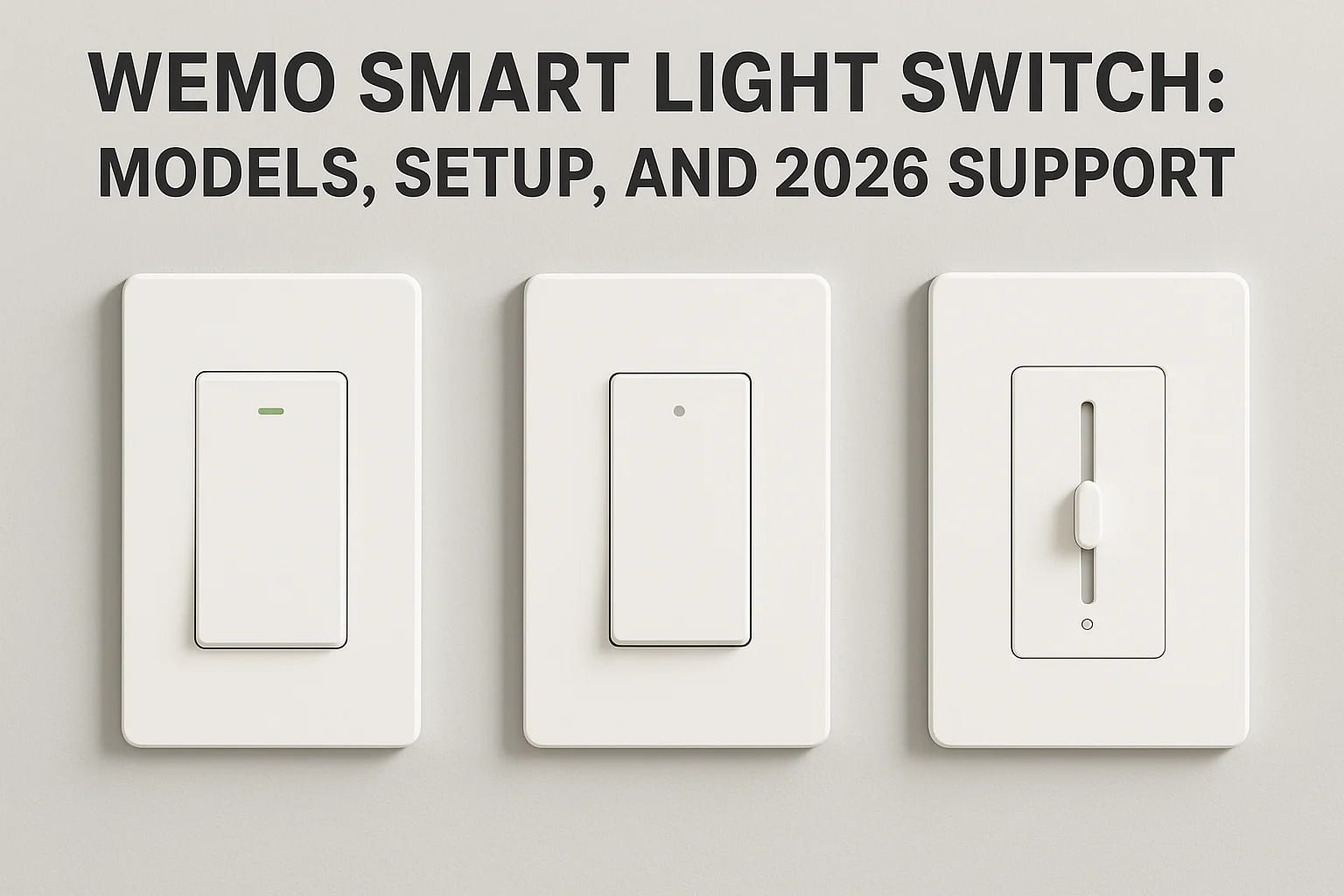

The Wemo smart light switch was one of the earlier mainstream options for homeowners wanting app-controlled lighting without a full smart home hub. Belkin's Wemo line earned a loyal following thanks t...
The Wemo smart light switch was one of the earlier mainstream options for homeowners wanting app-controlled lighting without a full smart home hub. Belkin's Wemo line earned a loyal following thanks to its straightforward Wi-Fi connectivity and relatively simple installation. But as the smart home market has evolved, so has the status of the Wemo brand, and not all the news is good for existing or prospective buyers.
If you're researching Wemo switches right now, you likely have questions: Which models are still available? Is setup still worth the effort? And critically, what does product support look like heading into 2026 and beyond? These are fair concerns, especially since Belkin has scaled back its smart home efforts in recent years. Whether you already own Wemo switches or you're considering them for a project, getting clear answers matters before you invest time or money.
At Treasure Valley Solutions, we design and install smart lighting systems across homes and businesses in the Boise and Meridian area. We've worked with dozens of smart switch platforms over the years, and we've seen firsthand how product discontinuations and shifting support can leave homeowners stuck. This article breaks down the current Wemo smart light switch lineup, walks through setup basics, and gives you an honest look at where Wemo stands in 2026, so you can make an informed decision about whether these switches belong in your home.
What a Wemo smart light switch does
A Wemo smart light switch replaces your standard wall switch with a Wi-Fi-enabled device that lets you control your lights from an app, a voice assistant, or an automated schedule. Unlike smart bulbs, which require you to leave the physical switch permanently in the "on" position, a Wemo switch operates at the wall level. This means any bulb in the fixture responds to smart commands, and your existing toggle still works like normal for anyone in the home who doesn't have a phone handy.
How the Wi-Fi connection works
Wemo switches connect directly to your home's 2.4 GHz Wi-Fi network without needing a separate smart home hub or bridge. Once paired, the switch communicates through Belkin's cloud servers, which means your phone can send commands whether you're sitting on the couch or three states away. This hub-free approach made Wemo an attractive option early on, since you could get started with a single switch and no additional hardware investment.
Without a hub requirement, Wemo lowered the barrier to entry for homeowners who wanted smart lighting without committing to a full smart home ecosystem.
What you can actually do with one
After setup, you control your lights through the Wemo app, and most models also support Apple HomeKit, Amazon Alexa, and Google Home voice commands. You can set schedules so lights turn on at sunset and shut off at a specific time each night, create location-based rules that trigger when you arrive home, and group multiple switches together for room-level control. The physical toggle remains fully functional, so guests and family members never need a phone or voice command to operate the lights normally.
Wemo smart light switch models and wiring needs
Belkin produced a focused lineup rather than an overwhelming range of options. Knowing which model fits your situation and what your wall wiring requires will save you real frustration before you buy.
The main models available
The Wemo Smart Light Switch handles single-pole installations, covering most rooms where only one switch controls a light. For staircases or hallways controlled from two locations, Belkin made the Wemo 3-Way Smart Light Switch. The Wemo WiFi Smart Dimmer rounds out the core lineup, adding brightness control to both the app and voice commands for dimmable LED and incandescent bulbs.
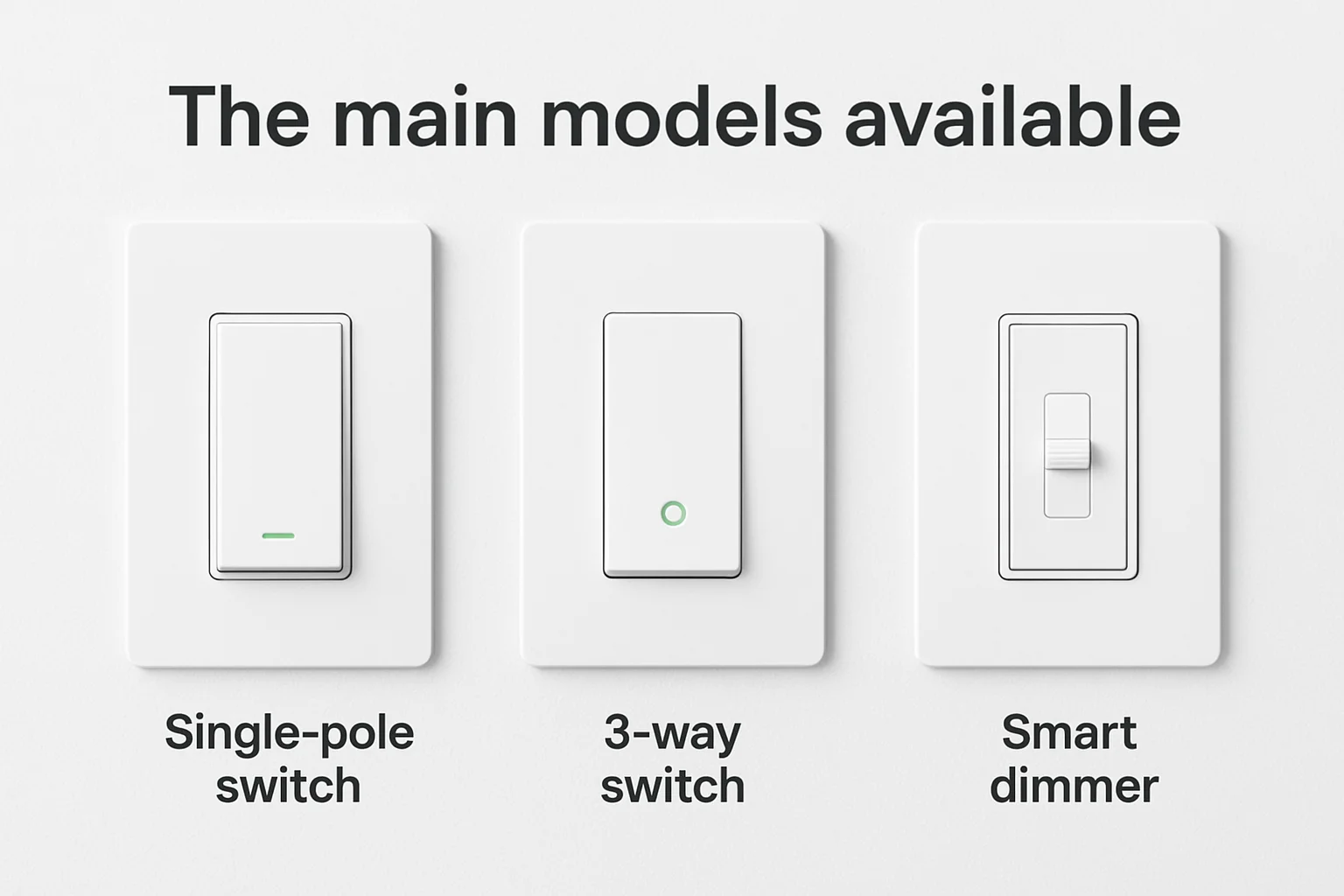
- Single-pole switch: One switch controls one light circuit
- 3-way switch: Two switches control the same light from different locations
- Smart dimmer: Single-pole installation with adjustable brightness levels
What wiring your home needs
All Wemo switches require a neutral wire in the wall box, which is the white wire separate from the hot and ground wires. Many homes built before the 1980s may lack this wire entirely, so checking your box before purchasing avoids a costly mistake.
If you open your wall box and don't see a neutral wire, a Wemo switch won't work without a licensed electrician rewiring that circuit.
Why the 2026 support shutdown matters
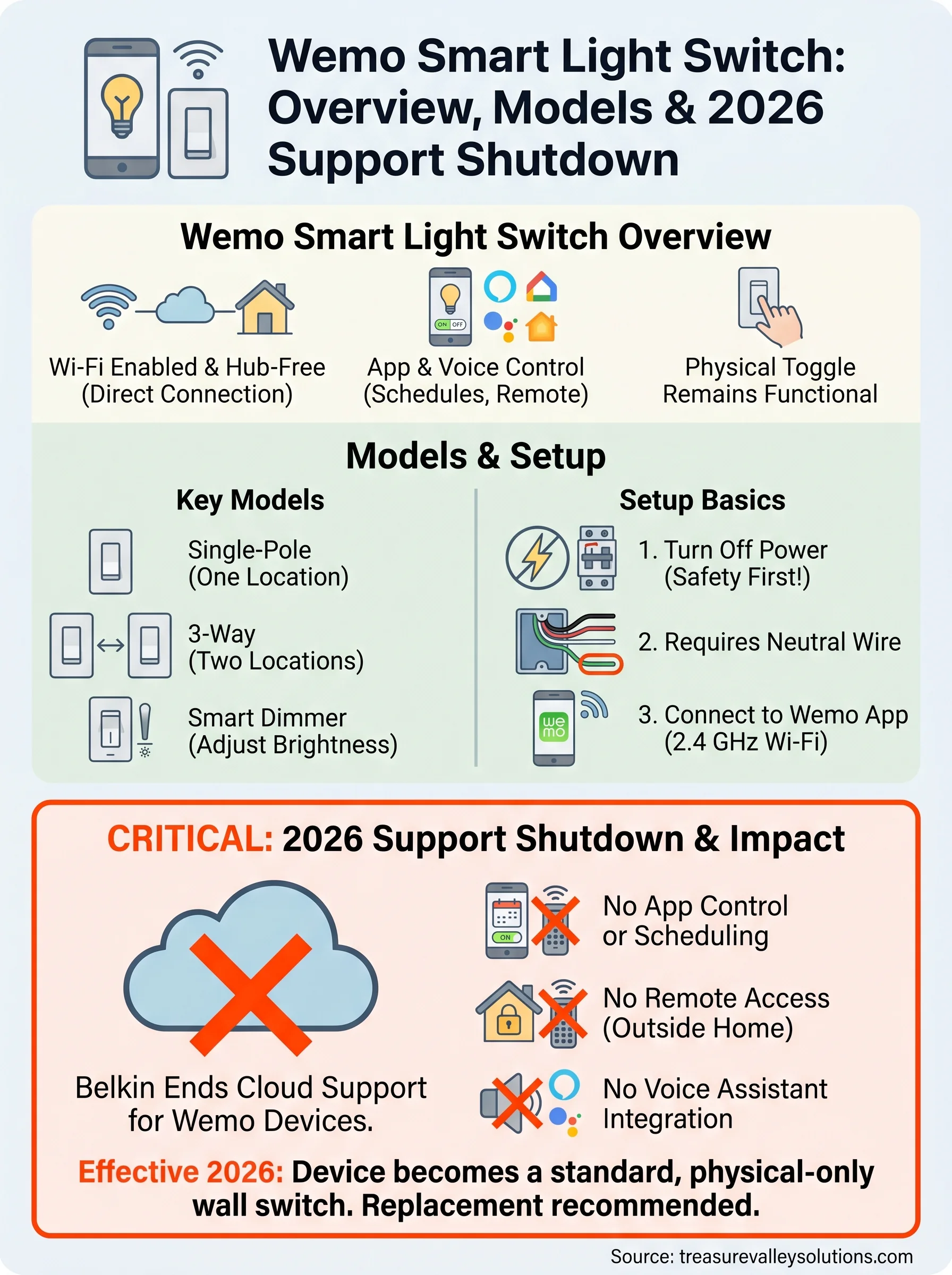
Belkin announced that it would end cloud support for Wemo smart home devices, including switches, effectively making app-based control and remote access unavailable going forward. This shutdown affects any wemo smart light switch that relies on Belkin's servers to function, which covers the entire product line. If you purchased these switches expecting years of reliable use, this change directly impacts what you paid for.
What stops working
When the cloud servers go offline, remote control through the Wemo app stops working entirely. You lose the ability to set schedules, control lights while away from home, or use third-party integrations like Alexa and Google Home. The physical toggle on the wall still works, but everything that made the switch "smart" becomes unavailable.
Key features that stop working:
- App-based scheduling
- Remote access from outside your home
- Voice assistant integration
Once the cloud shuts down, your Wemo switch becomes a standard wall switch with no path to restore remote functionality.
What this means for your decision
If you already own Wemo switches, replacing them with a supported platform is the practical next step rather than waiting on a fix that won't come. If you're considering purchasing Wemo hardware, the lack of ongoing support makes it a poor investment compared to actively maintained alternatives from brands like Lutron or Leviton.
How to install and set up a Wemo switch
Before you start, turn off the circuit breaker for the light you're replacing. Working on a live circuit is dangerous, and no smart switch is worth that risk. Confirm the breaker is off with a non-contact voltage tester before touching any wires in the wall box.
Wiring the switch
Connect the black hot wire to the terminal marked "line," the load wire to the terminal marked "load," and the white neutral wire to the neutral terminal. Tuck the wires carefully into the box, mount the switch plate, and restore power at the breaker.
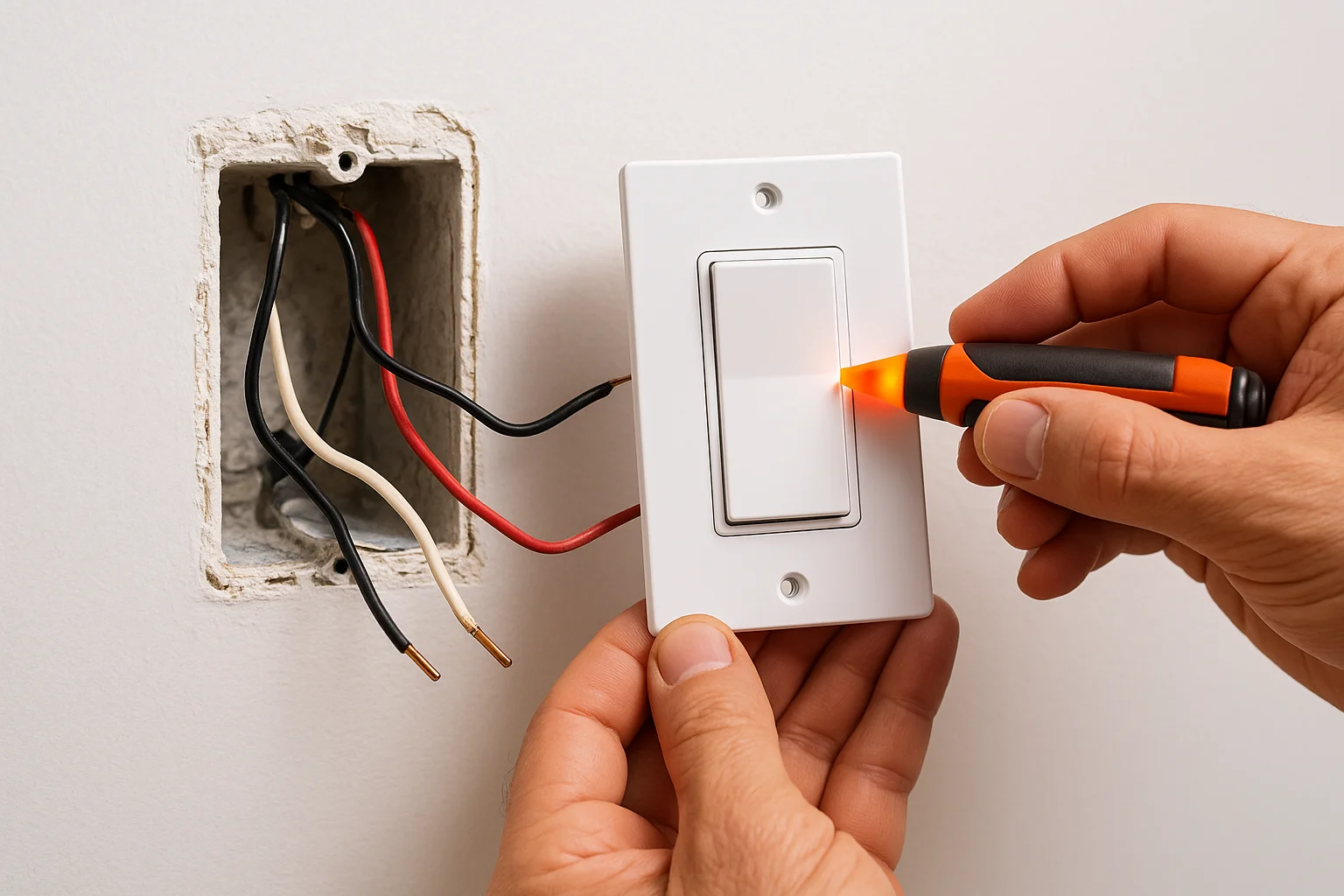
Always confirm power is completely off before touching the wires inside the wall box.
Connecting to the Wemo app
Download the Wemo app on your iOS or Android phone and create an account if you don't already have one. With the switch powered on, open the app and follow the on-screen pairing steps, which guide you through connecting your wemo smart light switch to your 2.4 GHz Wi-Fi network. The process typically takes under five minutes, and the app confirms a successful connection before you finish setup. From there, you can name the switch, assign it to a room, and configure your first schedule.
How to troubleshoot common Wemo problems
Most issues with a wemo smart light switch fall into two categories: connection problems during setup and the switch dropping offline after it was previously working. Knowing where to look first saves you from a long cycle of rebooting your router and hoping for the best.
When the switch won't connect to Wi-Fi
If pairing fails during setup, the most common cause is your phone connecting to a 5 GHz network instead of the required 2.4 GHz band. Go into your phone's Wi-Fi settings, connect specifically to the 2.4 GHz band, and restart the pairing process. Moving your router closer to the switch during initial setup also helps if the signal is weak in that room.
Wemo switches only support 2.4 GHz Wi-Fi, so confirming your phone is on that band before pairing eliminates the most frequent setup failure.
When the app shows the switch as offline
Your switch may show offline because Belkin's cloud servers are unreachable, not because the switch itself has failed. Restart the switch by cutting power at the breaker for ten seconds. If it remains offline, check your router's status and confirm your internet connection is active. Given the 2026 support shutdown, a persistent offline status may signal that cloud services have ended for your device.
Next steps
The wemo smart light switch gave a lot of homeowners their first taste of app-controlled lighting, but the 2026 cloud shutdown makes it a platform with a clear expiration date. If you own Wemo switches, replacing them now with a supported alternative puts you ahead of the problem rather than scrambling after functionality disappears. If you were shopping for Wemo hardware, this article should point you toward brands that are actively maintained.
Smart lighting works best when it's designed around your home's specific wiring, layout, and usage patterns, not pieced together from whatever happens to be on sale. At Treasure Valley Solutions, we help homeowners in the Boise and Meridian area build lighting setups that work reliably for years. If you're ready to move past outdated hardware and get a system that actually fits your home, contact our team to start the conversation.
Need Expert Help?
Ready to implement these solutions in your own home or business?
Our Services

Intelligent lighting control and automation.

Complete home automation and control.
Serving the Treasure Valley
Local installation in your city