 (208) 991-3502
 Meridian, ID



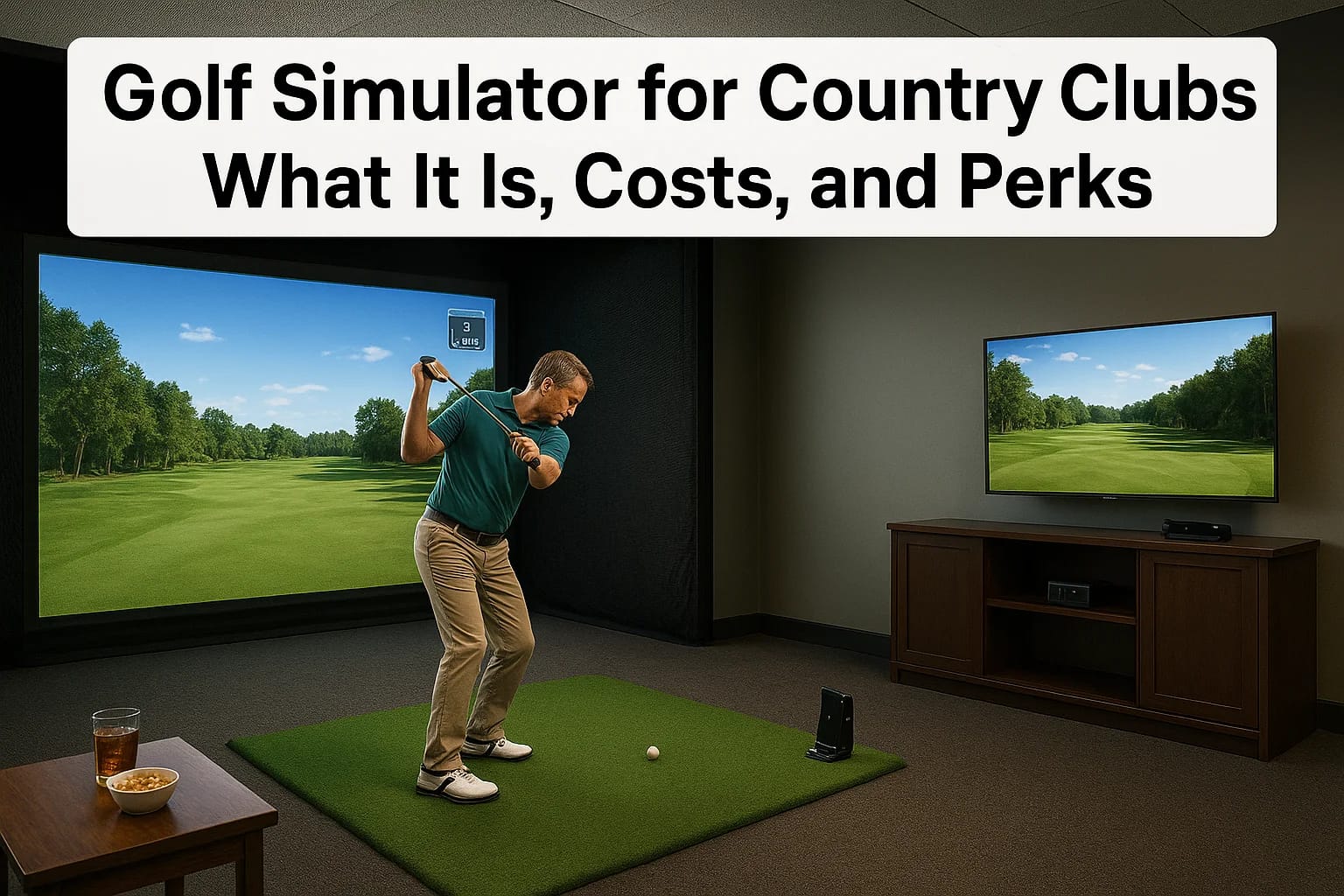

Members expect more from their club than a nineteenth hole and a bag drop. If you're researching a golf simulator for country clubs, you're probably weighing whether it's worth the investment, what it...
Members expect more from their club than a nineteenth hole and a bag drop. If you're researching a golf simulator for country clubs, you're probably weighing whether it's worth the investment, what it actually costs to install, and whether members will use it enough to matter. Those are fair questions, and the answers depend heavily on the equipment, space, and setup you choose.
This article breaks down exactly what a club-grade simulator setup includes, from launch monitor accuracy to projection screens and swing bays, plus realistic cost ranges based on the scope of the install. You'll see how clubs use these systems for year-round play, league nights, and lesson programs that keep members engaged when the weather or daylight won't cooperate.
We design and install commercial AV and technology systems across the Treasure Valley, and simulator bays are one of the projects clubs ask us about most. So we're walking through what a quality installation looks like, what separates a durable system from a disappointing one, and the perks members actually notice once the bay is running.
Why country clubs are adding golf simulators
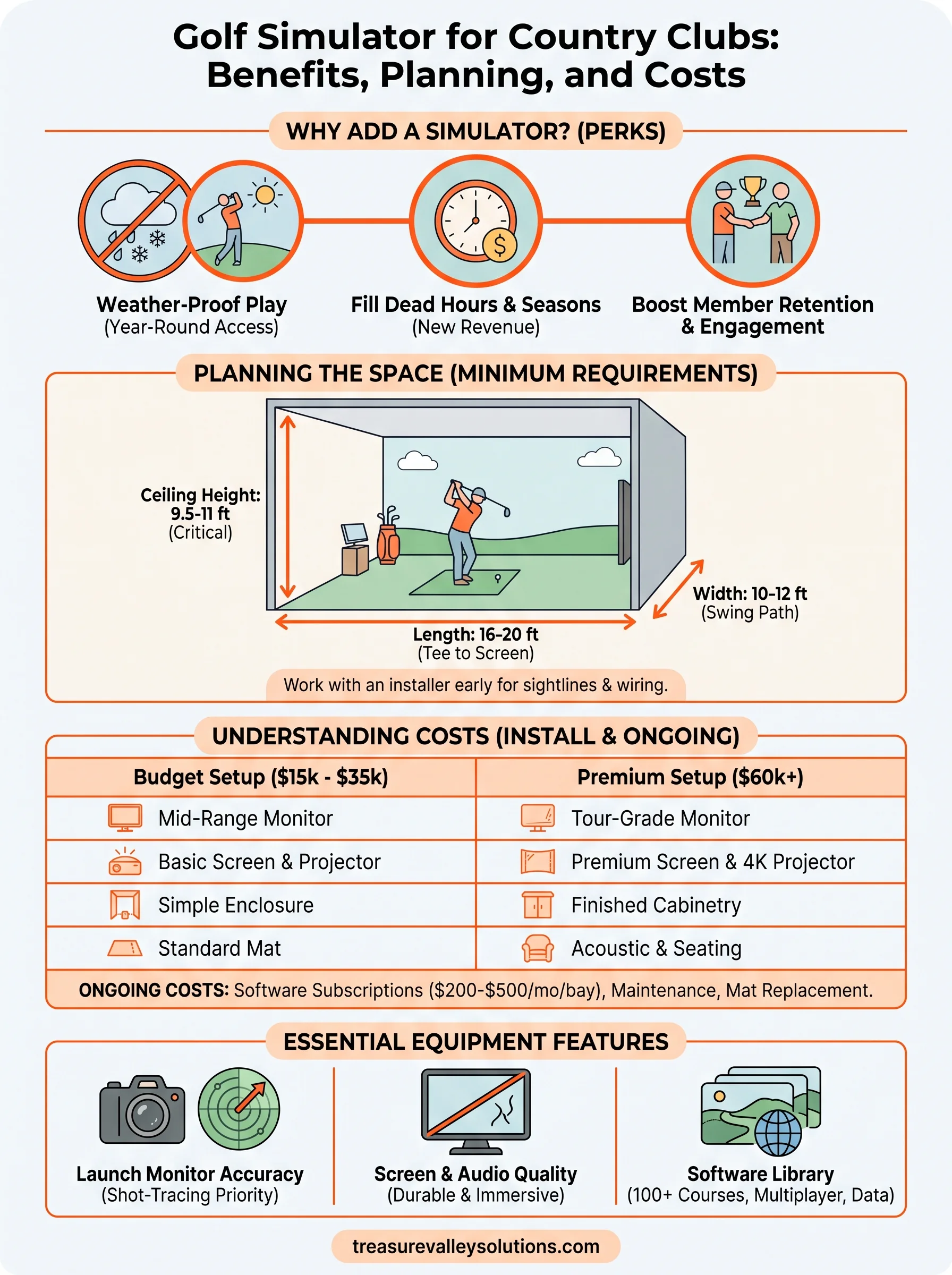
Idaho winters shut down outdoor play for months, and even a rainy spring weekend can wipe out a full slate of tee times. Clubs are installing simulators because they solve a scheduling problem that outdoor courses can't fix on their own: weather-proof golf. A bay with a good launch monitor keeps members swinging in January just as easily as July, and that consistency is what separates clubs that retain members from ones that lose them to a competitor down the road.
Filling dead hours and dead seasons
Beyond weather, simulators fill hours the course itself can't use. Early mornings before the grounds crew finishes mowing, late evenings after sunset, and slow winter weekdays all become usable time. Pro shops run lesson programs and club-fitting sessions in the bay using swing data that used to require a trip to a fitting studio. Some clubs schedule simulator leagues on Monday nights, when the course is otherwise closed for maintenance, turning a dead night into a packed one.
A simulator doesn't replace the course, it keeps members using the club when the course can't.
Member retention and new revenue
Membership committees also see simulators as a retention tool. Younger members and families increasingly ask about them before joining, right alongside the fitness center and pool. Clubs that add a bay report more guest visits and higher food and beverage sales in the lounge area next to it, since members linger and order drinks while waiting for their turn. A few clubs even rent bay time to non-members during off-peak hours, turning the room into a modest revenue line instead of a cost center.
Here's a quick look at where the demand is coming from:
- Weather downtime: Idaho courses lose 60 to 90 playable days a year to cold, wind, or darkness.
- Lesson revenue: Pros can book fitting and coaching sessions year-round instead of seasonally.
- Member requests: Simulators now rank alongside pickleball courts as a top amenity ask in membership surveys.
- Event hosting: Leagues, corporate outings, and junior clinics fill the space during slow periods.
How to plan a golf simulator installation
Before you call an installer, walk the space with a tape measure. Room dimensions decide almost everything else: which launch monitor works, how far members stand from the screen, and whether you need a full swing bay or a putting-only setup. Most clubs underestimate ceiling height and end up cramped once the screen, mounts, and impact netting go in.
Space and ceiling requirements
A proper swing bay needs more room than people expect, especially for taller members swinging drivers. Plan for these minimums before you commit to a room:
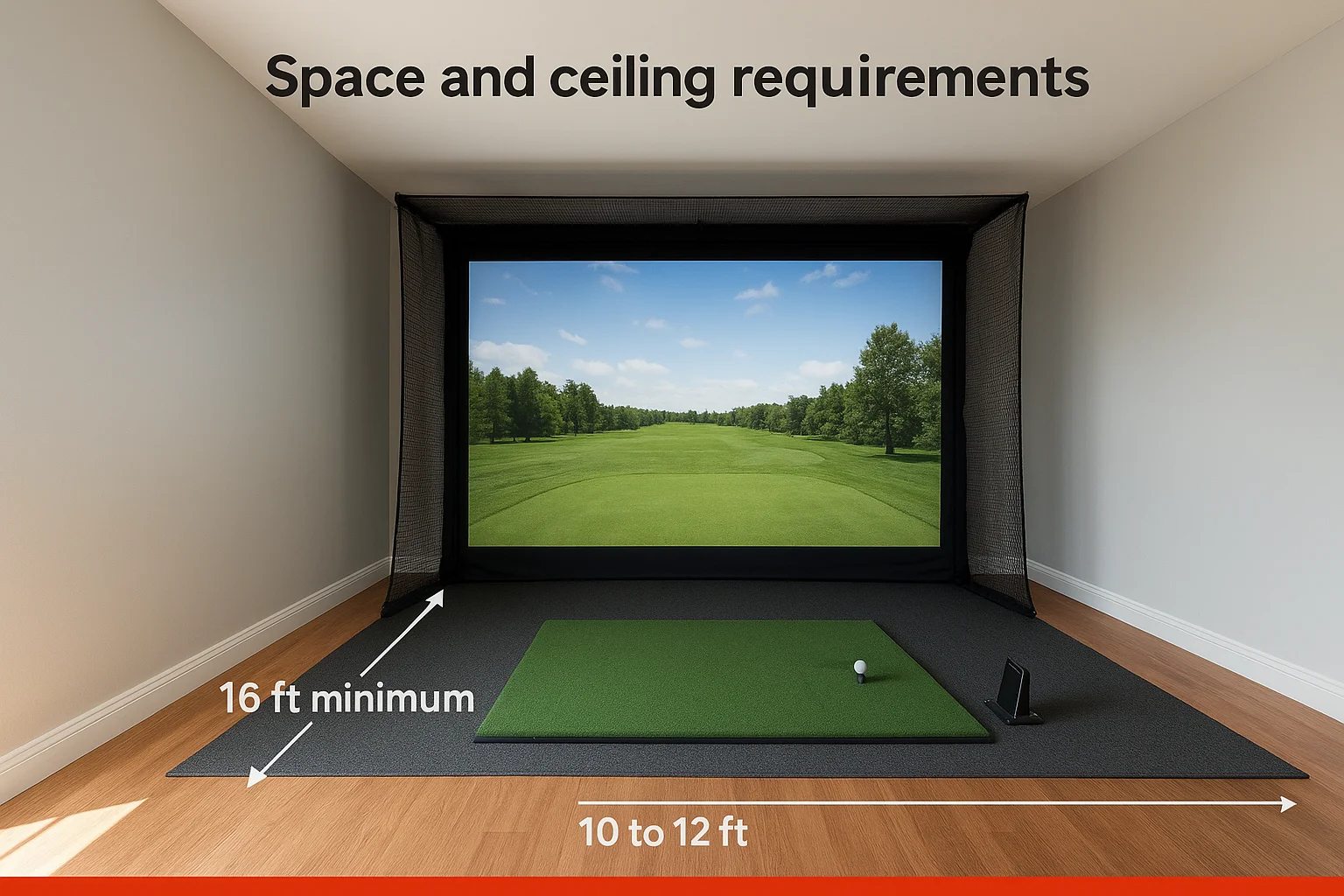
- Length: 16 feet minimum from tee to screen, 20 feet is better for driver swings
- Width: 10 to 12 feet to keep the swing path clear of walls and equipment
- Ceiling height: 9.5 feet minimum, 10 to 11 feet if members will use full-length clubs comfortably
- Flooring: A level, vibration-dampening surface under the hitting mat and sensor
Get the ceiling height wrong and no launch monitor on the market will fix it.
Working with an installer early
Bring in an installer before you sign off on a room, not after. We've walked into clubs where the space was already framed for a bay, and the ceiling was six inches too short for a comfortable swing. An experienced integrator checks sightlines, acoustic treatment for the lounge next door, and network wiring for the launch monitor's software, all before drywall goes up. That early planning step saves clubs from expensive rework and gets the bay open faster once construction starts.
What a golf simulator setup costs
Costs swing widely depending on the launch monitor, screen size, and how much room prep the space needs. A single-bay setup with a mid-range launch monitor and enclosure typically runs $15,000 to $35,000 installed. Multi-bay lounges with premium monitors, larger screens, and finished cabinetry for a members-only feel push well past $60,000 once you add seating, acoustic panels, and networked scoring displays.
Budget for the room, not just the box, or you'll blow past your estimate fast.
What drives the price up or down
The launch monitor is usually the biggest line item, and the gap between entry-level and tour-grade units is significant. Screen and projector quality, enclosure framing, flooring, and lighting all add up fast once you move past a bare-bones setup. Here's a rough breakdown clubs should expect:
| Component | Budget setup | Premium setup |
|---|---|---|
| Launch monitor | $6,000–$10,000 | $15,000–$25,000 |
| Screen and projector | $2,000–$4,000 | $5,000–$8,000 |
| Enclosure and netting | $2,000–$4,000 | $5,000–$10,000 |
| Flooring and hitting mat | $1,500–$3,000 | $3,000–$6,000 |
| Install labor and wiring | $2,000–$5,000 | $5,000–$12,000 |
Ongoing costs members don't see
Software subscriptions for course libraries and swing analytics typically run $200 to $500 a month per bay, and clubs often overlook this when budgeting. Maintenance visits, mat replacement every couple of years, and occasional projector bulb swaps add modest recurring costs too. Factoring these into the annual budget upfront keeps the bay from becoming a surprise line item after year one.
Equipment and features to look for
Not every launch monitor performs the same way, and the differences show up fast once real members start swinging. Camera-based systems track clubhead speed and face angle with tour-level precision, while radar-based units are more affordable but can lose accuracy on shots hit close to the screen. Clubs serving a wide range of skill levels should prioritize shot-tracing accuracy over flashy graphics, since members notice bad yardage numbers before they notice a dated interface.
A launch monitor that lies about distance will lose members faster than any billing issue.
Screen, audio, and enclosure quality
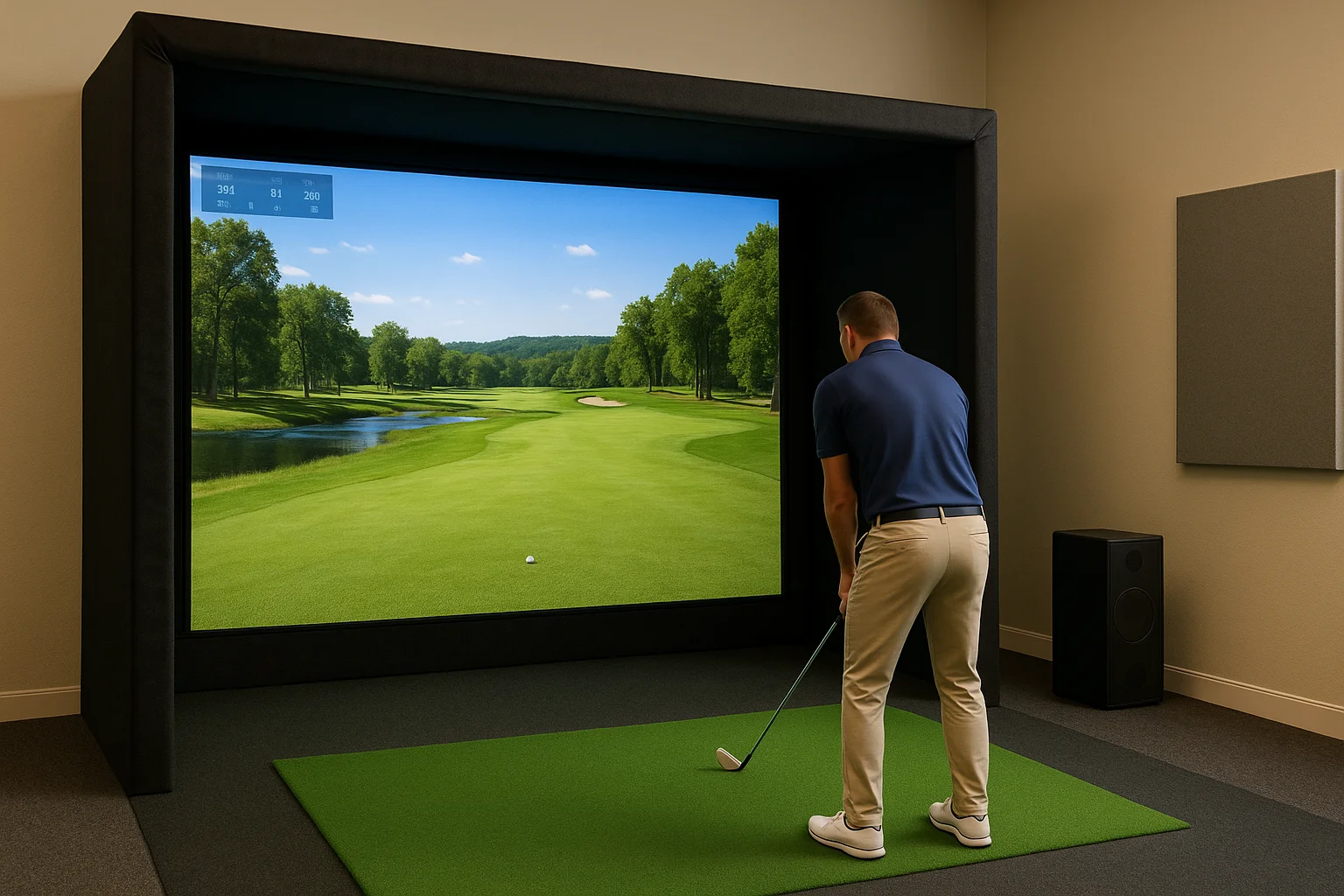
Beyond the monitor itself, screen resolution and impact-absorbing material determine how the bay feels day to day. A grainy or wrinkled screen makes every course look cheap, and thin netting behind it wears out within a season of heavy driver use. Ambient audio piped into the lounge, paired with soundproofed walls, keeps the room usable without disturbing members in the bar area.
Software and course libraries worth paying for
Members judge a bay largely on variety, so course library size matters more than most clubs assume upfront. Look for:
- Course count: 100+ licensed courses keeps repeat play interesting
- Multiplayer support: Lets foursomes play together on separate bays
- Practice modes: Range, putting green, and skills challenges for lesson programs
- Data export: Swing metrics pros can pull for fittings and coaching notes
These features decide whether members treat the bay as a novelty or a regular habit.
Is a simulator right for your club?
A golf simulator for country clubs pays off when three things line up: enough room to build it right, a launch monitor accurate enough to earn member trust, and a plan for the ongoing software and maintenance costs. Skip any of those and you end up with an expensive room nobody uses.
Run the math on your dead hours, winter months, and lesson demand before you commit to a room. If members already ask about simulators in surveys, that's a signal worth acting on rather than shelving for next year's budget.
We've helped Treasure Valley clubs plan bays that fit their space and their members' habits, from single-bay lounges to multi-screen setups with finished cabinetry. If you're ready to talk through what fits your club, reach out to our team and we'll walk the space with you.
Need Expert Help?
Ready to implement these solutions in your own home or business?
Our Services
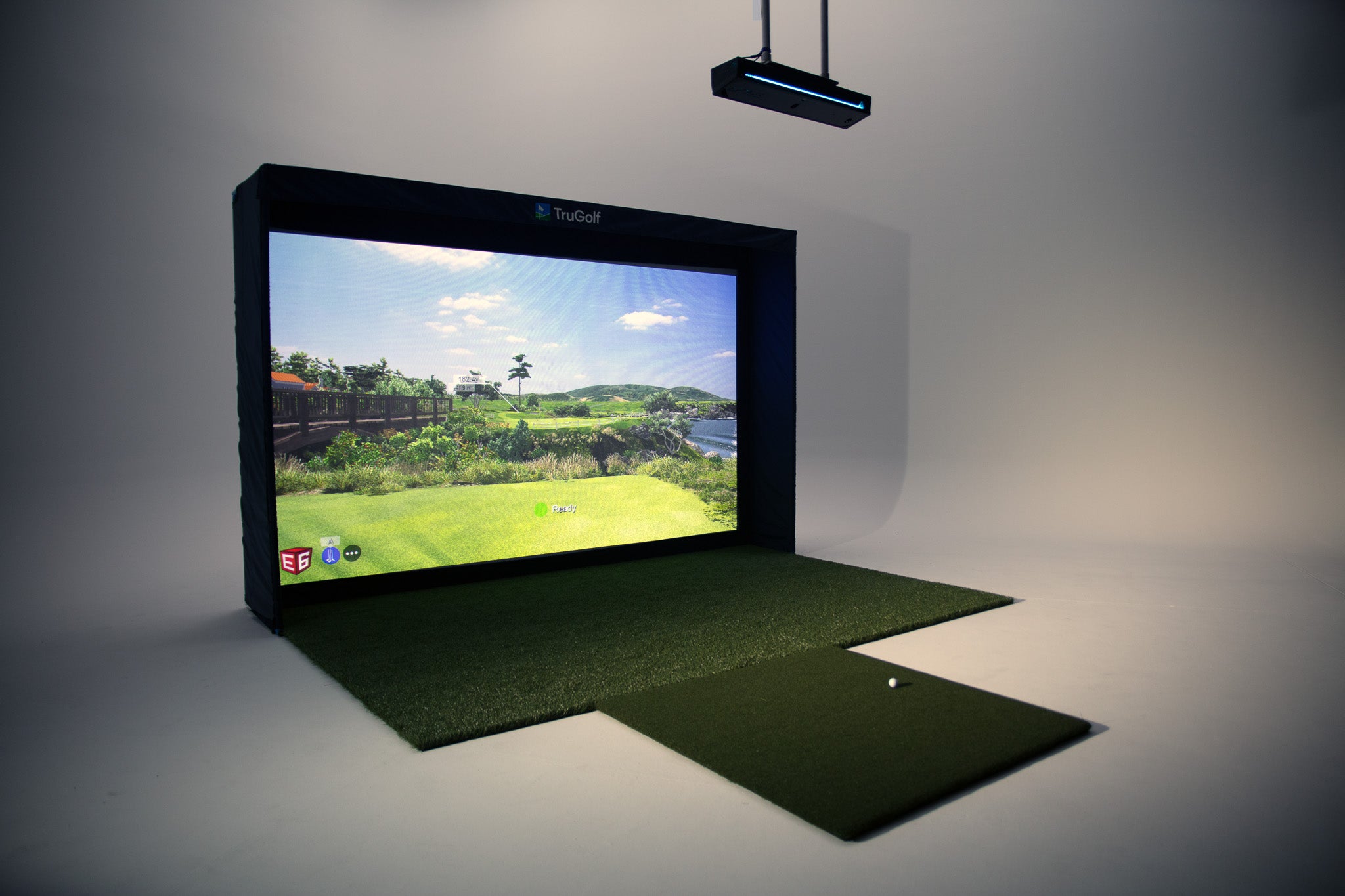
Room-first golf simulator planning, equipment coordination and AV installation for Treasure Valley homes, builders and venues.

Explore whole-home audio, commercial sound, Sonos setup, and surround sound installation in the Treasure Valley.
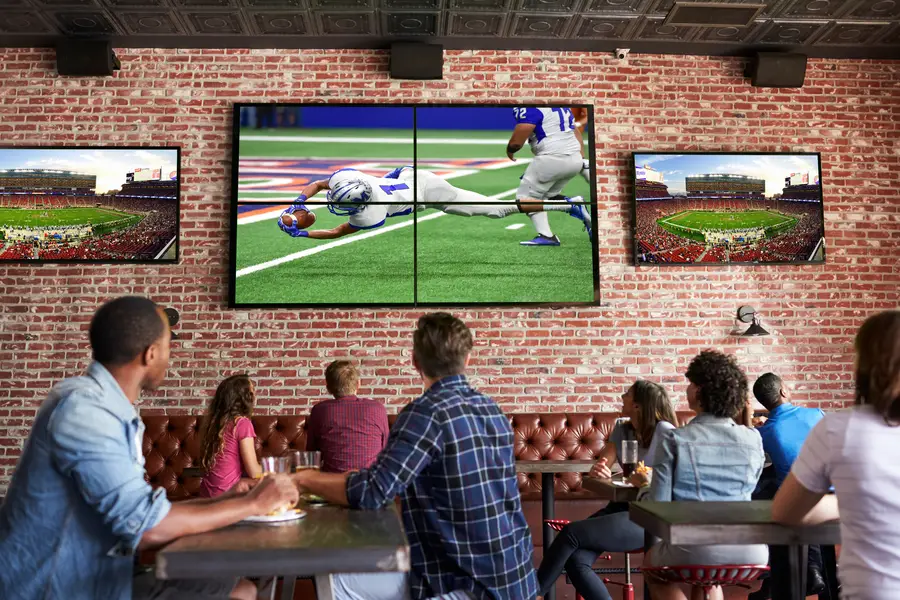
Expert TV Mounting Treasure Valley Homeowners & Businesses Trust

Intelligent lighting control and automation.
Serving the Treasure Valley
Local installation in your city