 (208) 991-3502
 Meridian, ID



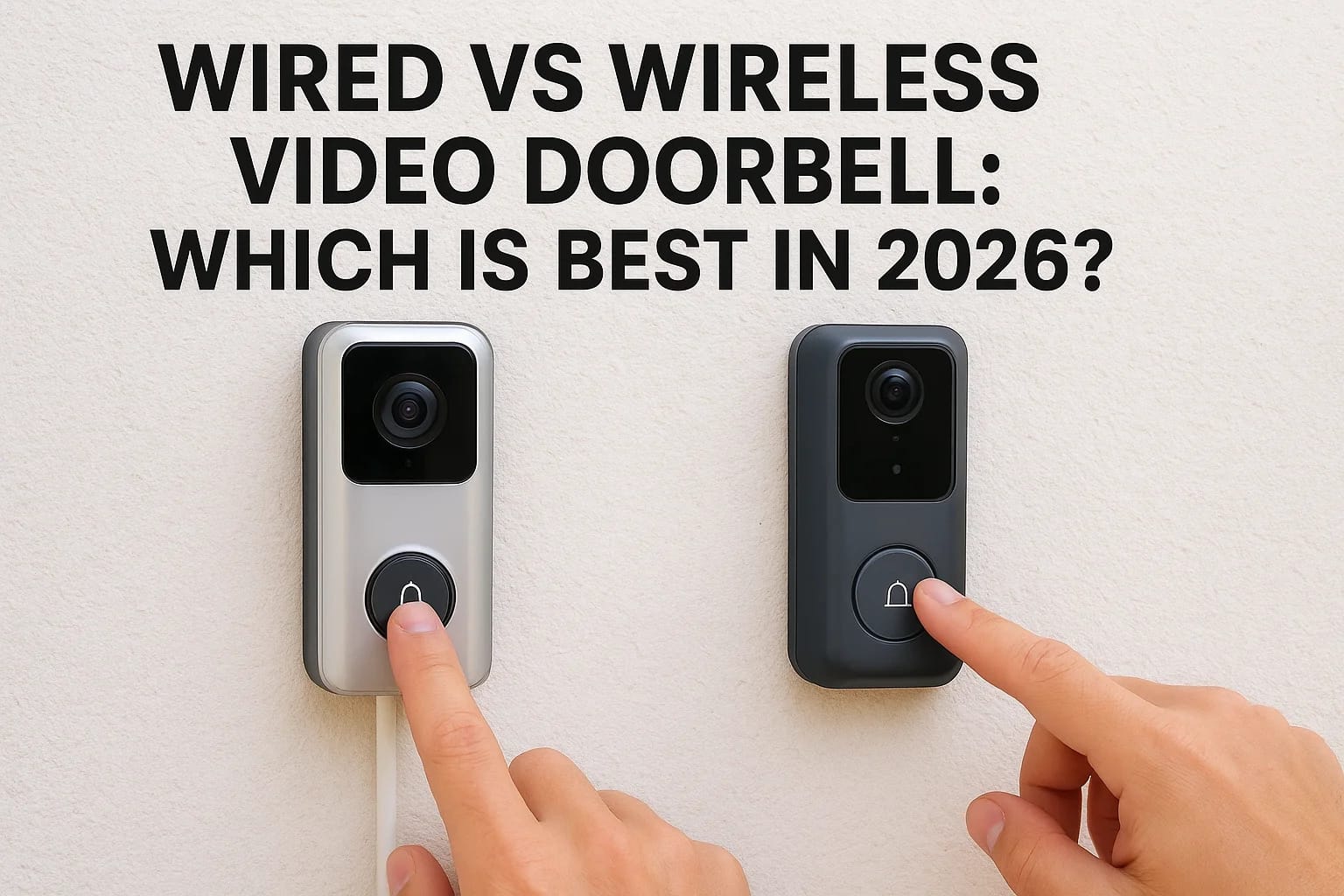

Choosing between a wired vs wireless video doorbell comes down to how you want your system to perform day after day, not just the day it's installed. Both options have real strengths, but they also co...
Choosing between a wired vs wireless video doorbell comes down to how you want your system to perform day after day, not just the day it's installed. Both options have real strengths, but they also come with trade-offs in reliability, installation complexity, and long-term maintenance that aren't always obvious from a product listing or a quick online search.
At Treasure Valley Solutions, we've installed both types across hundreds of homes in the Boise and Meridian area since 2014. We've seen what holds up through Idaho's hot summers and freezing winters, what frustrates homeowners six months later, and what actually delivers consistent performance. That hands-on experience shapes everything in this guide, it's not theory, it's what we've learned on the job.
Below, we'll break down exactly how wired and wireless video doorbells compare on the things that matter most: installation requirements, day-to-day reliability, video quality, power considerations, and ongoing upkeep. By the end, you'll have a clear picture of which type fits your home and know whether you need a professional install or can handle the setup yourself.
Wired vs wireless video doorbells, explained
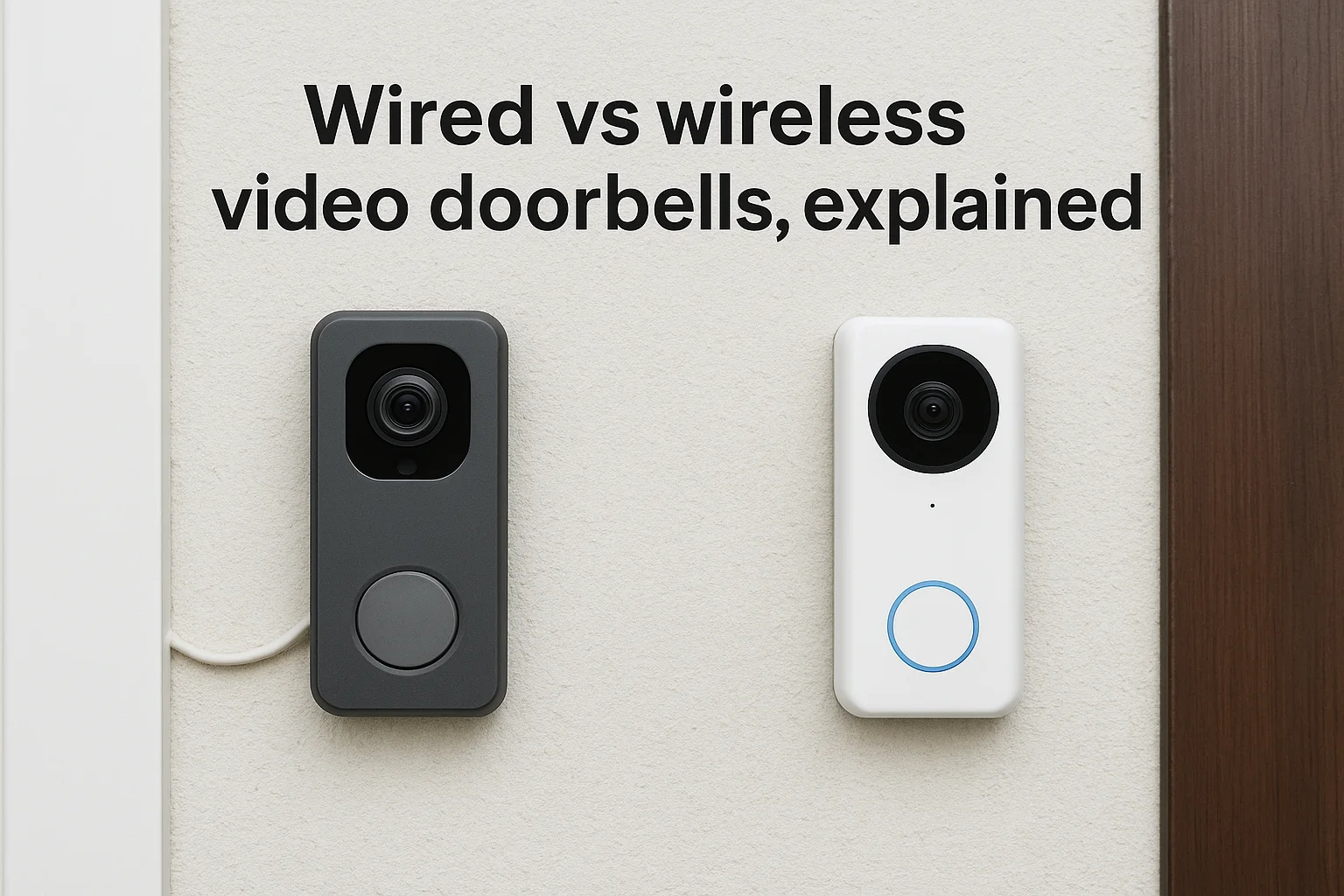
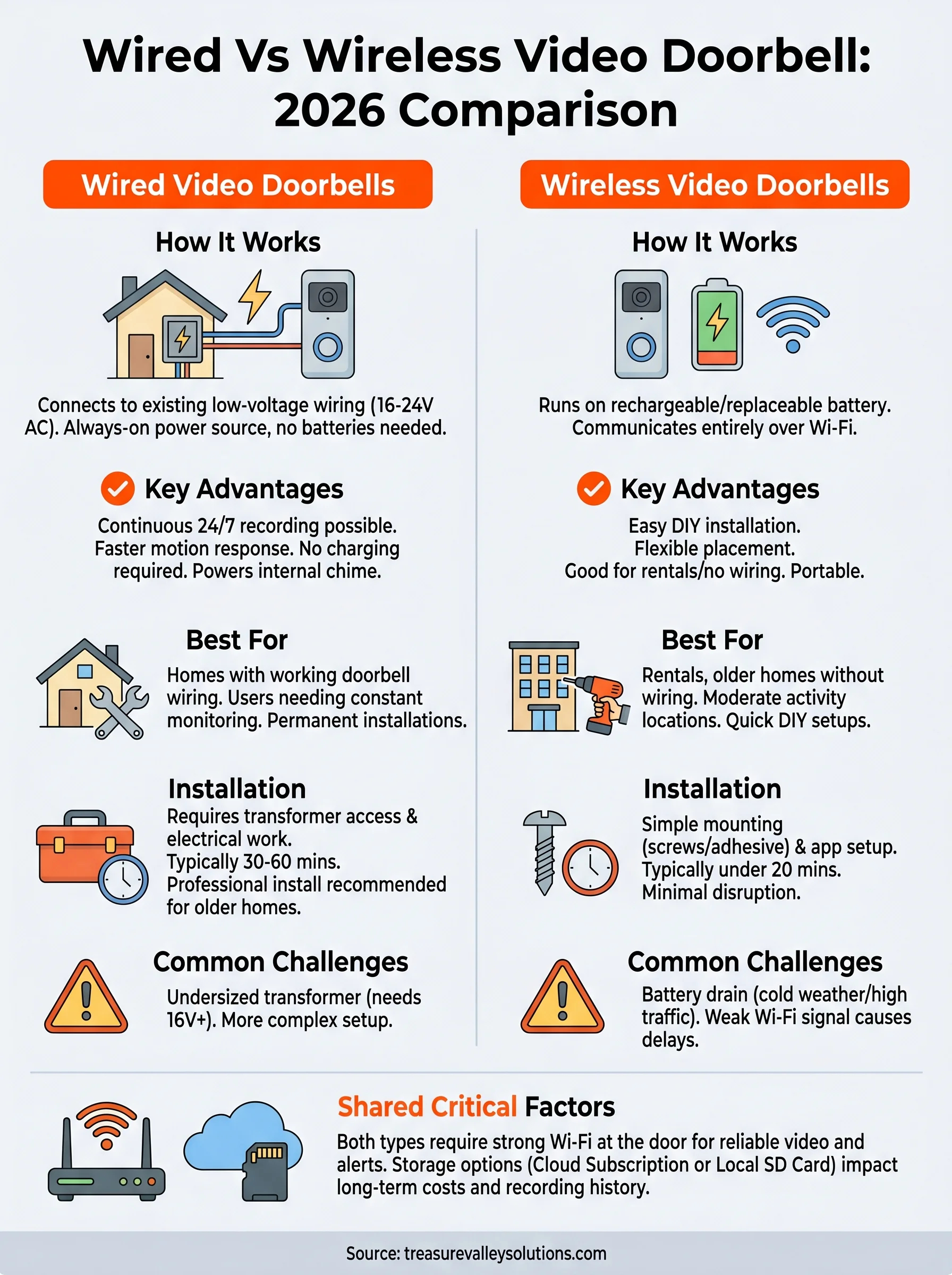
Before you can pick the right option, you need to understand what separates each type at a fundamental level. A wired video doorbell connects directly to your home's existing doorbell wiring, typically running on 16-24V AC power from a transformer already in your house. A wireless video doorbell runs on a rechargeable or replaceable battery and communicates entirely over your Wi-Fi network, with no hardwired power connection required.
How a wired video doorbell works
A wired doorbell taps into the low-voltage wiring that most homes already have in place from a traditional doorbell setup. That existing wire carries continuous power to the device, so you never deal with a dead battery or a charging interruption. The doorbell connects to your home network over Wi-Fi for video and alerts, but the power source is always-on, which is the core advantage of this type.
Most wired models also trigger your existing indoor chime when someone presses the button, giving you both an audible alert and a phone notification. Because the device stays powered 24/7, features like continuous video recording and faster motion detection are more practical to run without worrying about battery life at all.
How a wireless video doorbell works
A wireless doorbell runs entirely on battery power, which makes it easy to place anywhere near your front door without touching any wiring. You charge the battery every few weeks or months depending on usage, and the device sends video and alerts over your home's Wi-Fi connection just like a wired unit does.
Battery life varies based on how often the camera activates, the local temperature, and your video settings. In colder climates like Idaho winters, lithium batteries can drain faster than the manufacturer's estimate, which is worth planning for. That said, wireless models work well in rental properties or older homes where running new wiring would be expensive or disruptive.
For most wired vs wireless video doorbell decisions, the real question is whether your home already has doorbell wiring in good working condition.
Why power, Wi-Fi, and storage matter most
Once you understand the basic setup of each type, it's worth zooming in on the three factors that most affect daily performance: power source, Wi-Fi signal strength, and how video footage is stored. These are the areas where the wired vs wireless video doorbell debate gets most practical, and where your home setup can have a big impact on how well the system actually works.
Power: always-on vs. scheduled charging
A wired doorbell runs continuously without interruption, which means it can support features like 24/7 recording and faster response times. Battery-powered units rely on motion-triggered wake cycles to preserve battery life, which can introduce a brief delay before recording starts. In Idaho winters, cold temperatures can reduce battery capacity noticeably, so plan on charging more often than the manufacturer's estimate suggests.
Wi-Fi signal strength
Both types depend on a strong Wi-Fi connection at your front door. If your router sits at the back of the house, a weak signal causes dropped connections and delayed alerts regardless of which type you choose. A Wi-Fi extender or a mesh network node placed near the front of your home solves this problem for either option.
If your Wi-Fi signal is weak at the doorbell location, you'll experience unreliable video and missed notifications with either type.
Video storage options
Most doorbells store footage through local storage on a microSD card or via a cloud subscription service. Wired units handle continuous cloud uploads more efficiently since they don't need to manage power draw at the same time. Wireless models often default to event-based clips to extend battery life, which limits your total recording history.
How to pick the best option for your home
Narrowing down the right choice in the wired vs wireless video doorbell debate starts with a few specific questions about your home and how you plan to use the system. Neither option is universally better, but the right match depends on your existing wiring, your Wi-Fi setup, and how hands-on you're willing to be with ongoing maintenance.
Check your existing doorbell wiring first
Your home's current wiring is the single biggest factor. If you have working low-voltage doorbell wiring at your front door, a wired model is almost always the stronger choice since it delivers consistent power with no interruptions. If your home lacks existing wiring, or if running new wire would require opening walls, a wireless battery-powered model saves you time and keeps the project simple.
Checking your existing transformer voltage before buying a wired doorbell can prevent compatibility issues after installation.
Match the doorbell type to your usage habits
Daily usage patterns matter more than most buyers expect. If you travel frequently or want 24/7 continuous recording, a wired unit keeps the camera running without any manual charging. Battery models work well when your motion activity is moderate and predictable, but high-traffic entrances can drain a battery in under two weeks, which gets frustrating fast.
A few quick questions can help you decide:
- Do you have existing doorbell wiring? Go wired.
- Is your home a rental or an older build without wiring? Go wireless.
- Do you want continuous recording with no interruptions? Go wired.
What installation looks like for each type
The installation process is one of the most practical differences in the wired vs wireless video doorbell comparison. Knowing what each setup actually involves helps you decide whether to handle it yourself or bring in a professional.
Installing a wired doorbell
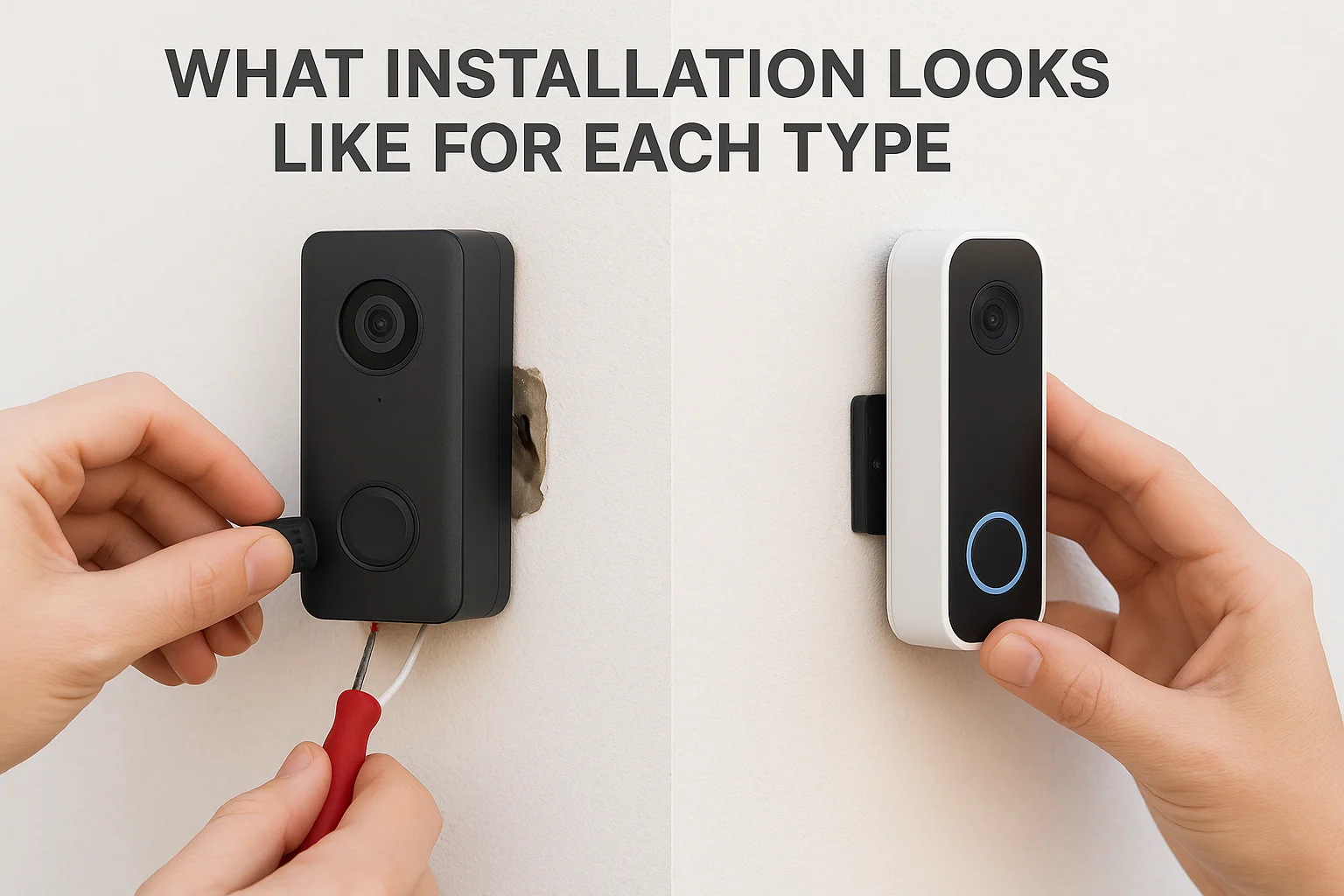
Installing a wired doorbell requires access to your existing low-voltage transformer and some basic comfort with electrical connections. You'll turn off power at the breaker, remove your old doorbell, connect the two wires to the terminals on the new unit, and then mount it to the wall. The process typically takes 30 to 60 minutes for someone with basic DIY experience, but older homes with outdated transformers may need an upgrade before the new doorbell functions correctly.
If your transformer outputs less than 16V, most modern wired video doorbells won't operate reliably.
Installing a wireless doorbell
Wireless models are straightforward to set up since no wiring is involved. You mount the unit to your door frame or wall using screws or adhesive, connect it to your Wi-Fi network through the manufacturer's app, and the setup is complete. Most installs take under 20 minutes. The main consideration is placement: mounting too far from your router weakens the signal and causes performance issues you'll notice right away.
Both types benefit from professional installation if you want clean cable management, proper transformer sizing, or network optimization that most DIY setups miss entirely.
Common problems and how to avoid them in 2026
Both sides of the wired vs wireless video doorbell comparison come with predictable failure points. Knowing what they are before you install saves you a frustrating troubleshooting call months down the road.
Battery drain and connectivity drops
Wireless doorbells fail most often due to battery exhaustion and weak Wi-Fi signals. High foot traffic, cold weather, and aggressive motion sensitivity settings all pull battery life down faster than expected. You can extend battery life by adjusting your motion detection zone to cover only the area directly in front of your door rather than the entire street. For Wi-Fi, place a mesh network node or extender within range of your front door to keep the connection stable throughout the day.
Reducing your motion detection zone to a tight area can double your battery life without sacrificing coverage where it actually matters.
Transformer failures and app connectivity issues
Wired doorbells most commonly fail because of an aging or undersized transformer that can't deliver consistent voltage to the new unit. Before installation, verify your transformer outputs at least 16V AC. If it doesn't, replacing it is a straightforward fix that prevents ongoing performance problems. Both wired and wireless models can also lose connection to their companion app after firmware updates, which manufacturers push more frequently now. Keeping your doorbell firmware current and rebooting your router after major updates resolves most app disconnection issues quickly.
Wrap-up and next steps
The wired vs wireless video doorbell decision comes down to three things: your existing wiring, your Wi-Fi setup, and how much ongoing maintenance you're willing to handle. If your home has working doorbell wiring and you want consistent, uninterrupted performance, a wired unit is the stronger long-term choice. If you're in a rental or older home without wiring, a wireless model gets you up and running with minimal disruption.
Both types work well when installed correctly and matched to the right home setup. The problems most homeowners run into come from skipping the fundamentals, like checking transformer voltage, testing Wi-Fi signal strength at the door, and choosing the right storage option before buying the device.
If you want a professional install that handles all of those details from the start, contact Treasure Valley Solutions and we'll walk you through the right setup for your specific home.
Need Expert Help?
Ready to implement these solutions in your own home or business?
Our Services

High-definition surveillance for peace of mind.

Comprehensive security solutions for home and business.
Serving the Treasure Valley
Local installation in your city