 (208) 991-3502
 Meridian, ID




Physical keys get lost. Key cards get copied. Fobs end up in junk drawers. For property managers, business owners, and homeowners across the Treasure Valley, these aren't hypothetical problems, they'r...
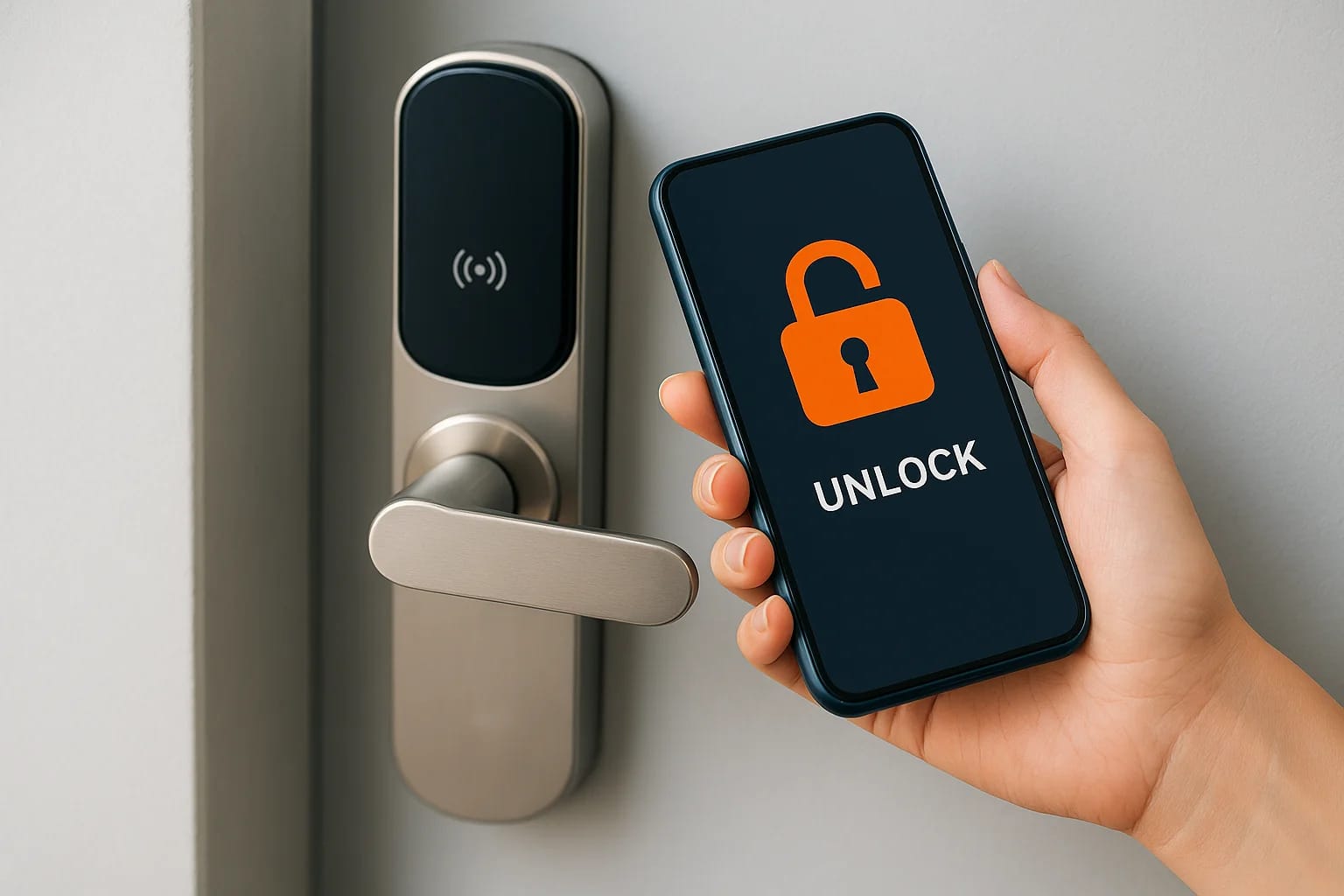
Physical keys get lost. Key cards get copied. Fobs end up in junk drawers. For property managers, business owners, and homeowners across the Treasure Valley, these aren't hypothetical problems, they're daily frustrations that create real security gaps. Mobile credential access control replaces all of that with something most people already carry everywhere: their smartphone.
Instead of issuing and tracking physical tokens, mobile credentials let authorized users unlock doors through an app, using Bluetooth, NFC, or cloud-based communication. It's a straightforward upgrade that makes access easier to manage, harder to compromise, and far more flexible, whether you're securing a single office suite, a multi-unit residential property, or a front door. The technology has matured significantly, and adoption is accelerating across both commercial and residential applications.
At Treasure Valley Solutions, we design and install access control systems tailored to how our clients actually use their spaces. From smart locks for rental properties to scalable commercial entry systems, we help people in Boise, Meridian, Eagle, Nampa, and surrounding areas move beyond outdated hardware. This article breaks down how mobile credentials work, what makes them a strong alternative to traditional methods, and what to consider before making the switch.
Why mobile credential access control is growing
The access control market has been moving toward smartphone-based solutions for several years, and the reasons are practical rather than trendy. Smartphone ownership in the United States sits above 85%, which means most people already carry the hardware needed for mobile credentials in their pocket. Combine that with the widespread adoption of Bluetooth and NFC technology in modern devices, and the infrastructure for going keyless is already in most people's hands.
The real cost of traditional credentials
Managing physical keys, cards, and fobs adds up faster than most property owners expect. Every time an employee loses a key card or a tenant moves out without returning a fob, you face replacement costs, rekeying fees, and a security gap that stays open until the old credential is deactivated or the lock is changed. For a property with dozens of units or a business with rotating staff, those costs and vulnerabilities compound quickly.
Replacing a single commercial lock cylinder can run between $150 and $400 in parts and labor, not counting the risk window before the swap happens.
Mobile credential access control addresses this directly. You revoke access through an app in seconds, with no physical hardware to track down or swap out. That speed and control is a core reason facilities managers, property managers, and business owners are making the switch.
Remote management is now expected
The ability to grant or revoke access remotely has shifted from a premium feature to a baseline expectation, especially for property managers overseeing multiple locations. If a contractor needs after-hours access to a commercial space, you can issue a time-limited credential from your phone without driving to the site. When the job is finished, you remove the credential just as quickly.
Cloud-connected access platforms also generate an audit trail that physical keys simply cannot match. You can see exactly who unlocked which door and at what time, which matters during security reviews and in liability situations. That level of visibility, paired with the convenience of remote management, is pushing more property owners in the Treasure Valley and across the country to move away from outdated hardware.
How mobile credentials work in real buildings
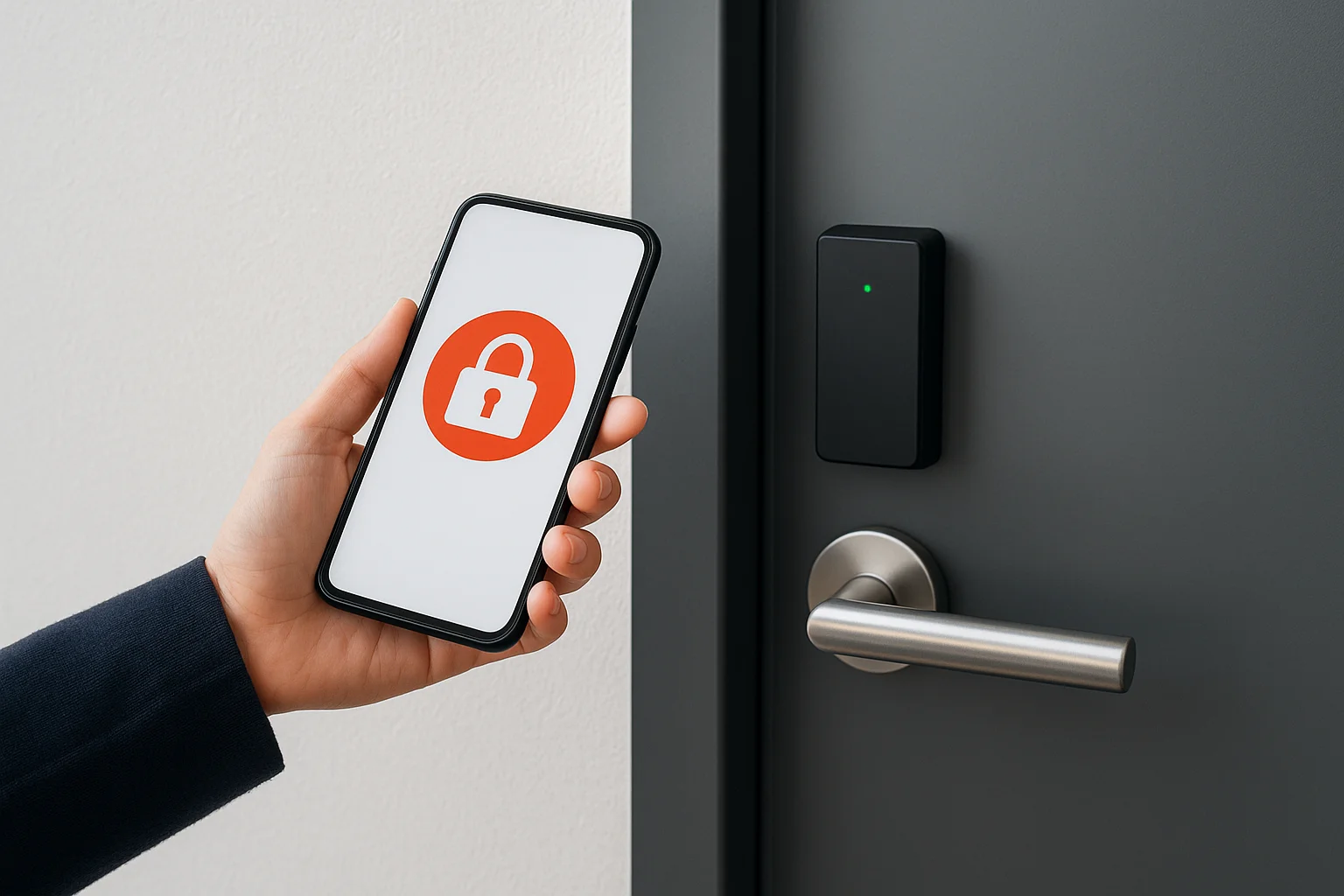
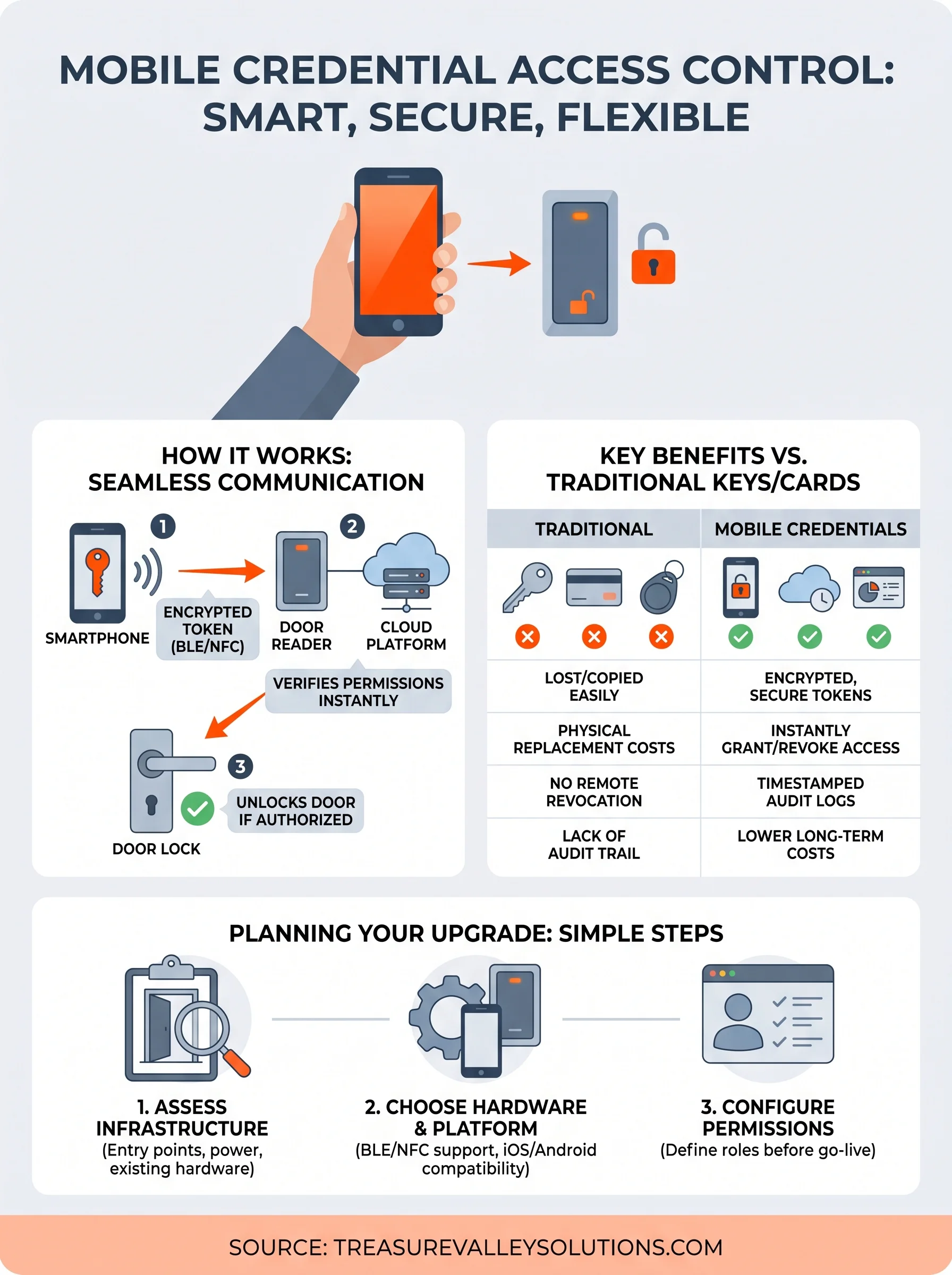
Mobile credential access control relies on a chain of communication between your smartphone, a door reader, and a backend platform. When you approach a secured door, your phone sends an encrypted signal to a reader mounted on the wall or frame. That reader checks the signal against your stored permissions and either unlocks the door or denies entry, all within a second or two. No physical token changes hands, and no one needs to press a button on a separate fob or dig through a bag for a card.
The communication layer
Most modern systems use Bluetooth Low Energy (BLE) or Near Field Communication (NFC) to pass credentials between your phone and the reader. BLE works at a slightly longer range, typically up to 10-15 feet, which allows hands-free unlocking as you approach. NFC requires closer proximity, usually within an inch or two, which some users prefer for tighter control over when a door triggers. Both protocols encrypt the signal in transit, making passive interception significantly harder than cloning a standard proximity card.
The credential itself never transmits your personal data. It sends a tokenized identifier that the system matches to a permission record stored in the cloud or on a local server.
The authentication process
Your credentials live in a secure element on your phone or in a cloud-based identity vault, depending on the platform your installer configures. When the reader receives your token, it queries the access platform to confirm your permissions are current and active. If your access has been revoked or your credential has expired, the system blocks the request immediately, with no physical intervention required from you or your team.
Security and privacy basics you should expect
Not every mobile credential system is built to the same standard, so knowing what to look for protects you before you sign a contract. A reputable mobile credential access control platform uses end-to-end encryption to secure every signal between your phone and the reader, meaning intercepted data is unreadable without the decryption key. Ask your installer specifically what encryption standard the system uses and whether the platform receives regular security updates.
How your data stays protected
Your phone never broadcasts your name, address, or personal details to a door reader. Instead, the system uses tokenized identifiers, which are random strings that map to your permission record on the backend. This separation of personal data from the access token is a core privacy safeguard, and any platform worth installing should handle it this way.
If a vendor cannot clearly explain how they tokenize credentials and where your access data is stored, treat that as a red flag.
Reputable platforms also offer multi-factor authentication options, requiring a PIN or biometric confirmation before your phone sends a credential. This adds a second barrier if your phone is lost or stolen.
What to ask before you commit
Before installation, confirm where the platform stores your access logs and how long that data is retained. Some systems store logs locally on a server you control, while others route everything through a cloud provider. You should also verify that the vendor complies with applicable data privacy regulations and that your data is not sold or shared with third parties.
Benefits compared with cards, fobs, and keys
Mobile credential access control gives you a clear advantage over every physical option that came before it. Cards demagnetize, keys get duplicated, and fobs disappear without warning. Your smartphone, by contrast, stays with you, stays connected, and gives you real-time control over who has access and when, without requiring a trip to a hardware store or a locksmith.
Speed and convenience in daily use
Issuing a credential to a new employee or tenant takes less than a minute through a cloud-based platform. You send an invite, they install the app, and access is live immediately. Compare that to ordering a replacement card, waiting for it to arrive, and physically handing it off. The table below shows where smartphone-based access consistently outperforms traditional methods.
| Feature | Physical Key/Card/Fob | Mobile Credential |
|---|---|---|
| Remote revocation | No | Yes, instant |
| Audit trail | No | Yes, timestamped |
| Duplication risk | High | Very low |
| Replacement time | Hours to days | Under 2 minutes |
Lower long-term cost
Physical credentials carry hidden costs that accumulate over time: reprinting cards, rekeying locks, and replacing lost fobs all pull from your budget on an unpredictable schedule. Mobile credentials shift that spending toward a predictable software subscription, which is typically far less expensive than recurring hardware replacements.
Properties with high staff or tenant turnover tend to see the strongest cost savings within the first year of switching to mobile credentials.
Reduced administrative overhead is the other side of that equation. Your team spends less time managing physical inventory and more time on higher-value work.
How to plan an installation or upgrade
Planning a mobile credential access control upgrade starts with a clear inventory of what you need to secure and who needs access. Walk through your property and identify every controlled entry point, from main entrances to server rooms to parking gates. That list becomes the foundation for sizing your system and choosing the right hardware.
Assess your infrastructure and entry points
Your current wiring and door hardware may already support a reader swap without full replacement. Electric strikes, magnetic locks, and door controllers are often compatible with newer platforms, which can reduce upfront costs considerably. Have a qualified technician assess each door before you order any equipment.
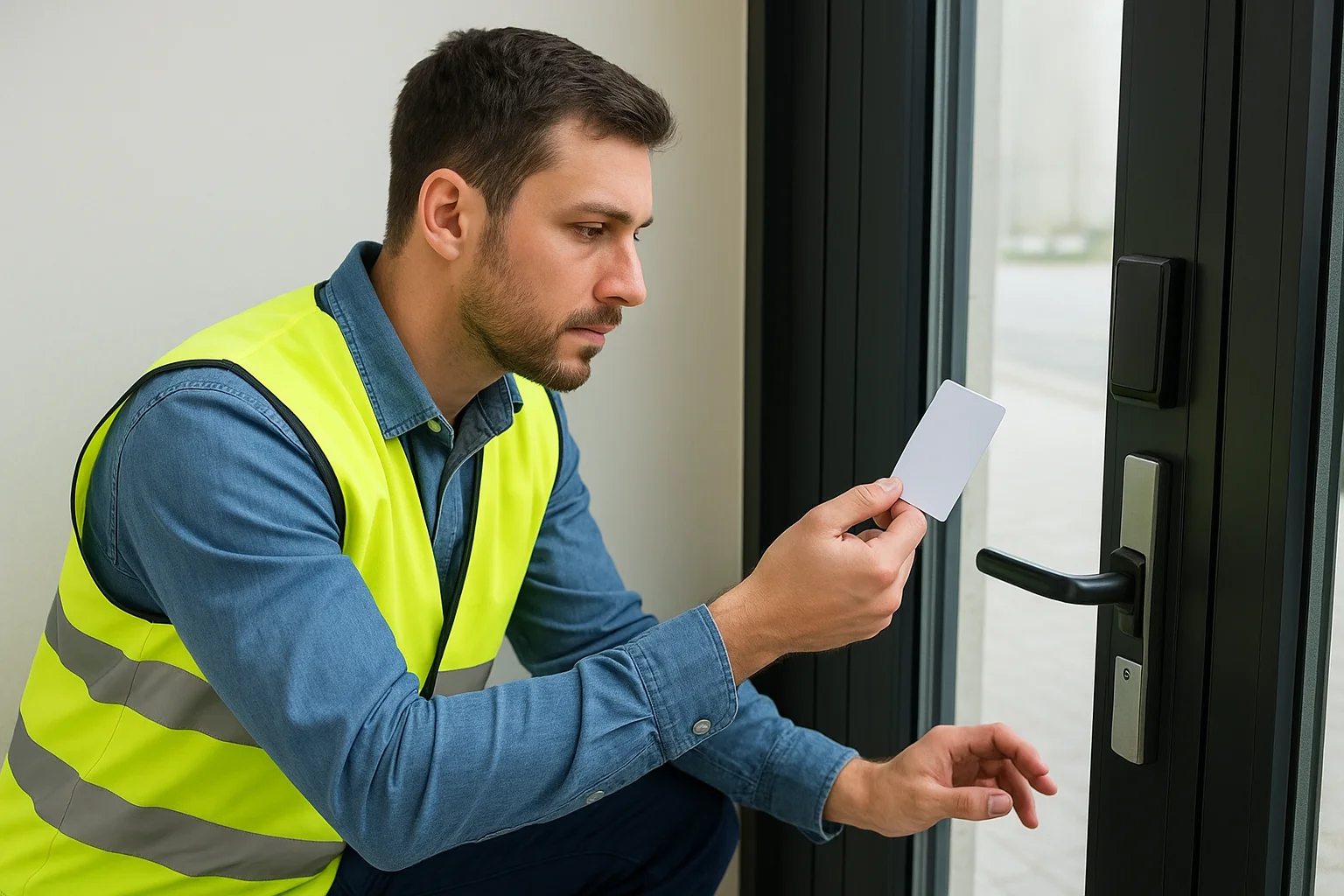
Retrofitting compatible existing hardware can cut installation costs by 30 to 50 percent compared to starting from scratch.
A quick checklist keeps the assessment organized:
- Identify whether existing door frames support surface or mortise readers
- Confirm power availability at each entry point
- Note which doors require fail-safe vs. fail-secure locking behavior
Choose hardware and configure permissions before go-live
Not every access platform performs equally across iOS and Android, so verify cross-platform support before committing to a vendor. Confirm that your selected readers support both BLE and NFC so users have flexibility in how they unlock doors.
Before launch, build your access groups and assign permissions to every role that needs entry. Sorting out permission structures after users are already in the system creates confusion and leaves gaps. A clear permission matrix mapped to job roles or tenant types makes day-one operation straightforward.
Next steps for your property
If you've read this far, you already have a solid picture of what mobile credential access control offers and how it fits into a modern property. The next step is matching that knowledge to your specific space, your entry points, and the people who need access. Every property has a different starting point, and a quick conversation with an installer cuts through the guesswork faster than any amount of additional research will.
Treasure Valley Solutions works with property owners, property managers, and business operators across Boise, Meridian, Eagle, Nampa, and the surrounding Treasure Valley area. We assess your current hardware, recommend the right platform for your needs, and handle the installation from first cable to final test. You get a system that works on day one and local support to keep it running long after. Reach out to our team today to start the conversation about your access control upgrade.
Need Expert Help?
Ready to implement these solutions in your own home or business?
Our Services

Comprehensive security solutions for home and business.

High-definition surveillance for peace of mind.
Serving the Treasure Valley
Local installation in your city