 (208) 991-3502
 Meridian, ID



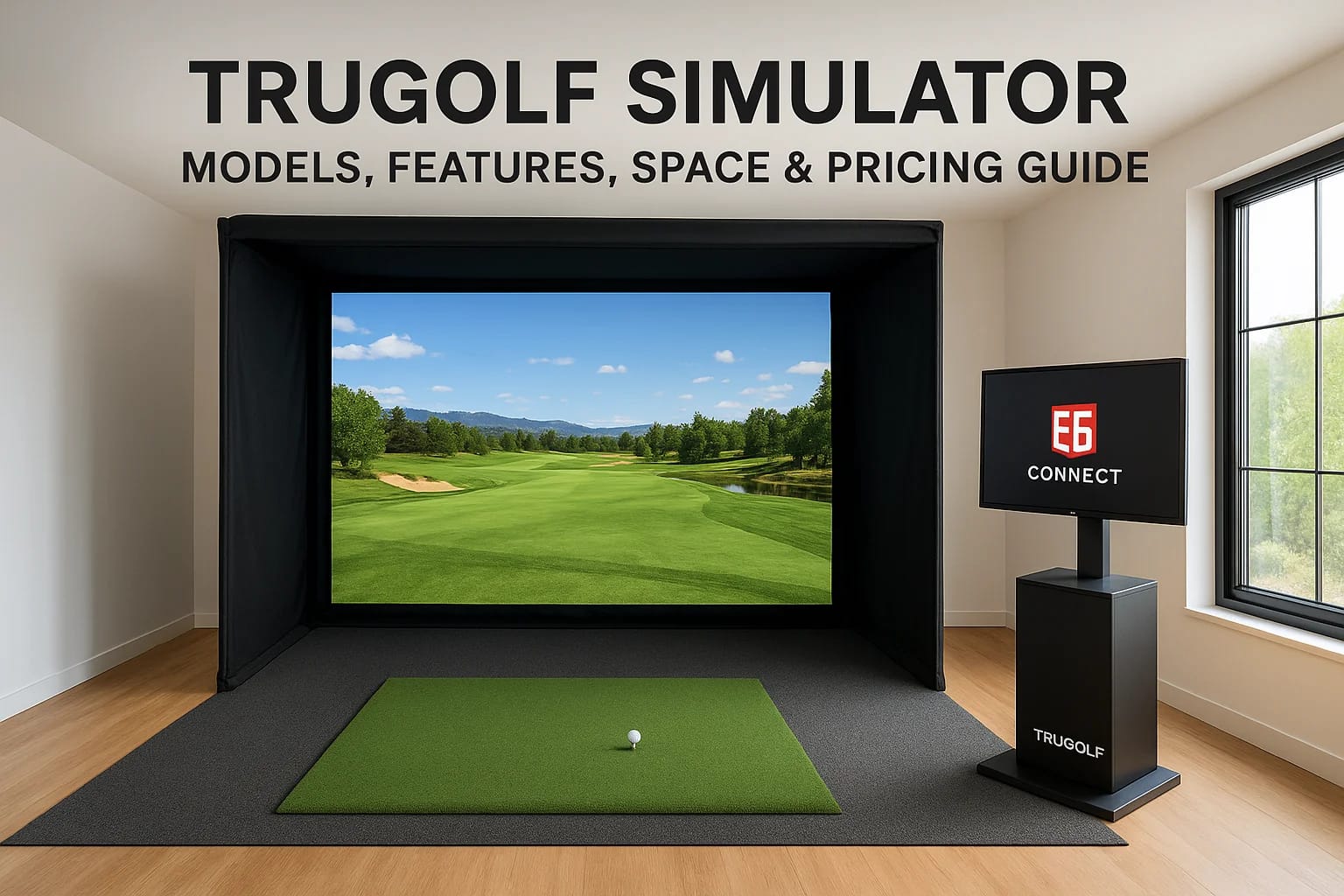

A TruGolf simulator turns any spare room, garage, or commercial space into a year-round golf experience, but choosing the right model takes more than picking the one that looks coolest. Between screen...
TruGolf Simulator: Models, Features, Space & Pricing Guide
A TruGolf simulator turns any spare room, garage, or commercial space into a year-round golf experience, but choosing the right model takes more than picking the one that looks coolest. Between screen size, launch monitor accuracy, software libraries, and space requirements, there's a lot to sort through before you spend thousands of dollars.
At Treasure Valley Solutions, we design and install custom technology spaces for homes and businesses across the Boise and Meridian area. Golf simulators are one of the most popular requests we get, and for good reason, they combine AV, networking, lighting, and room design into a single integrated setup. Getting it right means thinking about all of those pieces together, not just the simulator itself.
This guide breaks down TruGolf's current lineup, covering models, key features, space needs, and realistic pricing so you can figure out which setup fits your goals and your room before making a commitment.
Why TruGolf simulators are worth considering
Not every golf simulator brand is worth your time or money. TruGolf has been in the simulation business since 1997, and that track record shows in the depth of their software library and the reliability of their hardware. If you're evaluating options seriously, TruGolf stands out because they build both the simulation software and the physical enclosure systems in-house, which means fewer compatibility headaches and more consistent performance across the full setup.
The software makes a real difference
TruGolf's flagship software platform, E6 CONNECT, is the core reason a TruGolf simulator outperforms many competitors at similar price points. It includes over 100 globally recognized courses with detailed, photorealistic graphics, along with multiplayer modes, practice ranges, and swing analysis tools. You can use E6 CONNECT with TruGolf's own hardware or pair it with third-party launch monitors, which gives you flexibility when budgeting your overall build.
E6 CONNECT is also used by major golf brands and training facilities, which tells you something about its accuracy and quality as a platform.
Year-round use justifies the investment
One of the most practical arguments for owning a TruGolf simulator is the return on use. Golf seasons in the Treasure Valley can run shorter than you'd like, with cold winters and occasional poor conditions limiting your time on the course. A simulator lets you practice your swing, play rounds with friends, or run a serious training regimen 365 days a year without leaving home. For commercial spaces like sports bars, entertainment venues, or golf training studios, the draw of a high-quality simulator also translates directly into revenue and repeat customers.
TruGolf models and packages explained
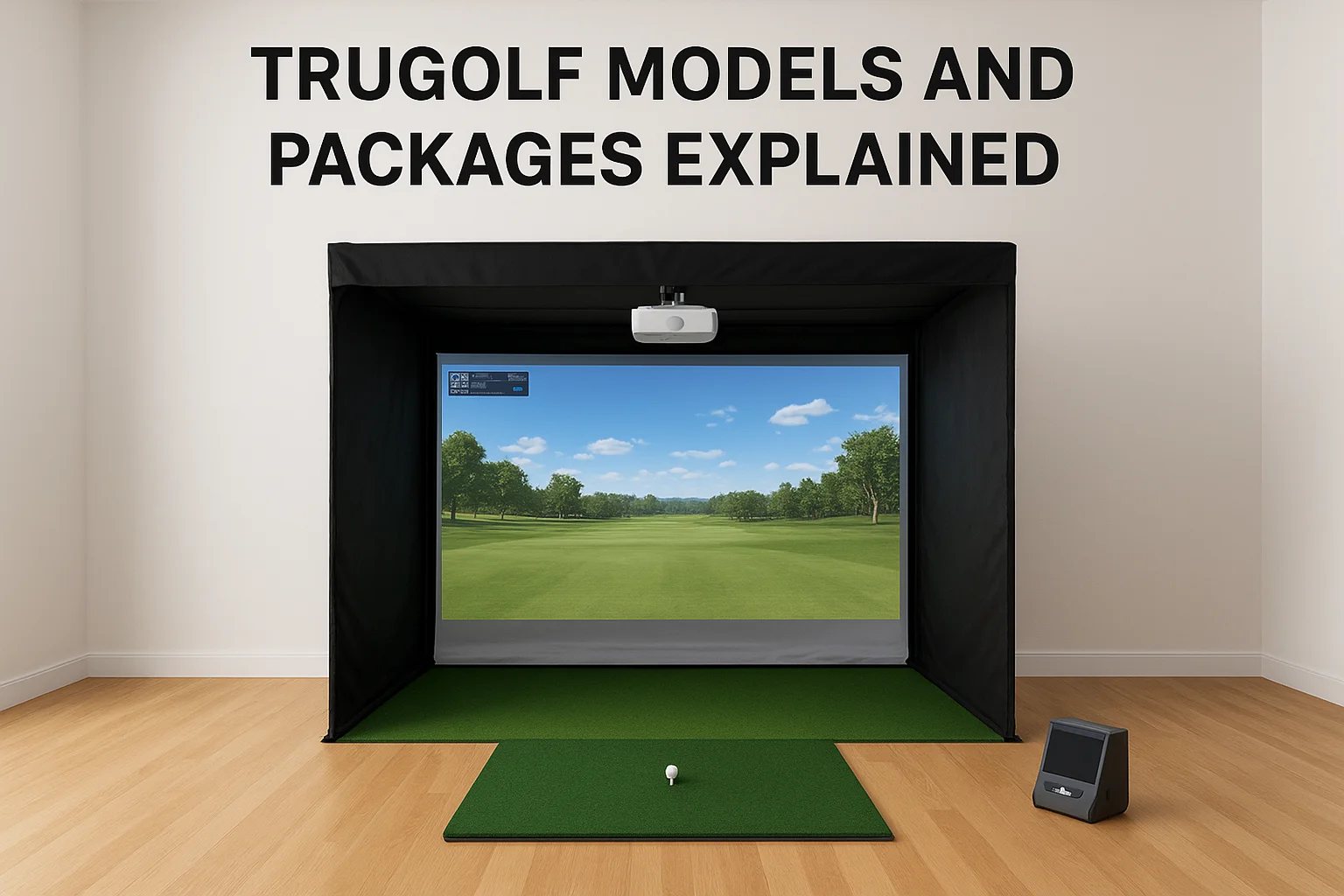
TruGolf organizes its product lineup into enclosure systems and launch monitor bundles, and understanding the difference between them helps you avoid paying for features you won't use. Most buyers choose a package that pairs a physical enclosure, hitting screen, and projector with one of TruGolf's launch monitors rather than building everything from scratch.
Entry-level and mid-range options
The VISTA series is where most residential buyers start. These enclosures come in 10-foot and 12-foot widths and ship with the E6 CONNECT software license already included. They work well in finished basements or dedicated game rooms where your ceiling height clears nine feet or more. The VISTA packages use an infrared camera system to track your swing, which gets the job done for recreational play and casual practice.
If you're buying a TruGolf simulator primarily for home entertainment, the VISTA series covers the majority of what you'll actually use.
Premium and commercial packages
The APOGEE and LAUNCH series step up to larger screens, more accurate tracking technology, and commercial-grade construction. These packages suit training studios, sports bars, or high-end home theaters where image quality and shot data accuracy matter most. They also support integration with external launch monitors like Foresight or Trackman for players who want tour-level ball flight data.
Key features that change the experience
When you compare any TruGolf simulator to a budget alternative, the gap shows up fast in three areas: shot tracking accuracy, software depth, and screen quality. These aren't marketing checkboxes. They directly affect whether your simulator session feels like golf or feels like a video game.
Launch monitor accuracy
The launch monitor is what reads your swing data, and its accuracy determines how useful your practice time actually is. TruGolf's built-in infrared tracking systems work well for recreational play, but players who want precise club path, spin rate, and launch angle data should look at pairing their setup with a dedicated monitor like Foresight or Trackman.
Better shot data means better feedback, and better feedback is what separates a simulator that improves your game from one that just entertains you.
Screen and projector quality
Your screen and projector setup shapes how immersive the whole experience feels. TruGolf's enclosures use high-gain impact screens designed to handle full swing shots without degrading image quality over time. Pairing those screens with a short-throw 4K projector keeps the image sharp even in smaller rooms where a standard throw distance wouldn't work. Brightness rating matters too, so aim for at least 3,500 lumens to maintain visibility with ambient light present.
Space requirements and room setup checklist
Before you buy any TruGolf simulator package, measure your room. Most installation problems come from buyers who assumed their space would work without confirming the actual dimensions. Your ceiling height, room width, and projector throw distance all have to line up before the first swing.
Minimum dimensions you need
TruGolf's VISTA series requires at least 9 feet of ceiling clearance and a room width of 12 to 14 feet depending on the enclosure model. Depth matters too, since you need enough space behind the hitting position to swing freely without clipping a wall. Run through this checklist before ordering:
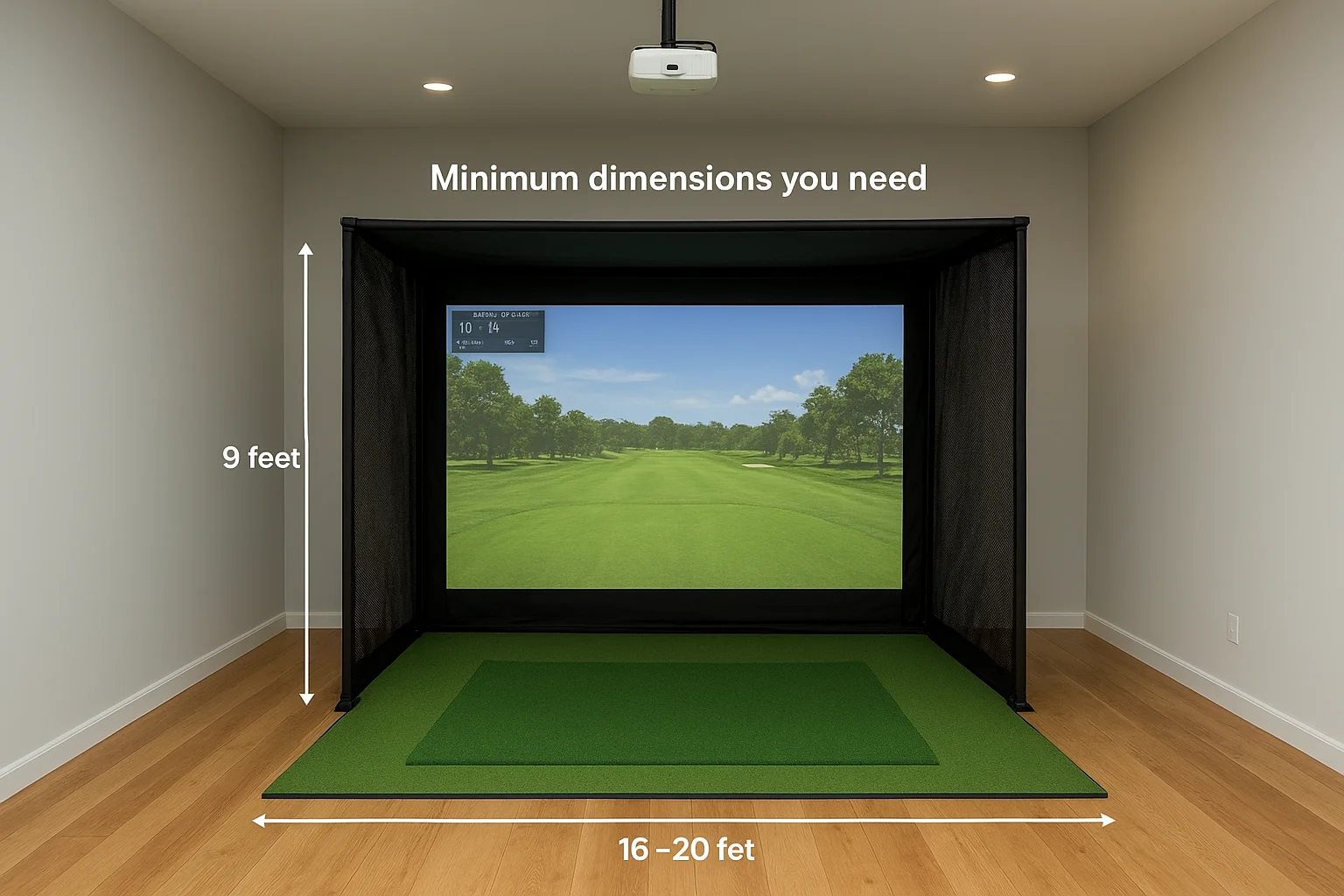
- Ceiling height: 9 feet minimum, 10+ feet preferred
- Room width: 12 to 14 feet depending on enclosure size
- Room depth: 16 to 20 feet total (enclosure plus hitting area)
- Projector throw distance: 5 to 8 feet for short-throw models
- Lighting: dimmable overhead lights reduce projector washout
Confirming your room dimensions before you order saves you from costly returns or enclosure modifications after delivery.
Flooring and wall prep
Turf mats and hitting surfaces need a flat, stable base, so concrete or hardwood floors work better than carpet for a clean, level install. Side wall clearance also matters since a full follow-through can easily reach a wall in a tight room.
Pricing, where to buy, and smart alternatives
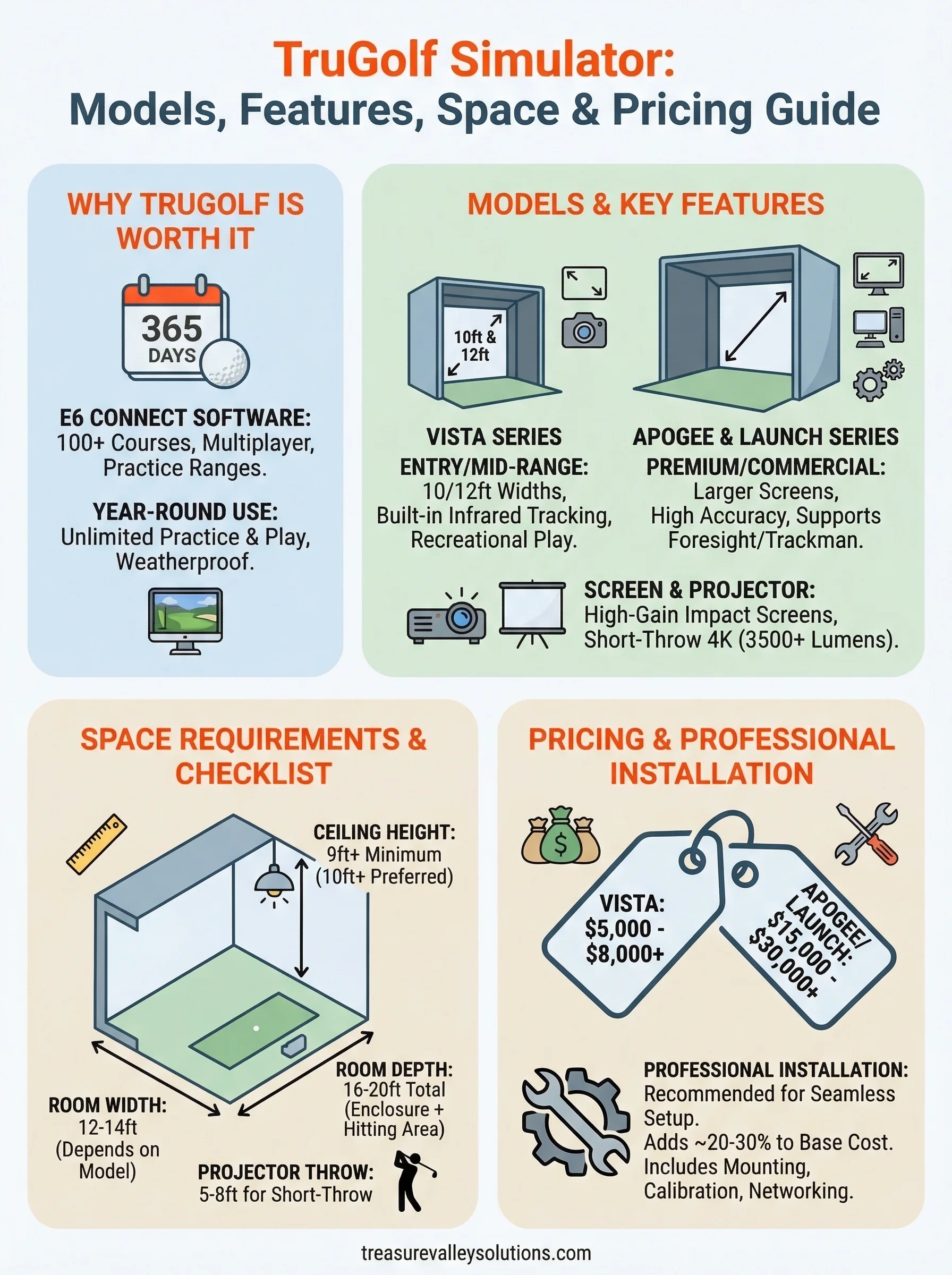
TruGolf simulator packages range widely based on the enclosure size and launch monitor included. Entry-level VISTA bundles start around $5,000 to $8,000, while premium APOGEE and commercial-grade setups can run $15,000 to $30,000 or more before installation costs.
What TruGolf packages typically cost
You can purchase directly through TruGolf's website or through authorized dealers who offer setup consultations. Buying direct gives you the most current inventory and package options, but an authorized dealer often provides better pre-purchase guidance on room fit and configuration. Factor in projector, turf mat, and installation labor as separate line items since most packages don't include those by default.
Your total project cost usually runs 20 to 30 percent higher than the base package price once you account for installation, wiring, and room prep.
Professional installation as an alternative path
Working with a local technology integrator instead of self-installing saves you significant time and reduces the risk of setup errors that affect performance. A professional installer handles mounting, projector calibration, networking, and lighting integration as a single coordinated project rather than several disconnected tasks. For buyers in the Treasure Valley area, that kind of end-to-end service means your simulator works correctly from day one without troubleshooting delays.
Next steps for planning your setup
You now have a clear picture of what a TruGolf simulator costs, what models exist, and what your room needs to handle one properly. The logical next step is to measure your space accurately, confirm your ceiling height, and decide whether you want a recreational setup or something built for serious practice. Those two goals point you toward different models and different budgets, so locking that in early saves you from second-guessing later.
Once your room dimensions are confirmed, think through the full project scope rather than just the simulator package. Projector placement, lighting control, turf selection, network wiring, and wall prep all affect the final result. Trying to handle those pieces separately after the fact adds time and cost to a project that runs cleaner when everything gets planned together from the start. If you're ready to move forward and want a professional to handle the details, contact Treasure Valley Solutions to start planning your custom setup.
Need Expert Help?
Ready to implement these solutions in your own home or business?
Our Services
View All Services
Serving the Treasure Valley
Local installation in your city