 (208) 991-3502
 Meridian, ID



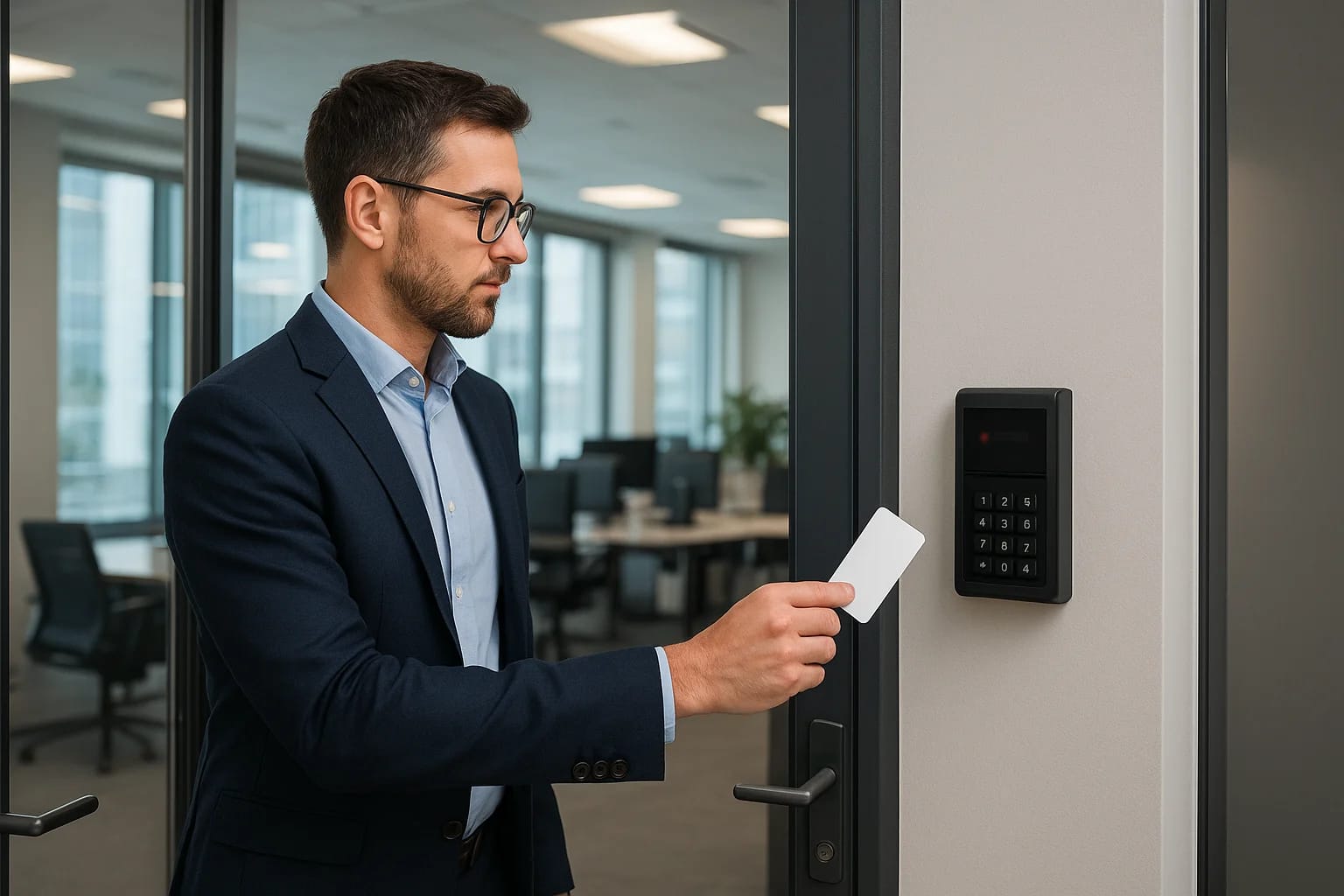

Every unlocked door in your office is a decision, one that either protects your people, data, and assets, or leaves them exposed. Access control systems for offices replace that uncertainty with preci...
Every unlocked door in your office is a decision, one that either protects your people, data, and assets, or leaves them exposed. Access control systems for offices replace that uncertainty with precision, giving you full authority over who enters your building, which rooms they can access, and when. Whether you're managing a single suite or a multi-floor commercial space, these systems have become a baseline expectation for modern office security, not a luxury add-on.
But the technology has evolved well beyond key cards and PIN pads. Cloud-based platforms, biometric readers, mobile credentials, and integrated surveillance now give business owners and property managers tools that were unthinkable a decade ago. Choosing the right setup depends on your building's layout, your team's workflow, and how much control you actually need, which is exactly why cookie-cutter solutions tend to fall short.
At Treasure Valley Solutions, we've been designing and installing custom commercial security and access control systems across the Boise and Meridian area since 2014. We've seen firsthand what works in real office environments and what creates headaches. This guide breaks down how office access control systems work, the technology options available right now, what to look for in a provider, and how to match the right system to your specific building and business. Let's get into it.
Why offices use access control systems
The most obvious answer is security, but the full picture goes deeper than keeping strangers out. Access control systems for offices give you a structured way to manage every entry point in your building, from the front lobby to the server room, without relying on physical keys that get lost, copied, or handed to the wrong person. When you control access digitally, you gain visibility into your building that a traditional lock simply cannot provide.
Protect people and assets
Your staff, equipment, and sensitive data all share the same building, but they don't all need the same level of access. Restricting certain areas to authorized personnel only reduces the risk of theft, workplace incidents, and unauthorized handling of confidential materials. If you run an office that stores client records, medical files, or proprietary information, limiting who physically enters those spaces is a direct layer of data protection that works alongside your digital security policies.
A stolen key card can be deactivated in seconds. A stolen physical key requires rekeying the entire lock, which costs time and money every single time it happens.
Control who goes where and when
Beyond basic entry, access control lets you define time-based permissions so certain employees can only enter the building during work hours, while contractors or vendors receive temporary credentials that expire automatically. You no longer need to be on-site to manage any of this, since most modern platforms let you add, modify, or revoke access from any device with an internet connection. That level of granular control matters especially for offices with shift workers, multiple departments, or shared spaces used by different tenants.
Your system also generates detailed access logs that record every credential use, giving you a real audit trail if an incident occurs. That kind of documentation protects your business when disputes arise and helps you spot unusual activity patterns before they turn into serious problems.
Reduce liability and stay compliant
Some industries require documented access controls as part of their regulatory compliance obligations, including healthcare, finance, and legal services. Installing a proper system is not just about security, it's about meeting the standards that protect your clients and your business license. Failing to control access in regulated environments can expose your organization to significant legal and financial consequences, which makes this investment a risk management decision as much as a security one.
Multi-tenant offices also benefit from this structure because clearly defined access boundaries reduce disputes between tenants and give property managers a transparent record of who accessed which areas. When everyone knows the system tracks and logs every entry, behavior tends to stay appropriate without any confrontation required.
How office access control systems work
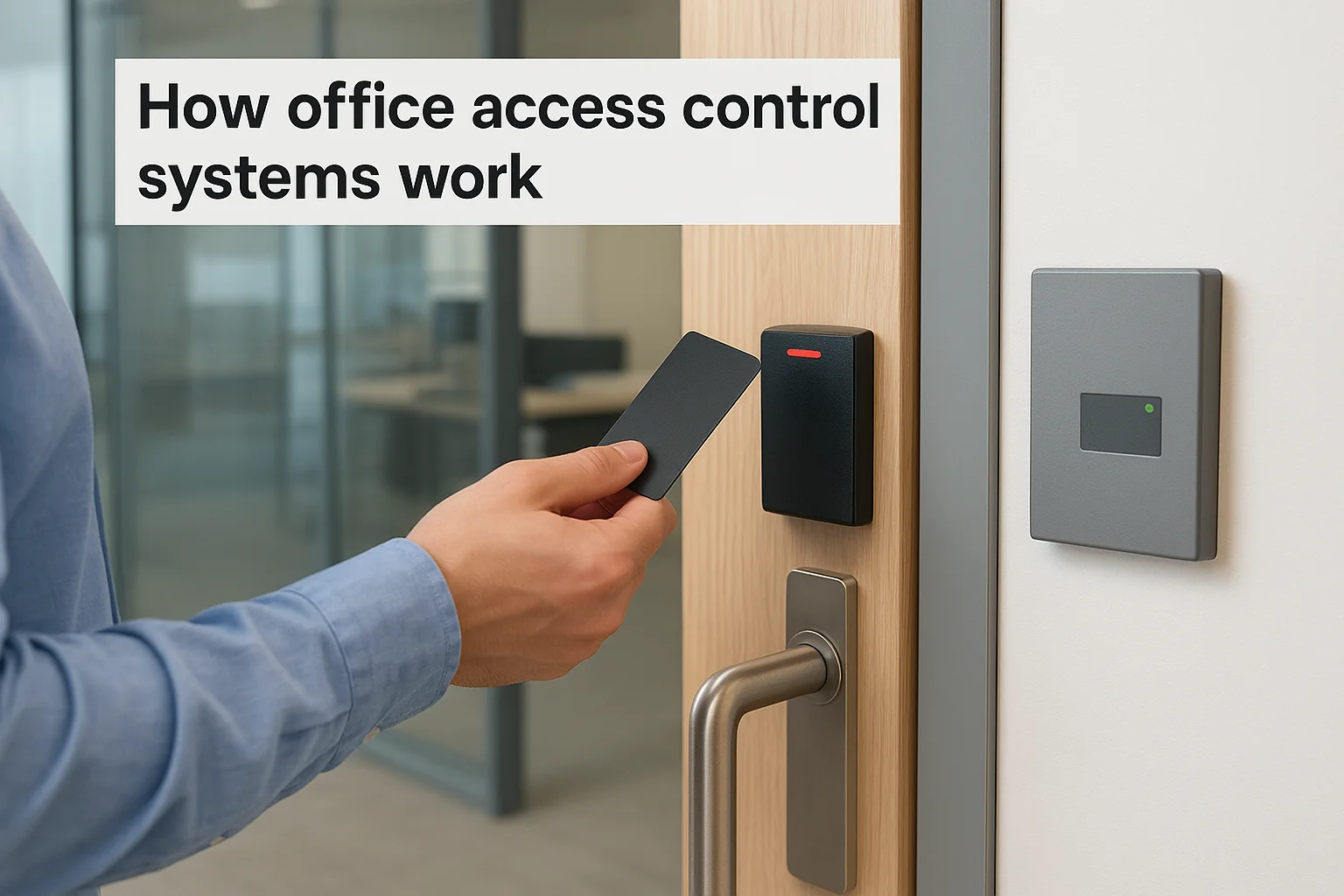
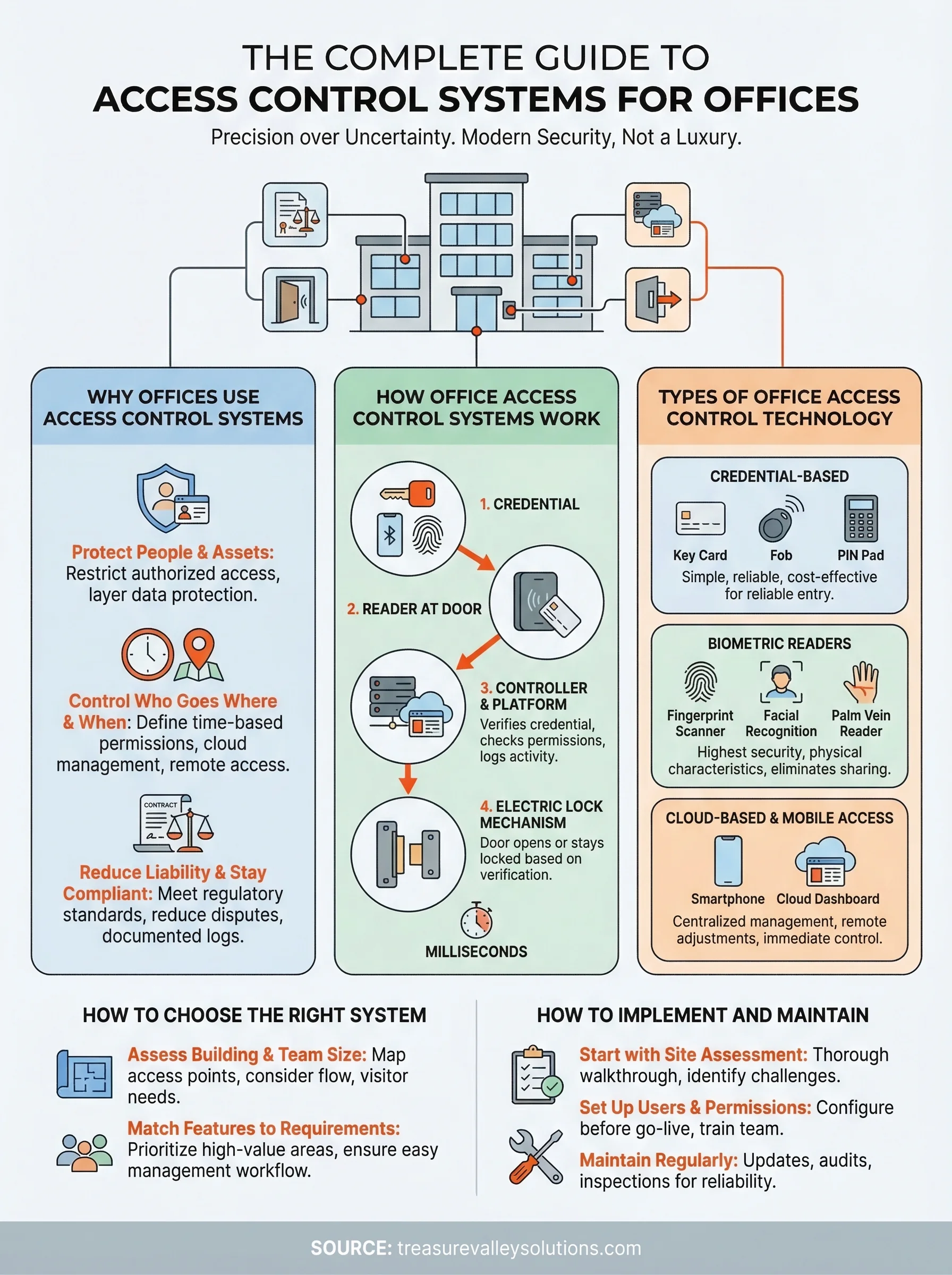
Access control systems for offices operate on a straightforward principle: a person presents a credential, the system verifies it against stored permissions, and the door either opens or stays locked. That verification happens in milliseconds, but behind it sits a network of hardware and software working together. Understanding the basic mechanics helps you make smarter decisions about what your office actually needs and where to invest.
The core components
Every system, regardless of its complexity, shares the same foundational parts. You have readers at the door that capture credential data, a controller that processes the request, an electric lock mechanism that physically secures or releases the door, and a management platform where you set rules and view activity. In larger offices, multiple readers and doors connect back to a central controller or cloud dashboard, giving you unified oversight of every access point from a single interface.
The management platform is where you define who has access to what. You assign credentials to individuals, set permitted hours, group employees by department or clearance level, and configure automatic rules that trigger specific actions, such as locking all doors after business hours or alerting you when someone attempts entry to a restricted room.
What happens when someone scans a credential
When an employee holds their badge or phone up to a reader, the reader captures the credential's unique identifier and sends it to the controller. The controller checks that ID against its permission database. If the credential is valid and the current time falls within the permitted window, it sends a signal to the lock to release. The entire process takes under a second.
The system logs every single event, whether access is granted or denied, building a timestamped record you can review at any time.
If a credential is lost or an employee leaves the company, you simply deactivate that credential in the software, and it stops working immediately. No locksmith required, no rekeying, and no window of vulnerability while you wait for a replacement.
Types of office access control technology
The technology behind access control systems for offices has expanded significantly, and not every option suits every workplace. Knowing what's available helps you match the right tools to your building's layout, your team's size, and your actual security requirements before you commit to any hardware.
Credential-based systems
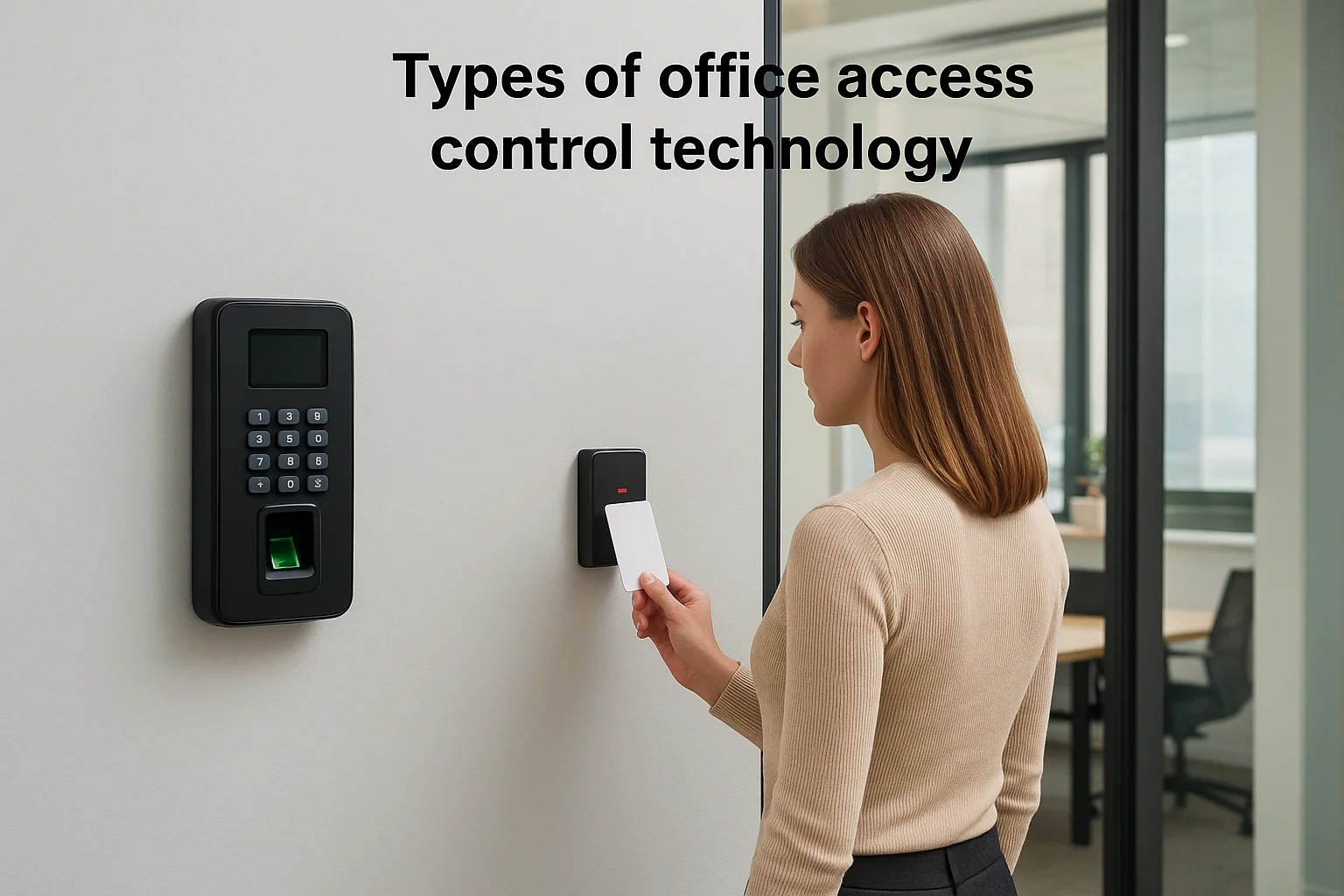
Key cards, fobs, and PIN pads represent the most widely deployed credential types in commercial environments. Each employee carries a card or fob that stores a unique identifier, and the reader at the door captures that data when they present it. These systems are straightforward to manage, easy to scale, and cost-effective for offices that need reliable entry control without heavy infrastructure.
PIN-based systems remove the need for a physical token entirely, which solves the lost-card problem. However, shared PINs can spread without your knowledge, which is why most higher-security environments combine a PIN with a card or fob for two-factor verification at sensitive entry points.
Biometric readers
Fingerprint scanners, facial recognition cameras, and palm vein readers authenticate identity based on physical characteristics rather than something a person carries. This removes the credential-sharing problem entirely and eliminates the possibility of unauthorized access through a borrowed badge.
Biometric data is tied to the individual, so it cannot be transferred, lost, or stolen the way a key card can.
Biometric readers work best in high-security areas like server rooms, executive suites, or any space where strict accountability is non-negotiable. The hardware costs more upfront, but the reduction in credential management overhead often offsets that investment over time.
Cloud-based and mobile access
Cloud-based platforms connect your entire access control infrastructure to a centralized online dashboard, letting you manage permissions, review logs, and make real-time changes from any device. Mobile credentials take this further by turning a smartphone into the credential itself, using Bluetooth or NFC to communicate with door readers.
This approach suits offices with remote administrators or multiple locations because you never need to be physically present to adjust permissions. Updates deploy instantly, and you can revoke a credential the moment an employee's status changes, giving you immediate control without waiting on anyone else.
How to choose the right system for your office
Picking the right system starts with an honest look at your building, not a feature list from a vendor. Access control systems for offices range from single-door setups with a simple reader to enterprise platforms managing dozens of entry points across multiple floors. Your budget, team size, and security requirements all shape which direction makes sense before you spend a dollar on hardware.
Assess your building and team size
The physical layout of your office directly determines how complex your system needs to be. A single-tenant suite with one main entry can often run efficiently on a standalone cloud-based reader with mobile credentials, while a multi-floor building with separate departments, a server room, and shared common areas needs a more layered approach with zone-based permissions and centralized management.
The number of doors you need to control multiplies your hardware costs, so map out every access point before you request a quote.
Think about how your team moves through the space day to day. Contractors, vendors, or frequent visitors require a system that handles temporary credentials cleanly, without forcing you to manage each access window change by hand or call someone in IT every time.
Match features to your security requirements
Not every office needs biometric readers on every door. Identify which areas hold your highest-value assets or most sensitive information, such as server rooms, executive offices, or storage areas with expensive equipment, and prioritize stronger authentication for those specific points. Standard card or mobile credentials work well for general entry areas where convenience and speed matter more than strict verification.
Your management workflow also plays a direct role in what system you choose. If HR staff handle onboarding and offboarding regularly, pick a platform with a clean, intuitive interface they can operate without IT involvement every time. Complicated admin tools slow everything down, and delays in revoking access create real security gaps. A system your team uses correctly and consistently is worth more than one loaded with features nobody touches.
How to implement and maintain access control
Getting access control systems for offices installed correctly matters as much as choosing the right technology. A rushed installation creates gaps, and a system that nobody maintains properly degrades in reliability over time. The implementation process follows a clear sequence, and once you understand it, the project becomes far less overwhelming.
Start with a site assessment
Before any hardware goes on a wall, you need a thorough walkthrough of your building with your installer. This maps every entry point, identifies wiring pathways, flags structural challenges, and confirms which doors require which level of control. A good assessment also surfaces practical details like door frame materials, power availability near each reader location, and whether your network infrastructure can support cloud-connected hardware.
Skipping the assessment phase is the single most common reason installations run over budget or require expensive rework after the fact.
Set up users and permissions before going live
Once hardware is installed, your management platform needs to be fully configured before you flip the switch. Load every employee into the system, assign credentials, set permitted hours, and define which zones each person can access. Running a test day where staff use the new system under supervision catches permission errors and reader issues before they become a daily frustration.
Training your team matters here too. Even a well-designed system creates friction if people do not understand how to use their credentials properly, and front desk or HR staff who manage the admin side need hands-on time with the platform before going live.
Maintain the system on a regular schedule
Access control is not a set-it-and-forget-it investment. Firmware updates, credential audits, and hardware inspections keep the system running reliably and close any security vulnerabilities that emerge over time. Schedule a quarterly review where you remove former employees, update permissions for role changes, and test every reader and lock mechanism to confirm it responds correctly.
Physical hardware takes wear from daily use, so catching a failing reader or a sluggish door strike early prevents a lockout situation that disrupts your entire office.
A simple plan to move forward
Access control systems for offices work best when you treat the process as a project with clear steps rather than a single purchase decision. Start by mapping your access points, listing every door that needs control, and identifying which areas require stricter permissions than others. That simple exercise will shape every decision that follows, from hardware selection to your management platform.
From there, partner with an installer who will assess your building in person before recommending any equipment. Generic solutions skip that step, and you end up paying for features you do not need or missing ones you do. If you are ready to get a custom setup designed for your specific office, contact the Treasure Valley Solutions team and we will walk through your building, answer your questions, and put together a plan that fits your space and your budget.
Need Expert Help?
Ready to implement these solutions in your own home or business?
Our Services

Comprehensive security solutions for home and business.

High-definition surveillance for peace of mind.
Serving the Treasure Valley
Local installation in your city