 (208) 991-3502
 Meridian, ID



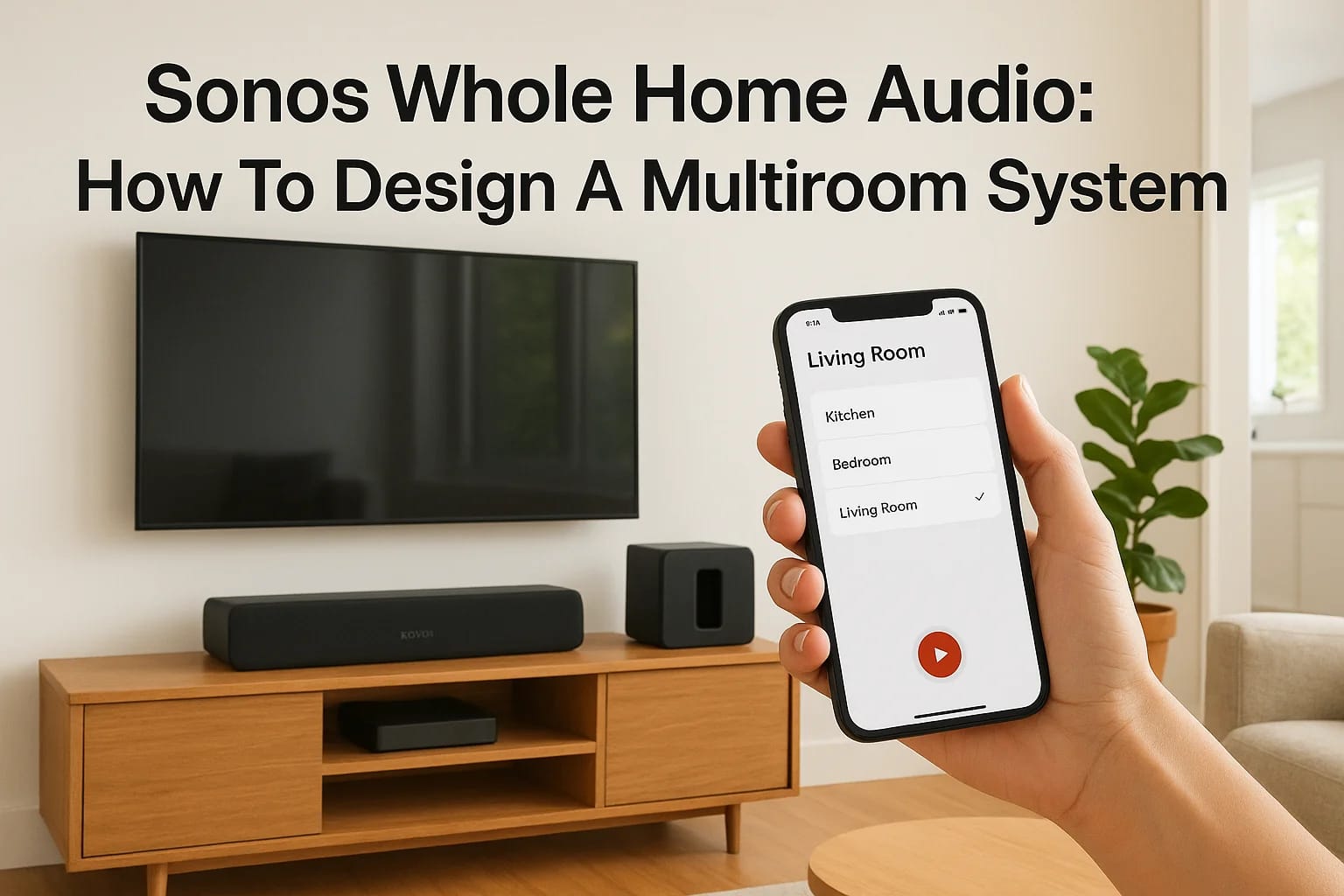

Walking from your kitchen to the living room while your favorite playlist follows you seamlessly, that's the appeal of Sonos whole home audio. No more Bluetooth dropouts, no tangled speaker wires, and...
Walking from your kitchen to the living room while your favorite playlist follows you seamlessly, that's the appeal of Sonos whole home audio. No more Bluetooth dropouts, no tangled speaker wires, and no need to restart your music every time you change rooms. Sonos has become a go-to choice for homeowners who want reliable, high-quality multiroom sound without the complexity of traditional wired systems.
But designing a system that actually works for your space takes more than ordering a few speakers online. You need to consider room sizes, speaker placement, your listening habits, and how everything connects together. Get it right, and you'll wonder how you ever lived without it. Get it wrong, and you're left with coverage gaps and wasted money.
At Treasure Valley Solutions, we've designed and installed Sonos systems across homes in Boise, Meridian, Eagle, and the surrounding area since 2014. We know which speakers work best in which rooms, how to avoid common setup mistakes, and what most homeowners overlook when planning their systems. This guide walks you through the entire process, from selecting the right speakers for each space to understanding realistic costs and installation considerations, so you can build a multiroom audio setup that actually delivers.
What Sonos whole-home audio can do
A Sonos system turns your smartphone into a universal remote for every room in your house. You can start a podcast in your bedroom, continue it downstairs during breakfast, and finish it in the garage without touching a single speaker. The Sonos app controls everything, from volume levels in individual rooms to what's playing across your entire home, and you can adjust settings from anywhere inside or outside your house as long as you're connected to the internet.
Control music from anywhere
You control your entire system through the Sonos app on your phone or tablet, whether you're standing next to a speaker or out running errands. The app lets you browse streaming services, adjust volume for each room independently, group speakers together, and switch between audio sources in seconds. Voice control through Alexa, Google Assistant, or Sonos Voice Control adds hands-free operation, so you can change tracks while cooking or lower the volume without pulling out your phone.
"The system responds instantly to commands from any device on your network, eliminating the frustration of lag or connection drops common with basic Bluetooth speakers."
Sync audio across multiple rooms
Sonos speakers connect to your WiFi network and play in perfect sync, so you hear the same moment of a song whether you're in the kitchen or the bedroom. You can group any combination of rooms together for parties or keep each space independent when different family members want different music. The synchronization stays tight even across large homes, with no echo or delay between rooms that ruins the listening experience.
Customize sound for each space
The Trueplay tuning feature analyzes your room's acoustics using your iPhone's microphone and adjusts the speaker's output to compensate for furniture, wall materials, and room shape. You set bass and treble levels for each speaker independently, so your living room home theater hits harder while your bedroom stays balanced for late-night listening. Sonos whole home audio adapts to how you actually use each space, rather than forcing a one-size-fits-all sound profile across your entire house.
Step 1. Plan rooms, zones, and listening goals
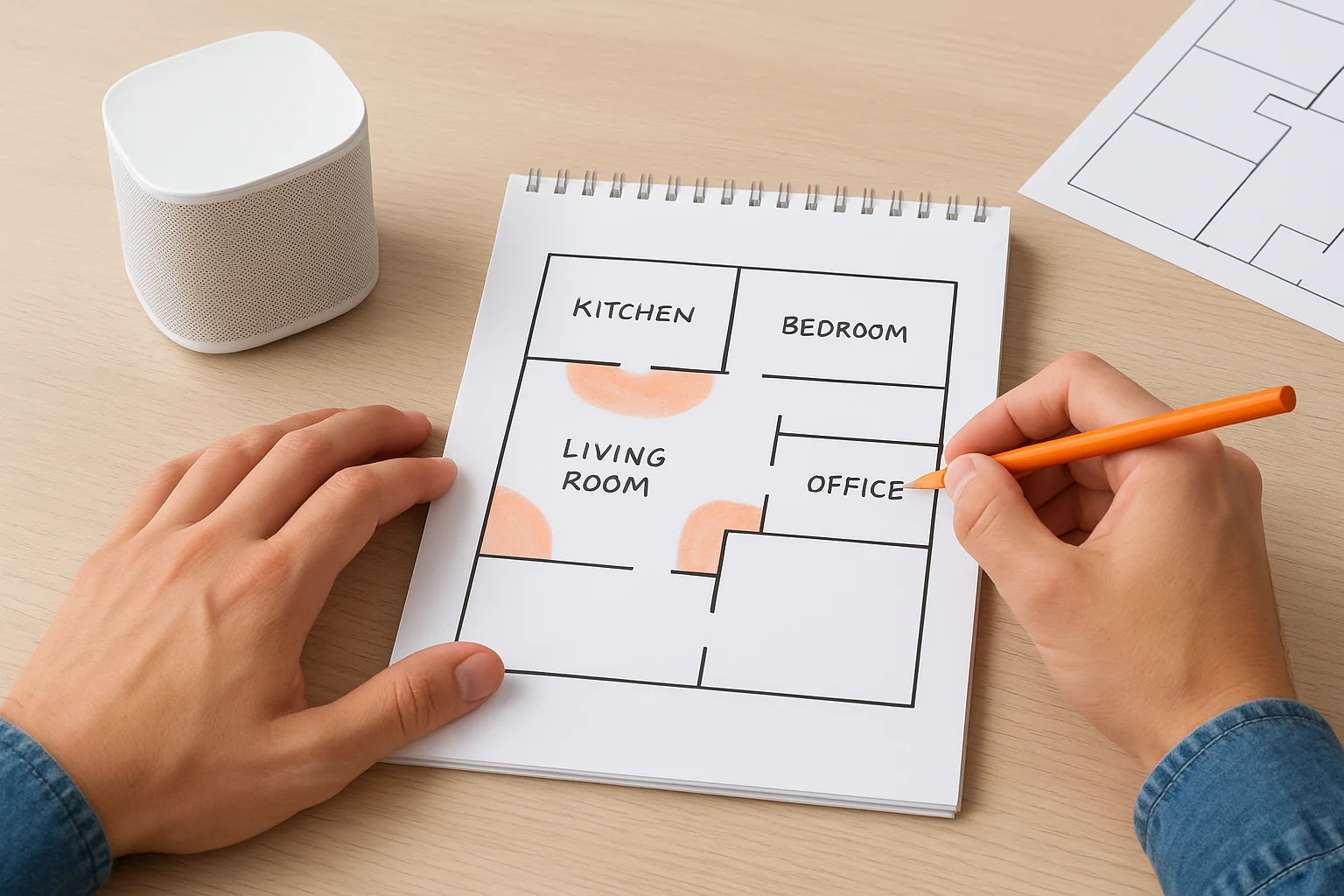
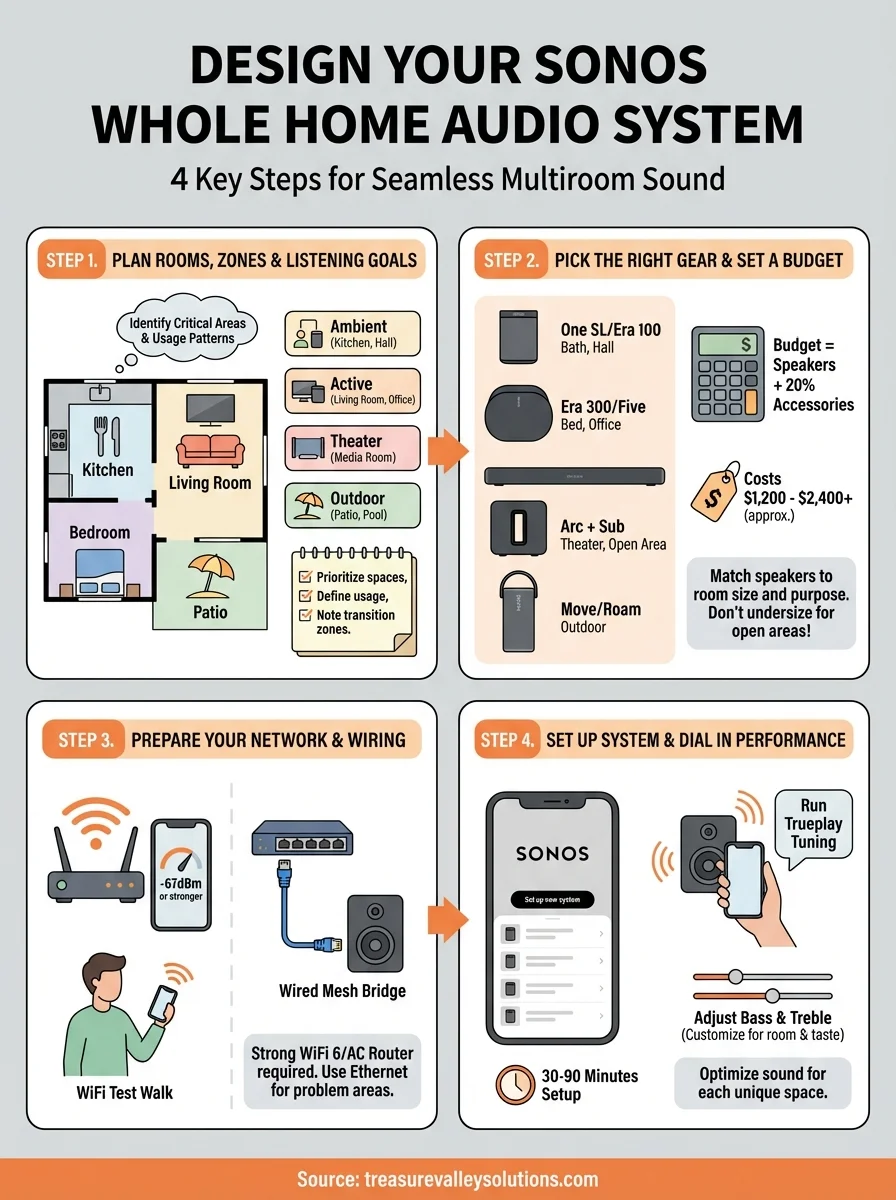
Your Sonos whole home audio system needs a blueprint before you buy a single speaker. Walk through your house with a floor plan or notepad and identify which rooms need audio coverage, how you'll use each space, and what volume levels make sense for different times of day. This planning step prevents expensive mistakes like buying speakers that overwhelm small rooms or choosing underpowered models for open-concept areas.
Identify critical listening areas
Start by listing every room where you want sound, then prioritize based on usage. Your kitchen, living room, and master bedroom typically demand full-time coverage, while guest rooms or utility spaces might only need occasional music. Mark rooms that connect to outdoor patios or decks, since these transition zones often require speakers both inside and outside to maintain coverage when doors open.
Define usage patterns for each space
Consider how you'll actually use audio in each room. Background music during dinner parties requires different equipment than dedicated home theater sound or late-night listening. Write down whether each space needs:
- Ambient background sound (kitchen, bathrooms, hallways)
- Active focused listening (home office, living room)
- Home theater audio (media room, basement)
- Outdoor entertainment (patio, pool area)
"Matching speaker types to actual behavior patterns saves money and delivers better results than treating every room identically."
This list guides your speaker selection in the next step.
Step 2. Pick the right Sonos gear and set a budget
Your room assessments from step one now inform which Sonos speakers belong in each space. The Sonos lineup ranges from compact bookshelf speakers to dedicated outdoor models, and choosing the wrong type wastes money while underdelivering on sound quality. You need to match speaker capabilities to room size and listening purpose, then total the costs to see if your Sonos whole home audio plan fits your budget or needs adjustment.
Match speakers to room types
Small rooms like bathrooms and hallways work best with Sonos One SL or Era 100 speakers that deliver clean sound without overwhelming tight spaces. Mid-sized rooms including bedrooms and home offices benefit from Era 300 or Five speakers that fill the space with richer bass and wider soundstage. Large open areas and home theaters require Arc soundbars paired with Sub subwoofers for proper coverage and impact. Outdoor spaces demand Move or Roam speakers with weather resistance and battery power for portability.
"Choose speakers one size category above what you think you need, especially in open-concept spaces where sound dissipates faster than enclosed rooms."
Calculate realistic system costs
Build your budget by pricing each speaker against your room list from step one. A typical four-room setup (kitchen, living room, master bedroom, patio) runs $1,200 to $2,400 depending on speaker selection. Add 20% to your total for accessories like wall mounts, ethernet adapters, and extra charging bases. Professional installation costs $500 to $1,500 depending on complexity and whether you need in-wall wiring or network upgrades.
Step 3. Prepare your network and any wiring
Your Sonos whole home audio system runs entirely on your WiFi network, so weak coverage or overloaded routers cause stuttering audio and connection drops that ruin the experience. You need to verify that every planned speaker location gets strong, consistent WiFi signal before you mount anything permanently. Some rooms may require ethernet cables for rock-solid performance, especially if you're running high-resolution audio or multiple speakers in the same area.
Test your WiFi coverage
Download a WiFi analyzer app on your phone and walk to each planned speaker location while checking signal strength. You need a minimum of negative 67 dBm or stronger (closer to zero is better) at every spot. Rooms showing weaker signals require WiFi mesh nodes or range extenders positioned between your router and the problem areas.
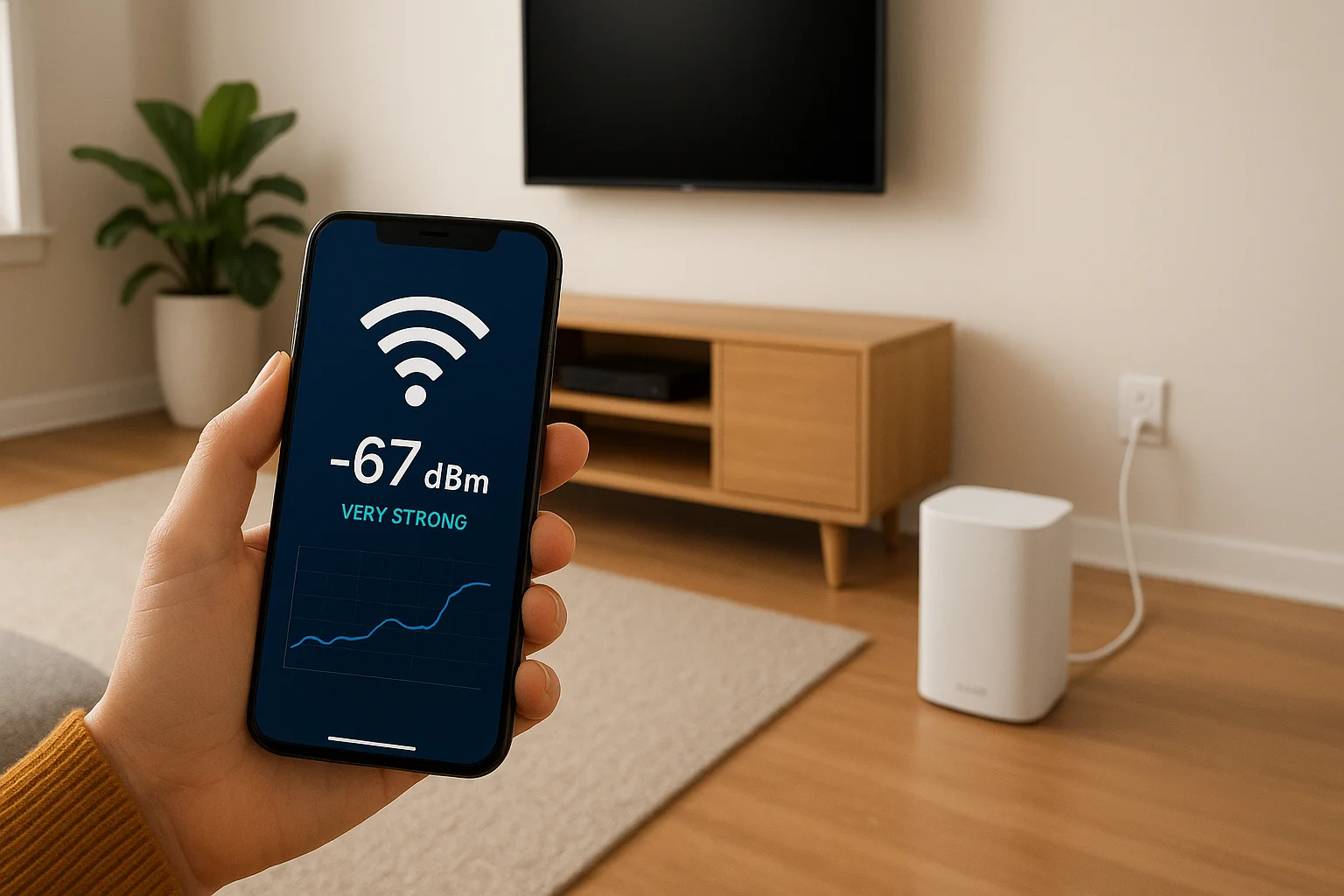
Your router should support 802.11ac or WiFi 6 standards for best performance. Older routers struggle with multiple Sonos speakers streaming simultaneously, causing audio dropouts during peak usage.
"A strong network eliminates 90% of the audio issues homeowners blame on Sonos equipment when the real problem sits in the router closet."
Install ethernet where wireless fails
Run CAT6 ethernet cables from your router to problem areas where WiFi can't reach reliably, then connect a Sonos speaker via the ethernet port to create a secondary mesh network. This wired speaker bridges the gap for other wireless speakers nearby. Basements, garages, and rooms with concrete walls often need this solution regardless of your main WiFi strength.
Step 4. Set up the system and dial in performance
Your speakers arrive ready to plug in, but the initial setup process determines whether your sonos whole home audio system sounds mediocre or exceptional. You'll download the Sonos app, add each speaker to your network, then use built-in tuning tools to optimize sound for your specific room layouts. This step takes 30 to 90 minutes depending on how many speakers you're installing, and skipping the tuning phase leaves performance on the table that you already paid for.
Download the app and add speakers
Install the Sonos app from your phone's app store and create a free account to begin. Plug in your first speaker and follow these steps:
- Tap "Set up a new system" in the app
- Press the button on your speaker when prompted
- Select your WiFi network and enter the password
- Name the speaker by room location
- Repeat for each additional speaker
The app detects speakers automatically within 60 seconds of powering them on. Add all speakers before proceeding to sound tuning.
Run Trueplay and adjust EQ
Open the Sonos app settings, select a speaker, then tap "Trueplay Tuning" to start the calibration process. Walk slowly around the room while waving your iPhone at different heights as the app plays test tones through the speaker. The tuning analyzes reflections off walls, furniture, and ceilings to optimize frequency response.
"Trueplay makes the biggest audible difference in small rooms with lots of hard surfaces where sound reflections cause muddiness without correction."
After tuning, adjust bass and treble sliders in each room's settings to match your preferences. Kitchens typically need bass reduced by one or two notches to prevent boomy sound, while bedrooms often benefit from treble boost for clearer dialogue during podcasts.
Next steps for your home audio plan
Your Sonos whole home audio system delivers its best performance when you match speakers to rooms, verify network strength, and run proper calibration. The steps above give you everything needed to design and install a system that works reliably for years, but execution matters as much as planning. Small mistakes during setup compound into frustrating problems that drive homeowners to restart their entire installation from scratch.
Professional installers at Treasure Valley Solutions handle network assessments, speaker placement, wiring, and Trueplay tuning across the Boise and Meridian area. We've built hundreds of multiroom systems since 2014 and know which shortcuts cause problems down the road. Our team tests every speaker location before mounting hardware and verifies performance in each room before we leave.
Ready to move forward with your installation? Contact our team to schedule a free consultation where we'll assess your space, recommend specific equipment, and provide a detailed quote for your complete system.
Need Expert Help?
Ready to implement these solutions in your own home or business?
Our Services
View All Services
Serving the Treasure Valley
Local installation in your city