 (208) 991-3502
 Meridian, ID





Hybrid meetings don’t fail because they’re hybrid—they fail because the room isn’t built for equal participation. This post breaks down why audio, camera placement, displays, controls, and infrastructure all matter more in hybrid spaces than anywhere else. When AV is designed intentionally, remote and in-room participants stay balanced, heard, and fully engaged. Done right, hybrid meetings feel effortless and the technology quietly gets out of the way.
Introduction: Hybrid Meetings Aren’t the Problem—Bad AV Is
Hybrid meetings get blamed for a lot of things.
Awkward pauses.
People talking over each other.
Remote attendees feeling ignored.
But hybrid meetings themselves aren’t the issue. The real problem is that most meeting rooms were never designed to support hybrid collaboration.
When AV systems aren’t built for both in-room and remote participants, hybrid meetings feel broken. When they are designed correctly, hybrid meetings become seamless, productive, and surprisingly natural.
What a Hybrid Meeting Actually Demands
Hybrid meetings place unique demands on AV systems.
They must support:
People speaking from anywhere in the room
Clear audio for remote participants
Natural eye contact through the camera
Balanced audio between local and remote voices
Easy control for non-technical users
If any one of these breaks down, the meeting suffers.
Audio Is the Foundation of Every Hybrid Meeting
In hybrid meetings, audio matters more than video.
Professional hybrid meeting AV systems use:
Ceiling or table microphones that cover the entire room
Echo cancellation to prevent feedback loops
Speakers positioned for even sound distribution
Laptop microphones and soundbars rarely capture voices beyond a few feet. That’s why remote attendees often miss side conversations or struggle to follow discussions.
Clear audio keeps everyone equally involved.
Camera Placement Shapes Participation
A camera pointed at the far wall instantly creates a divide.
Effective hybrid meeting camera design focuses on:
Natural eye-line placement
Wide-angle or auto-framing views
Capturing speakers without constant manual adjustment
When cameras are placed correctly, remote participants feel present—not like spectators.
Displays That Support Both Sides of the Meeting
Hybrid rooms need to serve two audiences at once.
That means:
In-room participants clearly see remote attendees
Remote participants clearly see presenters and shared content
Displays sized and positioned for the room layout
When displays are poorly placed, attention drifts and engagement drops.
Control Systems: One Touch, Not Ten Steps
Hybrid meetings should not require an AV expert.
Professional systems provide:
One-touch meeting start
Platform-agnostic operation (Zoom, Teams, Meet)
Consistent controls across rooms
If starting a meeting feels stressful, adoption will suffer—no matter how good the technology is.
Avoiding the “In-Room vs Remote” Divide
The biggest hybrid meeting failure is imbalance.
Common issues include:
In-room side conversations remote users can’t hear
Remote participants struggling to jump in
Audio favoring one side over the other
Proper AV design ensures both sides are heard, seen, and included equally.
Infrastructure Makes or Breaks Hybrid Meetings
Hybrid meetings rely heavily on what’s behind the scenes.
Reliable systems require:
Stable network connections
Structured low-voltage cabling
Clean power and grounding
Proper equipment placement and ventilation
Without this foundation, even the best AV hardware becomes unreliable.
Hybrid Meetings at Scale: Standardization Matters
Organizations with multiple meeting rooms benefit from consistency.
Standardized hybrid meeting AV design allows:
Faster onboarding
Fewer support calls
Predictable user experience
Easier upgrades over time
This is especially valuable for growing businesses, schools, and multi-location organizations.
Common Hybrid Meeting Mistakes to Avoid
Most frustrating hybrid meetings trace back to:
Consumer-grade equipment in professional spaces
Poor microphone placement
Cameras mounted too high or too far away
No training or documentation
These mistakes compound quickly.
Final Thoughts: Hybrid Meetings Should Feel Effortless
When hybrid AV systems are designed correctly:
Meetings start on time
Everyone participates naturally
Technology fades into the background
That’s the goal—not flashy features, but reliable connection.
Need Expert Help?
Ready to implement these solutions in your own home or business?
Our Services
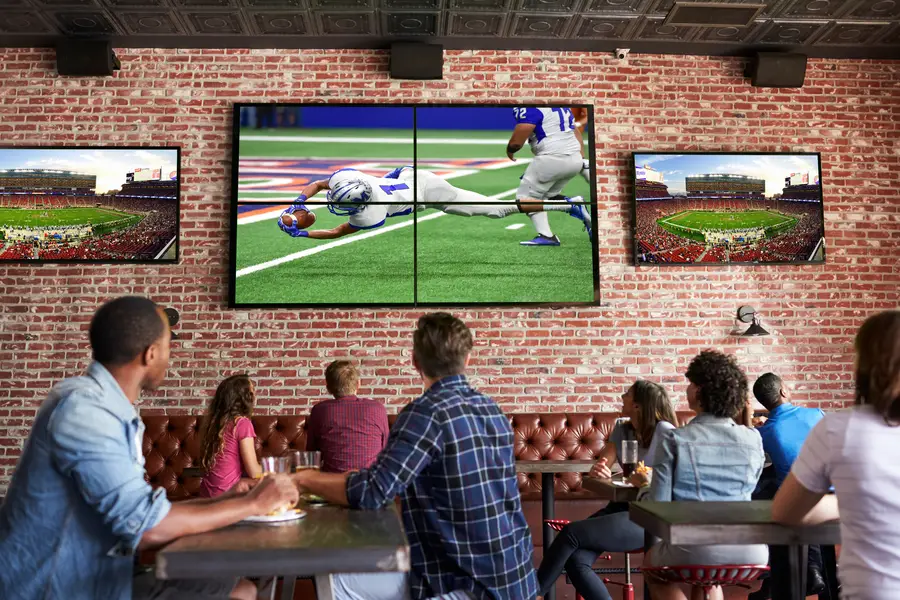
Expert TV Mounting Treasure Valley Homeowners & Businesses Trust

Cinematic experiences in the comfort of your home.
Whole-home audio and high-fidelity sound systems.
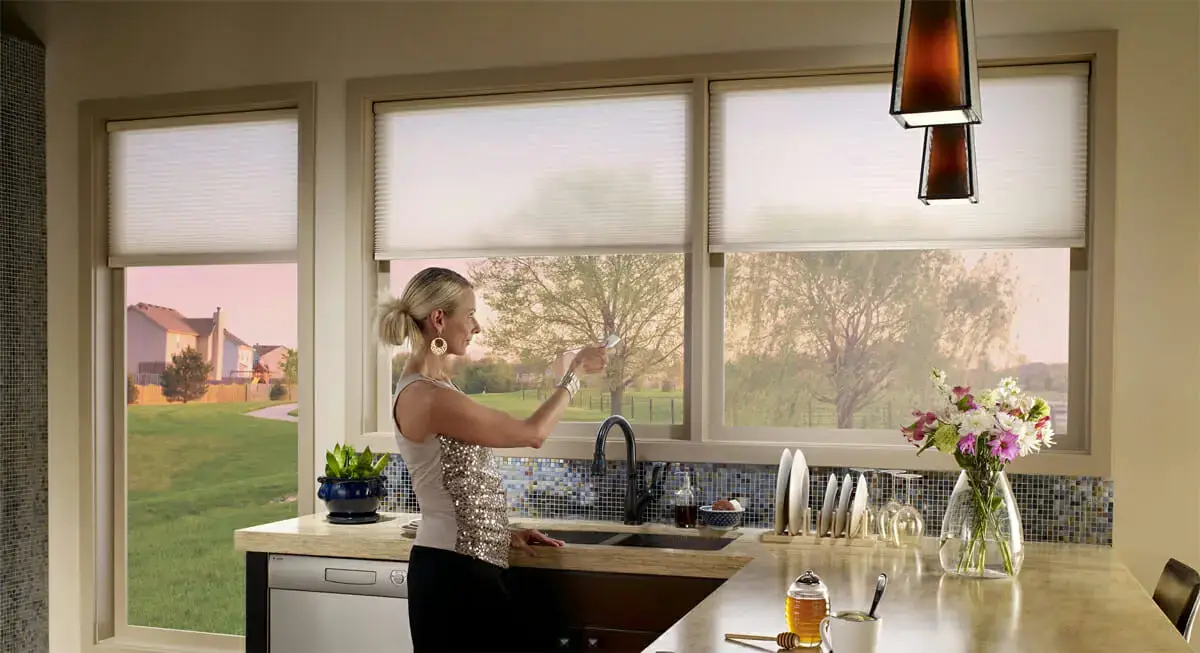
Motorized shades for convenience and energy efficiency.
Serving the Treasure Valley
Local installation in your city