 (208) 991-3502
 Meridian, ID



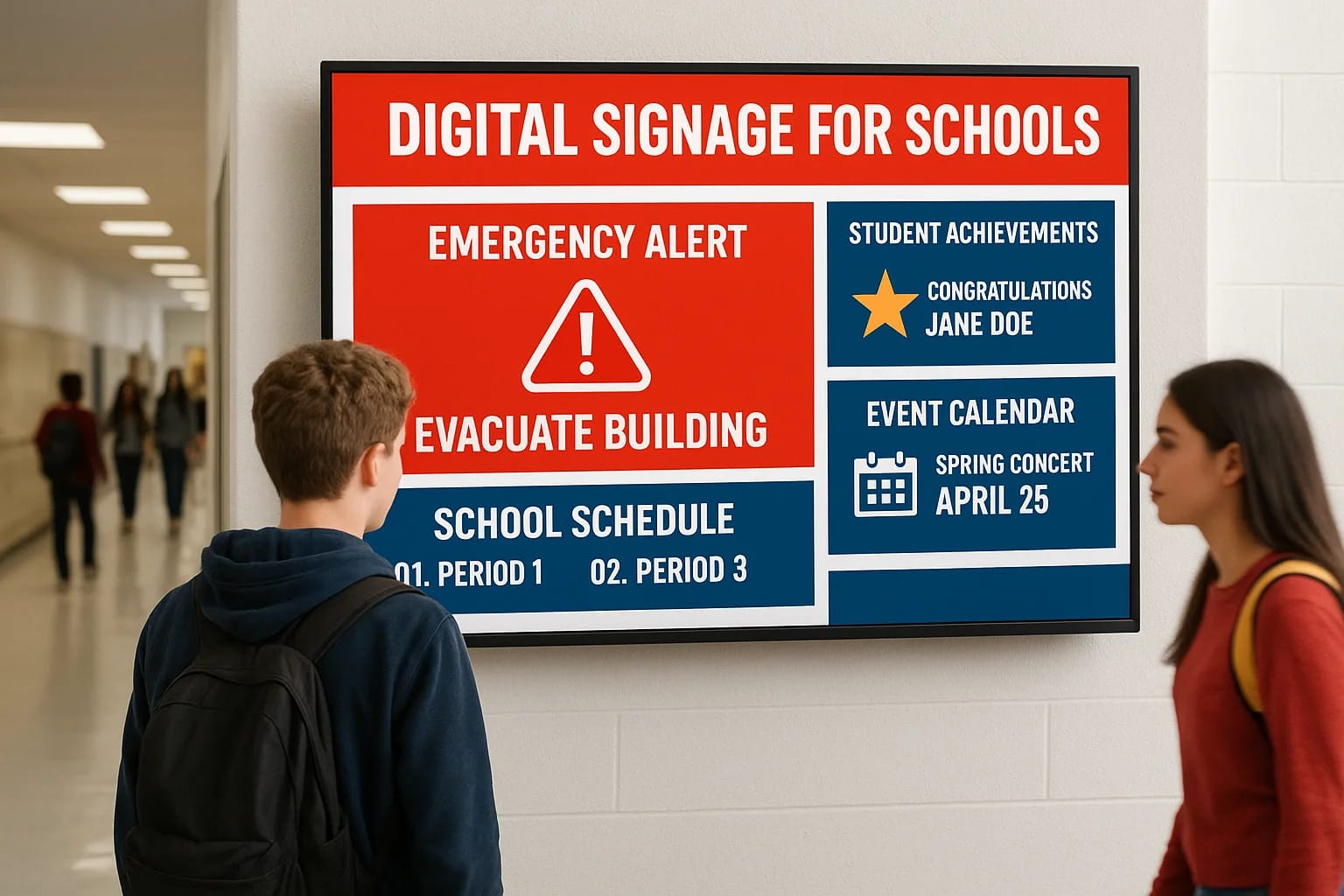

Paper flyers get buried. Announcements over the PA system fade from memory before the bell rings. Schools across Idaho and beyond are discovering that digital signage for schools offers a better way t...
Paper flyers get buried. Announcements over the PA system fade from memory before the bell rings. Schools across Idaho and beyond are discovering that digital signage for schools offers a better way to reach students, staff, and visitors with timely information, from daily schedules to emergency alerts that save lives.
Whether you're managing a single elementary school or an entire district, choosing the right digital signage system means understanding your options. At Treasure Valley Solutions, we help educational institutions across the Treasure Valley design and install integrated AV and display systems that actually get used. This guide breaks down the benefits, hardware requirements, and setup process so you can make an informed decision for your campus.
Why digital signage matters in schools
Traditional communication methods leave gaps. You've likely seen important announcements taped to walls, only to watch students walk right past them. Digital signage for schools changes how information reaches your campus community by putting dynamic content where people actually look, with updates that happen in seconds rather than hours of printing and posting.
Immediate communication during emergencies
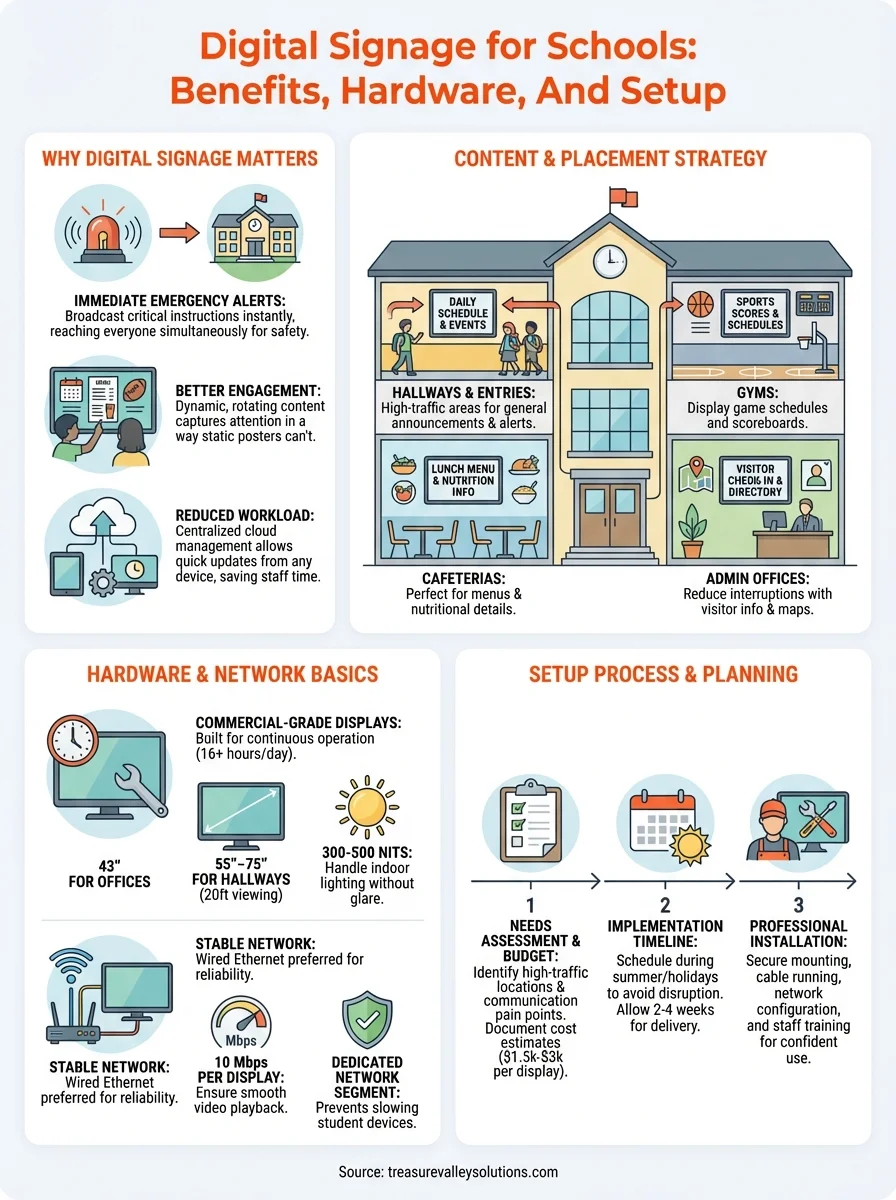
Your ability to broadcast emergency alerts across multiple screens simultaneously can make the difference in a crisis. When severe weather approaches or a security threat emerges, digital displays throughout hallways, cafeterias, and gyms let you push critical instructions to hundreds of students and staff at once. Unlike PA systems that compete with noise or emails that sit unread, visual alerts command attention and can include specific directions, maps, or shelter-in-place protocols that save lives.
Emergency notifications sent through digital signage reach everyone in the building simultaneously, regardless of whether they're near a speaker or checking their phone.
Better engagement than static posters
Students ignore paper flyers after seeing them once or twice. Digital screens refresh with rotating content that captures attention, from lunch menus and sports scores to upcoming events and student achievements. You can schedule different messages for different times of day, ensuring relevant information appears when specific audiences like parents during pickup or students between classes are most likely to see it.
Reduced workload for staff
Printing dozens of copies, walking hallways with tape and thumbtacks, and replacing outdated flyers consumes hours each week. Digital signage puts content updates in the hands of your communications team from any connected device, cutting manual labor while ensuring consistent messaging across every building in your district.
What to display and where to place screens
Your digital signage for schools works best when you match content to location and audience. Screens in different areas serve different purposes, so you'll want to plan both placement and messaging before installation begins.
Content that captures attention
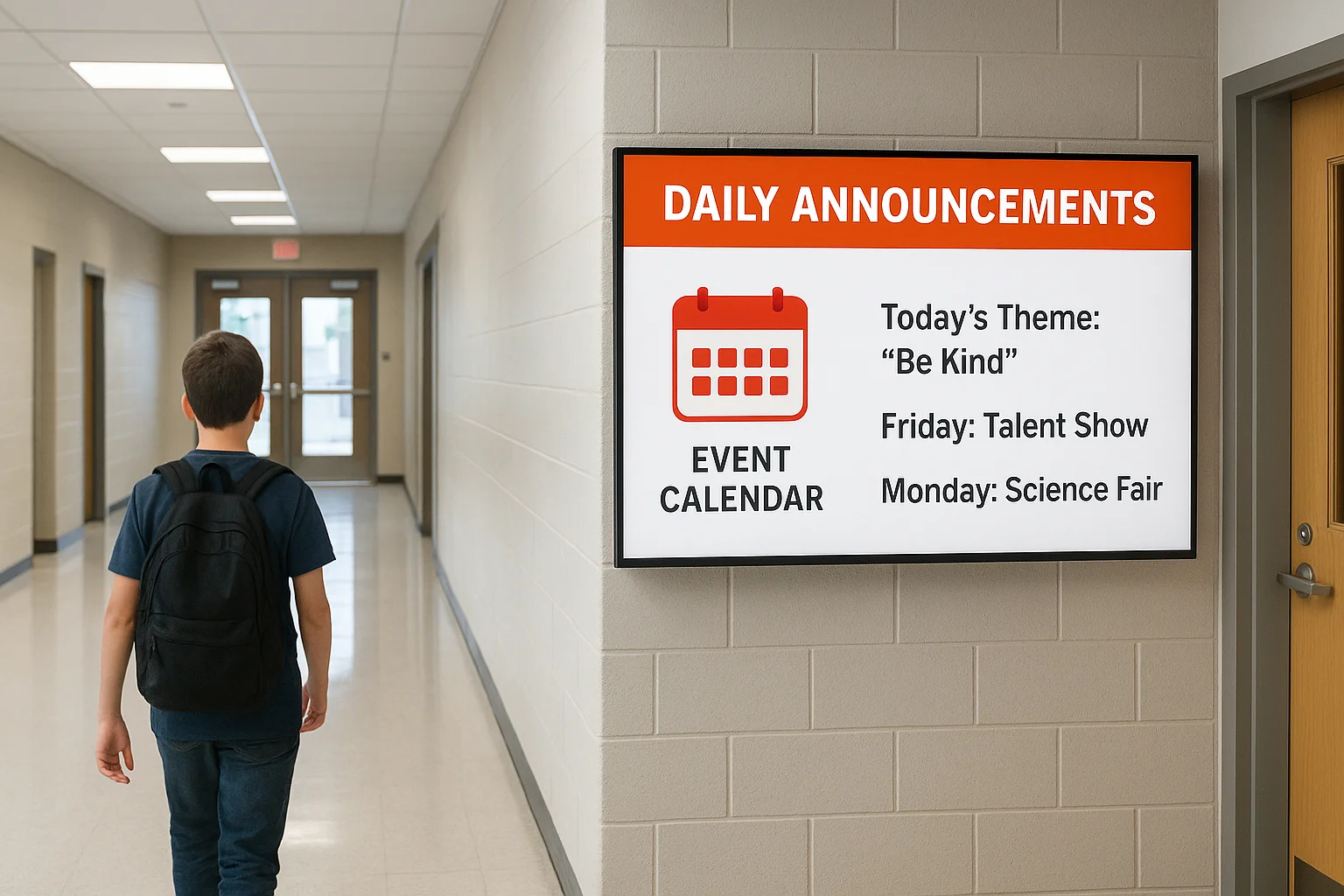
Daily announcements and event calendars belong in high-traffic areas where students naturally pause, such as near water fountains or outside cafeterias. Sports scores, club updates, and student artwork rotate throughout the day to keep content fresh. For administrative offices, you can display visitor check-in instructions and directory maps that reduce staff interruptions while helping parents navigate the building.
The most effective school displays rotate between utility content like schedules and engaging material like student achievements to maintain consistent viewership.
Strategic screen locations
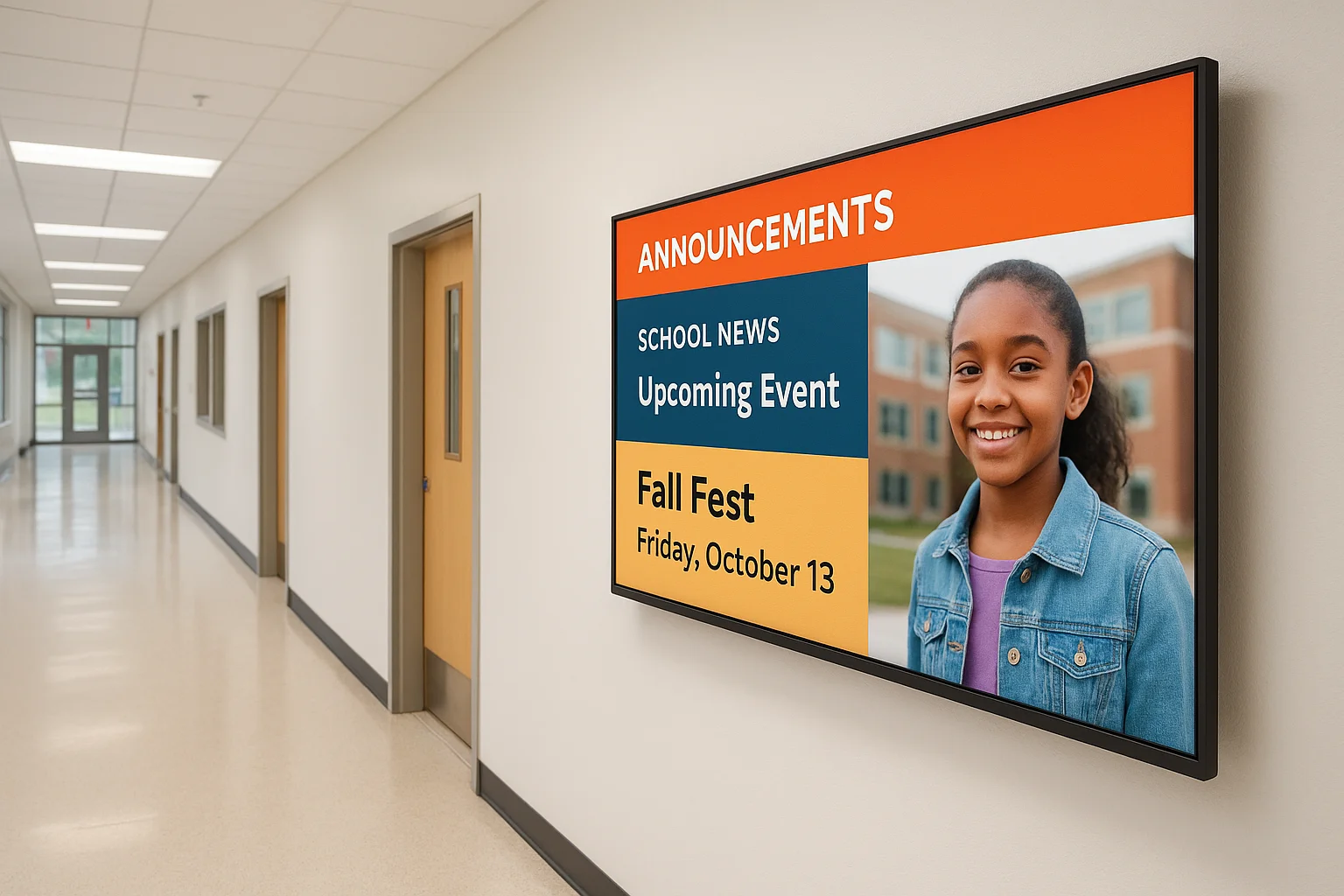
Entryways and main hallways catch the most eyes, making them ideal for general announcements and emergency alerts. Cafeterias benefit from menu boards and nutritional information, while gymnasiums need displays for game schedules and scoreboards. Place screens at decision points like intersections or stairwell entrances where people naturally slow down and look up, avoiding areas with direct sunlight or heavy glare that makes content unreadable.
Hardware and network basics for reliable signage
Your digital signage for schools runs on three essential components: displays, media players, and network infrastructure. Choosing reliable hardware prevents flickering screens, frozen content, and service calls that disrupt your campus, so you'll want to understand what works before you buy.
Display hardware requirements
Commercial-grade displays outlast consumer TVs by thousands of hours because they're built for continuous operation. You need screens rated for at least 16 hours daily if they'll run from before first bell until after events end. Screen size depends on viewing distance: a 43-inch display works in offices, while hallways and cafeterias benefit from 55 to 75-inch screens that remain readable from 20 feet away. Brightness matters too, with 300 to 500 nits handling most indoor environments without glare or washout.
Network infrastructure needs
Every media player requires stable network connectivity to receive content updates in real time. Wired Ethernet connections deliver better reliability than WiFi, especially for displays broadcasting emergency alerts. Your school's network should support at least 10 Mbps per display for smooth video playback, with separate VLANs that prevent signage traffic from slowing student devices.
A dedicated network segment for digital signage prevents bandwidth competition during peak usage hours when hundreds of devices connect simultaneously.
Software and content management for school teams
Managing digital signage for schools requires software that lets multiple staff members create, schedule, and publish content without technical expertise. Your chosen platform should let teachers submit announcements, administrators approve messages, and IT staff monitor system health, all from web browsers on any device rather than specialized workstations that tie people to specific computers.
Cloud-based management platforms
Cloud platforms eliminate the need for on-site servers and complex maintenance. Your communications team logs in from anywhere to upload graphics, schedule videos, and adjust playlists across every screen in your district. Look for systems that offer drag-and-drop editors and template libraries so staff without design experience can create professional announcements. Integration with your existing calendar systems and student information databases lets you automate content updates instead of manually typing schedule changes.
Cloud-based digital signage software typically costs between $10 and $30 per screen monthly, with district pricing available for bulk deployments.
User roles and approval workflows
Permission controls prevent unauthorized content from reaching students. You can assign role-based access that lets department heads submit messages while requiring principal approval before publication, ensuring appropriate content standards across your campus without bottlenecking the approval process through a single administrator.
How to plan and set up a school signage system
Planning your digital signage for schools deployment starts months before installation day. You'll need to assess your communication needs, secure budget approval, and coordinate with multiple departments, but following a structured approach prevents costly mistakes and ensures your system serves students and staff from day one.
Start with needs assessment and budget
Walk through your buildings and identify high-traffic areas where screens will reach the most people, noting existing electrical outlets and network connections. Document current communication pain points by talking with teachers, administrators, and front office staff about what information they struggle to distribute effectively. Present your findings to decision makers with cost estimates that include hardware, software subscriptions, installation labor, and ongoing support, typically ranging from $1,500 to $3,000 per display for a complete solution.
Implementation timeline
Schedule installation during summer break or extended holidays when hallways remain clear and you can test systems without disrupting classes. Allow two to four weeks for equipment delivery after ordering, then plan for professional installation that includes running cables, mounting displays securely, and configuring network connections. Budget an additional week for staff training on content management software before students return, ensuring your team can publish announcements confidently from day one.
Professional installation ensures displays meet safety codes and remain secure in high-traffic school environments where improper mounting could create liability risks.
Next steps for your campus
Your investment in digital signage for schools pays dividends when you partner with experienced integrators who understand educational environments. Successful deployments require coordination between IT departments, facilities teams, and administration, plus installers who work around student schedules without disrupting learning.
At Treasure Valley Solutions, we design and install integrated AV and display systems for educational institutions across Idaho, handling everything from initial site surveys through post-installation training. Our technicians mount displays securely, configure network connections properly, and test every screen before your staff creates the first announcement.
Ready to improve campus communication with reliable digital signage? Contact our team to discuss your school's specific needs, building layout, and timeline. We'll provide transparent pricing and answer your questions about hardware, software, and ongoing support that keeps your system running smoothly year after year.
Need Expert Help?
Ready to implement these solutions in your own home or business?
Our Services

High-definition surveillance for peace of mind.

Conference-room AV design and installation for commercial meeting spaces, sized to the room and project scope.
Serving the Treasure Valley
Local installation in your city